
Stipple Studio for Photoshop

Original price was: $19.00.$9.50Current price is: $9.50.

TGTS
Product Specs
- Compatible with: Adobe Photoshop
- File Type: zip
- Instant Download
- File Size: 167 MB
Welcome to Stipple Studio for Photoshop!
This delightful digital download offers instant access to a treasure trove of stipple brushes that will revolutionize your creative projects! 🌟 Perfectly crafted for artists, illustrators, and anyone looking to add that authentic stipple effect to their designs, this pack is a must-have for your digital toolkit.
Product Overview
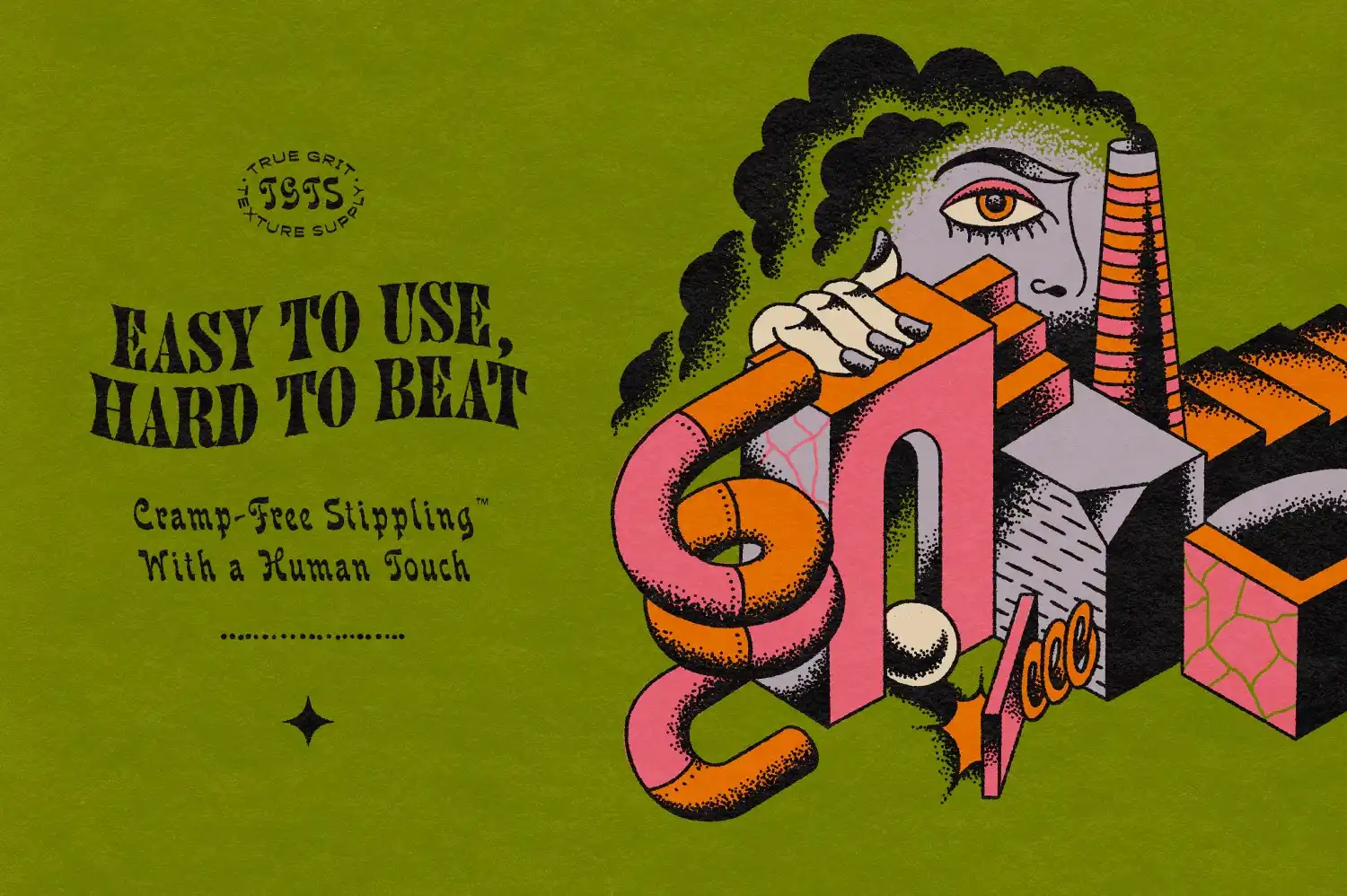
Stipple Studio for Photoshop combines the warmth of traditional stippling with the efficiency of modern digital workflows. Whether you’re a seasoned pro or just starting out, these brushes will help you create stunning stippling effects that look and feel genuinely crafted. 🎨✨
Key Features & Benefits
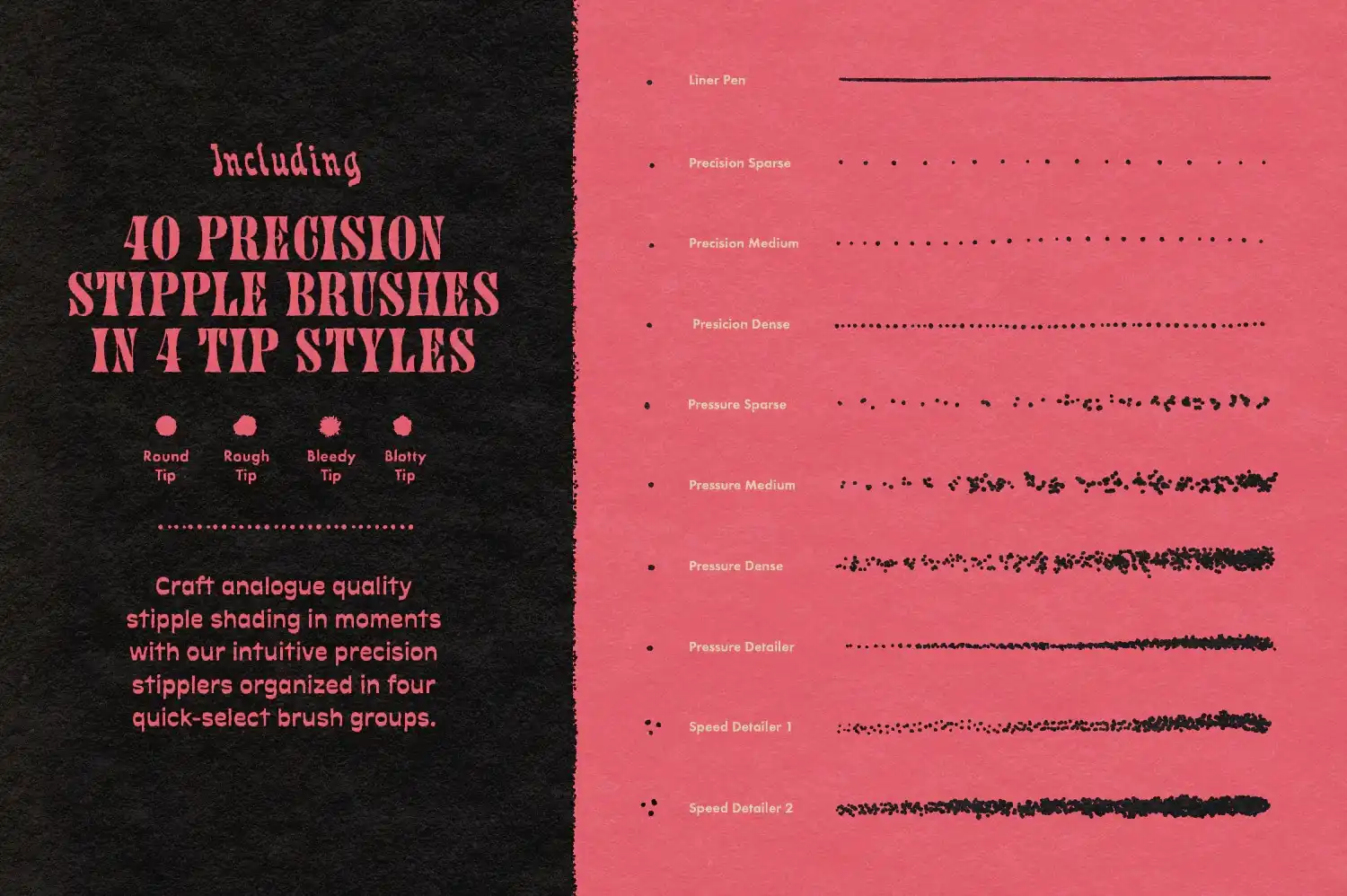
- Precision Stipple Brushes: Over 40 brushes grouped into four pen-tip styles for perfectly imperfect dots every time.
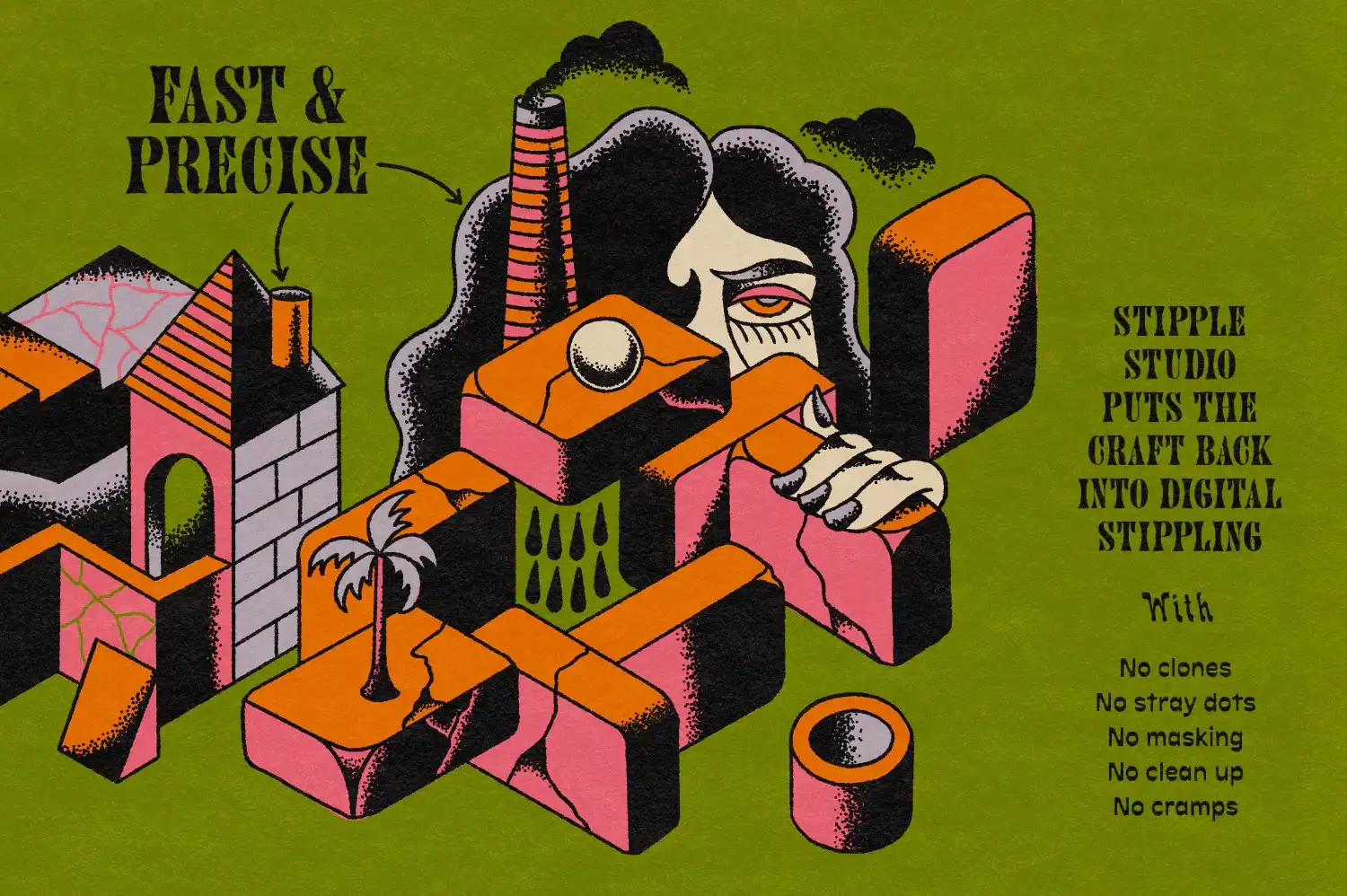
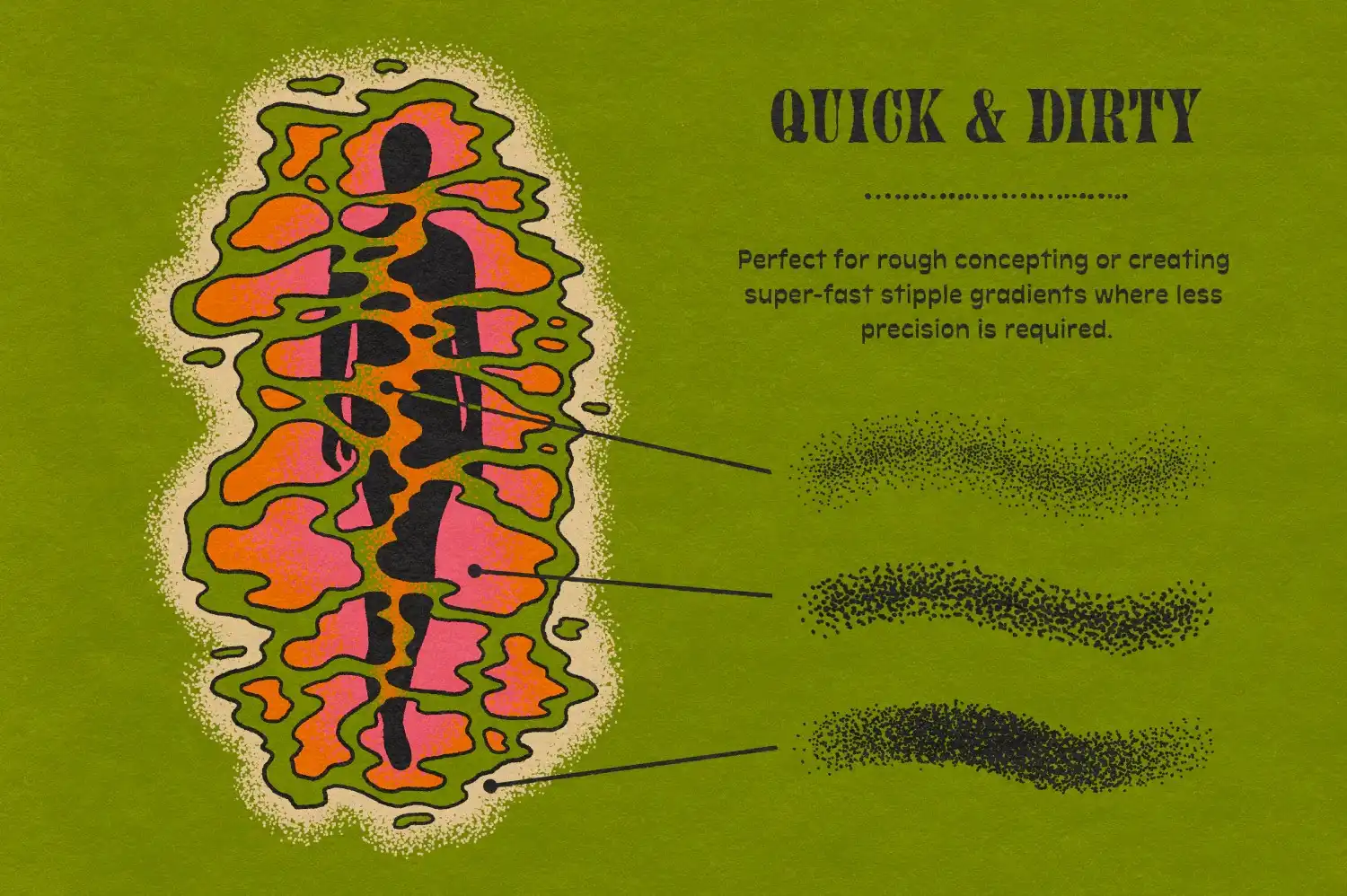
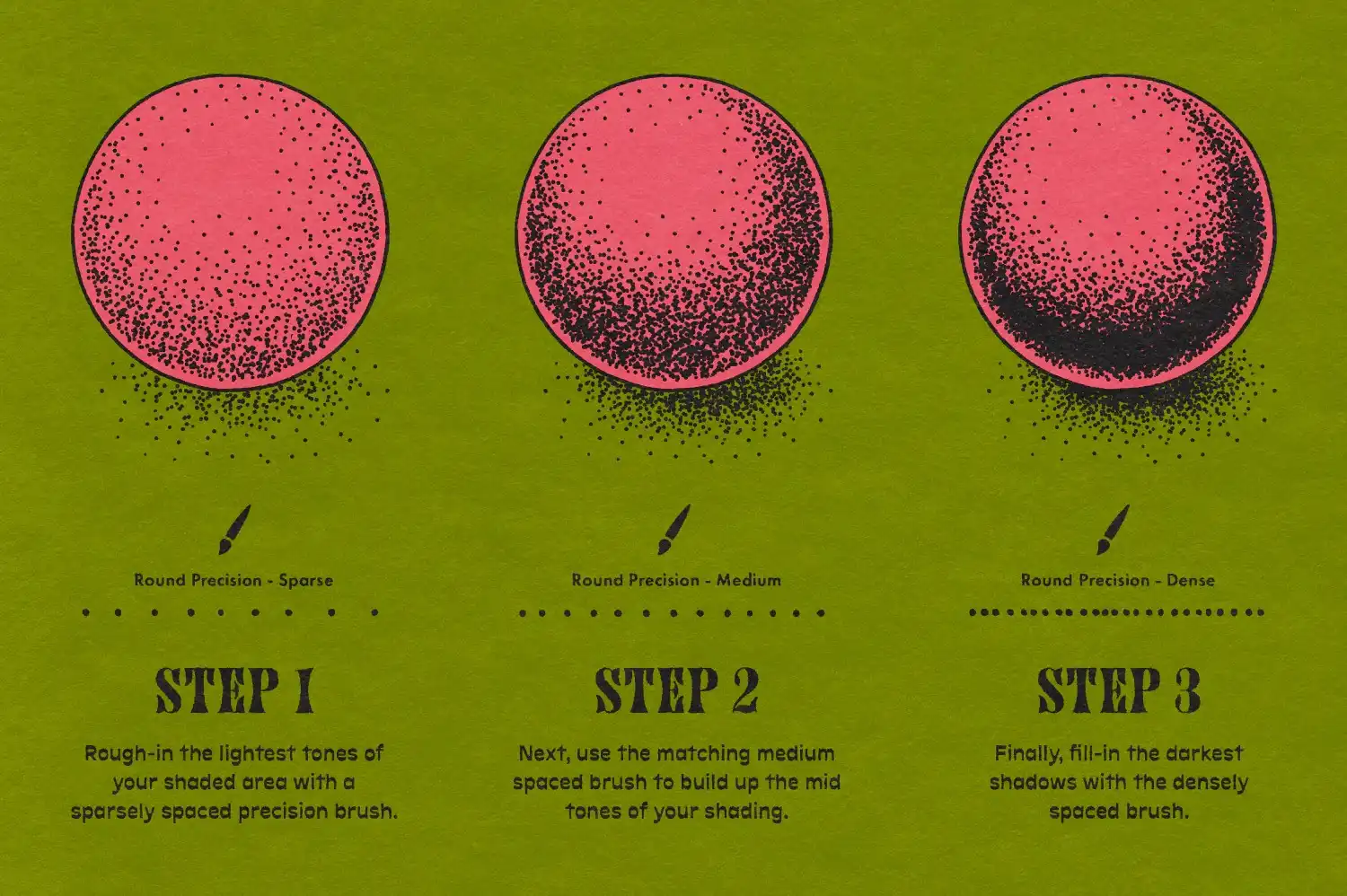
- Fast & Easy to Use: Tackle any stippling task, from subtle edge shading to large blended gradients and fades.
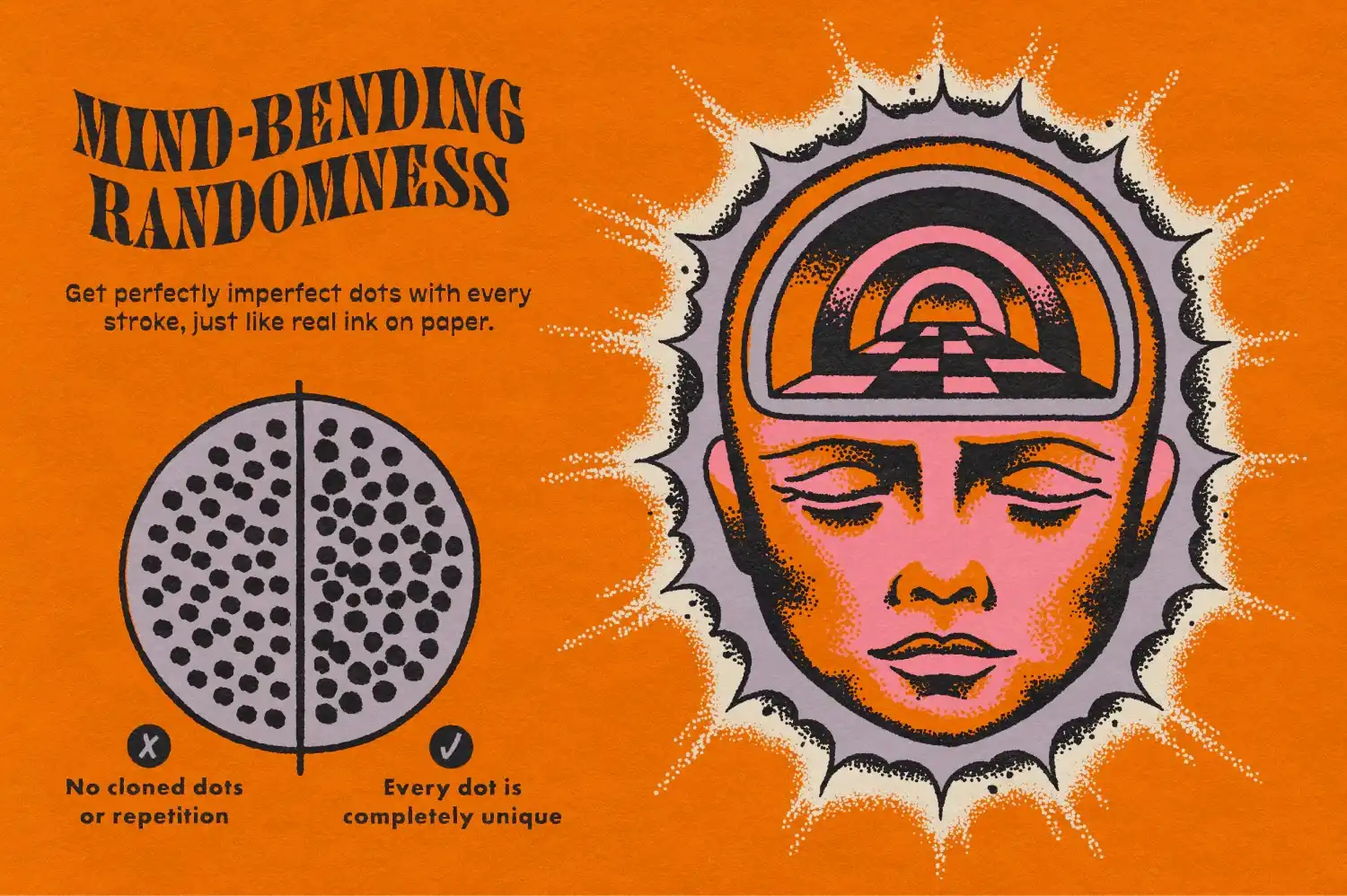
- Organic Results: Finely tuned bleed settings ensure no two dots are alike, giving your work a unique touch.
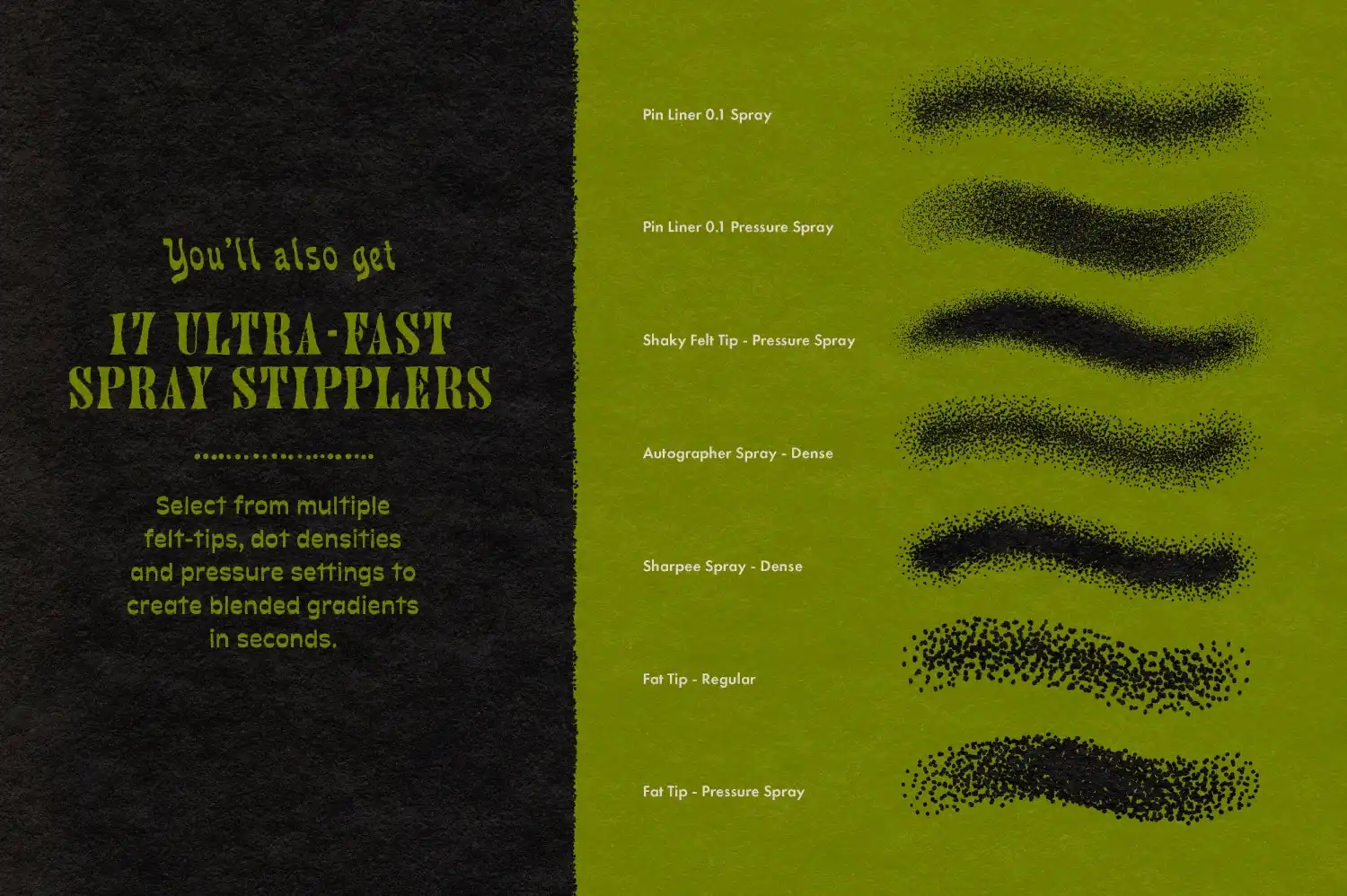
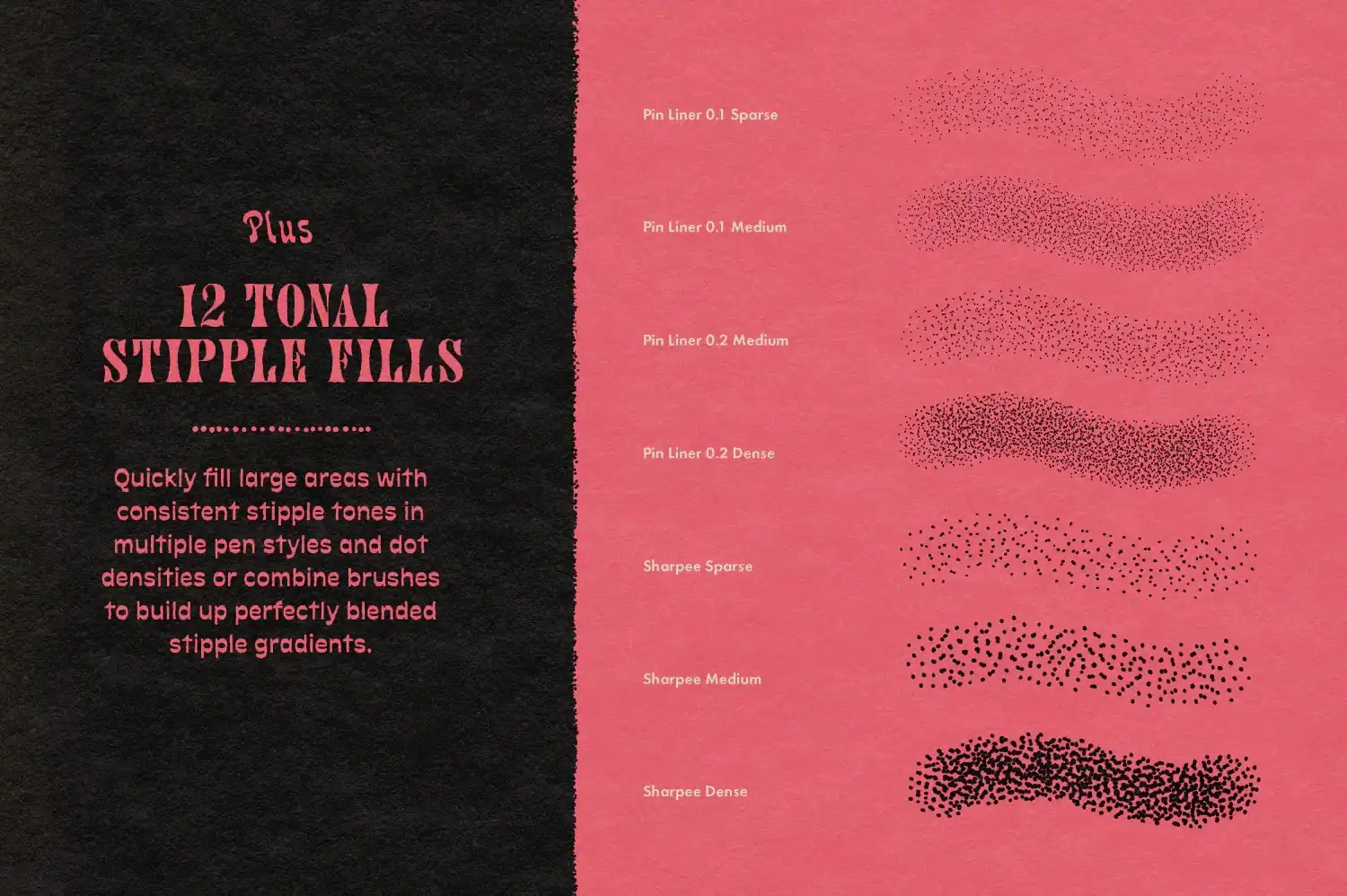
- Versatile Options: Includes spray brushes and tonal fill brushes for filling large areas with natural stipple textures quickly.
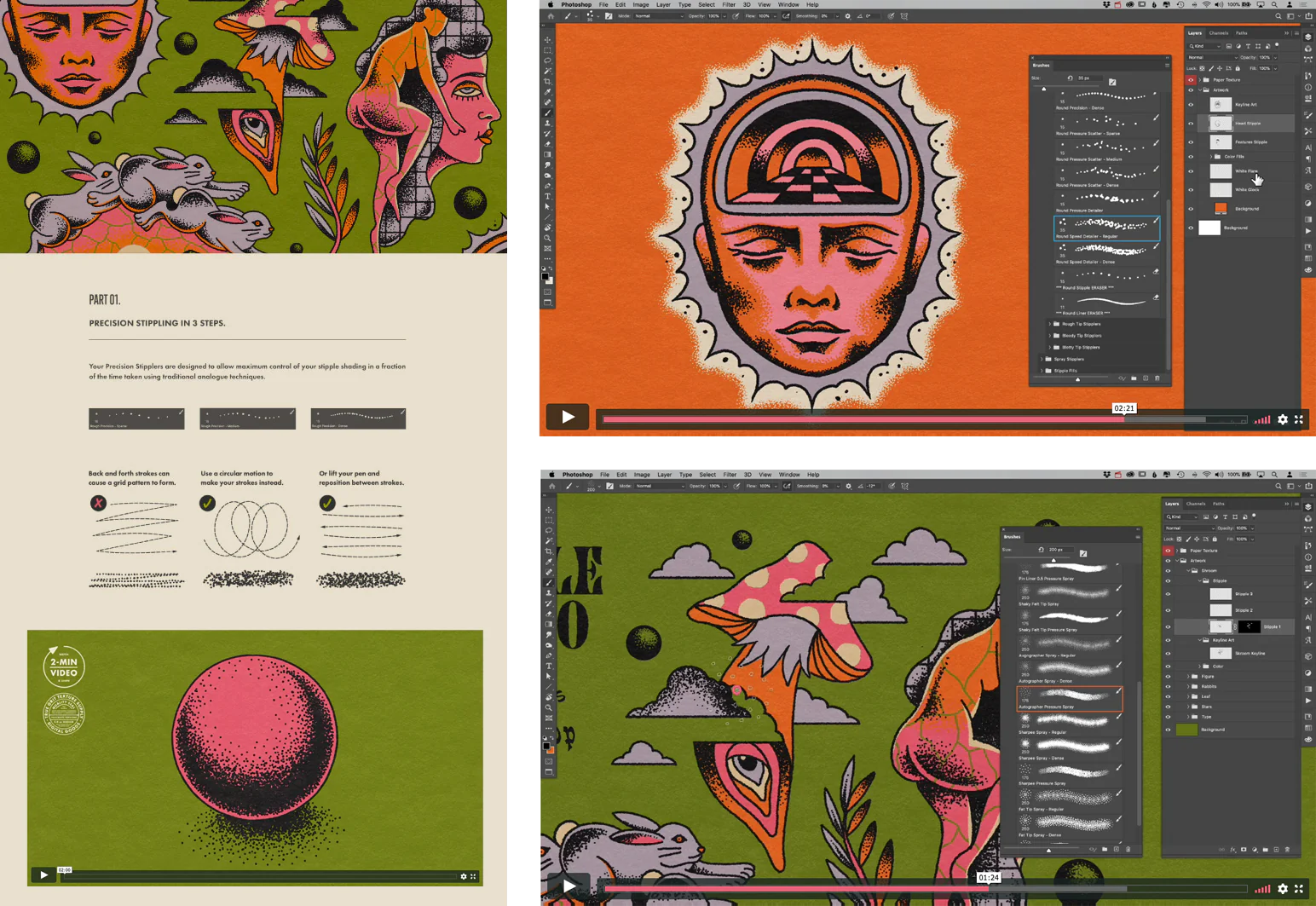
- Comprehensive Tutorial: Learn how to create a stipple effect in Photoshop with detailed video demonstrations included!
Technical Specifications
| Compatible with | Adobe Photoshop |
|---|---|
| File Type | zip |
| Instant Download | Yes |
| File Size | 167 MB |
What’s Included
- 10 x round tip precision stipple brushes
- 10 x rough tip precision stipple brushes
- 10 x bleedy tip precision stipple brushes
- 10 x blotty tip precision stipple brushes
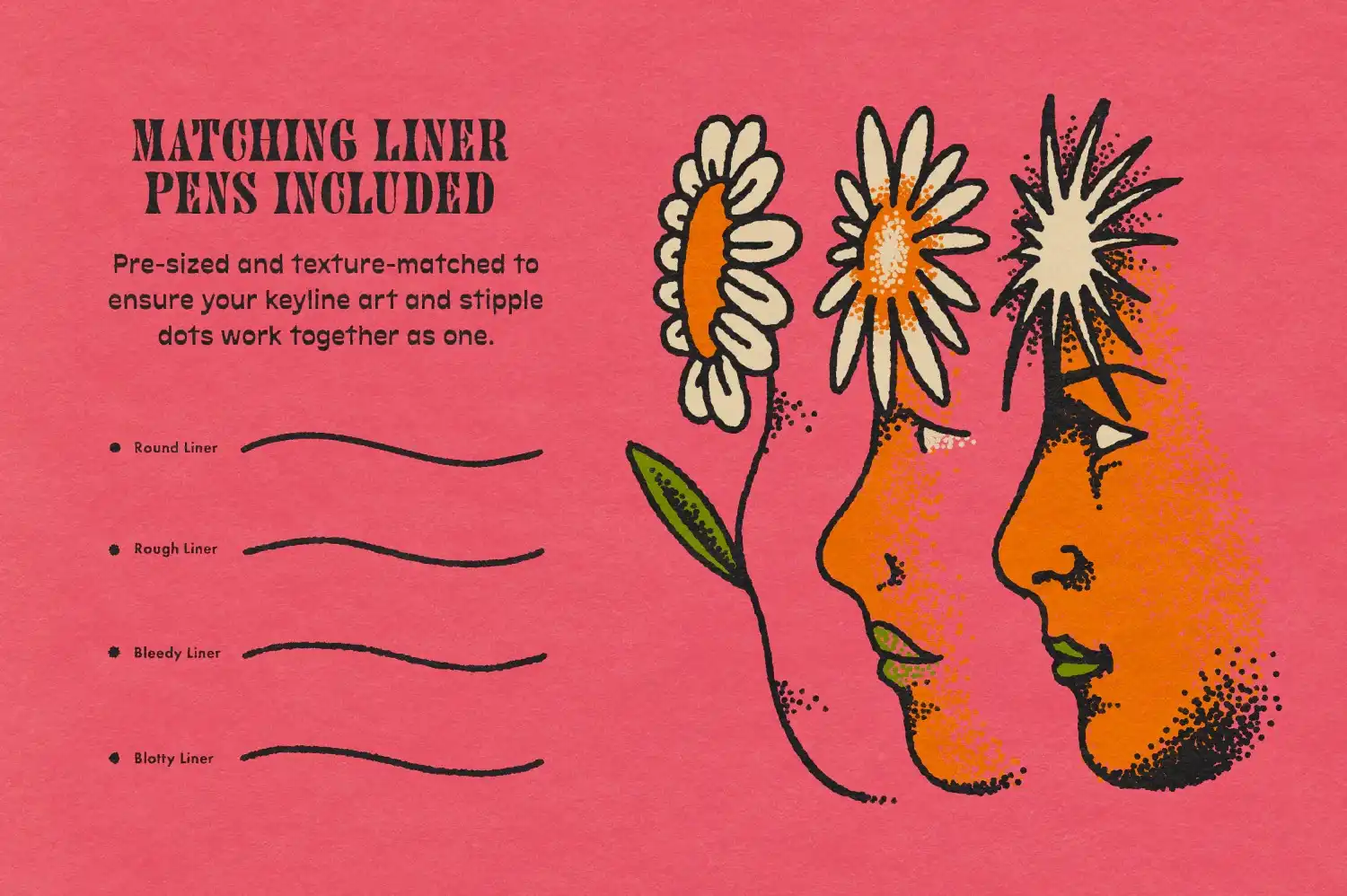
- 4 x liner pens
- 8 x eraser presets
- 17 x spray brushes in various styles and dot densities
- 12 x tonal stipple fill brushes in light, medium, and dense spacing
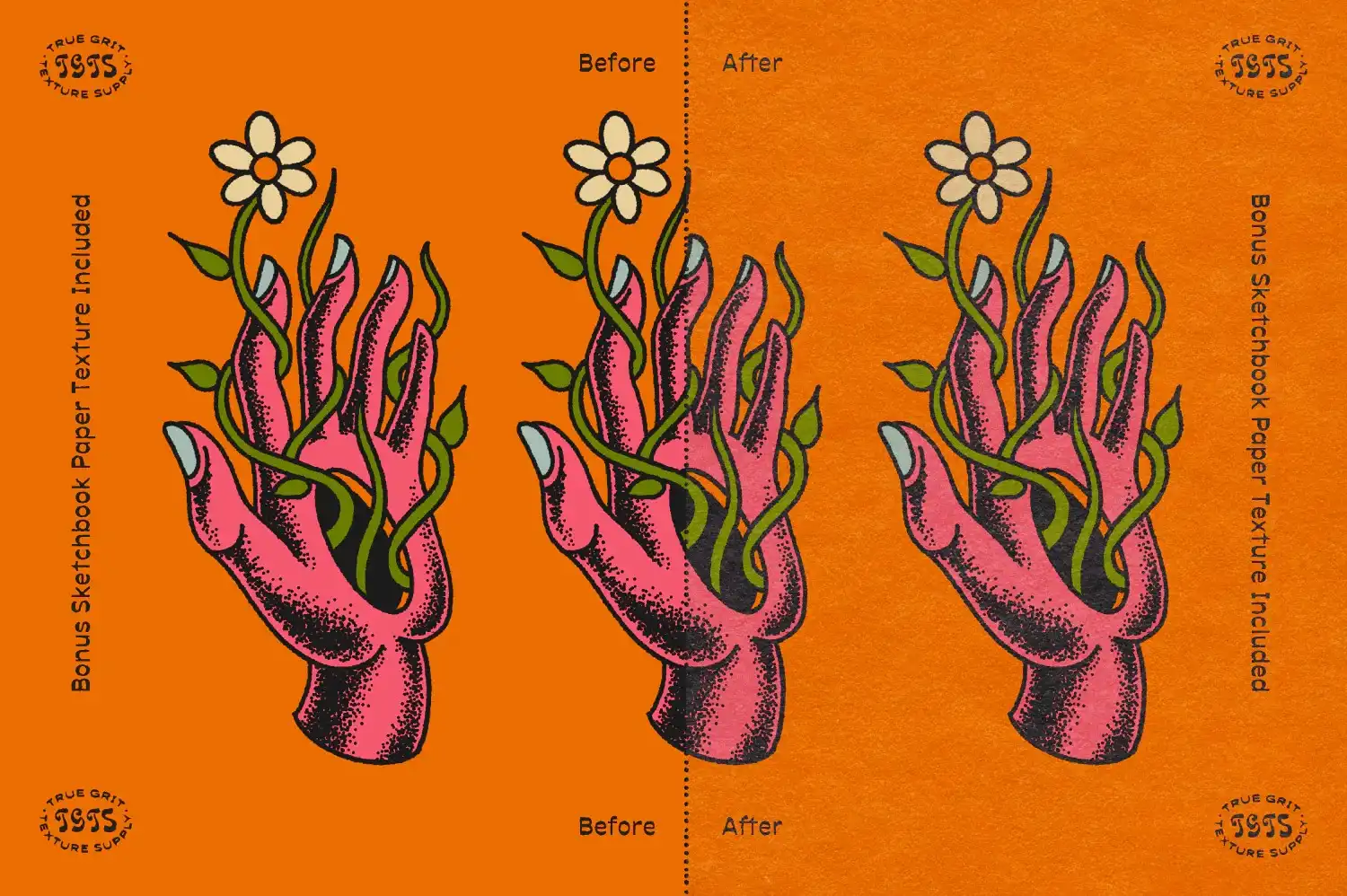
- 1 x sketchbook paper texture template
- 1 x comprehensive tutorial with video demonstrations
Perfect For
Artists, illustrators, tattoo artists, and anyone looking to bring a touch of analog quality to their digital creations. Whether you’re using Photoshop or Procreate, these stipple brushes will elevate your artwork! 🎉
FAQ
- Is this a physical product? No, it’s a digital download!
- Can I use these brushes in Procreate? Yes, Stipple Studio is compatible with Procreate as well!
- What’s the difference between Clip Studio Paint and Photoshop? Each software has unique features, but both can utilize these brushes effectively!
User Reviews
Be the first to review “Stipple Studio for Photoshop”
You must be logged in to post a review.
KolorMarc Markers for ClipStudio
Sold by TGTS
Halftone Zine Machine for Photoshop
Sold by TGTS
Distress Press for Photoshop
Sold by TGTS
RizzCraft for Photoshop
Sold by TGTS
KolorMarc Markers for Procreate
Sold by TGTS Original price was: $19.00.$9.50Current price is: $9.50.


There are no reviews yet.