
Sphere Maker Photoshop Action




Original price was: $5.00.$2.50Current price is: $2.50.

Giallo
Product Specs:
- Compatible with: Actions
- File Type: ZIP
- File Size: 13.4 MB
- Instant Download
Sphere Maker Photoshop Action: Transform Your Images into Stunning Spheres
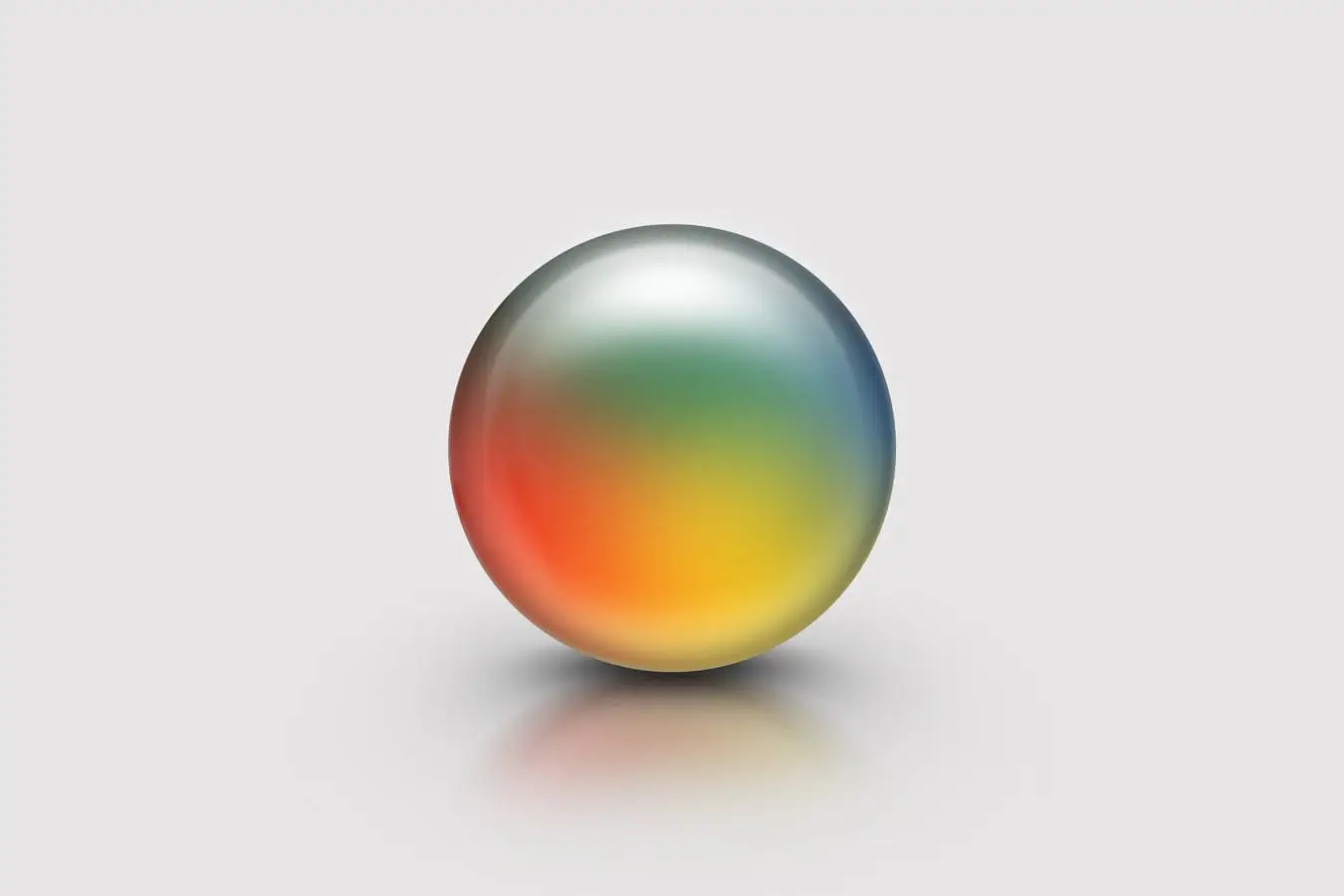
Are you looking to add a unique touch to your images? The Sphere Maker Photoshop Action allows you to effortlessly transform any photo into a realistic sphere, enhancing your designs with depth and dimension. This action is perfect for creating eye-catching visuals that stand out.
Product Overview
The Sphere Maker Photoshop Action is designed for photographers and graphic designers who want to create stunning spherical effects. With this tool, you can easily place any scene, photo, or subject into a realistic sphere, making your images more engaging and visually appealing.
Key Features & Benefits
- ✅ Customizable Spherize Effect → Adjust the intensity of the sphere effect to suit your needs.
- ✅ Easy to Use → Simply load the action and follow the step-by-step instructions to achieve stunning results.
- ✅ Includes Editable Template → If the action doesn’t work as expected, you can modify the included PSD template with your own images.
- ✅ Compatible with Multiple Photoshop Versions → Works seamlessly with Photoshop CC 2014 to 2019 on both PC and Mac.
- ✅ Toggle Filter Options → Easily switch on or off various filter options during the process for more control over your design.
Why Choose This Product
The Sphere Maker Photoshop Action stands out for its versatility and ease of use. Whether you’re creating marketing materials, social media graphics, or personal projects, this action helps you achieve professional-looking results without extensive editing skills. Trusted by designers worldwide, this action is your go-to solution for adding a polished, modern touch to your images.
Specifications
| Dimensions | 1600px x 1600px |
|---|---|
| DPI | 72 |
| Compatibility | Photoshop CC 2014 – 2019 (PC & Mac) |
What’s Included
- 📦 Sphere Maker Photoshop Action file (.atn)
- 📦 Editable PSD template for easy modifications
Perfect For
- Photographers looking to enhance their portfolio
- Graphic designers creating unique marketing materials
- Social media managers aiming to boost engagement with eye-catching visuals
How to Use
- Load the Sphere Maker action from Window > Actions.
- Open your desired image in Photoshop.
- Select an area using the Rectangular Marquee Tool (M).
- Play the action to see the transformation.
- Alternatively, use the provided PSD template to place your image inside the Smart Object labeled “Image”.
FAQ
- Can I use this action with older versions of Photoshop? No, it is designed for Photoshop CC 2014 and later.
- What if the action doesn’t work? You can always use the included PSD template to achieve the desired effect manually.
Ready to elevate your designs? Add the Sphere Maker Photoshop Action to your toolkit today and start creating stunning spherical images! 🚀
User Reviews
Be the first to review “Sphere Maker Photoshop Action”
You must be logged in to post a review.

Mixed Media FX – Photoshop Action Plugin
Sold by Giallo
Real Paint FX Photoshop Add-On Extension
Sold by Giallo
Infinite White Floor Spotlight Backgrounds
Sold by Giallo
Geometric Dispersion FX – Photoshop Action Plugin
Sold by Giallo
100 Photoshop Layer Styles Bundle – Text Effect
Sold by Giallo
Hot Lava & Fire Photoshop Layer Styles
Sold by Giallo Original price was: $5.00.$2.50Current price is: $2.50.


There are no reviews yet.