
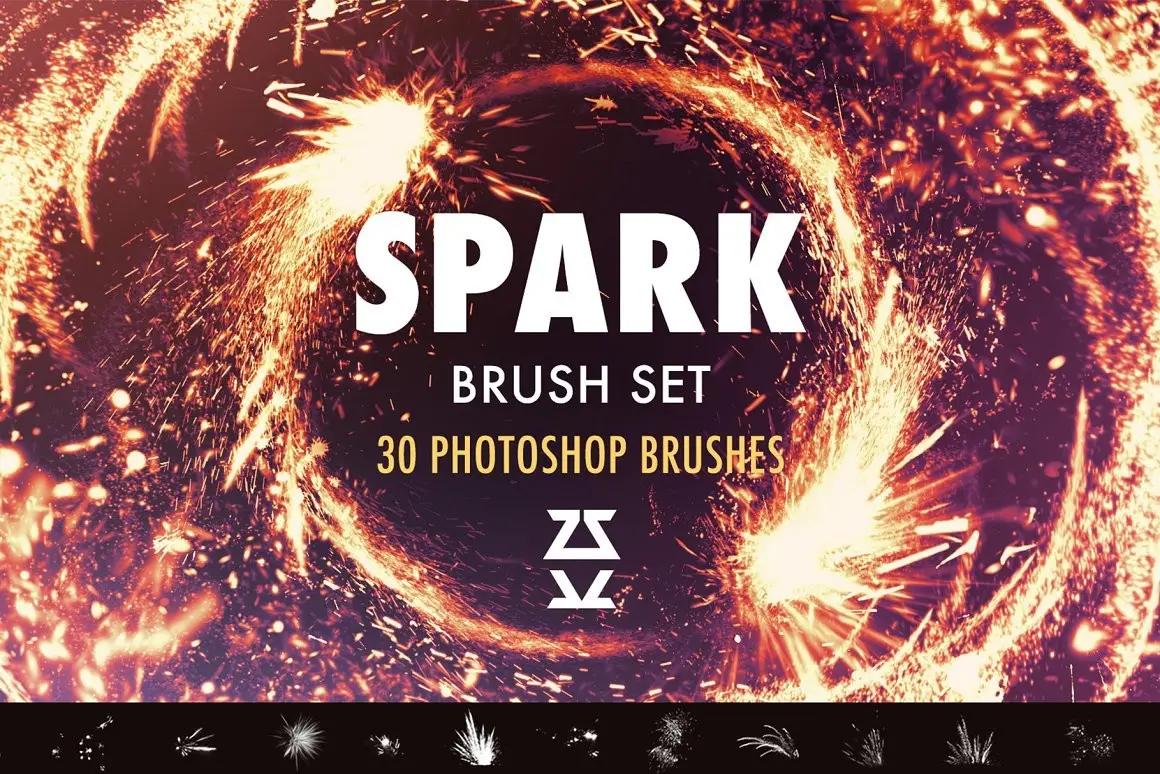
Spark Brush pack
Original price was: $15.00.$7.50Current price is: $7.50.

Zsolt Kosa
Product Specs:
- Compatible with: Brushes | Procreate | Photoshop
- File Type: ZIP
- File Size: 5.2 MB
- Instant Download
Spark Brush Pack – 30 Unique Brushes for Photoshop and Procreate
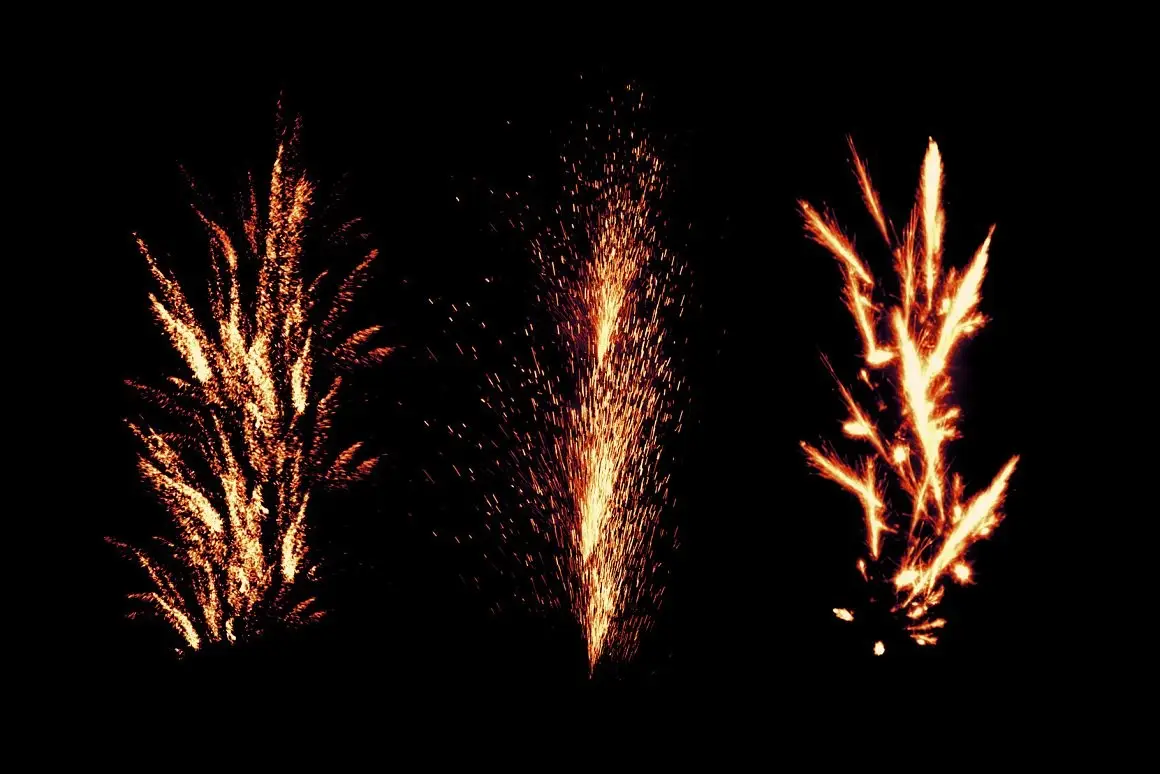
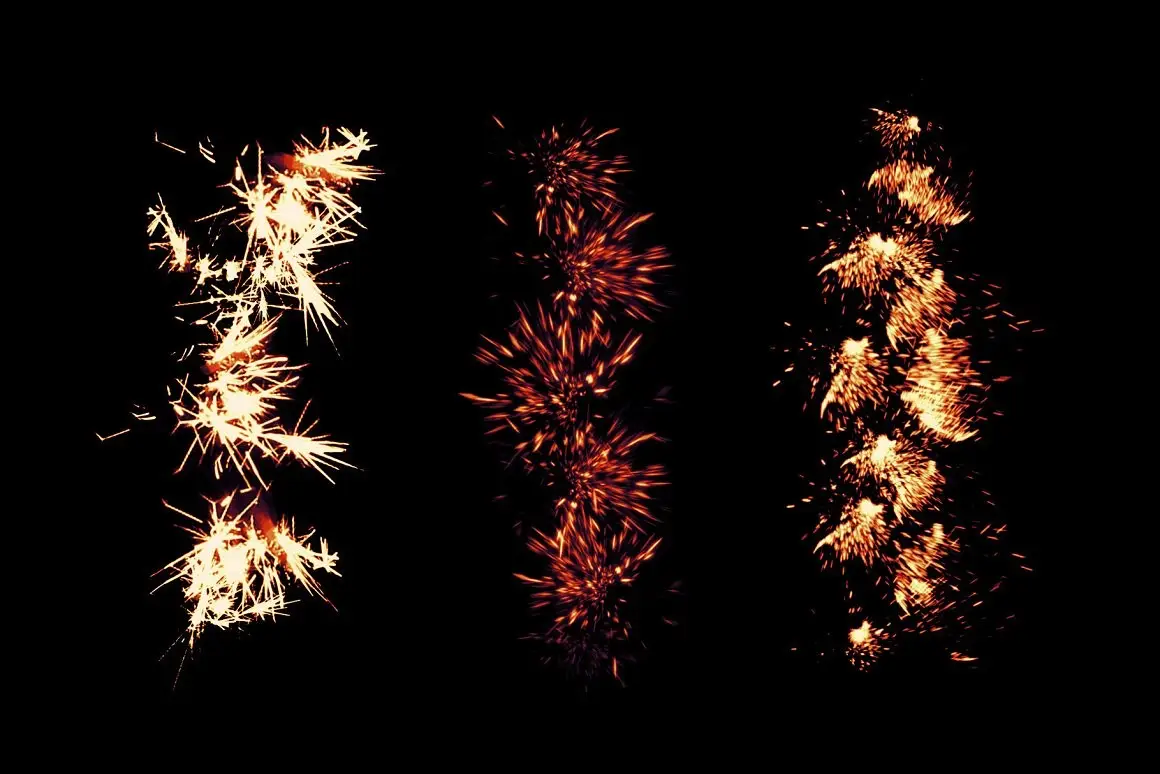
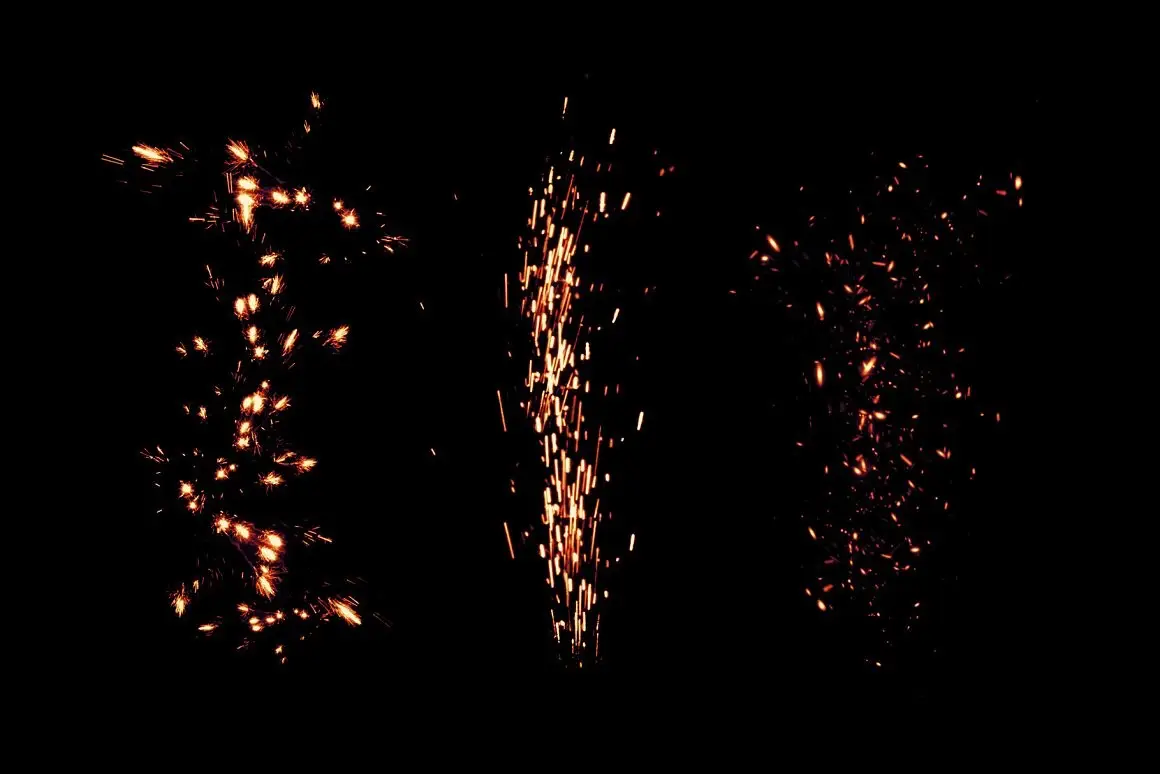
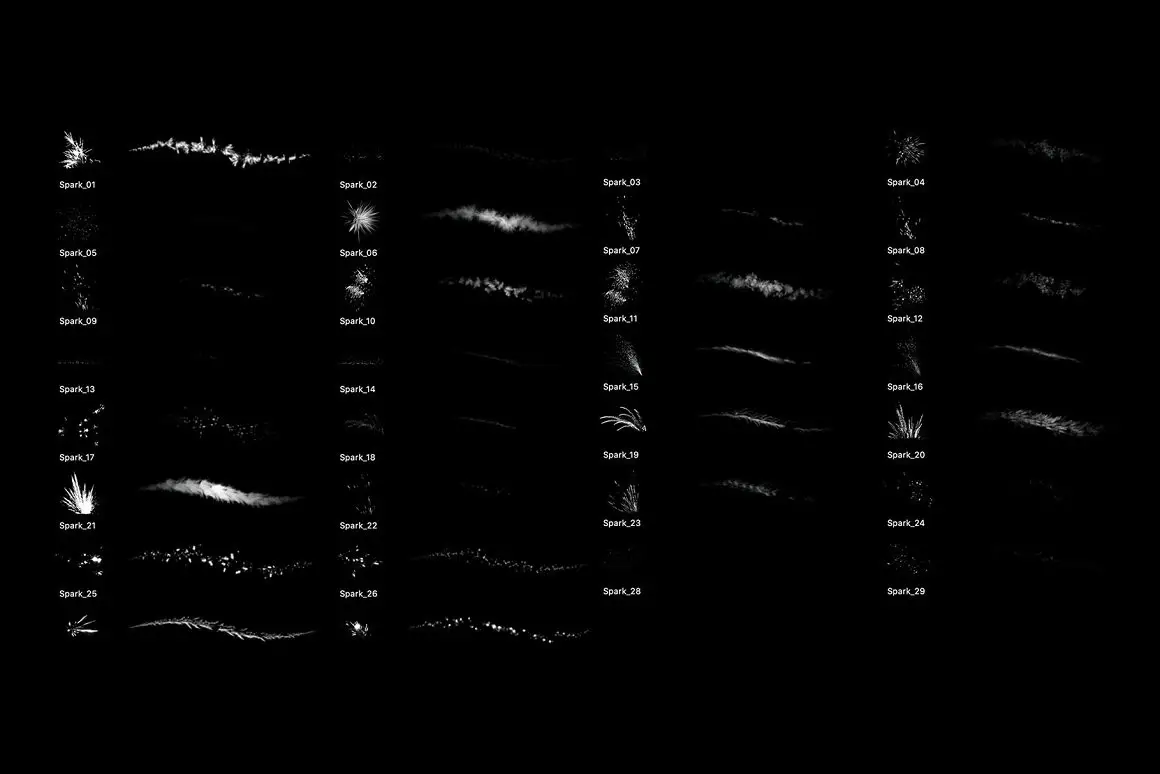
Unleash your creativity with the Spark Brush Pack, featuring 30 unique Photoshop brushes designed for dynamic spark effects. These brushes are more than just stamp overlays; you can paint with them to create stunning visuals in your sketches, illustrations, concept art, and matte paintings.
Product Overview
This brush set is perfect for artists looking to add a touch of magic to their work. Compatible with Photoshop CC and Procreate 5.0, these brushes offer versatility and ease of use. While they do not glow by default, you can achieve the glowing effect by following the provided instructions.
Key Features & Benefits
- ✅ 30 Unique Brushes → Enhance your artwork with a variety of spark effects.
- ✅ Compatible with Multiple Platforms → Works seamlessly with Photoshop CC and Procreate 5.0.
- ✅ Paintable Brushes → Go beyond overlays and create intricate designs with painting capabilities.
- ✅ Instructions Included → Detailed guides for achieving glowing effects in both Photoshop and Procreate.
- ✅ Feedback Welcome → Your input helps improve future brush packs!
Why Choose This Product
The Spark Brush Pack stands out because it combines ease of use with professional quality. Whether you’re a beginner or a seasoned artist, these brushes will help you create stunning visuals that captivate your audience. Plus, with a 100% money-back guarantee for faulty products, you can purchase with confidence.
Specifications
| Brush Format | .abr (Photoshop), .brush (Procreate) |
|---|---|
| Compatibility | Photoshop CC, Procreate 5.0, Clip Studio Paint v1.10.5+, Affinity Photo v2.0, Substance Painter |
| File Size | Varies by platform |
What’s Included / What’s in the Box
- 📦 30 Unique Brushes
- 📦 Sample Workflow.psd for Photoshop
- 📦 Instruction .txt file for Procreate
- 📦 Full written guide
Perfect For
- Artists looking to add spark effects to their illustrations
- Concept artists and matte painters
- Beginners and professionals using Photoshop and Procreate
How to Use
To import your brushes into Photoshop or Procreate, follow the tutorials provided in the included documentation. For detailed guidance, check out the video tutorial here: Importing Brushes into Procreate.
FAQ
- Can I use these brushes in Clip Studio Paint? Yes, you can import .abr files into Clip Studio Paint v1.10.5 or newer.
- What if I encounter an error while extracting? If you see an “error 32 – broken pipe” message, wait a moment; the files should still extract successfully.
Don’t hesitate to reach out if you need assistance. I am the original author and copyright holder of this brush set, ensuring you receive quality tools for your creative projects. Add to cart now and start creating today! 🚀

Monster Skin Brush Set
Sold by Zsolt Kosa
Reptile Skin Brush Set
Sold by Zsolt Kosa
42 Splatter brushes
Sold by Zsolt Kosa

Splatter Photoshop Brushes
Sold by Zsolt Kosa Original price was: $15.00.$7.50Current price is: $7.50.


There are no reviews yet.