
Soap Bubbles Photoshop Action
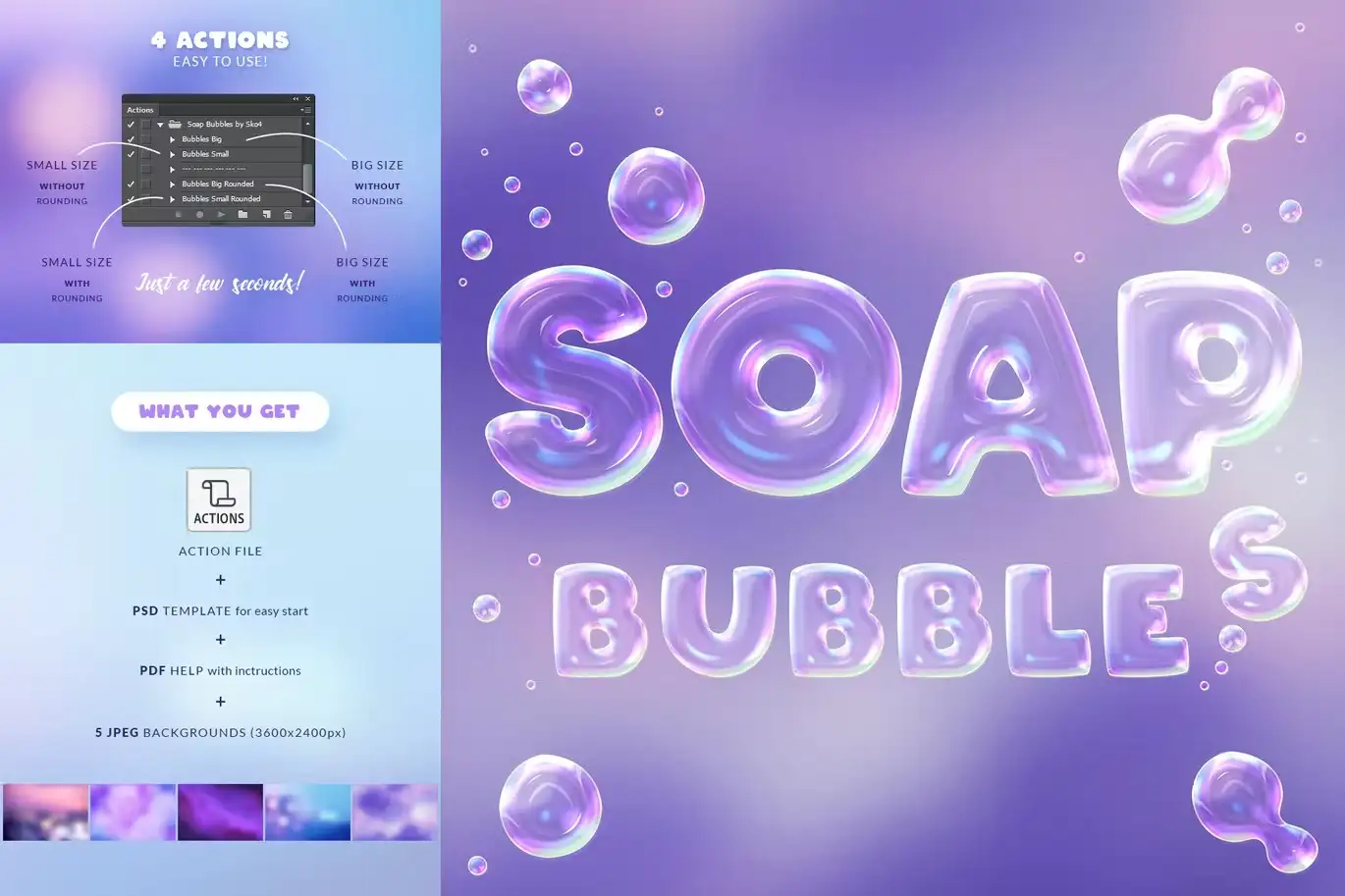
Original price was: $5.00.$2.50Current price is: $2.50.

Andrew Skoch Design
Product Specs:
- Compatible with: Actions | Photoshop
- File Type: 2 ZIP
- File Size: 39.5 MB
- Instant Download
Soap Bubbles Photoshop Action
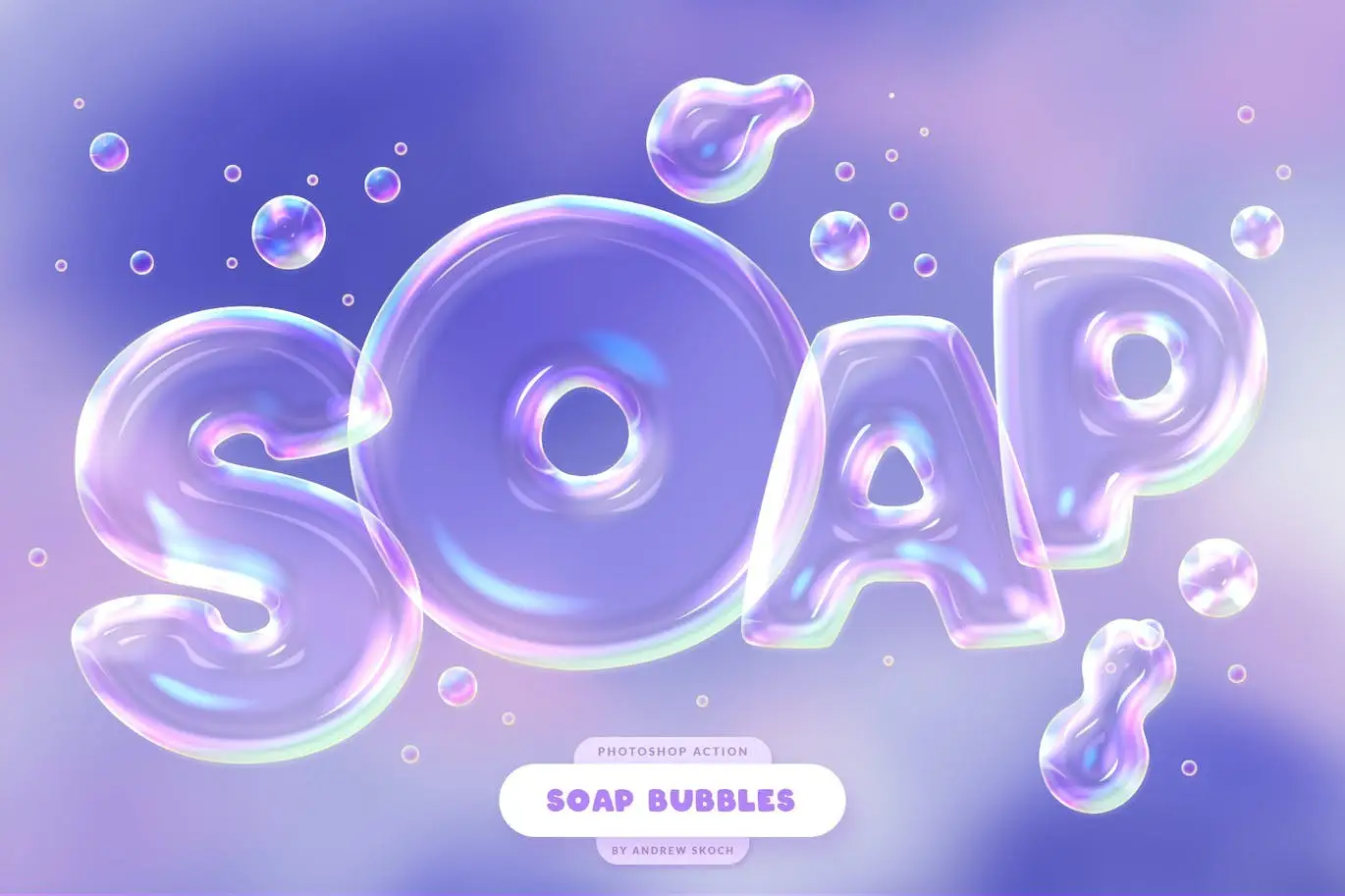
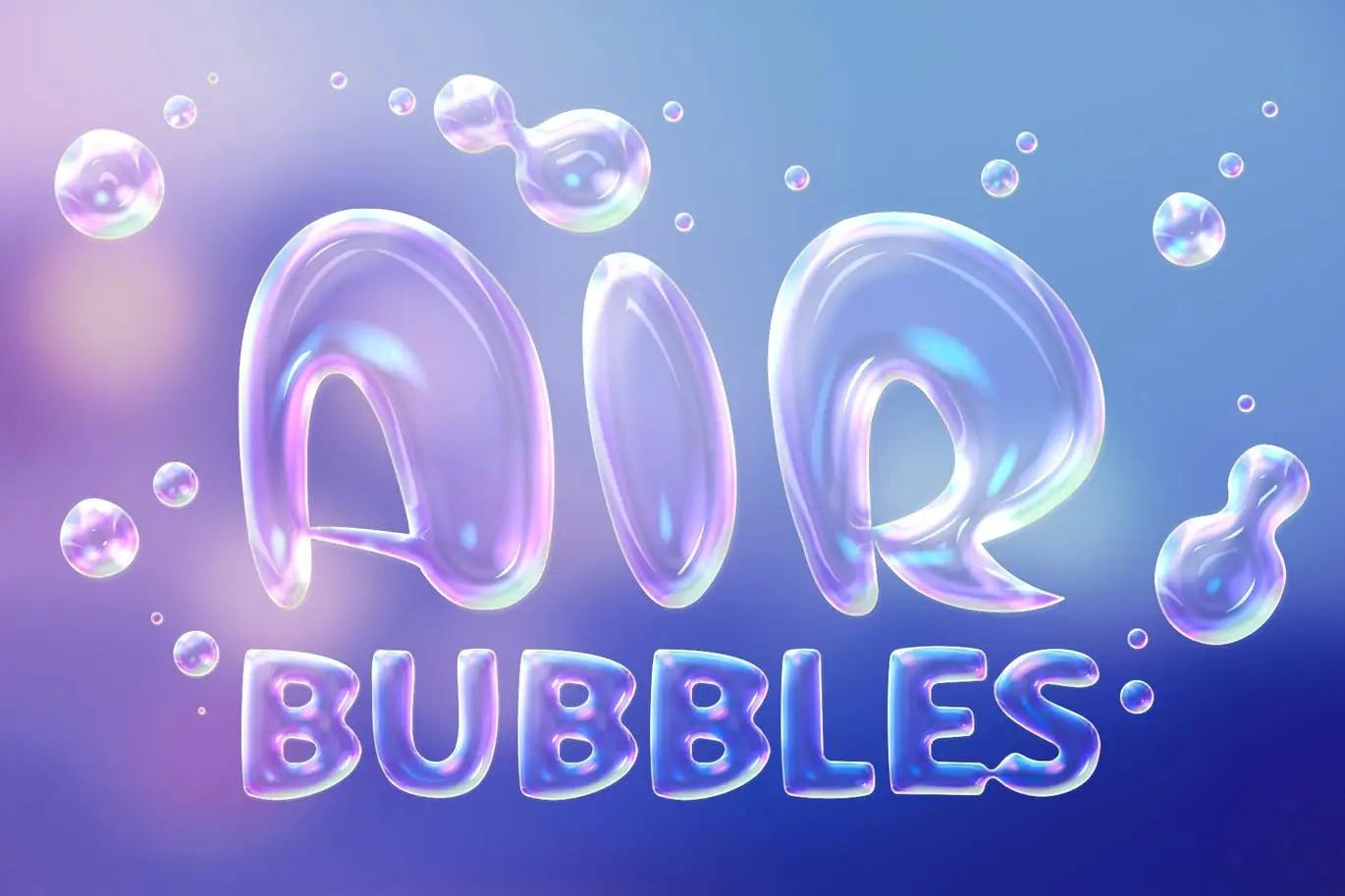
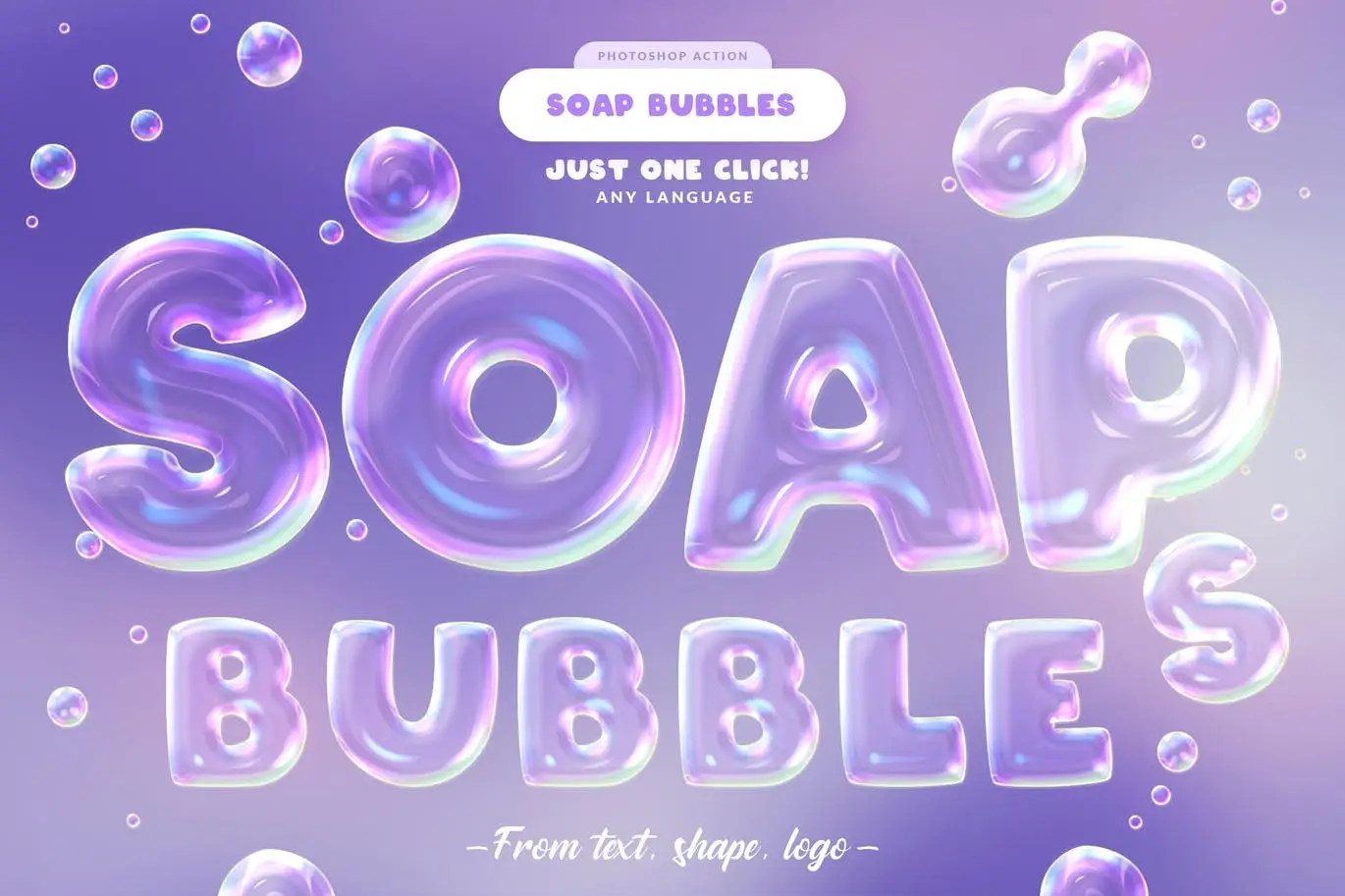
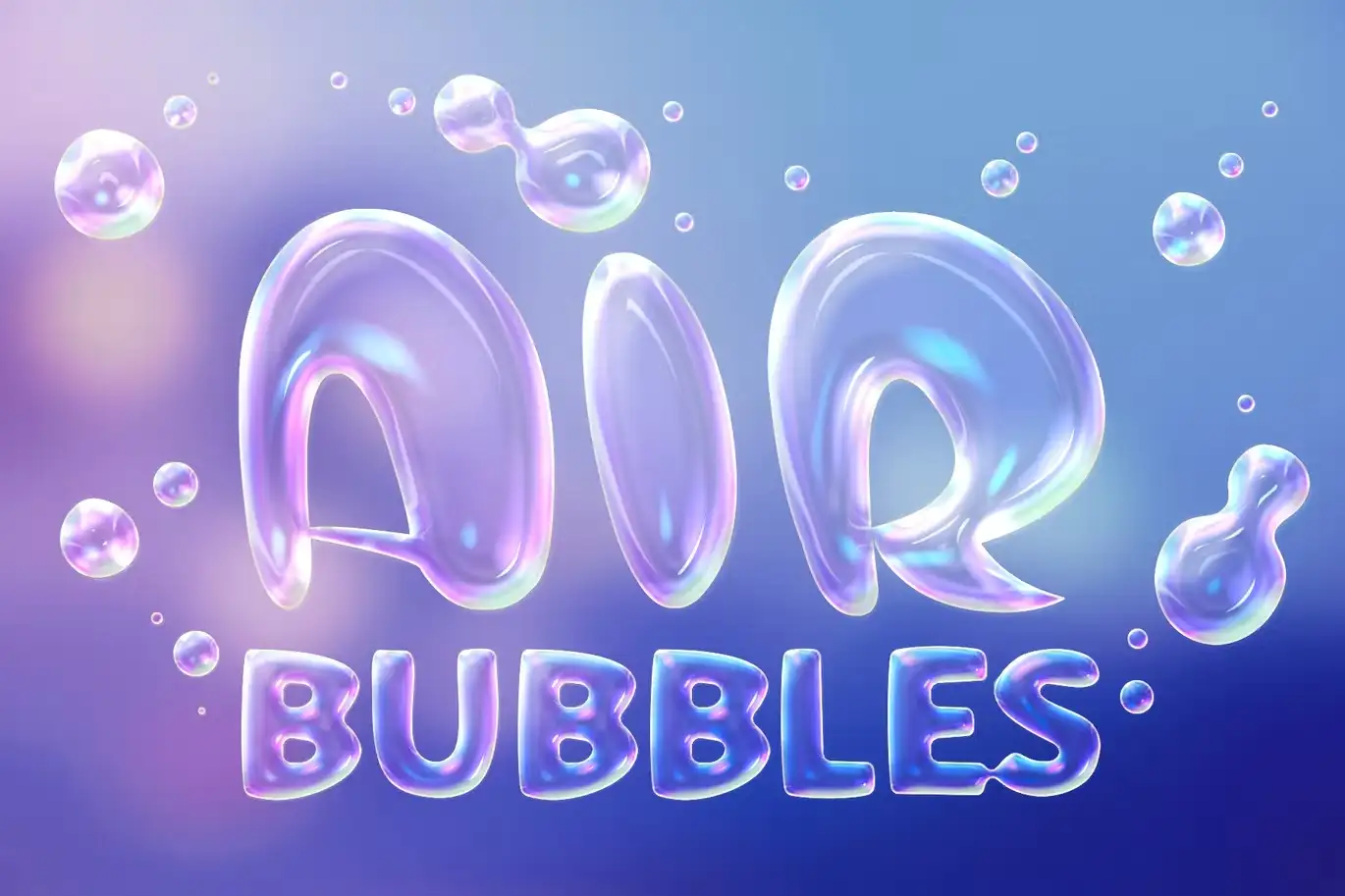
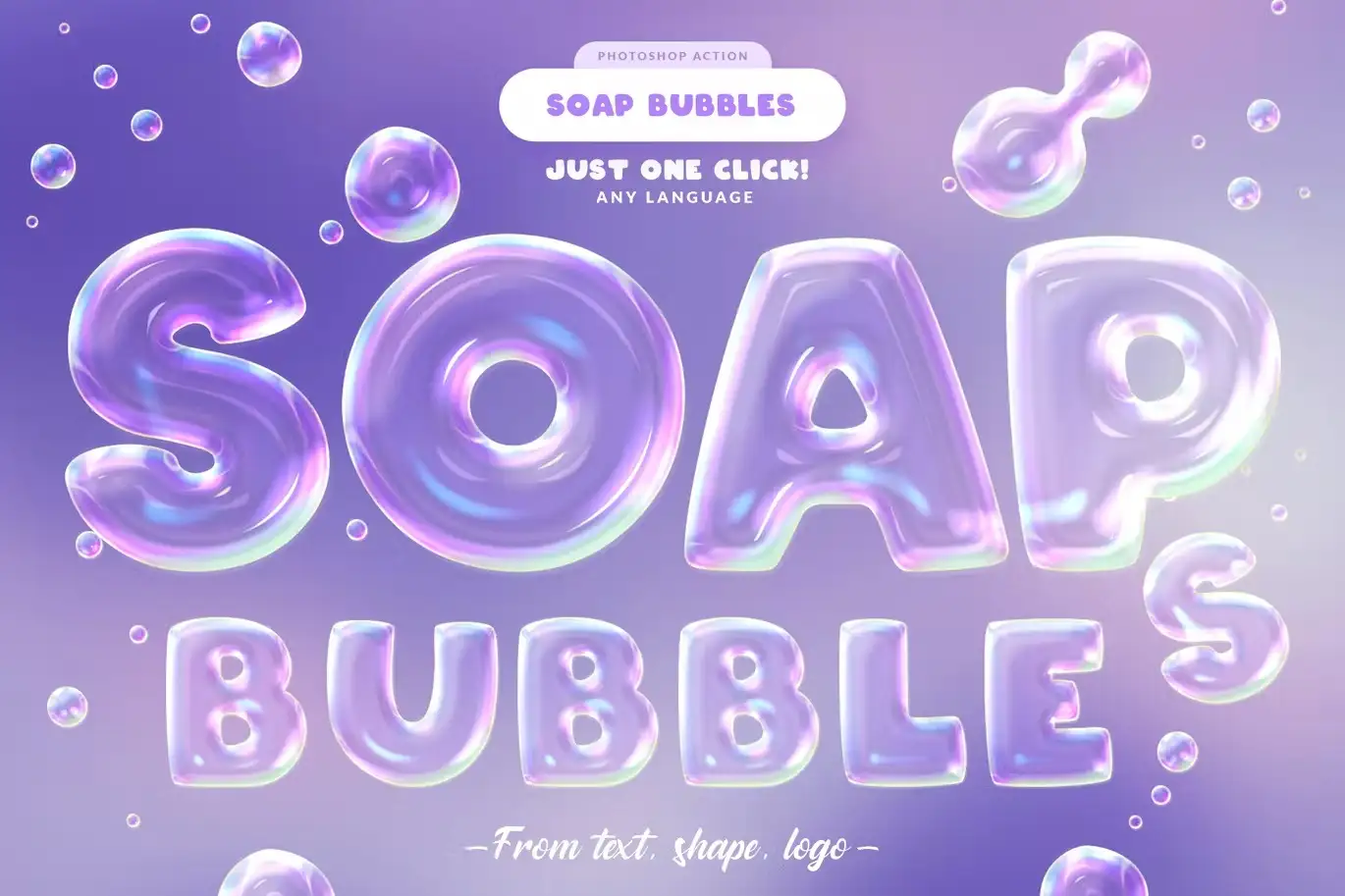
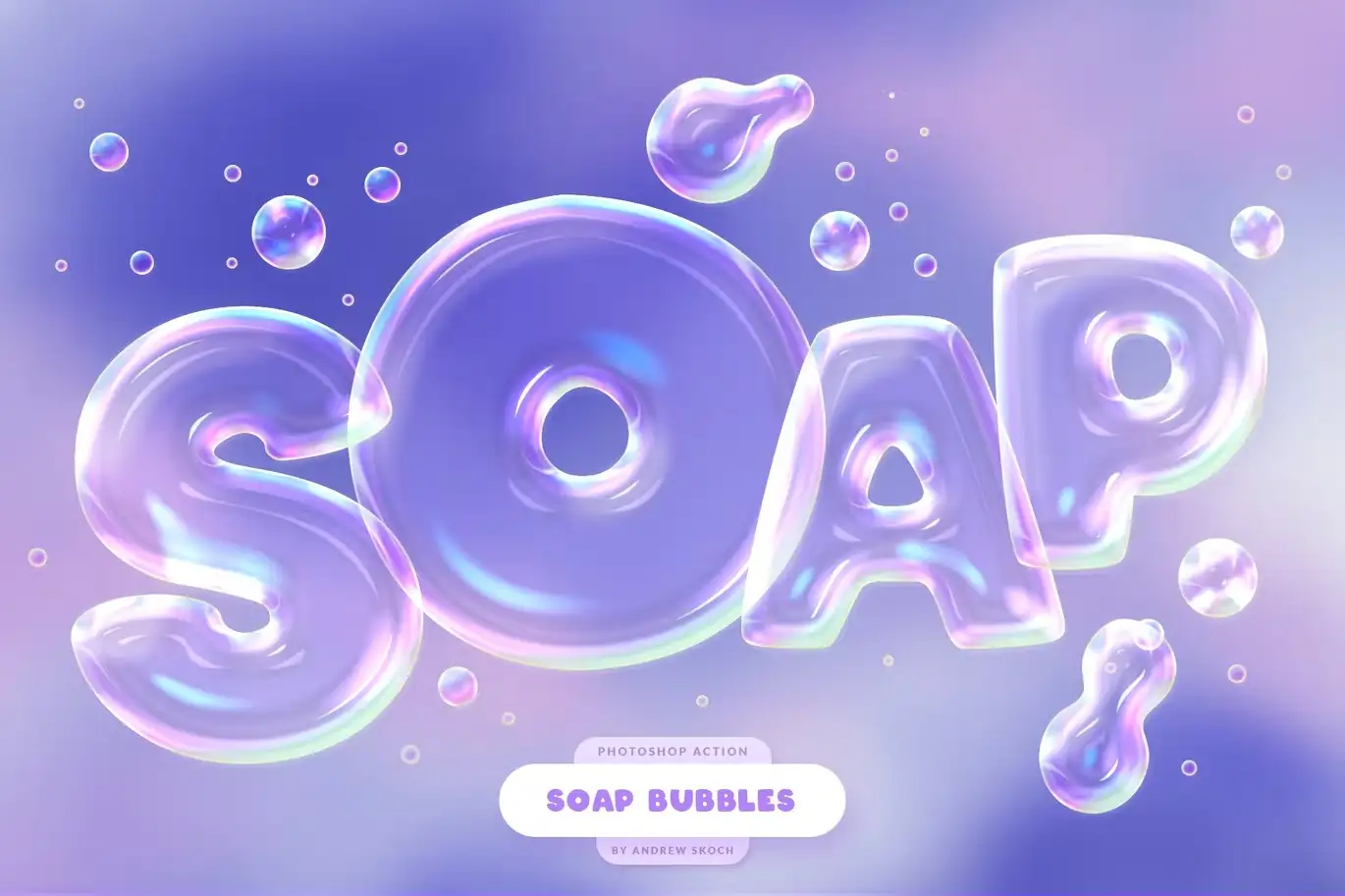
Transform your text or logo into stunning soap bubbles effortlessly! With the Soap Bubbles Photoshop Action, you can achieve a realistic effect of air bubbles in just seconds. Whether you’re working with large or small text, this action is designed to create delightful soap bubble effects that enhance any design.
Product Overview
This Photoshop action is perfect for designers looking to add a playful touch to their projects. It works seamlessly with text, logos, and shapes, allowing you to create captivating bubble effects that stand out. The action includes a rounding function, ensuring that your bubbles look natural and appealing.
Key Features & Benefits
- ✅ Realistic Bubble Effect → Instantly create stunning soap bubbles from your text or logos.
- ✅ Versatile Usage → Suitable for both large and small text, making it perfect for any project.
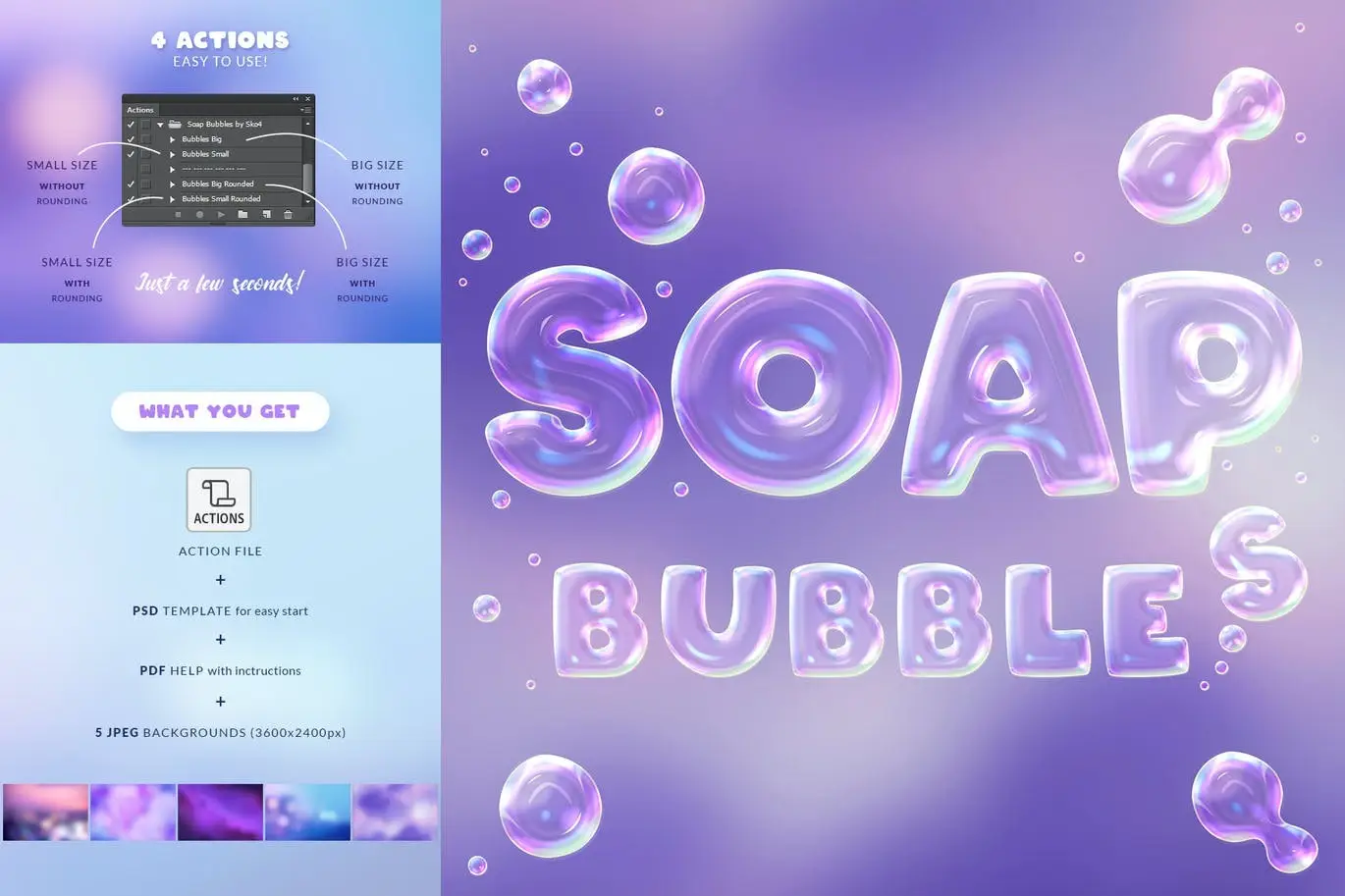
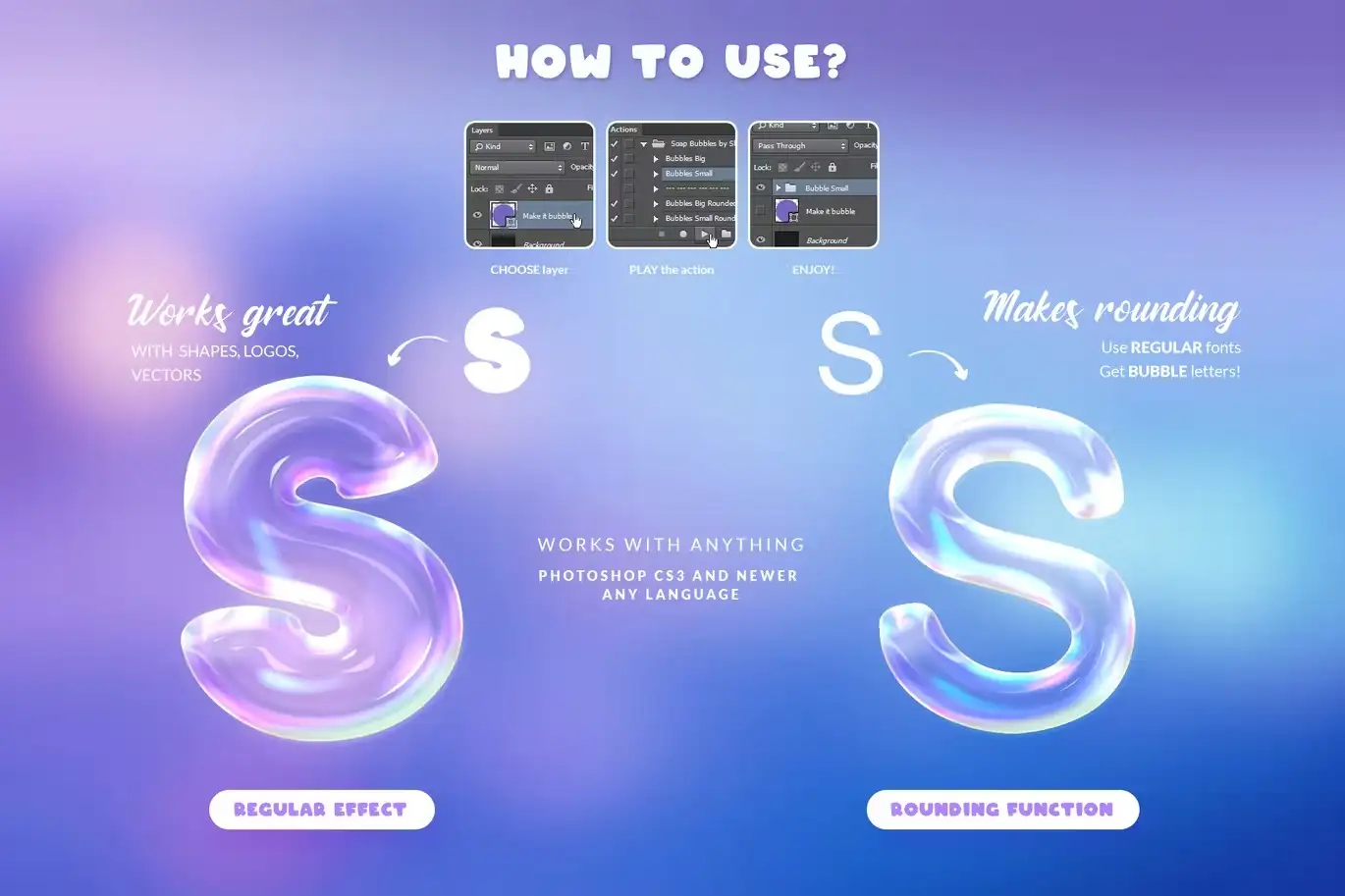
- ✅ Rounding Function → Achieve perfectly rounded corners and bubble shapes for a polished look.
- ✅ Easy to Use → Simply apply the action to any text layer, vector shape, or pixel layer.
- ✅ Includes Helpful Resources → Comes with a PSD template, 5 blurred background JPEGs, and a PDF help file for easy setup.
Why Choose This Product
The Soap Bubbles Photoshop Action is a must-have for any digital designer. Its ease of use and versatility make it an essential tool for creating engaging visuals. Trusted by professionals, this action allows you to elevate your designs with minimal effort, saving you time while delivering stunning results.
Specifications (Technical Details)
| File Type | ANT, PSD, JPEG, PDF |
|---|---|
| Compatibility | Adobe Photoshop |
| Included Files | Action file, template, backgrounds, help file |
What’s Included / What’s in the Box
- 📦 ANT File – Action file for easy application
- 📦 PSD File – Template to kickstart your design
- 📦 5 JPEGs – Blurred backgrounds for added depth
- 📦 PDF – Help file with font links and instructions
Perfect For
- Graphic designers
- Social media marketers
- Event planners
- Anyone looking to add a whimsical touch to their designs
How to Use
1. Open your text or logo in Adobe Photoshop.
2. Load the Soap Bubbles action and apply it to your layer.
3. Adjust the bubble size and rounding as needed.
4. Enjoy your new bubbly design!
FAQ
- Can I use this action with any font? Yes, it works well with regular fonts!
- Is it compatible with vector shapes? Absolutely! You can apply it to vector shapes as well.
Add to cart now and start creating your bubbly designs today! 🚀
User Reviews
Be the first to review “Soap Bubbles Photoshop Action”
You must be logged in to post a review.
Watercolor Painting – Photoshop Action
Sold by Andrew Skoch Design
60 Hand Drawn Arrows – PNG and Stamps
Sold by Andrew Skoch Design
Vintage Text Effects
Sold by Andrew Skoch Design
Dreamy Light Leak Overlays vol 1
Sold by Andrew Skoch Design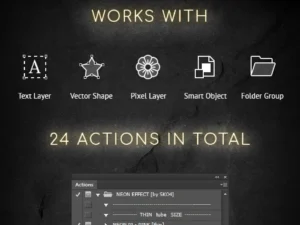
Neon Photoshop Action
Sold by Andrew Skoch Design
Holographic Text Effects
Sold by Andrew Skoch Design Original price was: $5.00.$2.50Current price is: $2.50.


There are no reviews yet.