
Skin Retouching Actions

Original price was: $5.00.$2.50Current price is: $2.50.

Sparkle Stock
Product Specs:
- Compatible with: Actions
- File Type: ZIP
- File Size: 1.2 MB
- Instant Download
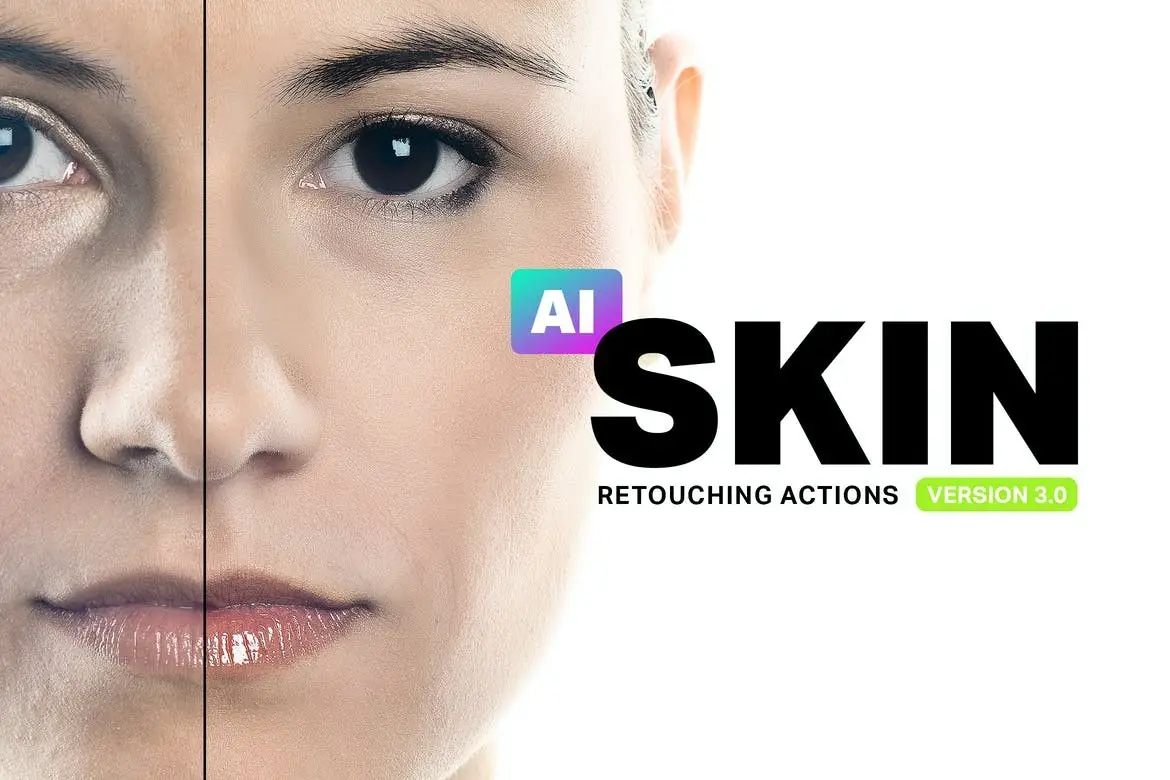
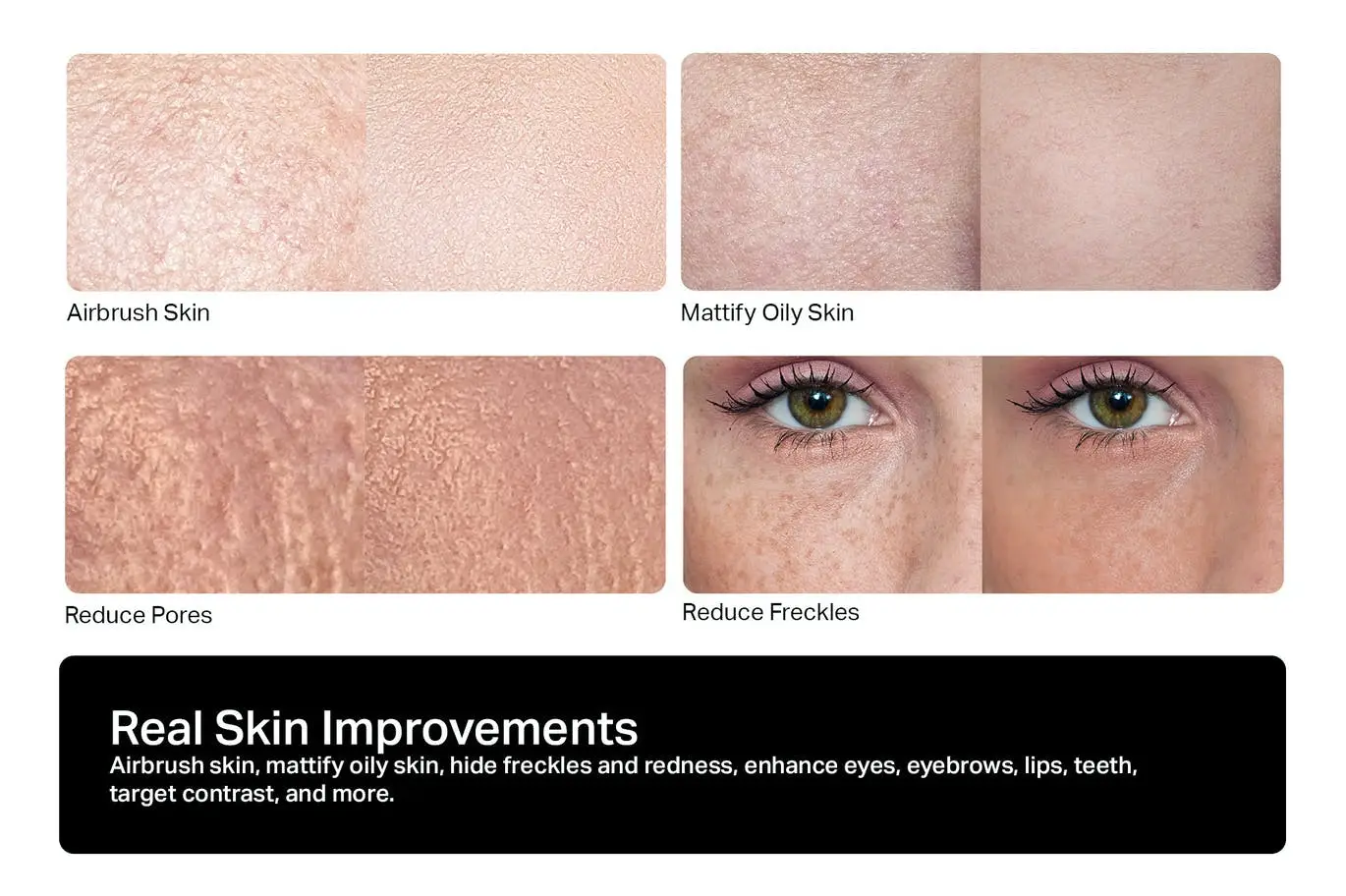
Skin Retouching Actions for Flawless Portraits
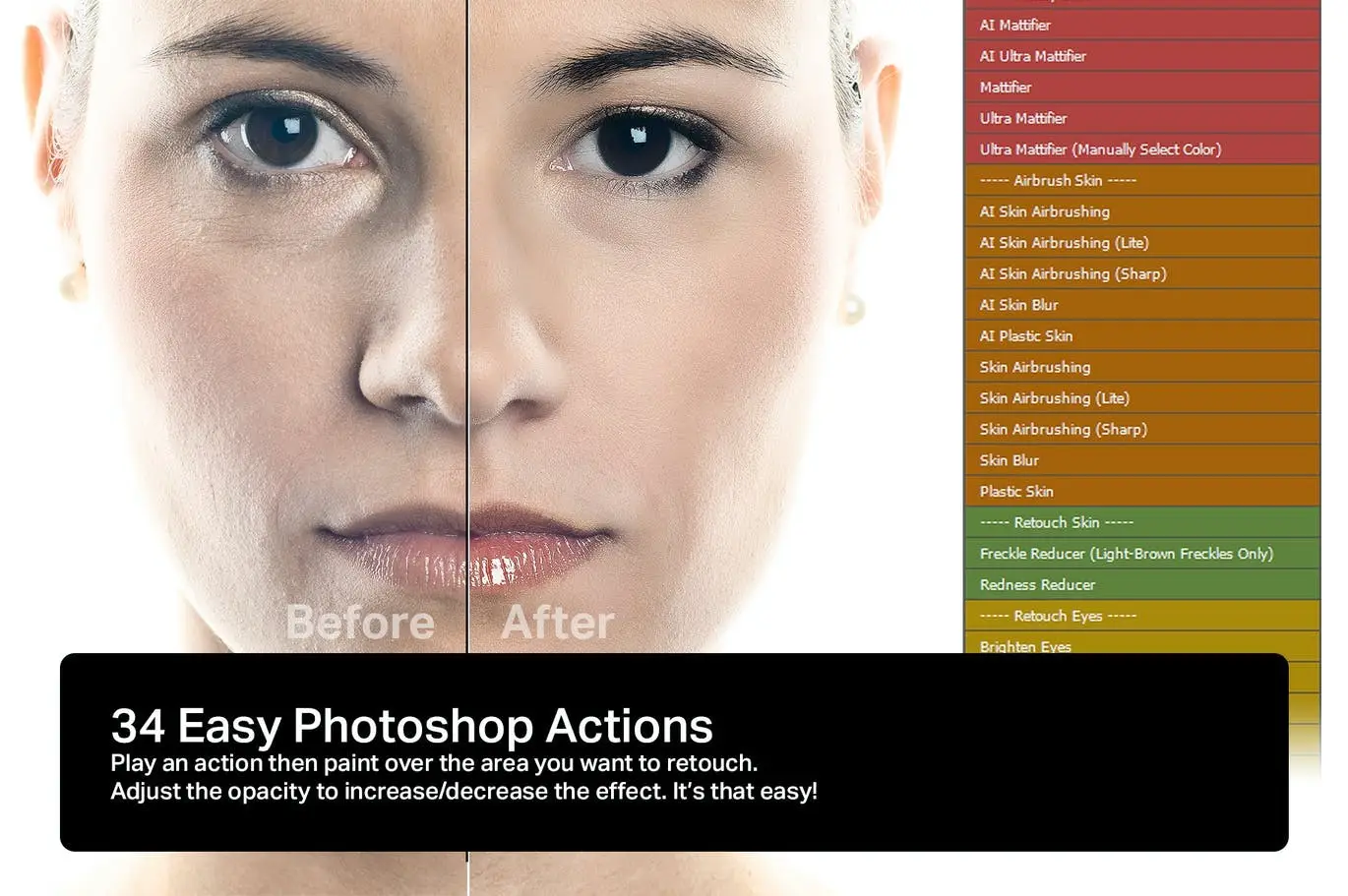
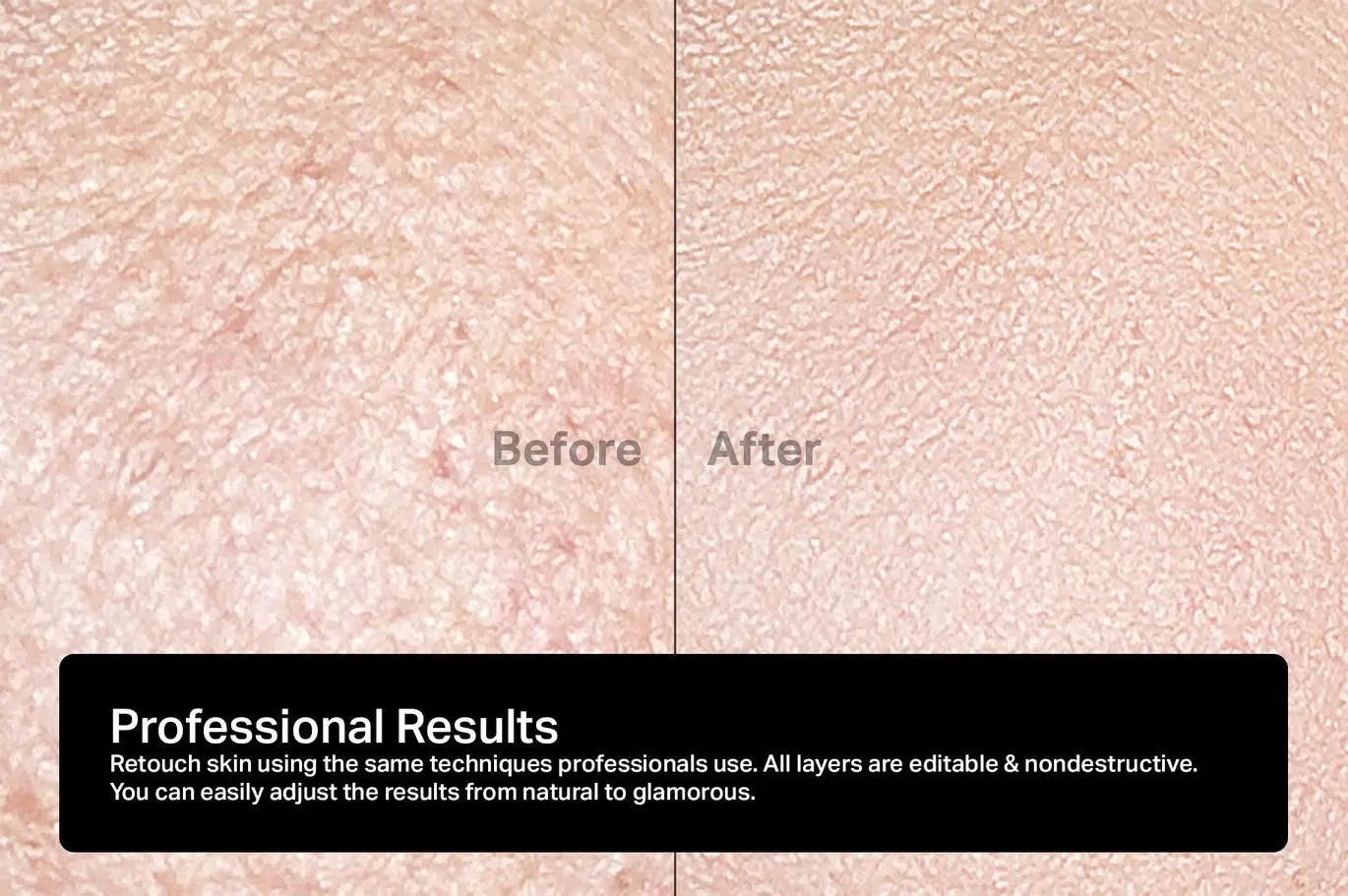
Achieve professional-quality skin retouching effortlessly with our Skin Retouching Actions. Designed for both beginners and seasoned photographers, these actions streamline your workflow, allowing you to enhance portraits in a fraction of the time. With just a few clicks, you can mattify, airbrush, and heal skin using techniques trusted by professionals.
Product Overview
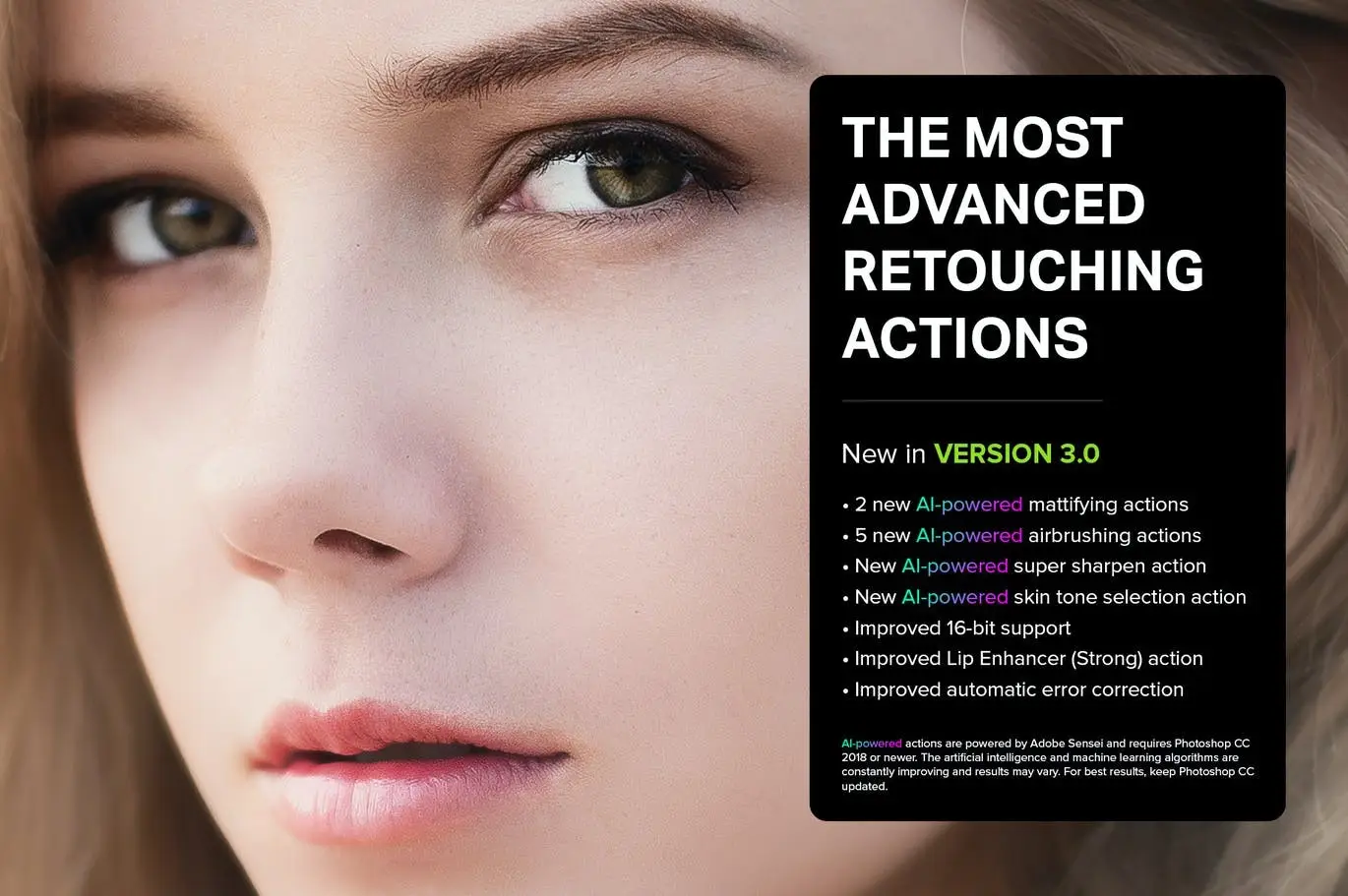
Our Skin Retouching Actions include 36 powerful tools powered by Artificial Intelligence, ensuring stunning results with minimal effort. Whether you’re looking to smooth skin, reduce blemishes, or enhance overall appearance, these actions are perfect for photographers who want to elevate their portrait retouching game.
Key Features & Benefits
- ✅ 36 Retouching Actions → Achieve professional results quickly and efficiently.
- ✅ Nondestructive Layers → Preserve original images while applying edits.
- ✅ Full 16-Bit and Partial 32-Bit Support → Automatic bit-depth detection for optimal quality.
- ✅ ProPhoto RGB Compatibility → Ensure vibrant color accuracy in your edits.
- ✅ Apple Silicon Support → Optimized for M1/M2/M3 processors for faster performance.
- ✅ Featured on Adobe Exchange → Trusted by professionals and highlighted in industry publications.
Why Choose This Product
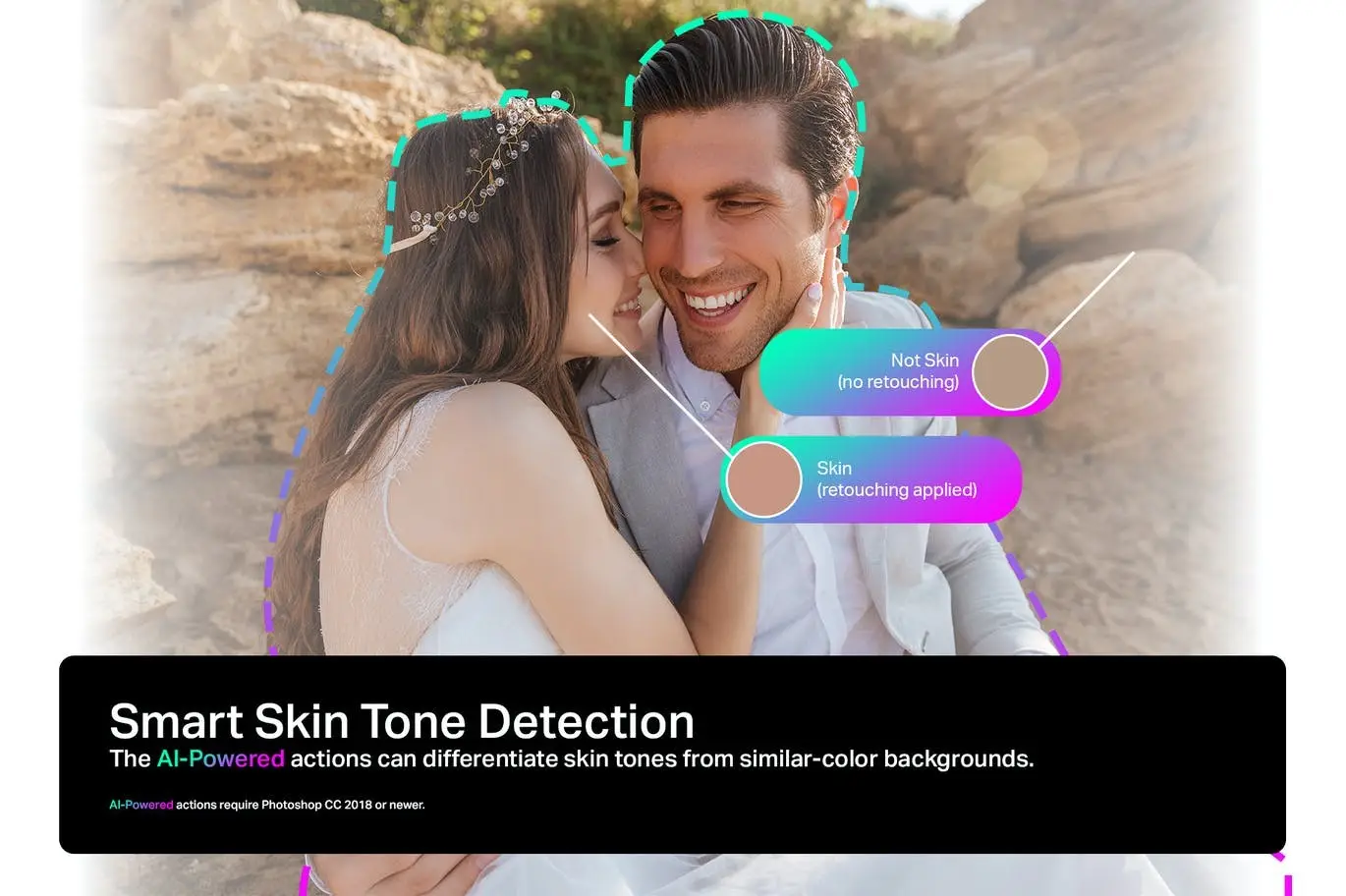
With our Skin Retouching Actions, you can transform your portraits with ease. These tools are not just for professionals; they are designed for anyone who wishes to enhance their photography skills. The AI-powered features allow you to achieve flawless skin without the need for extensive knowledge of Photoshop. Trusted by professional retouchers, this product is a must-have for anyone serious about photography.
Specifications
| Feature | Description |
|---|---|
| Actions Included | 36 AI-powered actions |
| Compatibility | Photoshop CC 2018+ |
| Support | 16-Bit and 32-Bit |
| Color Profile | ProPhoto RGB |
What’s Included
- 📦 36 Skin Retouching Actions
- 📦 User Guide for Easy Setup
Perfect For
- Photographers looking to enhance portrait quality
- Beginners wanting to learn retouching techniques
- Professionals seeking to save time on edits
How to Use
Simply load the actions into Photoshop, select your desired action, and apply it to your image. Adjust settings as needed to achieve the perfect look for your portraits.
FAQ
- Can I use these actions on any version of Photoshop?
These actions are compatible with Photoshop CC 2018 and later.
- Do these actions work on RAW images?
Yes, they work effectively on both RAW and JPEG images.
Enhance your portrait photography today with our Skin Retouching Actions! Add to cart now and start creating stunning images! 🚀
User Reviews
Be the first to review “Skin Retouching Actions”
You must be logged in to post a review.
20 Munich 1938 Lightroom Presets And Luts
Sold by Sparkle Stock

100 Essential Brush Strokes
Sold by Sparkle Stock
20 Mykonos Lightroom Presets And Luts
Sold by Sparkle Stock
Original price was: $5.00.$2.50Current price is: $2.50.


There are no reviews yet.