
Skin Retouch Actions Photoshop
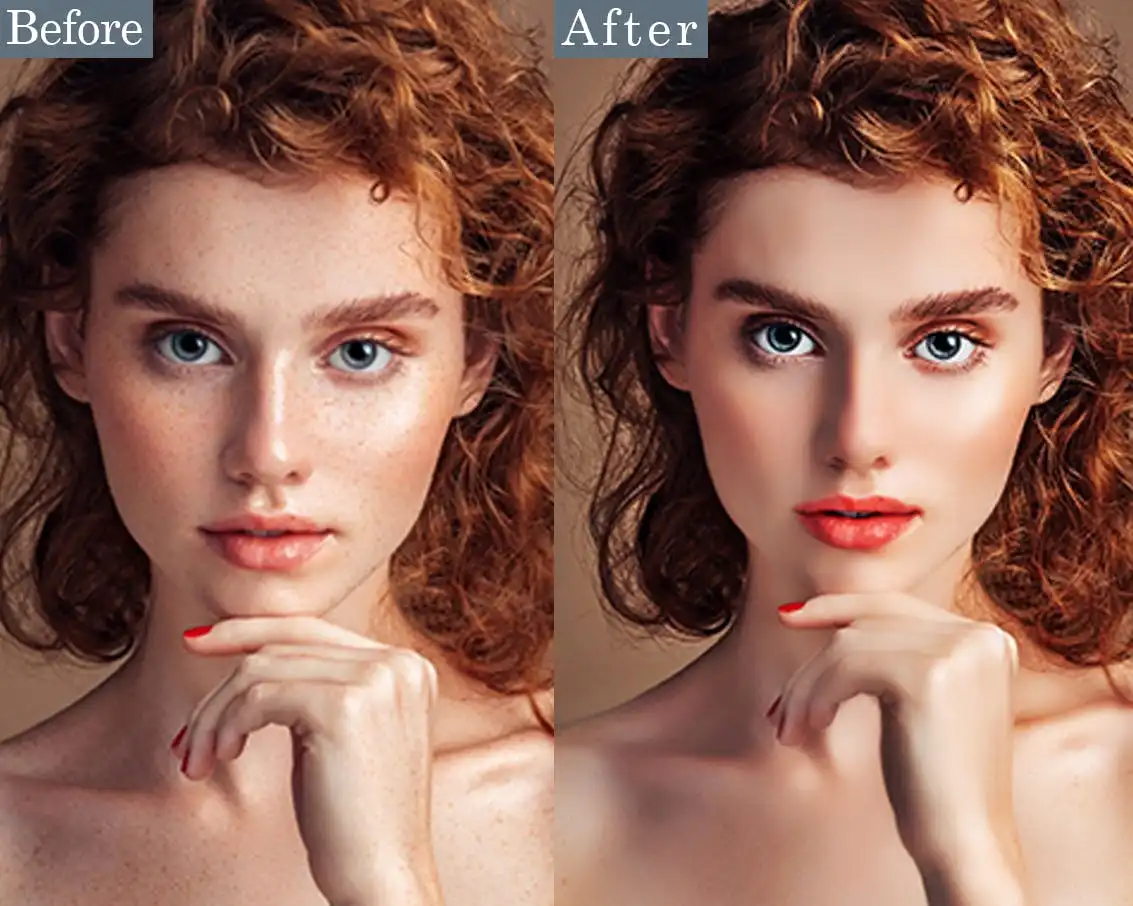
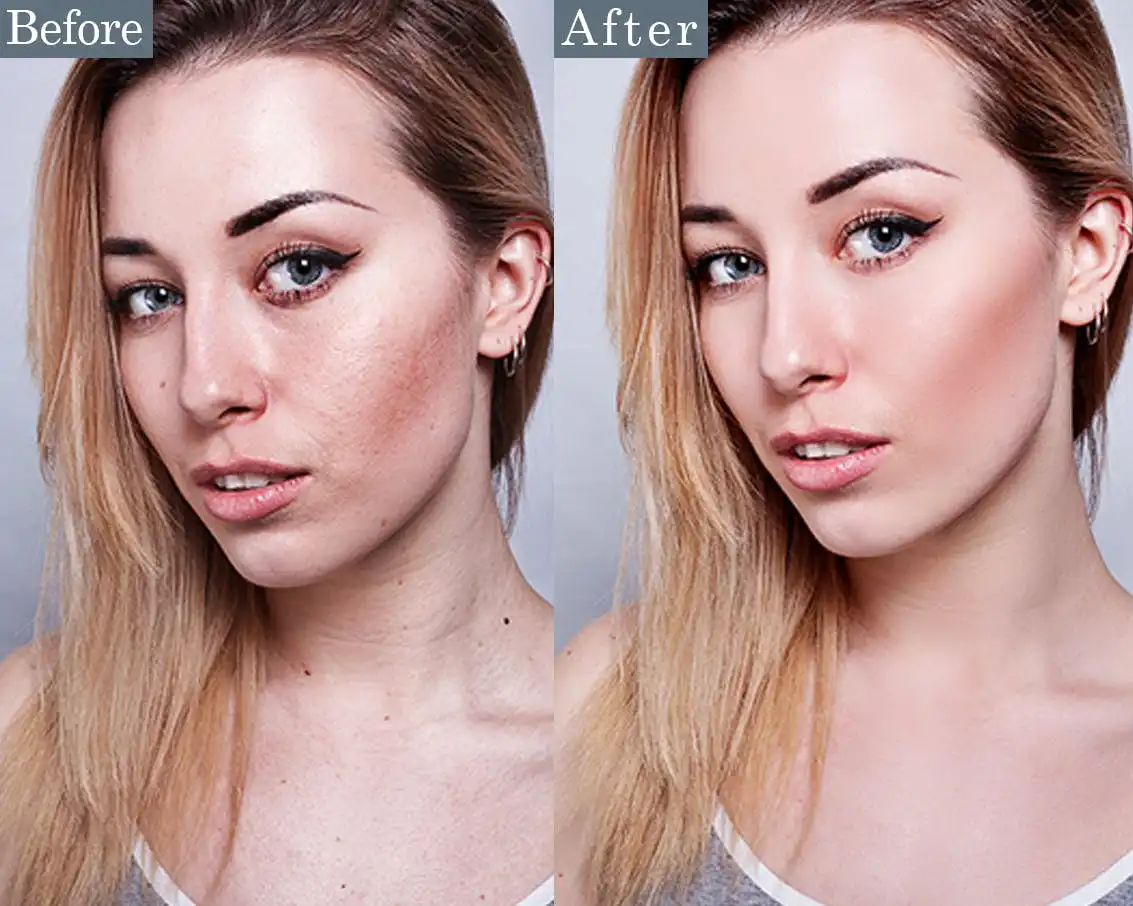
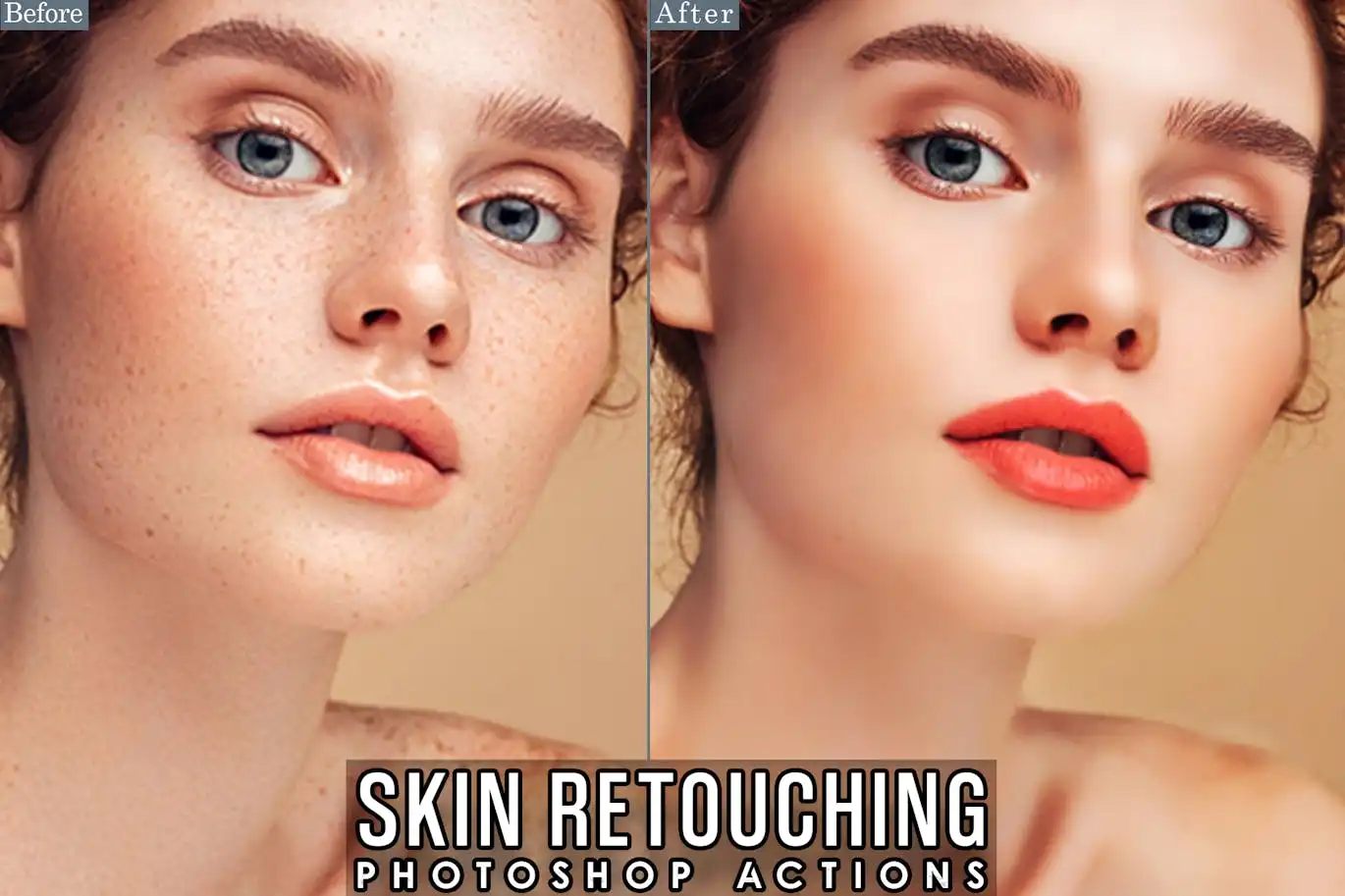
Original price was: $5.00.$2.50Current price is: $2.50.

2lagus
Product Specs:
- Compatible with: Actions
- File Type: ZIP
- File Size: 183.9 KB
- Instant Download
Skin Retouch Actions for Photoshop
Achieve flawless skin retouching effortlessly with our Skin Retouch Actions for Photoshop. These powerful actions streamline the retouching process, allowing you to enhance your images with just a single click. Whether you’re a seasoned professional or a beginner, you can create stunning, realistic results that elevate your photography.
Product Overview
The Skin Retouch Actions are designed to simplify your workflow in Photoshop. Perfect for portrait photographers, fashion editors, and anyone looking to enhance skin textures, these actions provide a quick solution to achieve a polished and professional look.
Key Features & Benefits
- ✅ One-Click Application → Effortlessly enhance skin with just one click, saving you time.
- ✅ Professional Quality → Achieve results that meet industry standards, perfect for portfolios.
- ✅ User-Friendly → Designed for all skill levels, making it easy for anyone to use.
- ✅ Versatile Compatibility → Works seamlessly with various skin tones and photo styles.
- ✅ High-Quality Results → Retain the natural look of skin while smoothing imperfections.
Why Choose This Product
These Skin Retouch Actions stand out due to their ease of use and effectiveness. Trusted by photographers worldwide, they allow you to enhance images quickly without sacrificing quality. This means you can focus more on your creativity and less on tedious editing tasks.
Specifications
| Compatibility | Adobe Photoshop (latest versions) |
|---|---|
| File Type | ATN (Photoshop Action File) |
| Usage | Digital photography, portrait retouching, fashion editing |
What’s Included
- 📦 Skin Retouch Actions File (ATN)
- Instruction Guide for Easy Setup
Perfect For
- Portrait Photographers
- Fashion Editors
- Beginners in Photo Editing
- Anyone Looking to Enhance Skin in Photos
How to Use
- Open your image in Photoshop.
- Load the Skin Retouch Actions.
- Apply the desired action with one click.
- Adjust settings as needed for perfect results.
FAQ
- Can I use these actions on any skin tone? Yes, they are designed to work with a variety of skin tones.
- Are these actions easy to install? Absolutely! An instruction guide is included for a smooth setup.
Add to cart now and start creating stunning skin retouches today! 🚀
User Reviews
Be the first to review “Skin Retouch Actions Photoshop”
You must be logged in to post a review.



Black Paint Photoshop Action 1
Sold by 2lagus


Original price was: $5.00.$2.50Current price is: $2.50.


There are no reviews yet.