
Skin Airbrush Photoshop Actions
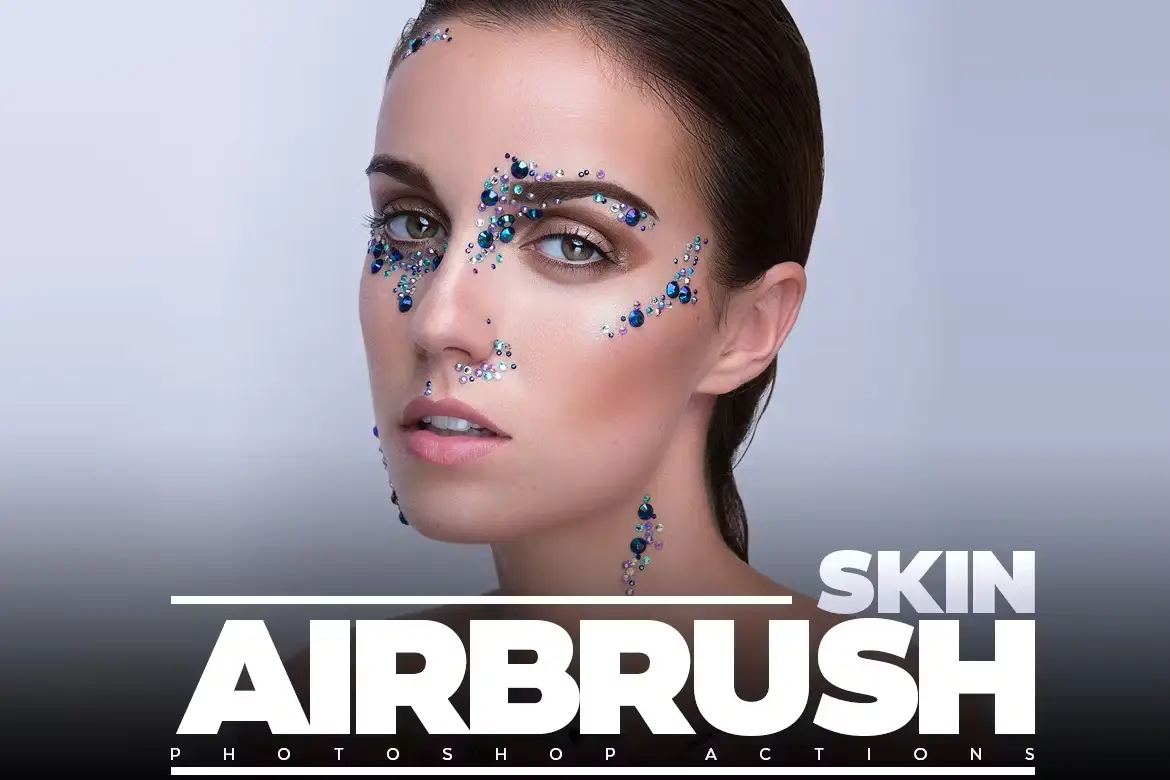
Looking for a way to create stunning, flawless skin in your portraits? The Skin Airbrush Photoshop Actions are here to help! This digital download offers instant access to professional-quality airbrush effects that can elevate your editing game. Perfect for photographers, retouchers, and digital artists, these actions make skin retouching a breeze with just a few clicks! 🎨✨
Product Overview
The Skin Airbrush Photoshop Actions are designed to deliver smooth, radiant skin effects effortlessly. Whether you’re working on a portrait or a fashion shoot, these actions will help you achieve that perfect look without compromising on quality. Say goodbye to tedious editing processes and hello to beautifully airbrushed skin! 🌟
Key Features & Benefits
- Instant skin smoothing and airbrushing effects: Achieve a flawless look in seconds!
- Non-destructive actions: Preserve your original image quality while applying effects.
- Easy-to-use: Comes with step-by-step instructions for a smooth workflow.
- Compatibility: Works with various skin tones and lighting conditions for versatility.
- Customizable layers: Enjoy precise control over your edits to achieve the desired effect.
Technical Specifications
| Specification | Details |
|---|---|
| Compatible with | Software |
| File Type | ZIP |
| File Size | 3.3 KB |
| Instant Download | Yes |
What’s Included
- Multiple skin airbrush Photoshop actions
- Instruction PDF for easy workflow integration
Perfect For
This product is ideal for photographers, portrait editors, and digital artists looking to enhance their retouching skills. Whether you’re a beginner or a seasoned pro, these actions will help you achieve stunning results with ease! 💖
FAQ
- Is this a physical product? No, it’s a digital download!
- How to airbrush skin in Photoshop? Simply apply the actions included in the download and follow the instructions!
- Where is the airbrush tool in Photoshop? You can find it in the toolbar, or you can use these actions for effortless results!
User Reviews
Be the first to review “Skin Airbrush Photoshop Actions”
You must be logged in to post a review.
Original price was: $11.00.$2.50Current price is: $2.50.


There are no reviews yet.