

Simple Mockup Scene Creator
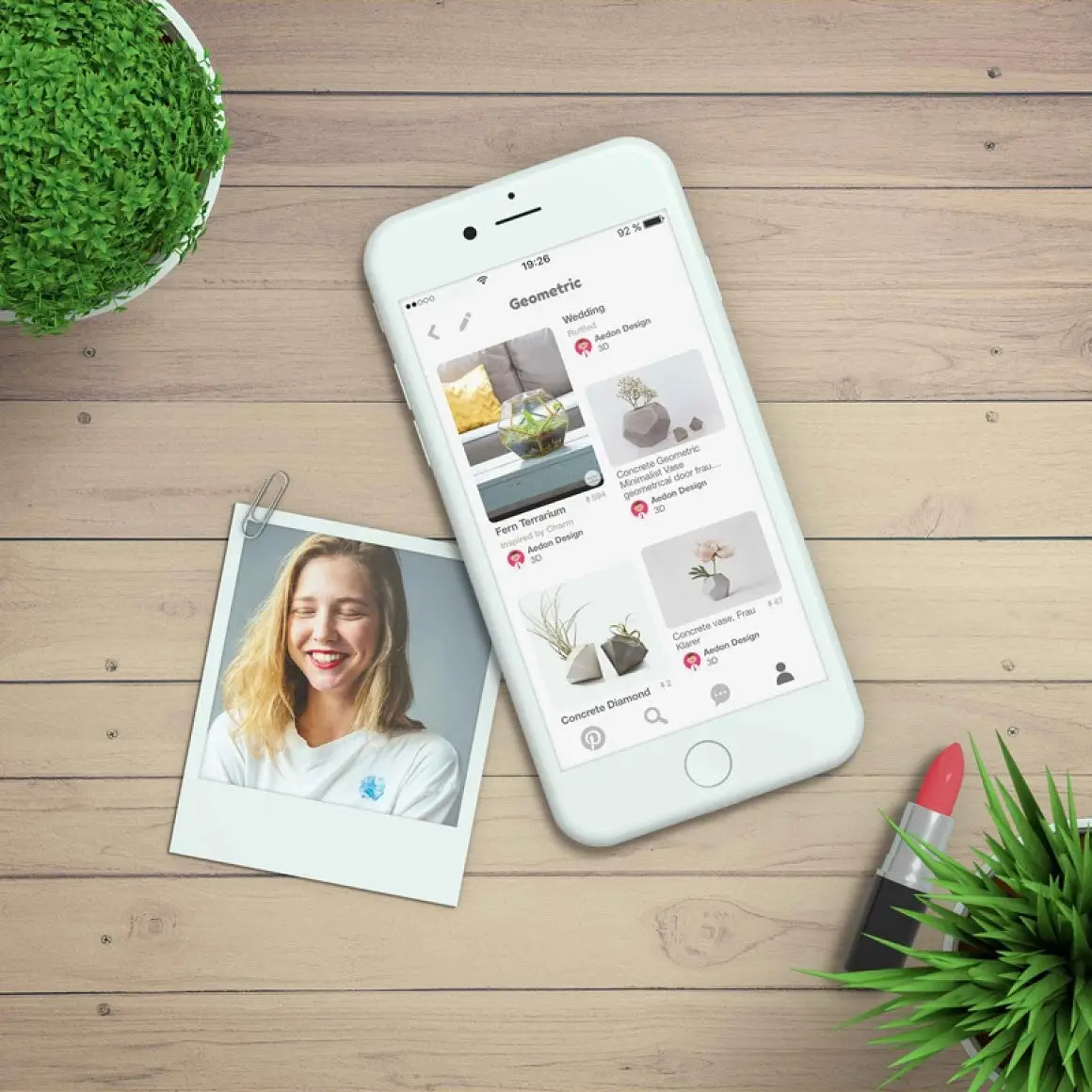
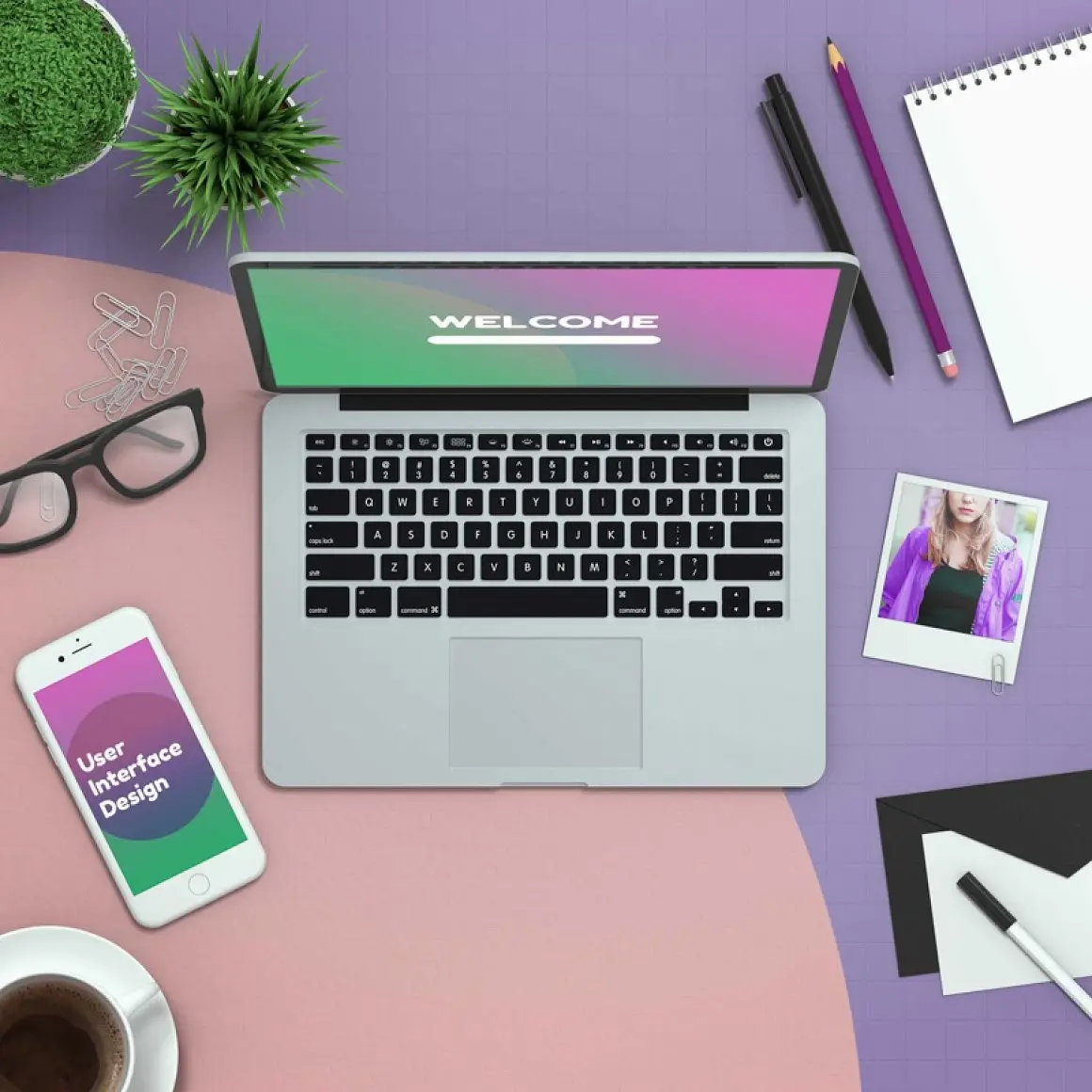
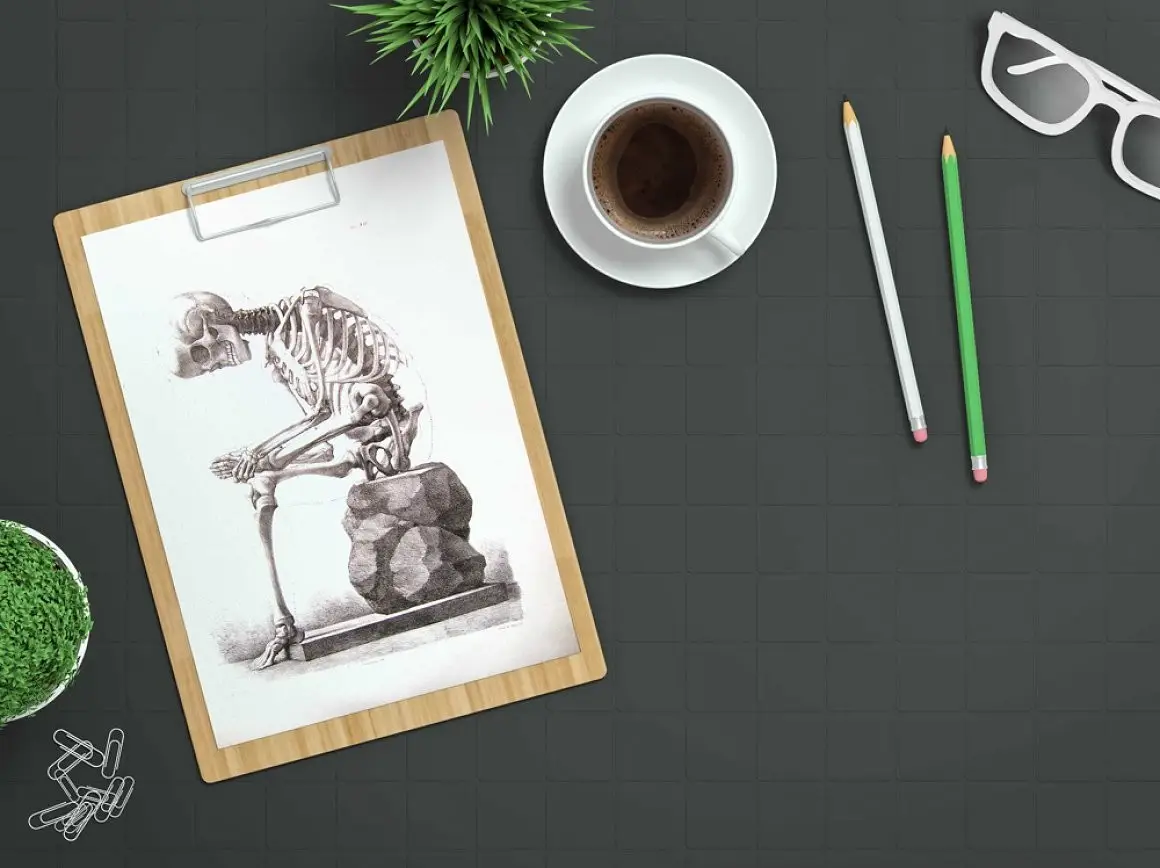
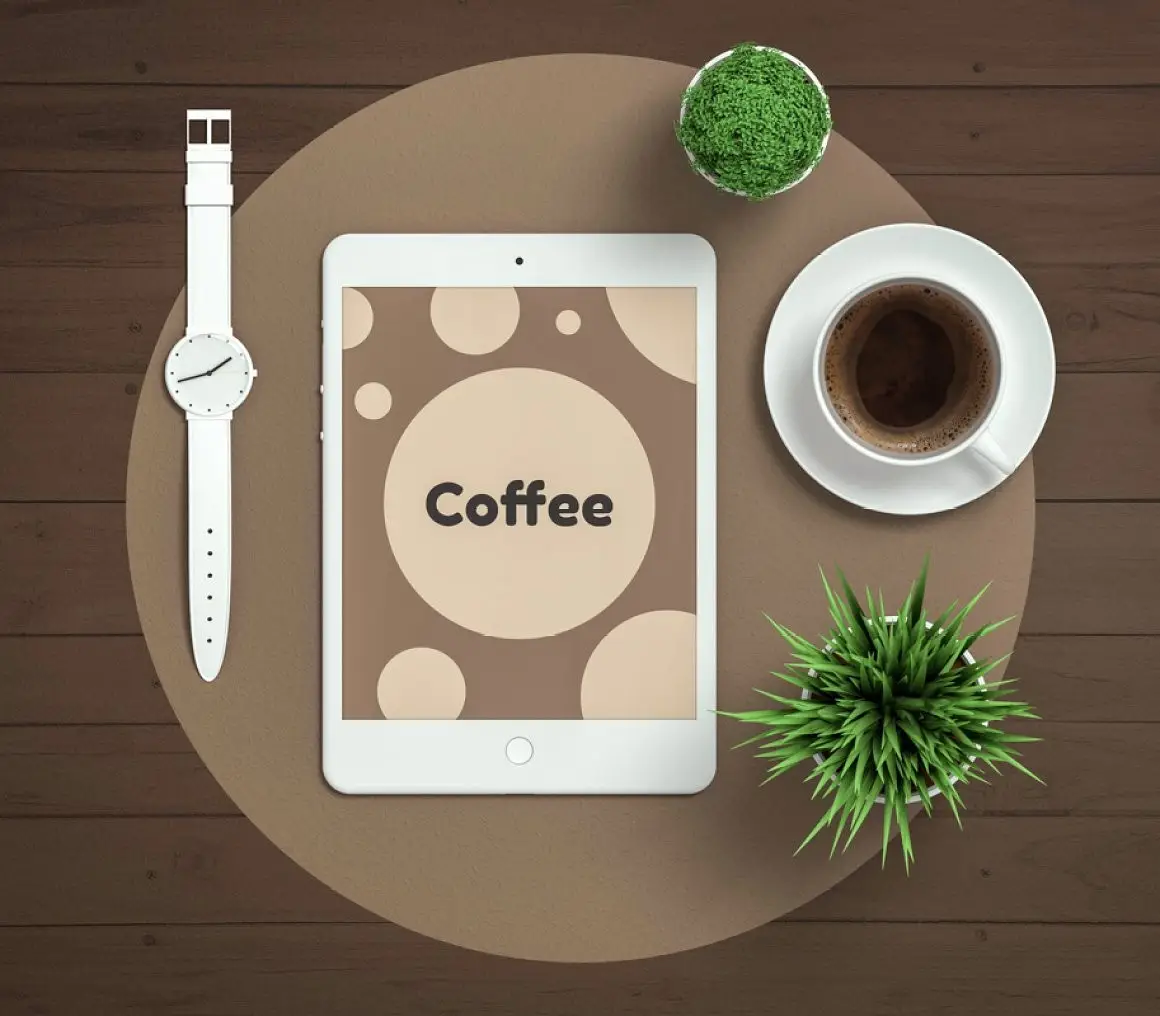
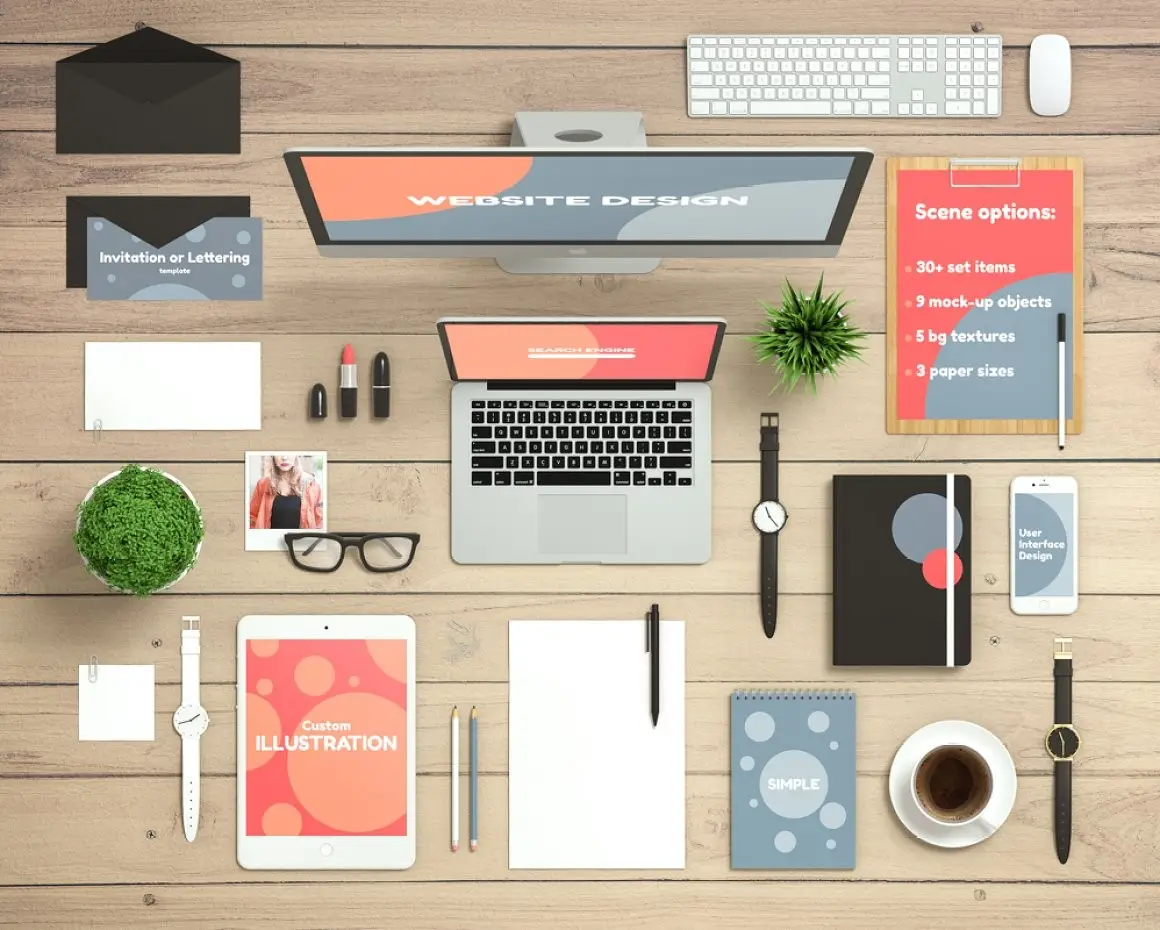
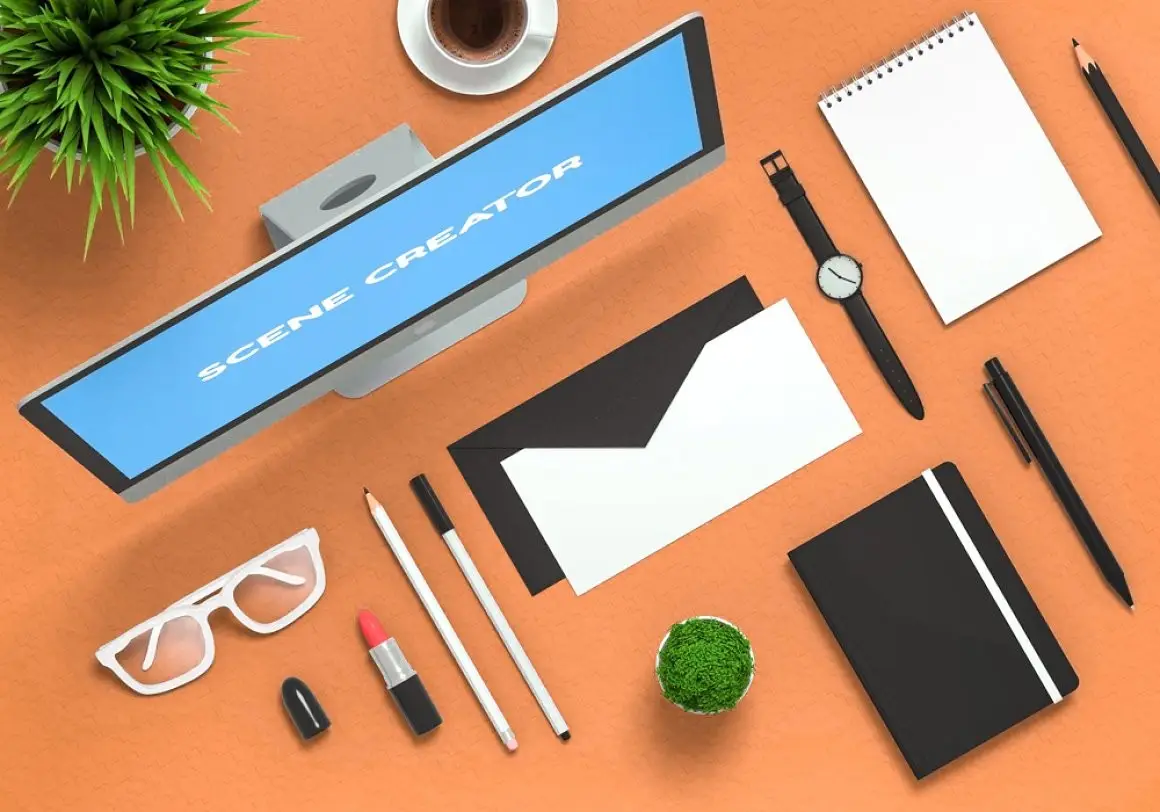
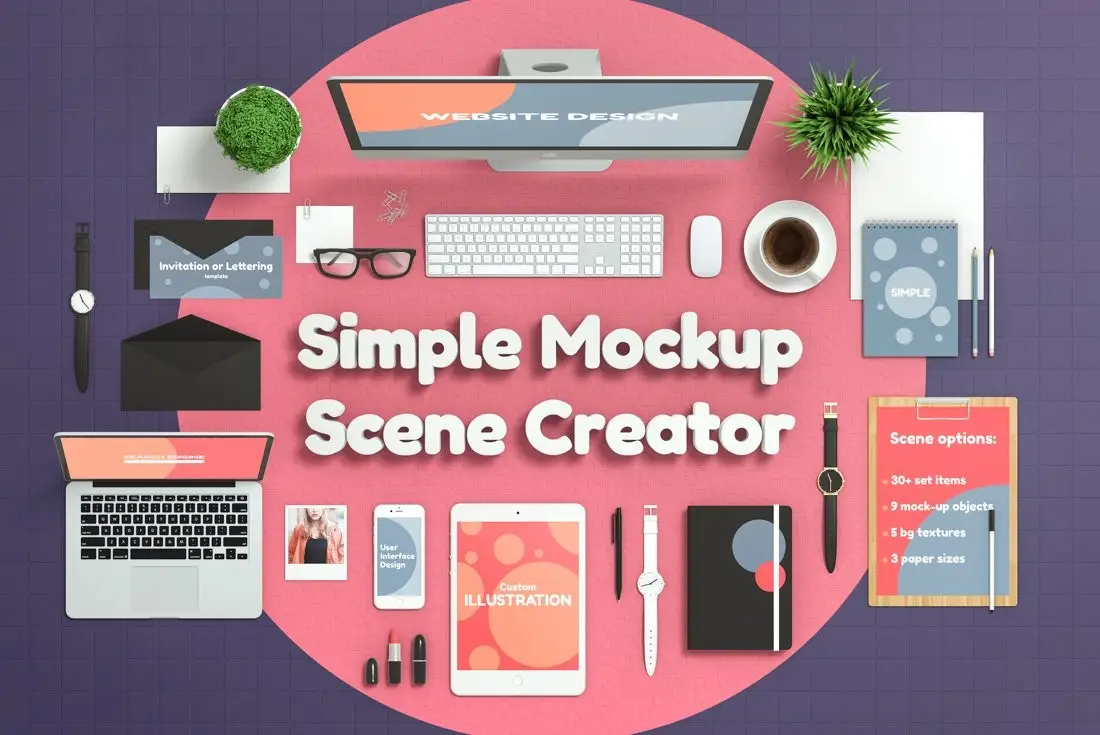
Create stunning flat-lay images effortlessly with the Simple Mockup Scene Creator. This versatile tool features over 25 smart objects, allowing you to showcase your artwork or photos on nine different mocked-up surfaces. With five customizable background textures, the creative possibilities are endless! 🎨
Product Overview
The Simple Mockup Scene Creator is designed for designers, marketers, and anyone looking to present their visuals in a professional manner. Whether you’re creating social media posts, product presentations, or portfolio pieces, this mockup creator provides the flexibility and style you need.
Key Features & Benefits
- ✅ Display Mockups → Includes laptop, tablet, and smartphone mockups for versatile presentations.
- ✅ Variety of Surfaces → Showcase your designs on a spiral notebook, closed notebook, letter card, and more.
- ✅ Customizable Backgrounds → Choose from five background textures with limitless color options.
- ✅ Shadow Control → Each object comes with a separate shadow layer, allowing you to adjust intensity for realistic effects.
- ✅ Bonus Scene → Includes a pre-made scene featuring a phone and photo on a wooden background for quick use.
Why Choose This Product
The Simple Mockup Scene Creator stands out due to its user-friendly design and extensive customization options. It’s perfect for both beginners and experienced users who want to create high-quality mockups without hassle. Trusted by creatives worldwide, this tool enhances your presentations and helps you make a lasting impression.
Specifications
| Feature | Details |
|---|---|
| Smart Objects | 25+ |
| Mockup Surfaces | 9 types |
| Background Textures | 5 types |
| Photoshop Compatibility | Basic knowledge required |
What’s Included / What’s in the Box
- 📦 25+ Smart Objects
- 📦 9 Mockup Surfaces
- 📦 5 Background Textures
- 📦 Bonus Pre-made Scene
Perfect For
- Graphic Designers
- Marketers
- Content Creators
- Photographers
How to Use
To use the Simple Mockup Scene Creator, simply select a layer in Photoshop and press CTRL + T (or CMD + T on Mac) to access Transform Controls. You can easily scale, position, or rotate any object to fit your design needs. Double-click the adjustment layers to change fill colors and customize your mockup.
FAQ
- Are the images in the screenshots included? No, the images used in the screenshots are not included in the project.
- Can I request additional items? Yes, feel free to leave a comment if you need more items, and I’ll update the product accordingly.
Thank you for considering the Simple Mockup Scene Creator. Add to cart now and start creating stunning visuals today! 🚀
User Reviews
Be the first to review “Simple Mockup Scene Creator”
You must be logged in to post a review.
Original price was: $24.00.$12.00Current price is: $12.00.


There are no reviews yet.