
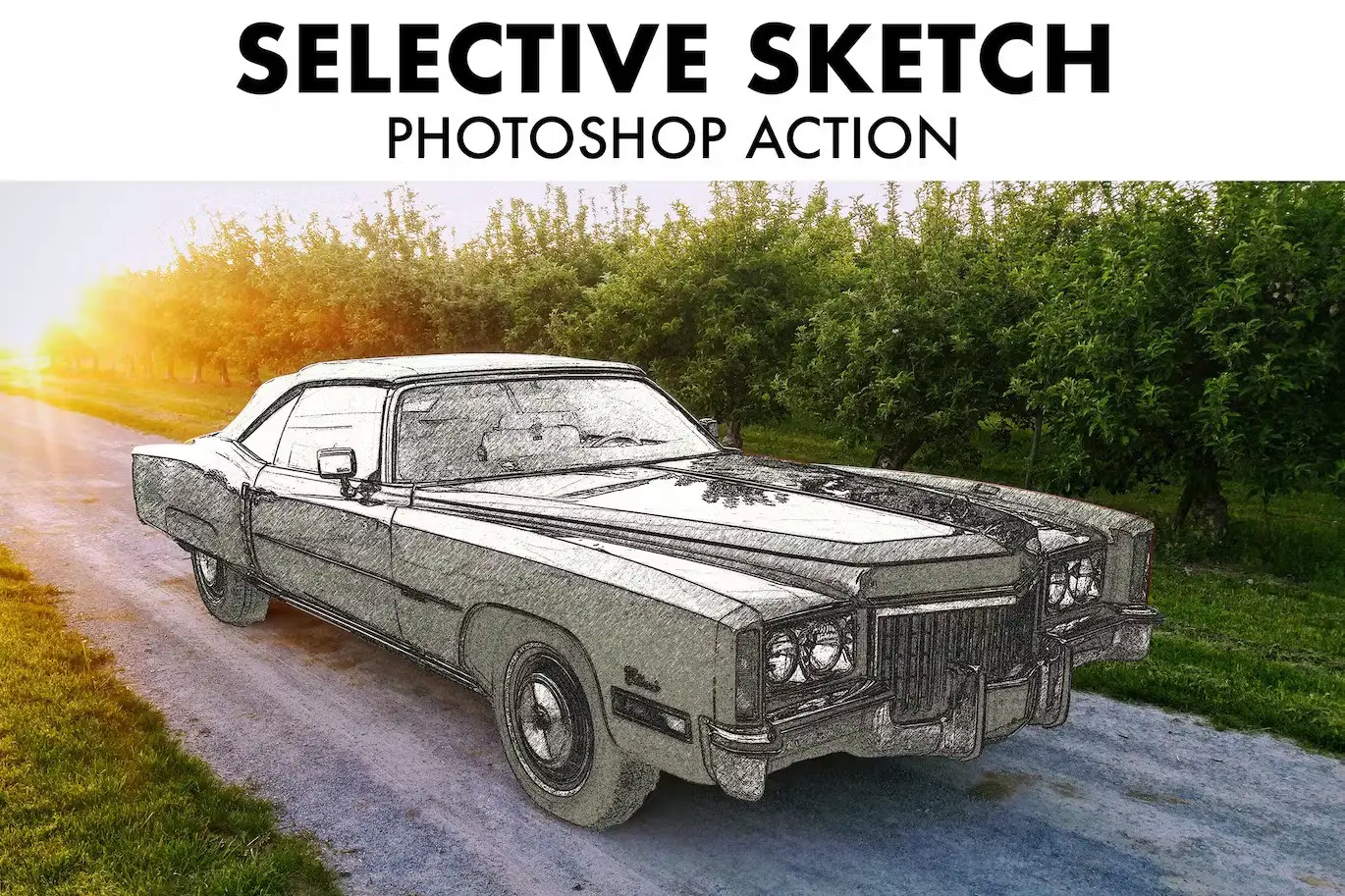
Selective Sketch Photoshop Action

Original price was: $5.00.$2.50Current price is: $2.50.

ibragimov
Product Specs:
- Compatible with: Actions
- File Type: ZIP
- File Size: 1.3 MB
- Instant Download
Selective Sketch Photoshop Action
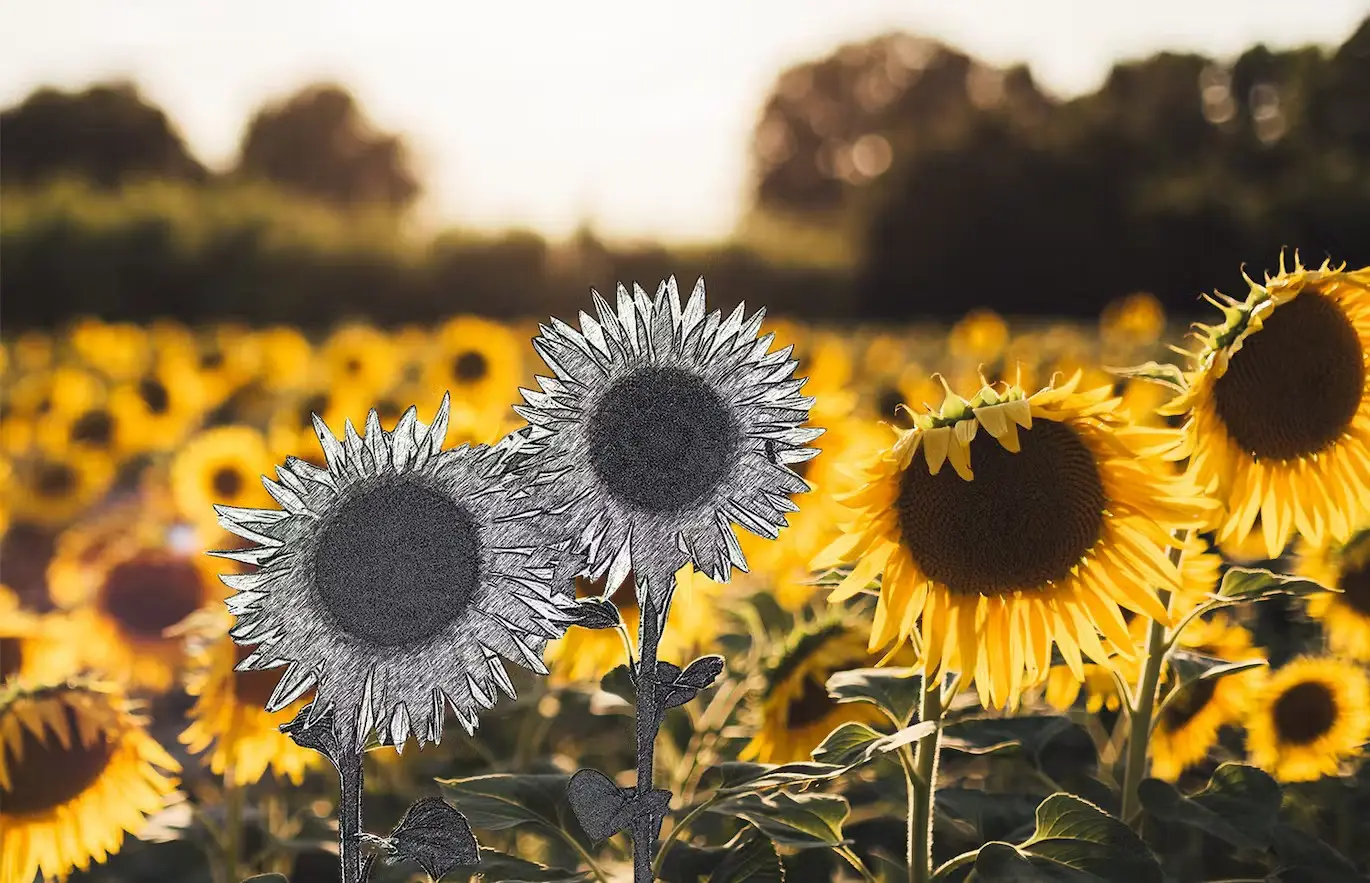
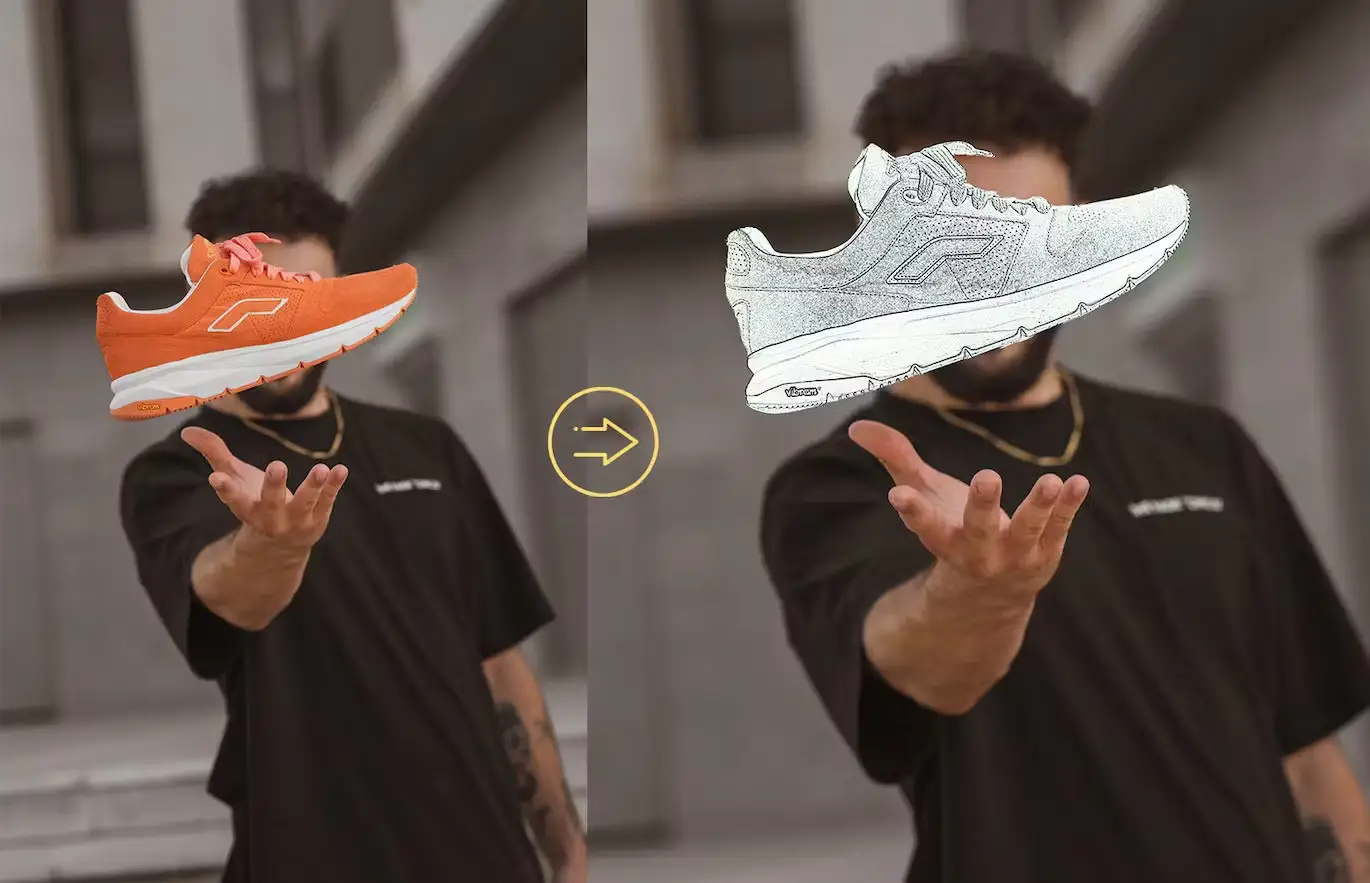
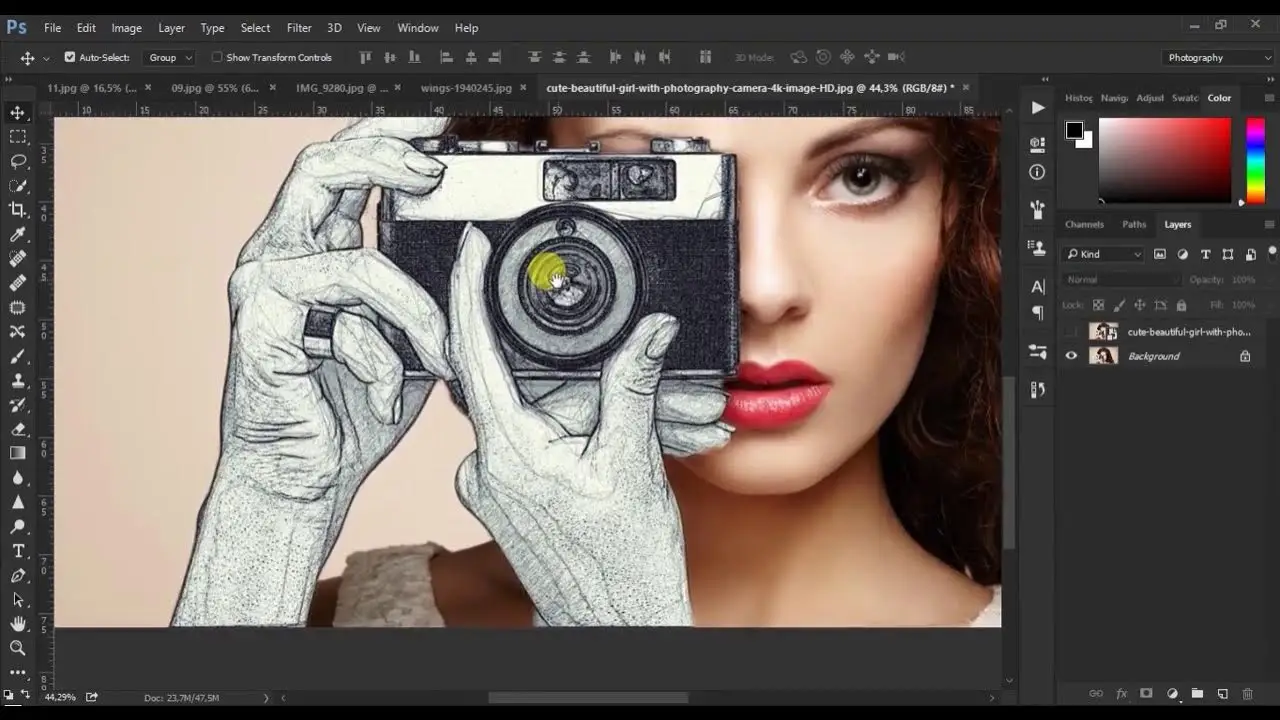
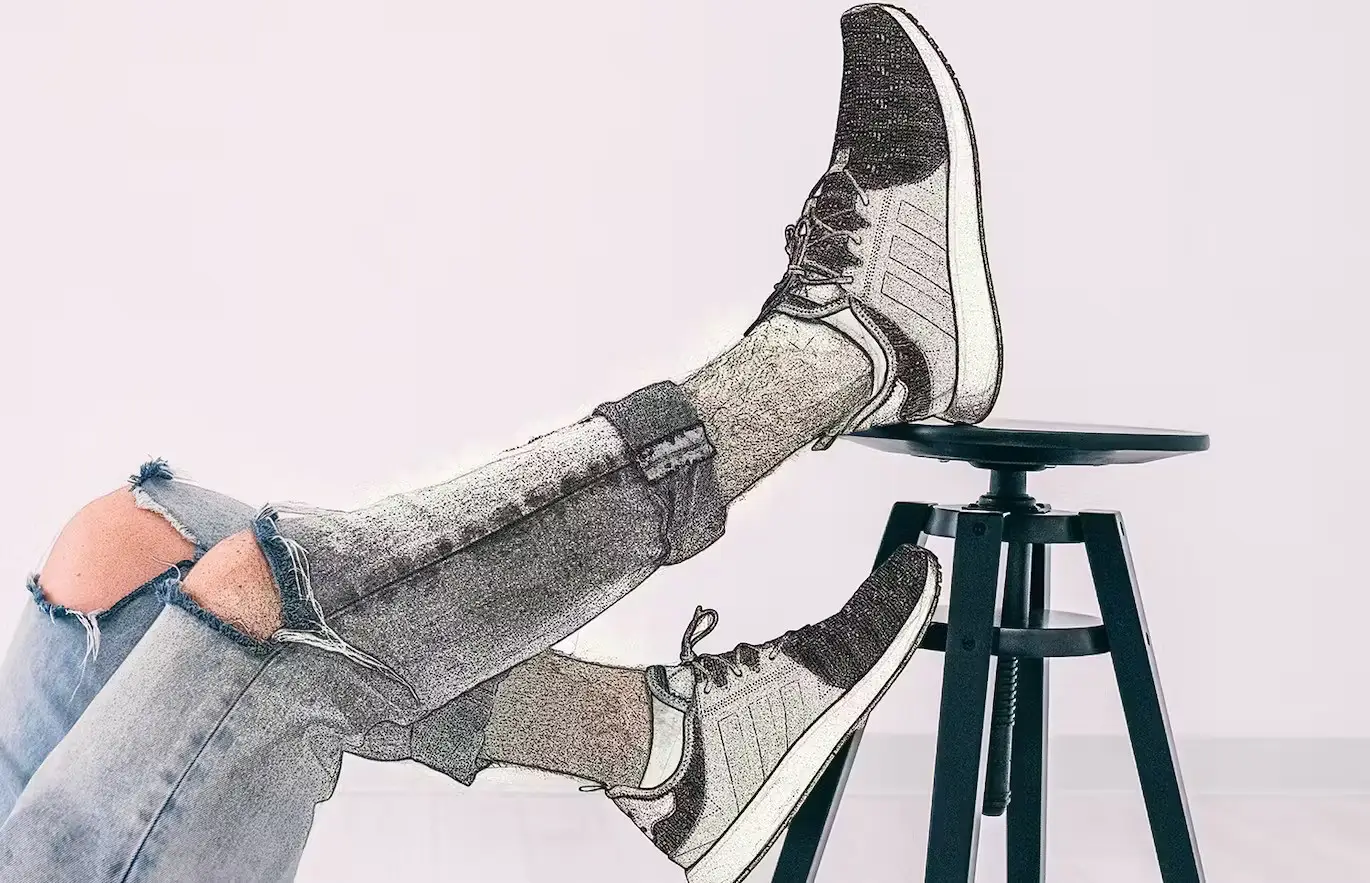
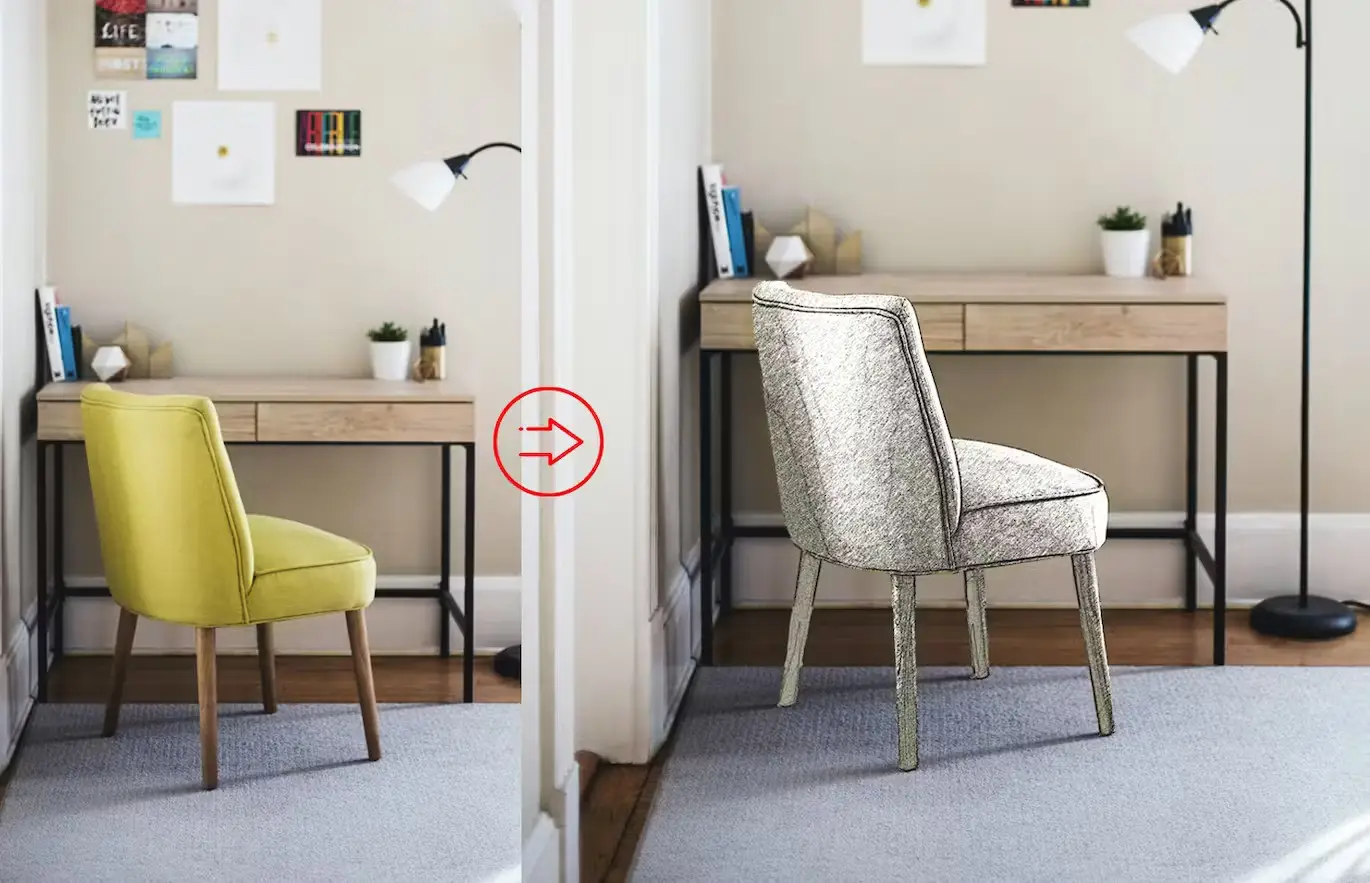
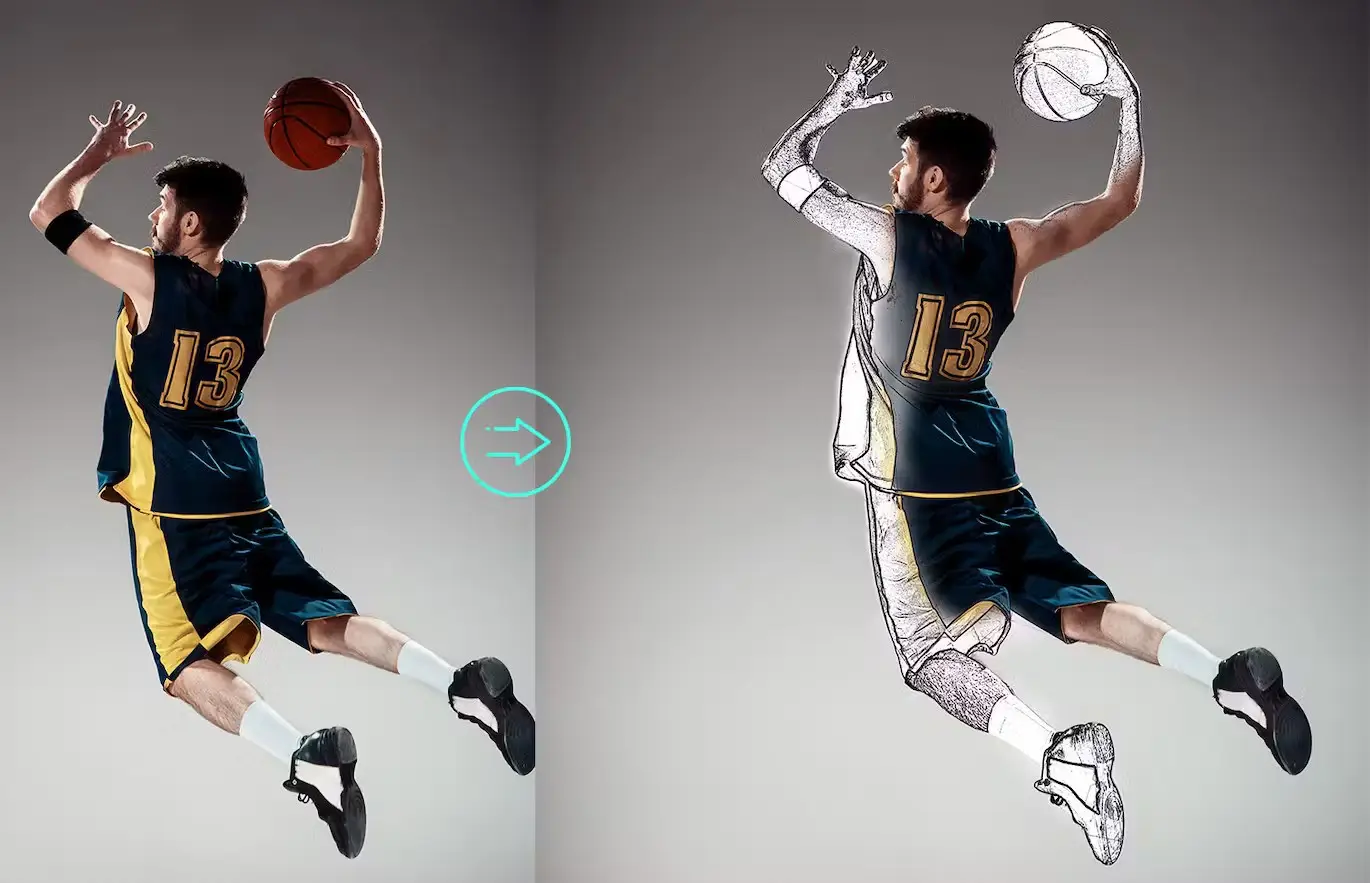
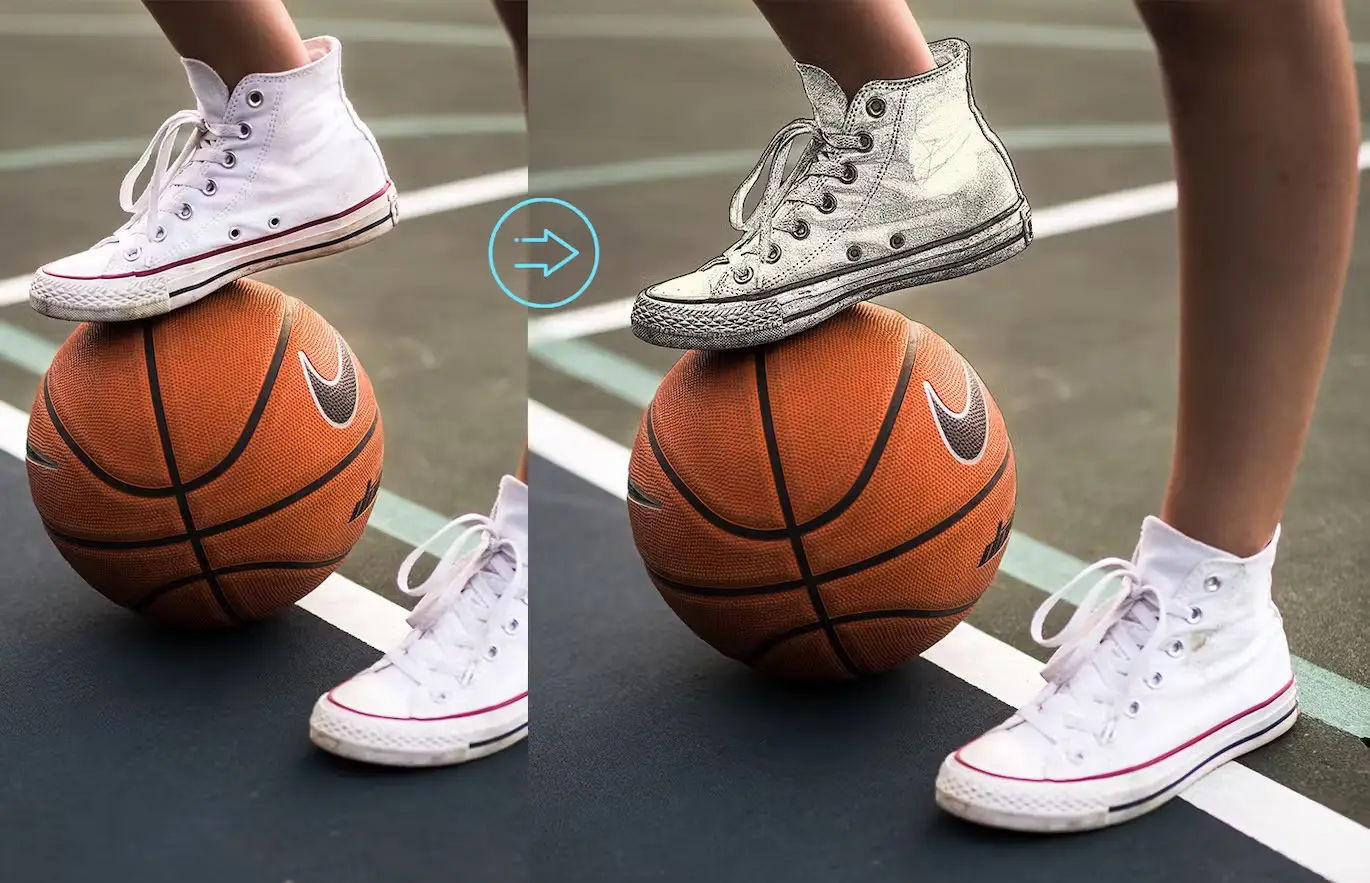
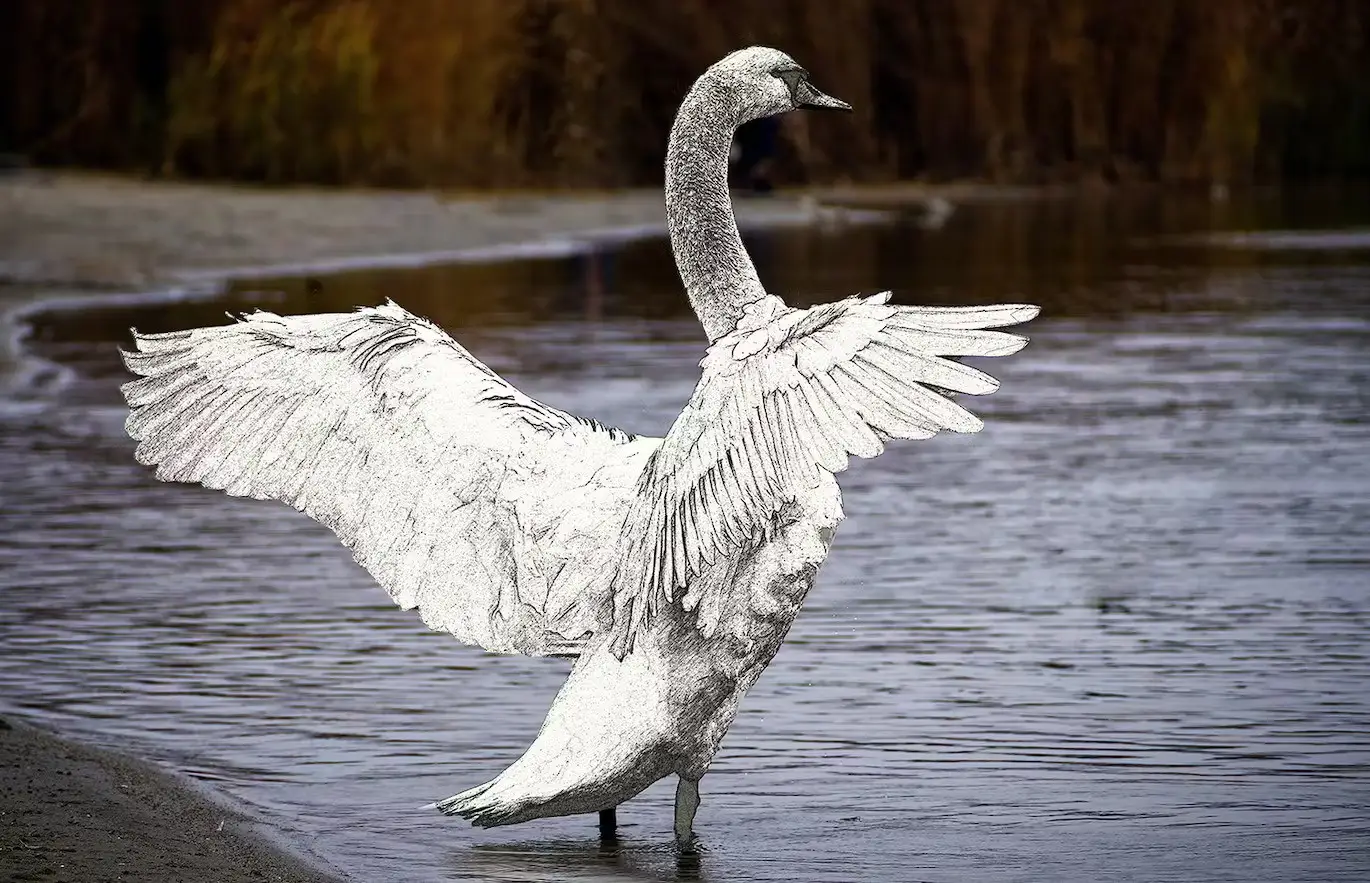
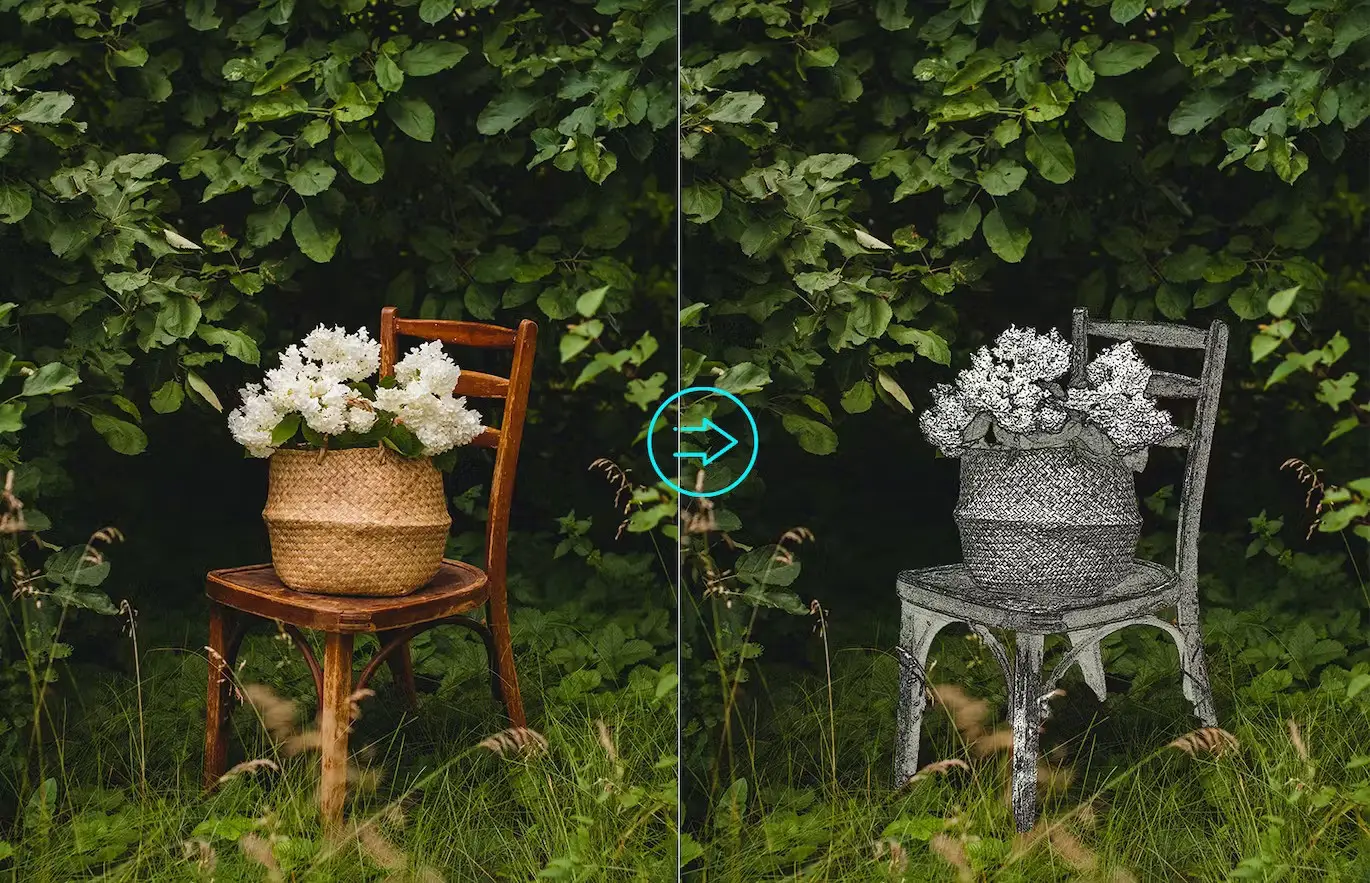
Transform your photos into stunning sketches effortlessly with the Selective Sketch Photoshop Action. This powerful tool is designed to help you achieve professional results quickly, making it an essential addition to your digital design toolkit.
Product Overview
The Selective Sketch Photoshop Action is perfect for artists, designers, and photographers looking to add a unique touch to their images. Whether you’re creating artwork, enhancing your portfolio, or simply exploring your creativity, this action simplifies the sketching process while providing high-quality results.
Key Features & Benefits
- ✅ Easy to Use → Get stunning results with just a few clicks.
- ✅ Quick Results → Save time while still achieving a professional look.
- ✅ Adjustable Layers → Customize your sketches with ease for a personalized touch.
- ✅ Well-Organized Layer Structure → Navigate and modify your layers effortlessly.
- ✅ Color Presets Included → Explore various styles and effects to enhance your artwork.
- ✅ Highly Customizable → Create countless variations to suit your artistic vision.
Why Choose This Product
The Selective Sketch Photoshop Action stands out for its versatility and ease of use. Trusted by artists worldwide, this action allows you to achieve intricate sketch effects without the steep learning curve. It’s perfect for both beginners and seasoned professionals looking to streamline their workflow and enhance their creative projects.
Specifications
| Compatibility | Photoshop CS3, CS4, CS5, CS6, CC, CC 2015.5, CC 2023+ |
|---|---|
| Recommended Photo Resolution | 1500px – 3500px (optimal range: 2000px – 4500px) |
What’s Included
- 📦 Selective Sketch Photoshop Action file
- Color presets for enhanced customization
- User guide for easy setup and usage
Perfect For
- Photographers looking to enhance their images
- Digital artists wanting to create unique sketches
- Designers seeking quick and professional results
How to Use
- Open your image in Photoshop.
- Apply the Selective Sketch Action.
- Adjust layers and settings as desired.
- Save your final artwork!
FAQ
- Can I use this action in different languages? Yes, it has been tested and works in all languages of Photoshop.
- What resolution should my photos be? For the best results, use images in the range of 1500px – 3500px, with an optimal range of 2000px – 4500px.
Ready to elevate your artwork? Add to cart now and start creating stunning sketches today! 🚀
User Reviews
Be the first to review “Selective Sketch Photoshop Action”
You must be logged in to post a review.

Halftone Poster Photo Effect
Sold by ibragimov
Moon Light Photoshop Action
Sold by ibragimov

POP ART Photoshop Action
Sold by ibragimov
Artistic Sketch Brushes
Sold by ibragimov
Artistic Sketch Photoshop Action
Sold by ibragimov Original price was: $5.00.$2.50Current price is: $2.50.


There are no reviews yet.