

Scissors Wizard: Paper Cutout Effect
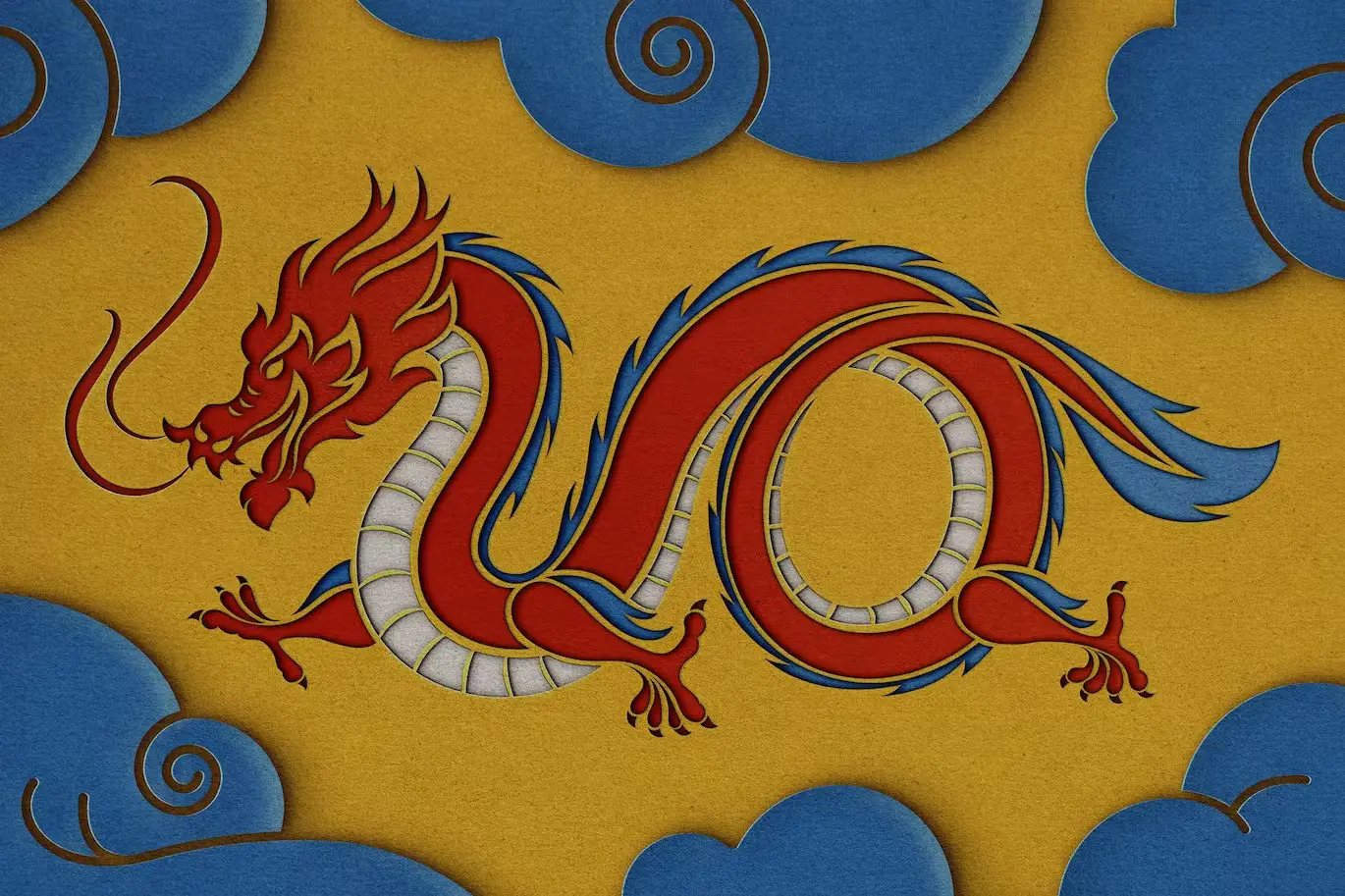
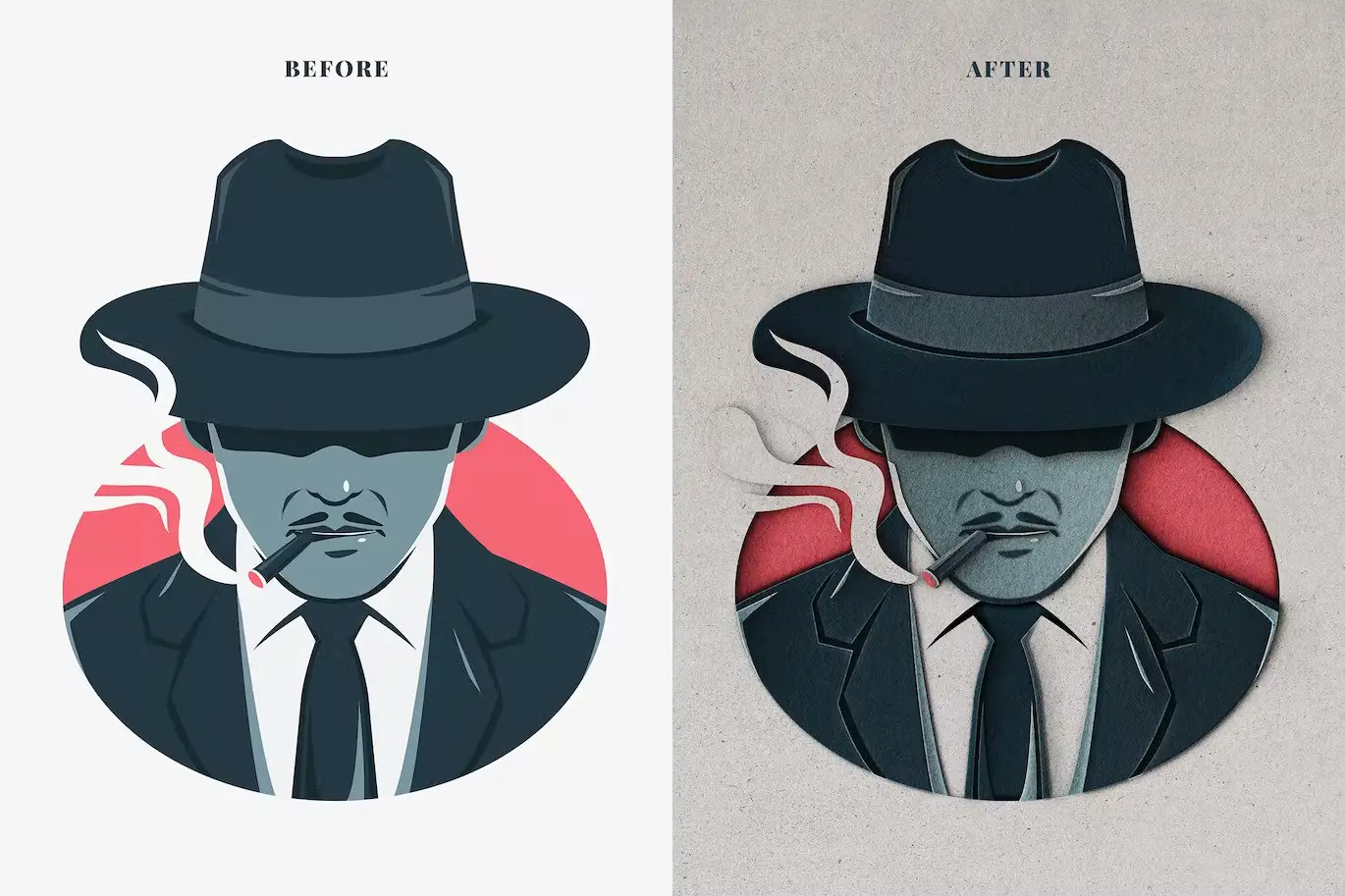
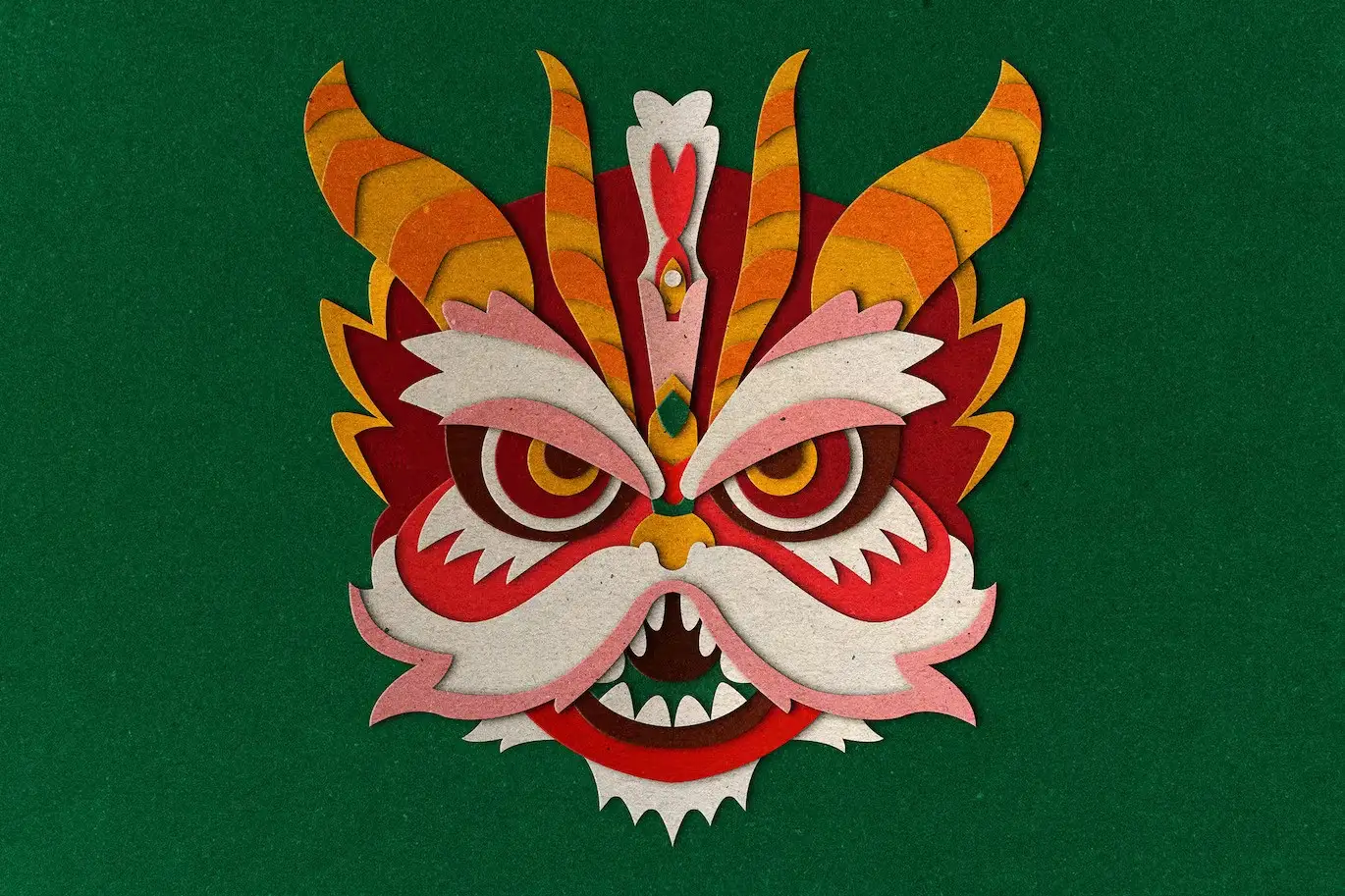
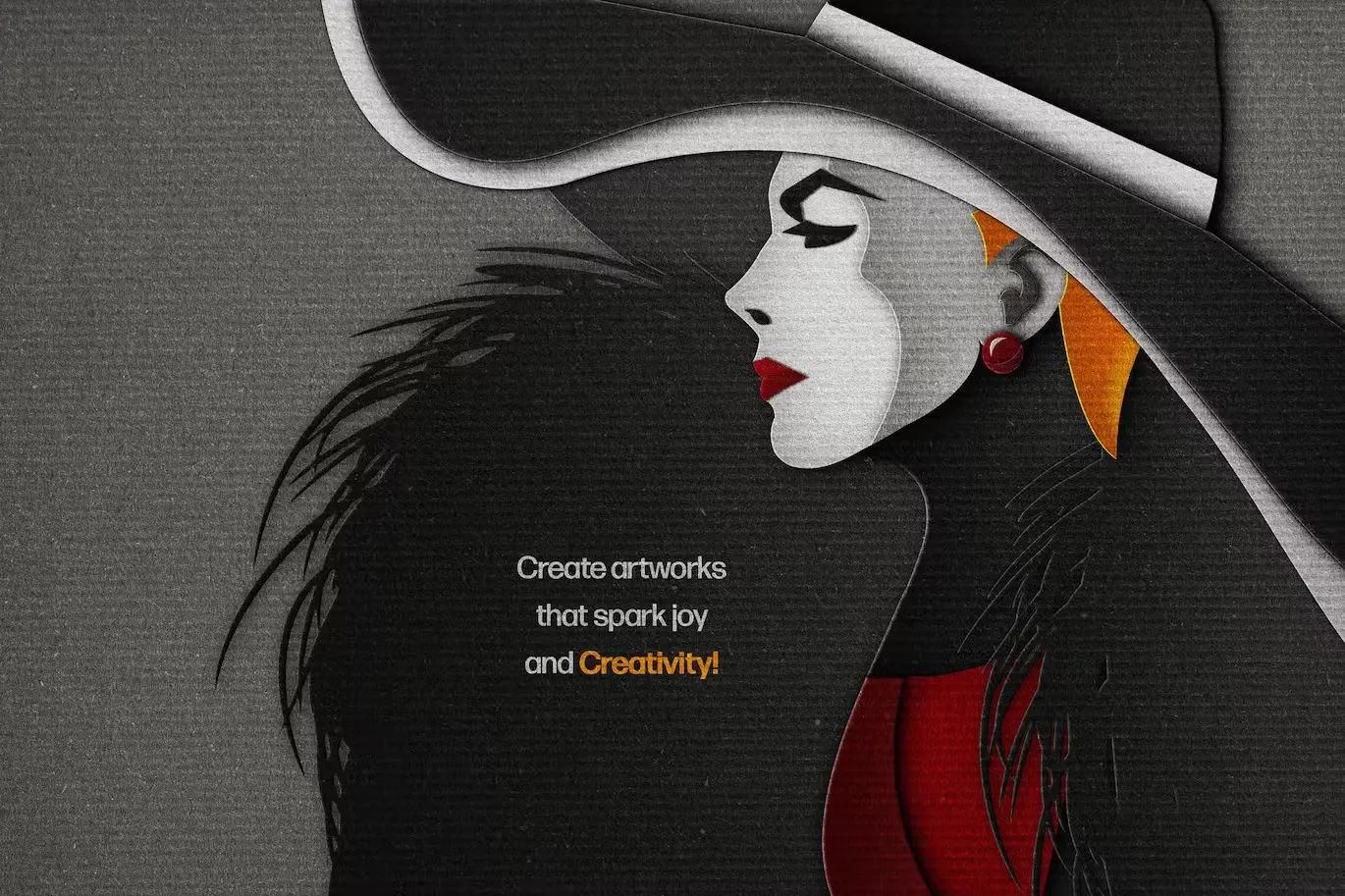
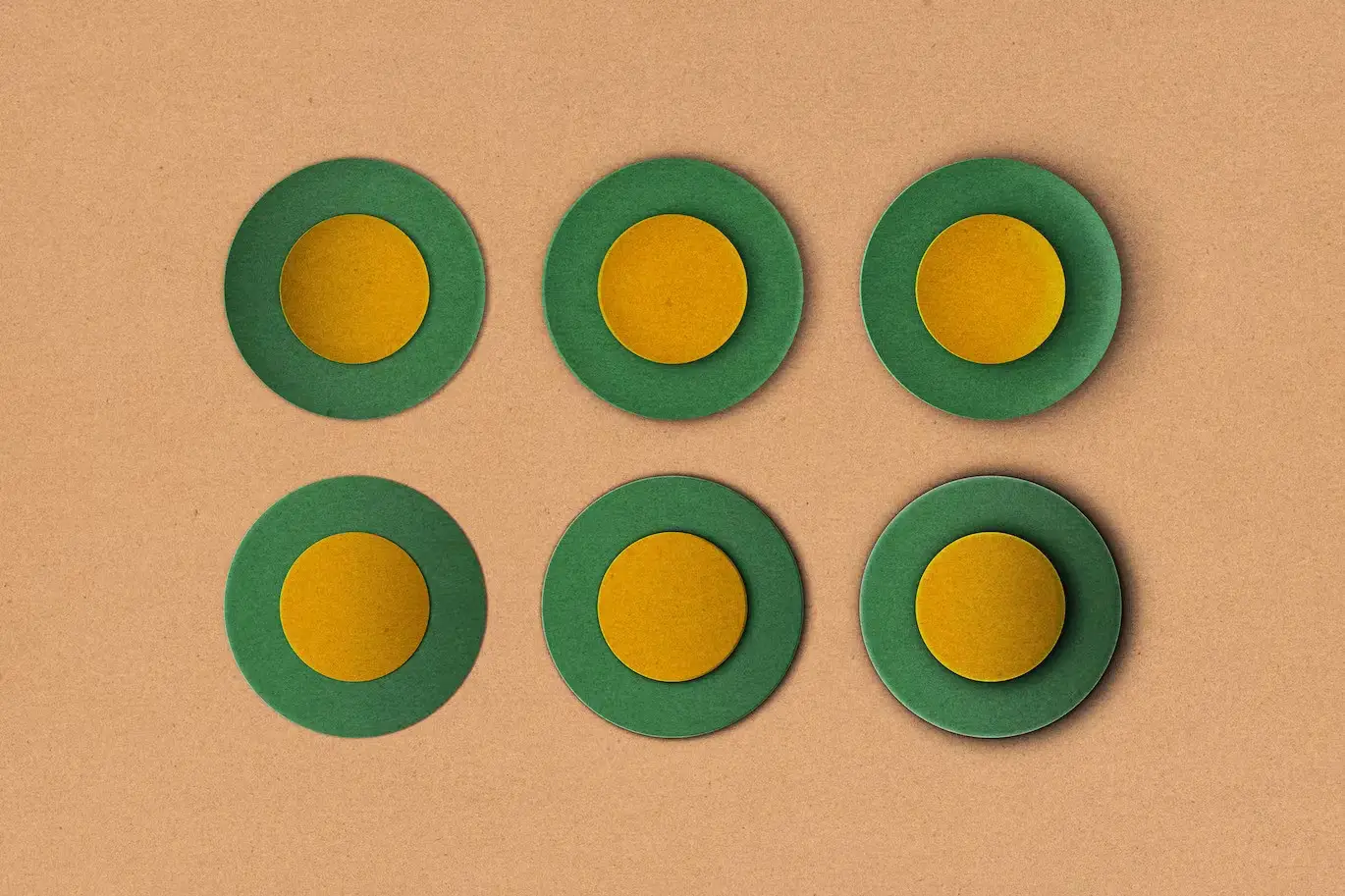
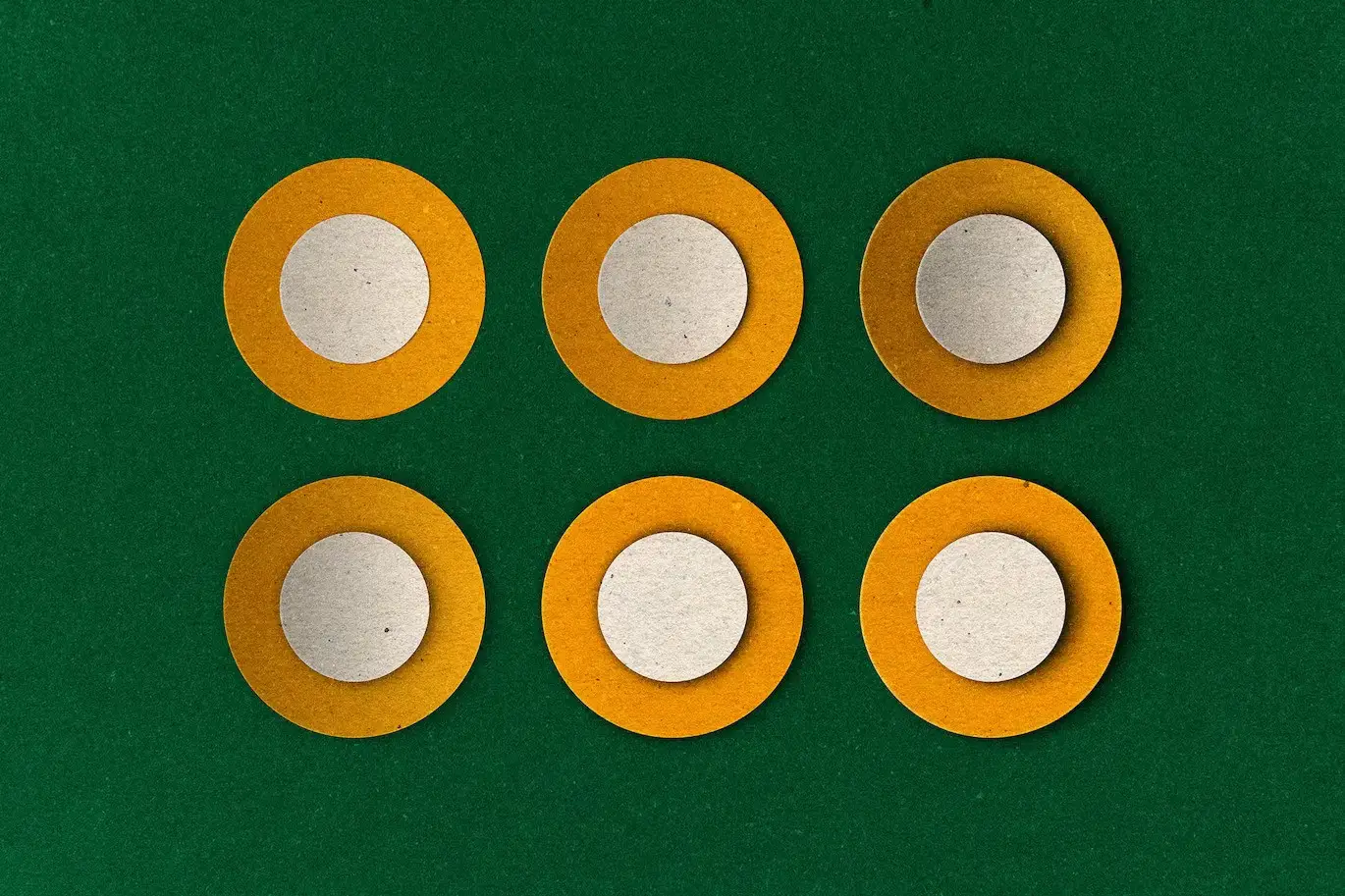
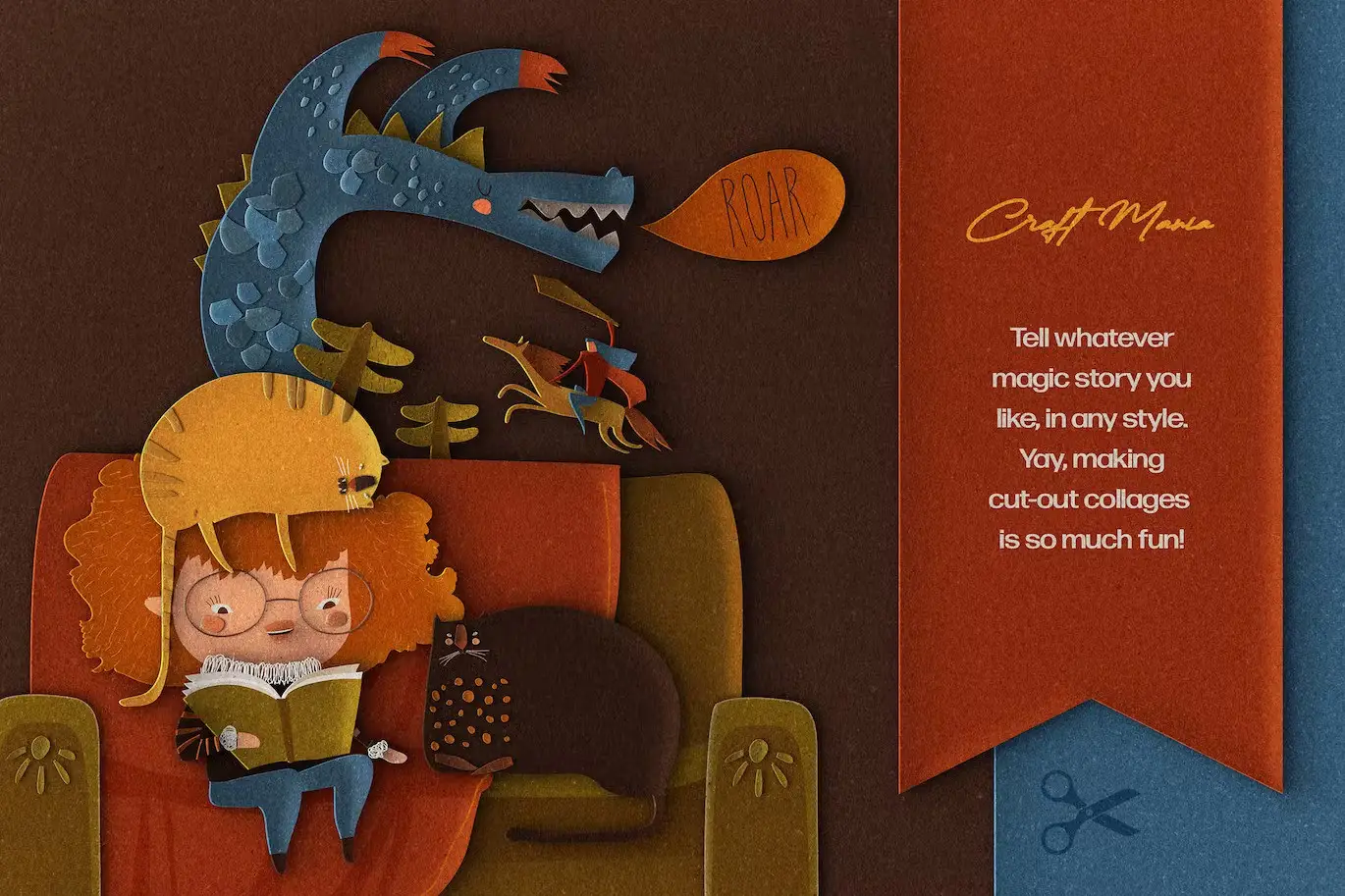
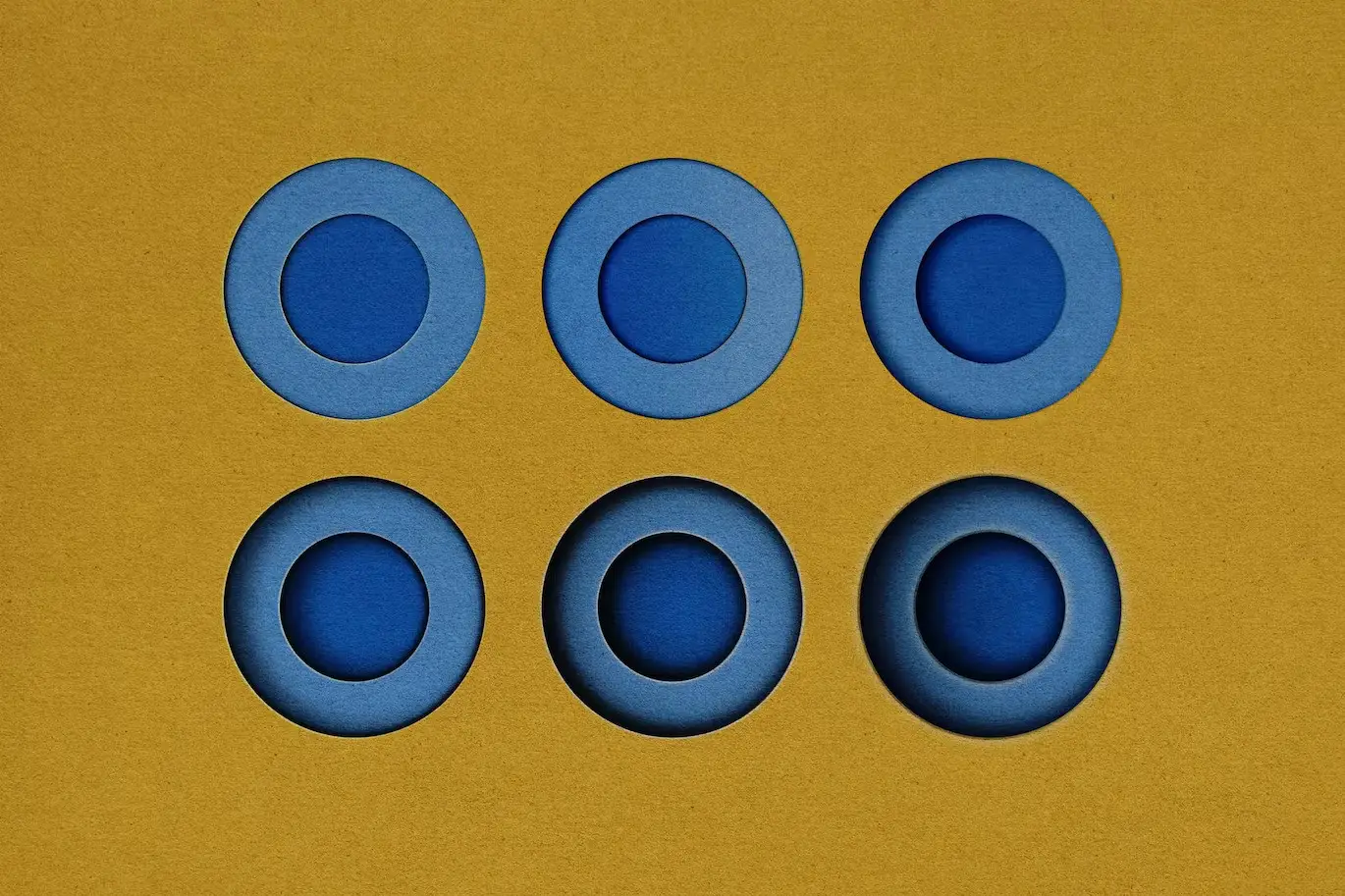
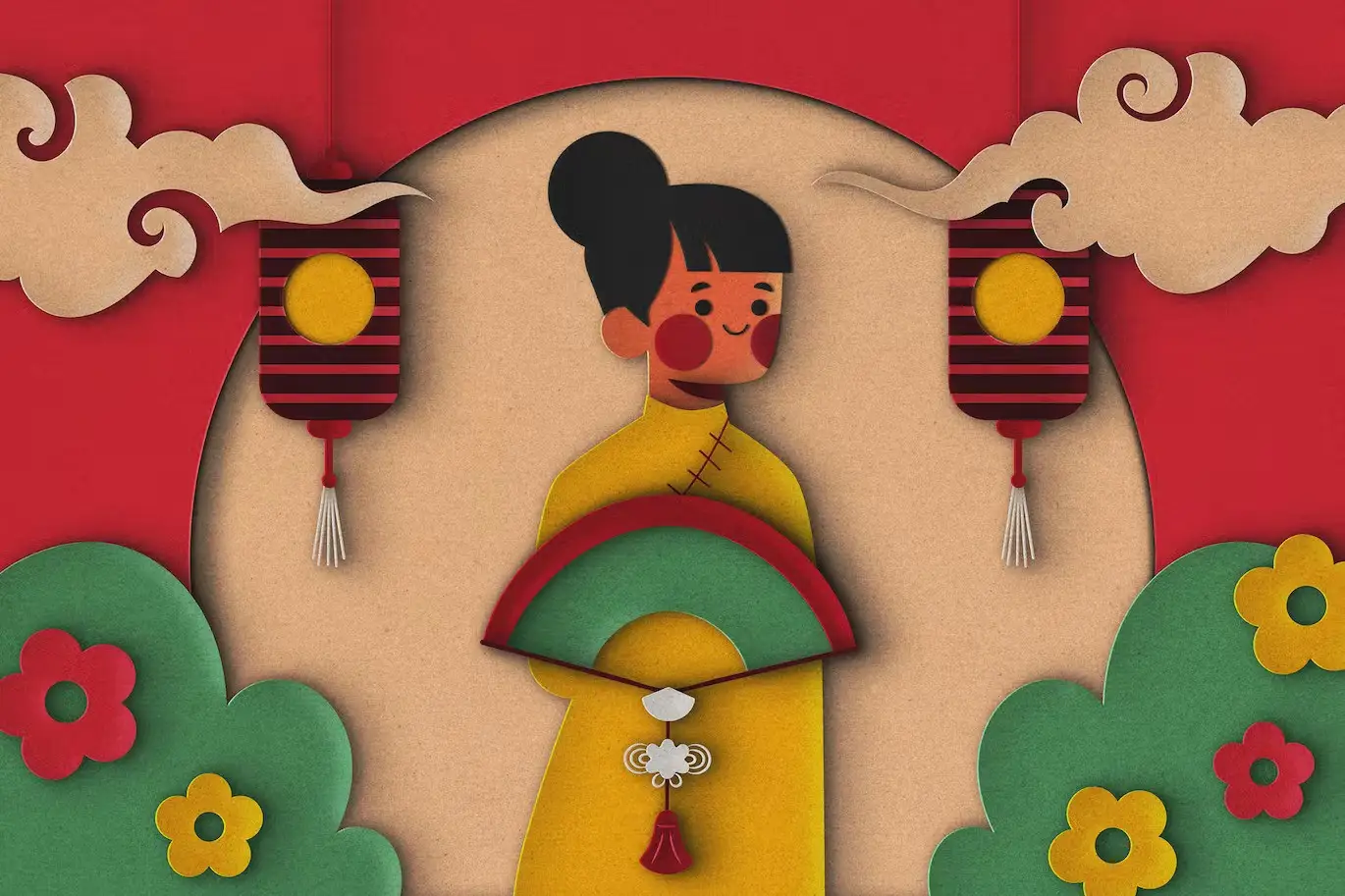
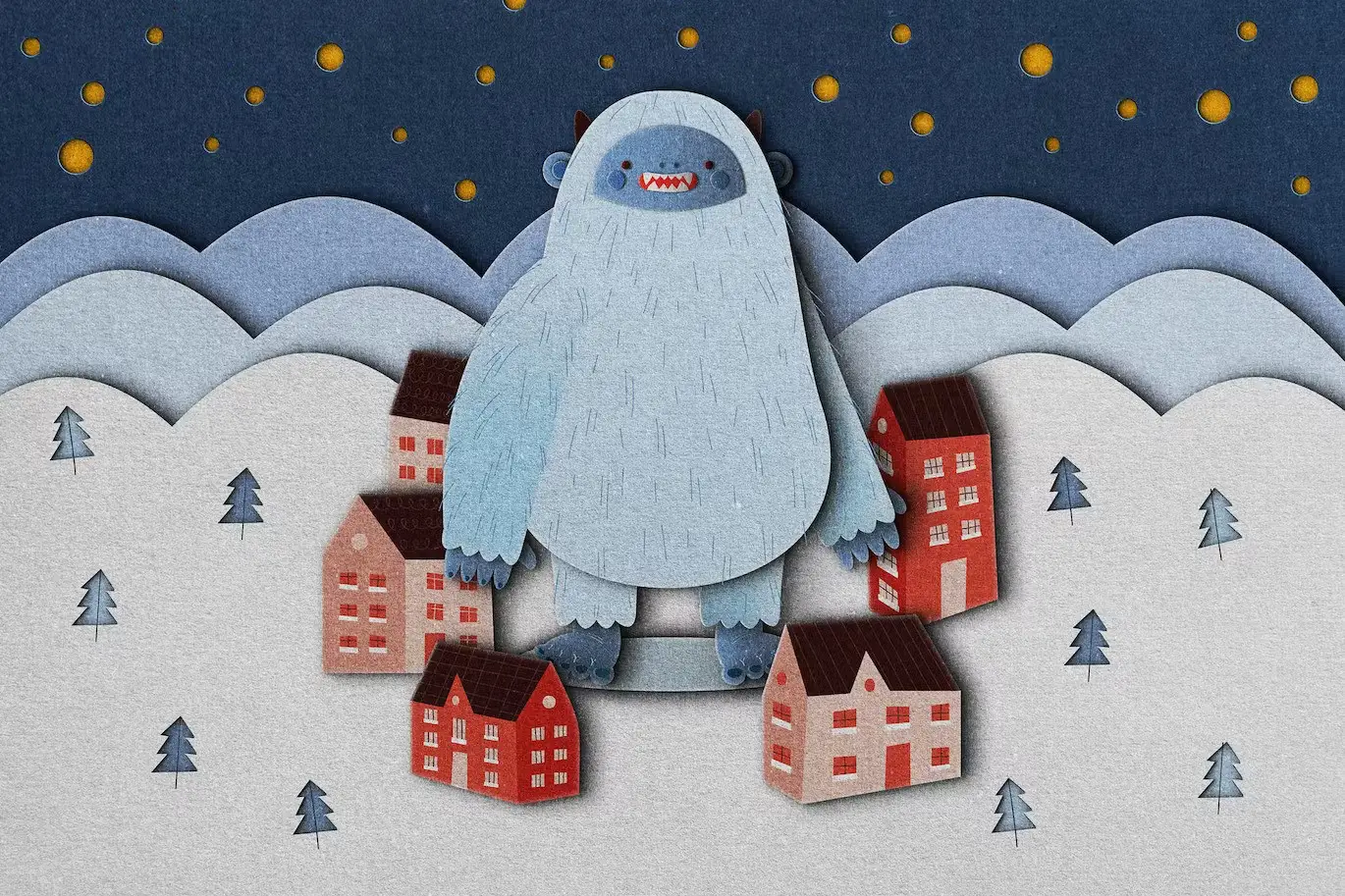
Unleash your creativity with the Scissors Wizard: Paper Cutout Effect. This innovative digital design asset allows you to craft stunning paper cut-out collages without the need for scissors. Perfect for artists and crafters alike, this tool transforms your imaginative ideas into beautiful designs effortlessly.
Product Overview
The Scissors Wizard: Paper Cutout Effect is designed for anyone looking to create charming paper collages without the hassle of traditional cutting methods. Whether you’re a beginner or a seasoned designer, this product provides an easy and enjoyable way to bring your artistic visions to life.
Key Features & Benefits
- ✅ 18 Layer Styles → Instantly enhance your designs with a variety of unique effects.
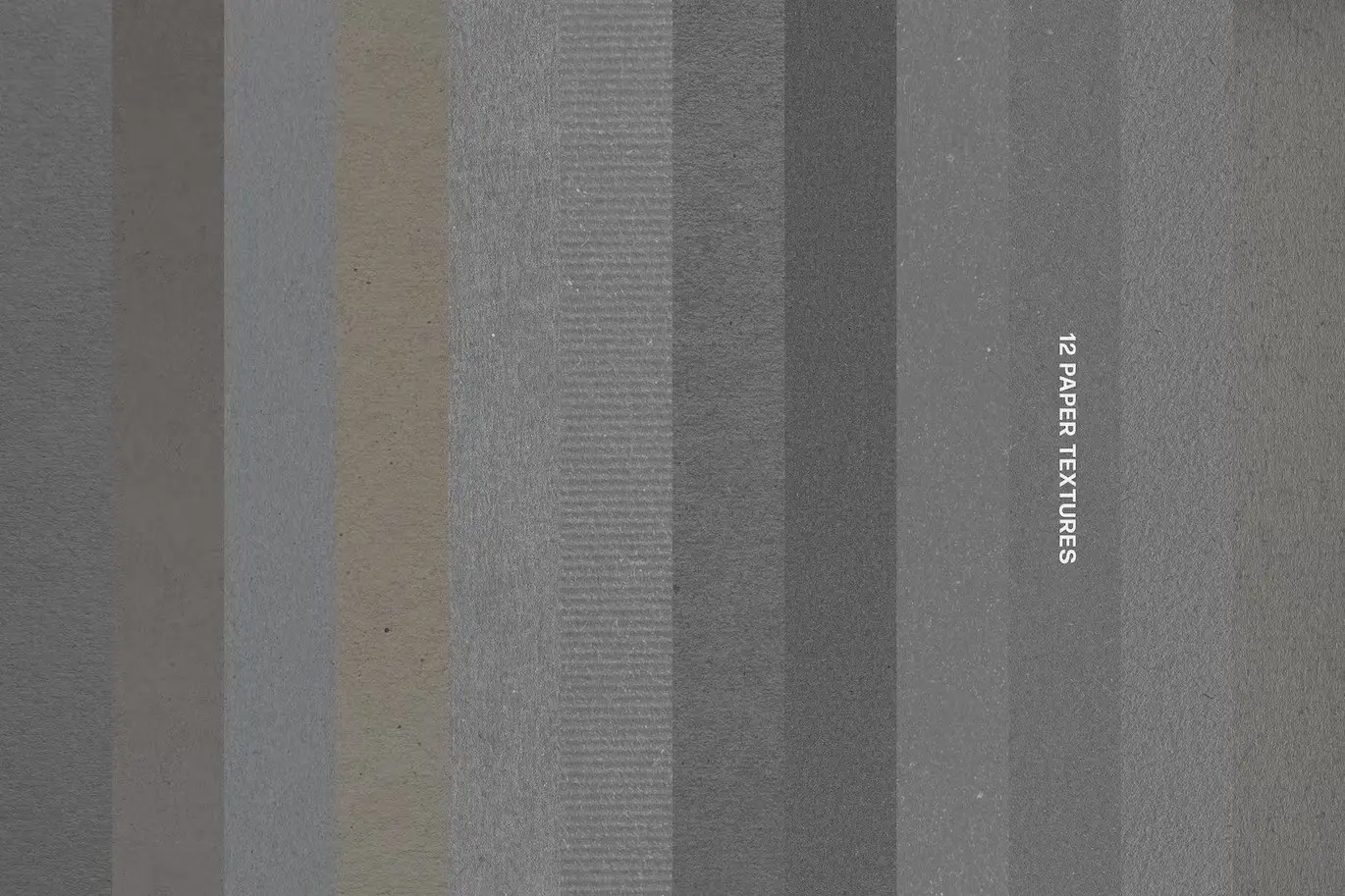
- ✅ 12 Paper Textures → Choose from a selection of high-quality textures to add depth and realism.
- ✅ High-Resolution PSD File → Enjoy crisp, clear images at 4500×3000 px, 300 dpi.
- ✅ User-Friendly → Easy to use for both beginners and experienced designers.
- ✅ Comprehensive Help File → Get started quickly with detailed instructions and tips.
Why Choose This Product
With the Scissors Wizard: Paper Cutout Effect, you can dive into a world of creativity without the mess of traditional crafting. This digital asset is trusted by artists worldwide for its quality and ease of use. Imagine designing whimsical characters or enchanting landscapes with just a few clicks! Your artistic journey will be filled with joy and satisfaction as you explore endless possibilities.
Specifications (Technical Details)
| Detail | Specification |
|---|---|
| File Type | PSD |
| Layer Styles | 18 styles (.asl) |
| Textures | 12 paper textures |
| Dimensions | 4500×3000 px |
| DPI | 300 |
What’s Included / What’s in the Box
- 📦 High-quality PSD file
- 📦 18 layer styles included
- 📦 12 paper textures as layers
- 📦 Comprehensive help file
Perfect For
- Beginners exploring digital art
- Professional designers looking for quick solutions
- Crafters creating unique paper collages
- Anyone wanting to enhance their creative projects
How to Use
To get started with the Scissors Wizard: Paper Cutout Effect, simply open the PSD file in your preferred design software. Choose your desired layer style and paper texture, and let your imagination guide you as you create stunning designs!
FAQ
- Can I use this effect in any design software? Yes, as long as it supports PSD files.
- Are the textures customizable? Absolutely! You can modify them to fit your project needs.
Add to cart now and start creating your paper masterpieces today! 🚀
User Reviews
Be the first to review “Scissors Wizard: Paper Cutout Effect”
You must be logged in to post a review.

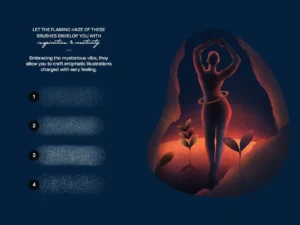
Misterio Shader Photoshop Brushes
Sold by
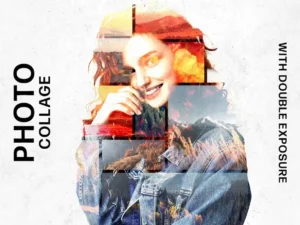
Collage Template with Double Exposure Effect
Sold by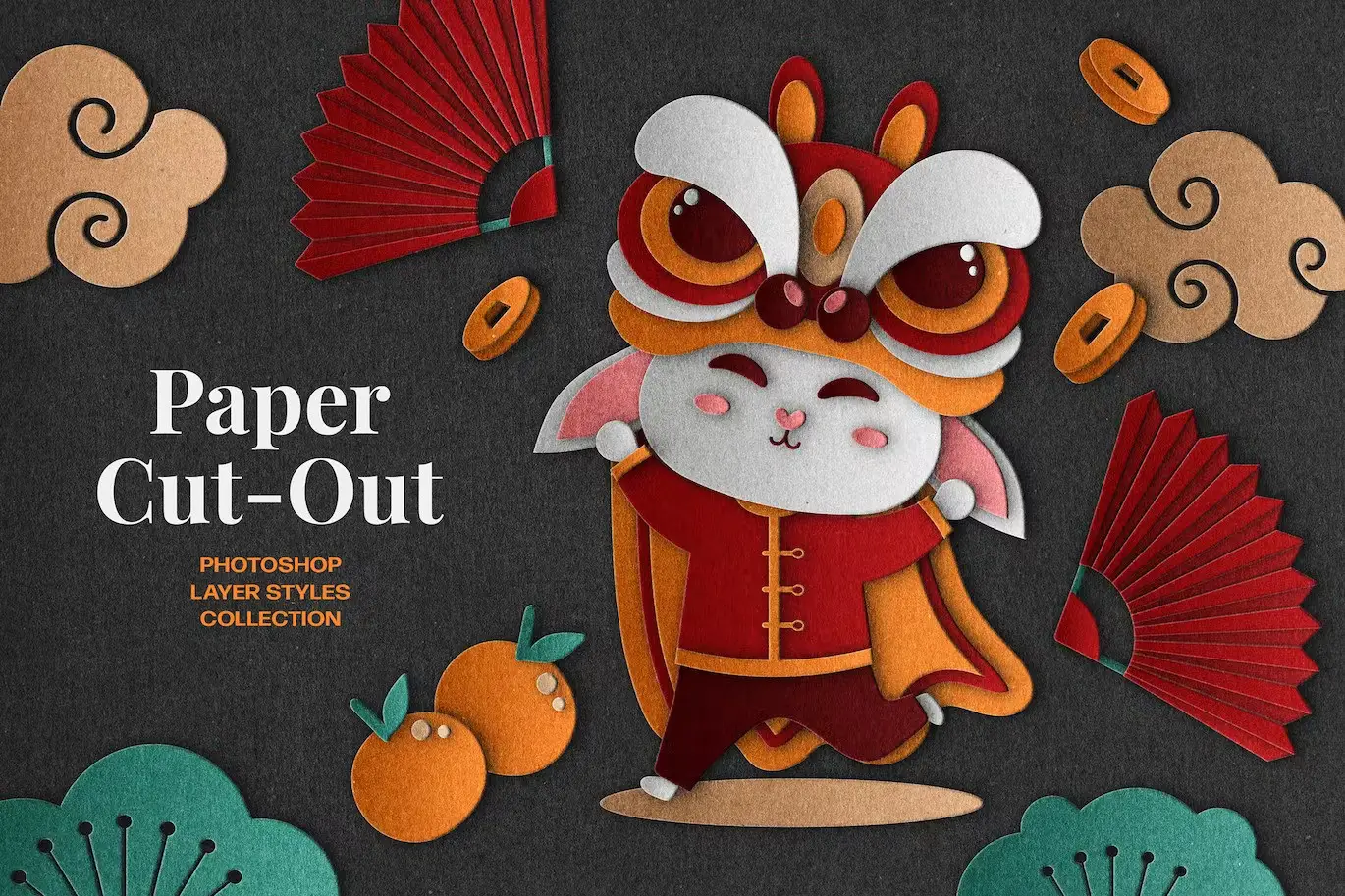
Original price was: $5.00.$2.50Current price is: $2.50.


There are no reviews yet.