

Reflex: Create Stunning Custom Reflections with Ease
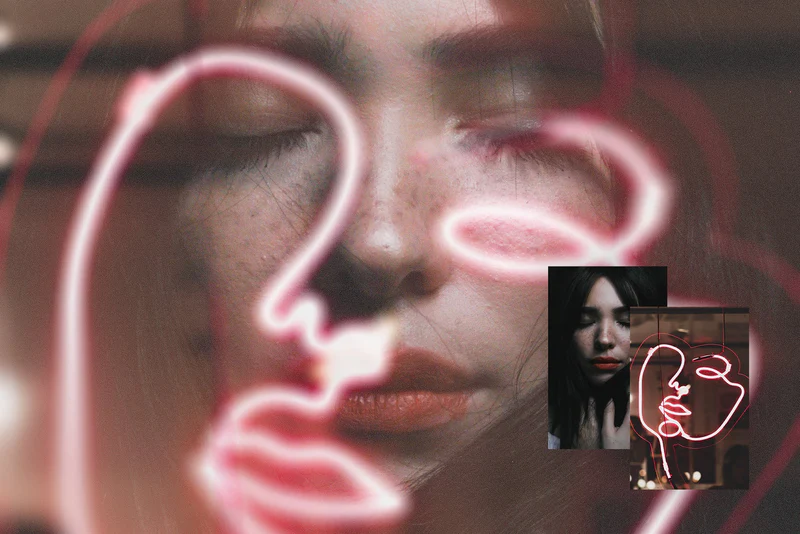
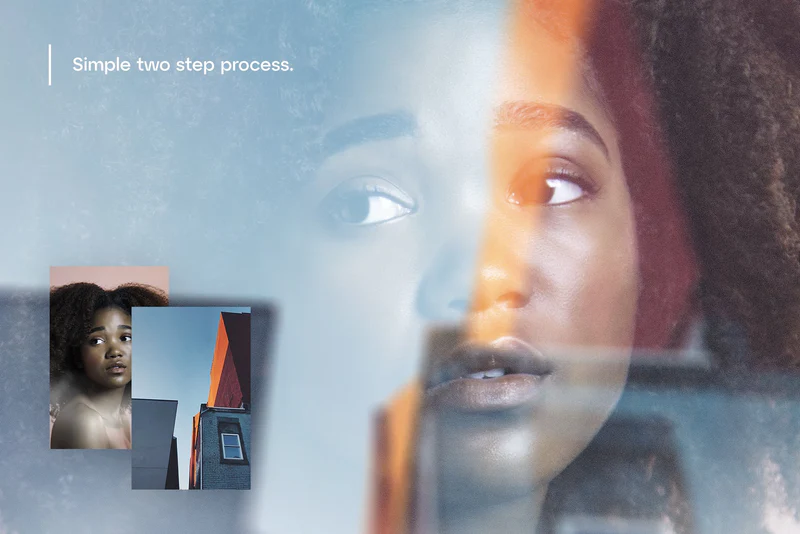
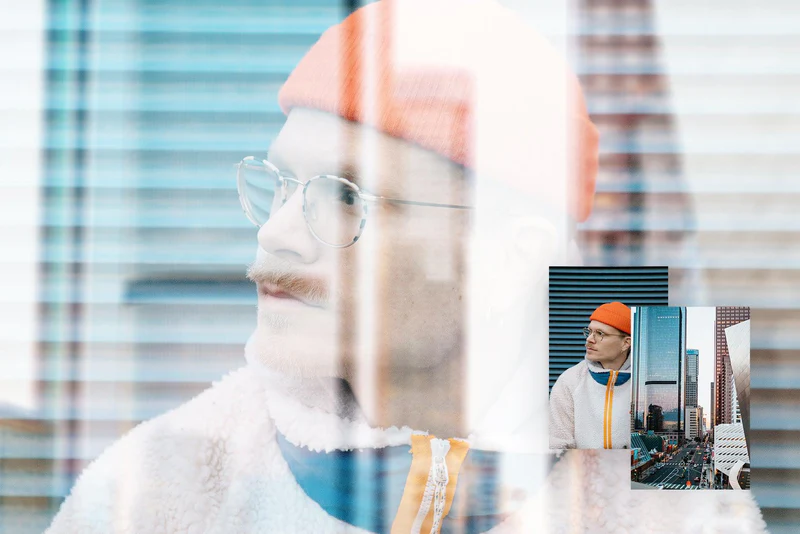
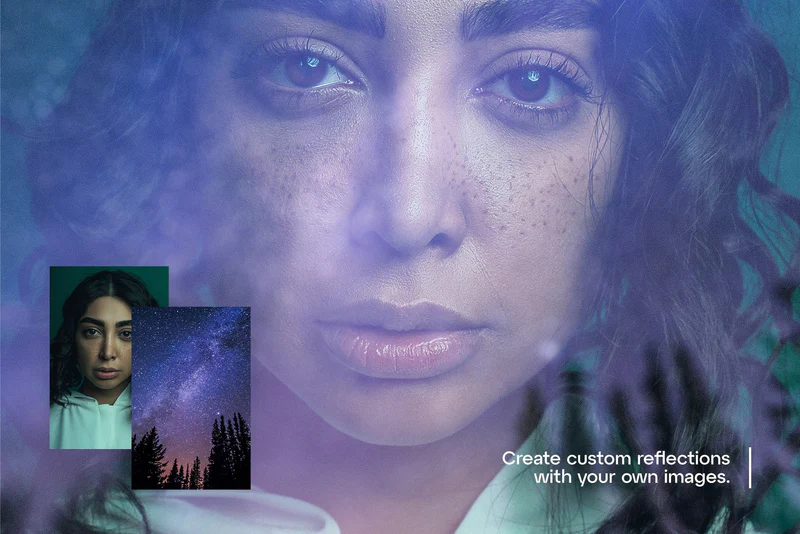
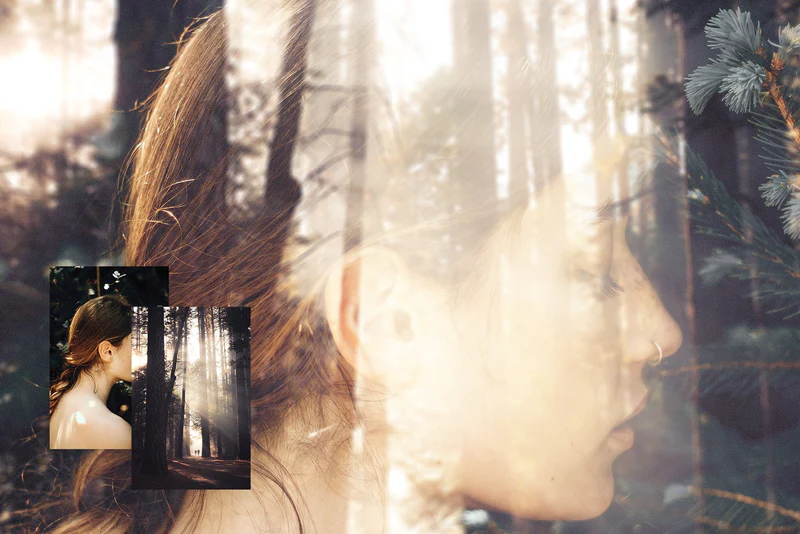
Do you want to add a professional touch to your images? Reflex offers a simple two-step image blending process that allows you to create realistic, custom reflections from your own images effortlessly. This tool is perfect for designers and photographers looking to enhance their visuals quickly and effectively.
Product Overview
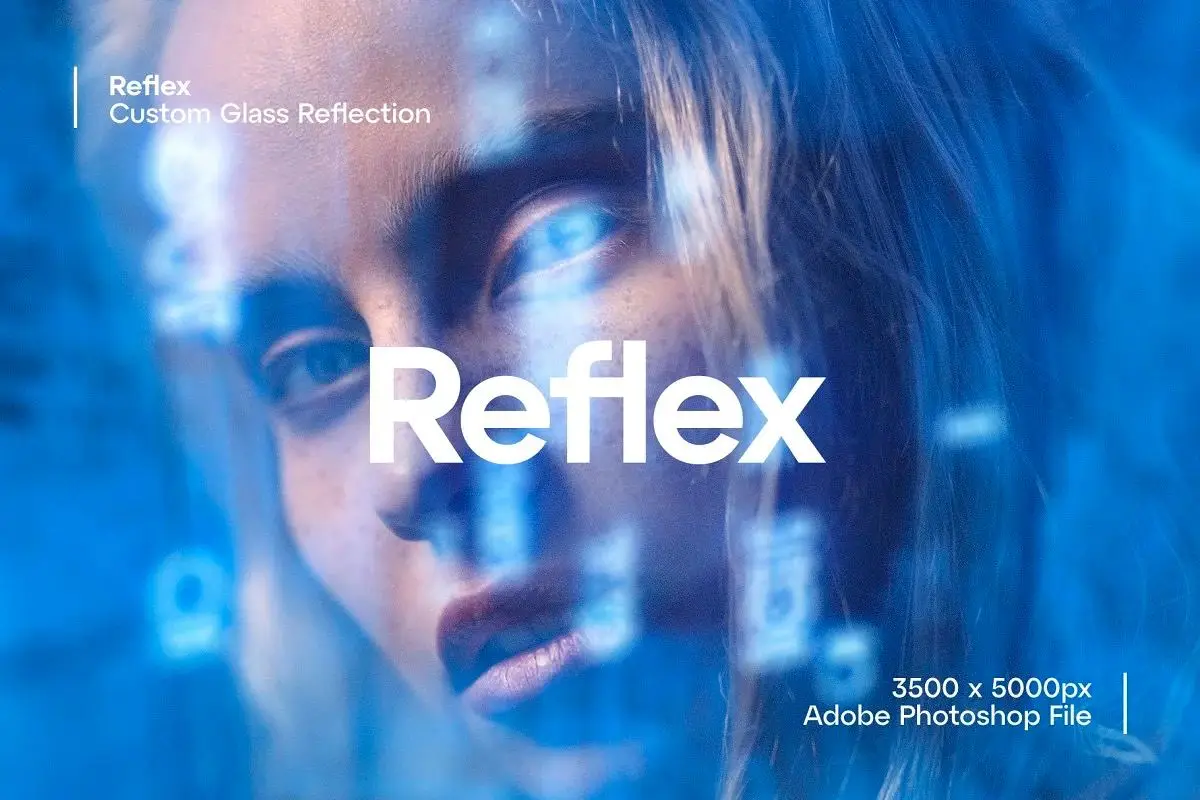
Reflex is an intuitive image blending tool designed specifically for Adobe Photoshop. This asset enables you to transform your images by adding stunning reflections that elevate your design projects. With a high-resolution file size of 3500x5000px, you can ensure your final output maintains exceptional quality.
Key Features & Benefits
- ✅ Easy Two-Step Process → Quickly blend images for professional results.
- ✅ High-Resolution File (3500x5000px) → Maintain image clarity and detail in your projects.
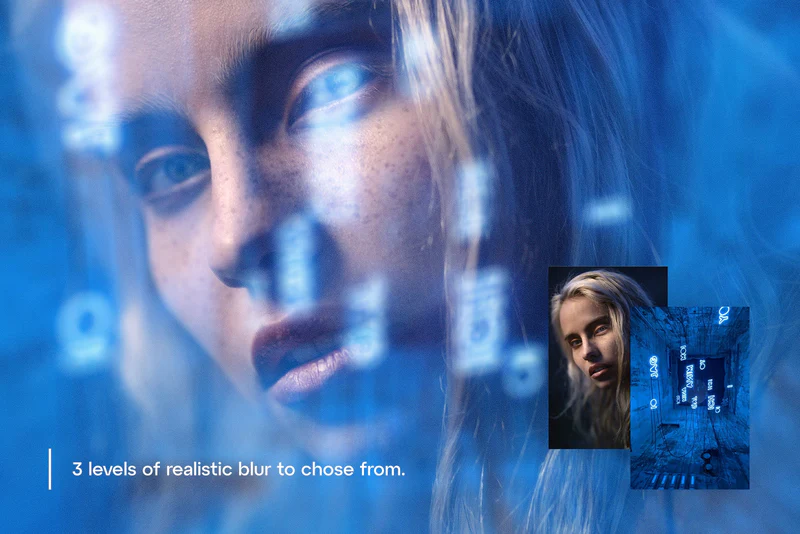
- ✅ Three Blur Levels → Customize the reflection effect to match your design needs.
- ✅ Smart Object Compatibility → Simplify your workflow by easily placing your images.
- ✅ Detailed Instructions Included → Get started effortlessly with the included README.txt file.
Why Choose Reflex?
With Reflex, you can achieve stunning visual effects without the complexity often associated with image editing. This tool is trusted by professionals for its ease of use and versatility. Whether you’re creating marketing materials, social media graphics, or personal projects, Reflex helps you achieve the look you desire in just a few clicks.
Specifications
| File Format | Adobe Photoshop (.PSD) |
|---|---|
| Dimensions | 3500 x 5000 pixels |
| Compatibility | Adobe Photoshop |
What’s Included / What’s in the Box
- 📦 1 Adobe Photoshop file (3500x5000px)
- 📦 README.txt with detailed usage instructions
Perfect For
- Graphic Designers
- Photographers
- Social Media Managers
- Marketing Professionals
How to Use
- Place your base image into the designated area.
- Add your reflection image into the Smart Object.
- Select your preferred blur level to achieve the desired reflection effect.
FAQ
- Can I use Reflex with versions of Photoshop? Yes, Reflex is compatible with most recent versions of Adobe Photoshop.
- Is there a money-back guarantee? Yes, we offer a satisfaction guarantee on all our products.
Add Reflex to your toolkit today and start creating captivating reflections that enhance your designs! 🚀
Original price was: $19.00.$9.50Current price is: $9.50.


There are no reviews yet.