

Poster Flyer Mockup – Elevate Your Design Presentation
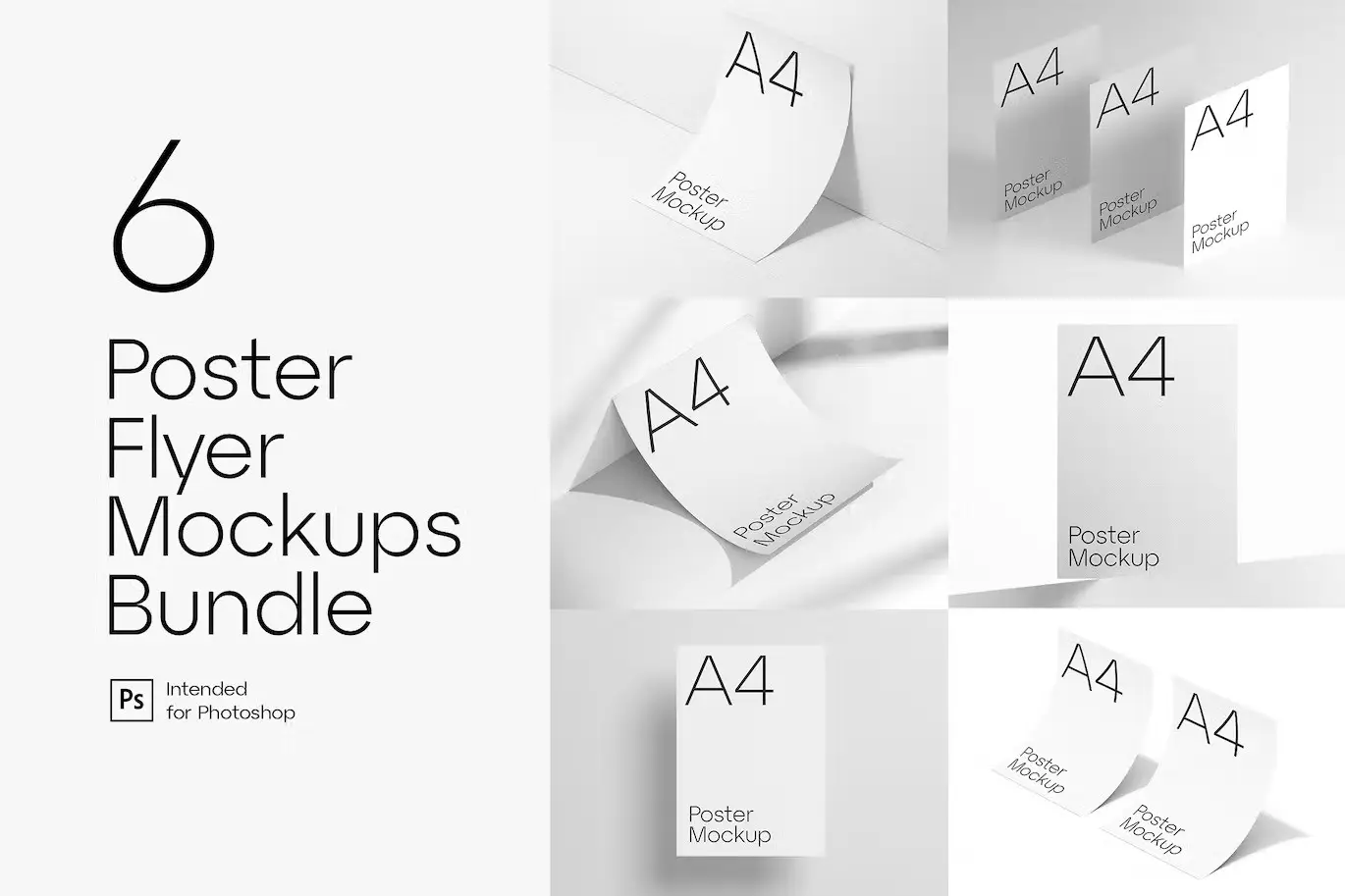
Create a stunning and elegant presentation for your designs with our fully customizable Poster Flyer Mockup. This mockup allows you to showcase your artwork in a professional manner, making it perfect for designers looking to impress clients or enhance their portfolios.
Product Overview
This Poster Flyer Mockup is designed for graphic designers, marketers, and anyone who needs to present their work in a visually appealing way. With its high-resolution quality and customizable features, it’s an essential tool for creating impactful presentations.
Key Features & Benefits
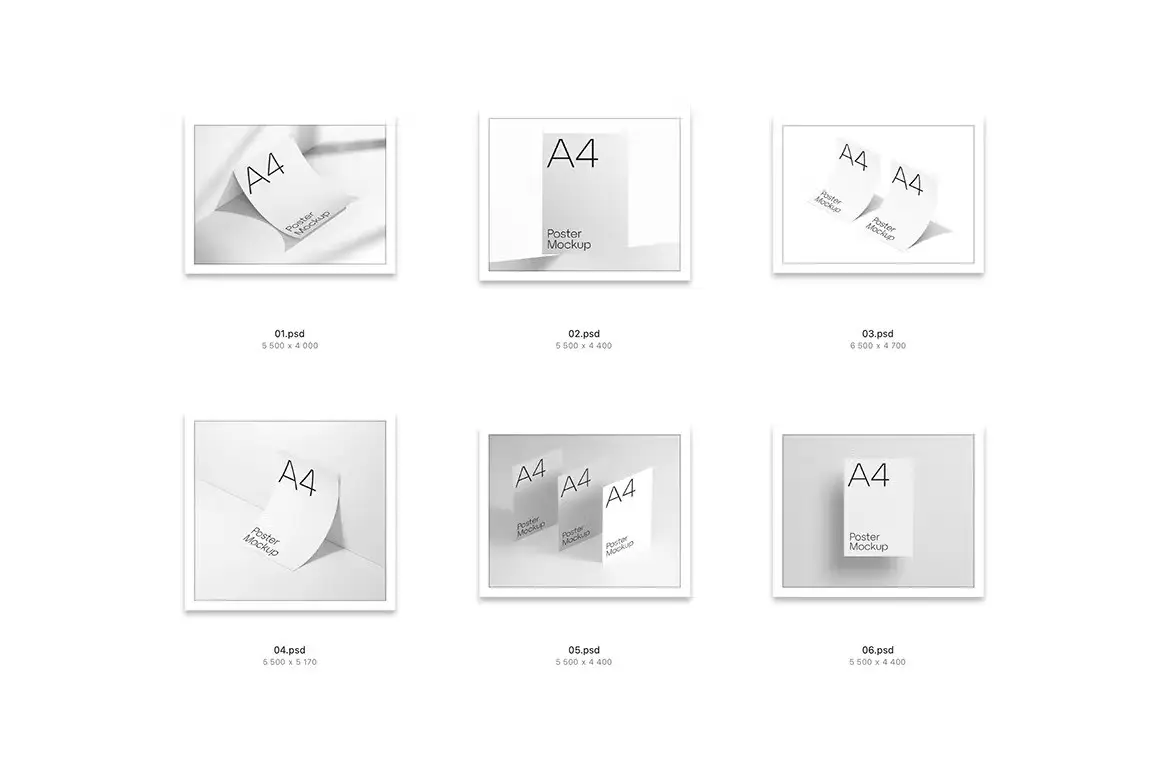
- ✅ 6 .psd Scenes → Choose from multiple layouts to find the perfect fit for your design.
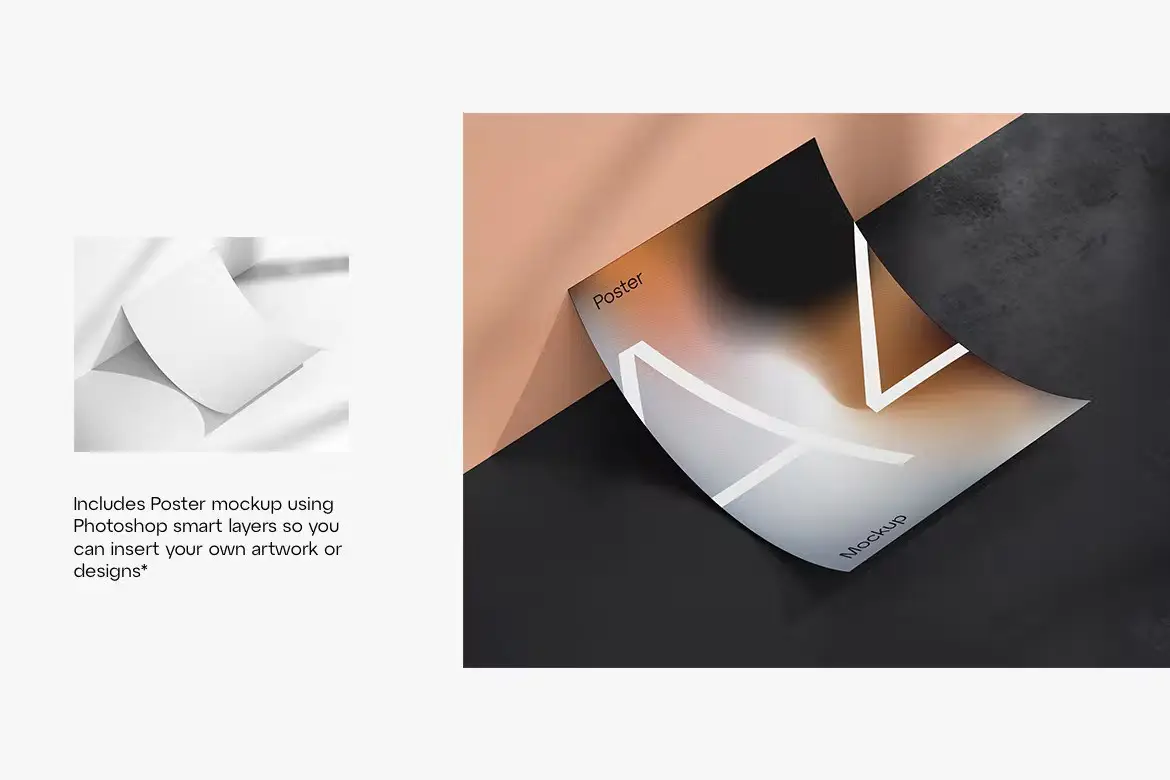
- ✅ Changeable Flyer Design → Easily update your designs using smart objects for quick edits.
- ✅ Customizable Background Colors → Tailor the scene to match your brand or project theme effortlessly.
- ✅ Fully Organized Layers → Work efficiently with neatly arranged layers and folders for easy navigation.
- ✅ High Resolution: 5500×4000 px | 72 dpi → Ensure your designs look sharp and professional in any presentation.
- ✅ A4 Poster Size: 210×297 mm → Standard size for easy printing and distribution.
Why Choose This Product
The Poster Flyer Mockup stands out for its versatility and ease of use. Whether you’re a seasoned designer or just starting, this mockup simplifies the process of presenting your work. Trusted by professionals worldwide, it helps you create stunning visuals that capture attention and convey your message effectively.
Specifications
| Feature | Details |
|---|---|
| File Format | .psd |
| Resolution | 5500×4000 px | 72 dpi |
| Poster Size | A4 (210×297 mm) |
| Customization | Smart objects for easy design changes |
What’s Included
- 📦 6 Fully customizable .psd mockup scenes
- 📦 Organized layers for easy editing
- 📦 Instructions for use
Perfect For
- Graphic Designers
- Marketing Professionals
- Freelancers
- Students in Design Fields
How to Use
- Open the .psd file in Adobe Photoshop.
- Double-click on the smart object layer to insert your design.
- Adjust background colors and other elements as needed.
- Save and export your final presentation.
FAQ
- Can I use this mockup for commercial projects? Yes, you can use it for both personal and commercial purposes.
- What software do I need? Adobe Photoshop is required to edit the .psd files.
Ready to present your designs in style? Add to cart now and start creating stunning presentations today! 🚀
Original price was: $5.00.$2.50Current price is: $2.50.


There are no reviews yet.