
Pixel Sorter Photoshop Action



Original price was: $5.00.$2.50Current price is: $2.50.

Banging Joints
Product Specs:
- Compatible with: Actions
- File Type: ZIP
- File Size: 482.4 KB
- Instant Download
Pixel Sorter Photoshop Action
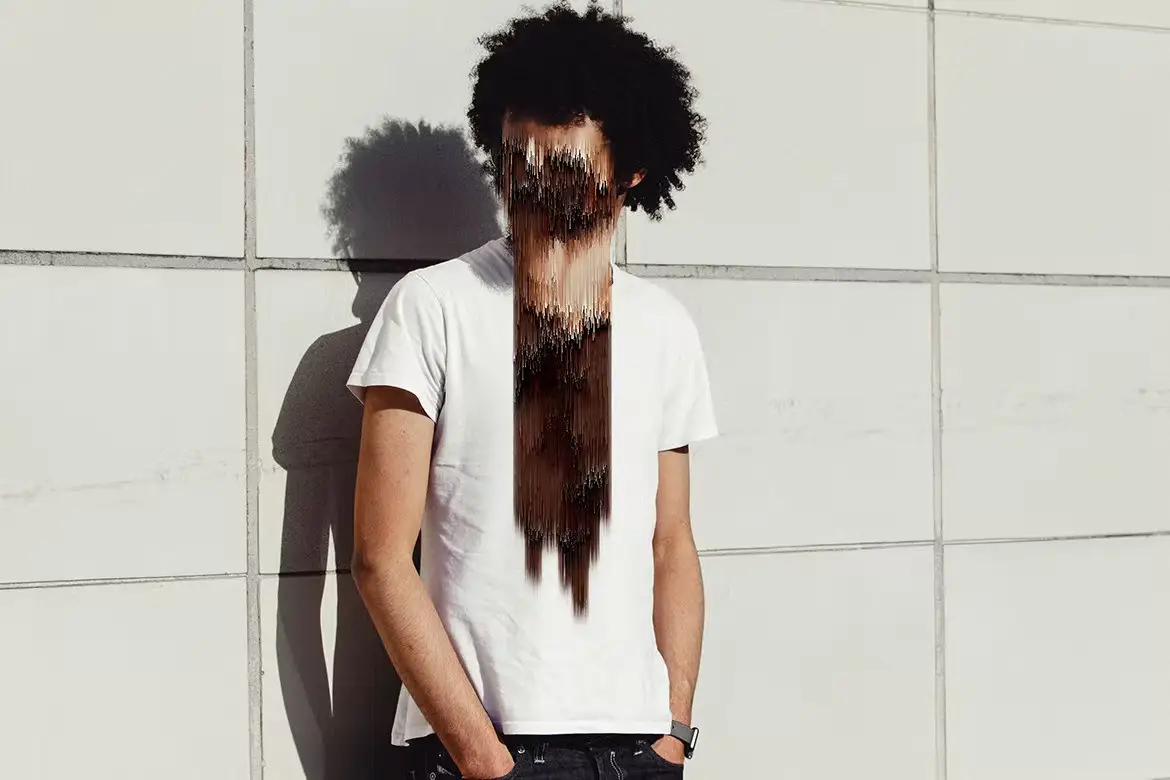
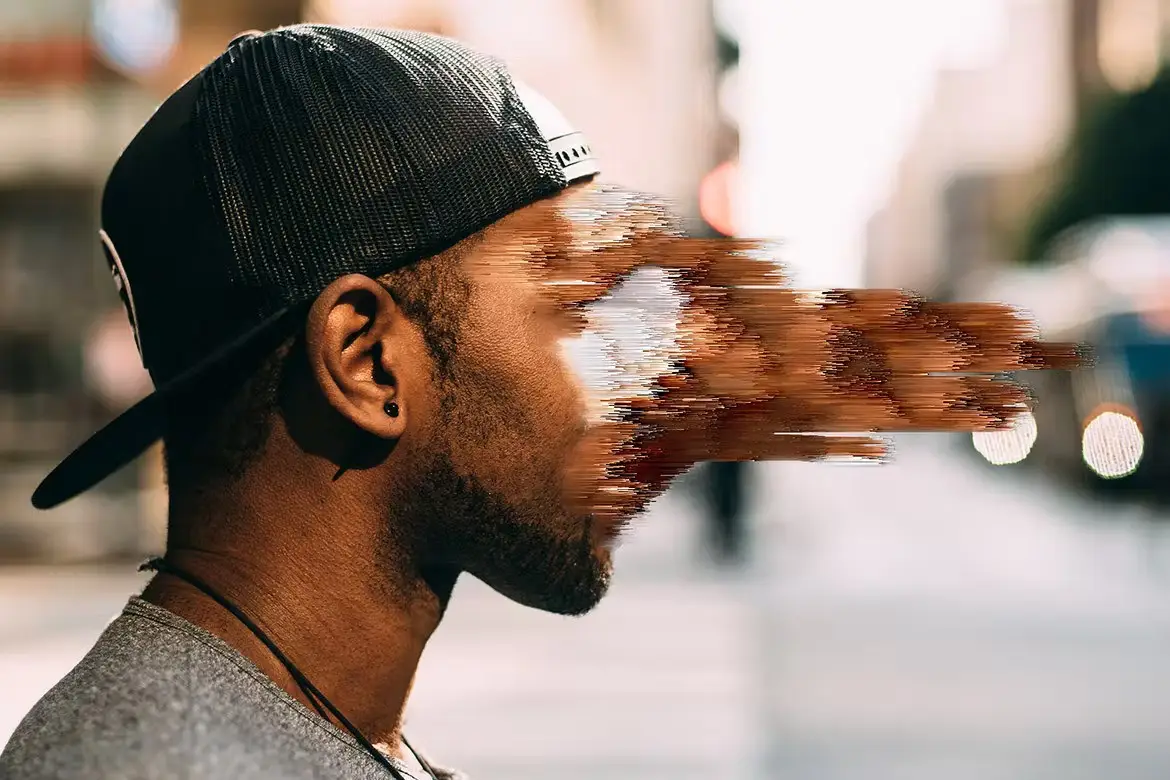
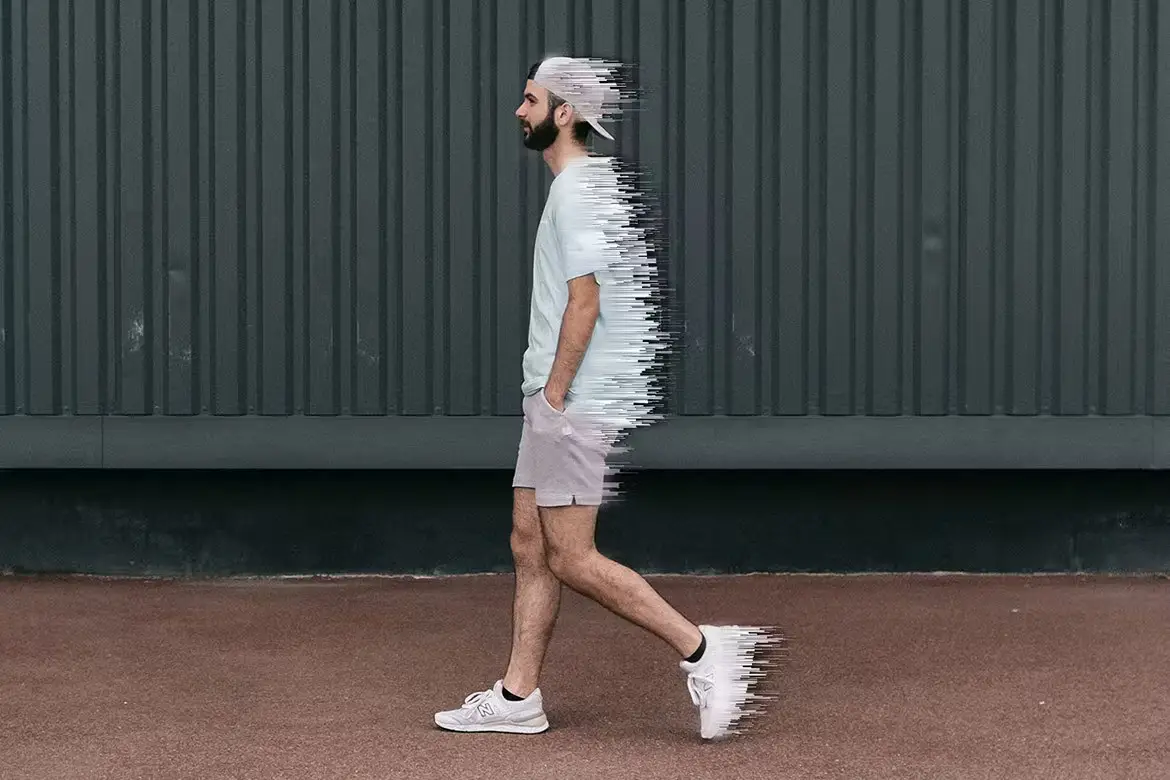
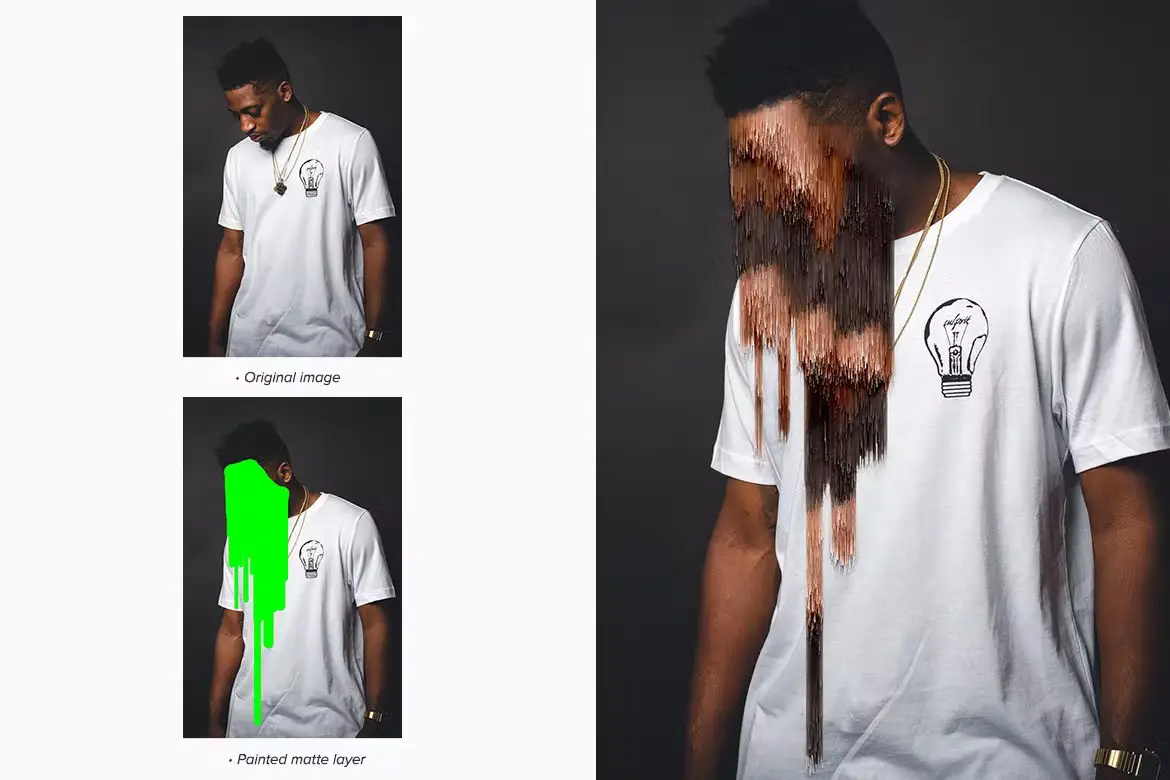
Unlock your creative potential with the Pixel Sorter Photoshop Action. This innovative tool allows you to effortlessly create stunning pixel sorting effects in Adobe Photoshop. Whether you’re looking to add unique artifacts or distortion effects to your images, this action is your go-to solution.
Product Overview
The Pixel Sorter Action is designed for photographers, graphic designers, and digital artists who want to explore the fascinating world of pixel manipulation. By utilizing this action, you can transform ordinary images into extraordinary visual experiences, perfect for showcasing your work across various platforms.
Key Features & Benefits
- ✅ Four Direction Pixel Arrangement → Create dynamic and varied effects with ease.
- ✅ Completely Procedural → No need to load brushes or patterns, simplifying your workflow.
- ✅ Random Pixel Sort → Achieve unique results every time you apply the action.
- ✅ Layered and Fully Editable → Customize effects to suit your specific project needs.
Why Choose This Product
This action stands out due to its user-friendly design and versatility. Trusted by digital artists worldwide, the Pixel Sorter Photoshop Action enables you to create captivating visuals that can enhance your portfolio, social media posts, or marketing materials. With its procedural nature, you can experiment endlessly without the hassle of manual adjustments.
Specifications (Technical Details)
| Software Compatibility | Adobe Photoshop CS6 and CC |
|---|---|
| Color Mode | RGB, 8 bits |
| Recommended Image Size | 800px – 2500px |
What’s Included / What’s in the Box
- 📦 1 .atn file (Action)
- Help file
- 1 Video guide link
Note: Photos in the preview image are for presentation purposes only and are not included.
Perfect For
- Photographers looking to enhance their images
- Graphic designers seeking unique effects
- Digital artists wanting to experiment with pixel sorting
- Marketers and content creators for social media and advertisements
How to Use
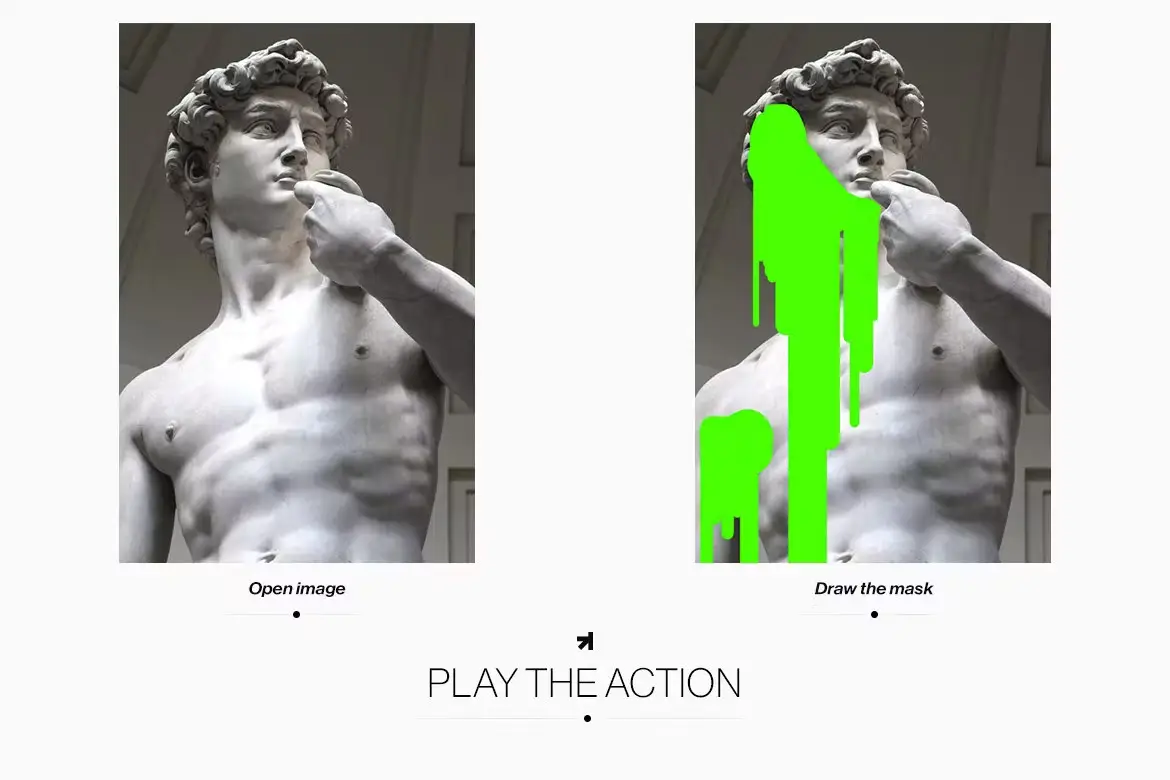
To achieve the best results, follow these simple steps:
- Open your image in Adobe Photoshop.
- Load the Pixel Sorter Action from the Actions panel.
- Apply the action and customize the settings as needed.
- Save your final artwork and share it with the world!
FAQ
- Can I use this action on any image? Yes, it works best on images between 800px and 2500px.
- Is there a tutorial available? Yes, a video guide link is included with your purchase.
Ready to elevate your designs? Add to cart now and start creating stunning visuals today! 🚀
User Reviews
Be the first to review “Pixel Sorter Photoshop Action”
You must be logged in to post a review.

Ink Monoprint Poster PS Action
Sold by Banging Joints
MobChain – Photoshop Plugin Lite
Sold by Banging Joints
Pxl Bitmap 3 – Photoshop Effect
Sold by Banging Joints
mobKnife Photoshop Plugin
Sold by Banging Joints
Geometrical Collage Generator – Photoshop Plugin
Sold by Banging Joints
Matrix Swiper Photoshop Extension
Sold by Banging Joints Original price was: $5.00.$2.50Current price is: $2.50.


There are no reviews yet.