
Pixel Photoshop Action


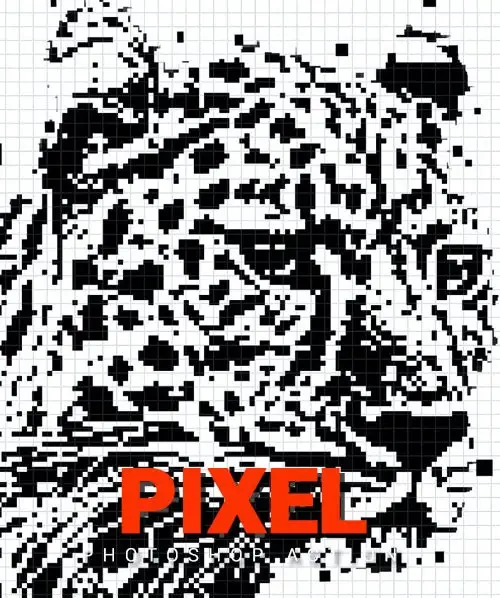
Original price was: $6.00.$3.00Current price is: $3.00.

Denis
Product Specs:
- Compatible with: Actions
- File Type: ZIP
- File Size: 22.8 MB
- Instant Download
Pixel Photoshop Action: Transform Your Photos with Ease
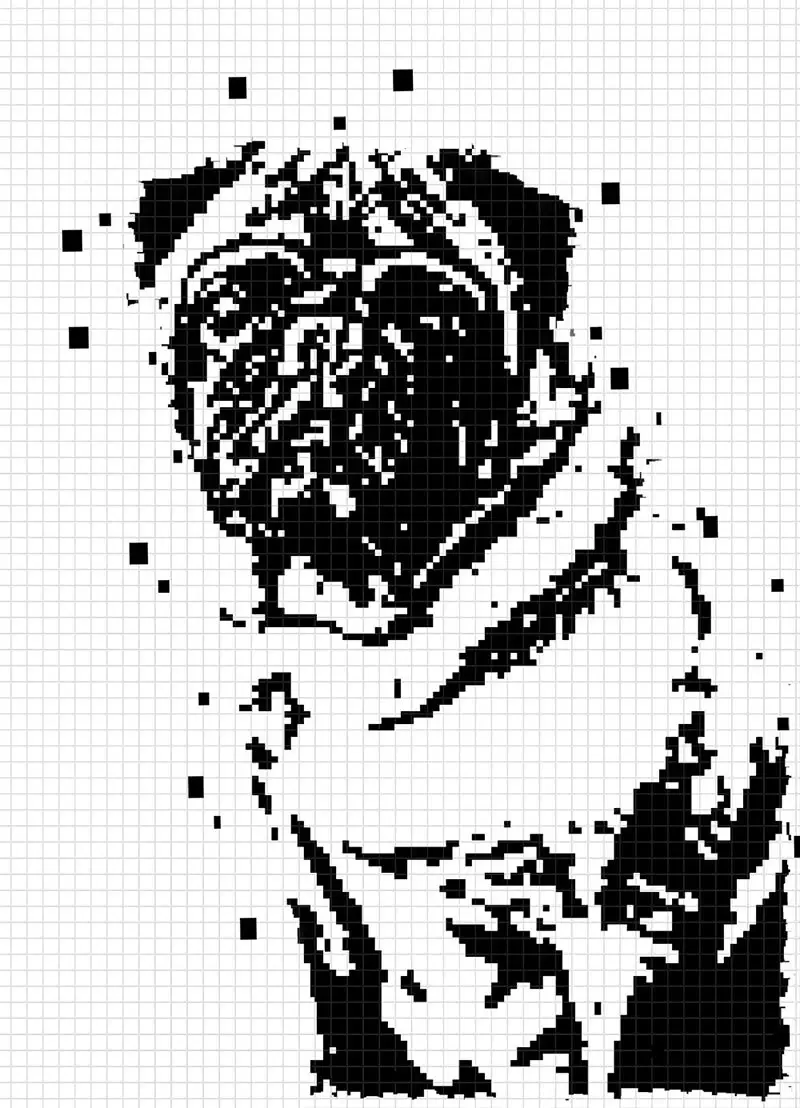
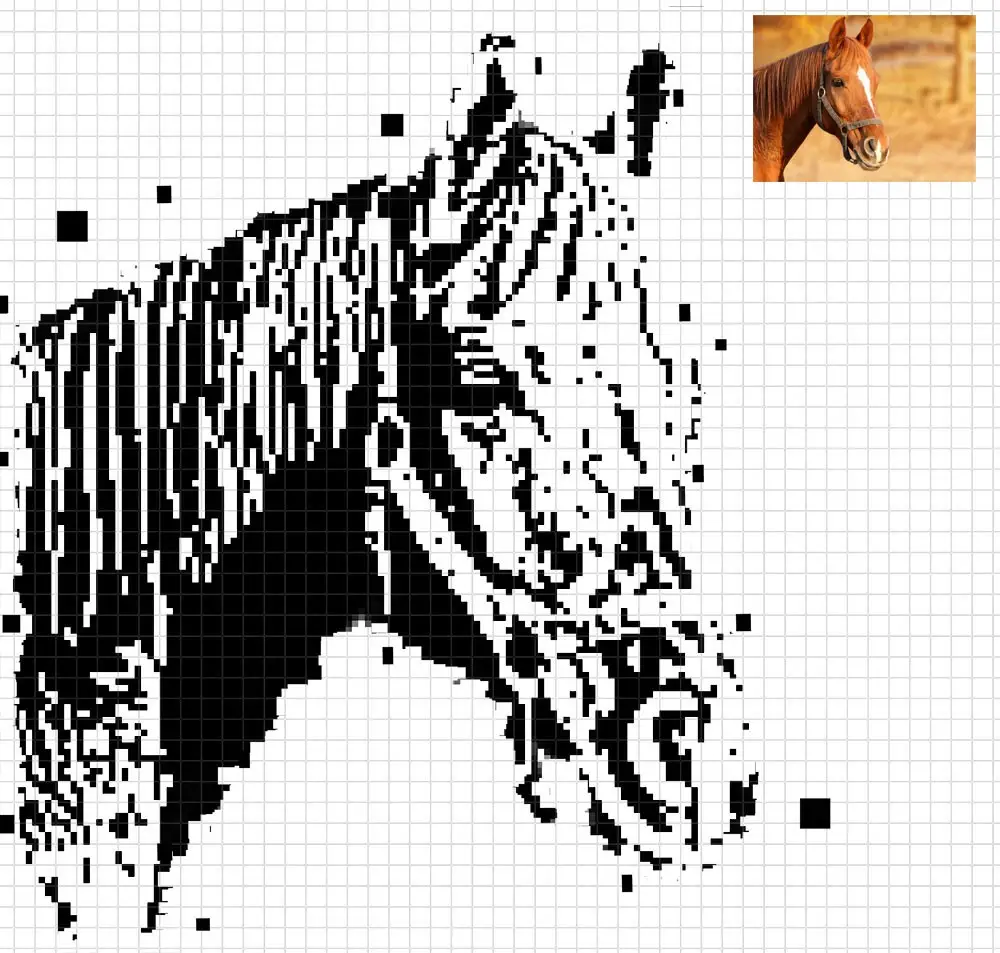
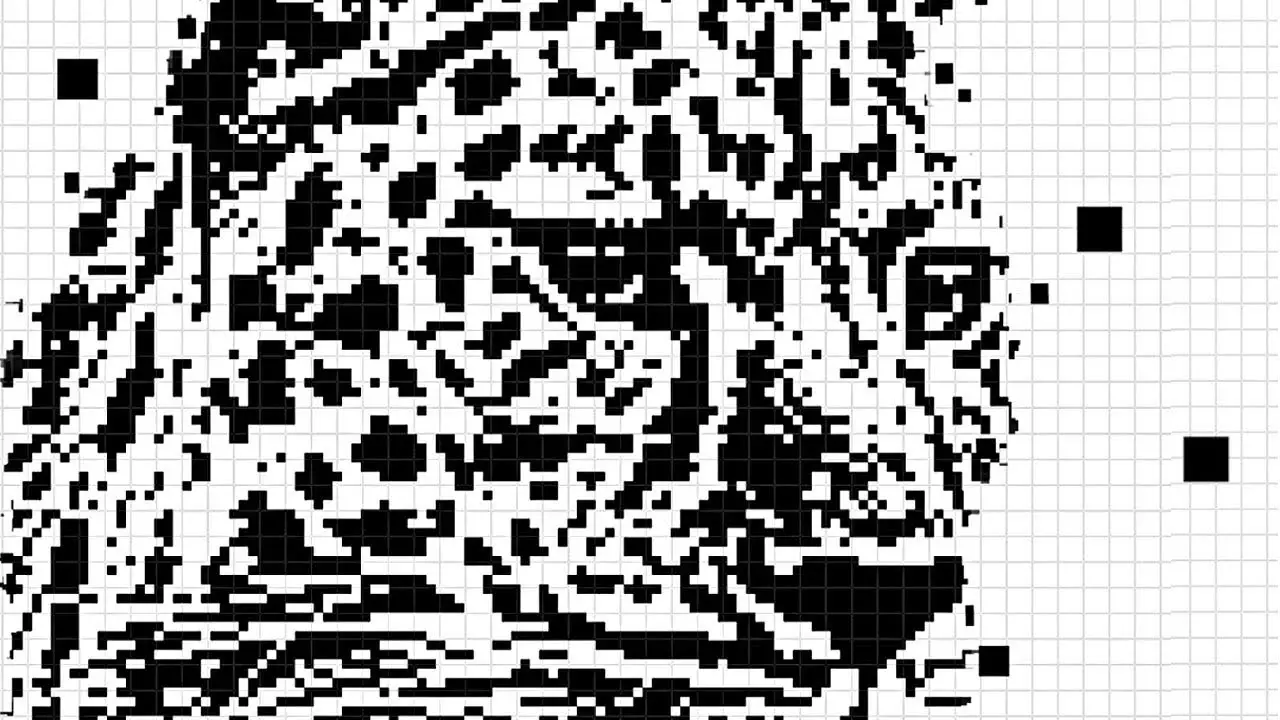
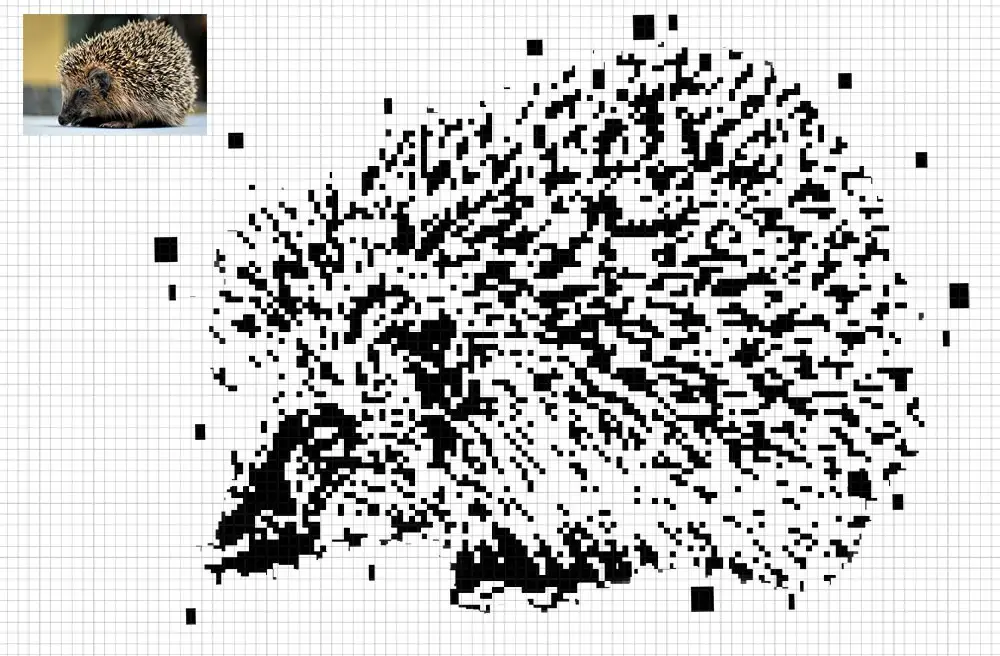
Are you looking to enhance your photography with stunning visual effects? The Pixel Photoshop Action is your perfect solution! This action allows you to create breathtaking pixelated effects that add depth and creativity to your images effortlessly.
Product Overview
The Pixel Photoshop Action is designed for photographers and digital artists who want to elevate their work. With this action, you can achieve a unique pixel dispersion effect that transforms ordinary photos into extraordinary pieces of art. Whether you’re a professional or an enthusiast, this action simplifies the process of adding a creative touch to your images.
Key Features & Benefits
- ✅ Includes Action (ATN) → Easily apply effects with a single click.
- ✅ Brushes (ABR) Included → Customize your effects with versatile brushes.
- ✅ Organized Layers and Folders → Simplifies editing and adjustments.
- ✅ Adjustable Layers → Tailor the effect to fit your creative vision.
- ✅ Compatible with RGB Mode and 8 Bits Color → Ensures high-quality results.
- ✅ Instructions Included → Step-by-step guidance for seamless usage.
- ✅ Works with Photoshop CS6 and CC+ → Versatile compatibility for various users.
Why Choose This Product
The Pixel Photoshop Action stands out due to its ease of use and professional results. It’s trusted by photographers worldwide for its reliability and effectiveness. By integrating this action into your workflow, you can save time while achieving stunning visual effects that captivate your audience.
Specifications (Technical Details)
| File Format | ATN, ABR, PAT |
|---|---|
| Compatibility | Photoshop CS6, CC+ |
| Color Mode | RGB |
| Bits | 8 Bits |
| Included Files | Action, Brushes, Pattern, Instructions |
What’s Included / What’s in the Box
- 📦 Pixel Photoshop Action (ATN)
- 📦 Custom Brushes (ABR)
- 📦 Pattern File (PAT)
- 📦 User Instructions (TXT)
Perfect For
- Photographers looking to enhance their images
- Digital artists wanting to add unique effects
- Content creators seeking to captivate their audience
- Beginners wanting an easy-to-use tool
How to Use
1. Open your image in Photoshop.
2. Load the Pixel Photoshop Action.
3. Click on the action to apply the effect.
4. Adjust layers as needed for the desired look.
5. Save your work and enjoy the results!
FAQ
- Can I use this action in older versions of Photoshop? No, it is compatible with CS6 and CC+ only.
- Are the preview images included? No, the images in the preview are for demonstration purposes only.
Add the Pixel Photoshop Action to your toolkit today and start transforming your photos into stunning works of art! 🚀
User Reviews
Be the first to review “Pixel Photoshop Action”
You must be logged in to post a review.

Paint Splashes Photoshop Action
Sold by Denis
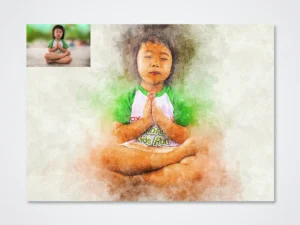
Modern Artistic Photoshop Action
Sold by Denis
Digital Paints Photoshop Action
Sold by Denis Original price was: $6.00.$3.00Current price is: $3.00.


There are no reviews yet.