
Pixel Art Photoshop Action

Original price was: $10.00.$5.00Current price is: $5.00.

Twin Brush
Product Specs:
- Compatible with: Actions
- File Type: ZIP
- File Size: 2.0 MB
- Instant Download
Pixel Art Photoshop Action
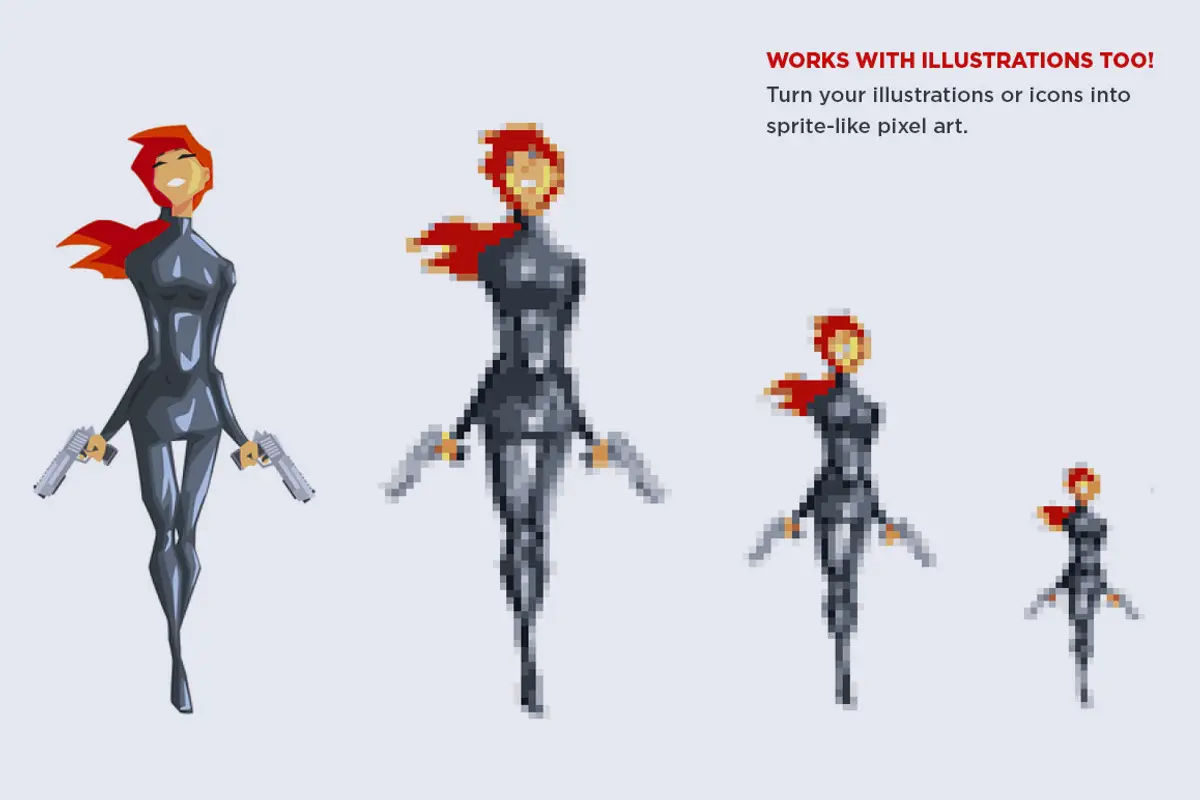
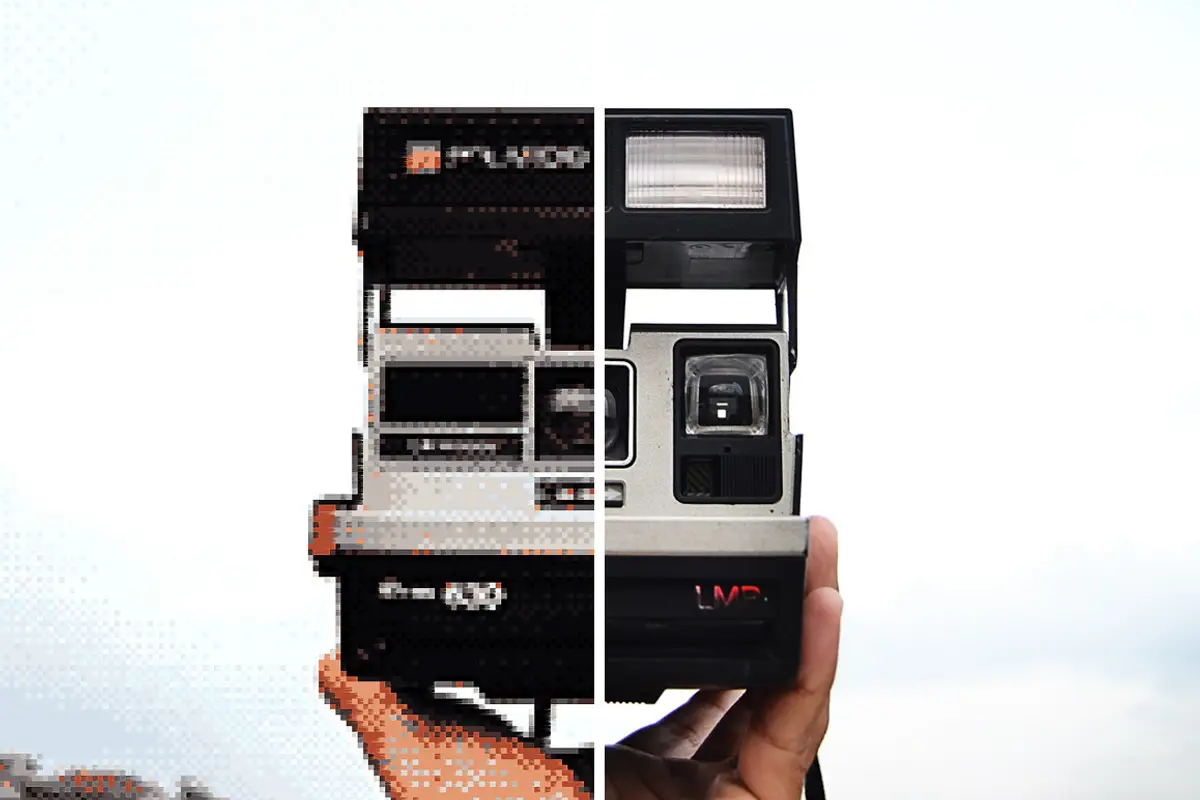
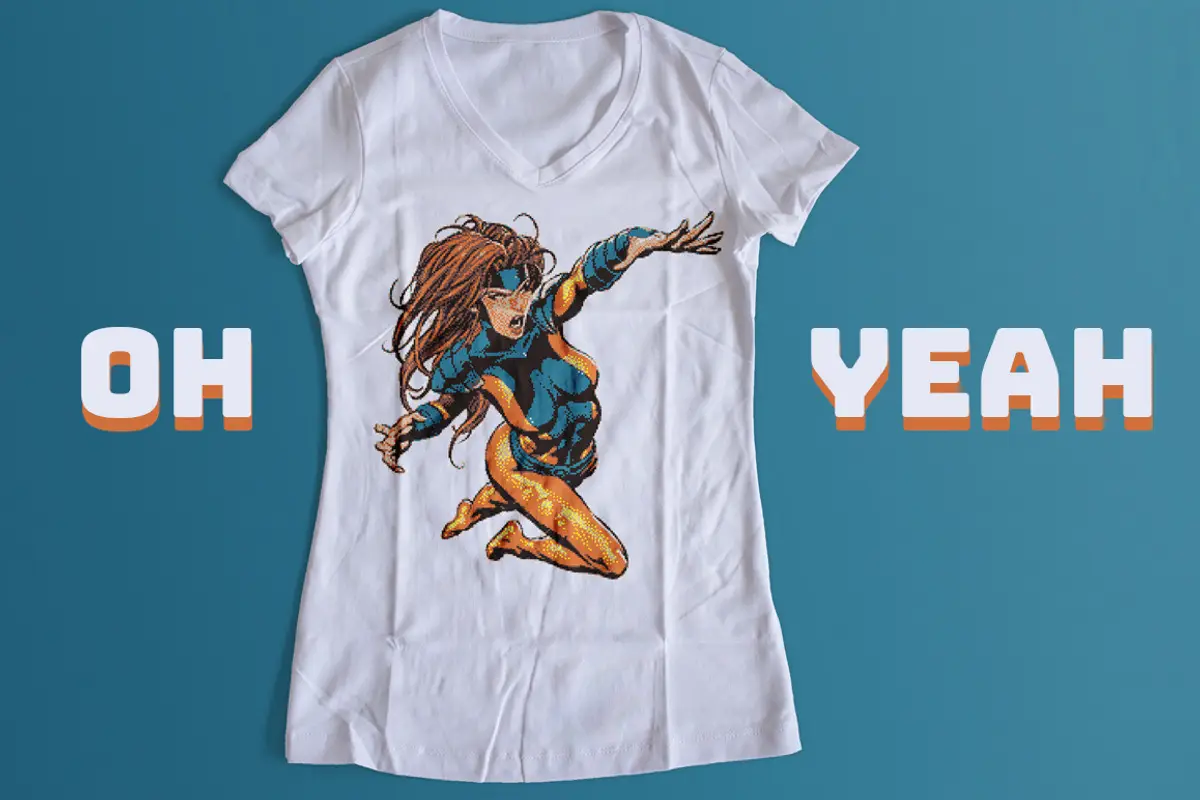
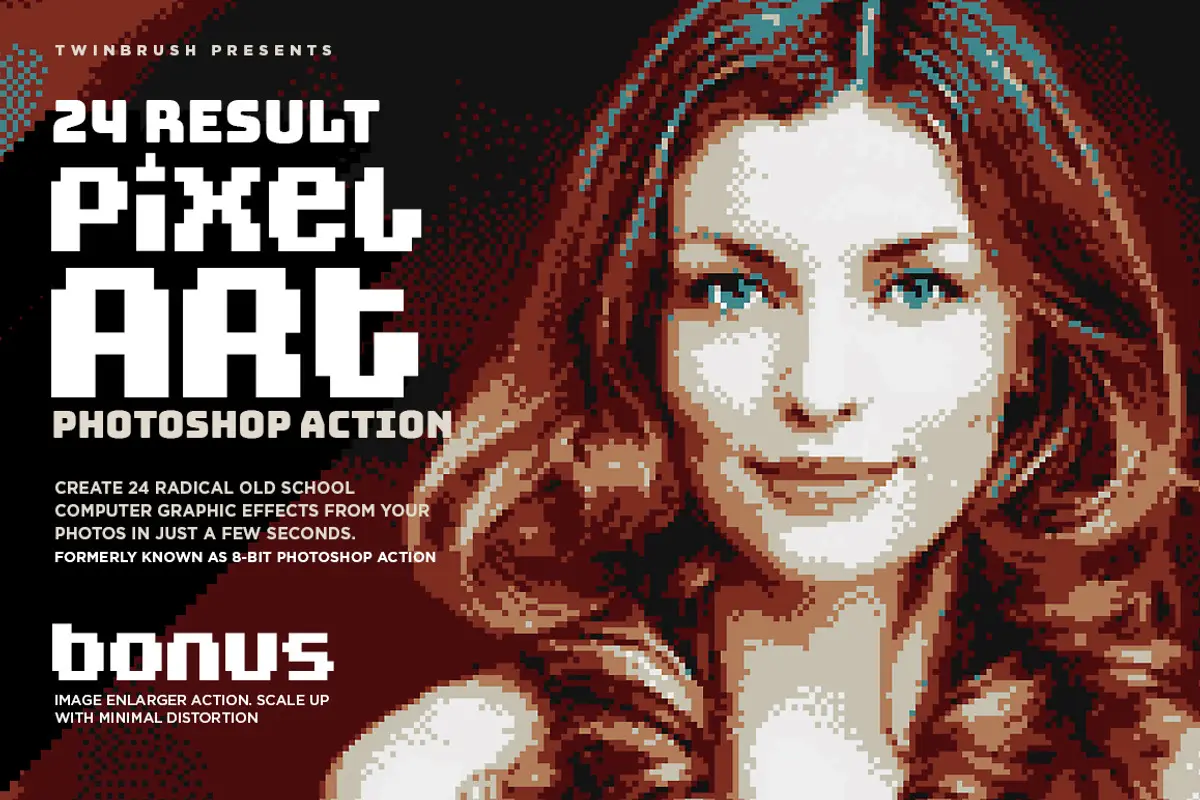
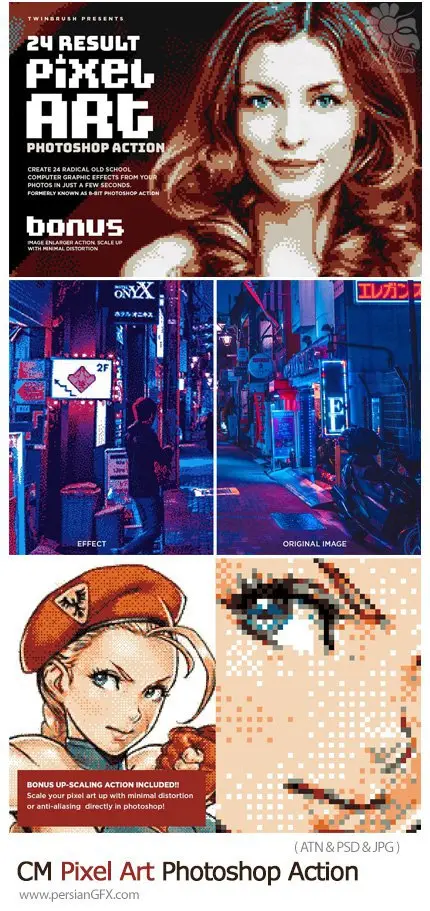
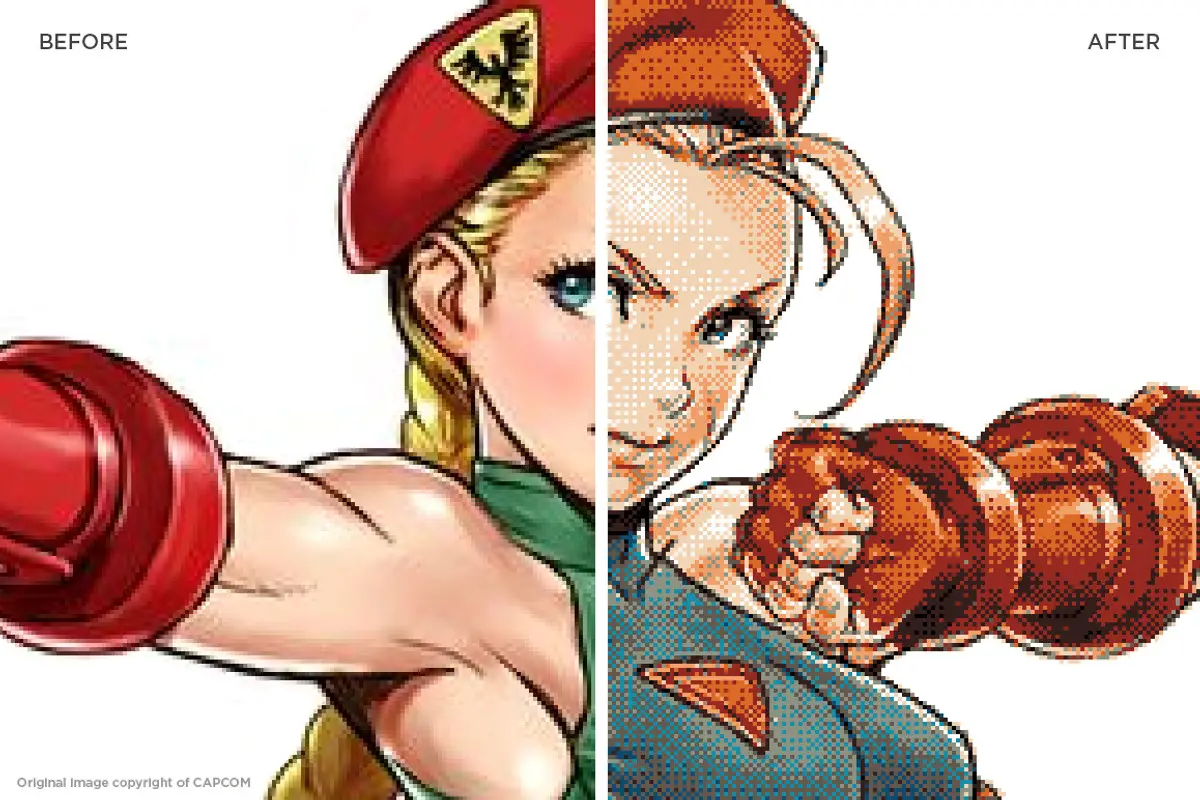
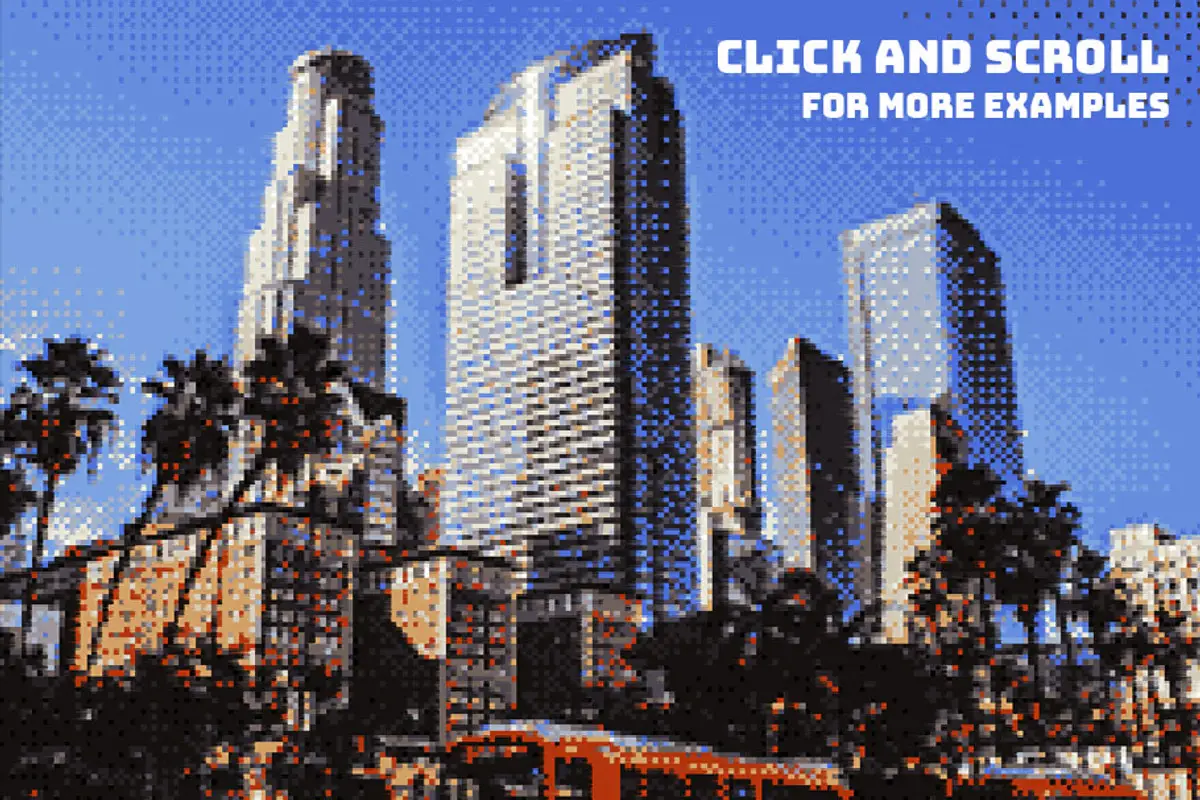
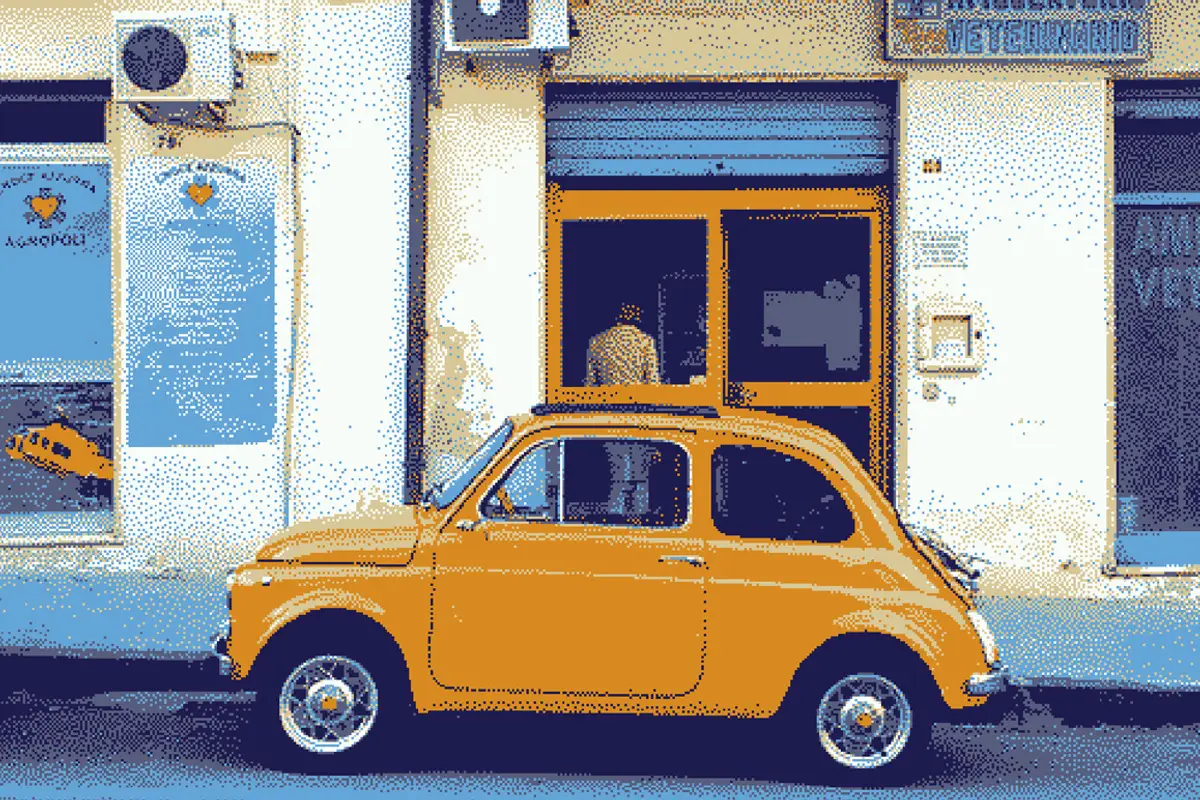
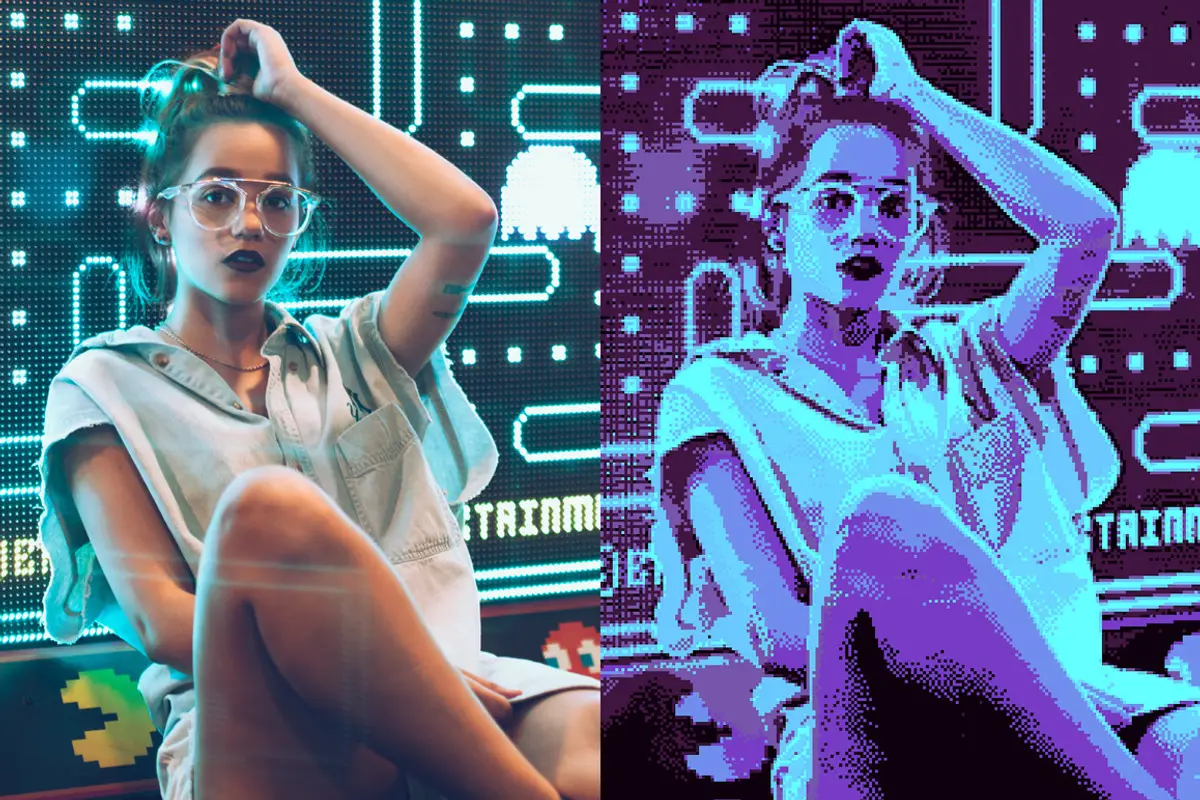
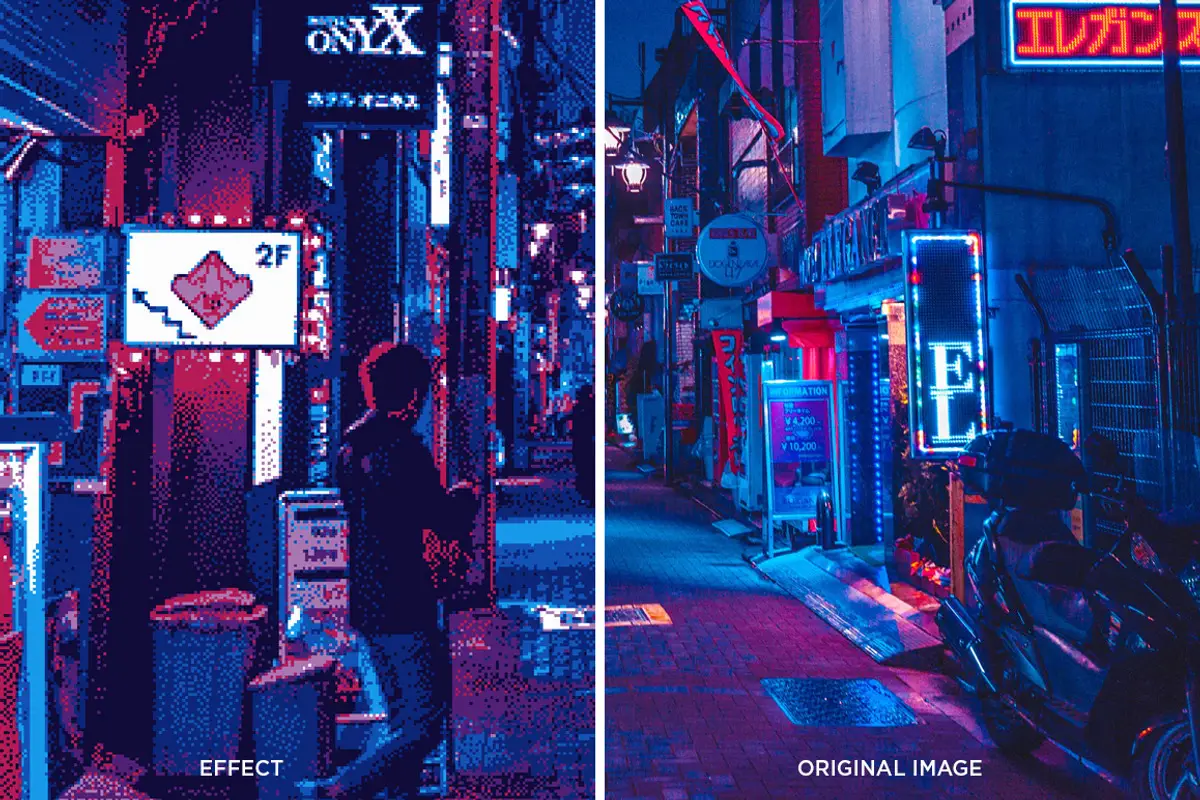
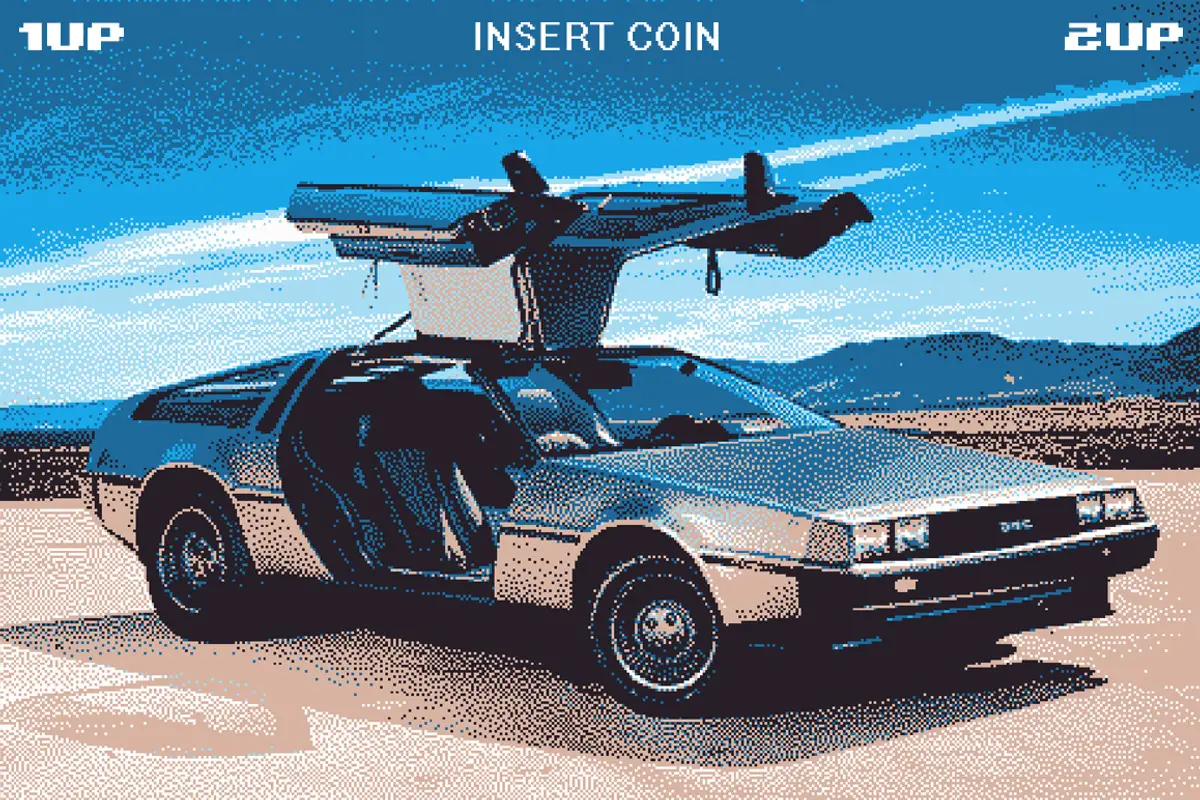
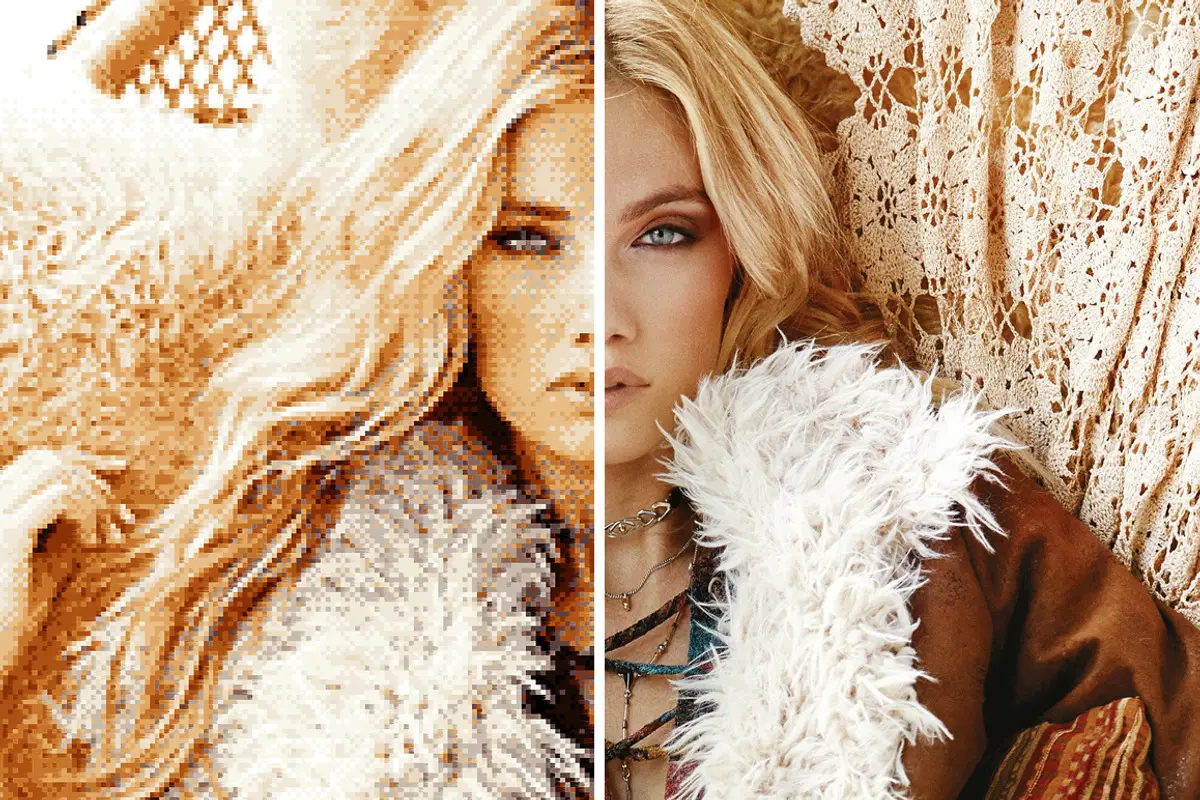
Transform your images into stunning pixel art with the Pixel Art Photoshop Action. This versatile action allows you to effortlessly add a touch of 80s and 90s retro flair to your photographs and illustrations in just seconds.
Product Overview
The Pixel Art Photoshop Action, formerly known as the 8-bit Photoshop Action, brings the nostalgic charm of classic arcade games right to your creative projects. Whether you’re looking to recreate the iconic Nintendo, C64, or Spectrum aesthetics, this action is your go-to solution for achieving that old-school arcade game look.
Key Features & Benefits
- ✅ Easy to Use → Quickly apply the action to your images with just a click.
- ✅ Diverse Results → Enjoy 24 unique outcomes, from detailed 64-bit styles to classic 8-bit sprites.
- ✅ High Resolution → The action is designed for 2000px x 3000px images at 300dpi, ensuring crisp results.
- ✅ Adjustment Layers Included → Refine your pixel art with organized layers and gradient masks in the PSD file.
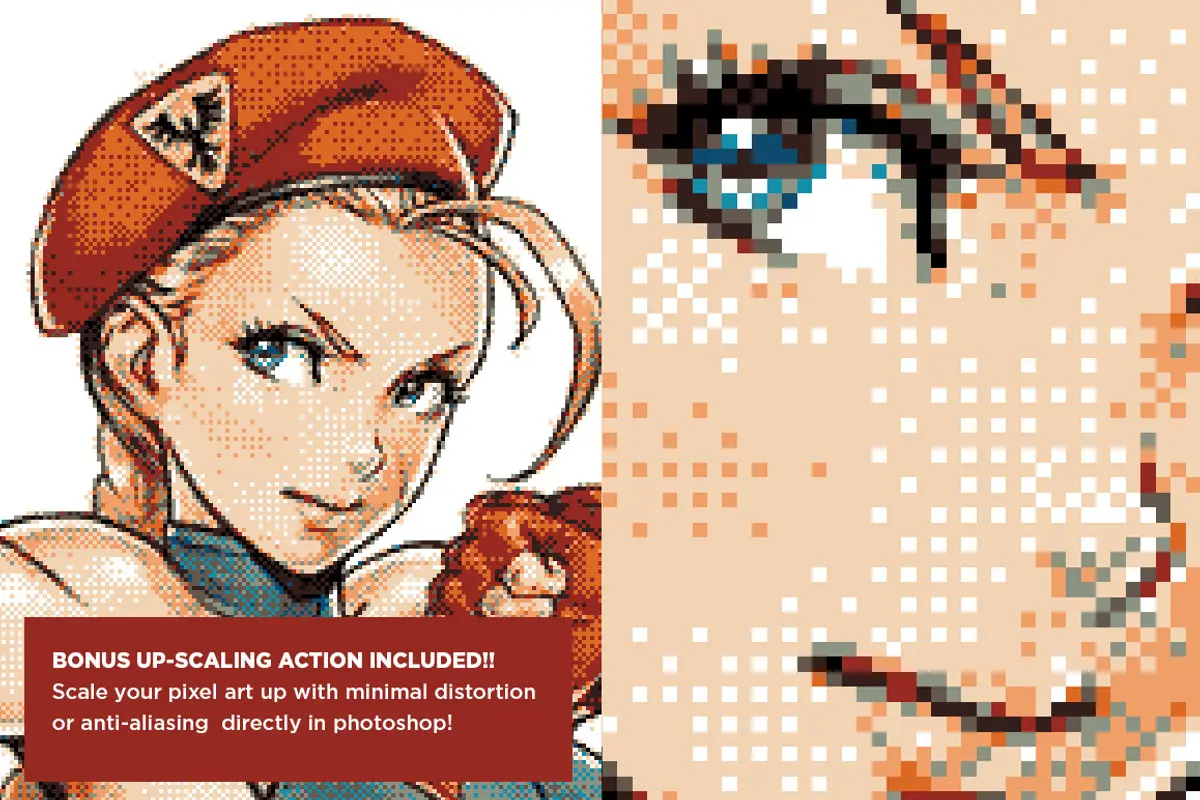
- ✅ Bonus Enlarger Action → Scale your pixel art with minimal distortion for vector-like precision.
- ✅ Fun and Creative → Perfect for adding a playful touch to your designs and impressing your friends!
Why Choose This Product
The Pixel Art Photoshop Action stands out for its ease of use and the variety of results it offers. Whether you’re a professional designer or a hobbyist, this action allows you to create captivating pixel art without the need for extensive editing skills. Plus, with the bonus enlarger action, you can ensure your pixel creations look sharp and vibrant, making it a valuable addition to your design toolkit.
Specifications
| Dimensions | 2000px x 3000px |
|---|---|
| Resolution | 300dpi |
| File Type | PSD |
What’s Included / What’s in the Box
- 📦 Pixel Art Photoshop Action
- 📦 Bonus Enlarger Action
- 📦 Organized PSD file with adjustment layers and gradient masks
- 📦 Quick guide and readme file
Perfect For
- Graphic Designers
- Illustrators
- Retro Gaming Enthusiasts
- Creative Hobbyists
How to Use
- Open your image in Photoshop.
- Apply the Pixel Art Photoshop Action.
- Refine using the adjustment layers provided.
- Use the Bonus Enlarger Action for scaling.
FAQ
- Can I use this action on any image? Yes, it’s suitable for both photographs and illustrations.
- Is the enlarger action easy to use? Absolutely! It’s designed to be user-friendly with minimal distortion.
Ready to add some retro flair to your designs? Add to cart now and start creating your pixel art masterpieces today! 🚀
User Reviews
Be the first to review “Pixel Art Photoshop Action”
You must be logged in to post a review.
Warped – 16 Distorted Text Effects
Sold by Twin Brush
Adobe Photoshop Text Actions and Templates Bundle – 6 Items
Sold by Twin Brush
Ultimate Distortion Poster Creator
Sold by Twin Brush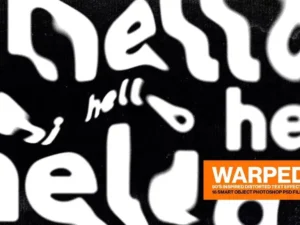
Warped – 16 Distorted Text Effects
Sold by Twin Brush
Warped Photoshop Text Effects
Sold by Twin Brush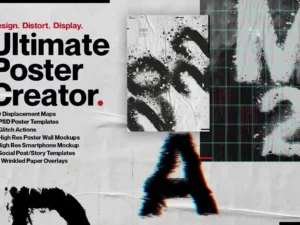
Ultimate Distortion Poster Creator
Sold by Twin Brush Original price was: $10.00.$5.00Current price is: $5.00.


There are no reviews yet.