
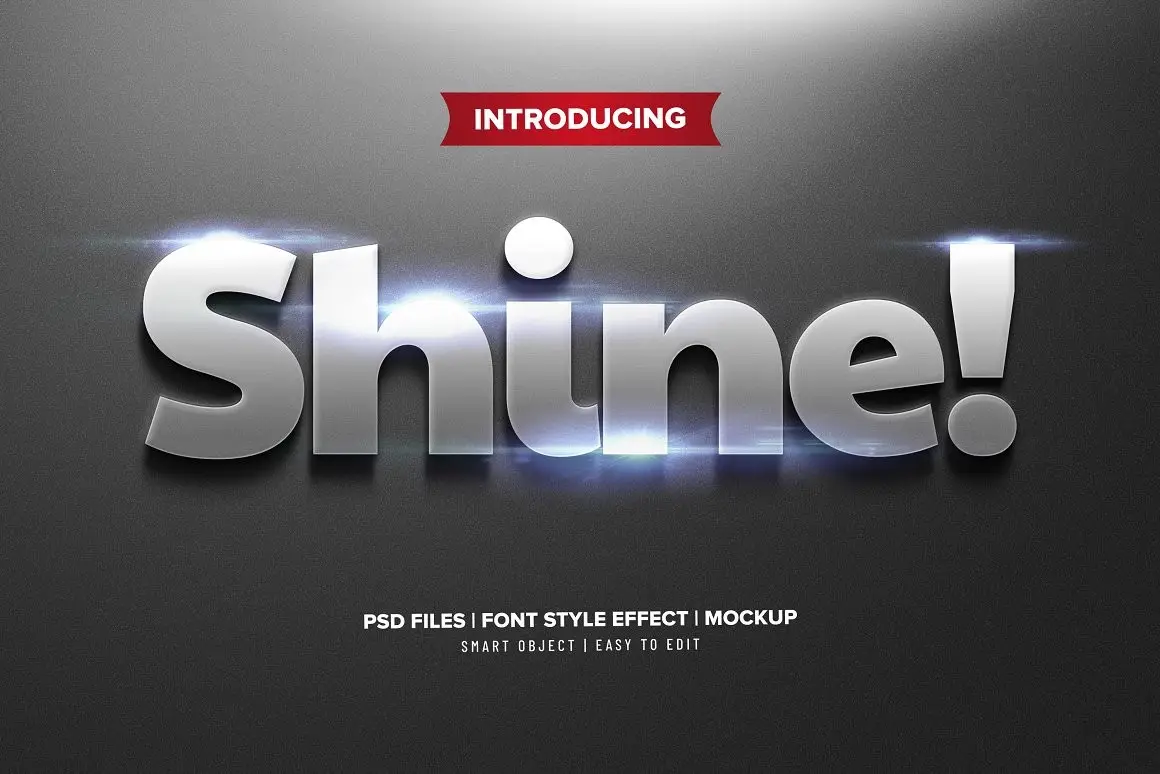

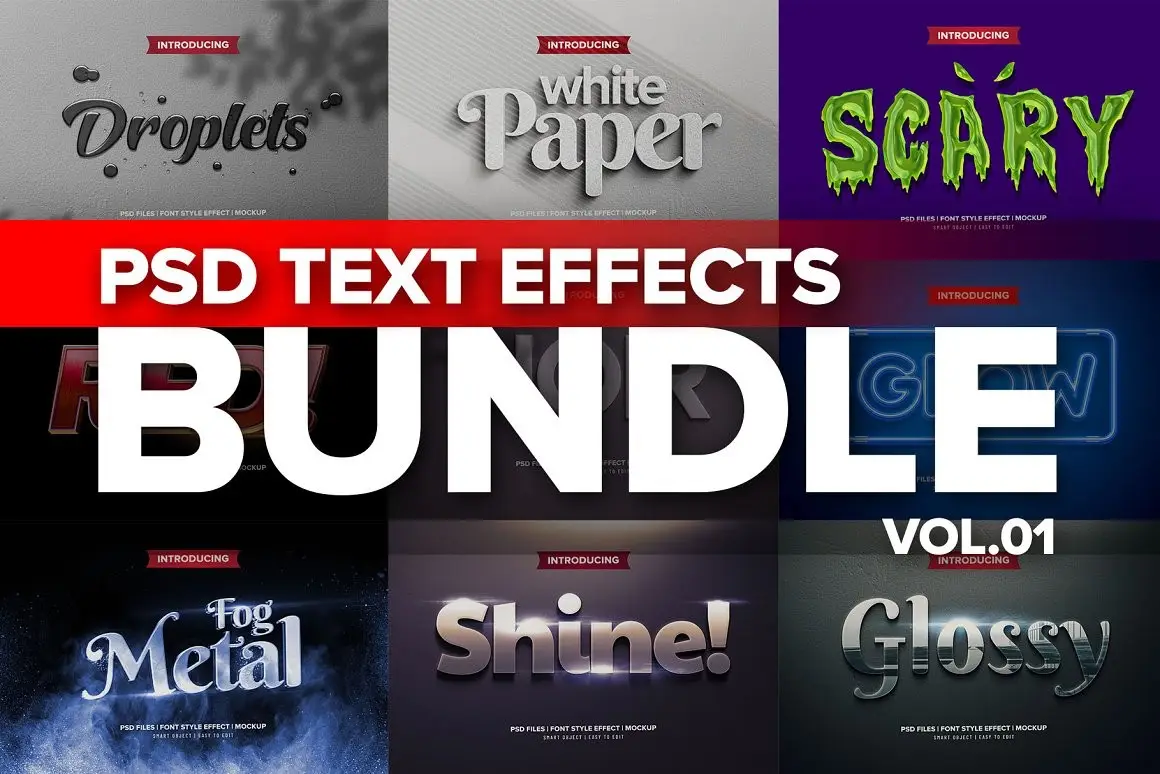
Photoshop 3D Text Effects BUNDLE 1
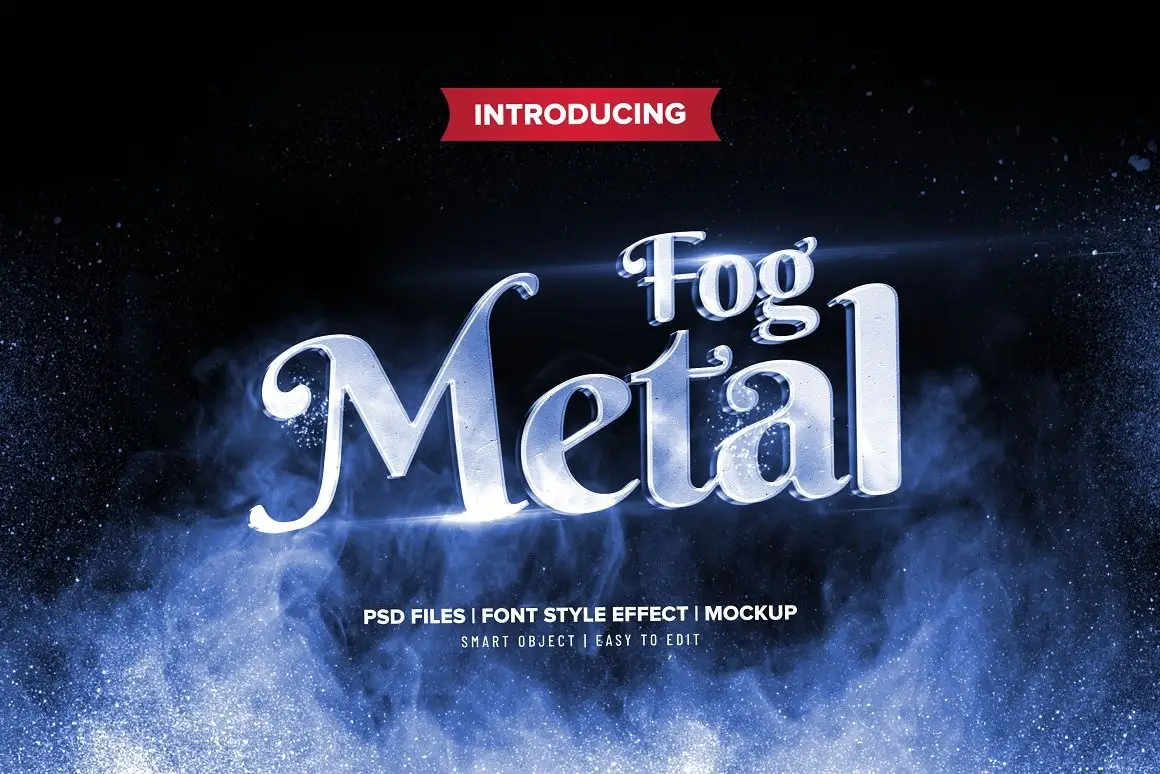
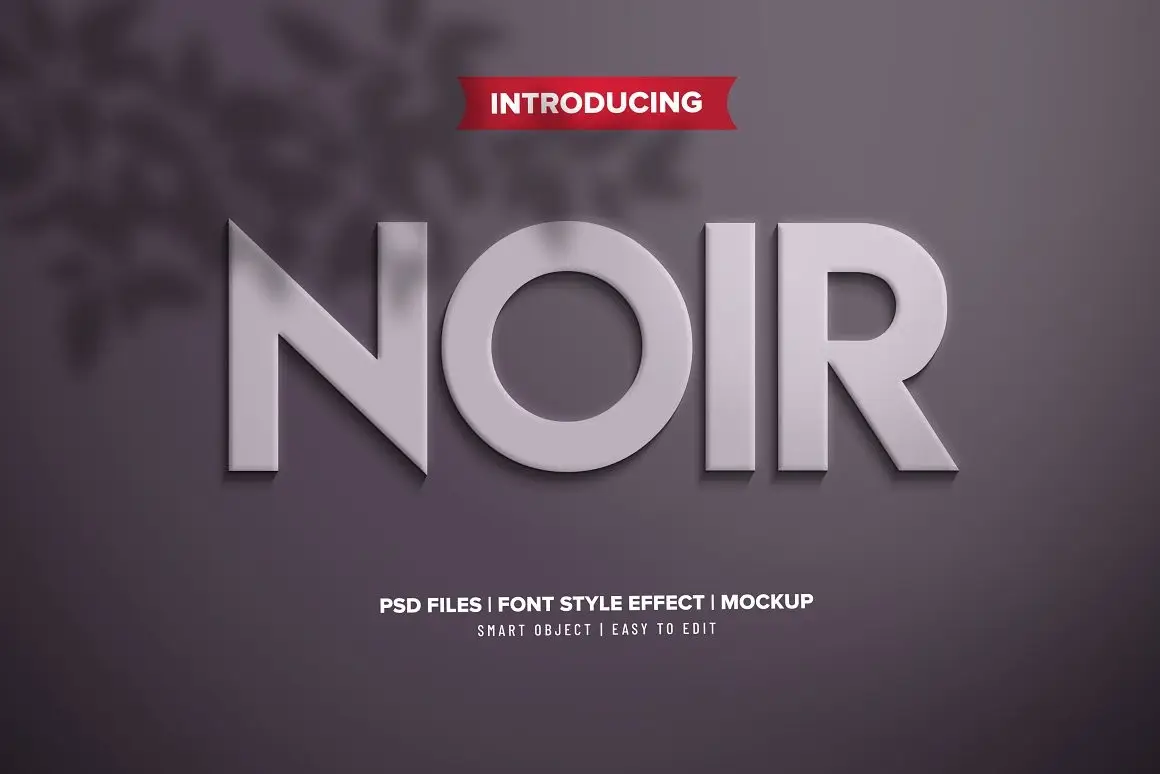
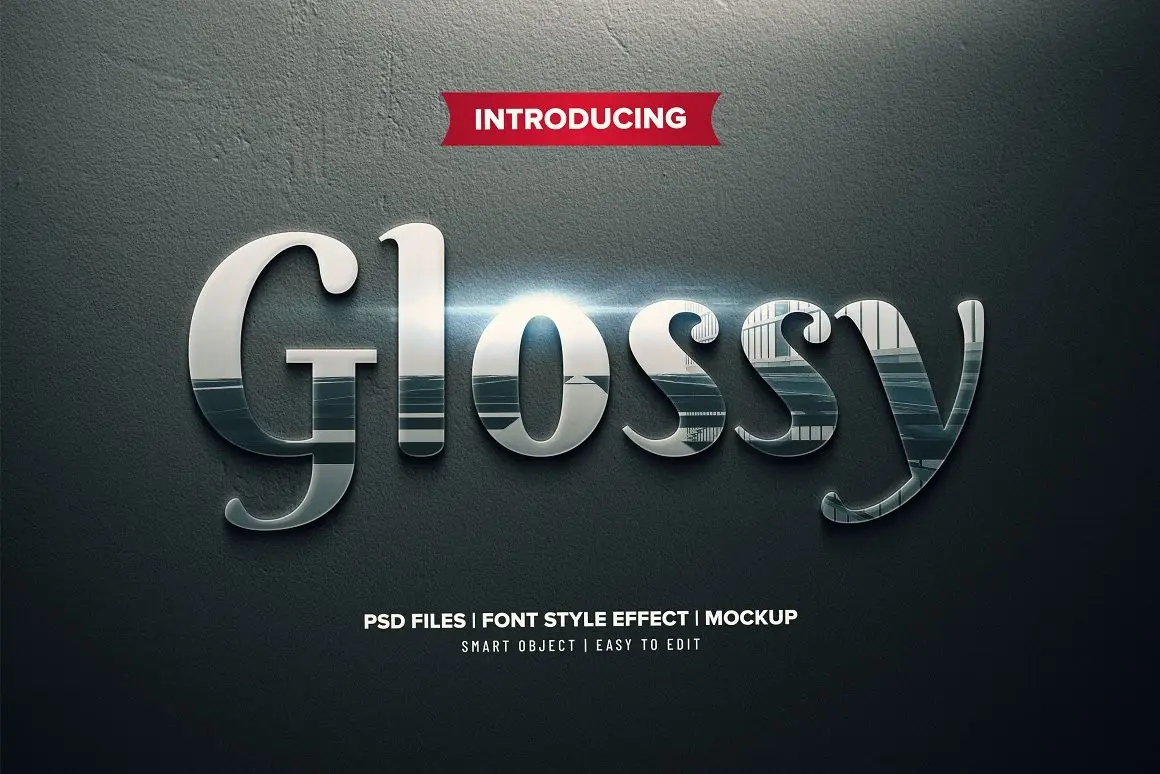
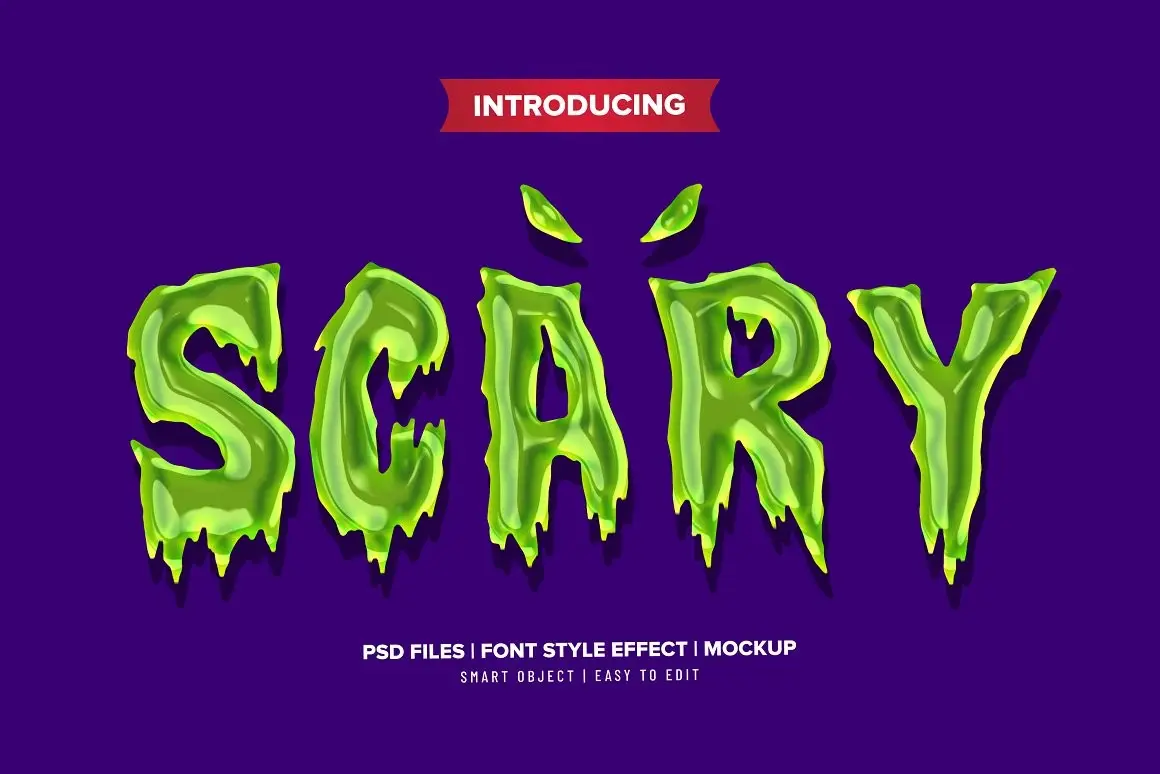
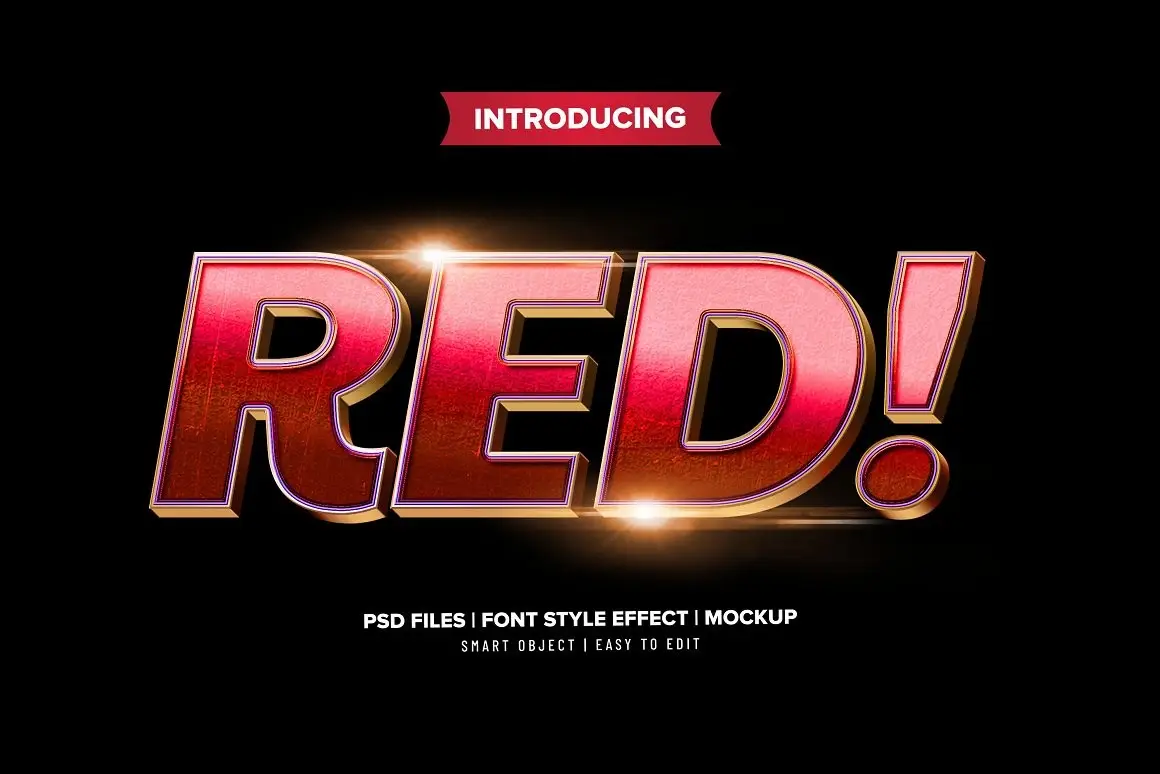
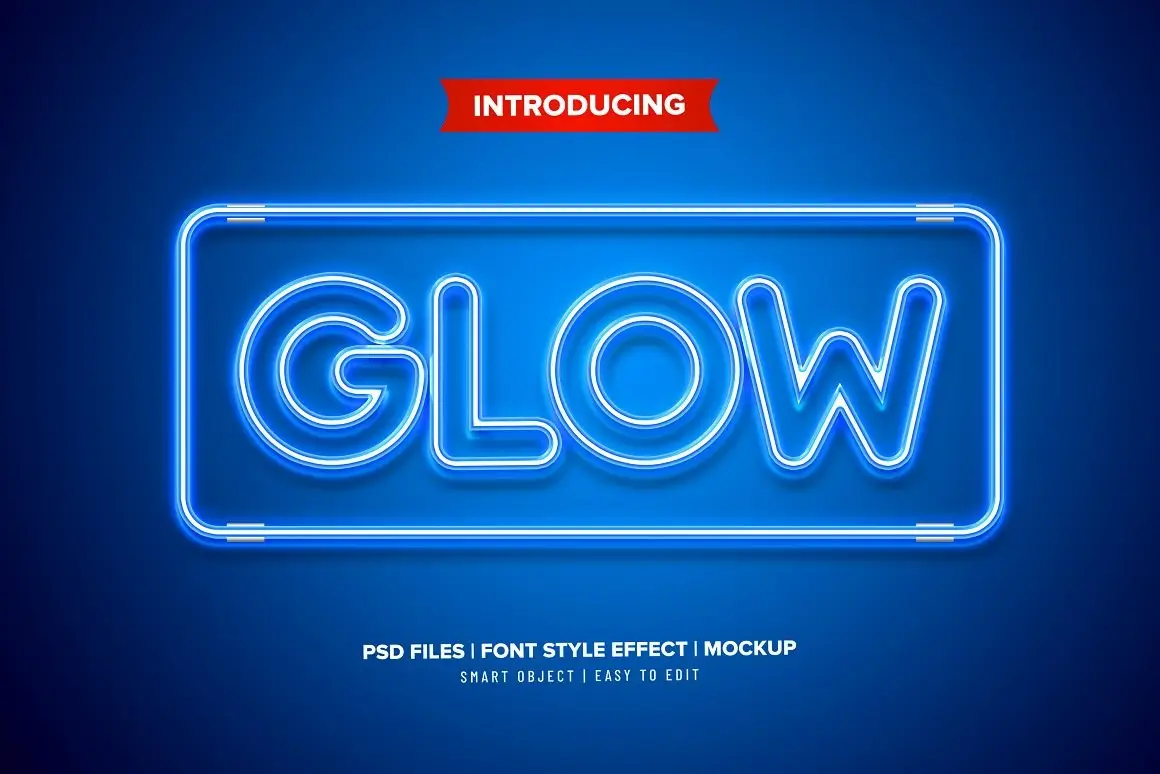
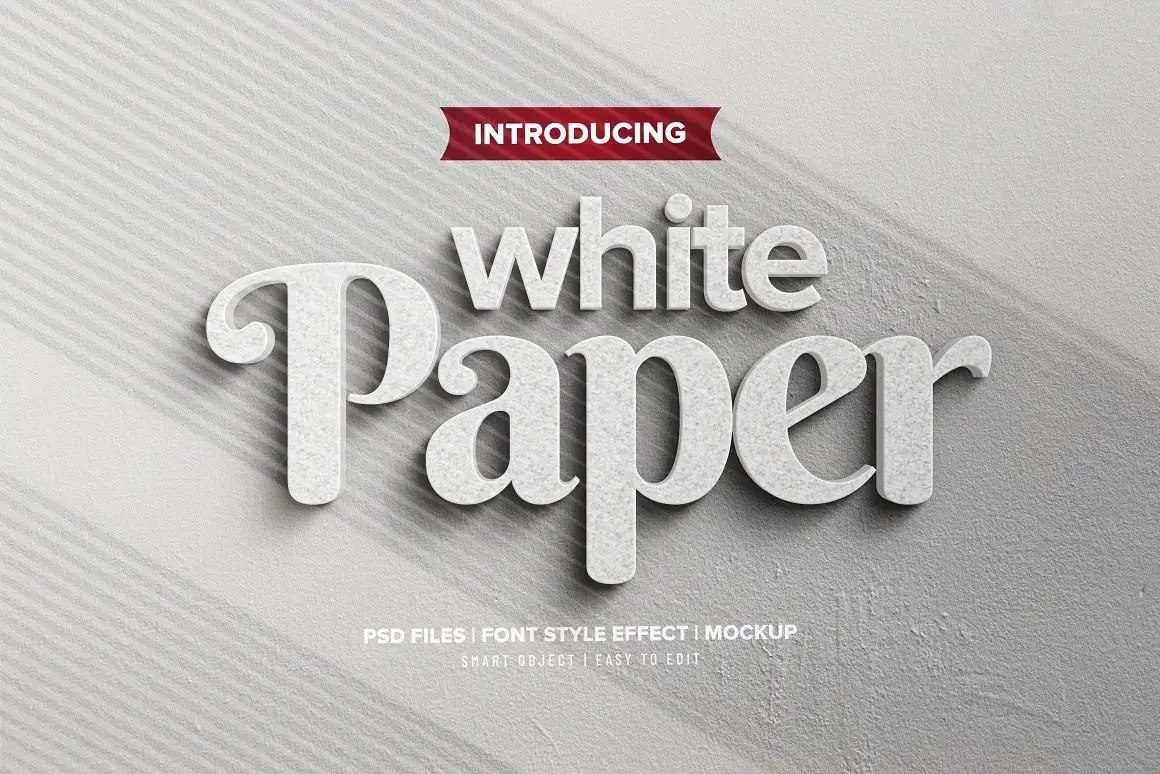
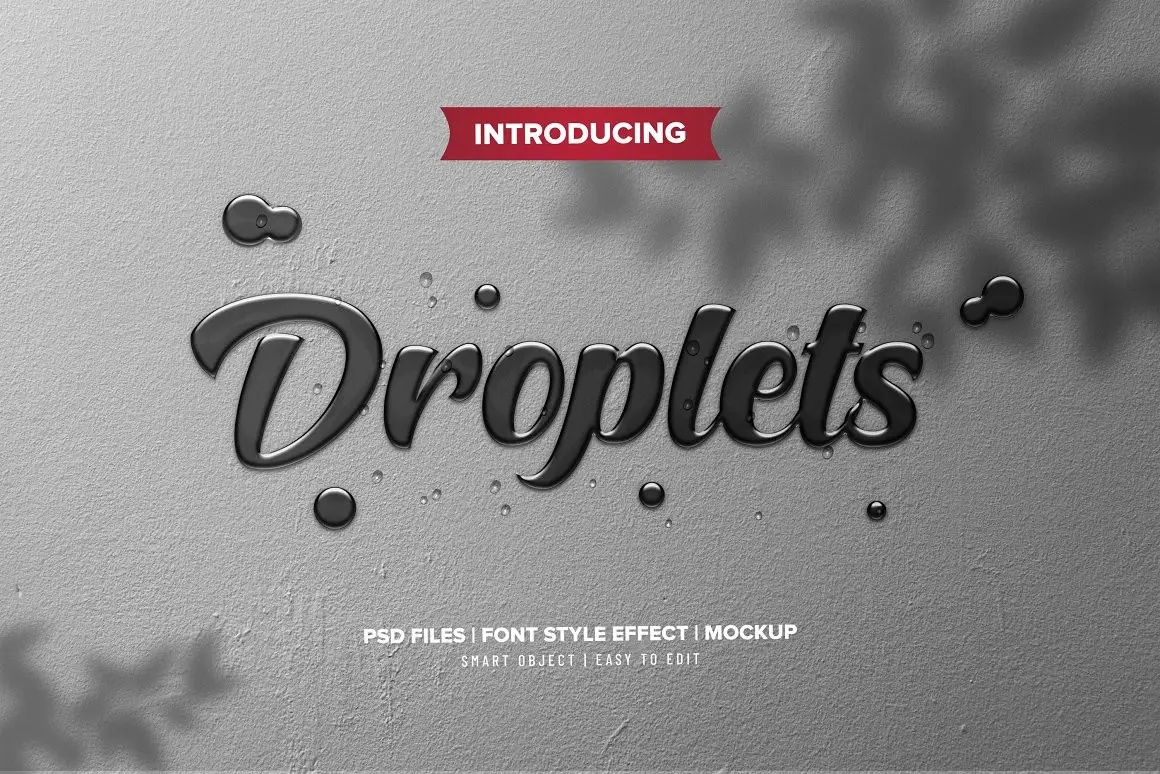
Transform your typography with the Photoshop 3D Text Effects BUNDLE 1. This comprehensive bundle features 9 unique Photoshop text effects sets, designed to elevate your creative projects effortlessly. Whether you’re a professional designer or a hobbyist, these effects offer an easy way to create stunning 3D text without complex installations.
Product Overview
This bundle is perfect for anyone looking to enhance their text designs quickly. With no additional add-ons required, simply open the PSD files and replace the text in the smart object layers. The process is straightforward and user-friendly, making it accessible for all skill levels.
Key Features & Benefits
- ✅ 9 PSD Files → Create diverse text styles with a variety of effects.
- ✅ High Resolution (4500x3000px, 300dpi) → Ensure your designs look sharp and professional.
- ✅ Fully Editable → Tailor each effect to match your project’s needs.
- ✅ Easy to Use → Replace text in seconds using smart object layers.
- ✅ Well Organized Layers → Navigate your designs effortlessly.
- ✅ Free Fonts → All fonts used are free for personal use, ensuring no licensing issues.
- ✅ Versatile Compatibility → Works with text, vector shapes, or any shapes with an invisible background.
Why Choose This Product
The Photoshop 3D Text Effects BUNDLE 1 stands out for its simplicity and versatility. You can create eye-catching designs without the hassle of installing plugins or additional software. This bundle is trusted by designers worldwide for its quality and ease of use, making it an essential addition to your digital toolbox.
Specifications (Technical Details)
| Feature | Details |
|---|---|
| File Format | PSD |
| Dimensions | 4500x3000px |
| DPI | 300 |
| Color Mode | RGB |
| Fonts | Free for personal use |
What’s Included / What’s in the Box
- 📦 9 Photoshop PSD files
- 📦 Instructions for easy text replacement
Perfect For
- Graphic Designers
- Web Designers
- Marketing Professionals
- Social Media Creators
- Anyone looking to enhance their typography
How to Use
1. Open the desired PSD file in Photoshop.
2. Double-click the smart object layer to edit the text.
3. Replace the existing text with your own.
4. Save and enjoy your new 3D text effect!
FAQ
- Can I use these effects for commercial projects? Yes, the fonts included are free for personal use, but check individual font licenses for commercial use.
- Do I need any additional software? No, everything you need is included in the PSD files.
Add to cart now and start creating stunning 3D text effects today! 🚀
User Reviews
Be the first to review “Photoshop 3D Text Effects BUNDLE 1”
You must be logged in to post a review.
Original price was: $11.00.$5.50Current price is: $5.50.


There are no reviews yet.