


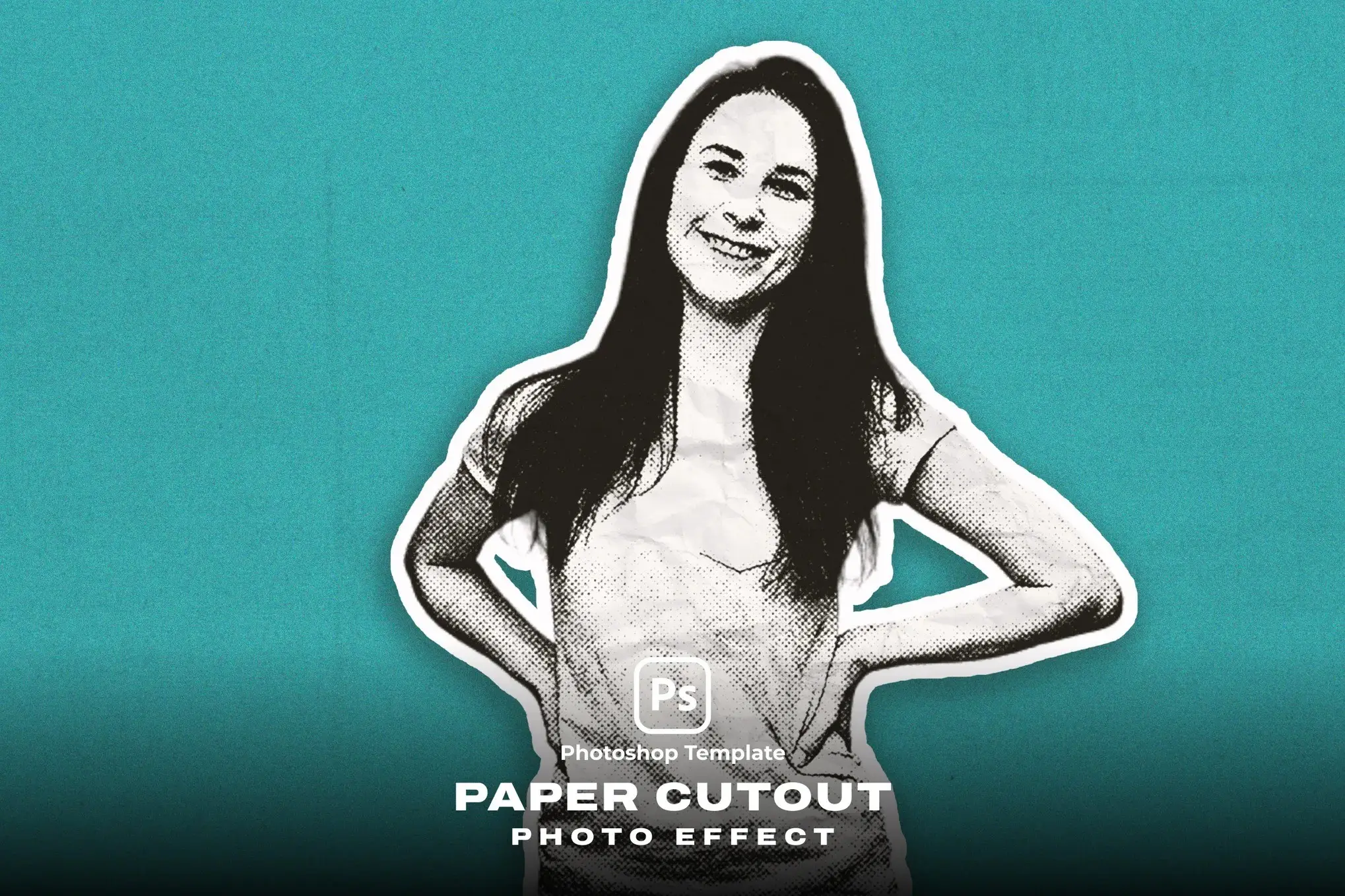

Paper Cutout Photo Effect
Transform your visuals effortlessly with the Paper Cutout Photo Effect. This digital design asset allows you to create stunning cutout effects for your photos and text in just a few clicks. With a user-friendly setup, you can easily customize your designs to achieve a professional look that stands out.
Product Overview
The Paper Cutout Photo Effect is designed for creatives seeking to enhance their projects with a unique cutout style. Whether you’re working on promotional materials, social media graphics, or personal projects, this effect provides an aesthetic that captures attention and adds a touch of elegance.
Key Features & Benefits
- ✅ Editable Texts → Customize all text elements to fit your brand or message.
- ✅ High-Resolution Compatibility → Perfect for 300DPI projects, ensuring crisp, clear prints.
- ✅ Organized Layers → All layers are clearly named and categorized for easy navigation.
- ✅ Smart Object Integration → Easily change text or logos using Smart Objects for quick edits.
- ✅ Exclusive to Adobe Photoshop → Designed specifically for seamless use within Adobe Photoshop.
Why Choose This Product
This Paper Cutout Photo Effect stands out due to its realistic details and aesthetic appeal. Trusted by designers and creatives, this product is crafted to meet high standards of quality and usability. With its straightforward application, you can achieve professional results without extensive design experience.
Specifications
| Dimensions | 5000×3000 pixels |
|---|---|
| Software Compatibility | Adobe Photoshop |
| Resolution | 300 DPI |
What’s Included
- 📦 Paper Cutout Photo Effect files
- Instruction guide for text and logo changes
- Links to free fonts used in the presentation
Perfect For
- Graphic Designers
- Marketing Professionals
- Social Media Managers
- Anyone looking to enhance their visual content
How to Use
1. Open the template in Adobe Photoshop.
2. Use the Smart Object to replace text or logos.
3. Adjust colors and sizes as needed.
4. Save your design and enjoy the cutout effect!
FAQ
- Can I use this effect for print projects? Yes, it is optimized for 300DPI, making it suitable for print.
- Is the text editable? Absolutely! All text elements are fully editable.
Ready to elevate your designs? Add to cart now and start creating stunning visuals with the Paper Cutout Photo Effect! 🚀
User Reviews
Be the first to review “Paper Cutout Photo Effect”
You must be logged in to post a review.


Color Comic Square And Poster Photo Effect
Sold by
Adobe Photoshop Comic Plugins Bundle – 13 Plugins
Sold by


Original price was: $5.00.$2.50Current price is: $2.50.


There are no reviews yet.