
Paper Cut / Stencil Cut Text Effect
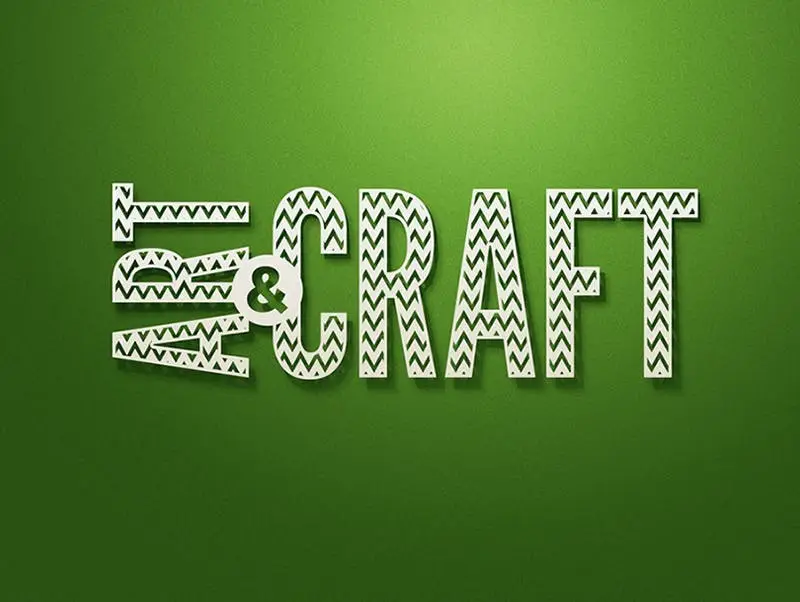
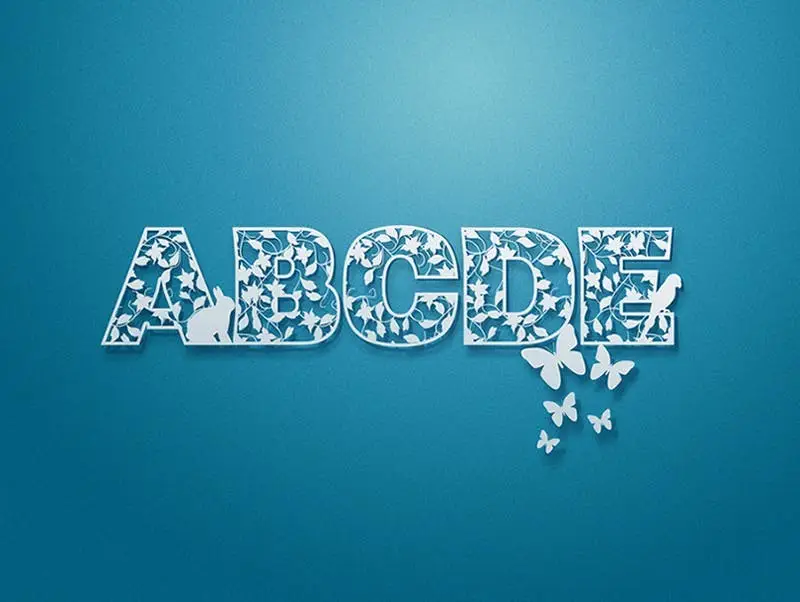
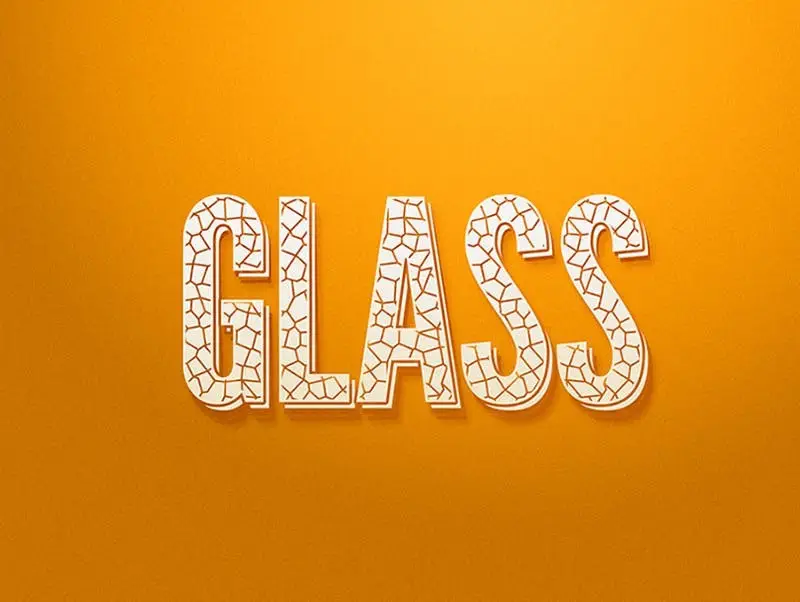
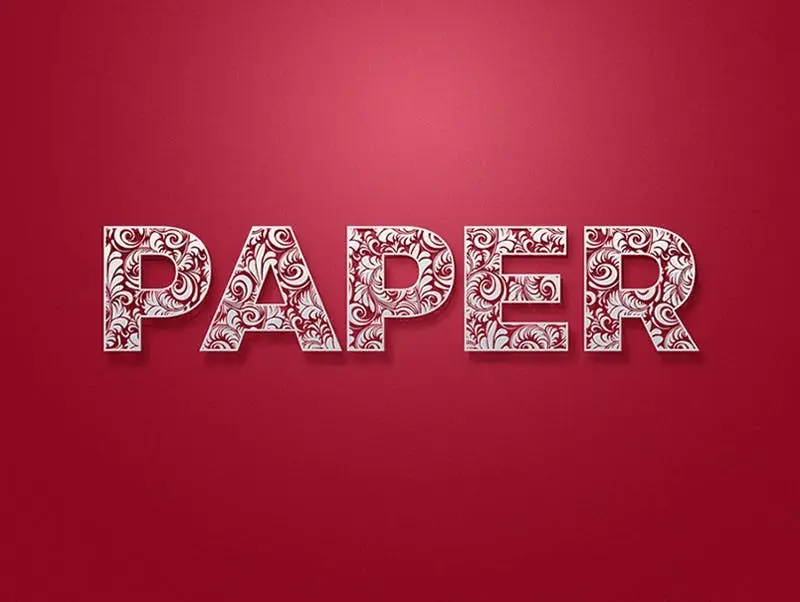
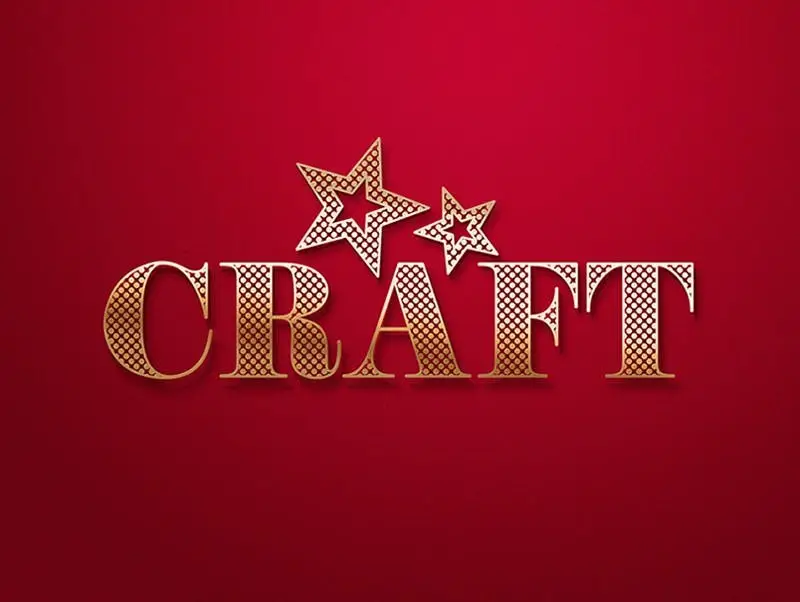
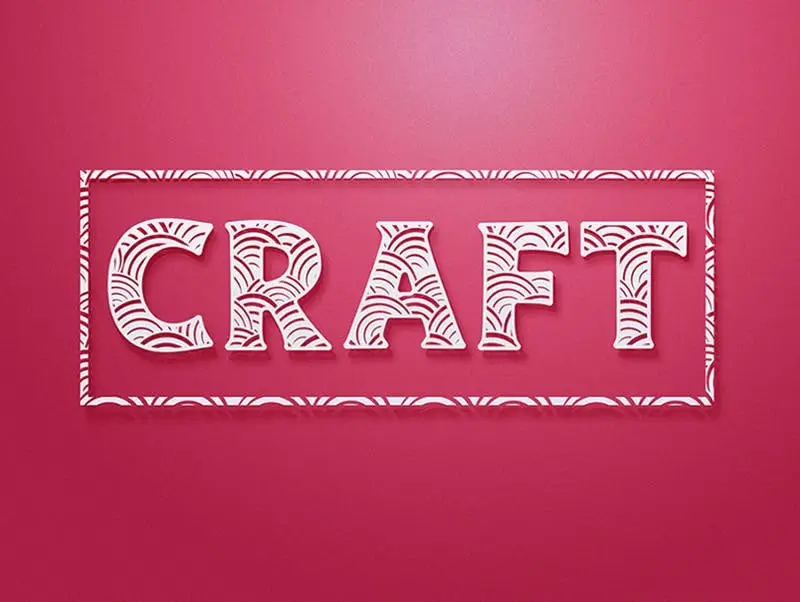
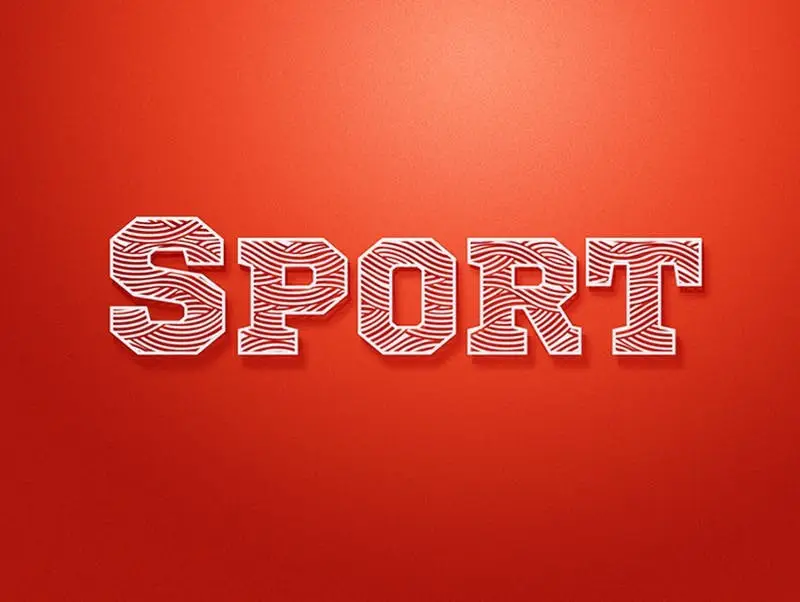
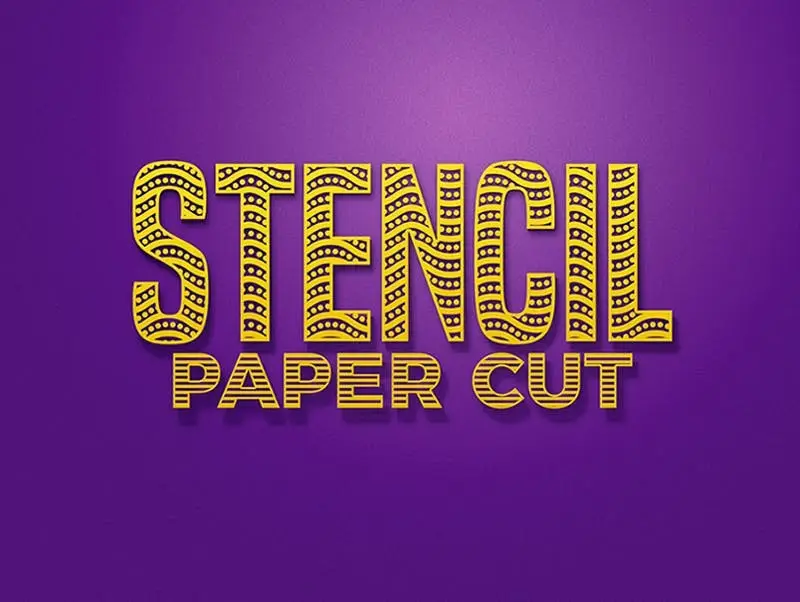
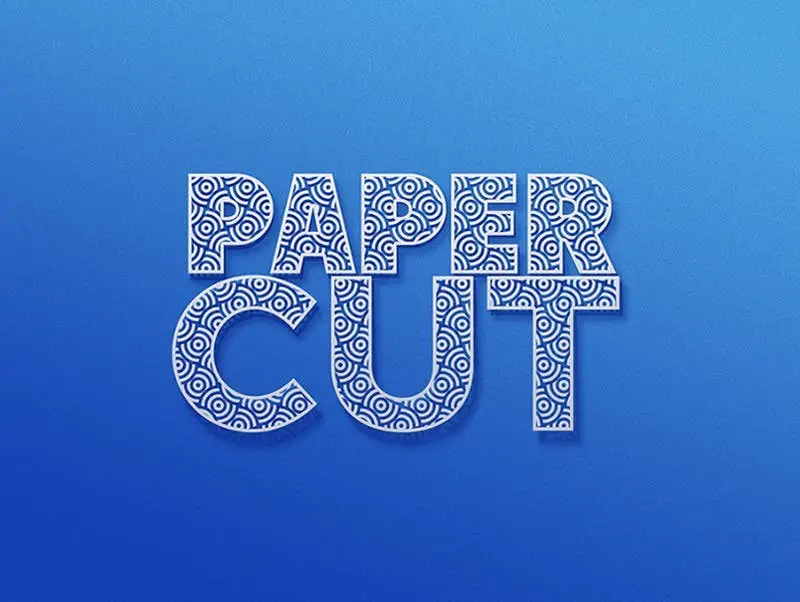
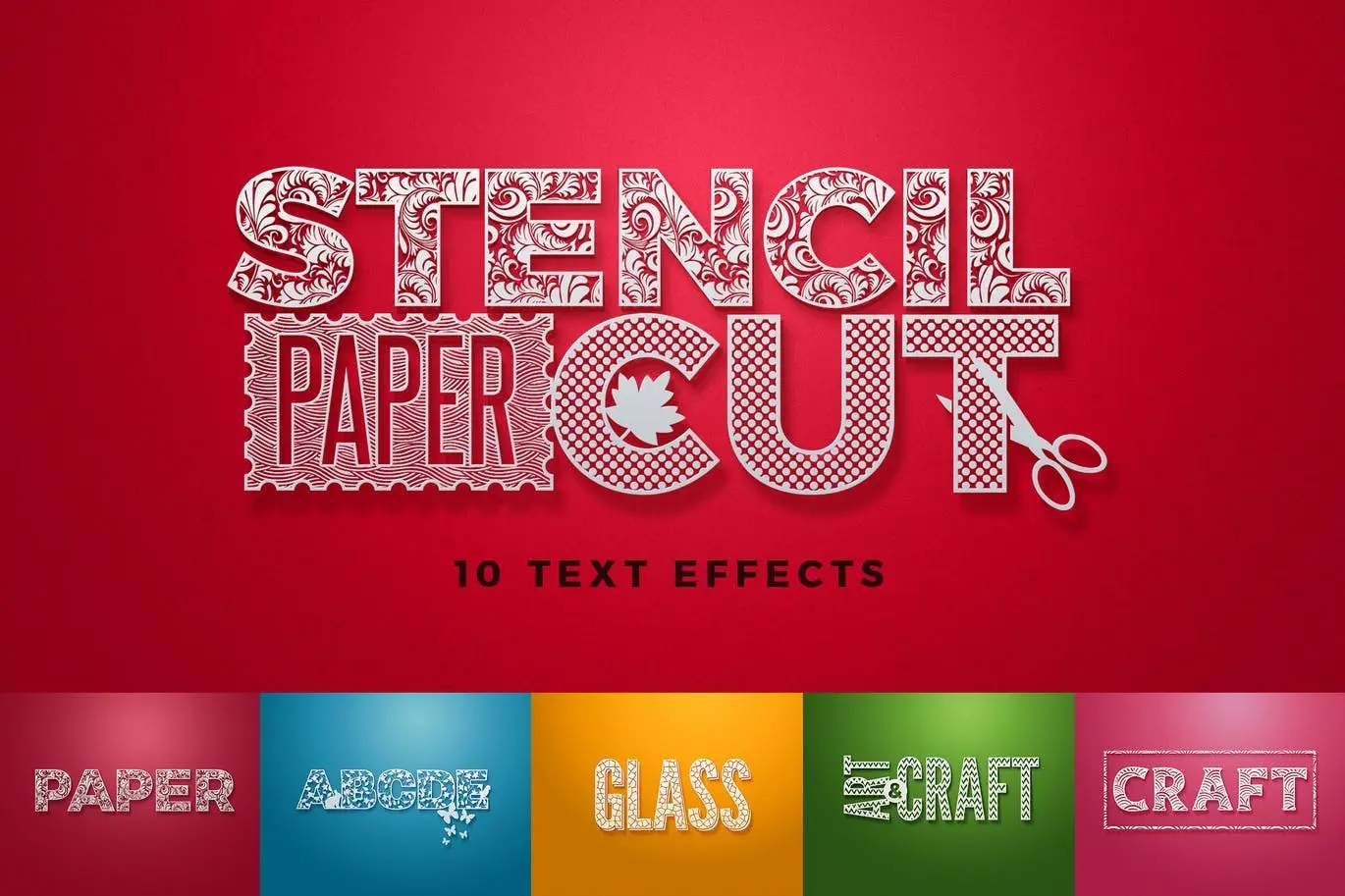
Paper Cut / Stencil Cut Text Effect
Transform your text into stunning paper cut or stencil cut effects with this versatile digital design asset. The Paper Cut / Stencil Cut Text Effect offers a creative way to enhance your graphic projects, making your text stand out effortlessly.
Product Overview
This product includes 10 fully layered .PSD files designed for use with Adobe Photoshop. Each file features smart object layers, allowing you to easily customize the text to fit your unique style. With a resolution of 2000×1500 pixels at 300dpi, your designs will maintain high quality for both digital and print applications.
Key Features & Benefits
- ✅ 10 Fully Layered .PSDs → Easily customize each text effect to fit your project needs.
- ✅ Smart Object Layers → Simplifies the editing process, allowing for quick text updates.
- ✅ High Resolution (2000×1500 pixels, 300dpi) → Ensures crisp and clear output for all your designs.
- ✅ Help File Included → Get started quickly with easy-to-follow instructions.
- ✅ Font Link Attached → Access the font used in the design for a cohesive look.
Why Choose This Product
The Paper Cut / Stencil Cut Text Effect is perfect for designers looking to add a unique touch to their typography. Whether you are creating promotional materials, social media graphics, or artistic projects, this text effect provides a professional finish that captures attention. Trusted by creatives worldwide, this asset is your go-to solution for innovative text designs.
Specifications (Technical Details)
| File Format | .PSD |
|---|---|
| Layers | Fully Layered |
| Resolution | 2000×1500 pixels |
| DPI | 300 |
What’s Included / What’s in the Box
- 📦 10 Fully Layered .PSD Files
- 📦 Help File with Instructions
- 📦 Font Link for Easy Access
Perfect For
- Graphic Designers
- Social Media Marketers
- Creative Artists
- Print Designers
How to Use
To use the Paper Cut / Stencil Cut Text Effect, simply open the .PSD file in Adobe Photoshop, double-click the smart object layer, and replace the placeholder text with your own. Save and close the smart object to see your new text effect applied instantly!
FAQ
- Can I use this effect for commercial projects? Yes, you can use it for both personal and commercial projects.
- Is the font included? The font link is provided in the help file for easy access.
Add to cart now and start creating stunning text effects today! 🚀
User Reviews
Be the first to review “Paper Cut / Stencil Cut Text Effect”
You must be logged in to post a review.
Original price was: $5.00.$2.50Current price is: $2.50.


There are no reviews yet.