
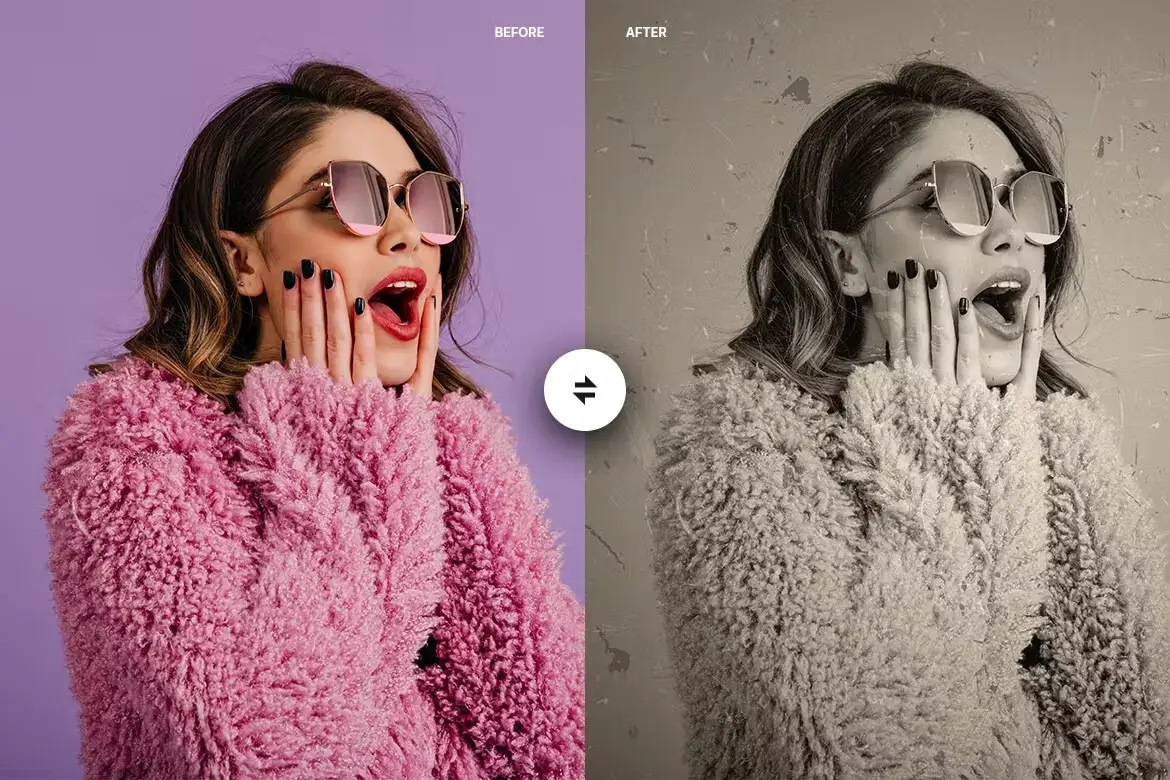
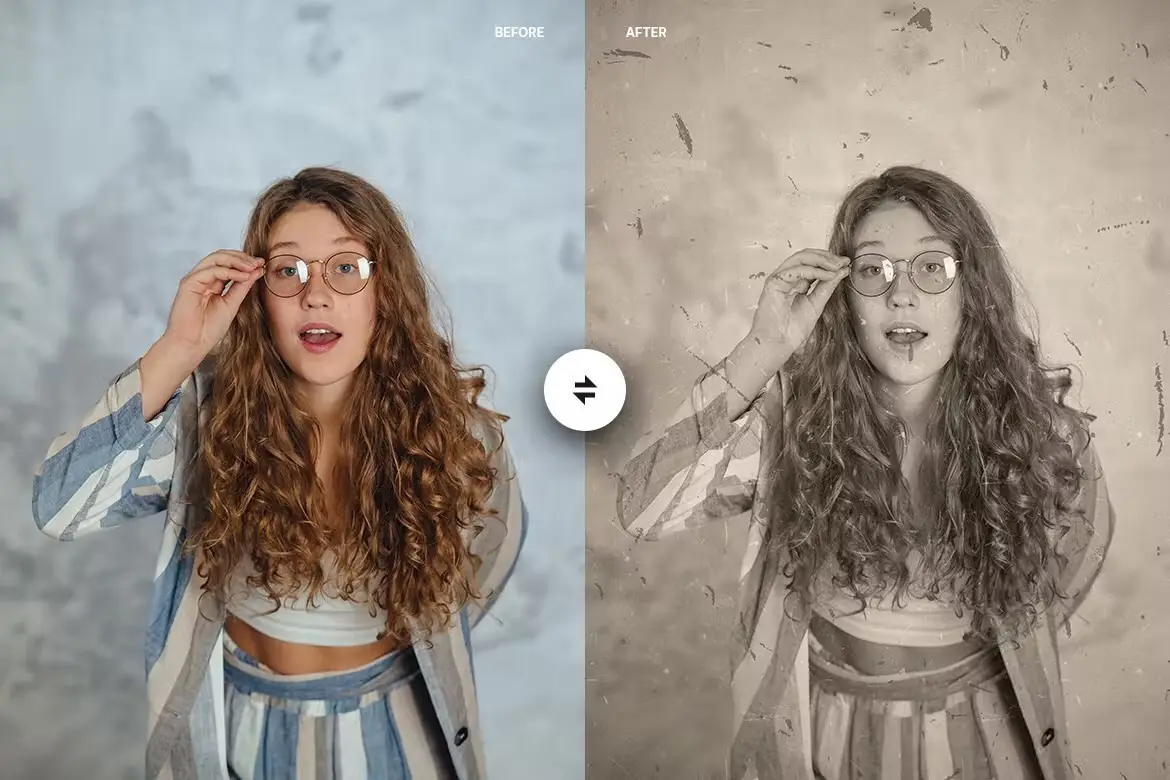
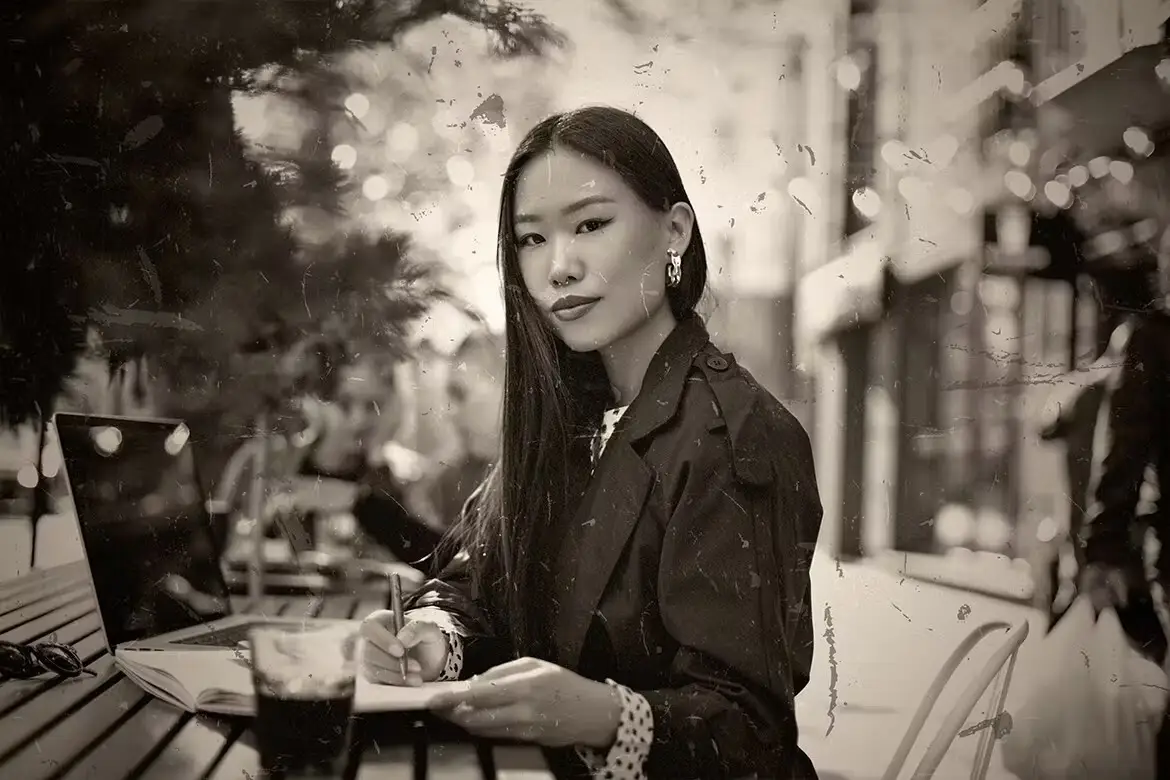

Old Photo – Photoshop Action
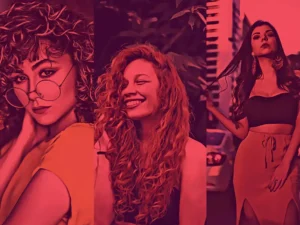
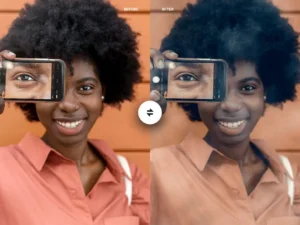
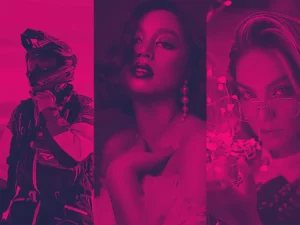
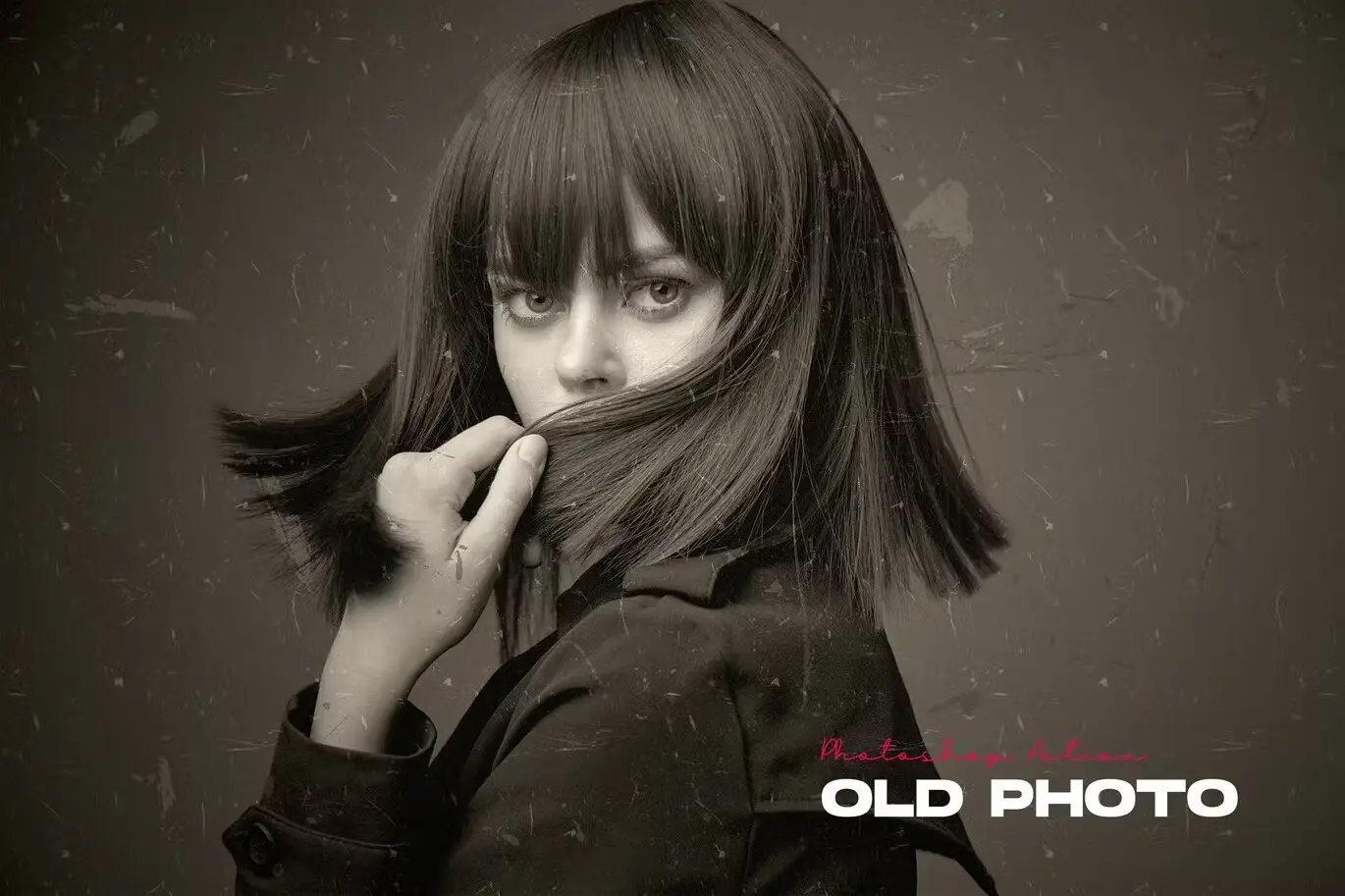
Transform your photos into stunning retro masterpieces with the Old Photo – Photoshop Action. This powerful tool allows you to create a highly detailed vintage effect with just a few clicks, saving you valuable time while enhancing your images. Designed for ease of use, this action keeps your layers organized, enabling you to customize your photos effortlessly.
Product Overview
The Old Photo – Photoshop Action is perfect for photographers and designers who want to add a nostalgic touch to their images. Whether you’re working on personal projects or professional work, this action is designed to deliver exceptional results without the hassle of complex editing.
Key Features & Benefits
- ✅ Non-destructive Editing → Keeps your original image untouched for flexible editing.
- ✅ Resolution Versatility → Works effectively with images of any resolution.
- ✅ Wide Compatibility → Tested to function seamlessly in Photoshop CS3 through CC 2015 and multiple language versions.
- ✅ Optimal Performance → For best results, use images with a resolution of 1920×1080 or higher.
- ✅ User-Friendly → Simple installation and easy-to-follow steps make it accessible for everyone.
Why Choose This Product
The Old Photo – Photoshop Action stands out due to its unique ability to create a vintage look while maintaining an organized layer structure. This means you can dive deeper into your editing process without losing track of your adjustments. Trusted by creatives worldwide, this action is a must-have for anyone looking to achieve a classic photo effect quickly and efficiently.
Specifications (Technical Details)
| Compatibility | Photoshop CS3, CS4, CS5, CS5.5, CS6, CC, CC2014, CC2015 |
|---|---|
| Resolution | Best with 1920×1080 or higher |
| Languages Supported | Multiple languages |
What’s Included / What’s in the Box
- 📦 Old Photo – Photoshop Action file
- 📦 Old Lines Pattern file
- 📦 User Guide for installation and usage
Perfect For
- Photographers looking to enhance their portfolio
- Graphic designers creating vintage-themed projects
- Anyone wanting to add a nostalgic touch to their images
How to Use
- Install the action by double-clicking the Old Photo – Photoshop Action file. It will automatically install in Photoshop.
- Open your photo in Photoshop and drag it into the workspace.
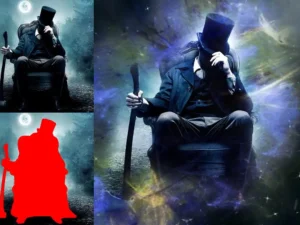
- After brushing and filling the area, click on the brush layer and proceed to play the action.
- Enjoy your beautifully transformed image!
FAQ
- Can I use this action on any photo? Yes, it works with images of any resolution, but higher resolutions yield better results.
- Is the model image included? No, the model image is not included; only the action and pattern files are provided.
Add the Old Photo – Photoshop Action to your toolkit today and start creating stunning vintage effects effortlessly! 🚀
User Reviews
Be the first to review “Old Photo – Photoshop Action”
You must be logged in to post a review.

Original price was: $5.00.$2.50Current price is: $2.50.


There are no reviews yet.