
Newspaper Mockup
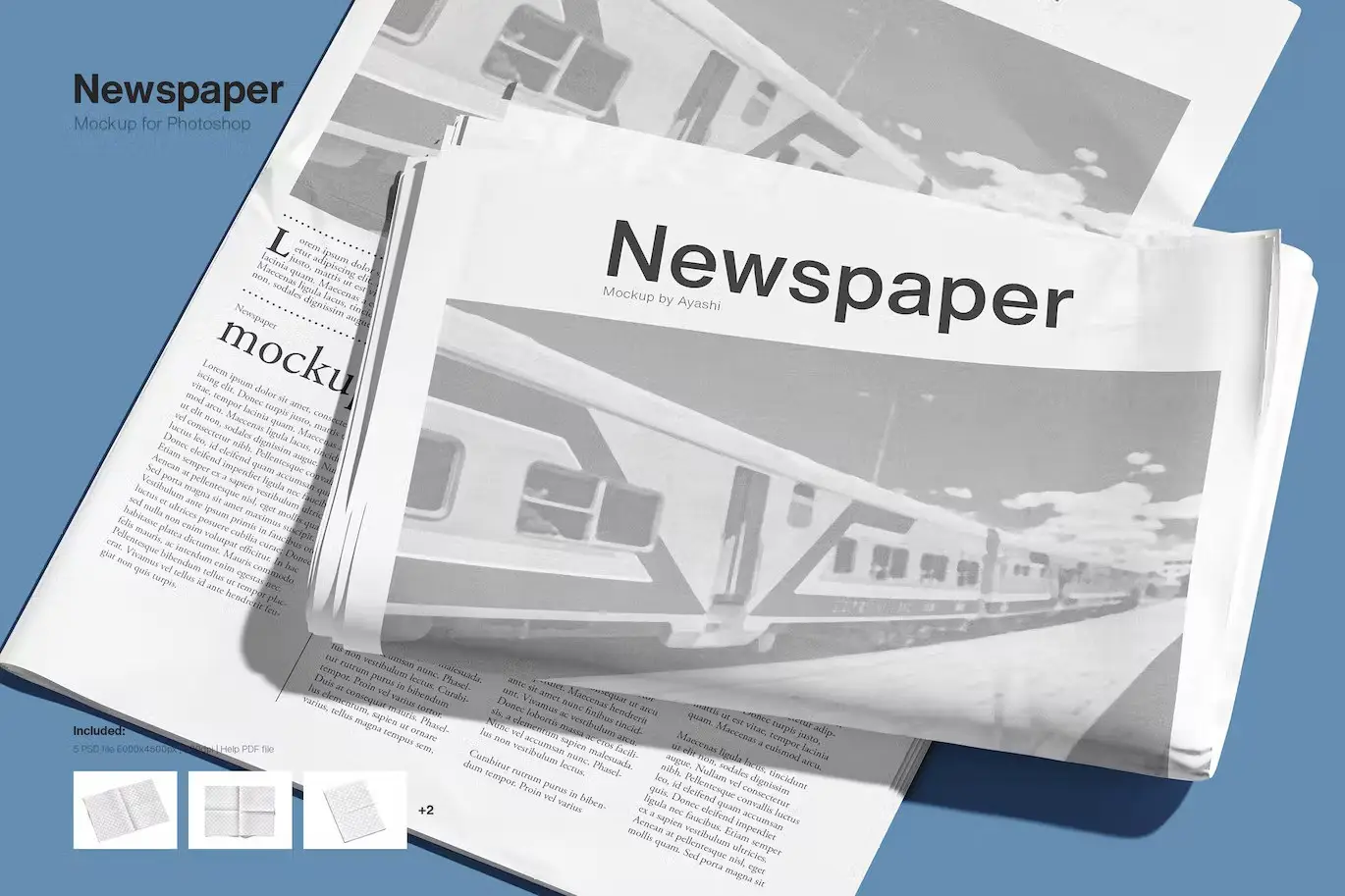
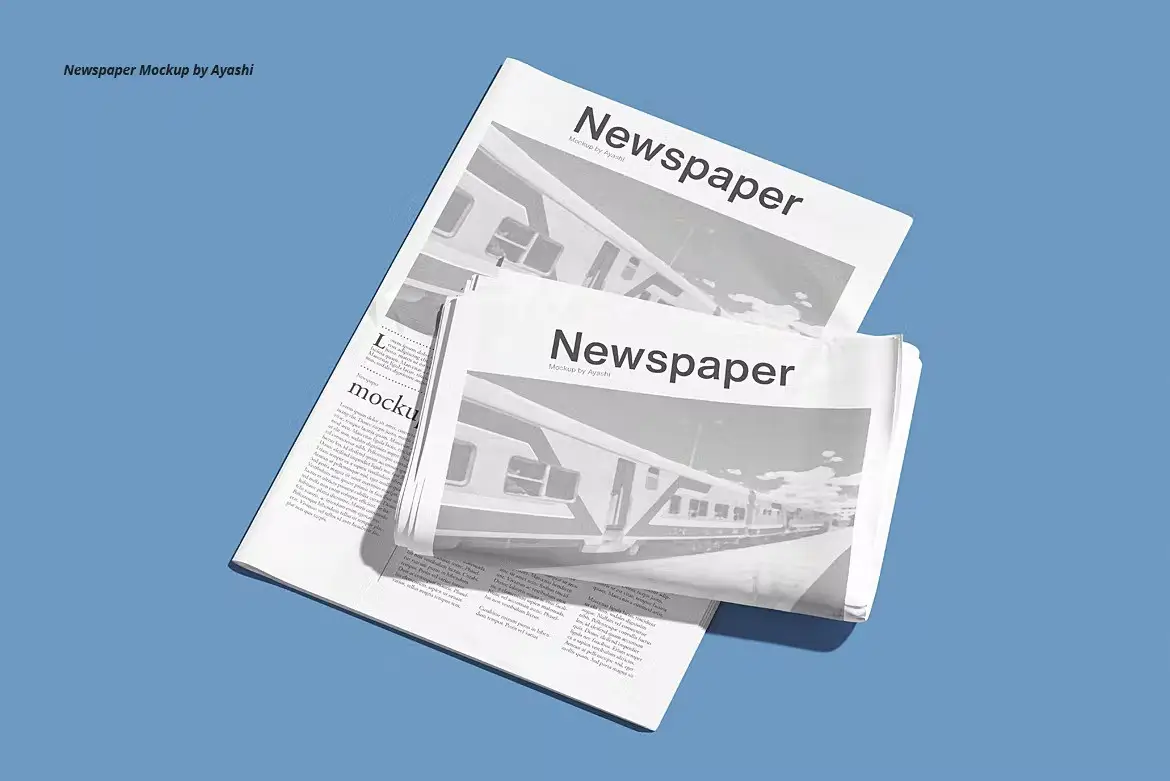
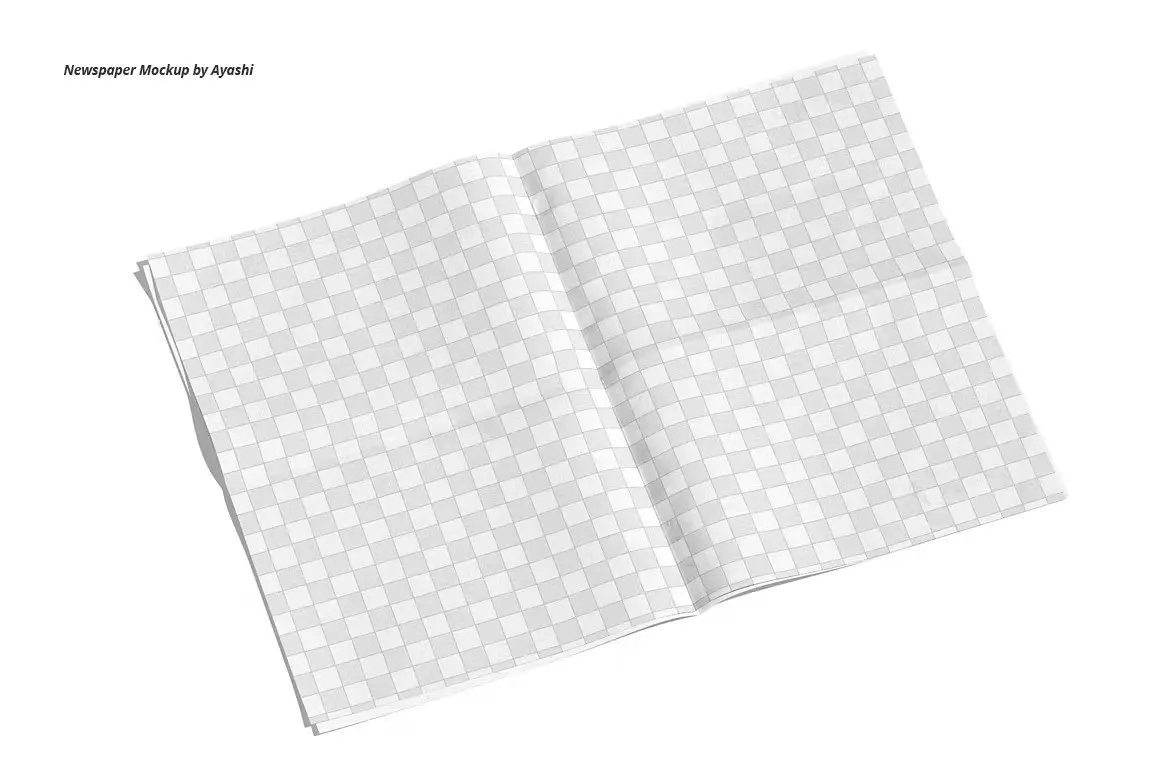
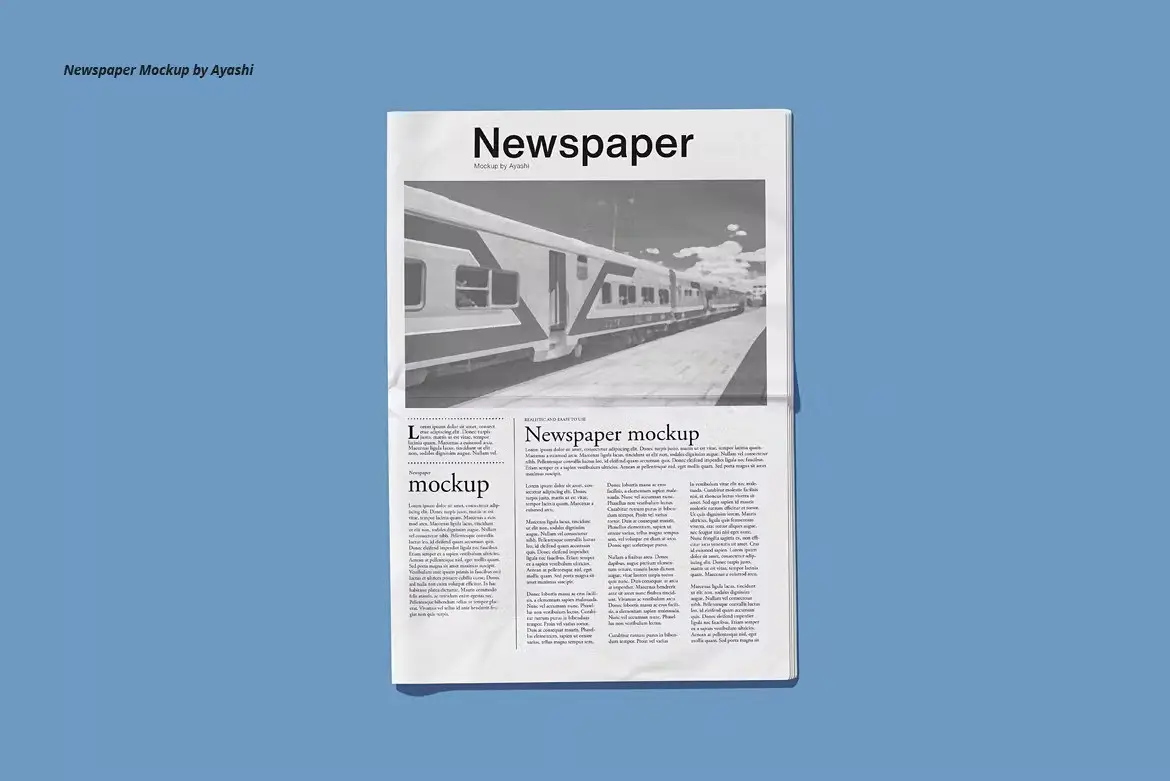
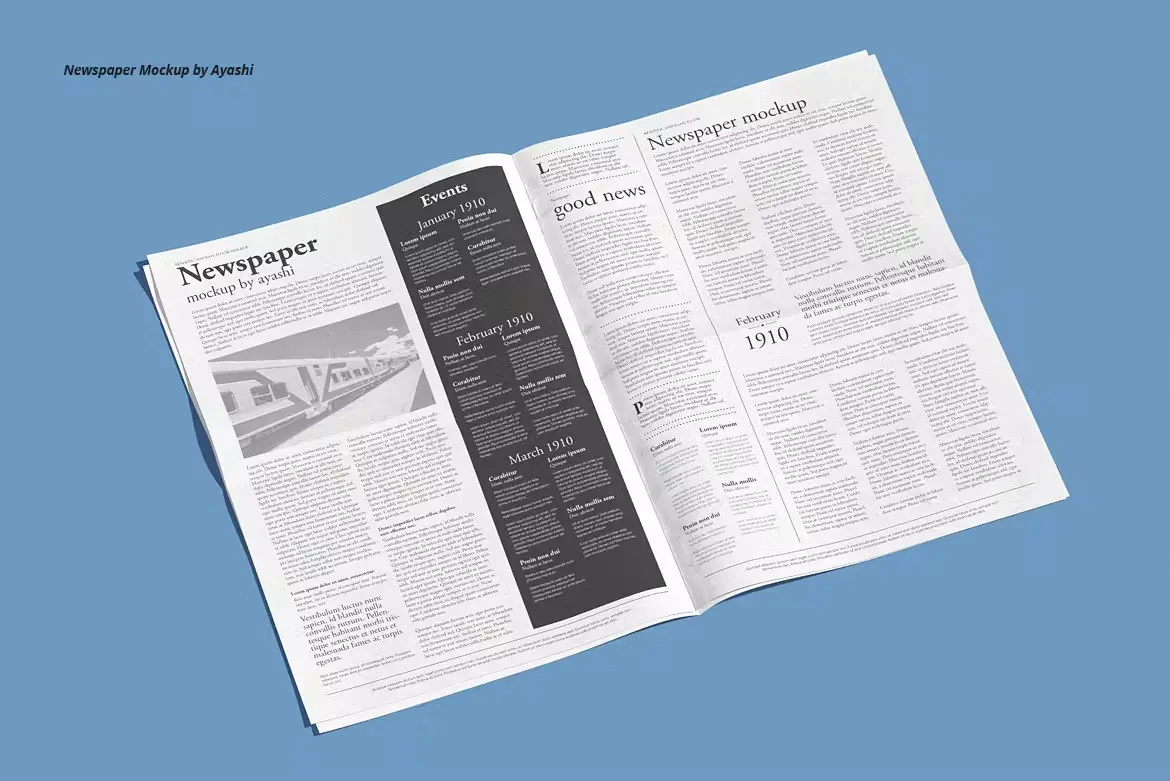
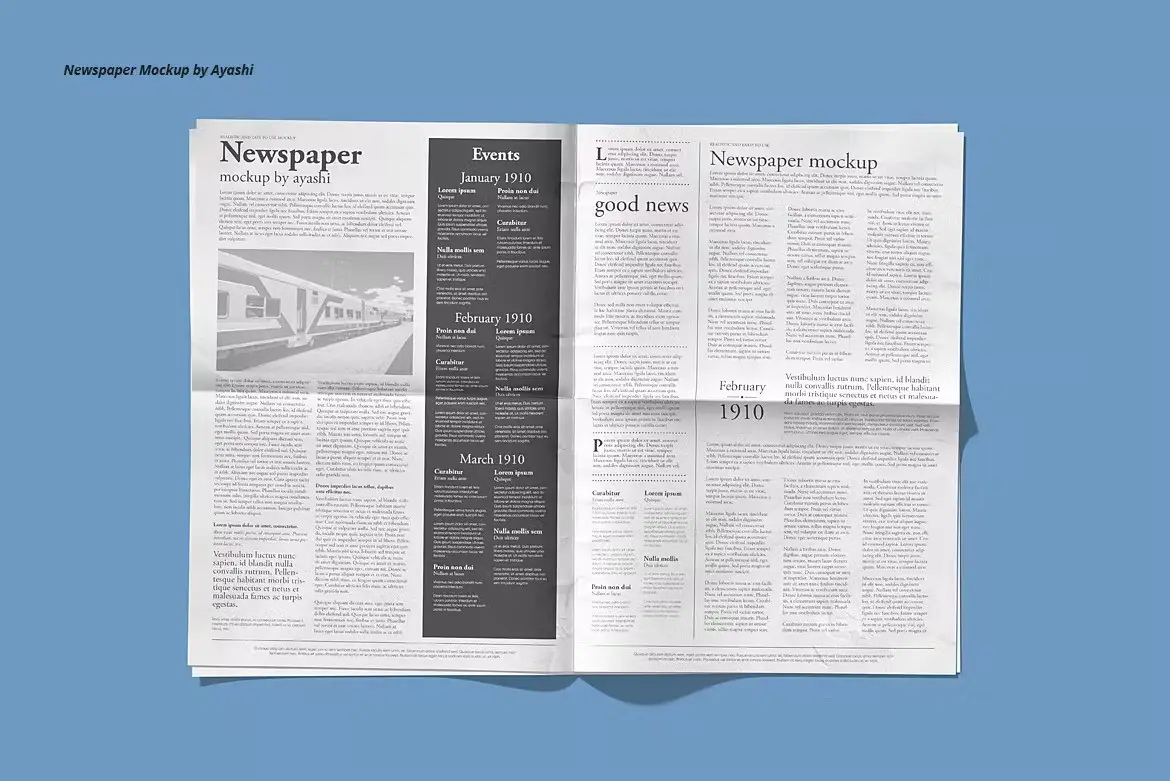
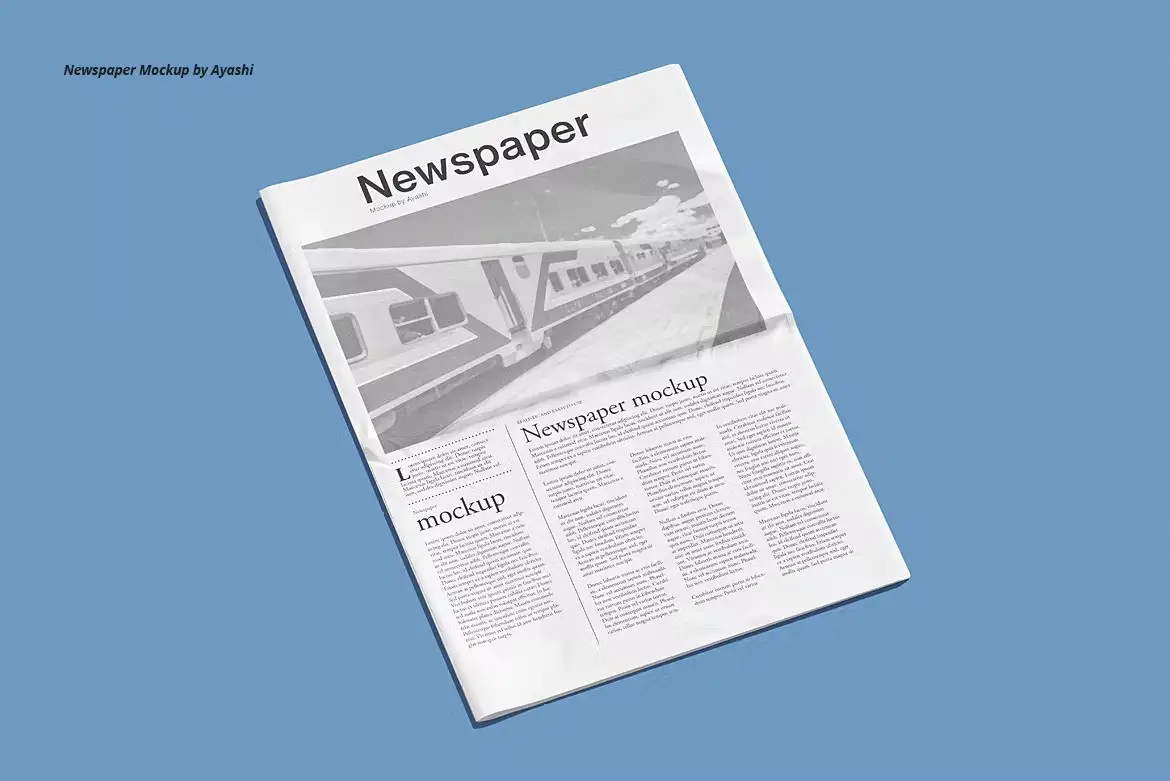
Newspaper Mockup: Showcase Your Designs with Realism
Are you looking for a way to present your newspaper designs in a photorealistic manner? The Newspaper Mockup is the perfect solution for you. With its user-friendly features, you can effortlessly showcase your creative work in a professional format.
Product Overview
This Newspaper Mockup is designed for graphic designers and marketers who want to create stunning presentations for their newspaper designs. It offers a realistic look that captures the essence of a printed publication, making it an essential tool for your design arsenal.
Key Features & Benefits
- ✅ 5 PSD Files → Multiple options to choose from for diverse presentations.
- ✅ Easy Editing with Smart Objects → Quickly customize your designs without hassle.
- ✅ Changeable Background Color → Tailor the mockup to fit your brand’s aesthetic.
- ✅ Fully Organized Layers and Folders → Streamlined workflow for efficient editing.
- ✅ High Resolution: 6000x4500px → Ensures crisp and clear presentations for any purpose.
- ✅ Photorealistic Result → Impress your clients with lifelike representations of your designs.
- ✅ Help File Included → Easy-to-follow instructions for a seamless experience.
- ✅ Compatible with Photoshop 2020 and Later → Works with the latest software for optimal performance.
Why Choose This Product
The Newspaper Mockup stands out due to its attention to detail and ease of use. Whether you’re a seasoned designer or just starting, this mockup allows you to present your work professionally and attractively. Trusted by designers worldwide, it helps you convey your ideas effectively and impress your audience.
Specifications
| Feature | Details |
|---|---|
| File Format | PSD |
| Resolution | 6000x4500px |
| Compatibility | Photoshop 2020 and later |
| Included Files | 5 PSD files, Help file |
What’s Included
- 📦 5 Photorealistic PSD Newspaper Mockups
- 📦 Help file for easy customization
Perfect For
- Graphic Designers
- Marketing Professionals
- Advertisers
- Editorial Teams
- Students in Design Courses
How to Use
- Open the PSD file in Photoshop.
- Double-click on the Smart Object layer to insert your design.
- Adjust the background color if desired.
- Save and export your mockup to share with clients or for your portfolio.
FAQ
- Can I use this mockup for commercial purposes? Yes, you can use it for client presentations and portfolios.
- Are the designs in the preview included? No, the designs are for presentation purposes only and are not included.
Add to cart now and start showcasing your designs with the Newspaper Mockup today! 🚀


There are no reviews yet.