
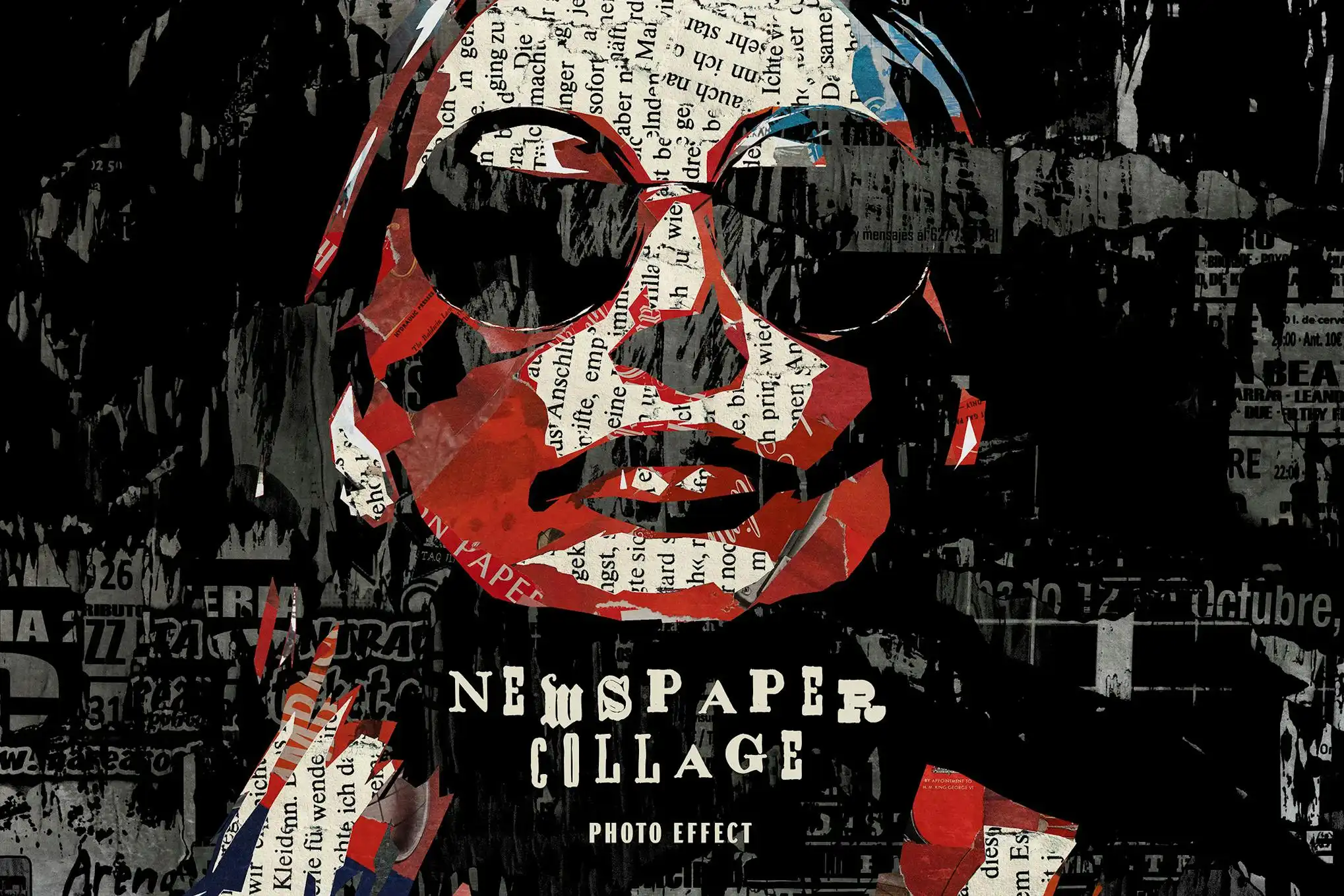
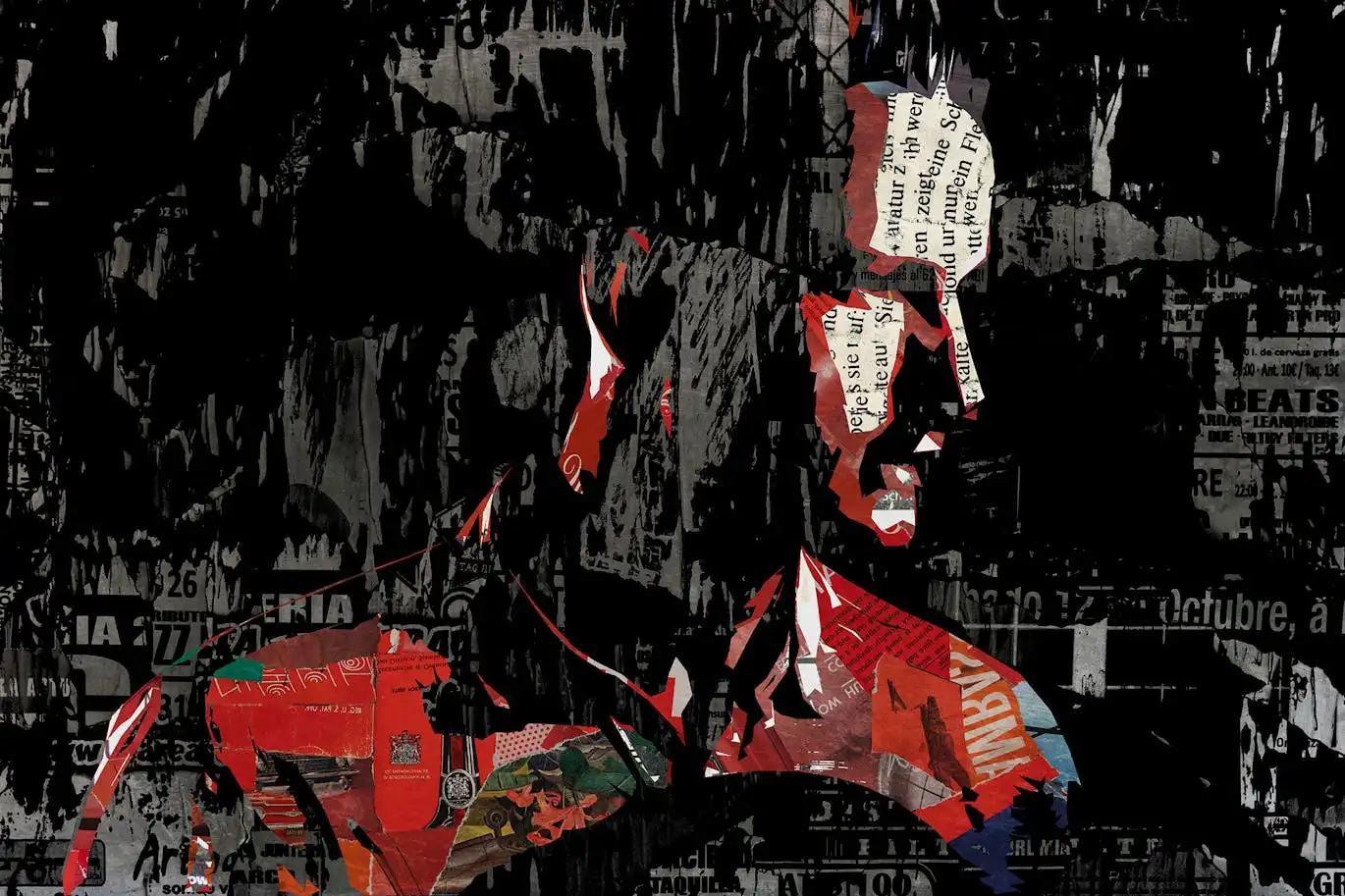

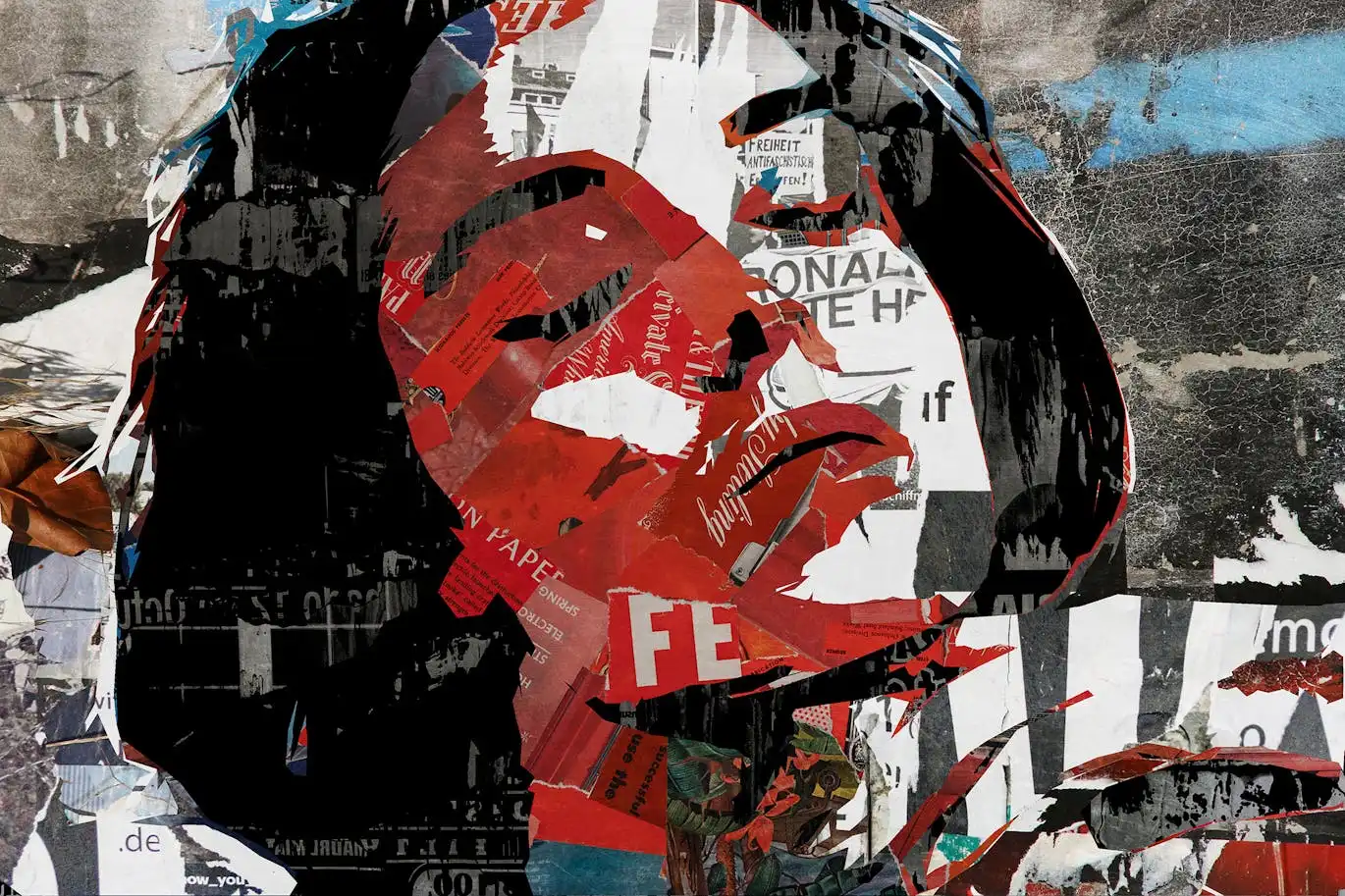
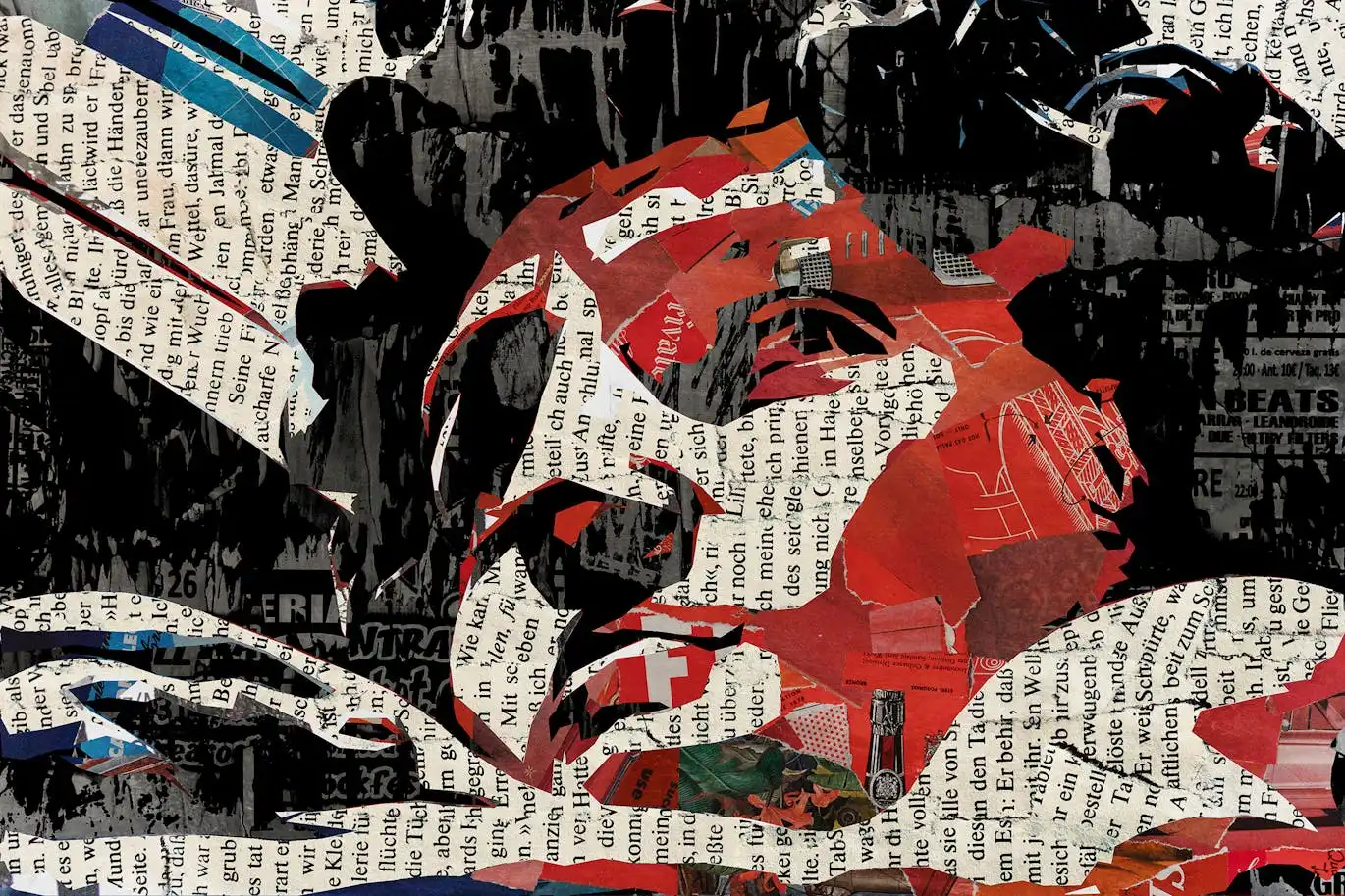
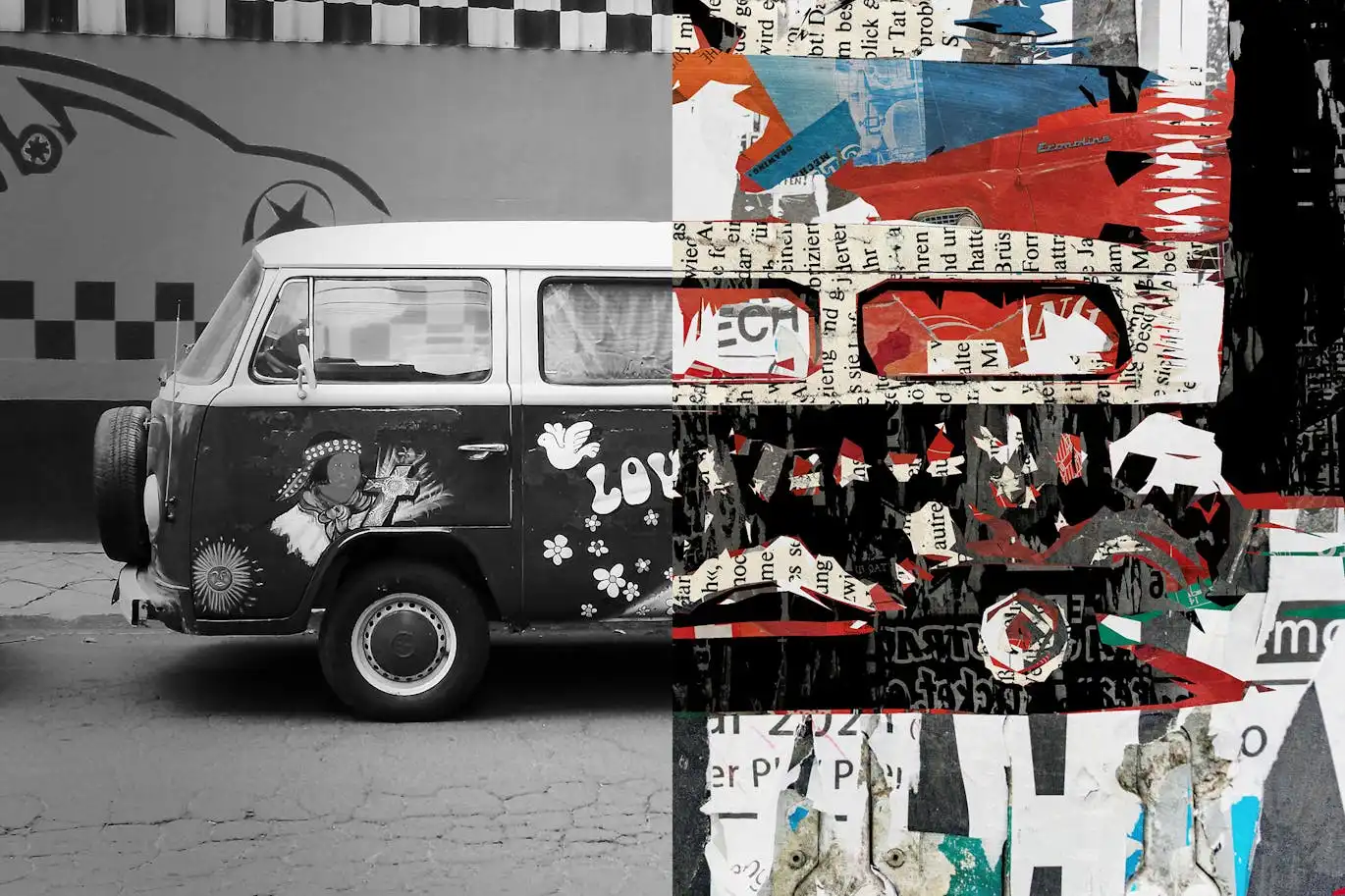
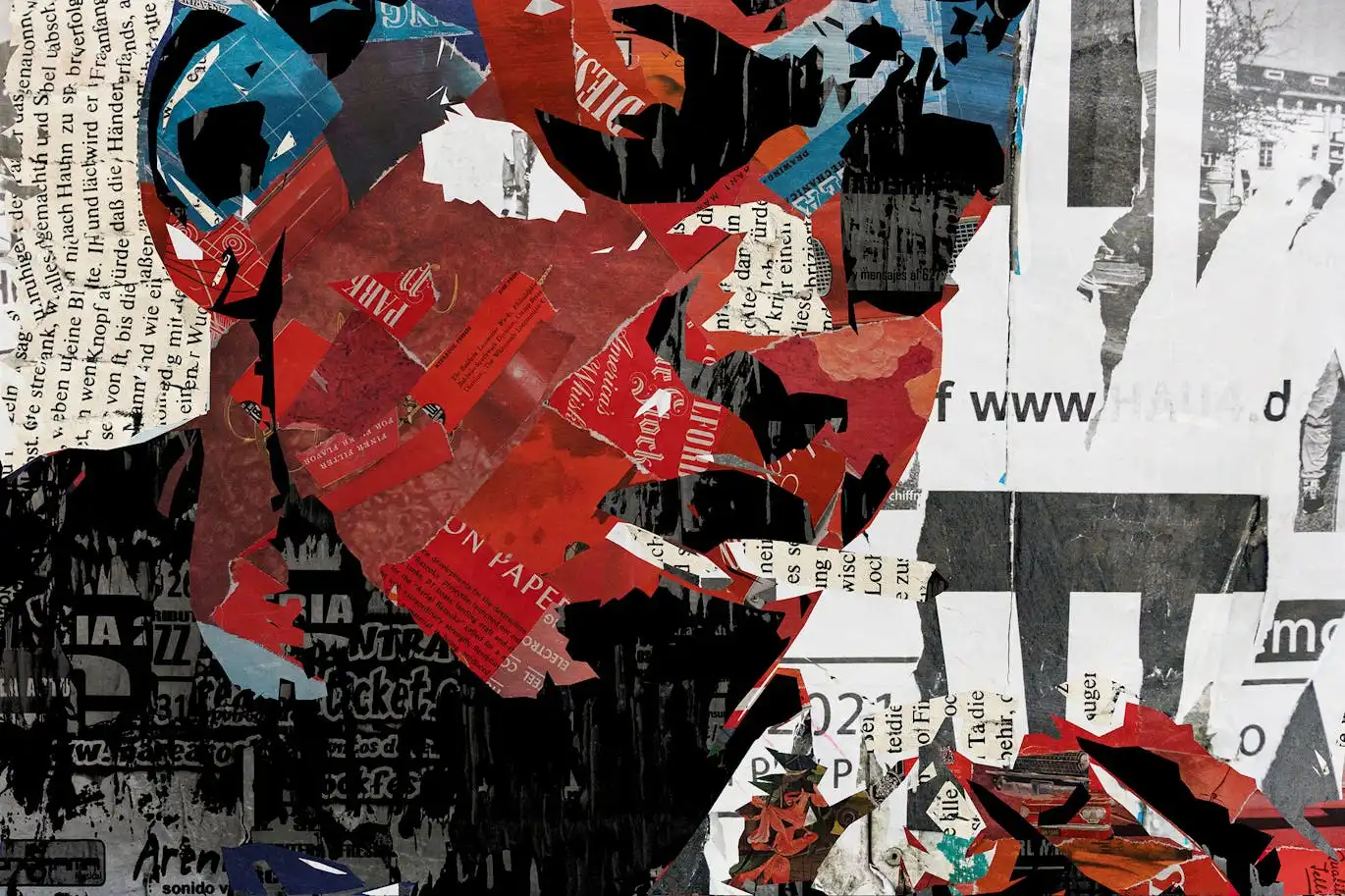
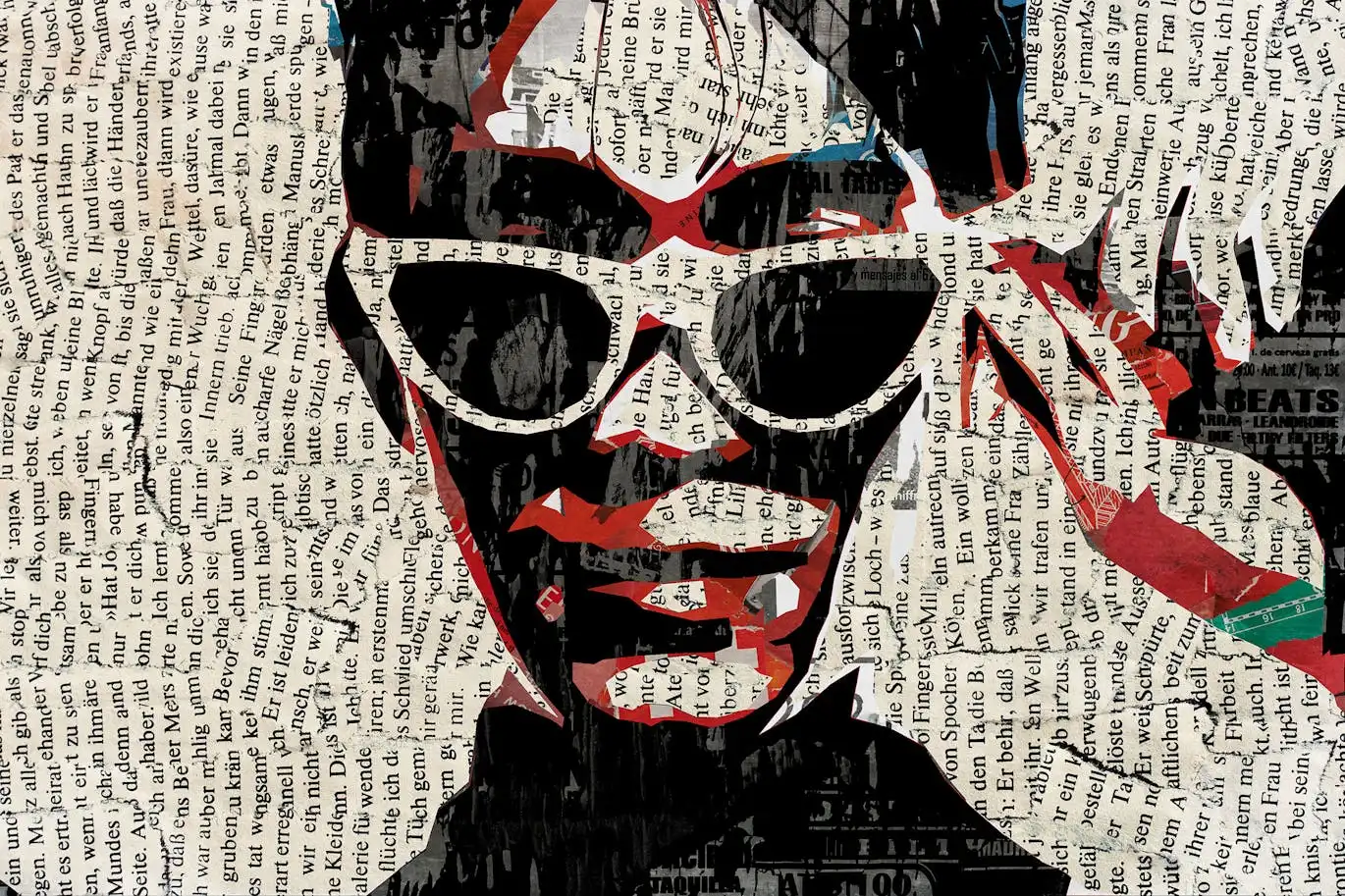

Newspaper Collage Photo Effect
Transform your images into stunning, high-quality collages with the Newspaper Collage Photo Effect. This innovative photo effect allows you to create captivating visuals in just a few clicks, making it perfect for photographers, designers, and creatives looking to enhance their projects effortlessly.
Product Overview
The Newspaper Collage Photo Effect features Smart Object layers, which provide you with complete customization options and versatility during the editing process. Simply double-click the thumbnail of the desired layer, replace the placeholder image with your graphics, save your changes, and watch your design come to life on your Photoshop artboard.
Key Features & Benefits
- ✅ High-Quality PSD File → Enjoy a professional-grade design that elevates your projects.
- ✅ 4500×3000 px, 300 dpi → Perfect resolution for print and digital use, ensuring crisp and clear images.
- ✅ Easy to Use → User-friendly process that allows you to create stunning effects without advanced skills.
- ✅ Fully Customizable → Tailor each element to fit your unique style and vision.
- ✅ Adjustment Features → Fine-tune your collage with various adjustments for the perfect finishing touch.
Why Choose This Product
The Newspaper Collage Photo Effect stands out due to its ease of use and high-quality results. Whether you’re crafting a mood board, designing a magazine layout, or creating a vintage-inspired poster, this effect simplifies the process while delivering professional results. Trusted by creatives worldwide, it’s an essential tool in your design arsenal.
Specifications (Technical Details)
| File Type | PSD |
|---|---|
| Dimensions | 4500 x 3000 px |
| Resolution | 300 dpi |
| Compatibility | Adobe Photoshop |
What’s Included / What’s in the Box
- 📦 High-quality PSD file
- 📦 Help file for guidance
Perfect For
- Photographers
- Graphic Designers
- Marketing Professionals
- Creative Enthusiasts
How to Use
1. Open the PSD file in Adobe Photoshop.
2. Double-click on the Smart Object layer thumbnail.
3. Replace the placeholder image with your graphics.
4. Save and close the Smart Object.
5. Adjust any settings as needed for the final touch.
FAQ
- Can I use this effect for commercial projects? Yes, you can use it for both personal and commercial projects.
- Is there a tutorial available? Yes, a help file is included to guide you through the process.
Add to cart now and start creating stunning collages today! 🚀
User Reviews
Be the first to review “Newspaper Collage Photo Effect”
You must be logged in to post a review.




Capitalist Icons: Web Essentials
Sold by
Photoshop Gouache Brushes Collection
Sold by
Original price was: $5.00.$2.50Current price is: $2.50.


There are no reviews yet.