
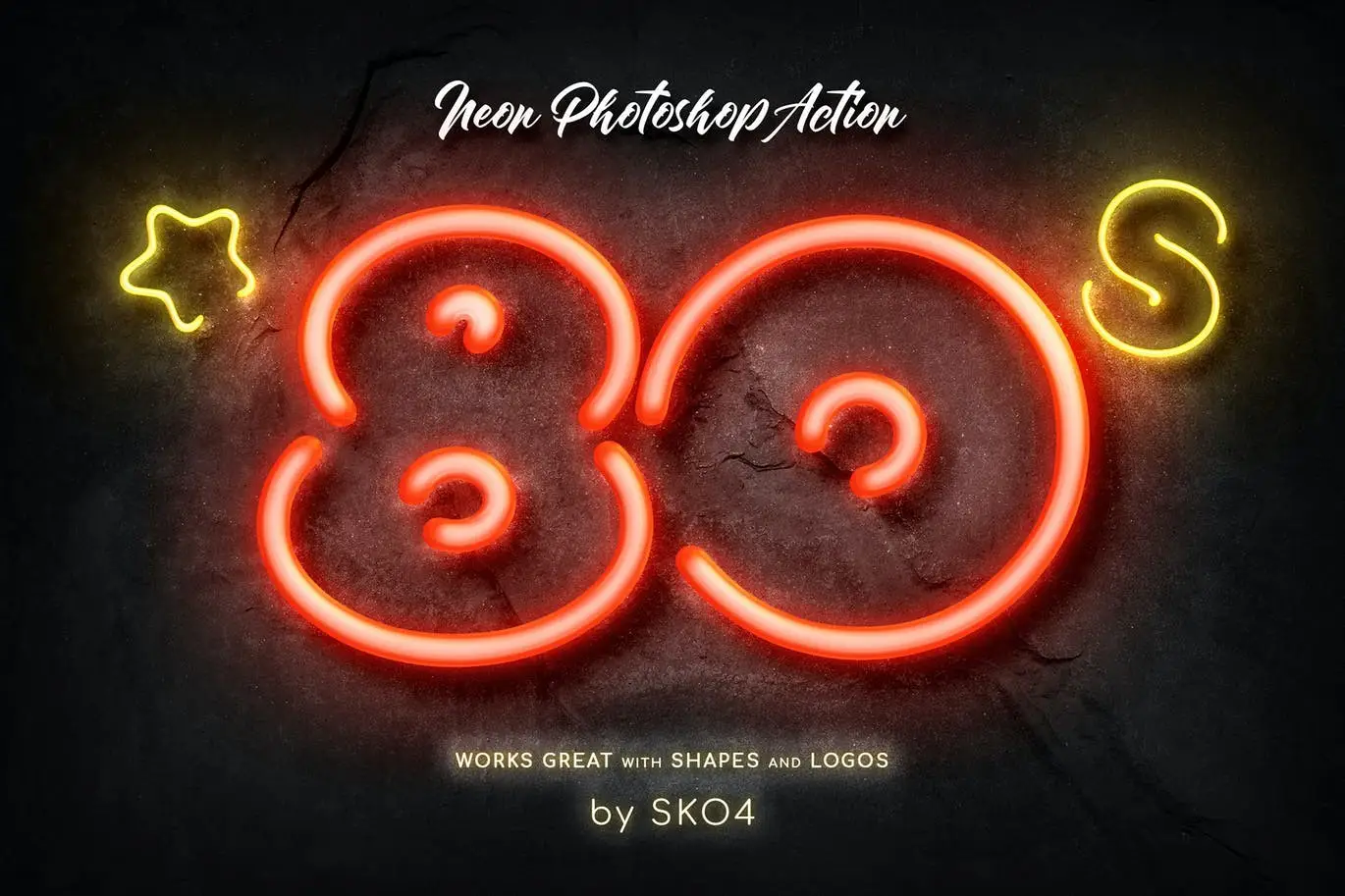
Neon Photoshop Action
Original price was: $5.00.$2.50Current price is: $2.50.

Andrew Skoch Design
Product Specs:
- Compatible with: Actions
- File Type: ZIP
- File Size: 19.0 MB
- Instant Download
Neon Photoshop Action: Illuminate Your Designs
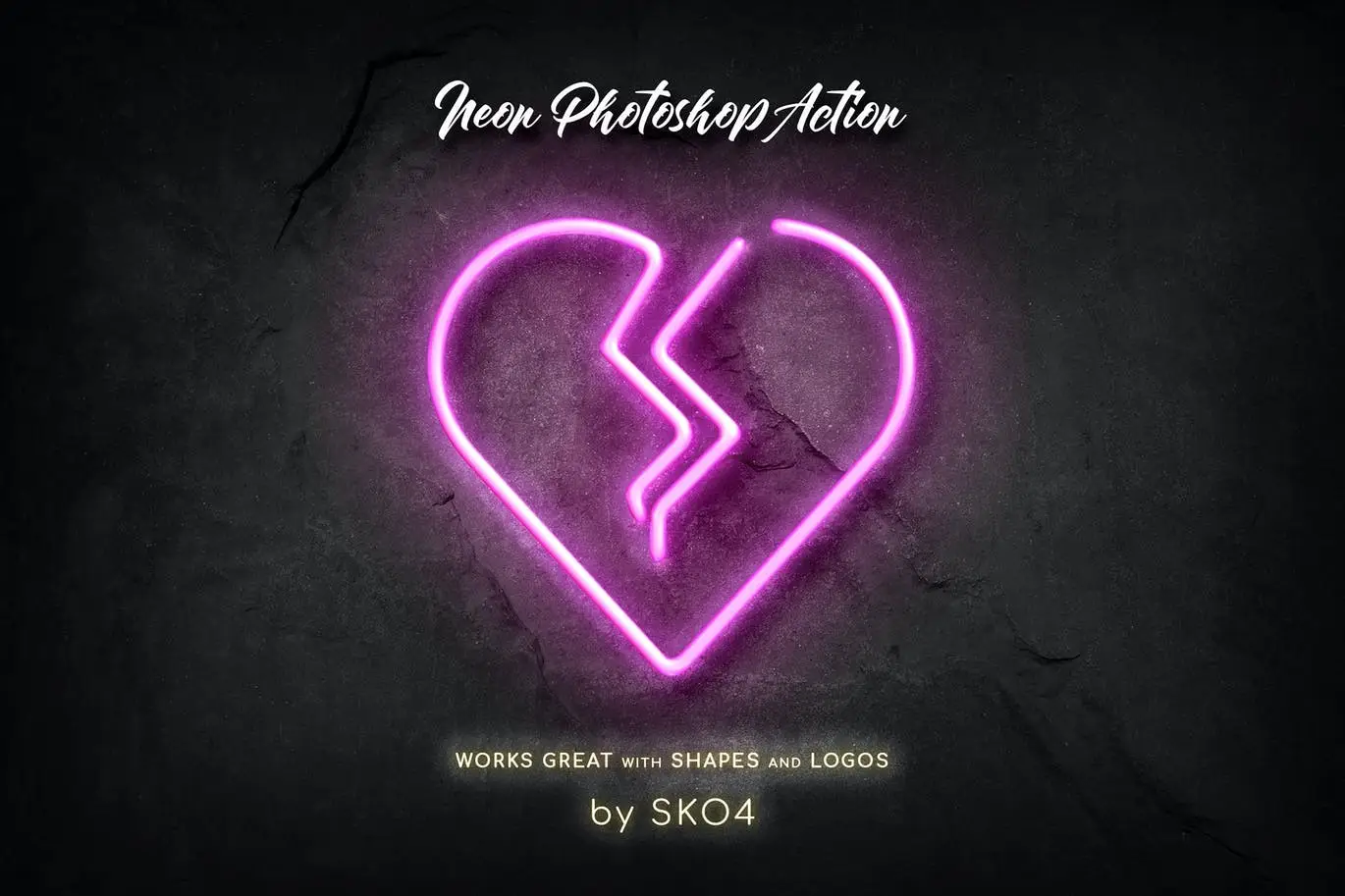
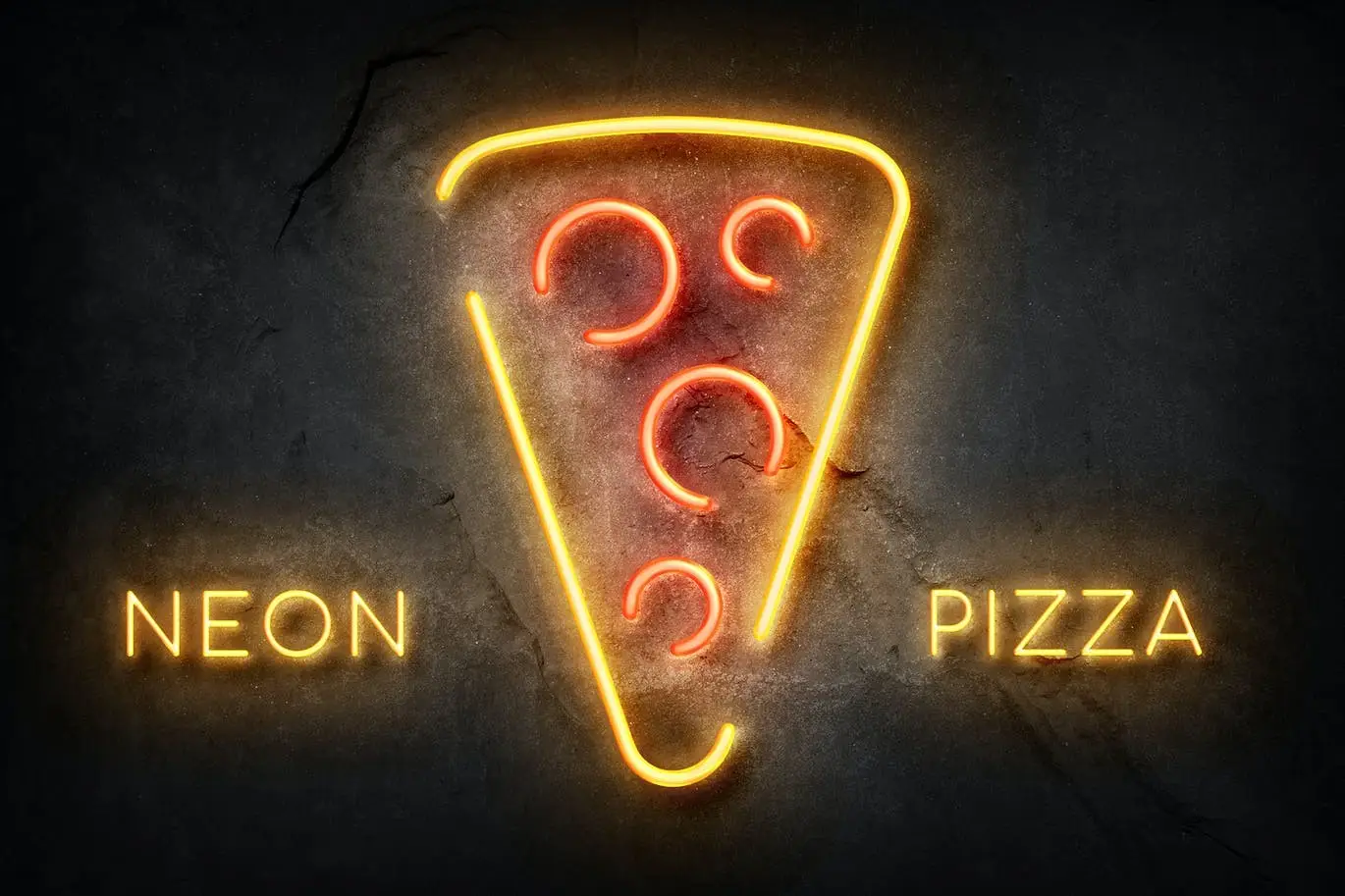
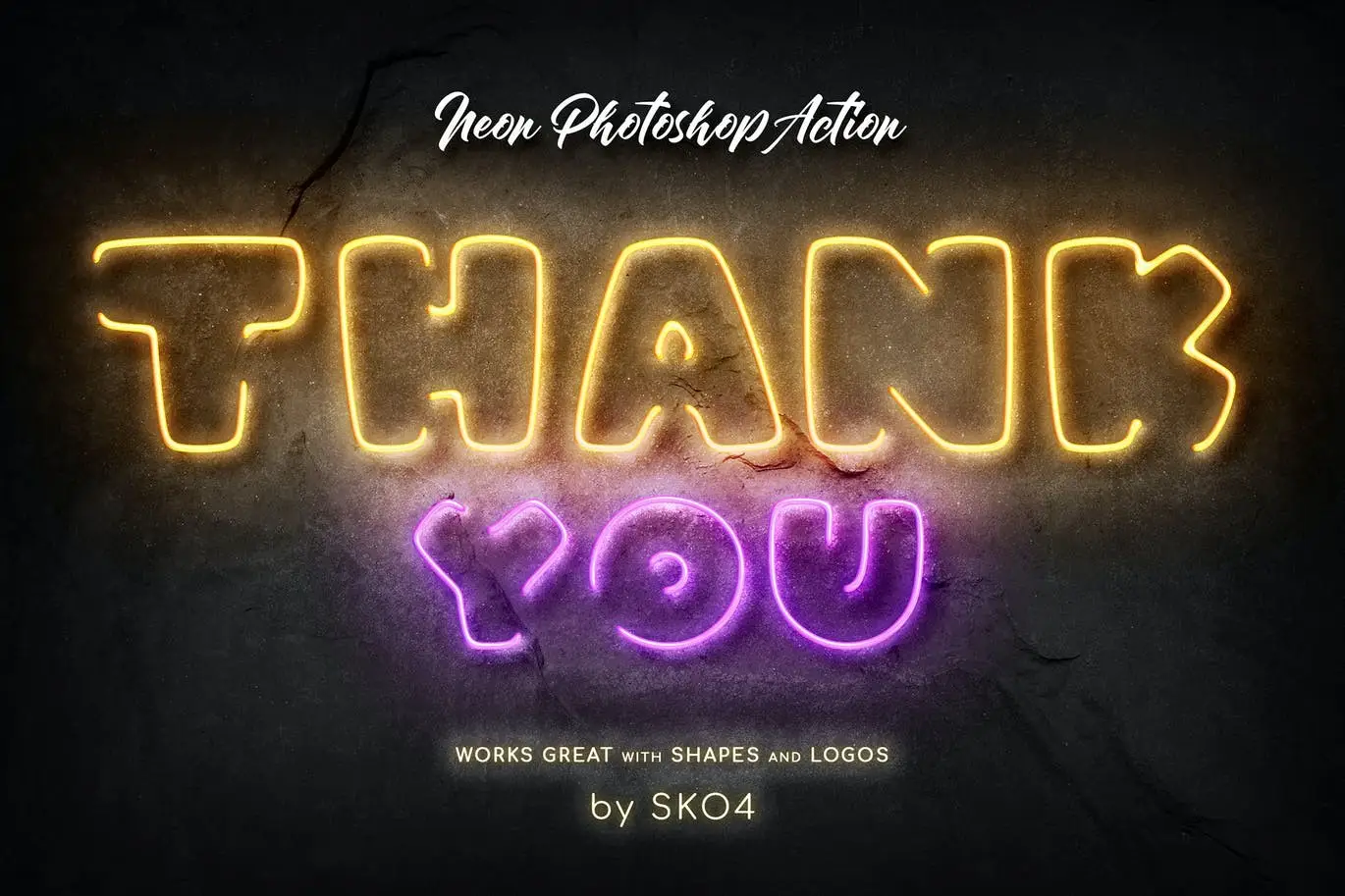
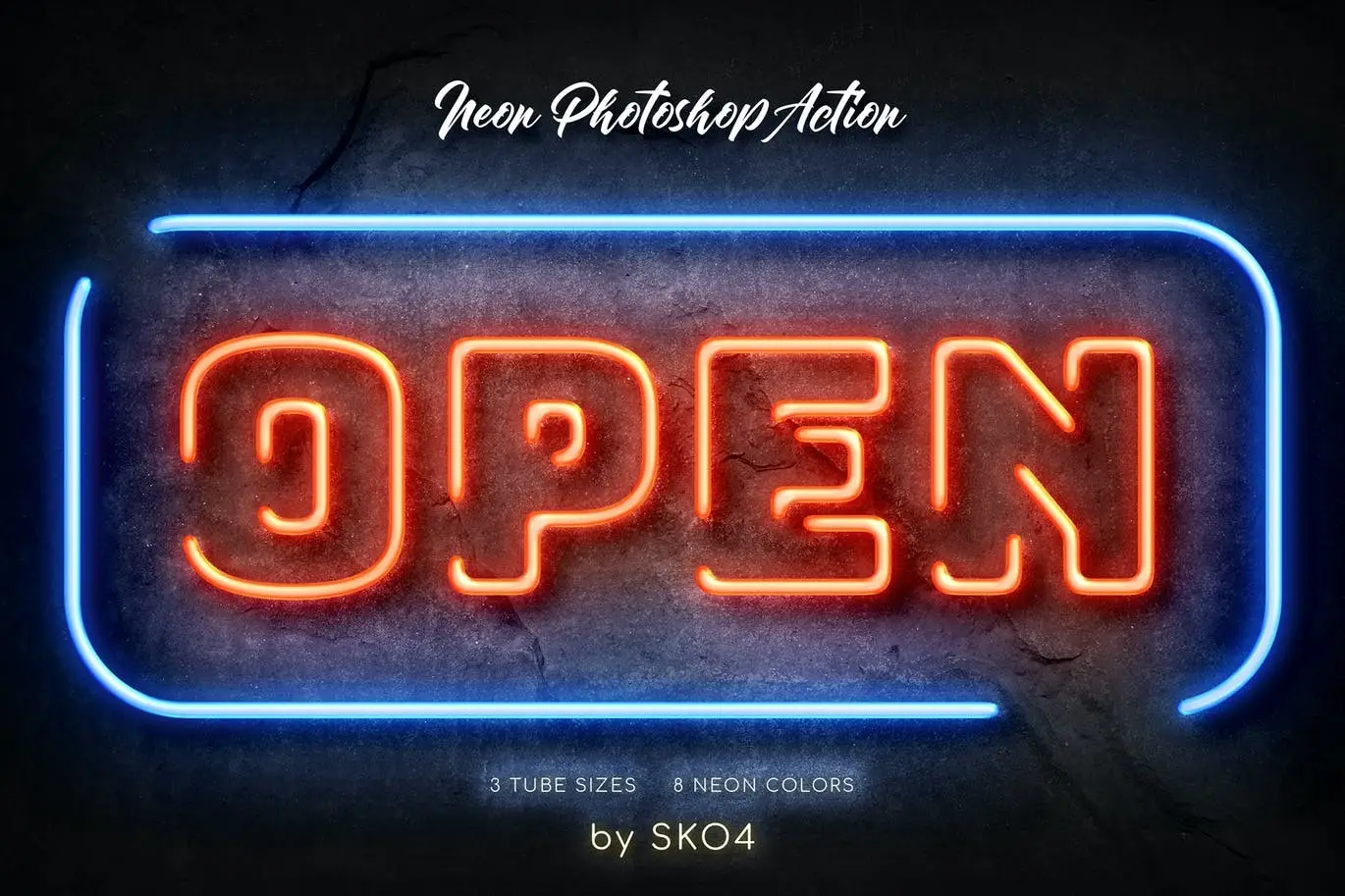
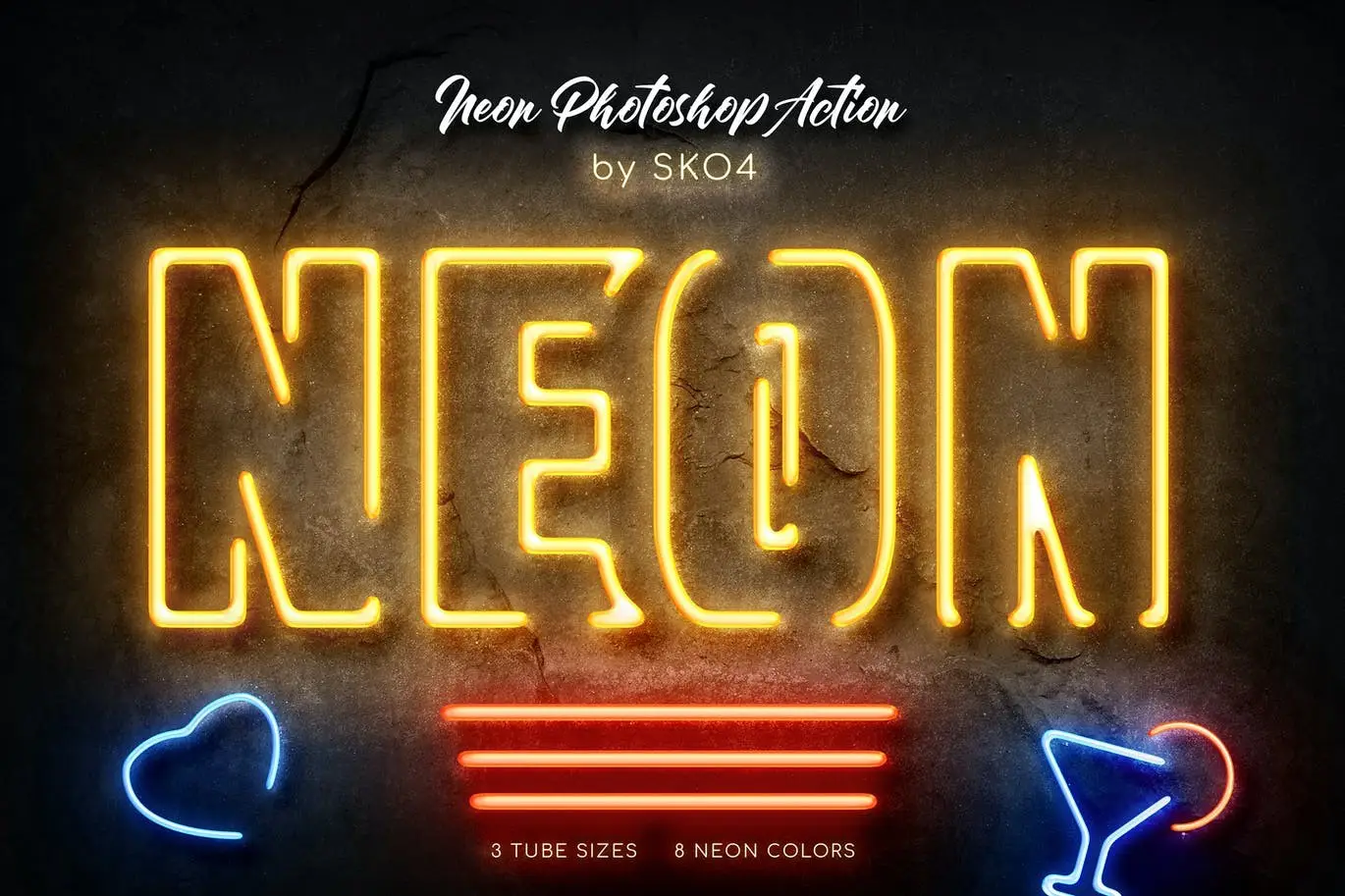
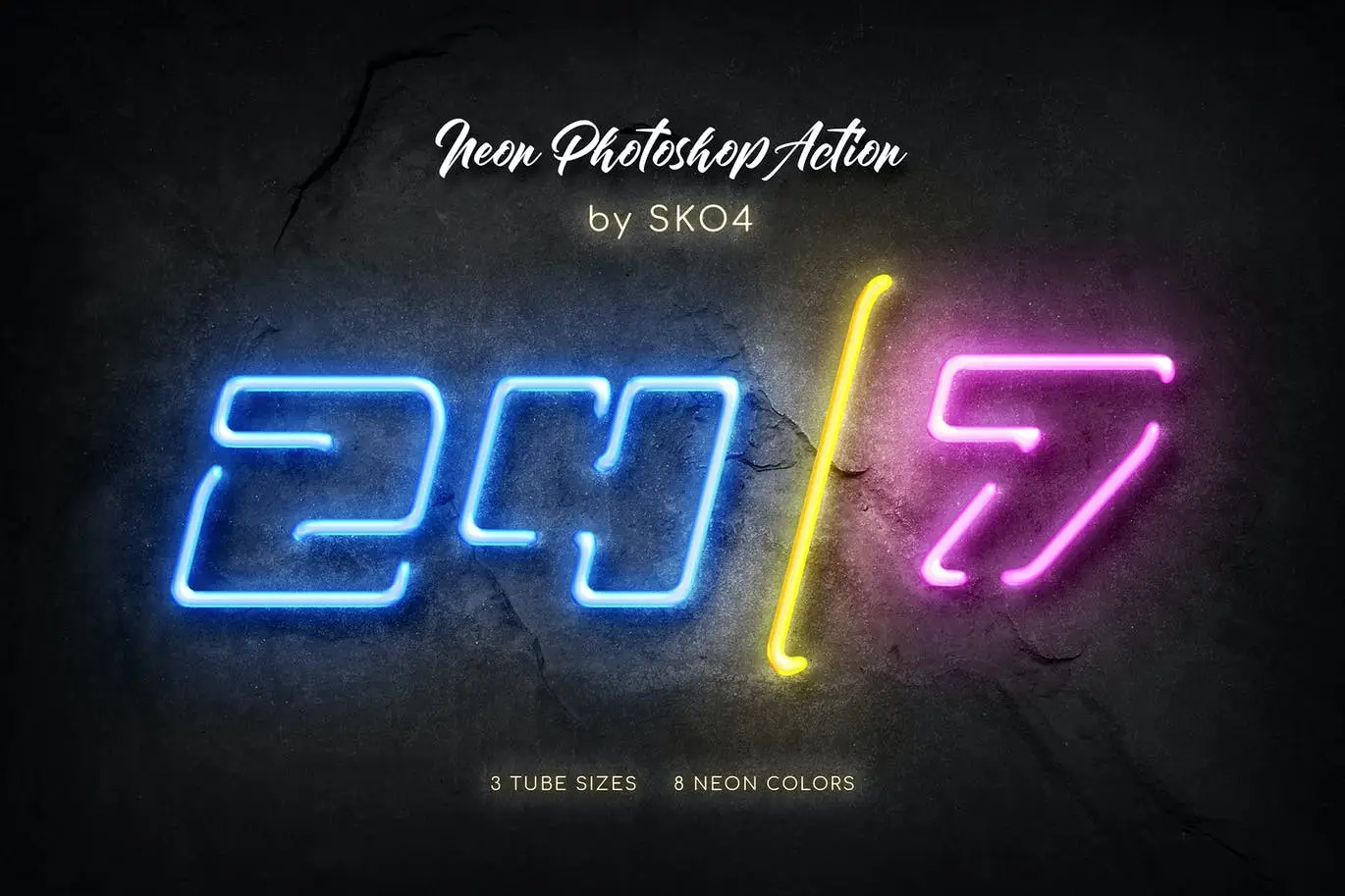
Transform your text and logos into vibrant neon signs effortlessly with our Neon Photoshop Action. This powerful tool allows you to create stunning neon effects with just a click, making it perfect for designers looking to add a colorful glow to their projects.
Product Overview
The Neon Photoshop Action is designed for both beginners and professionals who want to enhance their designs with eye-catching neon effects. Whether you’re working on logos, text, or shapes, this action simplifies the process, allowing you to achieve impressive results in no time.
Key Features & Benefits
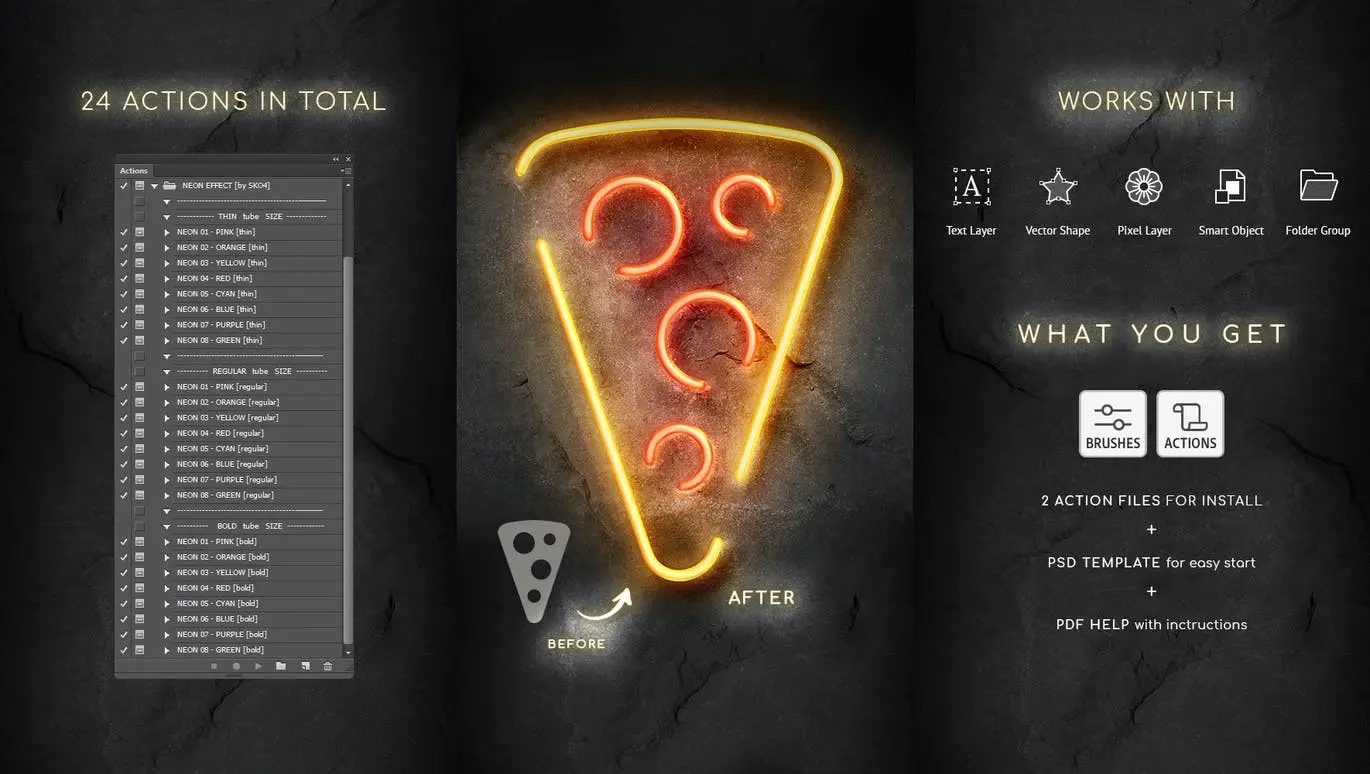
- ✅ One-Click Action → Quickly apply neon effects to any layer with just a single click.
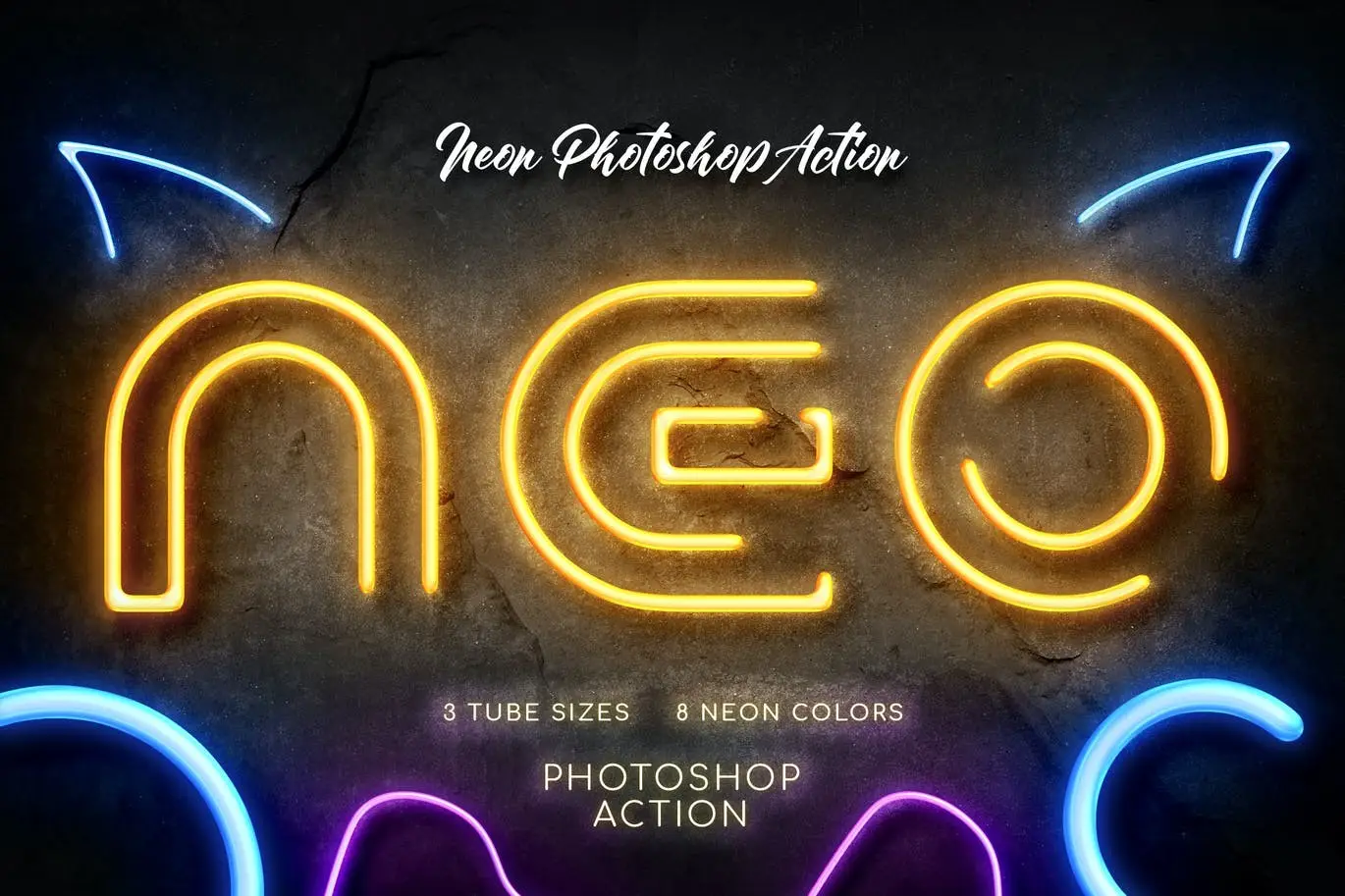
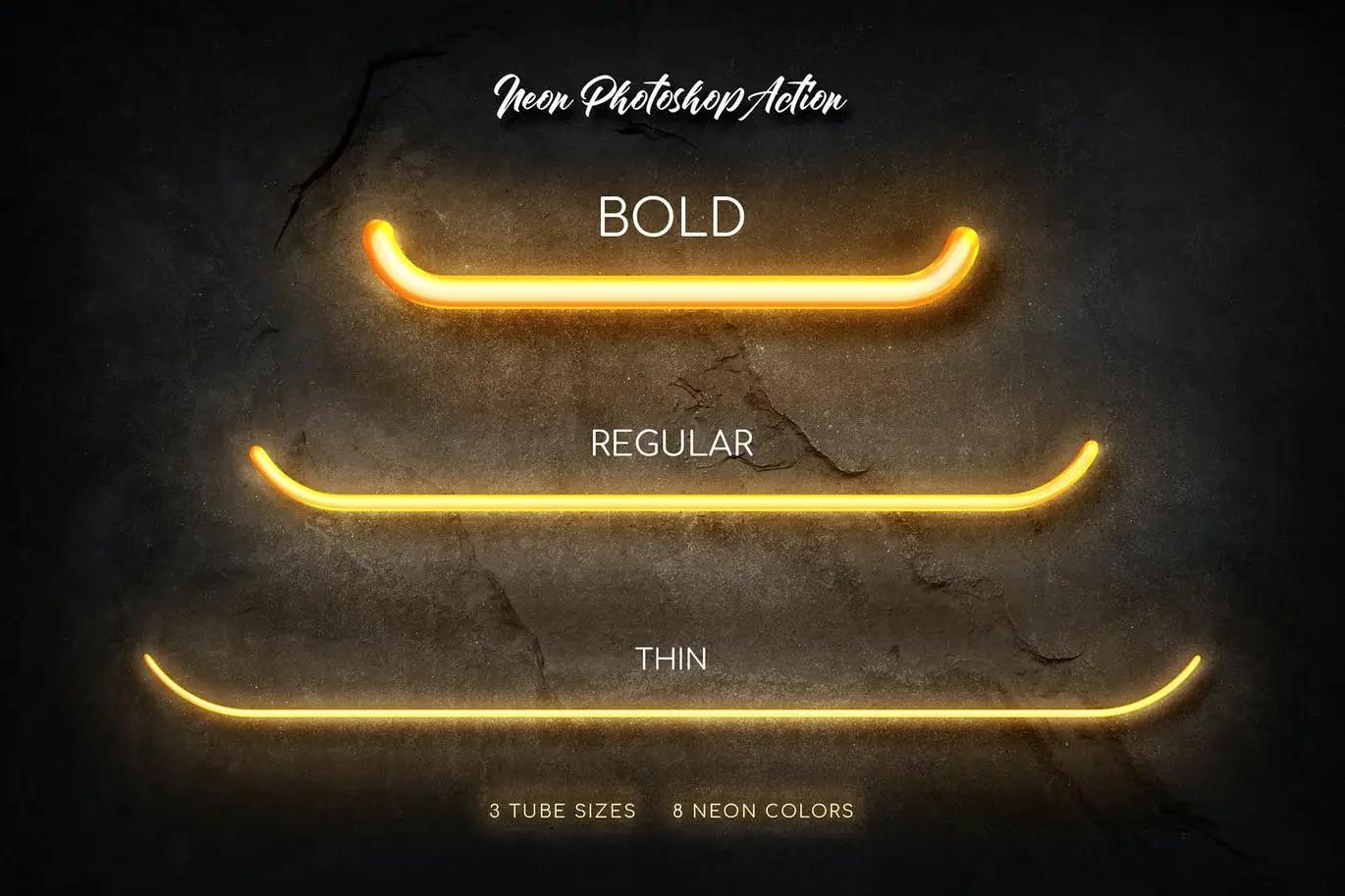
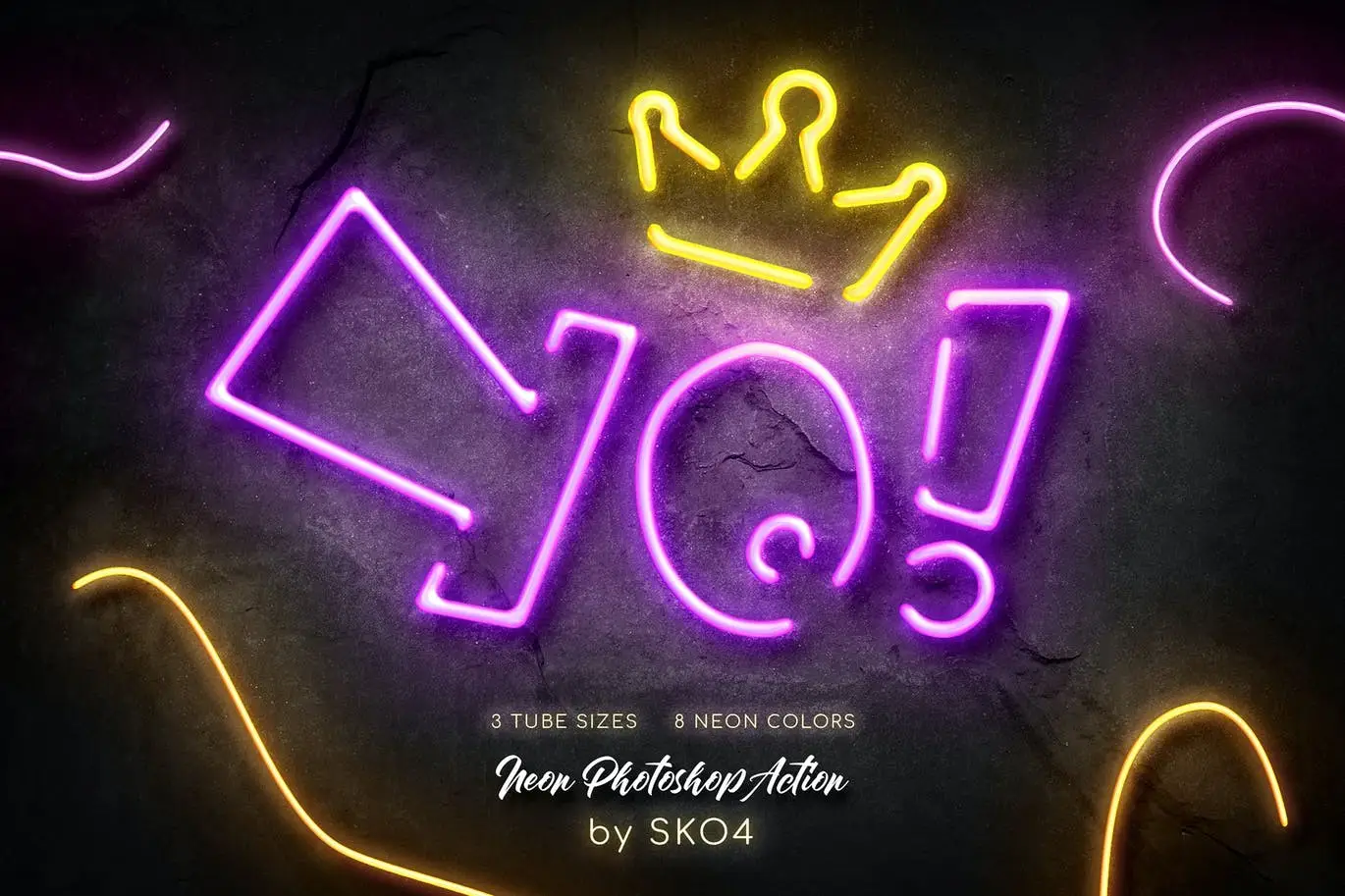
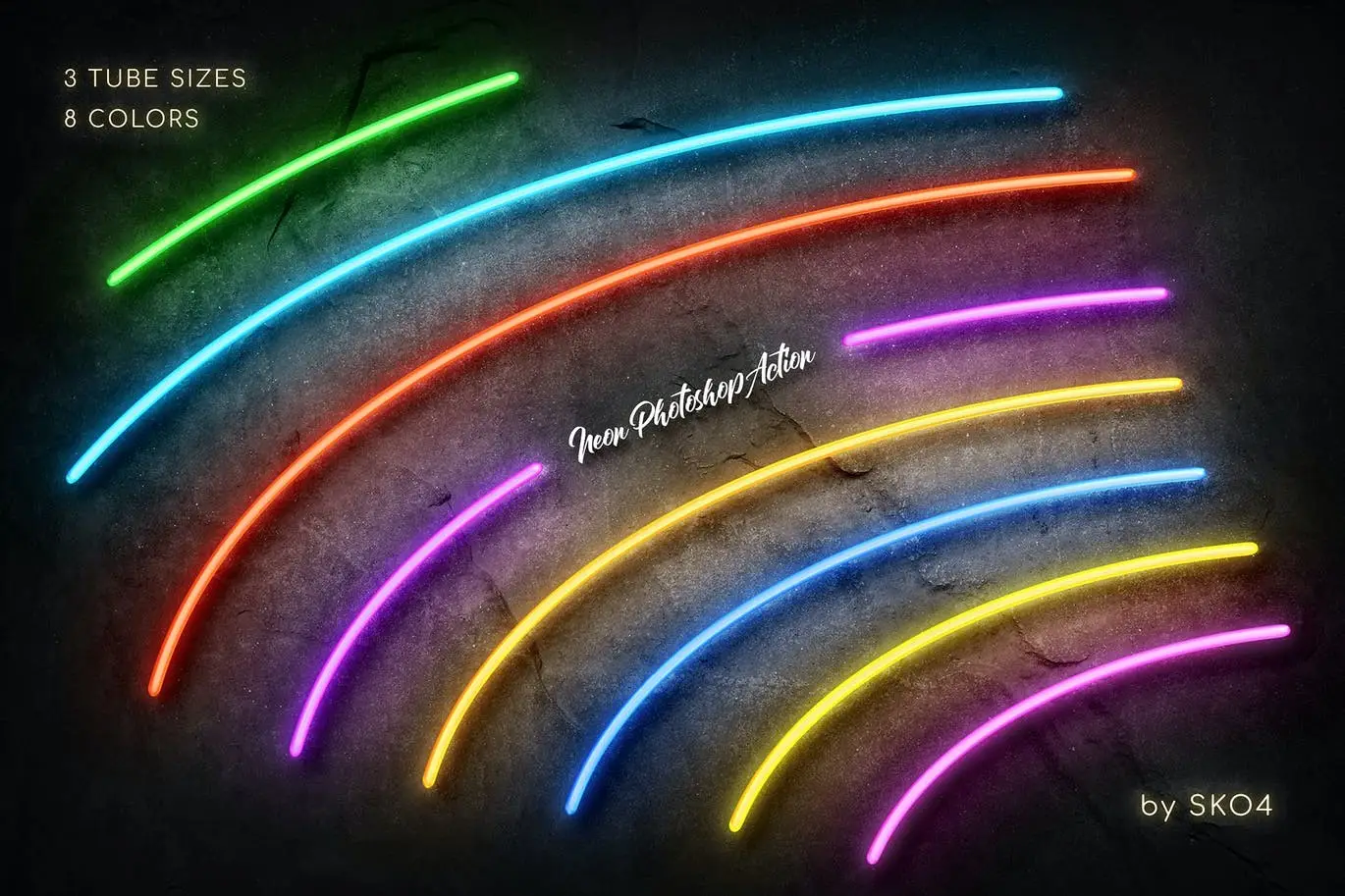
- ✅ Multiple Sizes → Choose from three tube sizes (Thin, Regular, Bold) to fit your design needs.
- ✅ 8 Vibrant Colors → Includes Pink, Orange, Yellow, Red, Cyan, Blue, Purple, and Green to match your creative vision.
- ✅ Edit Contours → Customize the neon sign by erasing parts of the contour as you desire.
- ✅ Comprehensive Support → Comes with a PDF help file that includes font links and detailed instructions.
- ✅ Compatible with Various Layers → Works seamlessly with text layers, vector shapes, pixel layers, smart objects, and folder groups.
Why Choose This Product
This Neon Photoshop Action stands out due to its ease of use and versatility. Trusted by designers worldwide, it allows you to experiment with neon effects repeatedly, providing a range of results to choose from. Whether you’re creating a glowing sign for a client or enhancing your portfolio, this action is an invaluable addition to your design toolkit.
Specifications (Technical Details)
| File Type | ANT, ABR, PSD, JPEG, PDF |
|---|---|
| Photoshop Compatibility | CS3, CS4, CS5, CS6, CC (2014-2020) |
| Tube Sizes | Thin (15 px), Regular (30 px), Bold (60 px) |
| Neon Colors | Pink, Orange, Yellow, Red, Cyan, Blue, Purple, Green |
What’s Included / What’s in the Box
- 📦 ANT File – Action file for easy application
- ABR File – Brushes file for enhanced effects
- PSD File – Template for quick start
- JPEG – Examples of colors and sizes
- PDF – Help file with fonts links and instructions
Perfect For
- Graphic Designers
- Marketing Professionals
- Social Media Managers
- Content Creators
- Anyone looking to enhance their design projects
How to Use
To get started, simply load the action in Photoshop, select the layer you wish to apply the effect to, and click the action. Experiment with different sizes and colors to find the perfect neon effect for your project!
FAQ
- Can I use this action with any layer type? Yes, it works with text layers, vector shapes, pixel layers, smart objects, and folder groups.
- Is there a tutorial available? Yes, you can find a video tutorial here.
Ready to light up your designs? Add to cart now and start creating stunning neon effects today! 🚀
Grass Effect Photoshop Action
Sold by Andrew Skoch Design
Watercolor Photoshop Brushes
Sold by Andrew Skoch Design
60 Hand Drawn Arrows – PNG and Stamp
Sold by Andrew Skoch Design
Wood Logo Wall Mockup
Sold by Andrew Skoch Design
Nature – Actions Bundle
Sold by Andrew Skoch Design
3D Lettering Grids and Brushes
Sold by Andrew Skoch Design Original price was: $5.00.$2.50Current price is: $2.50.


There are no reviews yet.