
Natural Tone Photoshop Action

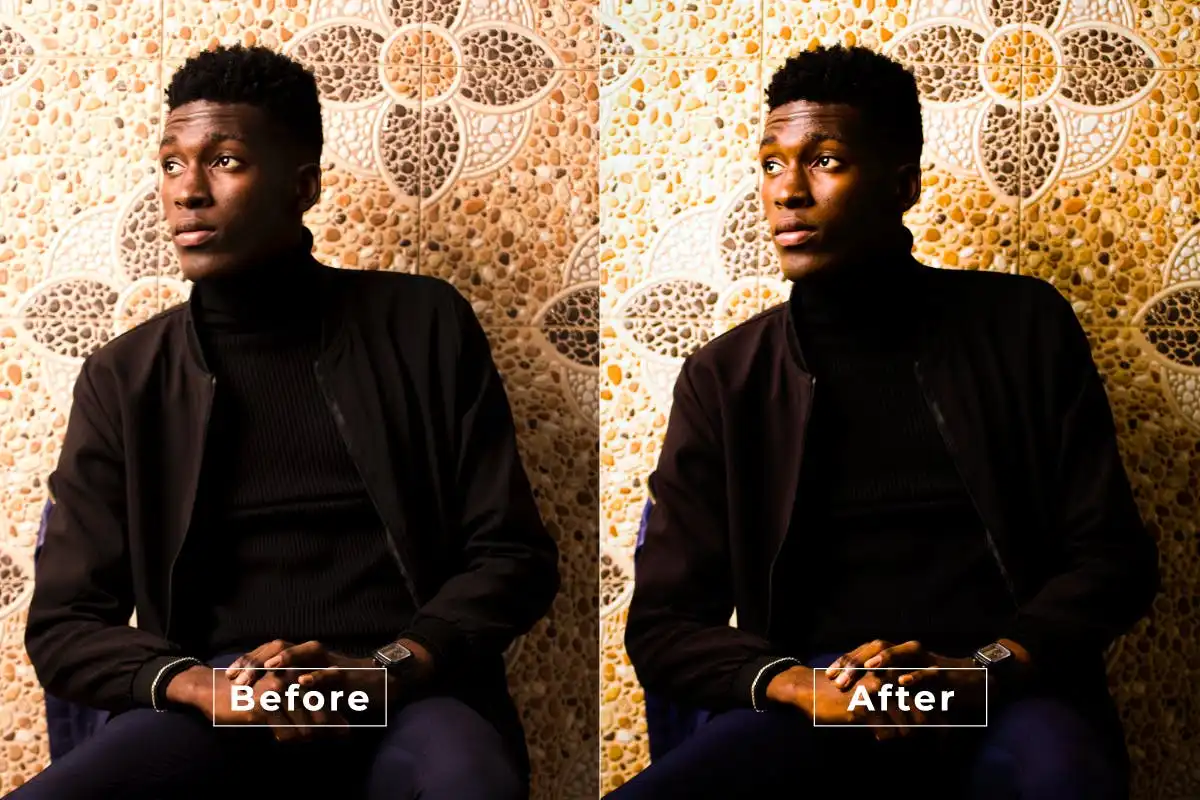
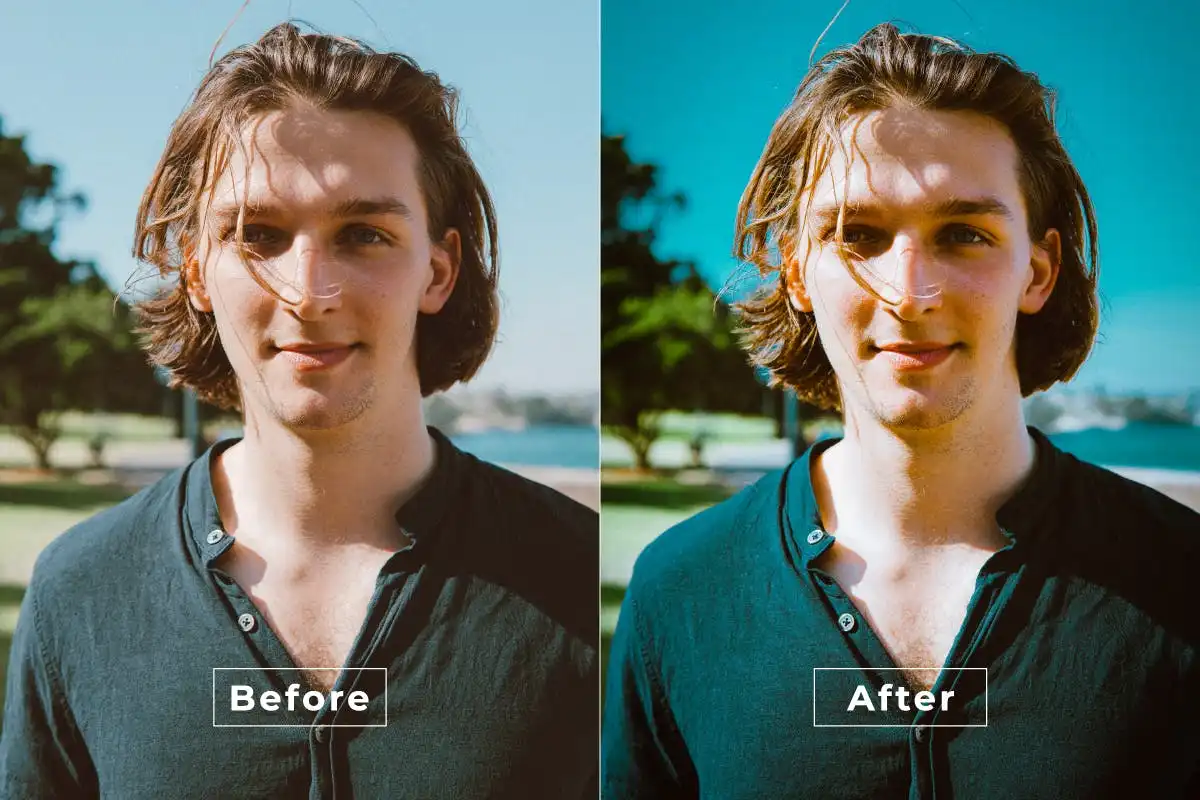
Say hello to stunning imagery with the Natural Tone Photoshop Action! 🎨 This fantastic digital download allows you to achieve beautifully soft and warm hues in your photos with just a click. Perfect for photographers, graphic designers, and digital artists, this action seamlessly adjusts tones and lighting, making your images look naturally balanced and inviting in seconds! 🌟
Product Overview
The Natural Tone Photoshop Action is your go-to tool for achieving that perfect, natural skin tone in your photos. Whether you’re working on portraits or lifestyle shots, this action simplifies the editing process, allowing you to focus on creativity rather than technical details.
Key Features & Benefits
- One-click application: Enjoy quick and professional edits without hassle.
- Softens harsh tones: Achieve a warm, natural look that enhances your images.
- Compatibility: Works with all Photoshop versions that support actions.
- Non-destructive workflow: Preserve your original image quality while editing.
- Customizable layers: Make personalized adjustments to suit your style.
Technical Specifications
| Specification | Details |
|---|---|
| Compatible with | Software |
| File Type | ZIP |
| File Size | 36.8 KB |
| Instant Download | Yes |
What’s Included
- Natural Tone Photoshop Action file (.atn)
- Step-by-step installation and usage guide
Perfect For
This action is ideal for photographers, graphic designers, and anyone looking to refine their photo editing skills. If you’re curious about how to edit skin tone in Photoshop or how to change skin tone in Photoshop, this action is the perfect starting point! 📸
FAQ
- Is this a physical product? No, it’s a digital download!
- Can I use it on any version of Photoshop? Yes, it is compatible with all versions that support actions.
User Reviews
Be the first to review “Natural Tone Photoshop Action”
You must be logged in to post a review.
Original price was: $11.00.$2.50Current price is: $2.50.


There are no reviews yet.