

Multipurpose Mock-Up Creator
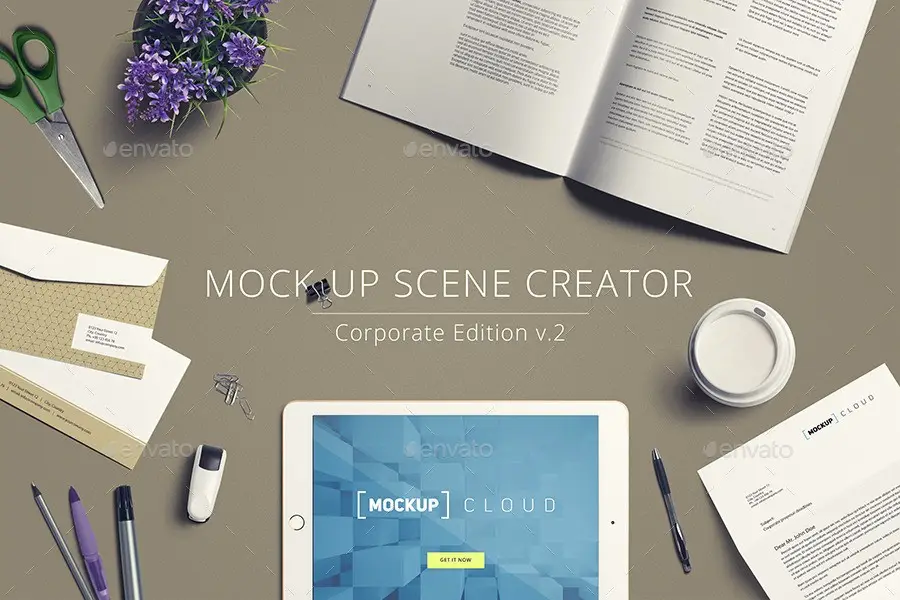
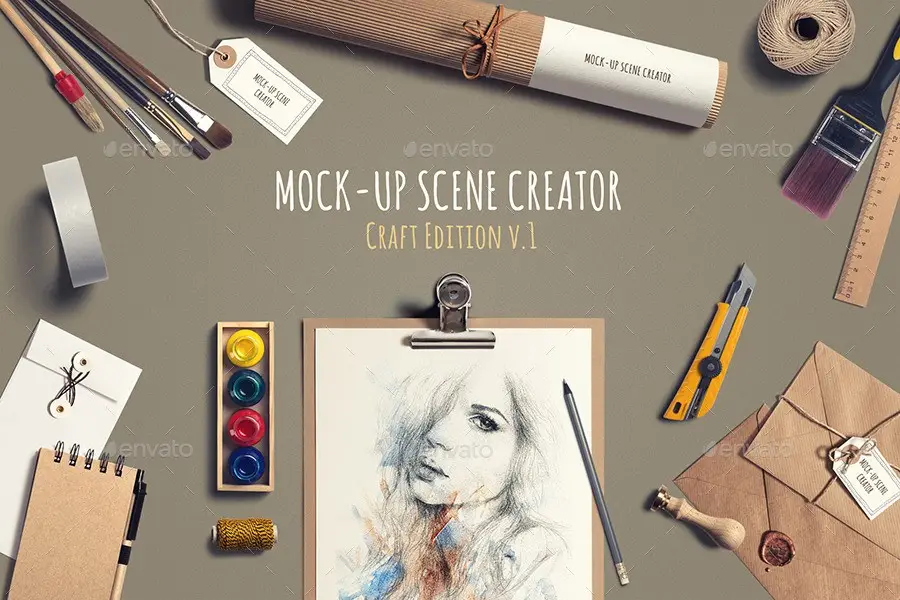
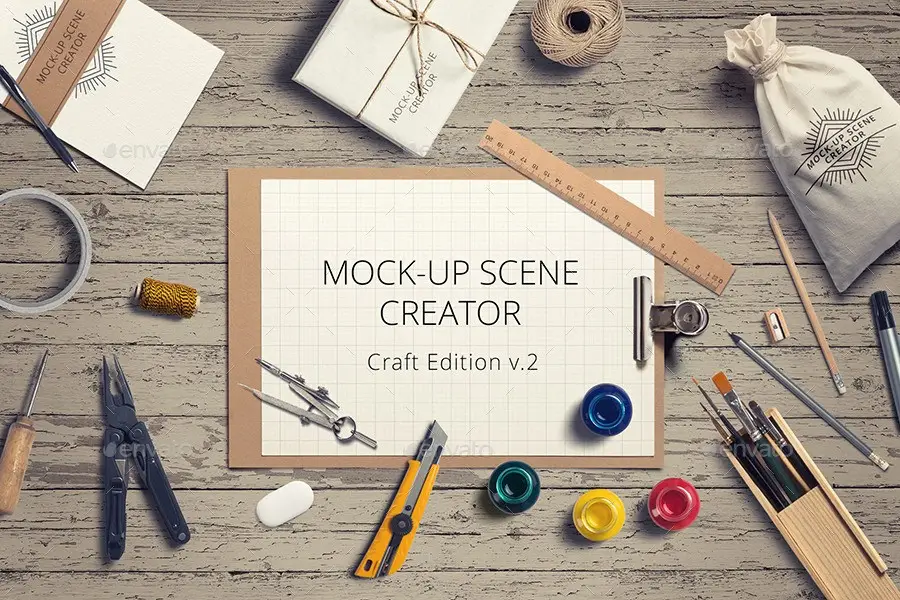
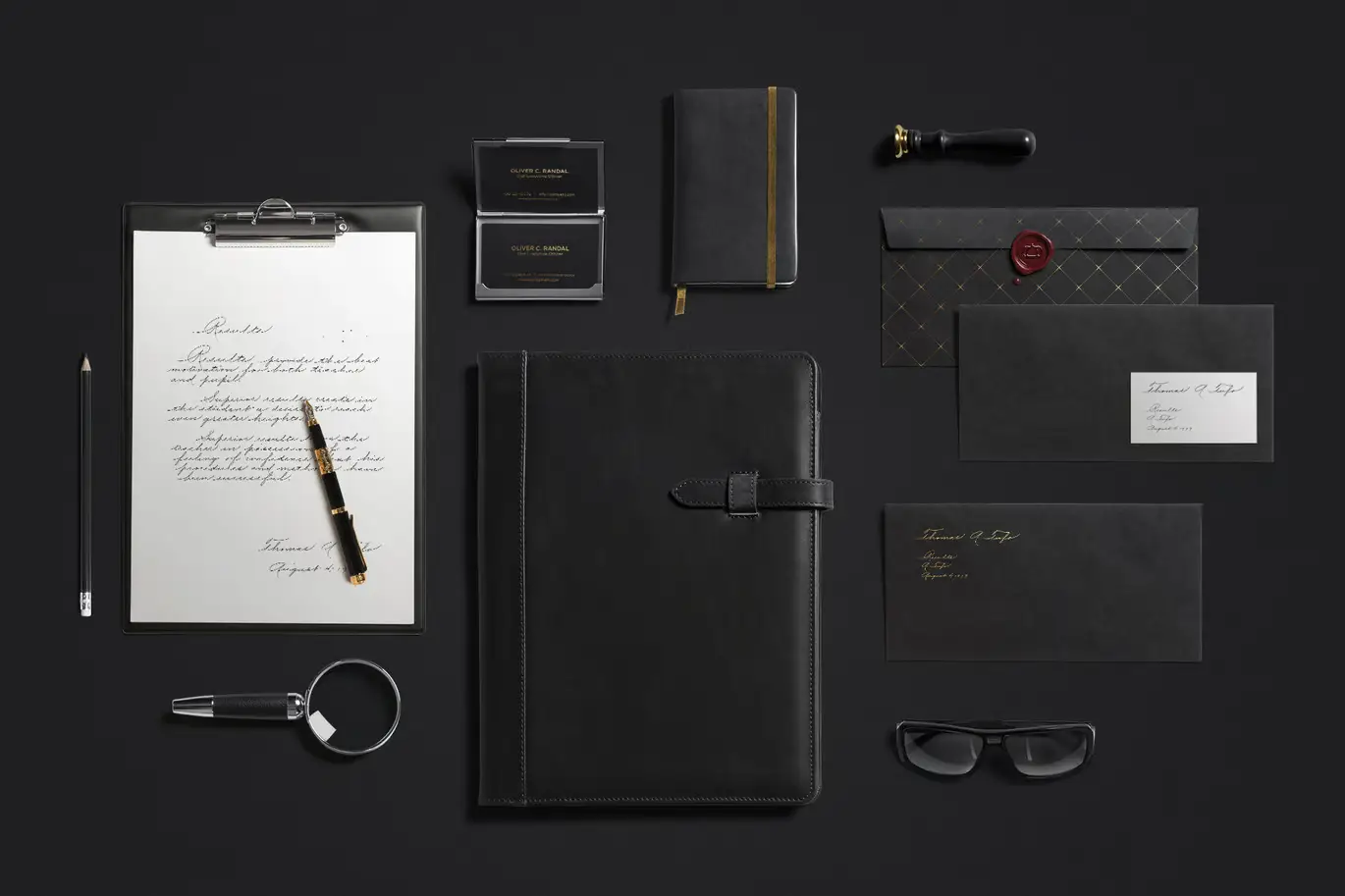
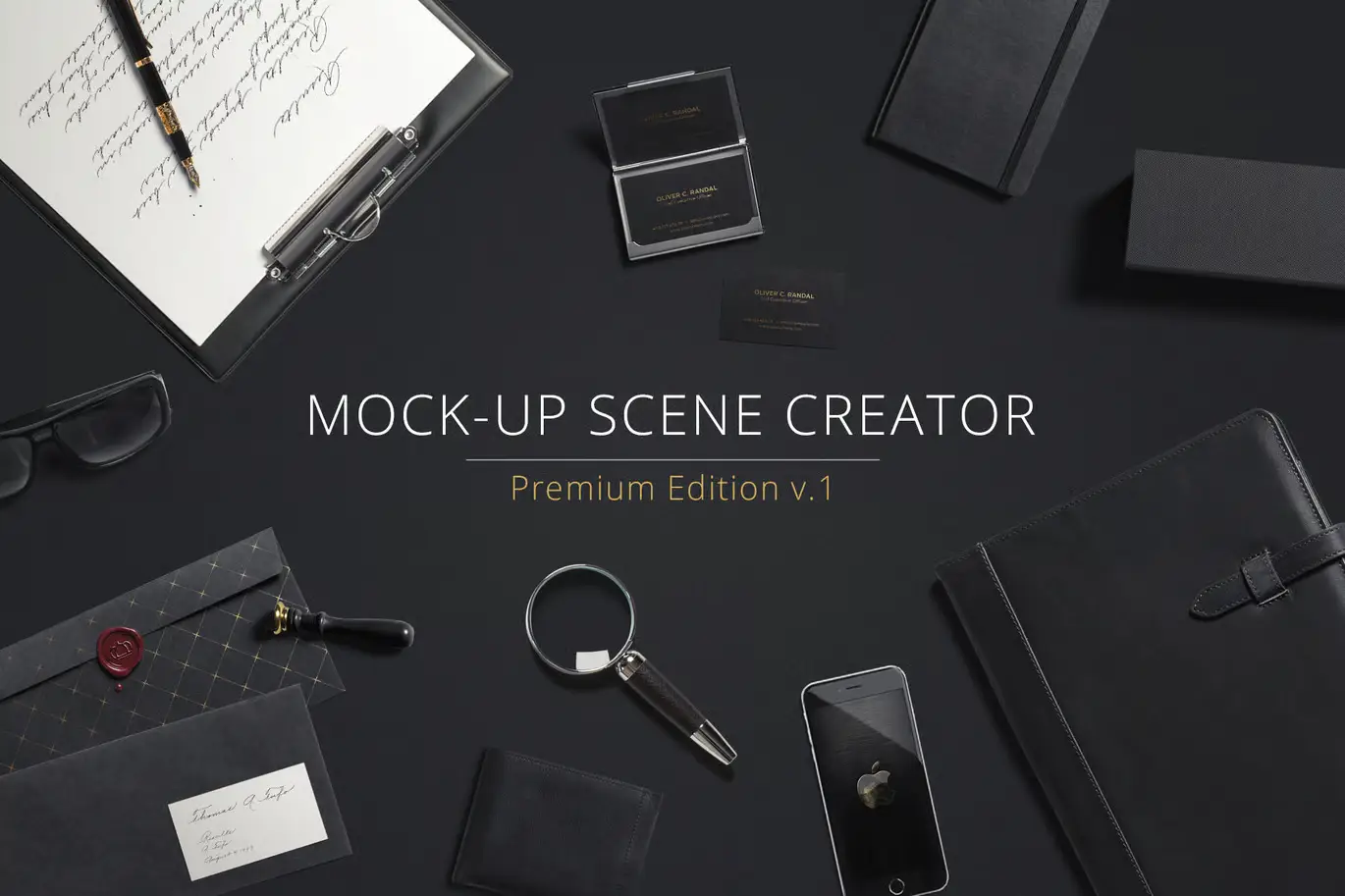
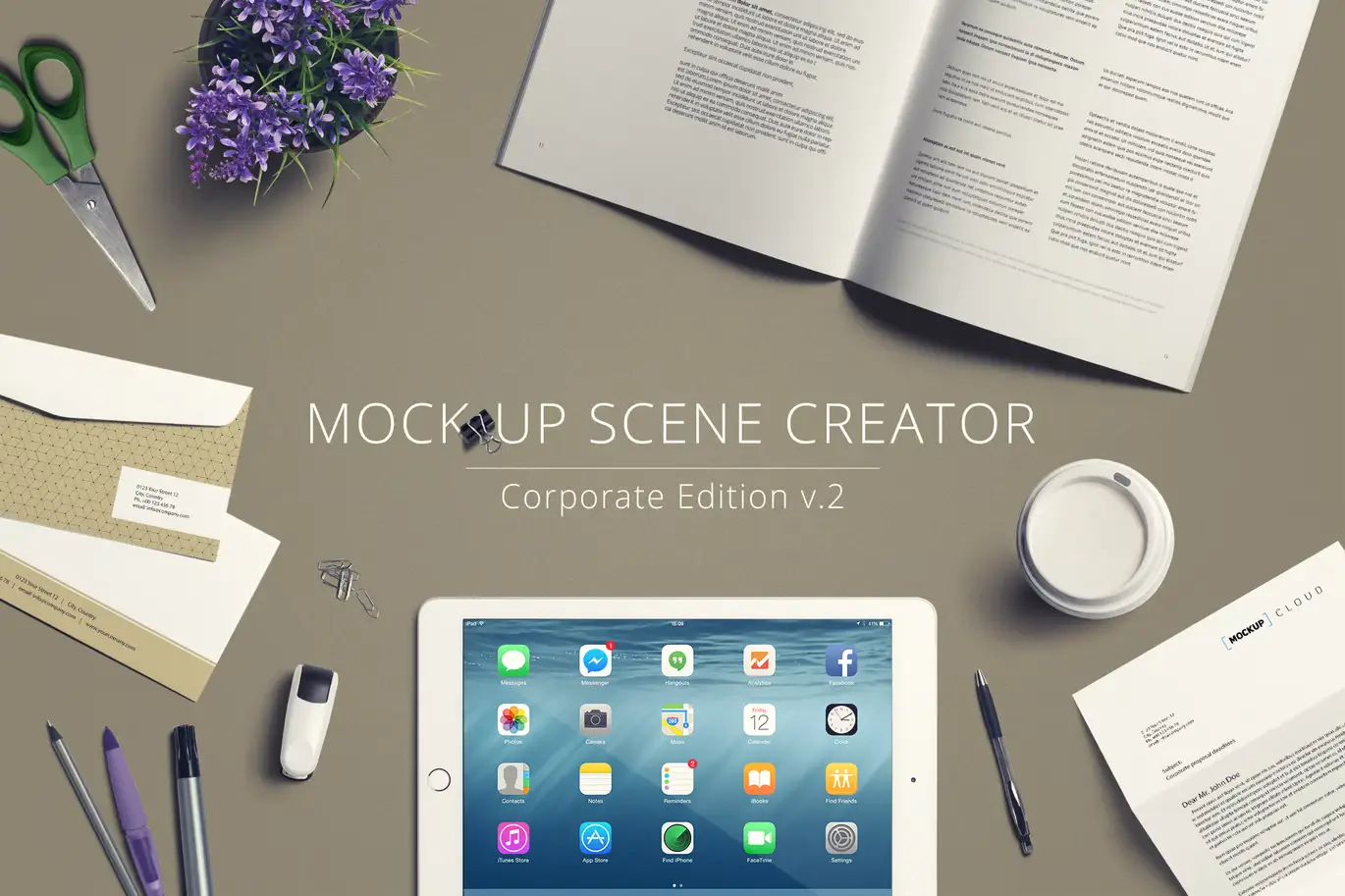
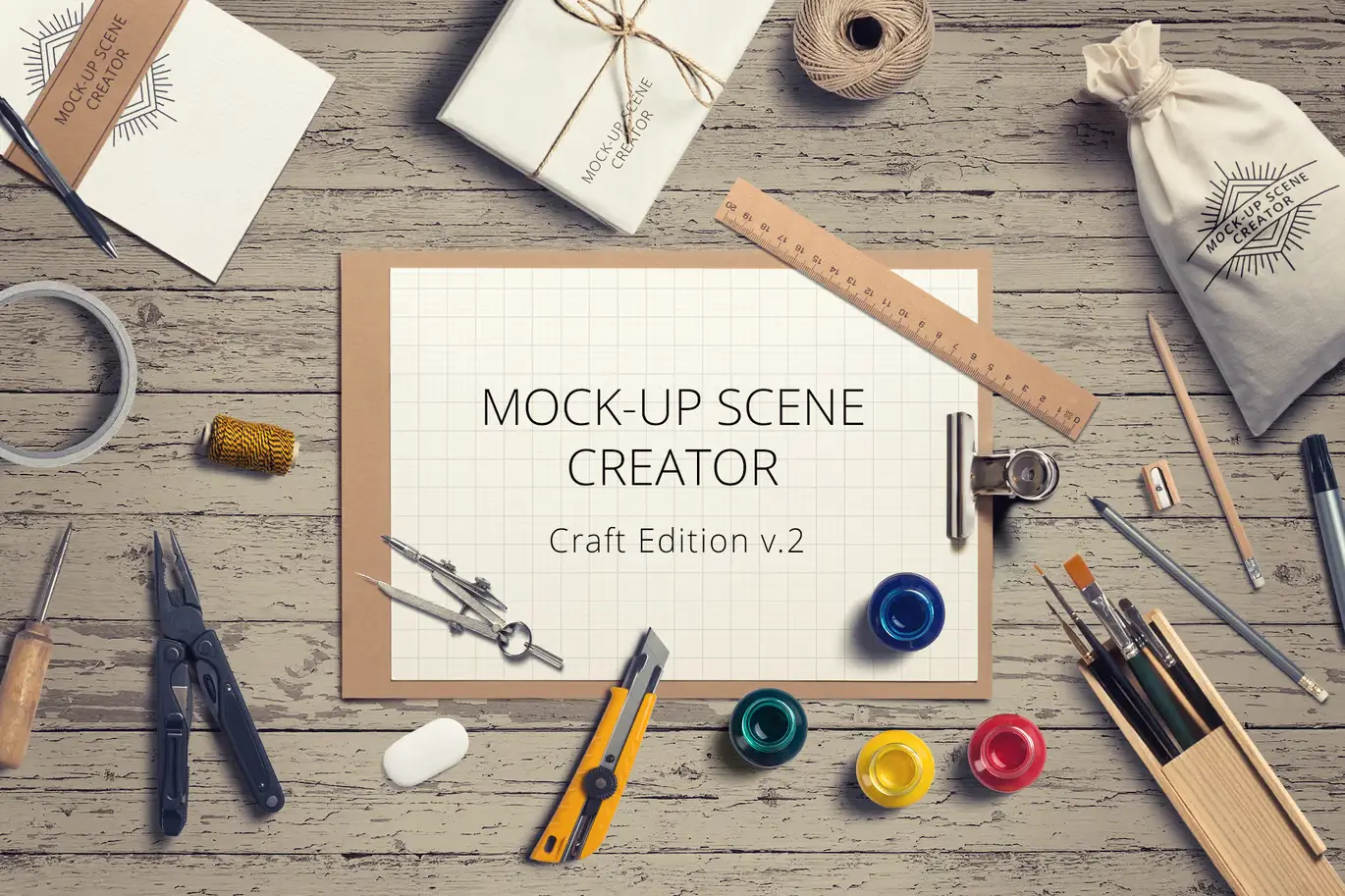
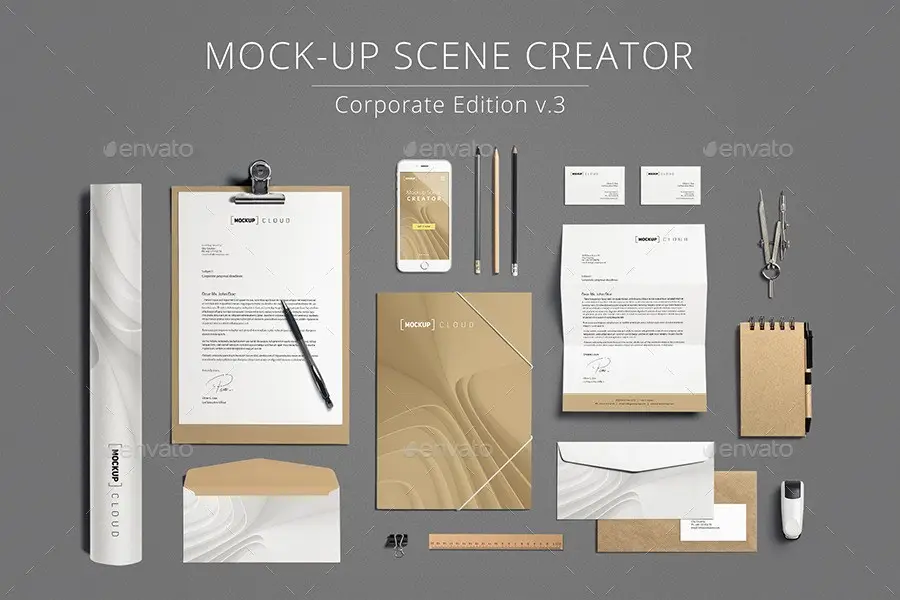
Transform your design ideas into stunning visuals effortlessly with the Multipurpose Mock-Up Creator. This innovative tool allows you to create your own scenes in seconds, making it perfect for showcasing your branding or product designs.
Product Overview
The Multipurpose Mock-Up Creator is designed for designers, marketers, and business owners who need a quick and effective way to present their work. With a user-friendly interface, you can easily drag and drop items into the scene creator, adjust their position, rotation, and scale to fit your vision.
Key Features & Benefits
- ✅ 100+ Different Items → A wide variety of options to choose from for diverse scenes.
- ✅ Editable Design via Smart Objects → Easily place your artwork by double-clicking the Smart Layer, copying, and pasting your designs.
- ✅ Organized Layers → Keep your workspace tidy and efficient with clearly labeled layers.
- ✅ All Objects and Shadows are Separated → Customize each element independently for a polished look.
- ✅ Simple File, Easy to Work With → Designed for users of all skill levels, ensuring a smooth experience.
- ✅ Illustrated User Guide Included → Step-by-step instructions to help you get started quickly.
Why Choose This Product
The Multipurpose Mock-Up Creator stands out due to its versatility and ease of use. Whether you are creating a hero image for your website or a header for your marketing materials, this tool simplifies the process. Trusted by professionals worldwide, it allows you to showcase your designs in a realistic and appealing manner, enhancing your brand’s presentation.
Specifications (Technical Details)
| Item Count | 100+ |
|---|---|
| File Format | PSD |
| Compatibility | Adobe Photoshop |
What’s Included / What’s in the Box
- 📦 Multipurpose Mock-Up PSD Files
- Illustrated User Guide
Perfect For
- Graphic Designers
- Marketing Professionals
- Business Owners
- Branding Experts
How to Use
- Open the PSD file in Adobe Photoshop.
- Drag and drop your items into the scene.
- Adjust the position, scale, and rotation as needed.
- Double-click the Smart Layer to insert your artwork.
- Save your work and export your final design.
FAQ
- Can I use this mock-up for commercial purposes? Yes, the mock-ups can be used for commercial projects.
- What software do I need? You will need Adobe Photoshop to use this mock-up creator.
Add to cart now and start creating stunning mock-ups today! 🚀
User Reviews
Be the first to review “Multipurpose Mock-Up Creator”
You must be logged in to post a review.


Raw Posters and Letterheads Mockups
Sold by


MNML / Branding Mockups Vol. 2
Sold by

Original price was: $5.00.$2.50Current price is: $2.50.


There are no reviews yet.