

Multi-Layer Snow Overlays for Stunning Winter Scenes
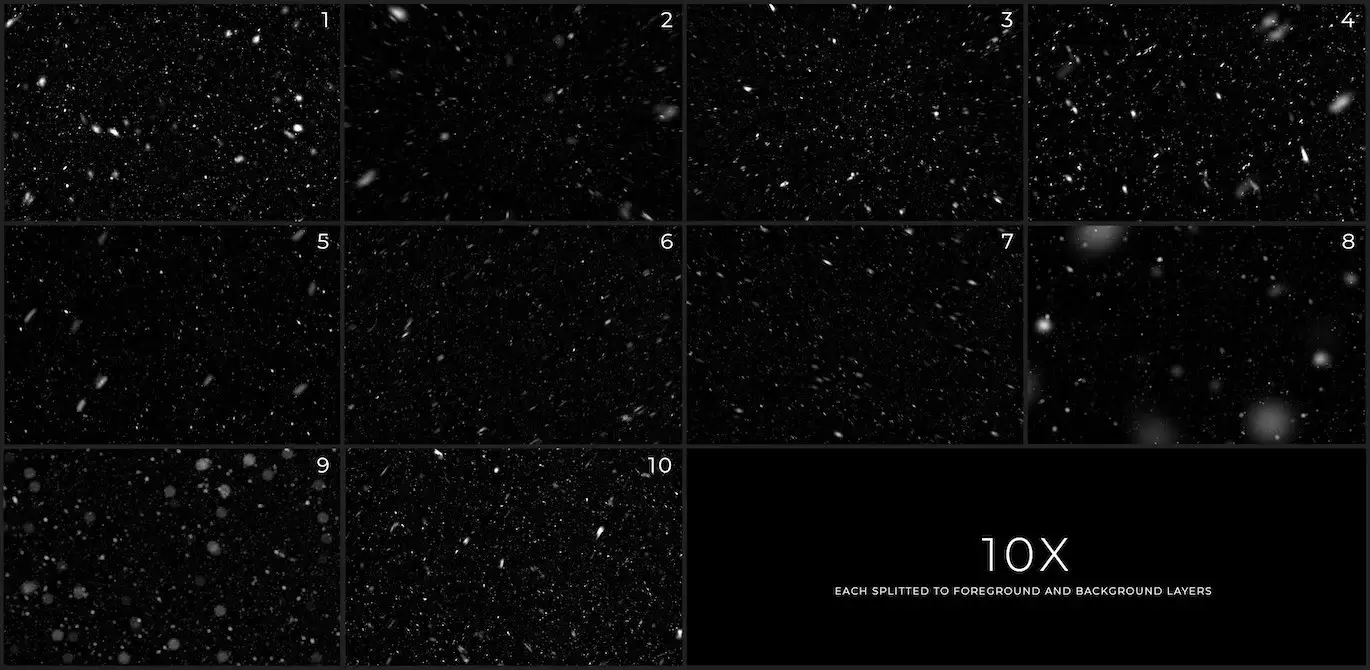
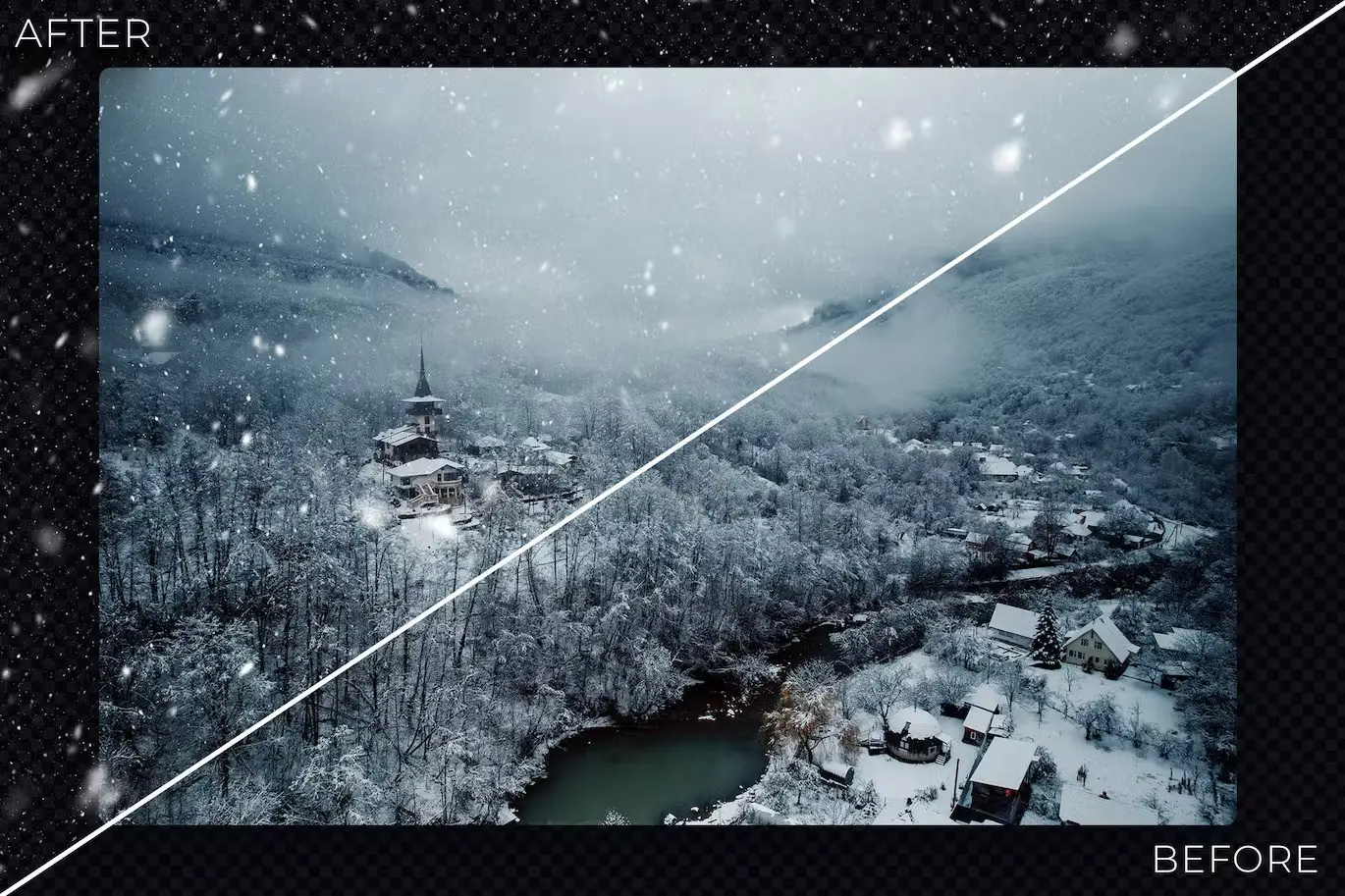
Transform your winter photography with our Multi-Layer Snow Overlays. These overlays are designed to add a realistic snow effect to your images, enhancing the winter atmosphere and creating a captivating visual experience. With 10 unique particle overlays, you can easily drag and drop them into your project to achieve the perfect snowy scene.
Product Overview
Our Multi-Layer Snow Overlays come in .jpg format and include two depth layers for each particle type, totaling 30 files. This allows you to create depth and dimension in your photos, making them more engaging. Whether you’re working on portraits or landscapes, these overlays provide the versatility you need to achieve stunning results.
Key Features & Benefits
- ✅ 10 Multi-layered Snow Overlays → Ideal for adding depth and realism to your winter scenes.
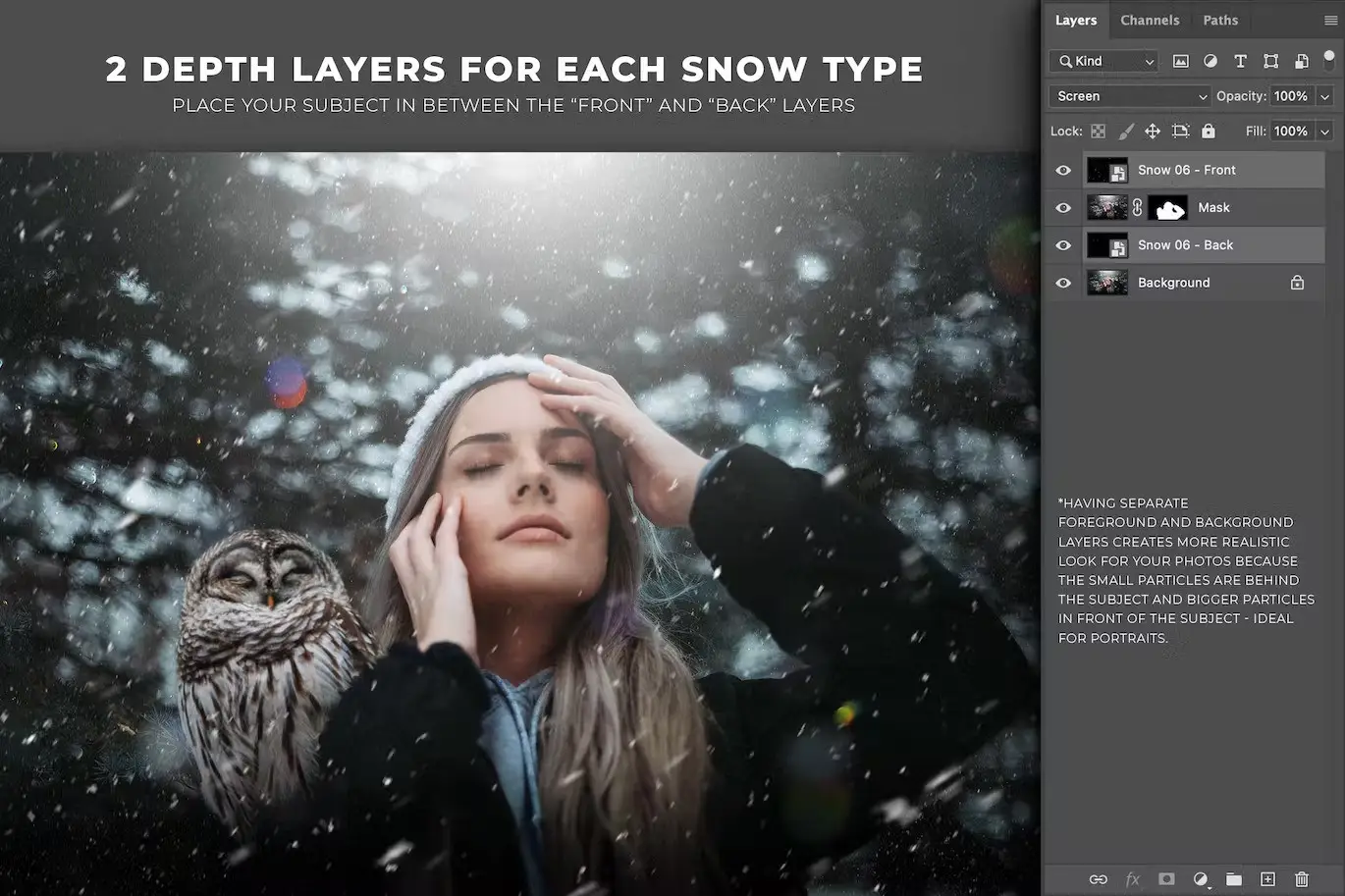
- ✅ Two Depth Layers for Each Particle → Total of 30 layers, allowing for versatile layering options.
- ✅ High-Quality JPG Format → Easy to use with any design software.
- ✅ Previews Included → Visualize how each overlay looks before applying.
- ✅ 6000x4000px Resolution → Ensures high-quality output for prints and digital use.
Why Choose This Product
These Multi-Layer Snow Overlays are perfect for photographers and designers looking to enhance their winter imagery. The ability to control the depth of particles allows you to create a more immersive experience for your viewers. Trusted by professionals, these overlays are designed to simplify your workflow while delivering stunning results.
Specifications (Technical Details)
| Format | JPG |
|---|---|
| Number of Files | 30 |
| Resolution | 6000x4000px |
What’s Included / What’s in the Box
- 📦 10 Multi-layered Snow Particle Overlays
- 📦 Previews for each overlay
Perfect For
- Photographers looking to enhance winter photos
- Graphic designers creating seasonal content
- Anyone wanting to add a realistic snow effect to their projects
How to Use
- Use the Snow – Front layer for foreground particles and Snow – Back for background particles.
- For landscapes, apply the Snow – All layer to achieve a full snowy effect.
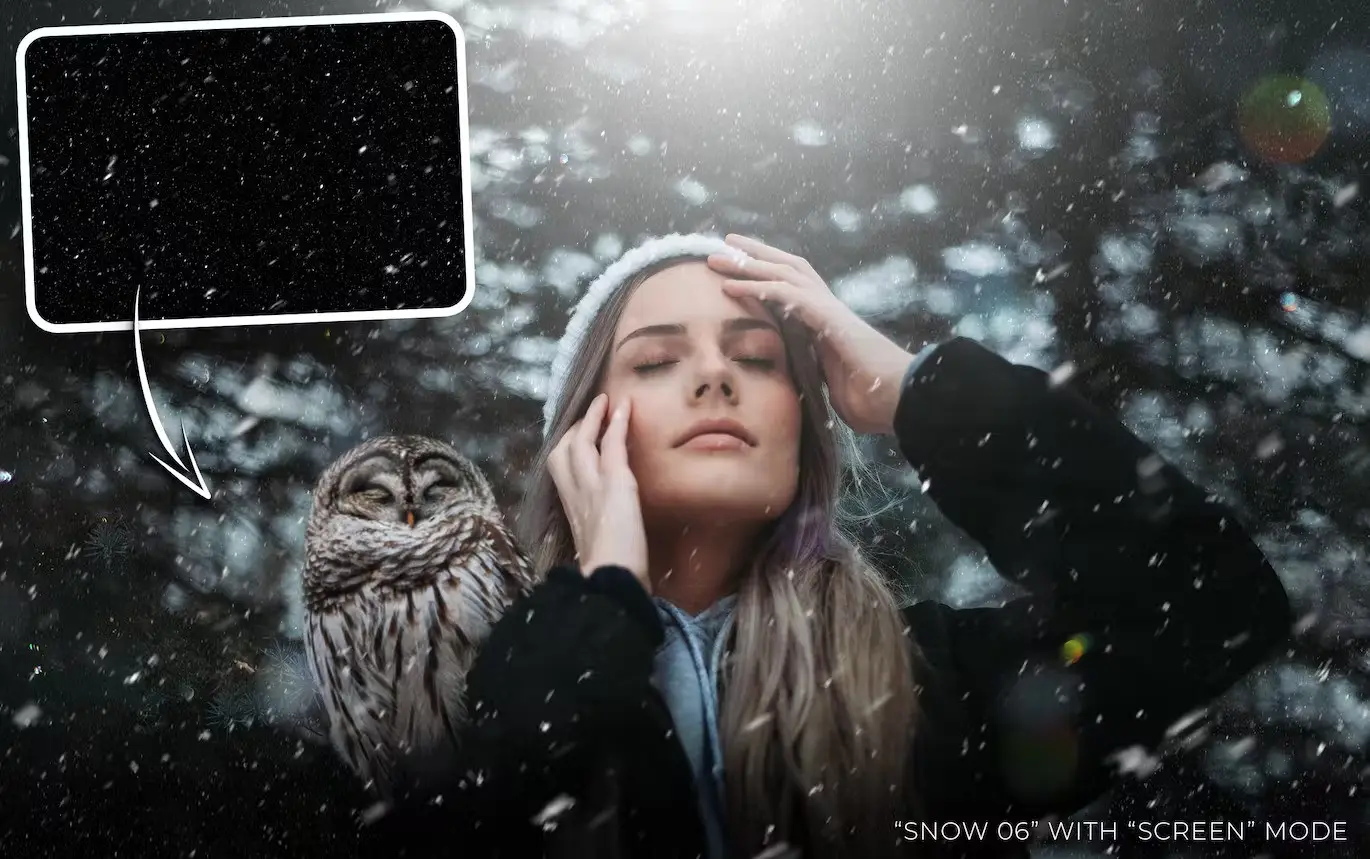
- Utilize Screen or Add blending modes for optimal results.
- To enhance visibility, duplicate the layer (Ctrl + D) or adjust using Levels (Ctrl + L).
FAQ
- Can I use these overlays in any design software? Yes, the overlays are in JPG format and compatible with most design software.
- Are the overlays easy to use? Absolutely! Simply drag and drop the overlays into your project.
Add to cart now and start creating stunning winter scenes today! 🚀
User Reviews
Be the first to review “Multi-Layer Snow Overlays”
You must be logged in to post a review.
15 Real Dust Photoshop Brushes
Sold by
Clear Plastic Tapes V1 – Texture Pack
Sold by
Clear Plastic Tapes V2 – Texture Pack
Sold by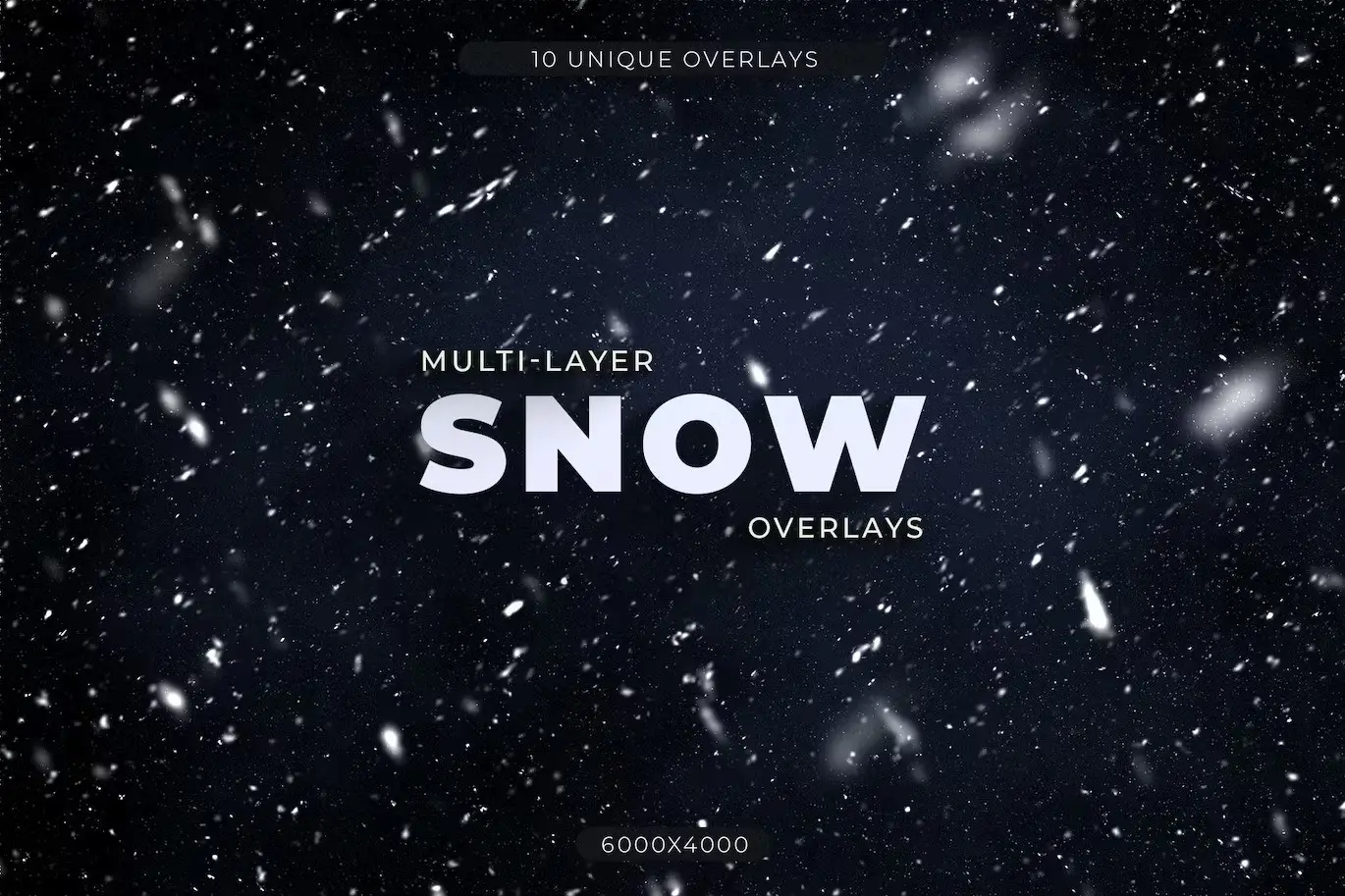
Original price was: $5.00.$2.50Current price is: $2.50.


There are no reviews yet.