
Motion Lights – Realistic Overlays for Photoshop

Original price was: $5.00.$2.50Current price is: $2.50.

artapresets
Product Specs:
- Compatible with: Overlays | Photoshop
- File Type: ZIP
- File Size: 316.4 MB
- Instant Download
Motion Lights – Realistic Overlays for Photoshop
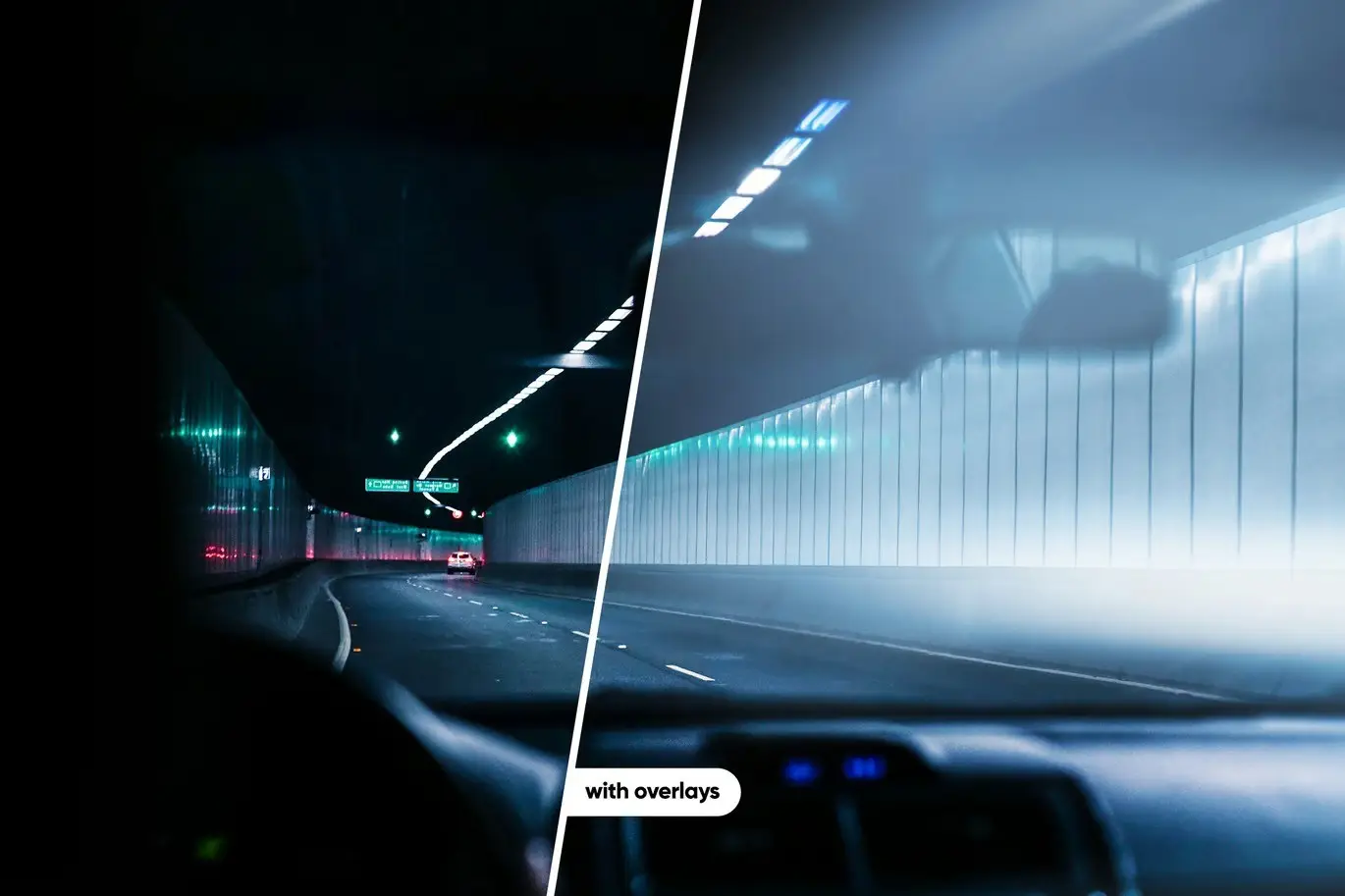
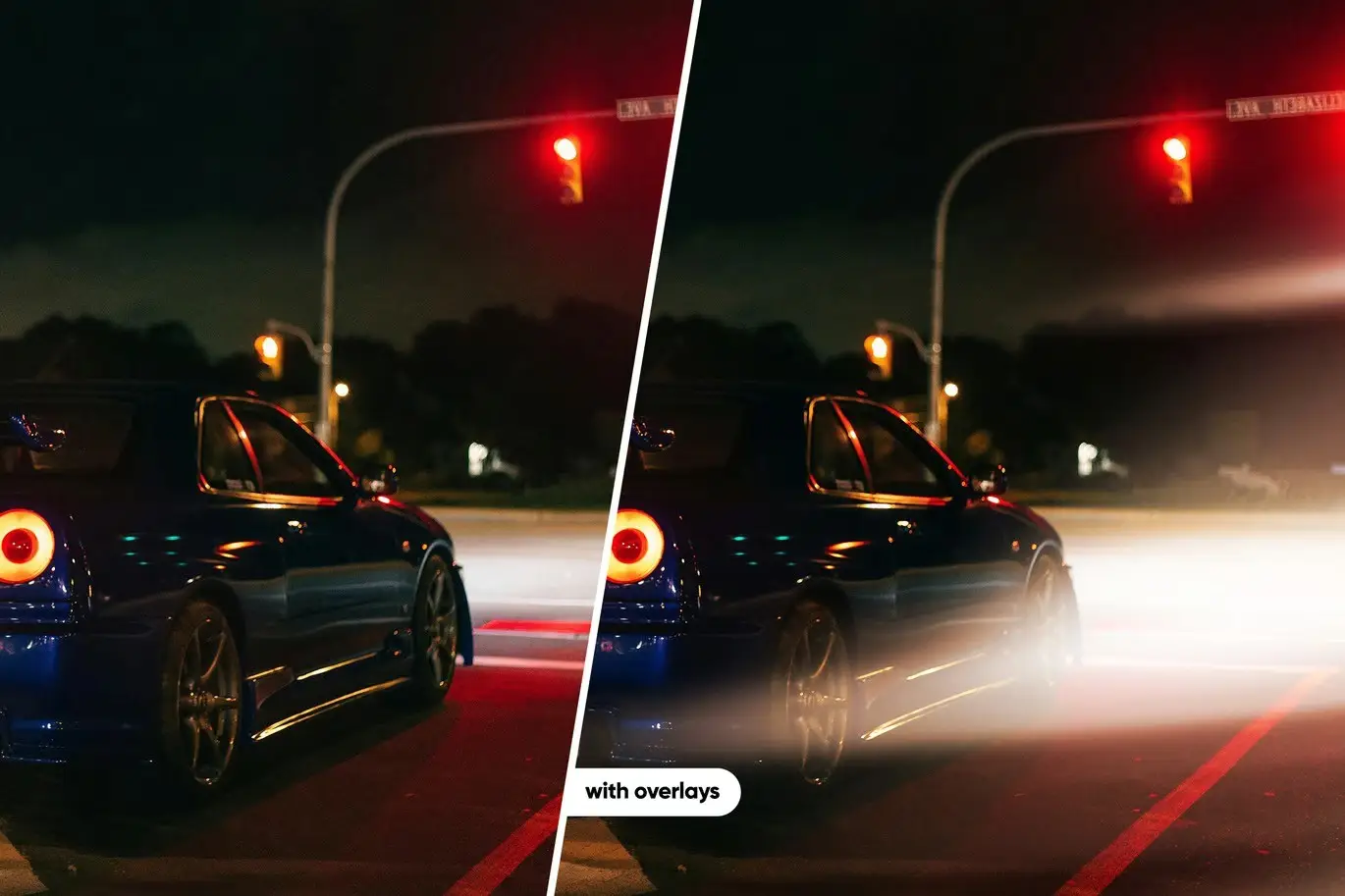
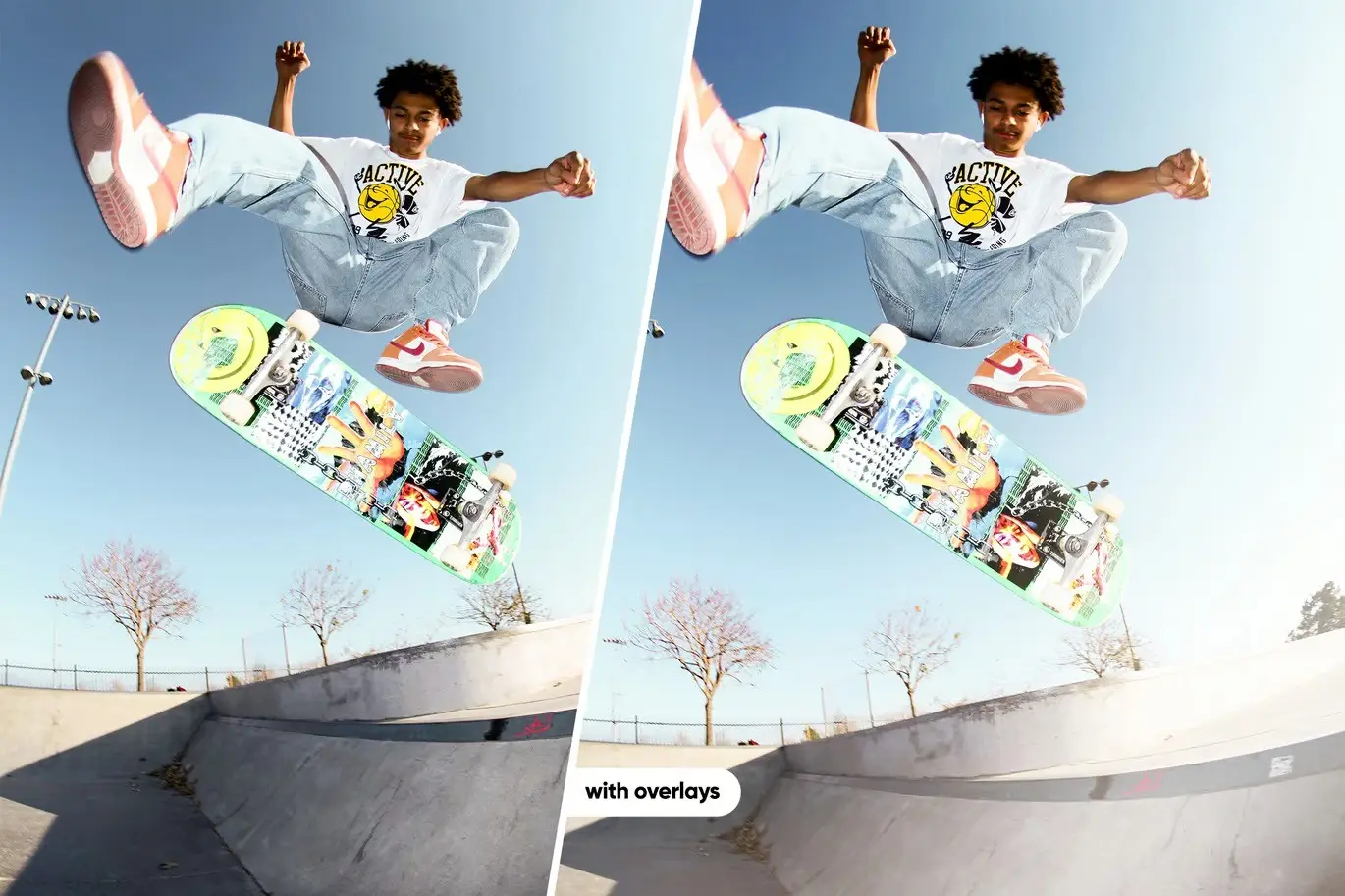
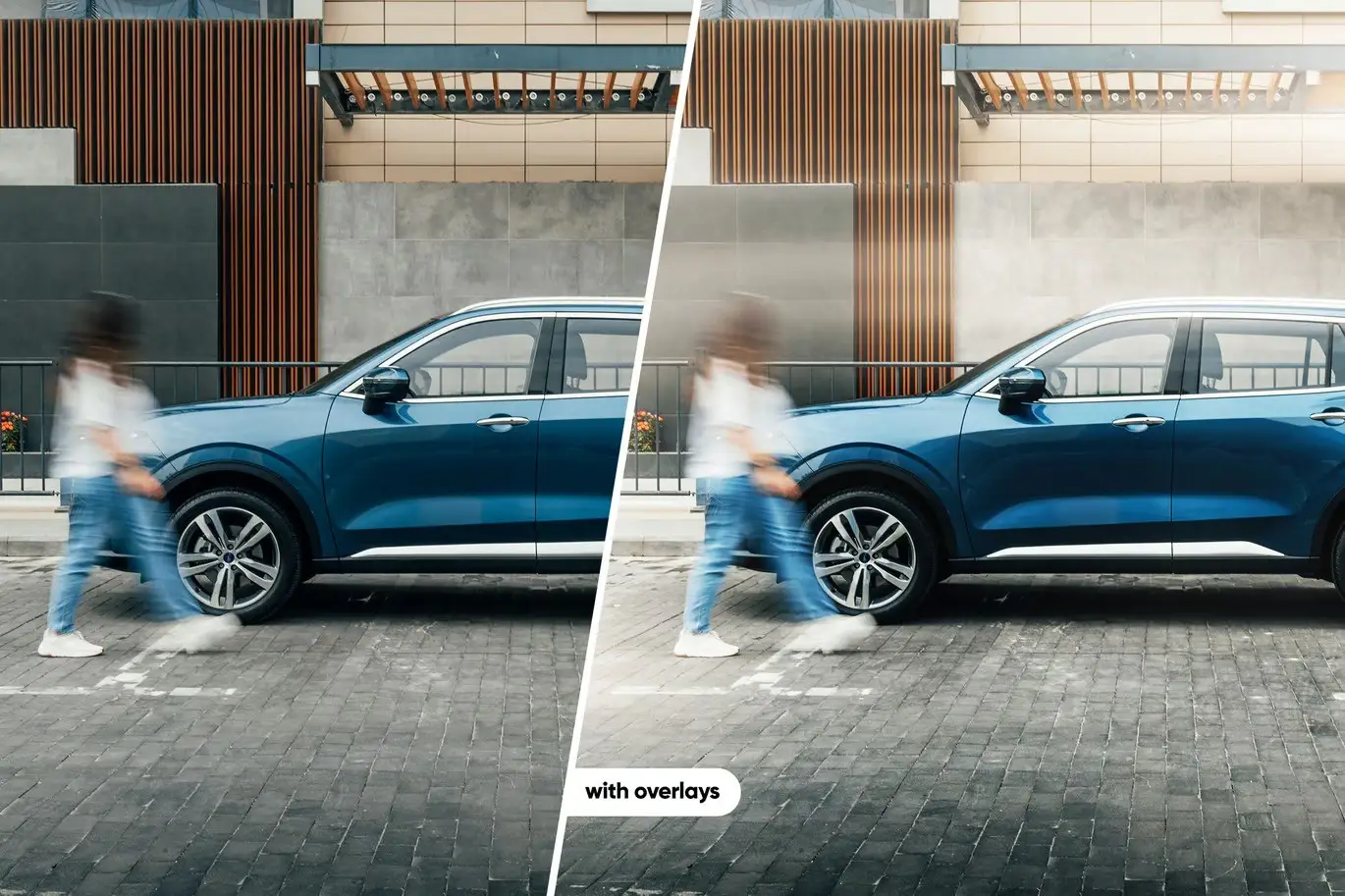
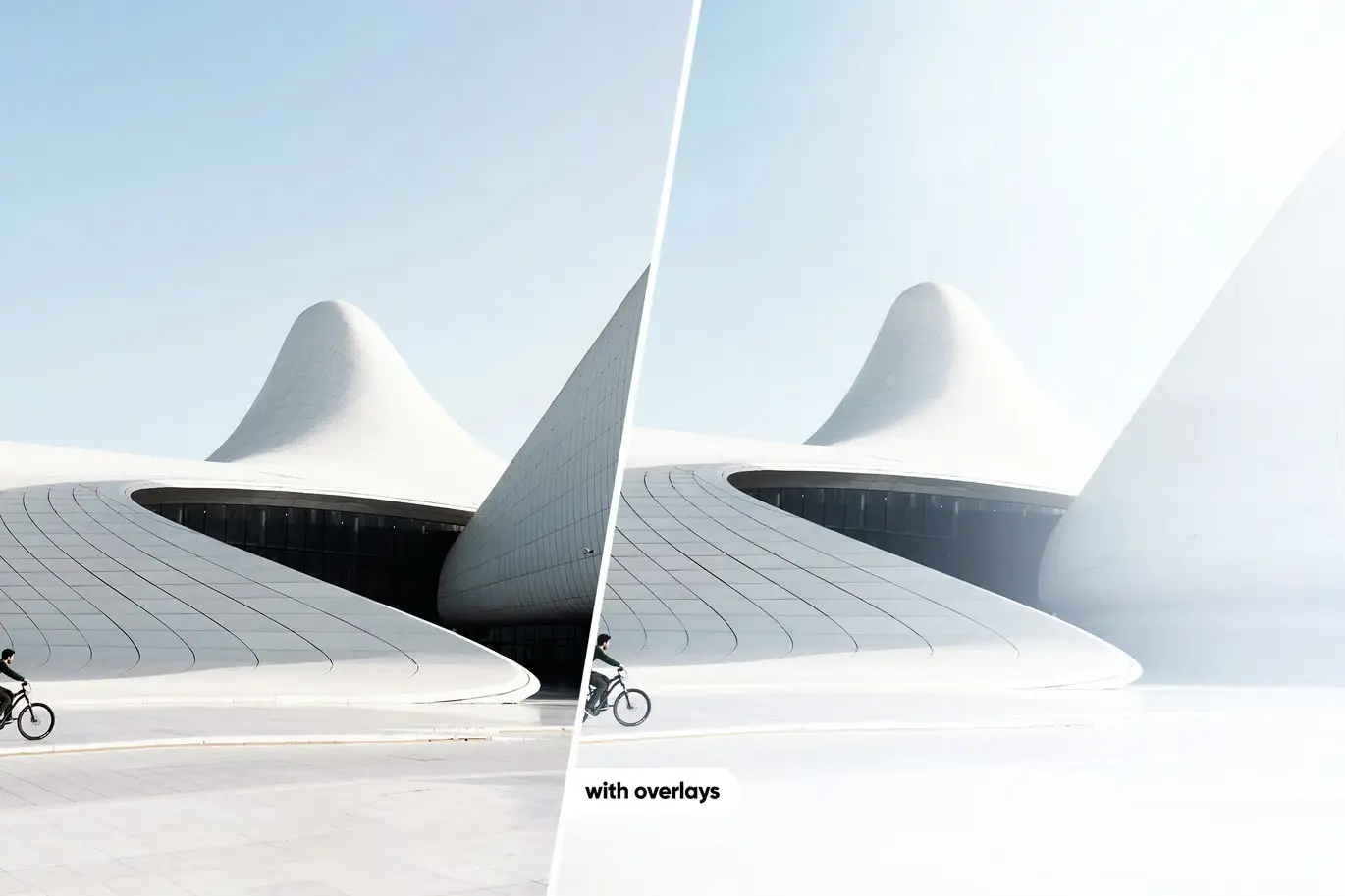
Transform your images with Motion Lights – Realistic Overlays for Photoshop. These overlays are designed to enhance the atmosphere of any photograph, making them ideal for both beginners and seasoned photographers. With just a few clicks, you can elevate your images to a professional level.
Product Overview
This collection features high-resolution overlays that seamlessly integrate with your photos. Whether you’re looking to add a dramatic flair or a subtle glow, these overlays provide the versatility you need to create stunning visuals.
Key Features & Benefits
- ✅ 32 High-Resolution Overlays → Each overlay measures 10440 × 7143px, ensuring crisp and clear results.
- ✅ Easy to Use → Simply drag and drop the overlays onto your images for quick enhancements.
- ✅ Comprehensive PDF Guide → Includes step-by-step instructions on how to use the overlays in Photoshop.
- ✅ Cross-Platform Compatibility → Works with Adobe Photoshop CS6 and higher on Windows, Mac, Android, and iOS.
- ✅ Realistic Results → Achieve professional-looking effects that enhance the mood of your photos.
Why Choose This Product
Motion Lights overlays stand out for their quality and ease of use. Trusted by photographers worldwide, these overlays allow you to create captivating images without the need for extensive editing skills. Whether you’re enhancing a portrait or a landscape, these overlays help you achieve the desired effect effortlessly.
Specifications
| Overlay Format | .png |
|---|---|
| Resolution | 10440 × 7143px |
| Number of Overlays | 32 |
| Compatibility | Adobe Photoshop CS6 or higher |
| Operating Systems | Windows, Mac, Android & iOS |
What’s Included 📦
- 32 Motion Lights Overlays in .png format
- PDF guide for using overlays in Photoshop
Perfect For
- Photographers looking to enhance their work
- Graphic designers wanting to add depth to their designs
- Content creators aiming for professional visuals
How to Use
1. Open your image in Adobe Photoshop.
2. Drag and drop an overlay onto your image.
3. Adjust the overlay’s position and opacity as desired.
4. Save your enhanced image.
FAQ
- Can I use these overlays on mobile devices? Yes, they are compatible with Photoshop on Android and iOS.
- Are the overlays easy to customize? Absolutely! You can adjust the opacity and blending modes to fit your needs.
Add a touch of creativity to your photography with Motion Lights – Realistic Overlays for Photoshop. Purchase now and start transforming your images today! 🚀
User Reviews
Be the first to review “Motion Lights – Realistic Overlays for Photoshop”
You must be logged in to post a review.


Arta-Tone Presets For Lightroom
Sold by artapresets

Arta-Alaska Presets For Lightroom
Sold by artapresets

Arta-Galla Presets For Lightroom
Sold by artapresets Original price was: $5.00.$2.50Current price is: $2.50.


There are no reviews yet.