
Memories Photoshop Action



Original price was: $5.00.$2.50Current price is: $2.50.

315700
Product Specs:
- Compatible with: Actions
- File Type: ZIP
- File Size: 19.1 MB
- Instant Download
Memories Photoshop Action
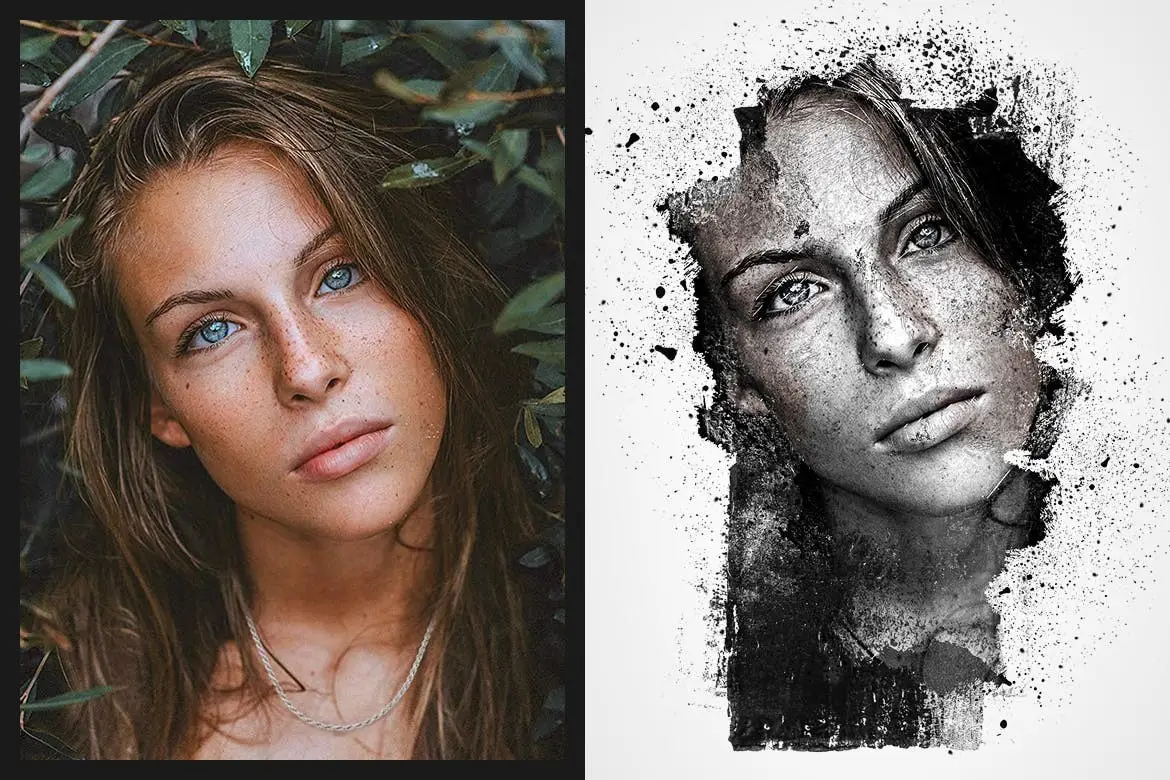
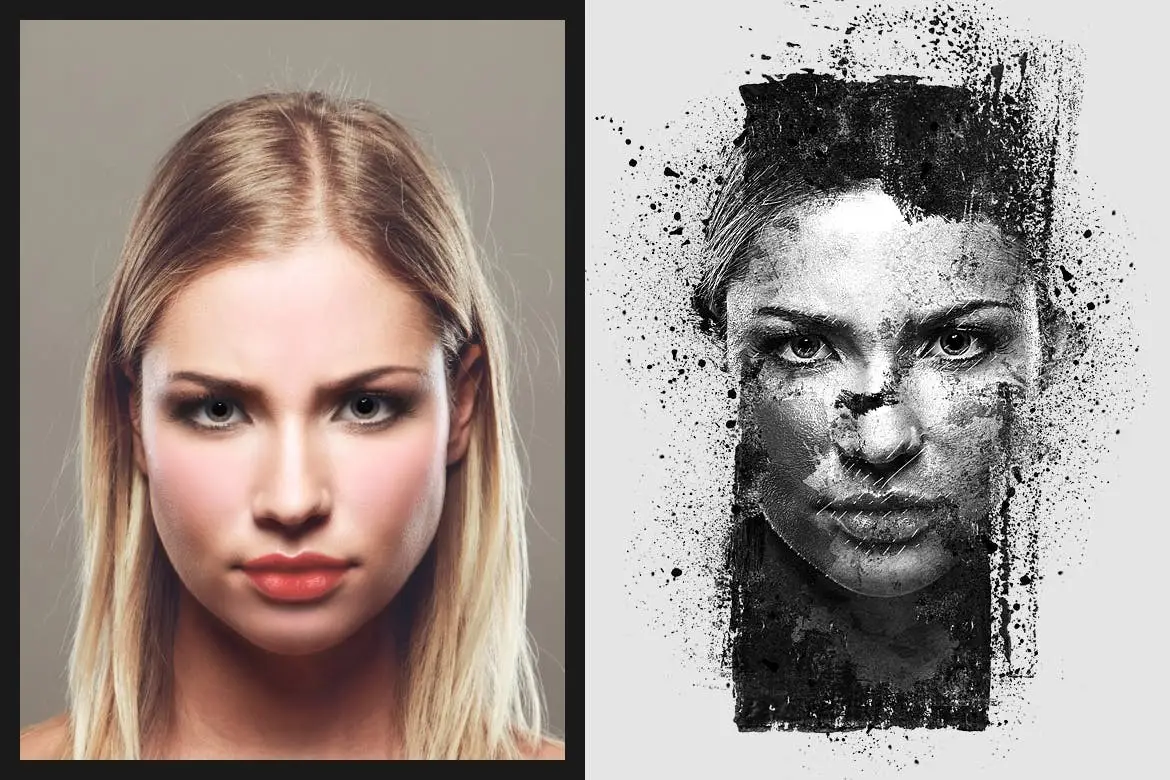
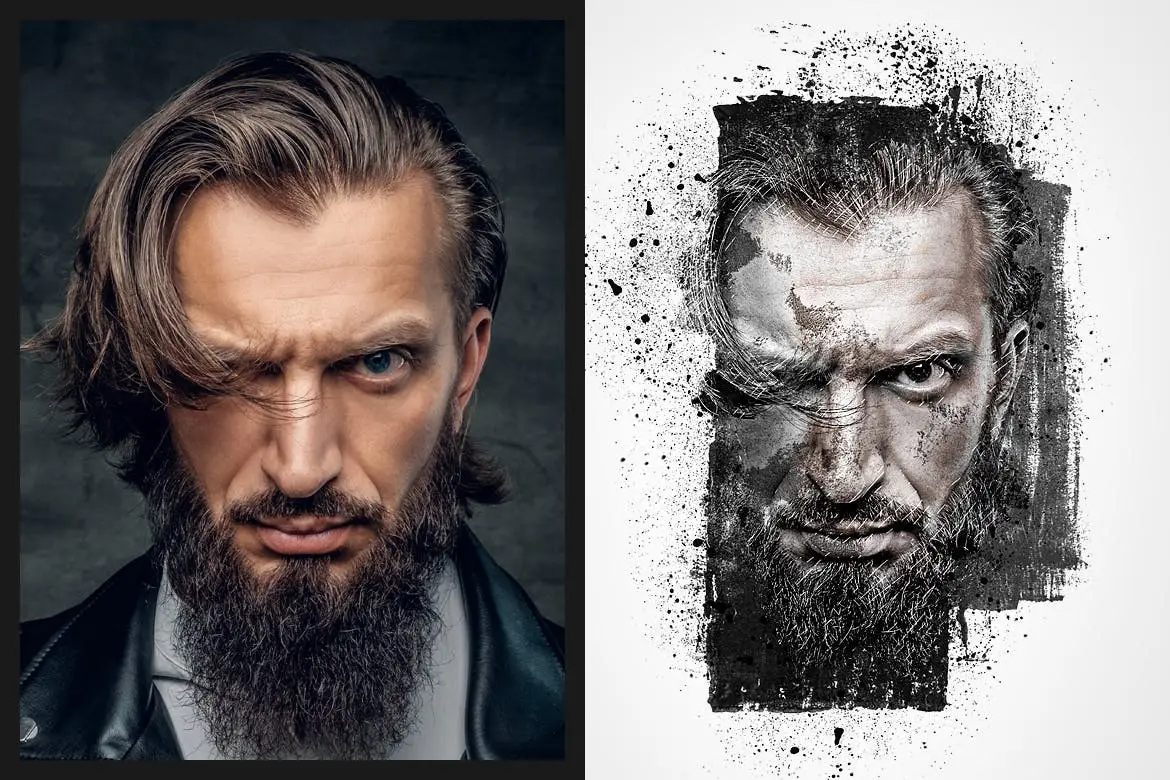
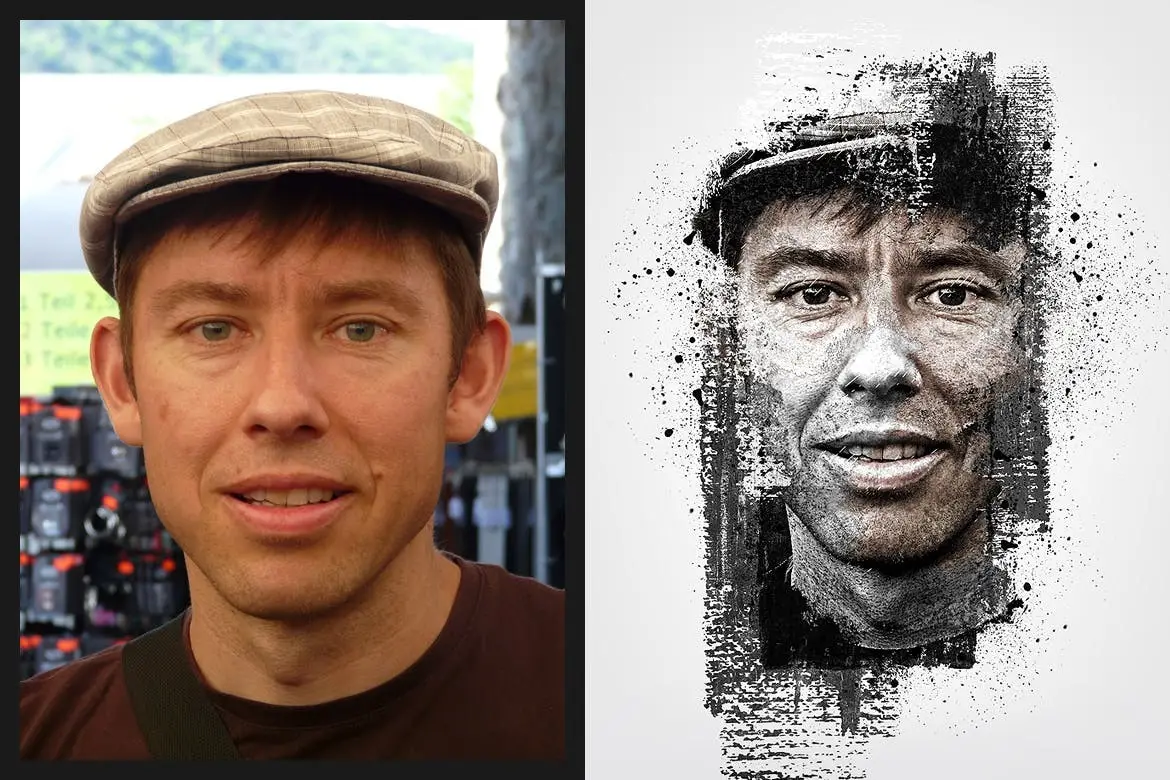
Transform your images into stunning, nostalgic masterpieces with the Memories Photoshop Action. This action is designed to enhance your photos by applying a unique aging effect, perfect for creating a vintage or grunge look. Whether you’re a professional photographer or a hobbyist, this action offers an effortless way to add character to your images.
Product Overview
The Memories Photoshop Action is a powerful tool that allows you to create beautiful, aged effects on your photographs. Ideal for those looking to evoke memories and emotions through their images, this action is compatible with various versions of Photoshop, making it accessible for a wide range of users.
Key Features & Benefits
- ✅ 1 ATN File → Easily apply the action to your images with just one click.
- ✅ 1 ABR File (Brush) → Customize your effects with included brushes for added detail.
- ✅ 1 PAT File (Pattern) → Incorporate unique textures into your designs effortlessly.
- ✅ Non-destructive Action → Preserve your original images while experimenting with effects.
- ✅ Well Arranged Layers → Easily adjust layers to fine-tune the final look of your images.
- ✅ Compatibility → Works seamlessly with Photoshop CS4, CS5, CS6, and CC+ (English version only).
- ✅ Image Size Requirement → Best results on images sized 2500 pixels and above.
Why Choose This Product
The Memories Photoshop Action stands out for its simplicity and effectiveness. It allows you to create professional-quality edits without extensive knowledge of Photoshop. Trusted by photographers and designers alike, this action helps you capture the essence of nostalgia in your work. Plus, with a clear YouTube tutorial available, you can quickly learn how to make the most of this powerful tool.
Specifications
| File Type | ATN, ABR, PAT |
|---|---|
| Compatibility | Photoshop CS4, CS5, CS6, CC+ (English version only) |
| Image Size | 2500 pixels and above |
What’s Included
- 📦 1 ATN file (action)
- 📦 1 ABR file (brush)
- 📦 1 PAT file (pattern)
- 📦 Help Files
Perfect For
- Photographers looking to enhance their portfolio
- Graphic designers wanting to add vintage effects
- Hobbyists interested in creative photo editing
How to Use
- Open your image in Photoshop.
- Load the action from the ATN file.
- Apply the action and adjust layers as needed.
- Save your finished masterpiece!
FAQ
- Can I use this action on any version of Photoshop? Only on CS4, CS5, CS6, and CC+ in English.
- What if I need help using the action? A YouTube tutorial is available for guidance.
Add to cart now and start creating your nostalgic masterpieces today! 🚀
User Reviews
Be the first to review “Memories Photoshop Action”
You must be logged in to post a review.

Memories Photoshop Action
Sold by 315700
Overgrown Photoshop Action
Sold by 315700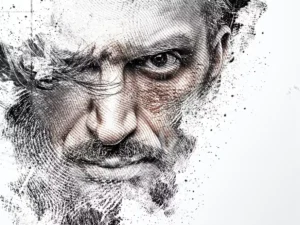
Abstract Impression Photoshop Action
Sold by 315700
APS Reloaded Photoshop Action
Sold by 315700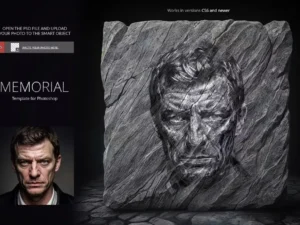
Memorial Template for Photoshop
Sold by 315700
Street Drawing Photoshop Action
Sold by 315700 Original price was: $5.00.$2.50Current price is: $2.50.


There are no reviews yet.