

Liquid Maps: Elevate Your Designs with Unique Displacement Effects
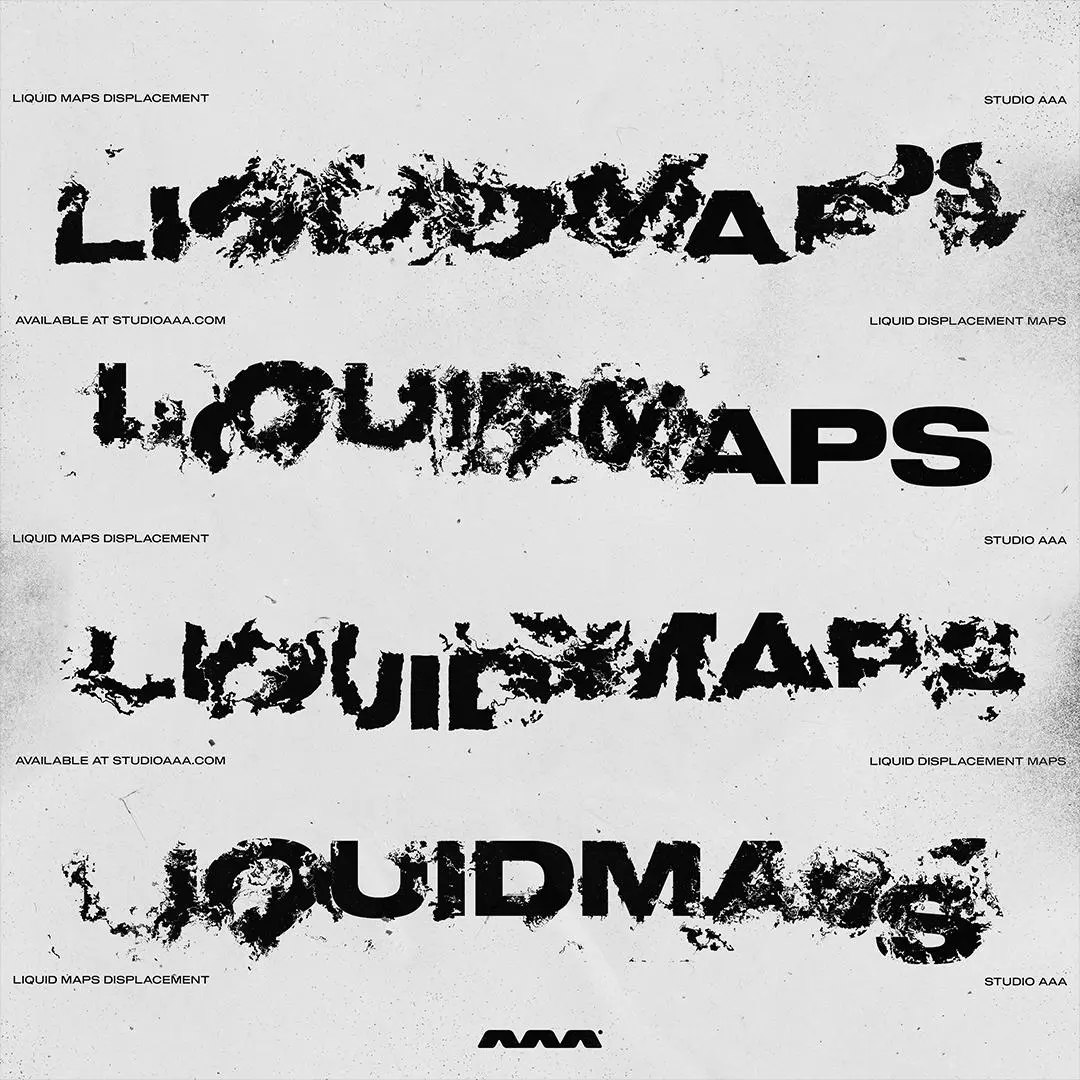
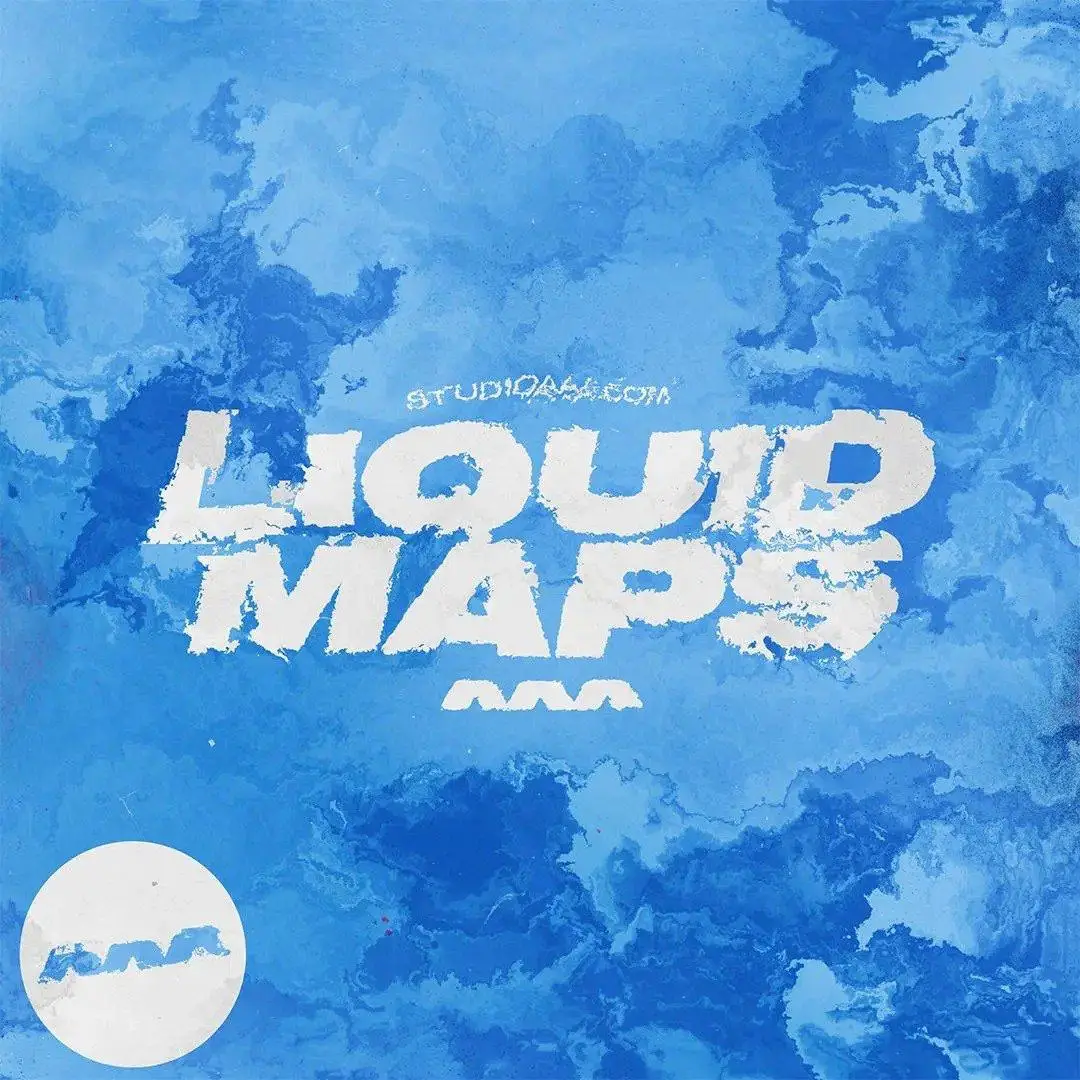
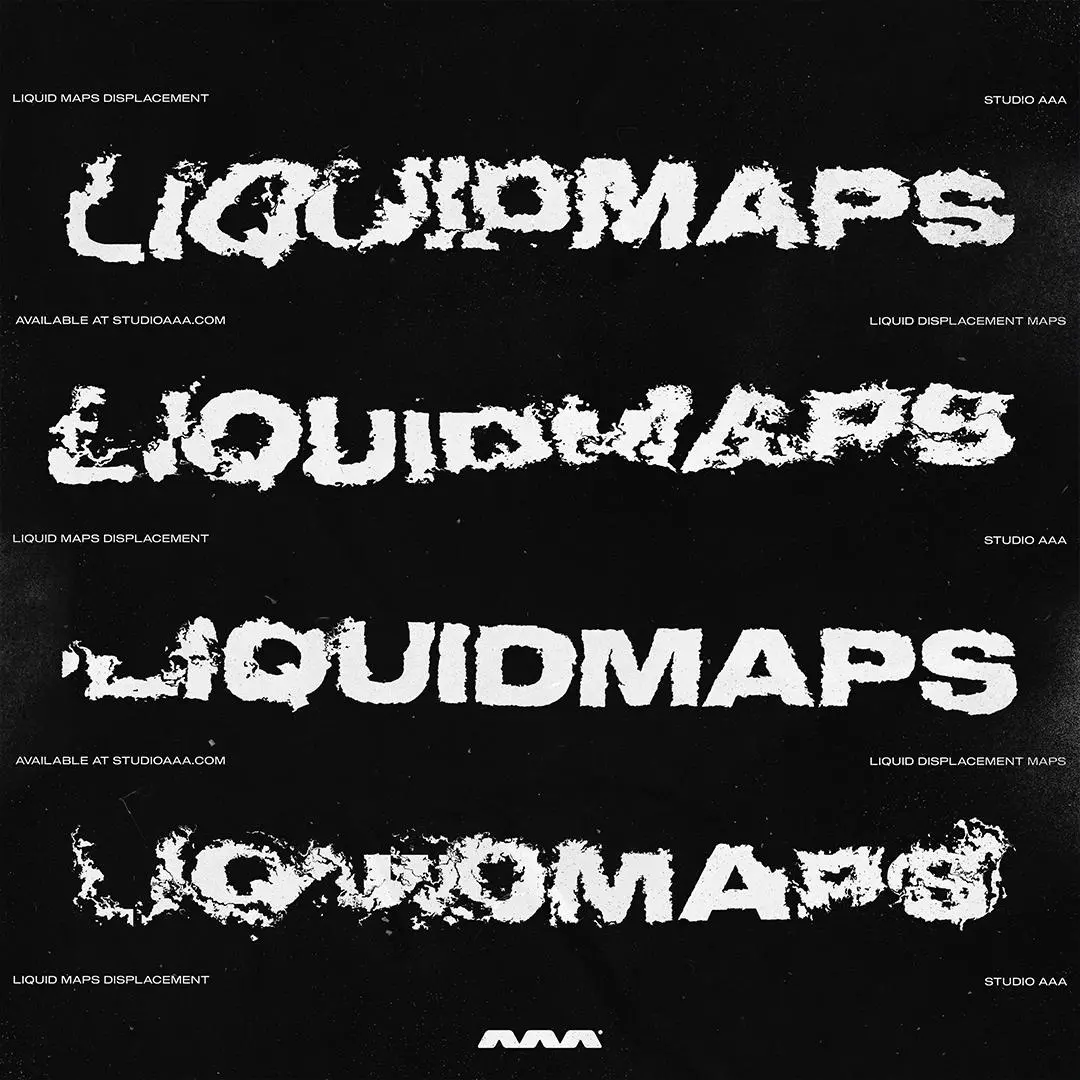
Transform your creative projects with Liquid Maps, a comprehensive pack of over 50 PSD files designed specifically for displacement mapping. Whether you’re working on text, logos, or images, these maps create captivating liquid paint effects that enhance your designs with depth and character.
Product Overview
Liquid Maps is perfect for artists, graphic designers, and anyone looking to add a touch of uniqueness to their digital creations. Each displacement map features a distinct liquid paint texture, allowing you to introduce subtle imperfections or bold paint displacements to your work. This asset pack is a must-have for those aiming to achieve a professional finish in Adobe Photoshop.
Key Features & Benefits
- ✅ 50+ Unique Displacement Maps → Each map offers a different liquid paint texture, providing endless creative possibilities.
- ✅ Designed for Versatility → Use on both text and image layers to achieve stunning visual effects.
- ✅ High Compatibility → Fully compatible with Adobe Photoshop and Smart Objects for seamless integration.
- ✅ Easy to Use → Simply apply the displacement maps to your layers for instant transformation.
- ✅ Ideal for Professionals → Perfect for graphic designers looking to create eye-catching visuals.
Why Choose Liquid Maps?
Choosing Liquid Maps means opting for quality and creativity. This pack not only enhances your designs but also saves you time, allowing you to focus on what you do best. Trusted by artists worldwide, these displacement maps are designed to inspire and elevate your work, making them an essential tool in your design arsenal.
Specifications
| Product Type | Asset Pack |
|---|---|
| File Type | .PSD |
| Compatibility | Adobe Photoshop, Smart Objects |
| Made For | Artists, Graphic Designers |
| Version | Demo, Full |
What’s Included / What’s in the Box
- 📦 50+ Liquid Displacement Maps (PSD files)
Perfect For
- Graphic Designers
- Digital Artists
- Creative Professionals
- Anyone looking to enhance their Photoshop projects
How to Use
To achieve the best results with Liquid Maps, follow these simple steps:
- Open your desired image or text layer in Adobe Photoshop.
- Select a displacement map from the pack.
- Apply the map to your layer using the Displace filter.
- Adjust settings to achieve the desired effect.
FAQ
- Can I use these maps for commercial projects? Yes, Liquid Maps can be used in both personal and commercial projects.
- Are the files easy to edit? Absolutely! The PSD files are designed for easy manipulation in Adobe Photoshop.
Add Liquid Maps to your toolkit today and start creating stunning designs that stand out! 🚀



Original price was: $17.50.$8.75Current price is: $8.75.


There are no reviews yet.