
Lens Flare Brush Photoshop
Lens Flare Brush Photoshop – Enhance Your Creations
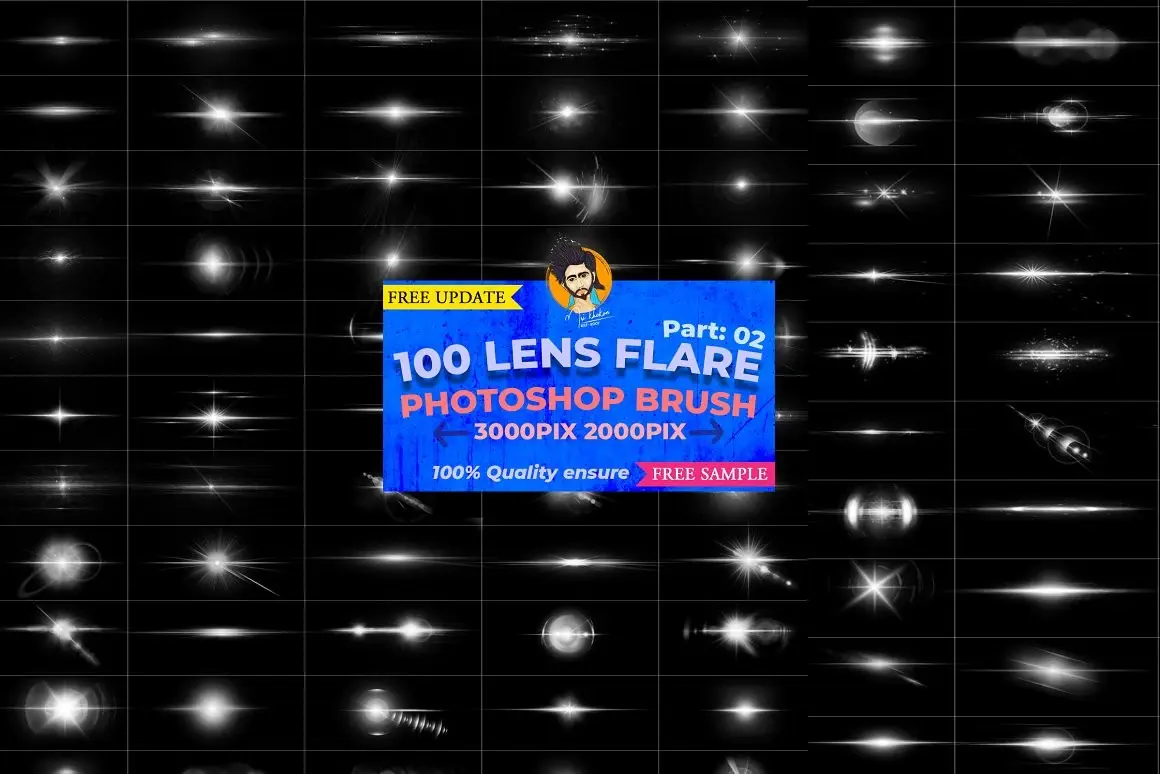
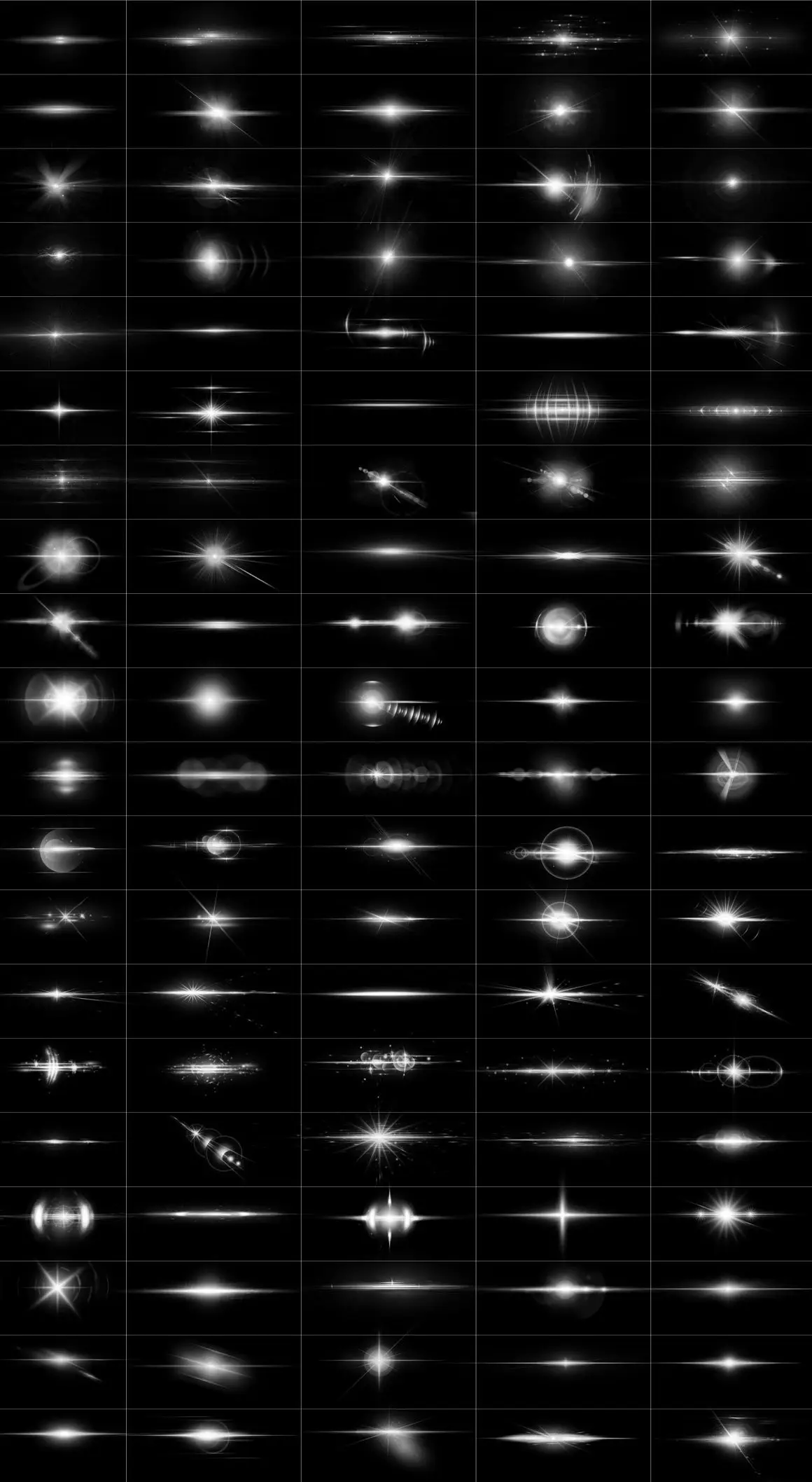
Transform your photography and design projects effortlessly with our Lens Flare Brush Photoshop bundle. This exclusive collection features 103 high-definition lens flare brushes, offering you the tools to create stunning visual effects that captivate your audience.
Product Overview
This bundle is designed for photographers, graphic designers, and digital artists who want to add a touch of realism and creativity to their work. With a 60% discount, you save $100 on this comprehensive collection, making it an affordable choice for enhancing your projects.
Key Features & Benefits
- ✅ Comprehensive Collection → 103 unique lens flare brushes to choose from, perfect for any project.
- ✅ High Definition → Each brush is created at 300 DPI, ensuring exceptional quality and detail.
- ✅ Customizable → Easily adjust colors and effects to match your vision without losing quality.
- ✅ Layer Support → Enjoy full control over your designs with layer-based editing capabilities.
- ✅ Versatile Use → Ideal for web graphics, video production, movie posters, and more.
- ✅ Free Sample Brushes → Try before you buy with two complimentary lens flare brushes included.
Why Choose This Product
This Lens Flare Brush Photoshop bundle stands out due to its combination of quality, versatility, and ease of use. Whether you’re crafting a stunning photo background, designing promotional materials, or enhancing videos, these brushes provide the perfect finishing touch. Trusted by creatives worldwide, this bundle is designed to inspire your imagination and elevate your projects.
Specifications (Technical Details)
| Feature | Details |
|---|---|
| Total Brushes | 103 |
| File Format | Photoshop ABR |
| Brush Size | 3000 x 2000 pixels |
| Resolution | 300 DPI |
| Styles | Artificial & Natural Looks |
What’s Included / What’s in the Box
- 📦 103 Lens Flare Brushes
- 📦 Free Sample Brushes
- 📦 User Guide for Installation and Usage
Perfect For
- Photographers
- Graphic Designers
- Video Editors
- Digital Artists
- Content Creators
How to Use
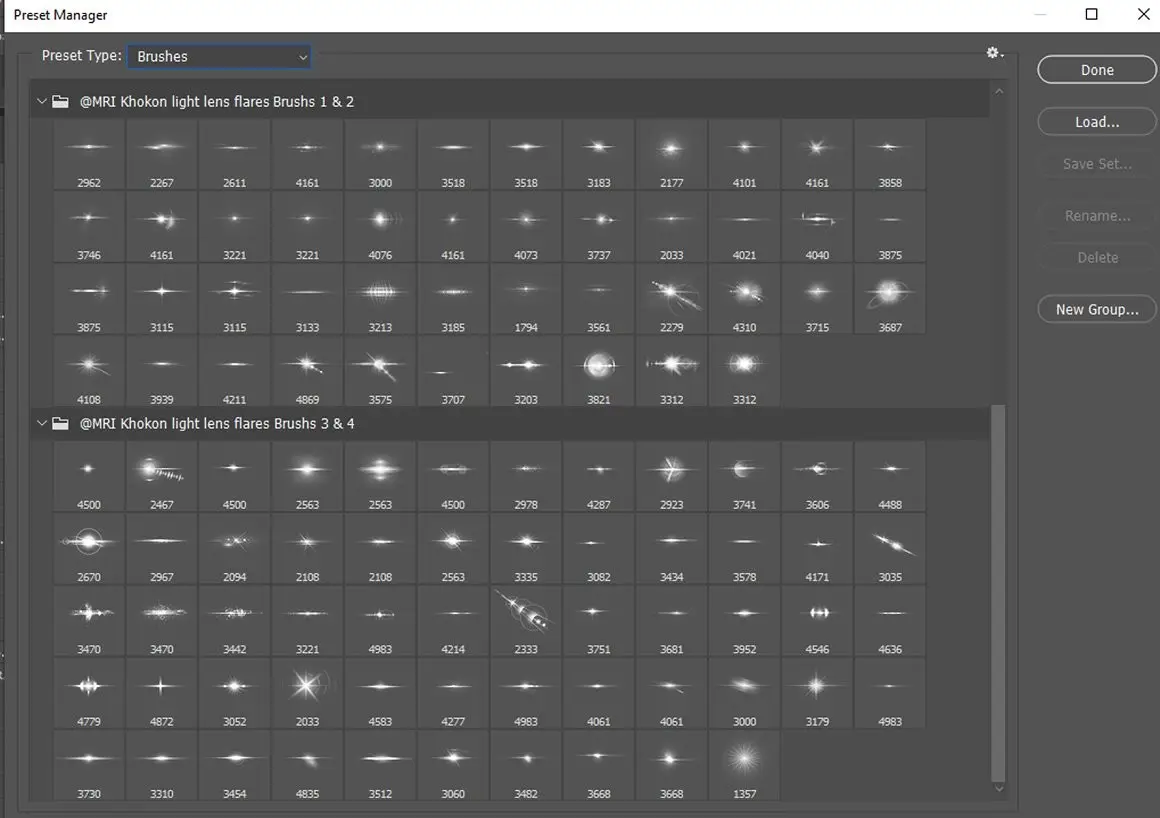
Using the Lens Flare Brushes is simple. Import the ABR file into Photoshop, select your desired brush, and start painting on your canvas. Adjust the opacity and blending modes to achieve the perfect effect for your project.
FAQ
- Can I use these brushes in After Effects? Yes, you can easily incorporate these brushes into your After Effects projects.
- Are there any tutorials available? Yes, we provide tutorials to help you get the most out of your brushes.
Ready to elevate your designs? Add the Lens Flare Brush Photoshop bundle to your cart now and start creating stunning visuals today! 🚀
User Reviews
Be the first to review “Lens Flare Brush Photoshop”
You must be logged in to post a review.
Original price was: $10.00.$5.00Current price is: $5.00.


There are no reviews yet.