
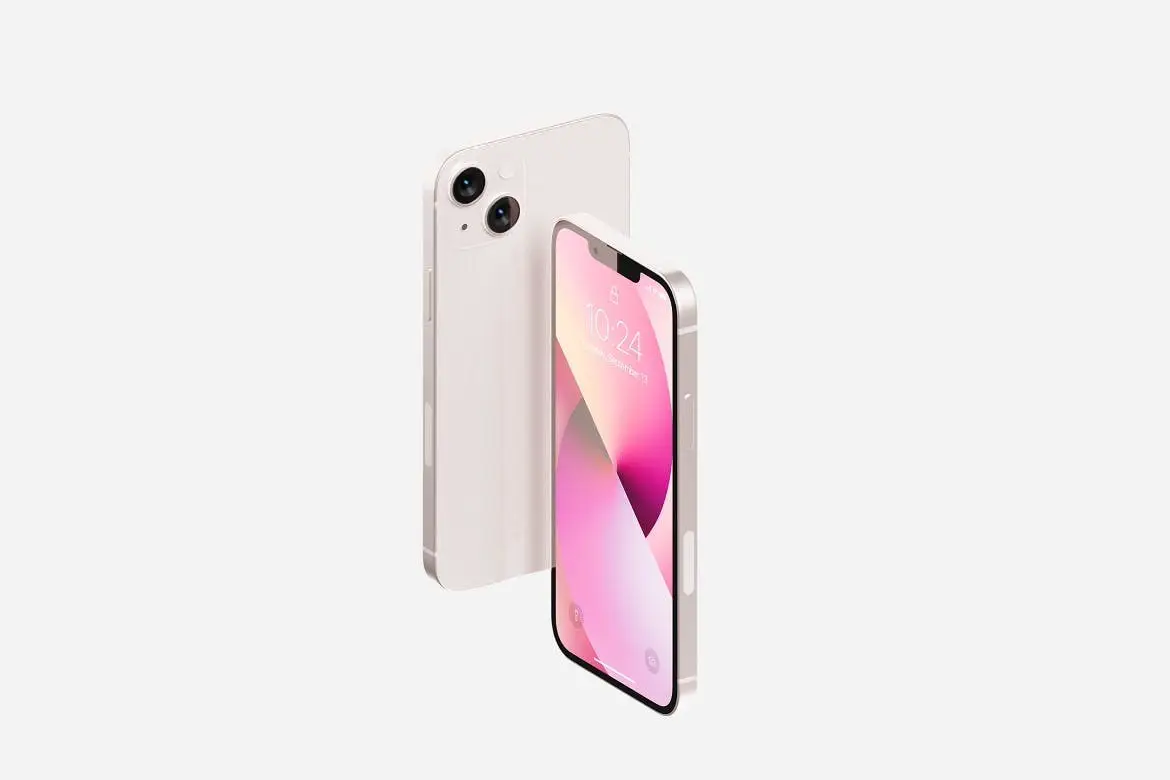
iPhone 13 Mockup

Original price was: $5.00.$2.50Current price is: $2.50.

itefan
Product Specs:
- Compatible with: Mockups
- File Type: ZIP
- File Size: 56.5 MB
- Instant Download
iPhone 13 Mockup – Realistic Device Mockup for Your Projects
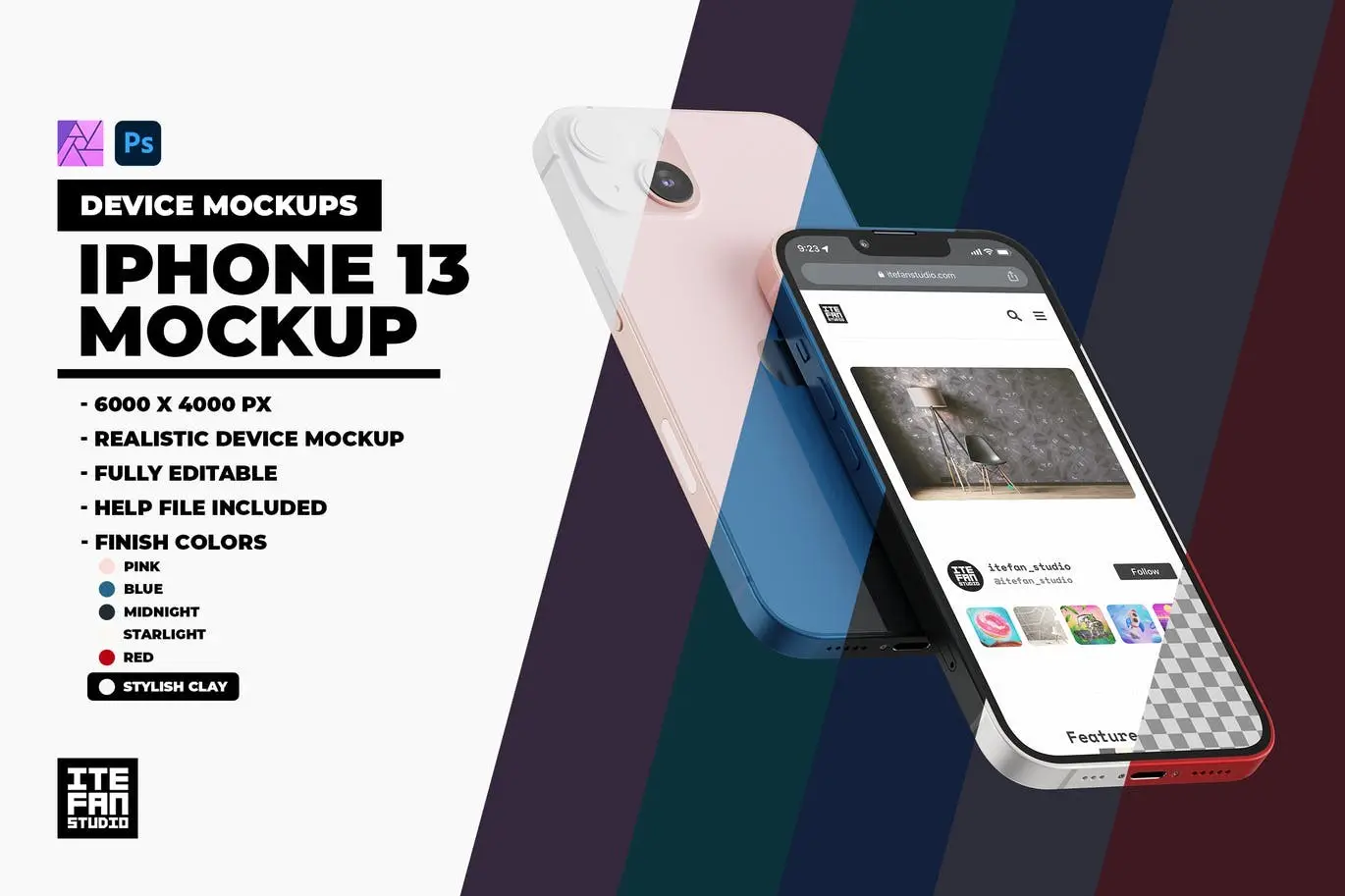
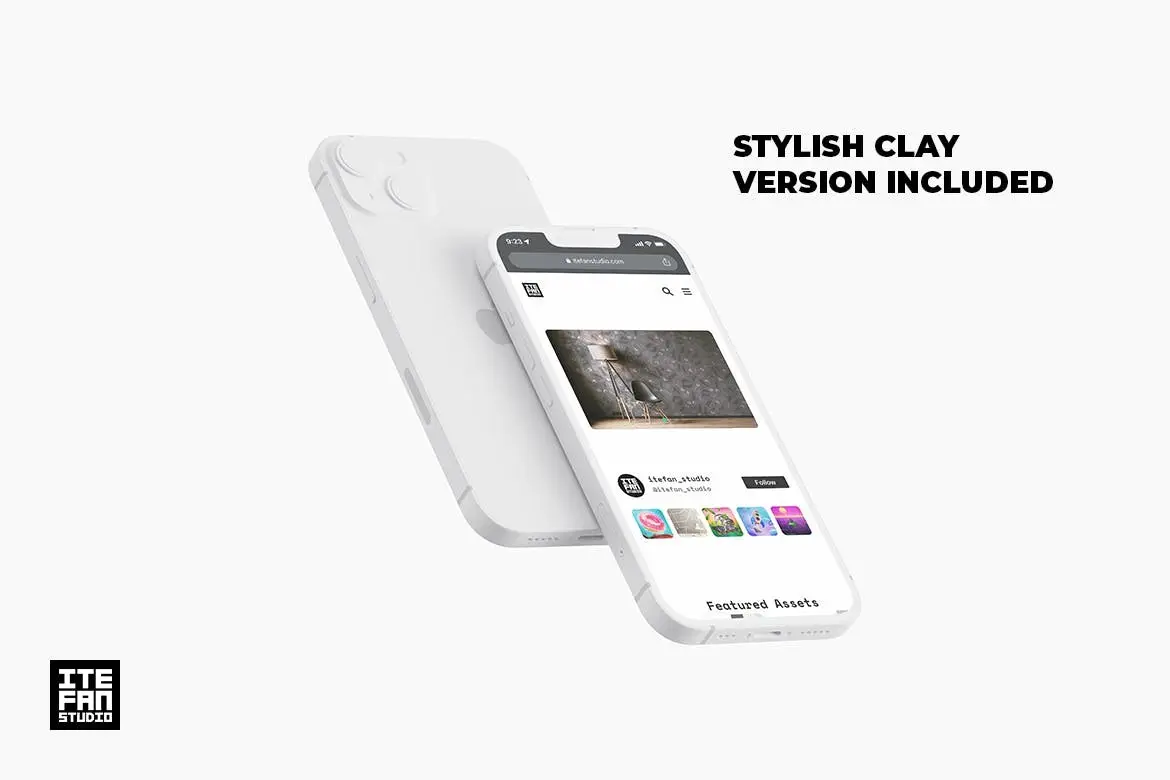
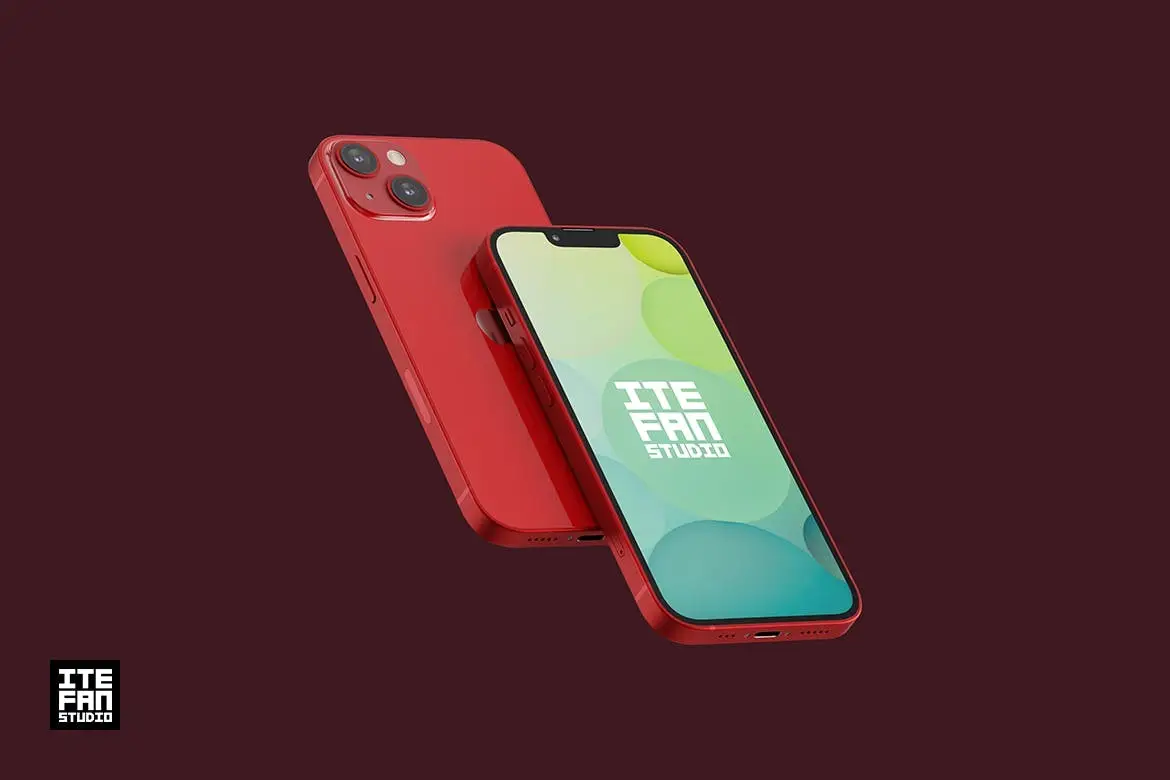
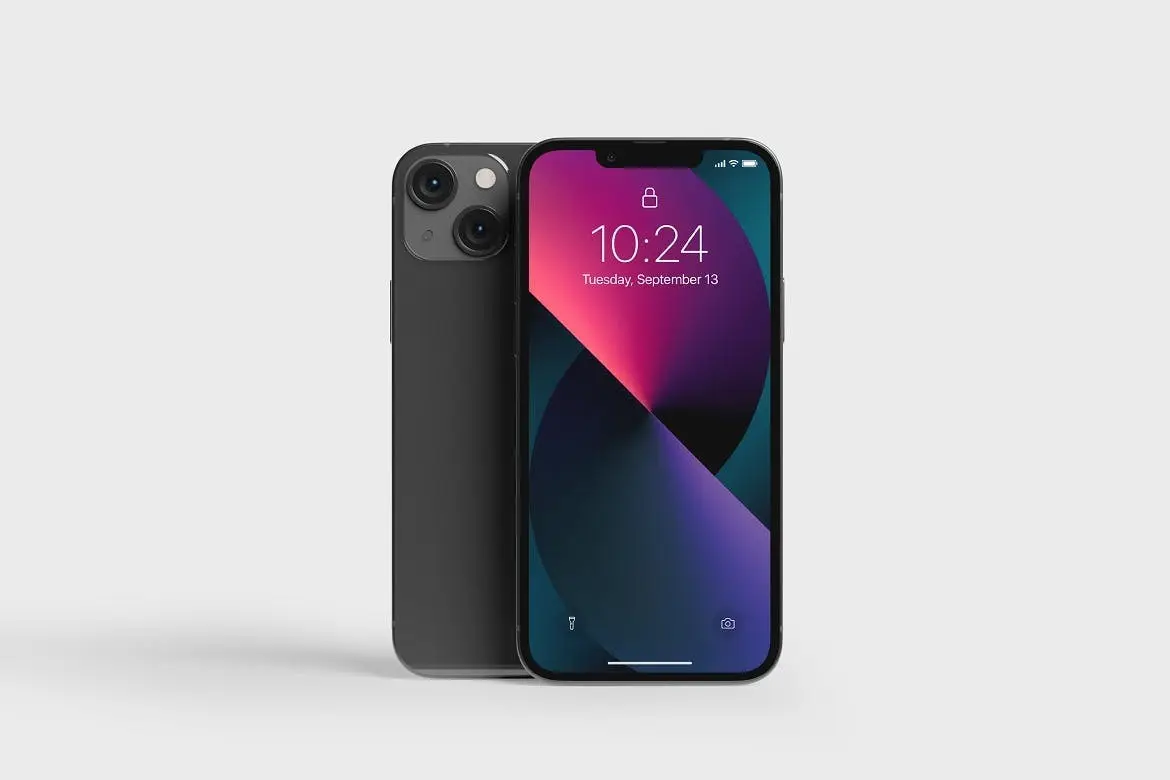
Elevate your design presentations with the iPhone 13 Mockup. This high-quality mockup allows you to create stunning visuals for your app or website, making it an essential tool for marketing and promotional efforts. With its user-friendly Smart Objects feature, you can easily insert your designs and see them come to life in a realistic setting.
Product Overview
The iPhone 13 Mockup is designed for designers and marketers who want to showcase their creations on a modern device. This mockup provides a professional and polished look, perfect for impressing clients or enhancing your portfolio.
Key Features & Benefits
- ✅ Adobe Photoshop .psd layered file included → Seamlessly edit your designs with familiar tools.
- ✅ Affinity Photo .afphoto layered file included → Compatible with multiple design software for flexibility.
- ✅ High Resolution: 6000×4000px → Ensures your designs look crisp and clear on any display.
- ✅ Realistic Device Mockup → Showcase your app in a lifelike context.
- ✅ Editable Design via Smart Objects → Quickly customize your mockup with ease.
- ✅ Organized and named layers → Simplifies the editing process for a smoother workflow.
- ✅ Help File included → Get started quickly with clear instructions.
Why Choose This Product
This iPhone 13 Mockup stands out due to its attention to detail and ease of use. Whether you’re a seasoned designer or just starting, this mockup simplifies the process of creating professional presentations. Trusted by creatives worldwide, it ensures your designs are displayed in the best possible light.
Specifications
| File Type | PSD, AFPHOTO |
|---|---|
| Resolution | 6000×4000px |
| Compatibility | Adobe Photoshop, Affinity Photo |
What’s Included / What’s in the Box
- 📦 iPhone 13 Mockup .psd file
- 📦 iPhone 13 Mockup .afphoto file
- 📦 Help file with instructions
Perfect For
- App Designers
- Web Developers
- Marketing Professionals
- Graphic Designers
How to Use
- Open the mockup file in Adobe Photoshop or Affinity Photo.
- Double-click the Smart Object layer to insert your design.
- Save and close the Smart Object to see your design in the mockup.
FAQ
- Can I use this mockup for commercial purposes? Yes, you can use it for both personal and commercial projects.
- Is the mockup easy to edit? Absolutely! The organized layers and Smart Objects make editing simple.
Ready to showcase your designs in style? Add to cart now and start creating stunning presentations today! 🚀


Scene Creator – Hand Tools
Sold by itefan
Fluid Flowing Wavy Wallpaper Pack
Sold by itefan
Kraft Box Mockup – Packaging Vol 3
Sold by itefan
Adobe Photoshop Actions and Templates Bundle – 7 Items
Sold by itefan
Android Adaptive Icon Template
Sold by itefan Original price was: $5.00.$2.50Current price is: $2.50.


There are no reviews yet.