
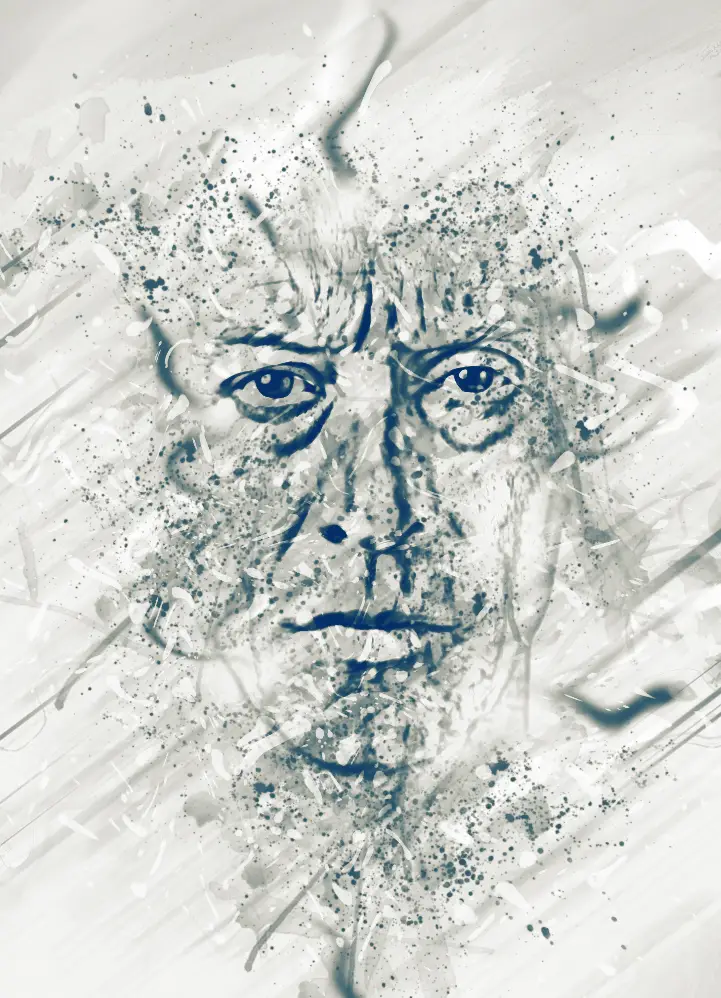



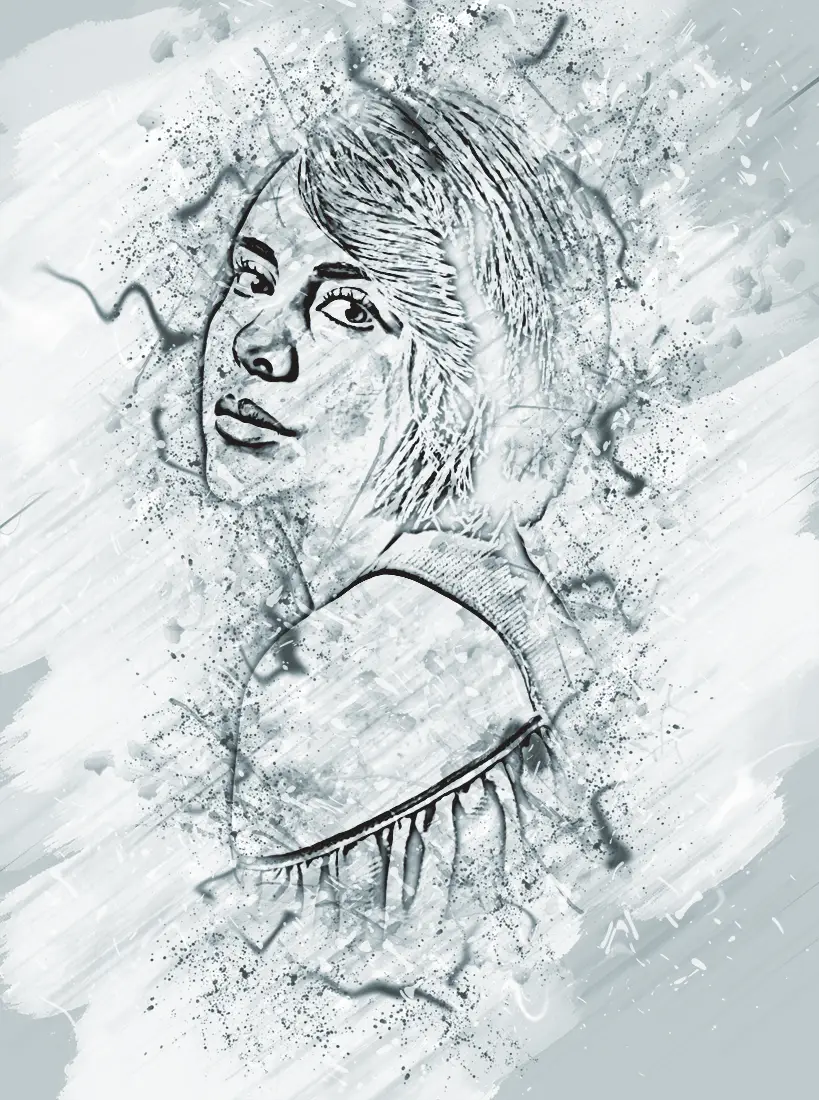

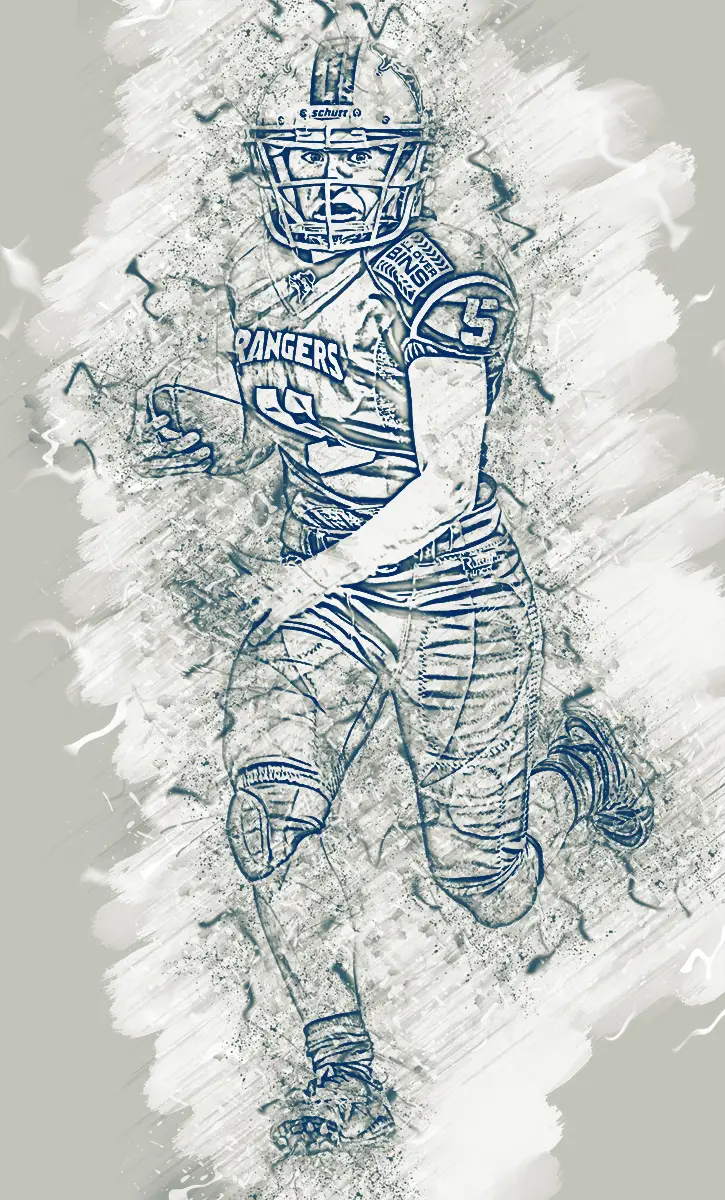





Ink Manipulation Photoshop Action 2
Transform your artwork effortlessly with the Ink Manipulation Photoshop Action 2. This powerful tool is designed to enhance your creative projects, whether you’re working on magazine covers, book designs, advertisements, or personal graphic designs. With this action, you can achieve stunning ink effects that will captivate your audience.
Product Overview
The Ink Manipulation Photoshop Action 2 is compatible with various versions of Adobe Photoshop, including CS4, CS5, CS5.5, CS6, CC2015.5, CC2017, and CC2018+. This action set allows you to create unique and eye-catching designs with ease, making it perfect for photographers and graphic designers alike.
Key Features & Benefits
- ✅ Organized Layers → All layers are automatically arranged in a group folder for easy editing.
- ✅ Customizable Adjustments → Most actions are created using adjustment layers, allowing you to tweak values to suit your style.
- ✅ High-Quality Results → Ensure your designs stand out by using quality images for the best visual impact.
- ✅ User-Friendly Guide → A detailed help guide is included to assist you in installing and using the action.
Why Choose This Product
The Ink Manipulation Photoshop Action 2 stands out for its versatility and ease of use. Trusted by artists and designers worldwide, this action set provides a professional touch to your projects without the complexity of manual editing. Whether you’re a seasoned designer or just starting, this tool helps you create stunning visuals that elevate your work.
Specifications
| Software Compatibility | Adobe Photoshop CS4, CS5, CS5.5, CS6, CC2015.5, CC2017, CC2018+ |
|---|---|
| File Format | ATN (Photoshop Action File) |
What’s Included
- 📦 Ink Manipulation Photoshop Action file (ATN)
- 📦 User guide for installation and usage
Perfect For
- Graphic designers
- Photographers
- Artists looking to enhance their digital artwork
How to Use
- Open the zip file and double-click the ATN file to install it in Photoshop.
- Go to the Window menu and select the Actions option to display the action panel.
- Select the Ink Manipulation action and click play to apply the effect to your image.
FAQ
- Can I use this action on any image? Yes, but for the best results, use high-quality images.
- Is there a tutorial included? Yes, a comprehensive guide is provided to help you get started.
Ready to elevate your designs? Add the Ink Manipulation Photoshop Action 2 to your cart now and start creating stunning visuals today! 🚀
User Reviews
Be the first to review “Ink Manipulation Photoshop Action 2”
You must be logged in to post a review.

Original price was: $5.00.$2.50Current price is: $2.50.


There are no reviews yet.