
Halftone Photo Effect


Original price was: $5.00.$2.50Current price is: $2.50.

Cruzine
Product Specs:
- Compatible with: Templates
- File Type: ZIP
- File Size: 94.2 MB
- Instant Download
Halftone Photo Effect
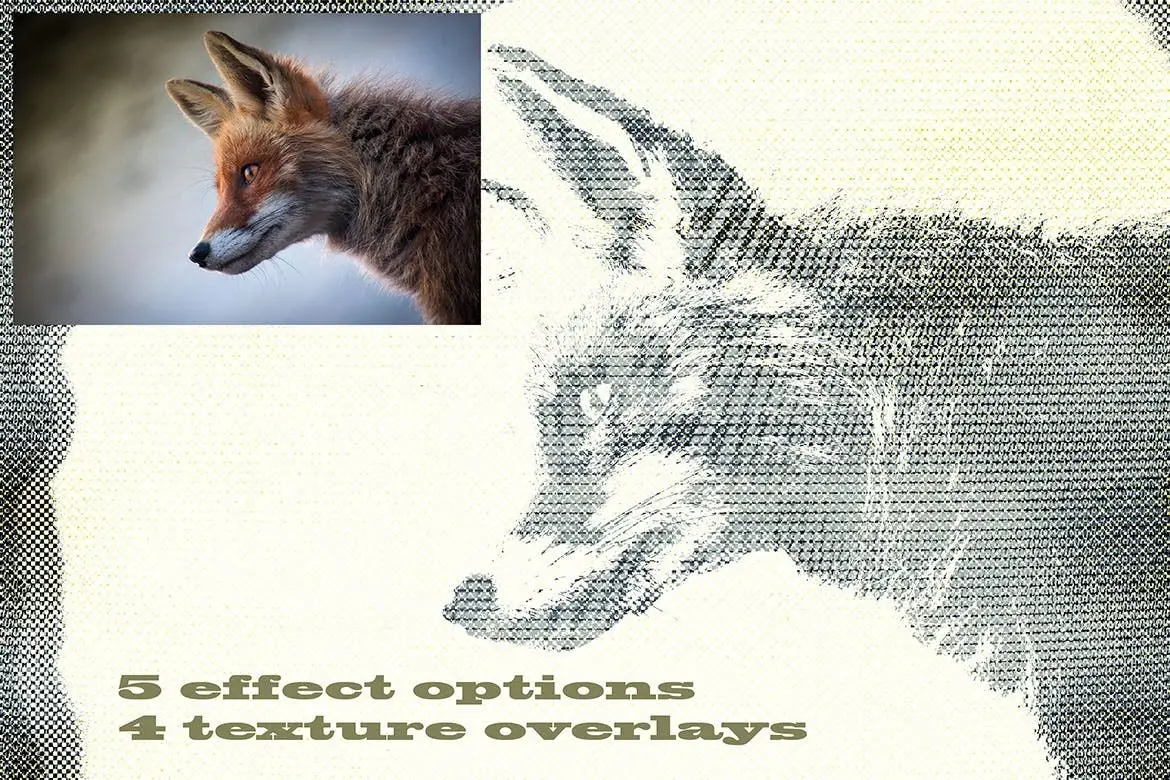
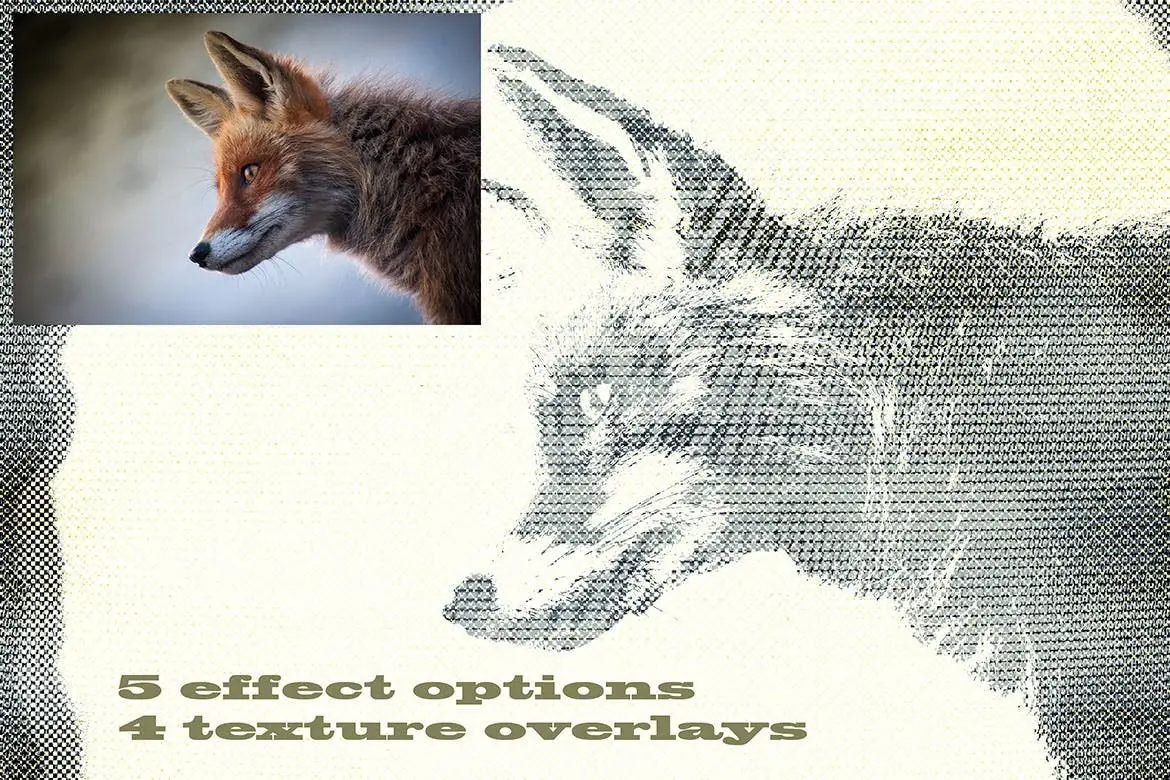
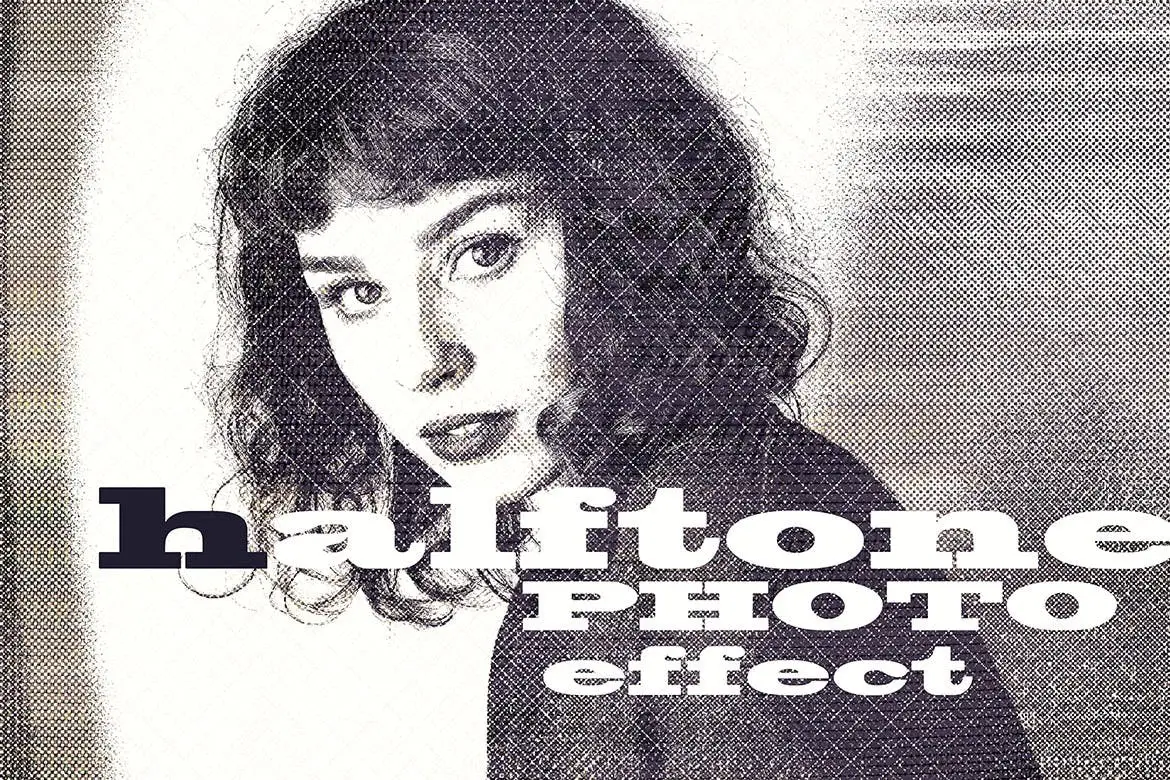
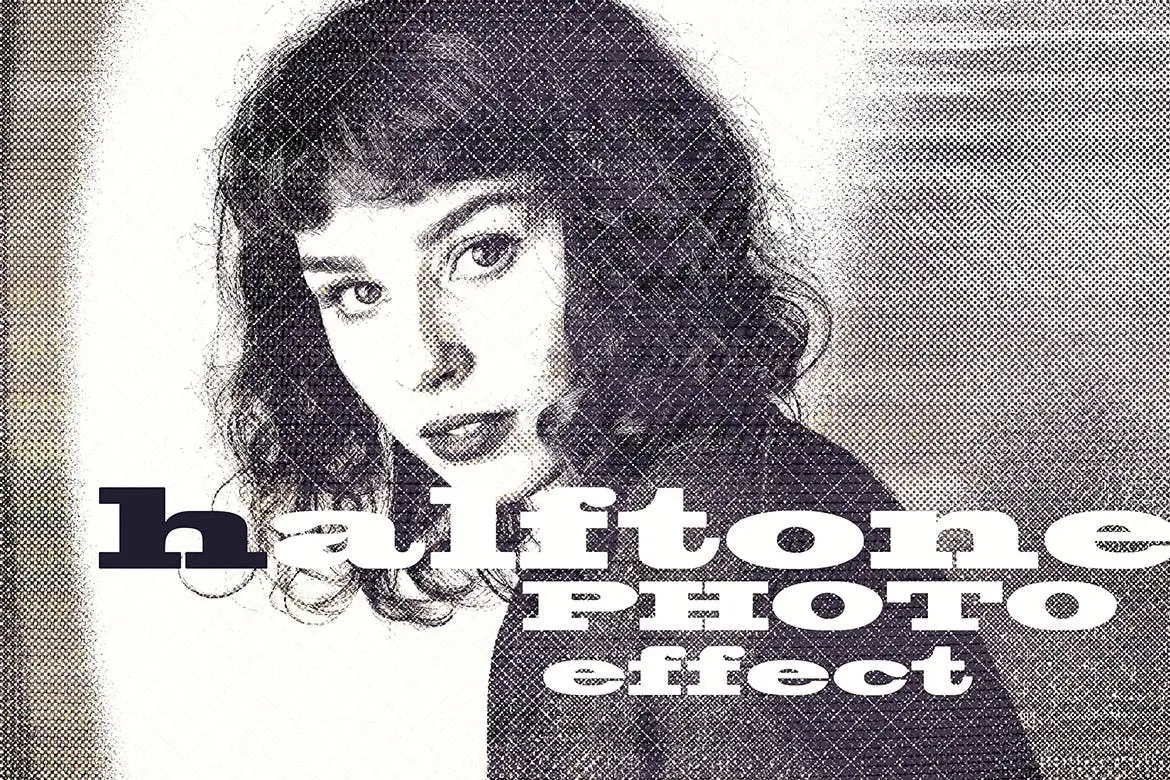
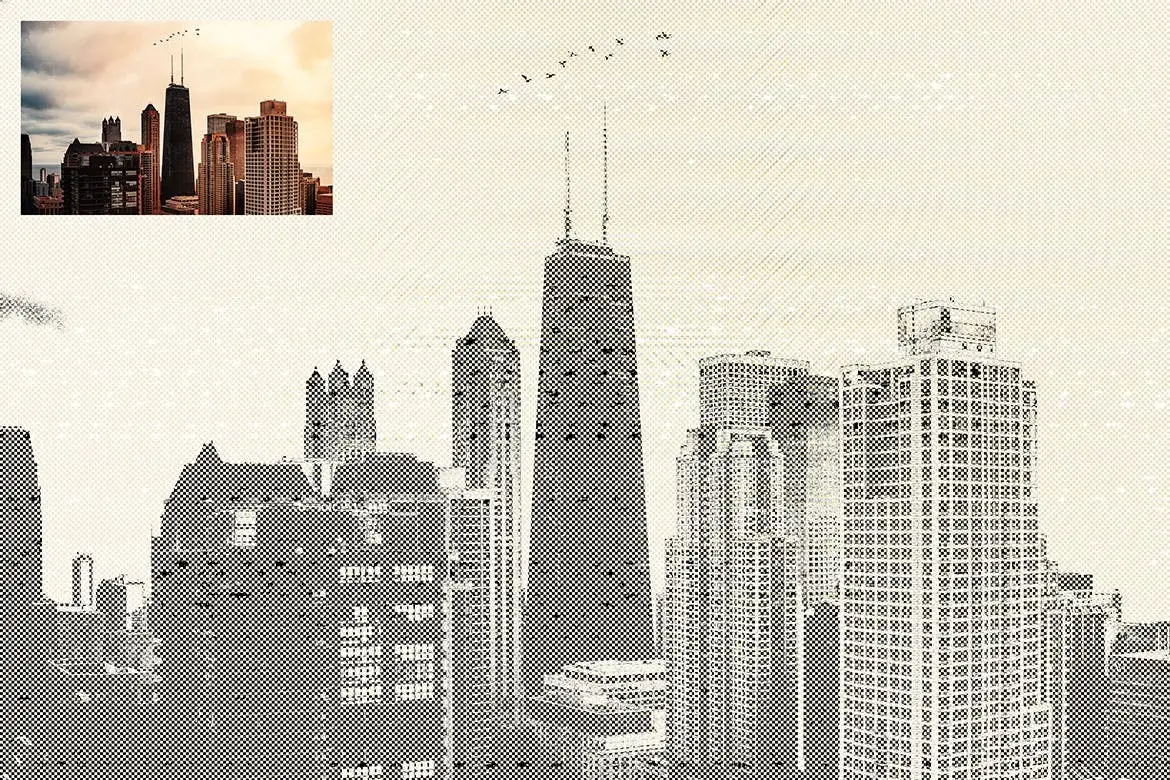
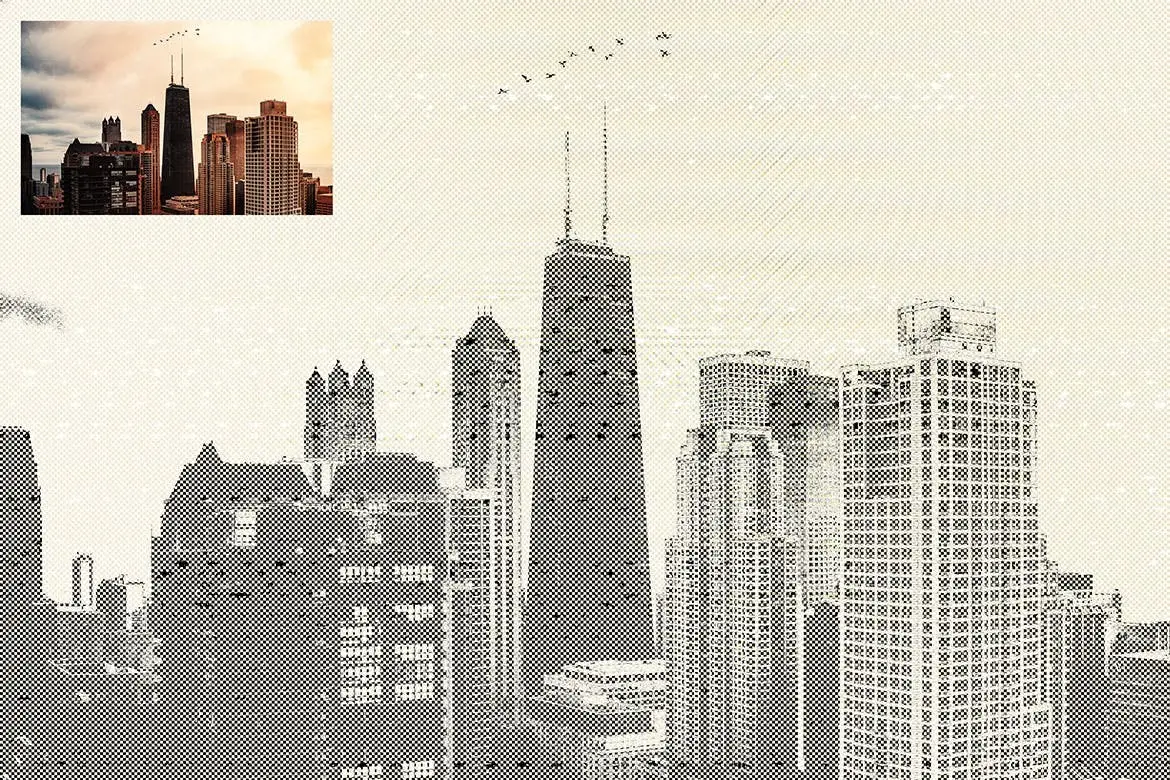
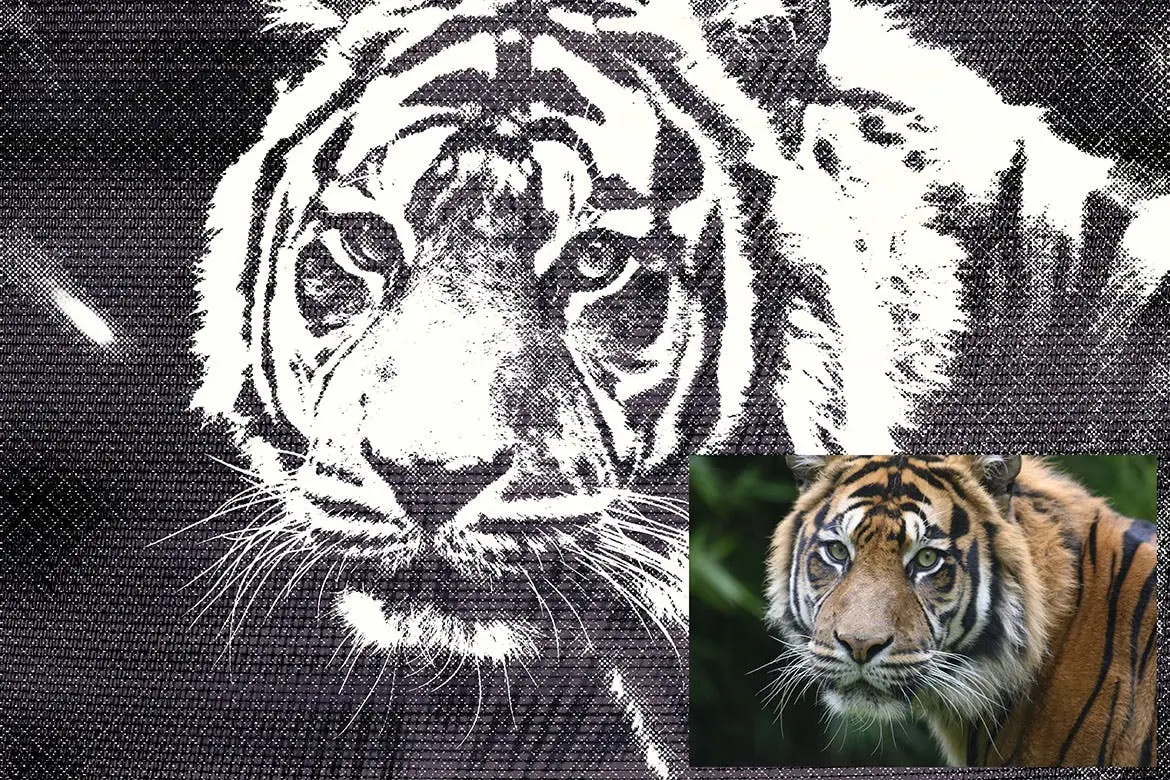
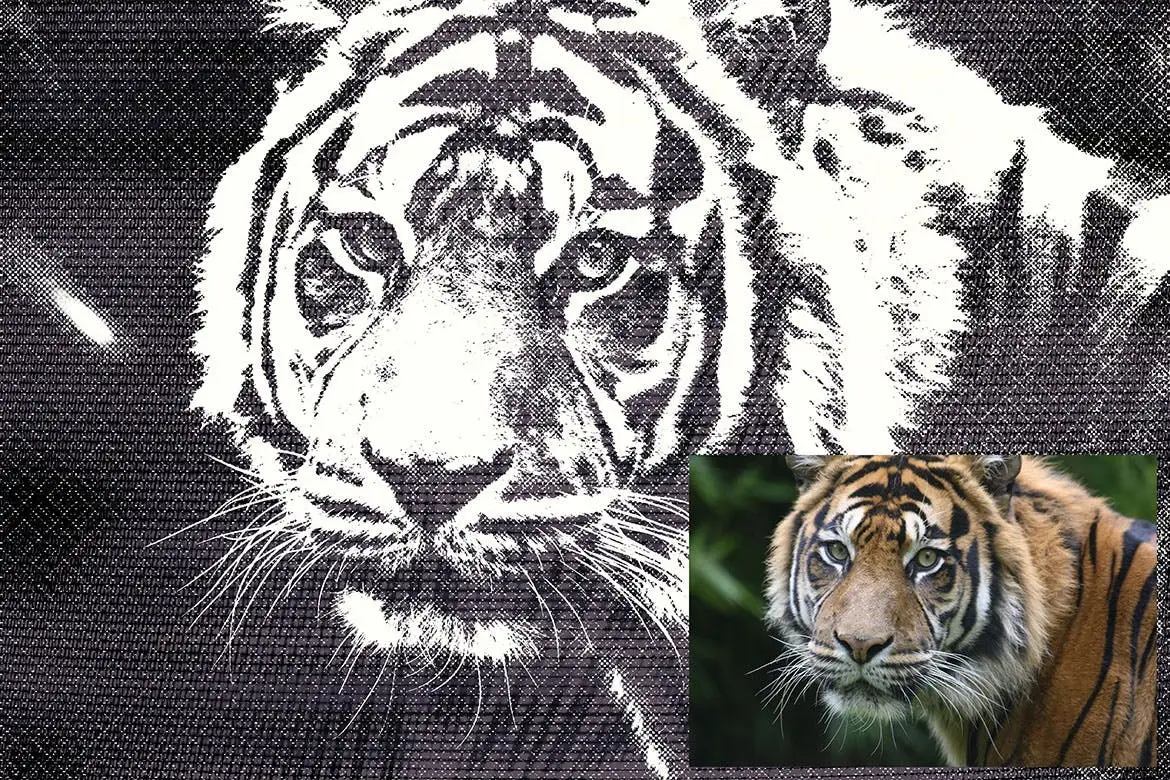
Transform your photos into stunning halftone artworks effortlessly with our Halftone Photo Effect template. This Photoshop smart object template offers a variety of options, allowing you to create unique effects that stand out.
Product Overview
The Halftone Photo Effect is designed for photographers and digital artists looking to add a creative touch to their images. With this versatile PSD layered template, you can easily apply halftone effects to your photos, enhancing their visual appeal.
Key Features & Benefits
- ✅ High-Resolution Template → 4500 x 3000 pixels at 300 dpi ensures your artwork maintains quality and clarity.
- ✅ Smart Object Integration → Easily replace images with your own using the smart object window for quick edits.
- ✅ Four Texture Overlay Effects → Includes four unique textures to enhance your halftone designs, adding depth and character.
- ✅ User-Friendly Instructions → Comes with a text guide to help you navigate the template and achieve the best results.
Why Choose This Product
This Halftone Photo Effect template is not just a tool; it’s a gateway to creativity. Whether you’re a professional photographer or a hobbyist, this template allows you to experiment with halftone styles and create eye-catching visuals. Trusted by artists worldwide, it simplifies the design process while delivering impressive results.
Specifications (Technical Details)
| Dimension | 4500 x 3000 pixels |
|---|---|
| Resolution | 300 dpi |
| File Format | PSD |
| Included Textures | 4 overlay effects |
What’s Included / What’s in the Box
- 📦 Halftone Photo Effect PSD template
- 📦 Four texture overlay effects
- 📦 Instruction text file
Perfect For
- Photographers looking to enhance their portfolio
- Graphic designers seeking unique effects
- Artists wanting to explore new styles
- Social media marketers aiming for eye-catching visuals
How to Use
- Open the PSD file in Photoshop.
- Double-click the smart object layer to insert your photo.
- Apply the desired texture overlay for the final effect.
- Save your artwork and share it with the world!
FAQ
- Can I use this template for commercial projects? Yes, you can use the Halftone Photo Effect template for both personal and commercial projects.
- Is Photoshop required to use this template? Yes, this template is designed specifically for Adobe Photoshop.
Add to cart now and start creating stunning halftone effects today! 🚀


Ice or Water PNG Alphabet
Sold by Cruzine
202 Watercolor Brushes
Sold by Cruzine
Marquee Light Bulbs Front 6 -Scenes & Tutorials
Sold by Cruzine
Adobe Photoshop Actions and Templates Bundle – 11 Items
Sold by Cruzine Original price was: $5.00.$2.50Current price is: $2.50.


There are no reviews yet.