

Grunge Duotone PSD Photo Effect
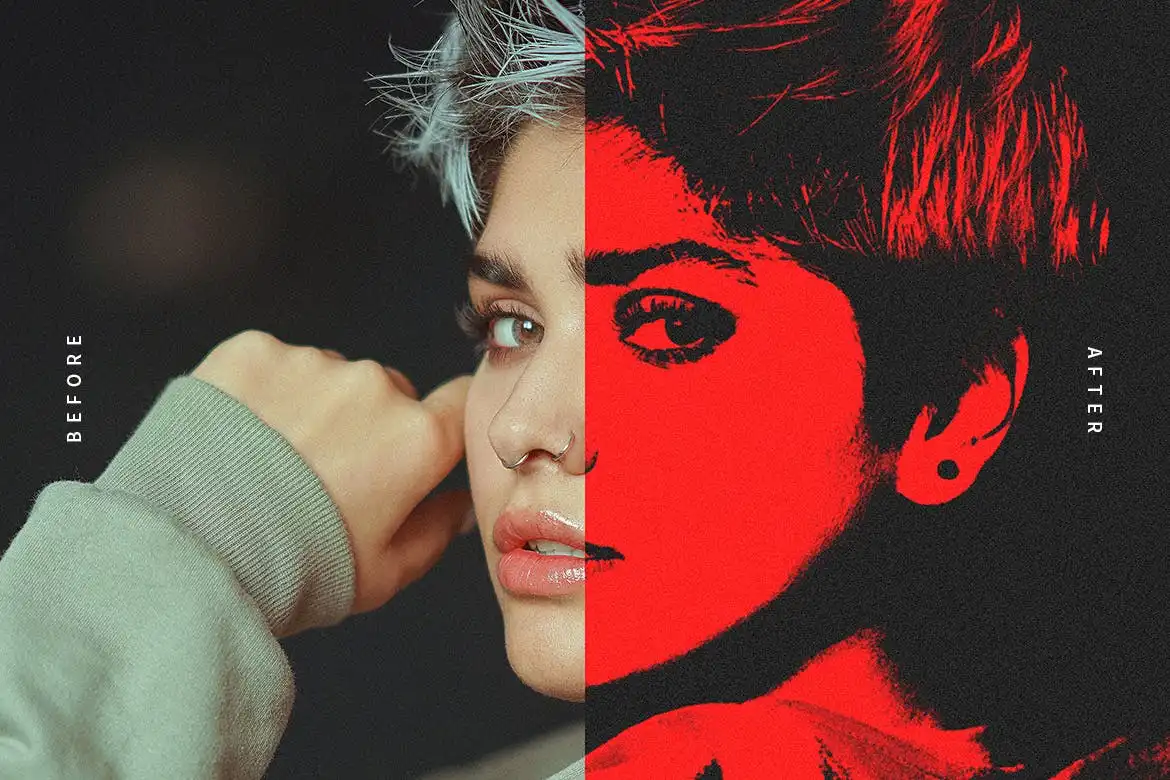
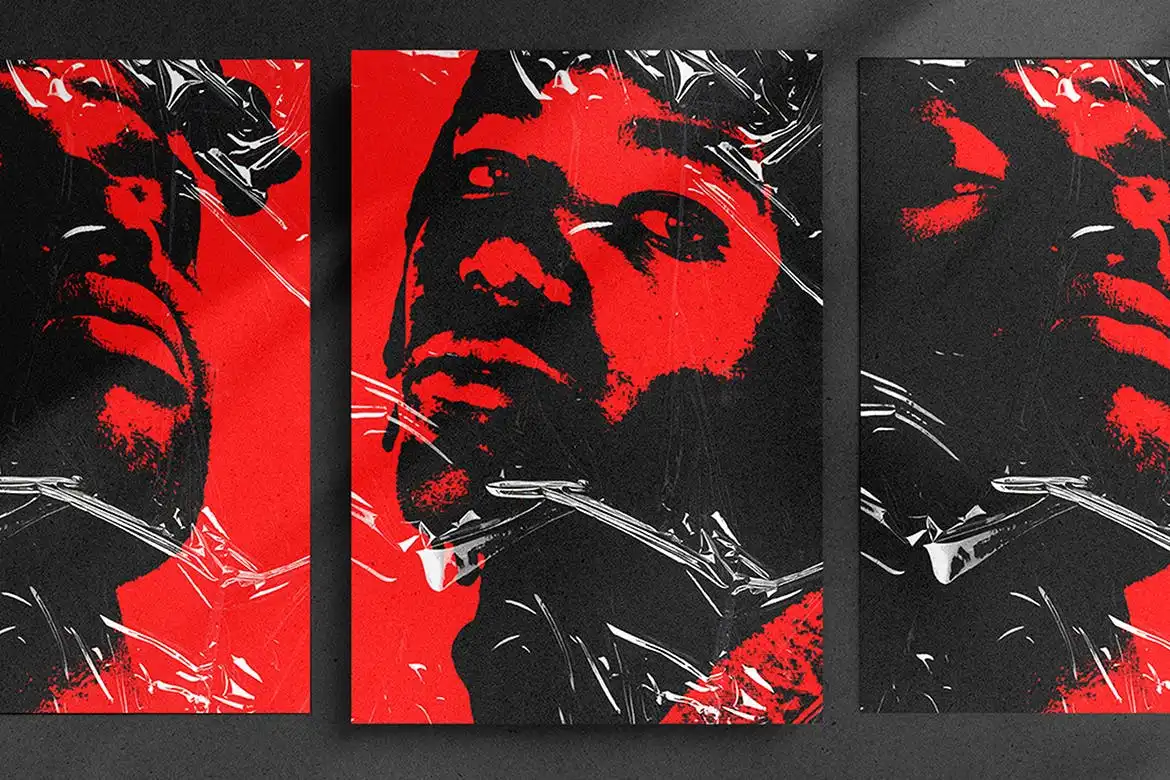
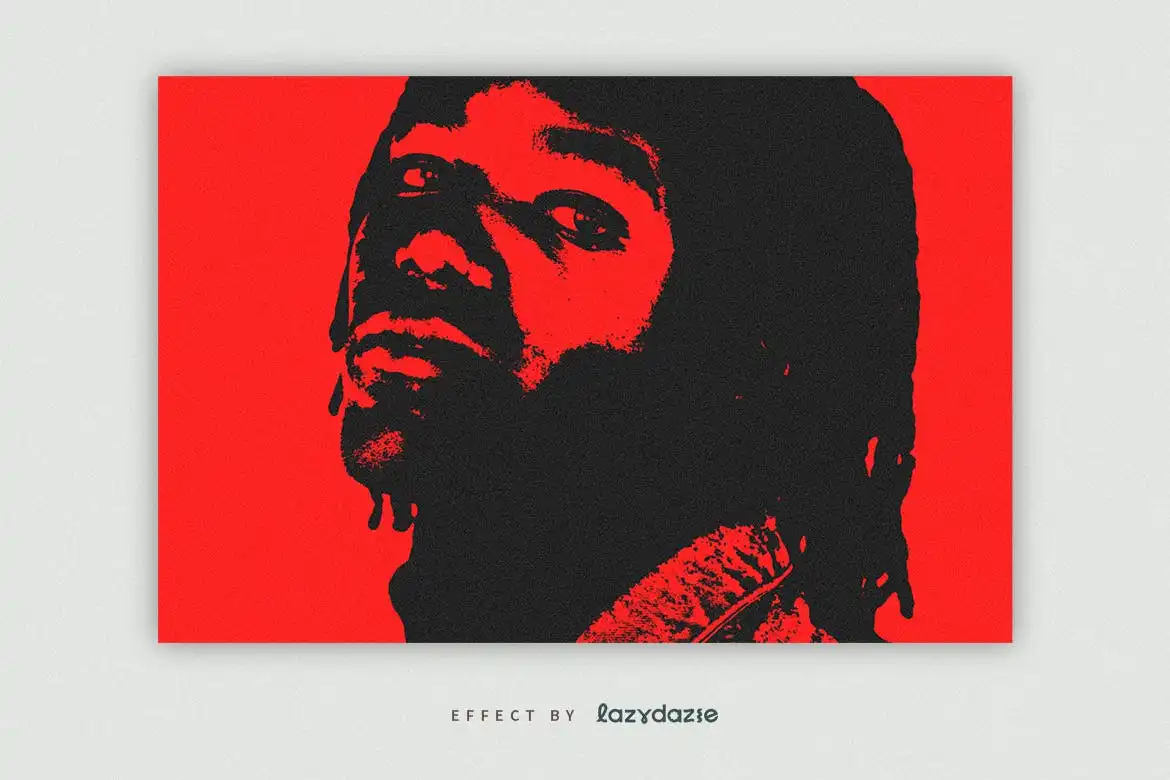
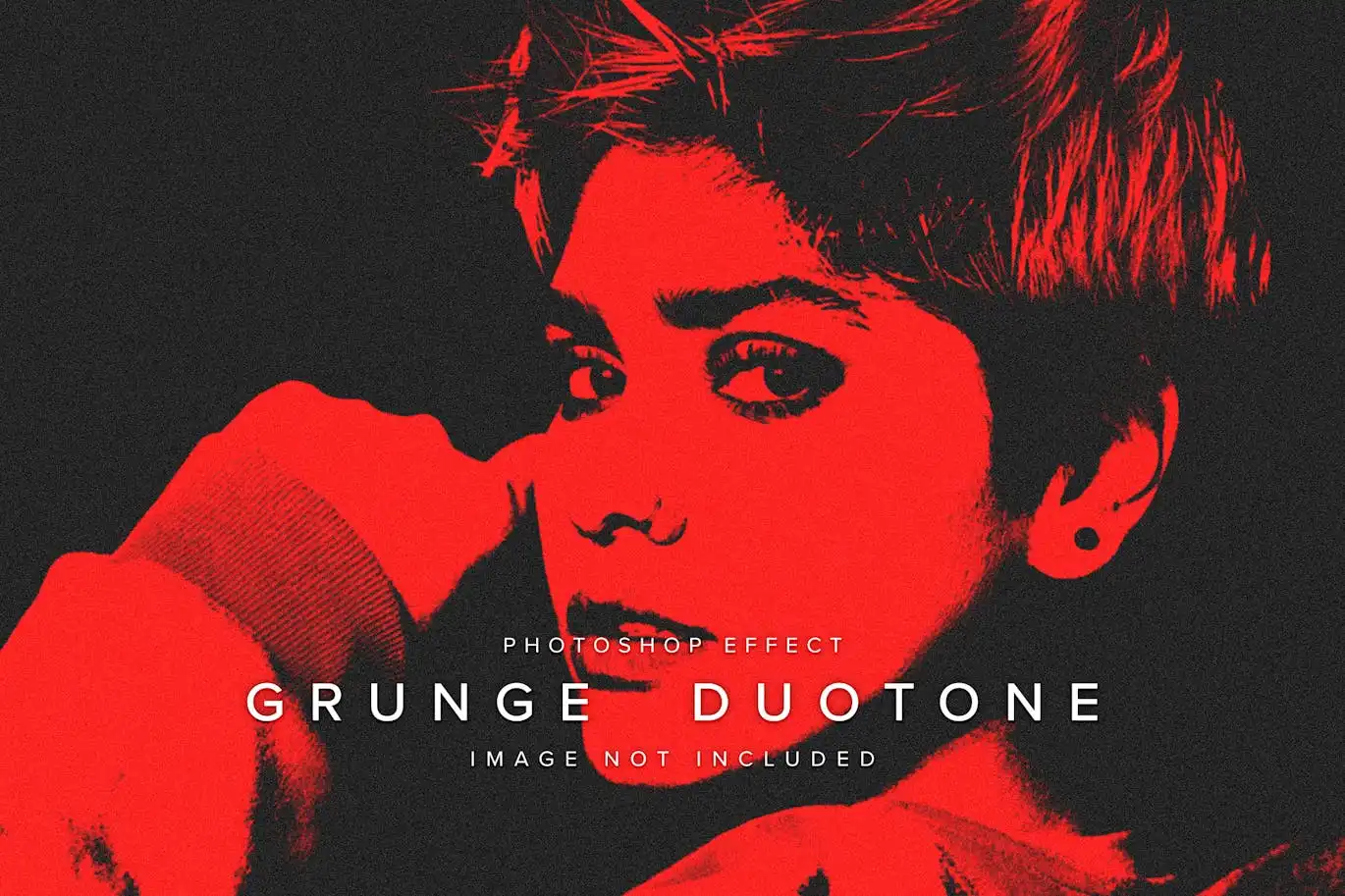
Transform your photos with the Grunge Duotone PSD Photo Effect, a versatile tool designed to infuse your images with a gritty, urban aesthetic. Whether you’re a photographer, designer, or simply someone who loves to enhance their visuals, this effect offers an effortless way to achieve a creative, moody look.
Product Overview
The Grunge Duotone effect is specifically crafted for use in Adobe Photoshop, making it an ideal choice for users looking to elevate their photo editing game. This effect allows you to create stunning duotone images that resonate with a vintage, retro vibe while maintaining a modern edge.
Key Features & Benefits
- ✅ Easy to Use → Quickly apply the effect with just a few clicks, saving you time in your workflow.
- ✅ Compatible with Photoshop → Designed for the latest version of Adobe Photoshop, ensuring seamless integration.
- ✅ High-Quality Output → Achieve professional-grade results that enhance the visual appeal of your photos.
- ✅ Creative Flexibility → Customize the effect to suit your style and project needs, from moody to vibrant.
- ✅ Help File Included → Access a comprehensive guide that walks you through the installation and usage process.
Why Choose This Product
The Grunge Duotone PSD Photo Effect stands out for its unique ability to blend vintage and modern aesthetics. Trusted by creatives worldwide, this effect not only enhances your photos but also adds a layer of storytelling to your visuals. Whether you’re working on a personal project or a professional portfolio, this effect will help you convey the desired mood and atmosphere effectively.
Specifications
| Format | PSD |
|---|---|
| Compatibility | Adobe Photoshop (latest version) |
| Included | Help file, effect layer |
| Exclusions | Placeholder images not included |
What’s Included / What’s in the Box
- 📦 Grunge Duotone PSD Photo Effect file
- 📦 User guide and help file
Perfect For
- Photographers looking to enhance their portfolio
- Graphic designers aiming for a unique style
- Social media marketers wanting to create eye-catching visuals
How to Use
- Open your image in Adobe Photoshop.
- Apply the Grunge Duotone effect layer.
- Adjust settings to fit your desired look.
FAQ
- Can I use this effect on any image? Yes, it works best with high-resolution photos.
- Is there a tutorial available? Yes, a help file is included to guide you through the process.
Ready to transform your photos? Add to cart now and start creating stunning visuals today! 🚀
User Reviews
Be the first to review “Grunge Duotone PSD Photo Effect”
You must be logged in to post a review.

Neon Green Blurry PSD Text Effect
Sold by
Adobe Photoshop PSD Text Templates Bundle – 5 Items
Sold by
Twisted Spiral Vector Text Effect Mockup
Sold by
Splash Metallic PSD Text Effect by LazyDazie
Sold by

Original price was: $5.00.$2.50Current price is: $2.50.


There are no reviews yet.