

Grid Shape Masks: Elevate Your Visuals with Unique Masking Effects
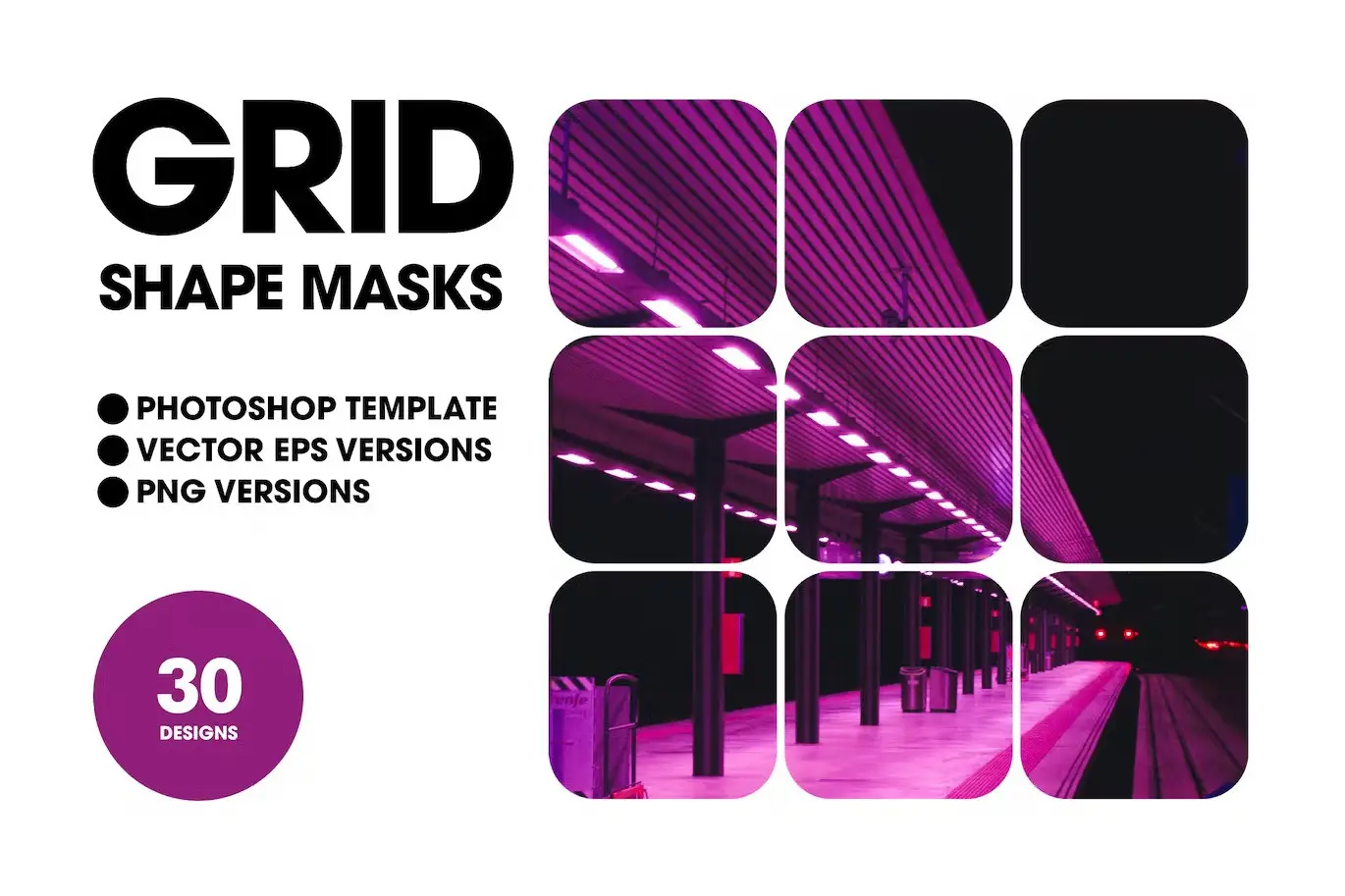
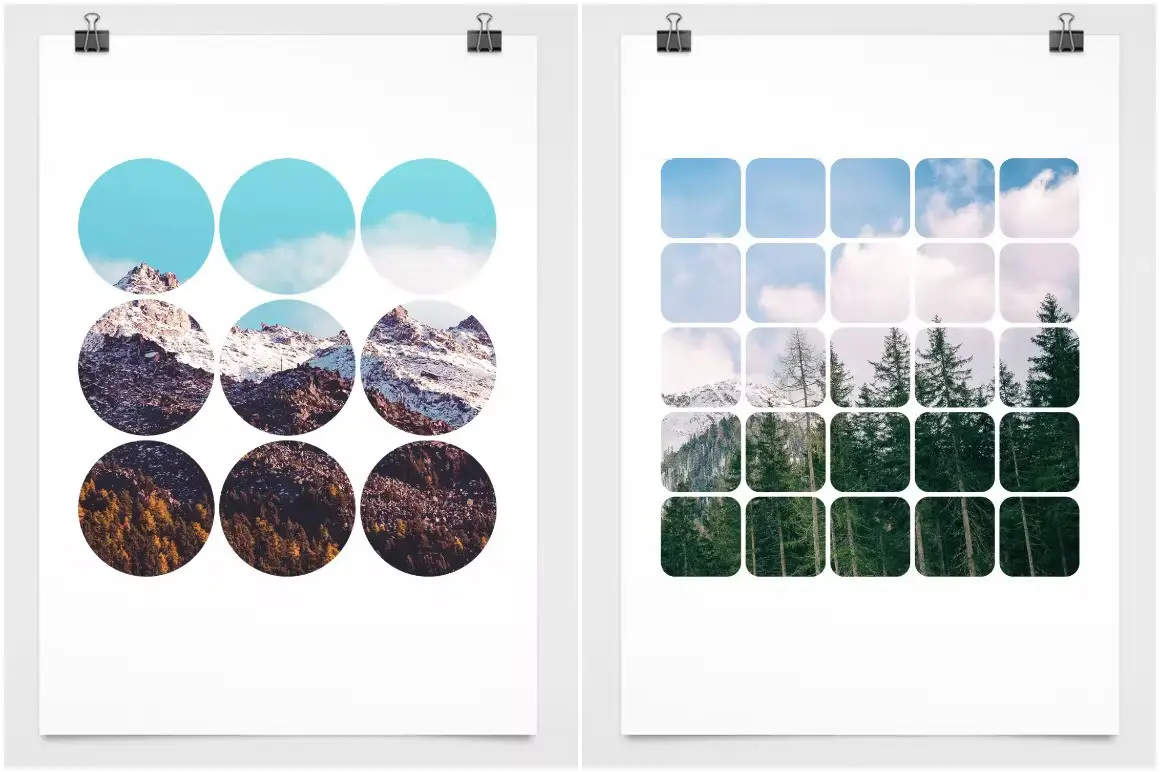
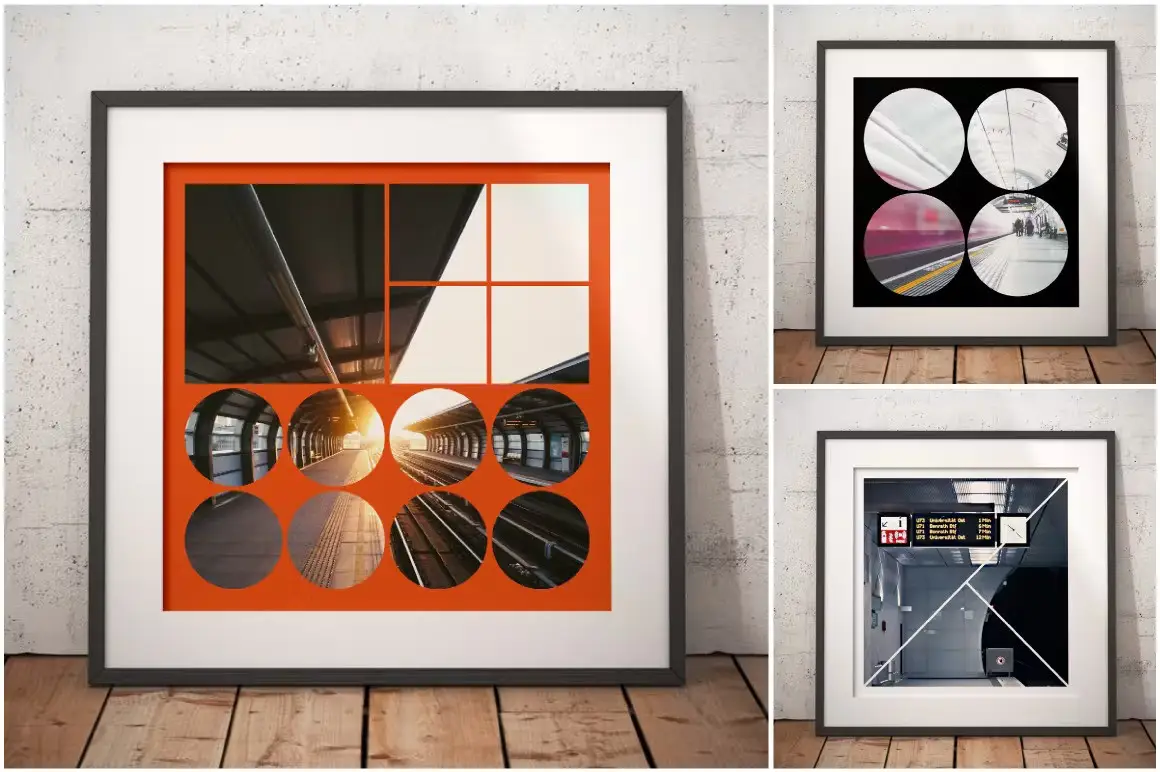
Transform your photos and graphics effortlessly with our Grid Shape Masks. This versatile collection of 30 grid shapes is designed to create stunning mask effects for photos, film, motion graphics, and animations. Ideal for both beginners and professionals, these templates allow you to enhance your projects with ease.
Product Overview
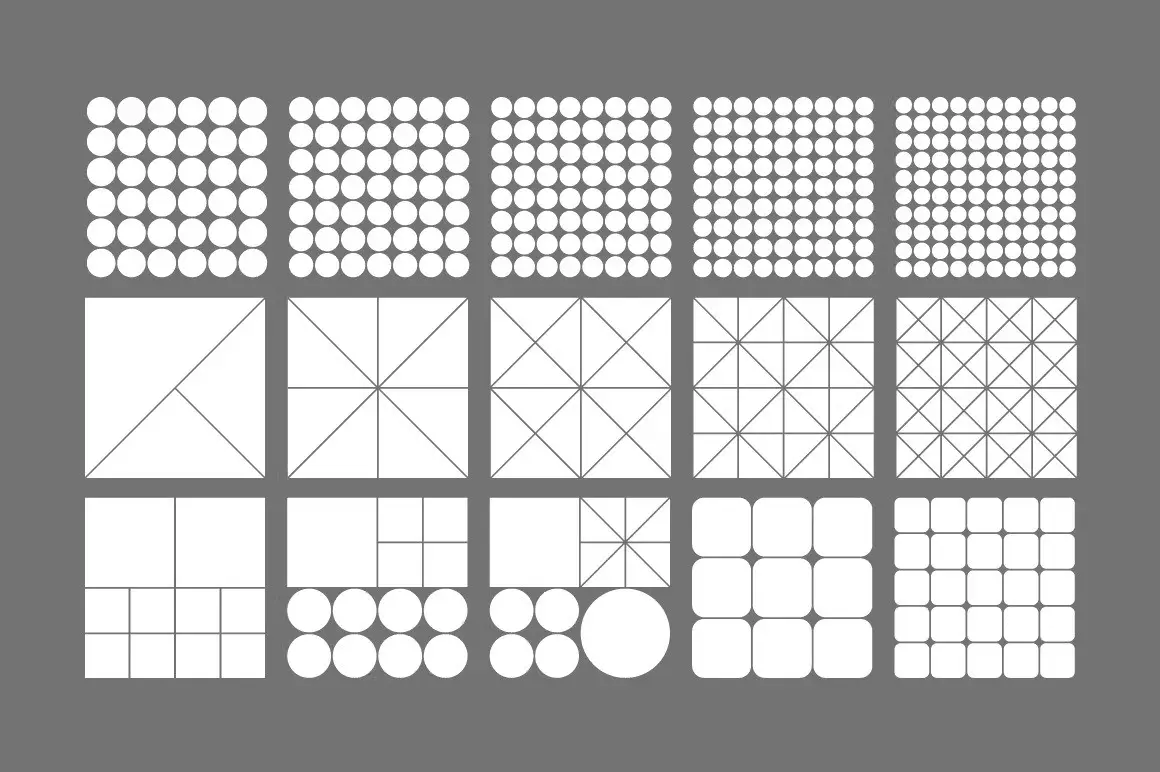
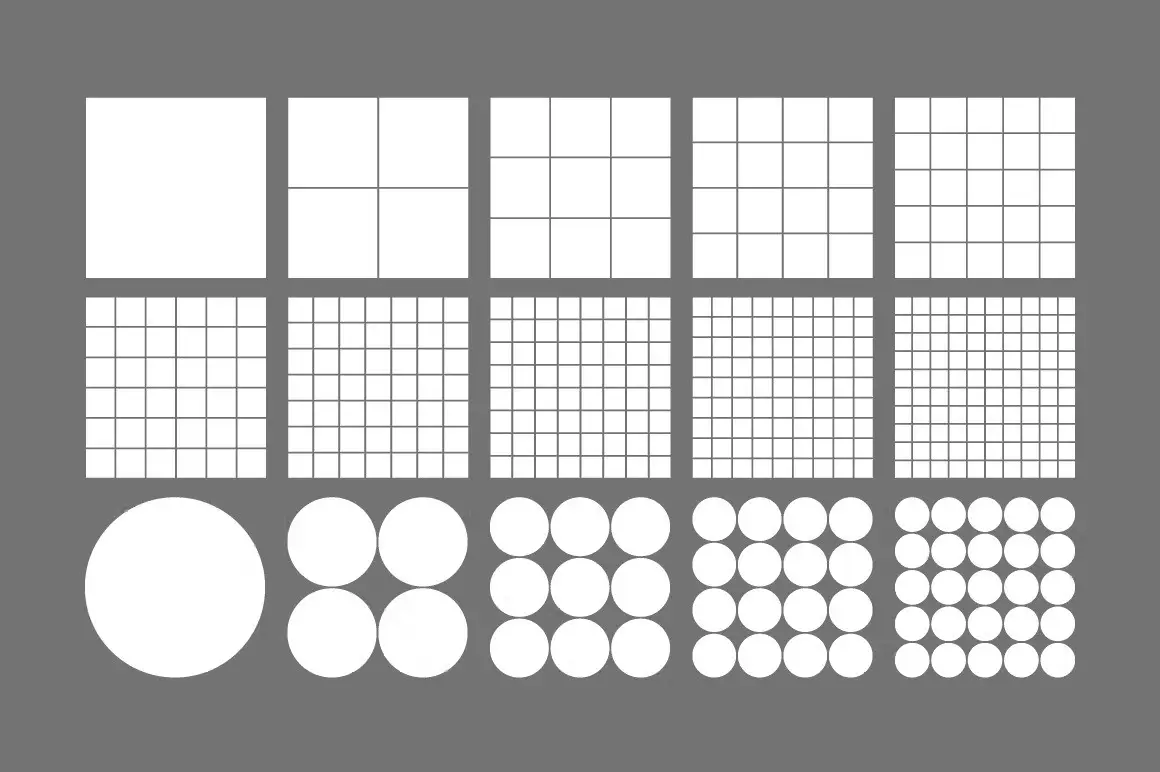
The Grid Shape Masks collection features a high-resolution Photoshop template, providing you with a seamless way to integrate your images into various shapes. Each grid is organized on its own layer, making it simple to customize and select the mask that fits your creative vision.
Key Features & Benefits
- ✅ 30 Unique Grid Shapes → Choose from 10 square grids, 10 circular grids, and 10 miscellaneous shape combinations to suit any design.
- ✅ High-Resolution Templates → Each grid is provided in a 500 x 500mm format at 300dpi, ensuring your images remain sharp and clear.
- ✅ Easy Layer Management → Each grid is on a separate layer, allowing for effortless toggling and image placement.
- ✅ Transparent PNG Versions → Includes 30 black and 30 white transparent PNG files for compatibility with most graphic applications.
- ✅ Visual Reference Guide → A PDF guide is included to help you navigate and utilize the masks effectively.
Why Choose This Product
The Grid Shape Masks set is perfect for enhancing your visual storytelling. Whether you’re creating a collage, designing a presentation, or adding flair to your photography, these masks provide the flexibility and creativity you need. Trusted by designers worldwide, this collection is a must-have for anyone looking to elevate their graphic design projects.
Specifications
| Item | Details |
|---|---|
| Template Size | 500 x 500mm |
| Resolution | 300dpi |
| File Formats | Photoshop Template, PNG |
| Compatibility | Adobe Photoshop CS6 or later |
What’s Included
- 📦 1 Photoshop template with 30 grid shapes
- 📦 30 black transparent PNG files
- 📦 30 white transparent PNG files
- 📦 PDF visual reference guide
Perfect For
- Photographers
- Graphic Designers
- Content Creators
- Marketing Professionals
How to Use
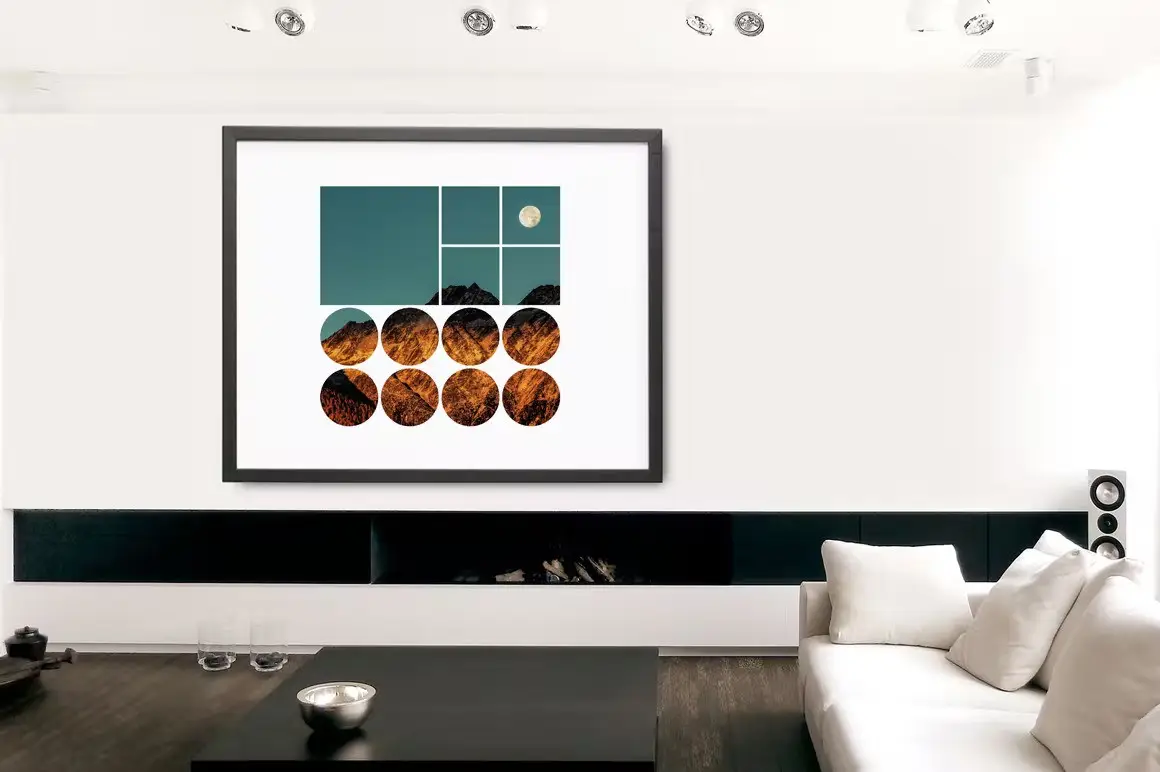
Simply open the Photoshop template, place your images into the Smart Object layer, and toggle the layers to select your desired grid mask. The transparent PNG files can be layered over any media for instant masking effects.
FAQ
- Can I use these masks in other software? Yes, the transparent PNG files are compatible with most graphic applications.
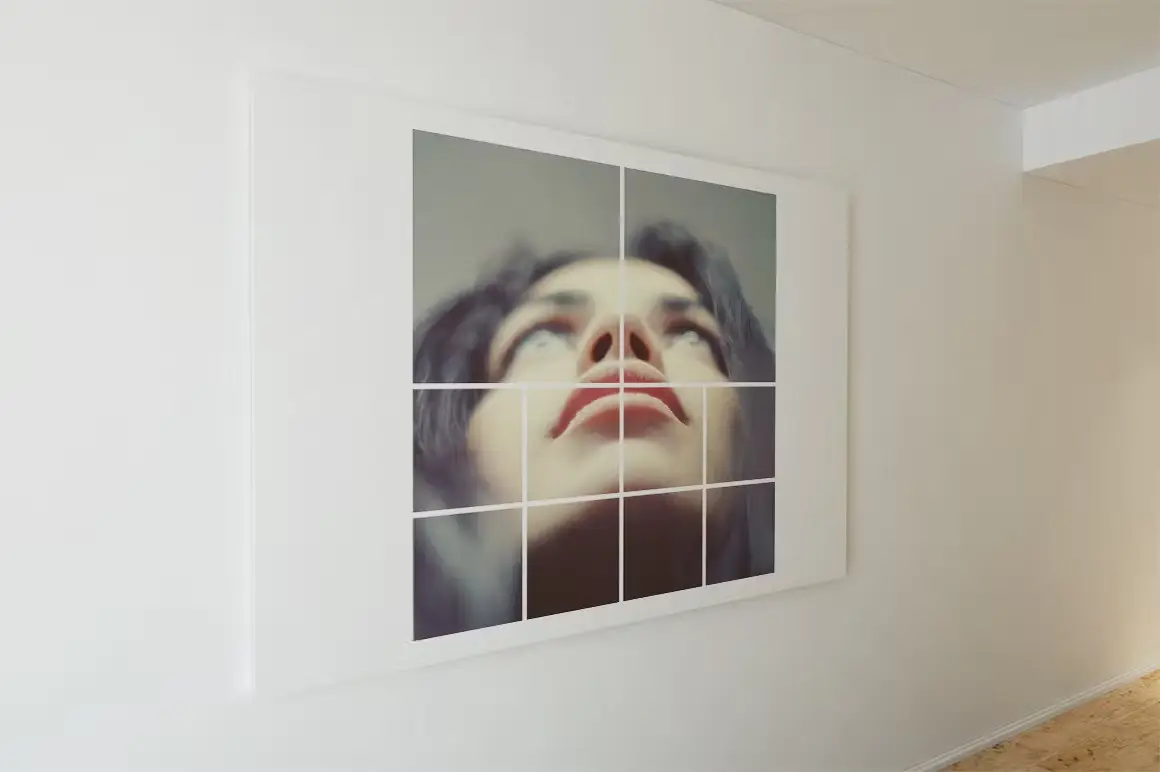
- Are the images in the demo included? No, the demo images are for visual demonstration only and are not included.
Ready to enhance your designs? Add to cart now and start creating stunning visuals today! 🚀


Tyre Tracks – 20 Large Textures
Sold by
Retro Diagrams – Space Edition
Sold by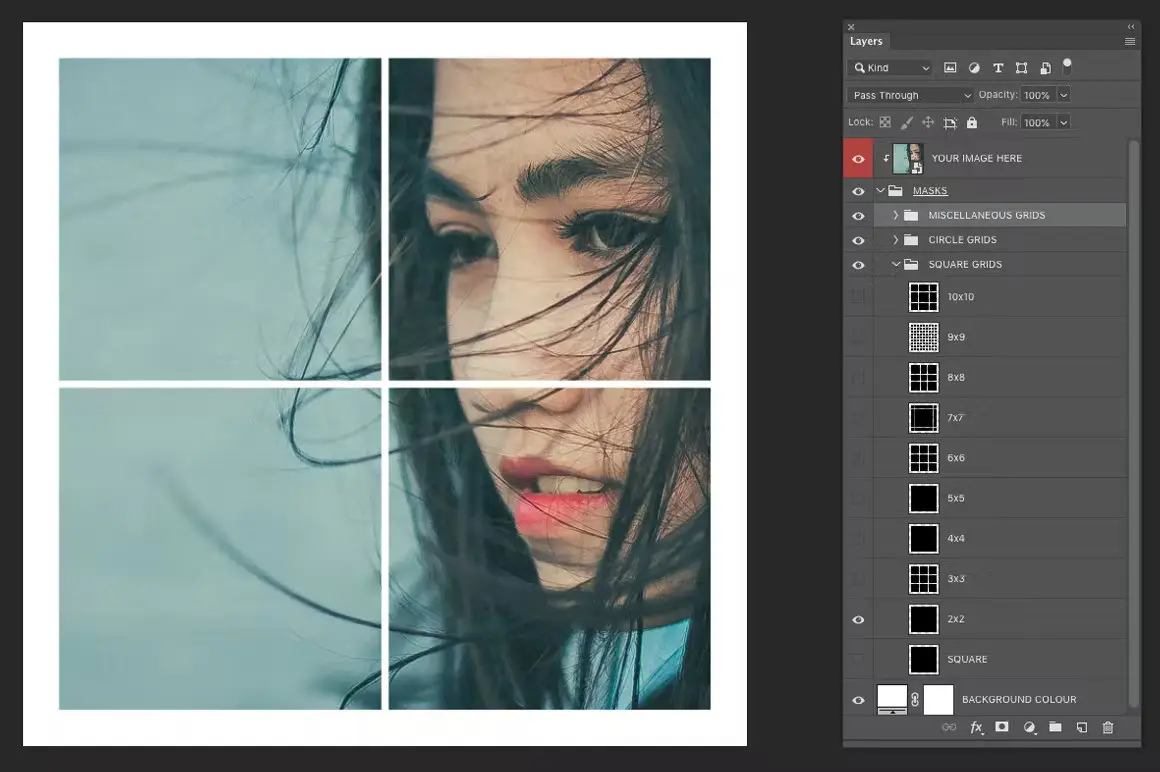
Original price was: $5.00.$2.50Current price is: $2.50.


There are no reviews yet.