
Grainy Brushes for Procreate and More
Original price was: $7.99.$4.00Current price is: $4.00.

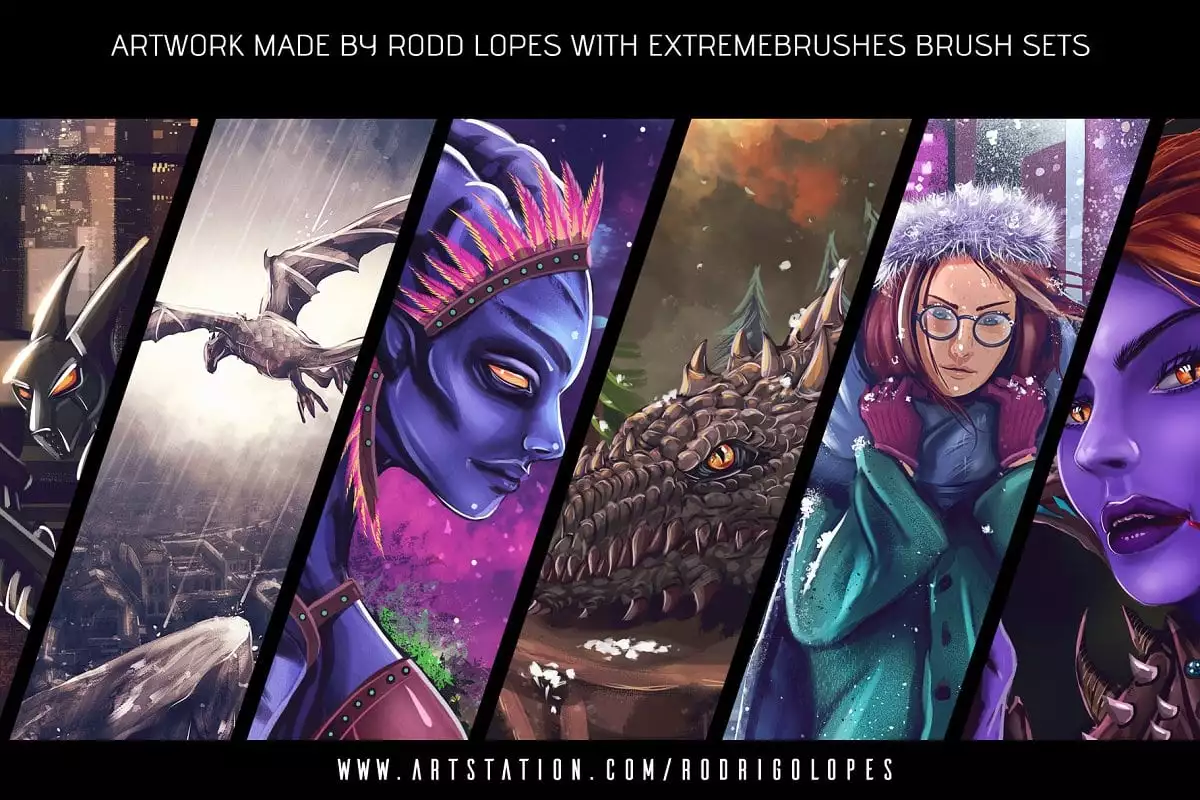
roddlopes
Product Specs:
- Compatible with: Procreate|Brushes
- File Type: ZIP
- File Size: 2.3 MB
- Instant Download
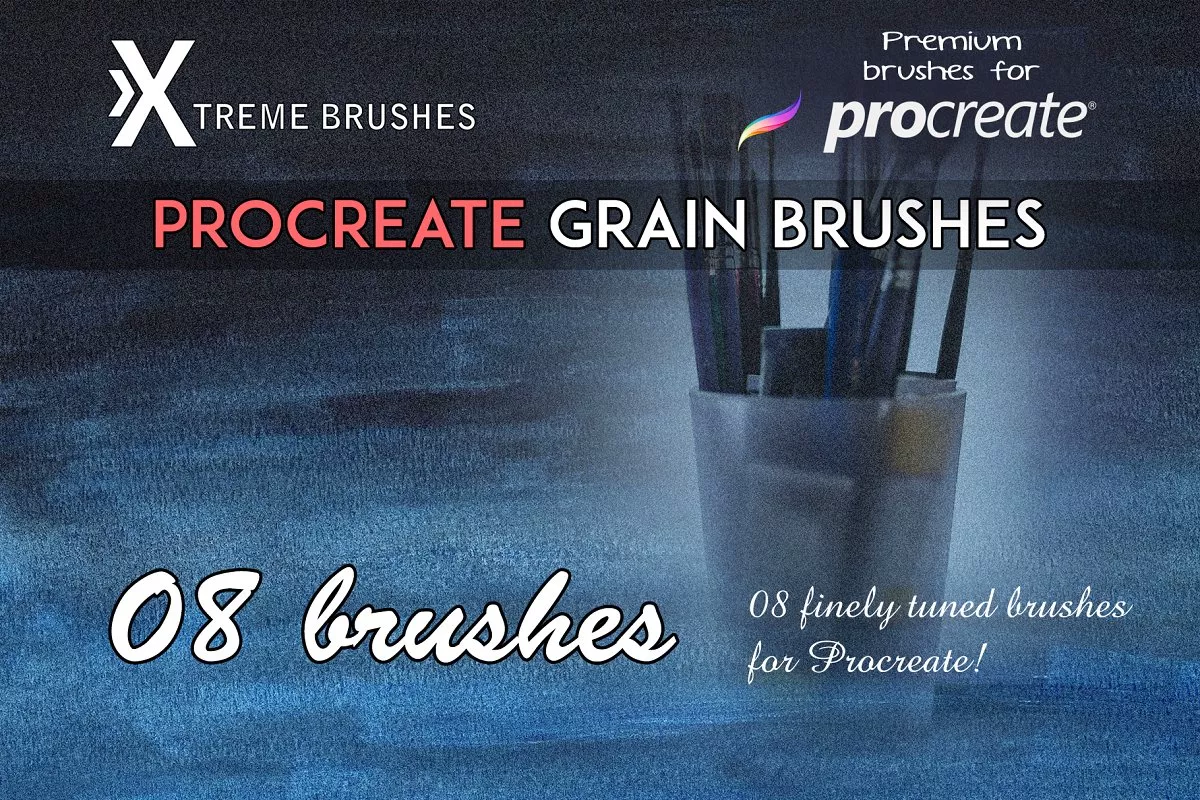
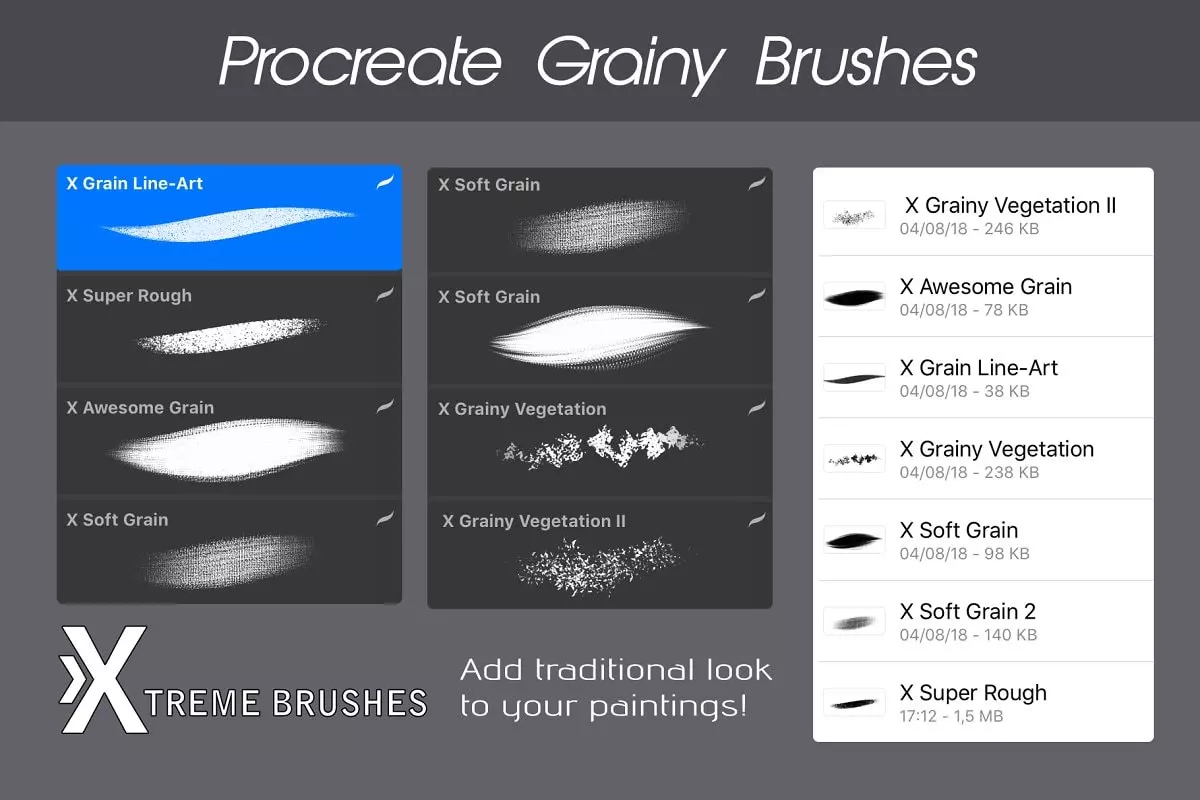
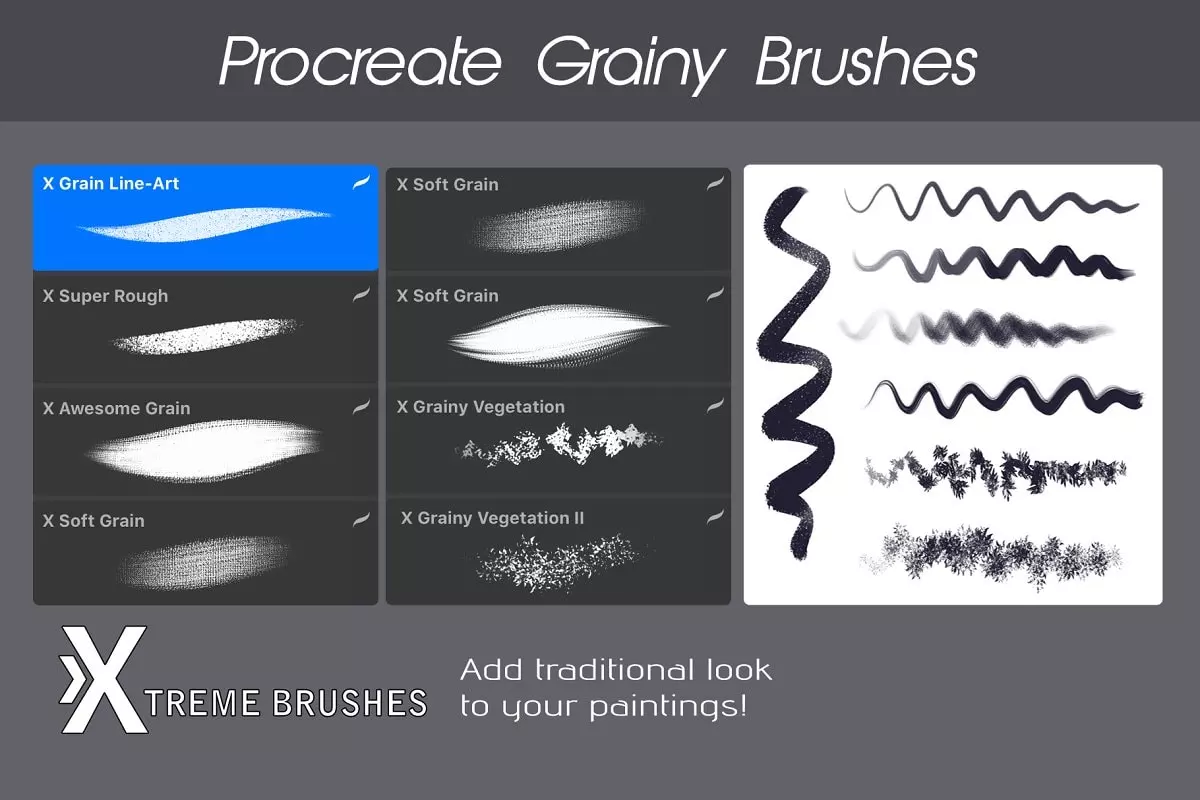
Are you looking to add depth and texture to your artwork? Our Grainy Brushes are the perfect solution! Designed specifically for Procreate, these brushes will help you achieve that traditional, textured look you desire. With these high-quality grainy texture brushes, your paintings will come to life like never before!
Product Overview:
This Grainy Brushes set is tailored for artists using Procreate, Photoshop, Krita, Illustrator, and Clip Studio Paint. These brushes provide a unique grainy texture that enhances your digital artwork, making it feel more authentic and visually appealing.
Key Features & Benefits:
- ✅ Realistic Textures → Achieve a traditional look in your digital paintings.
- ✅ Versatile Compatibility → Use these grainy brushes across multiple platforms like Procreate, Photoshop, and Krita.
- ✅ Easy Installation → Get started quickly with straightforward installation instructions.
- ✅ Instant Download → Access your brushes immediately after purchase.
- ✅ Commercial License → Use your artwork for personal or commercial projects without worry.
Why Choose This Asset:
Our Grainy Brushes stand out due to their premium quality and versatility. Unlike other brush sets, these brushes are specifically designed to mimic traditional media, giving your digital artwork a unique edge. Plus, with a commercial license included, you can confidently use them in your professional projects.
Specifications:
| Compatible with | Software |
|---|---|
| File Type | ZIP |
| File Size | 2.3 MB |
| Instant Download | Yes |
Perfect For:
- Digital Artists
- Illustrators
- Graphic Designers
- Procreate Users
- Texture Enthusiasts
How to Use:
To get started with your new brushes, follow these simple steps:
- Download the brush set from your account.
- Use an unzipping application (like iZipp) to extract the files.
- Open the brush/brushset file in Procreate.
- Create stunning artwork with your new grainy brushes!
FAQ:
What does a blending brush look like? A blending brush typically has soft bristles that help smooth out colors and create gradients.
How to use texture brushes in Illustrator? Simply load the brushes into your brush panel and apply them to your artwork for added texture.
Can you sand brush marks? Yes, sanding can help smooth out brush marks in traditional media, but in digital art, you can use blending tools instead.
Don’t miss out on the opportunity to enhance your artwork with our Grainy Brushes. Grab your set today and start creating stunning pieces that stand out! With instant access and a commercial license, you have everything you need to take your art to the next level.
User Reviews
Be the first to review “Grainy Brushes for Procreate and More”
You must be logged in to post a review.
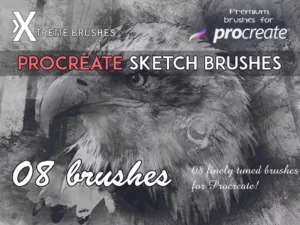
Sketch Brushes for Procreate
Sold by roddlopes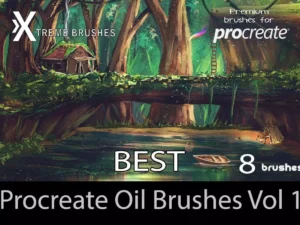
Best Oil Brushes Vol 1.0
Sold by roddlopes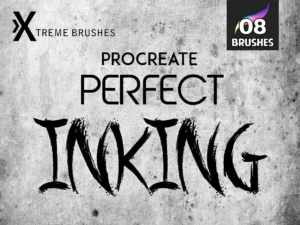
Perfect Inking Brushes for Procreate
Sold by roddlopes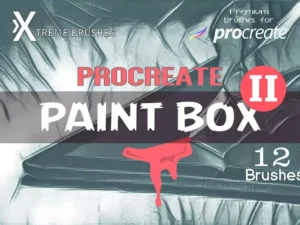
PaintBox II – Premium Procreate Brushes
Sold by roddlopes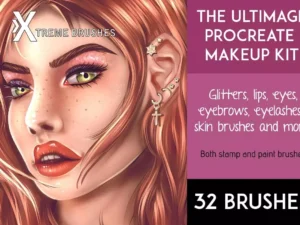
The Ultimate Makeup Procreate Kit
Sold by roddlopes
Original price was: $7.99.$4.00Current price is: $4.00.


There are no reviews yet.