
Grains Photoshop Action


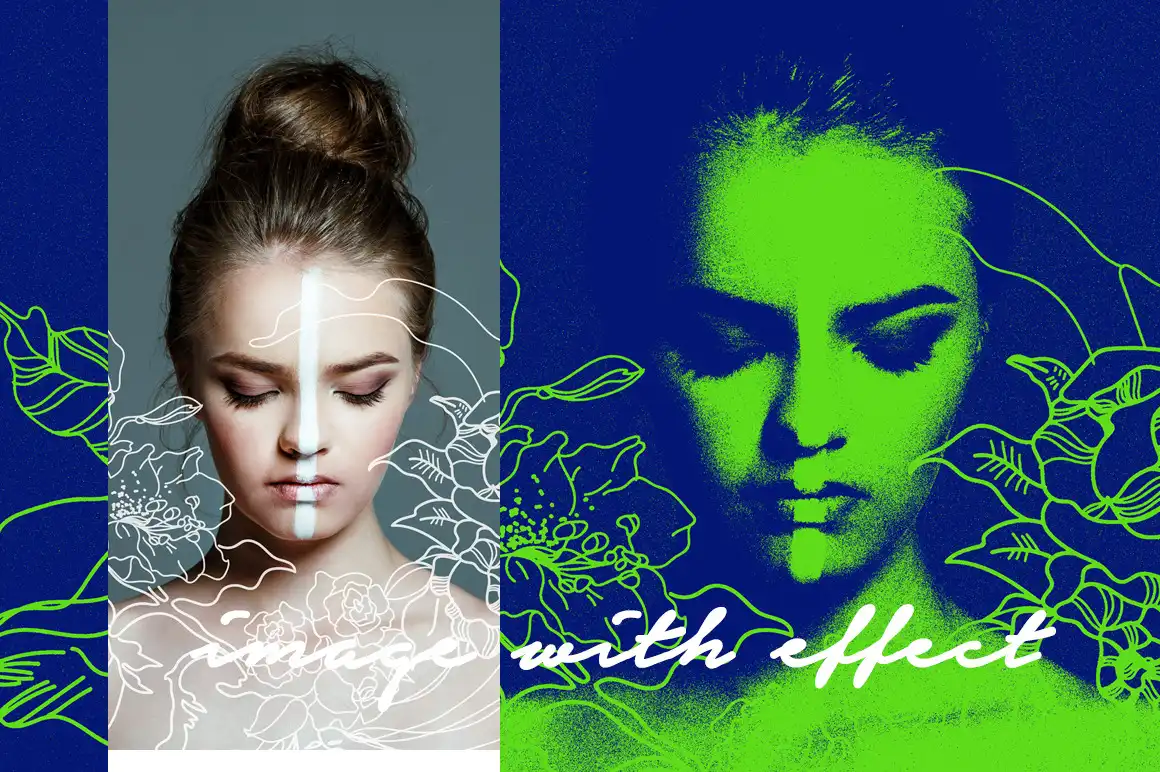
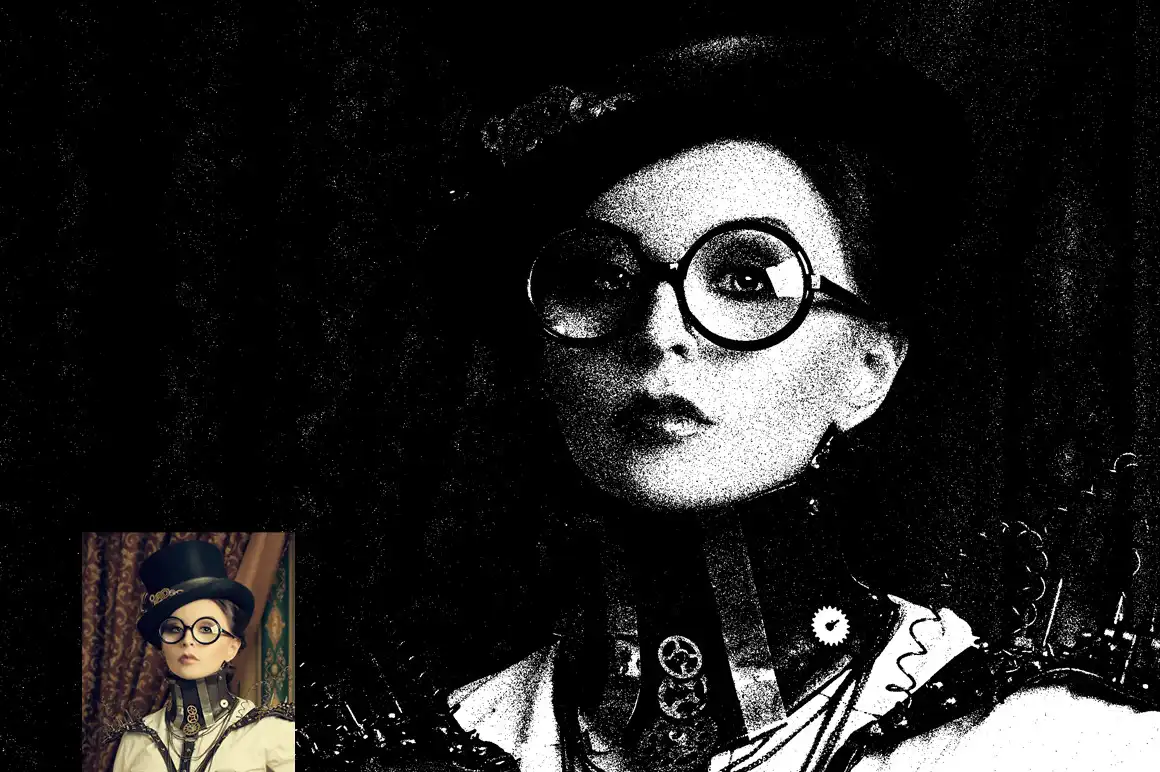
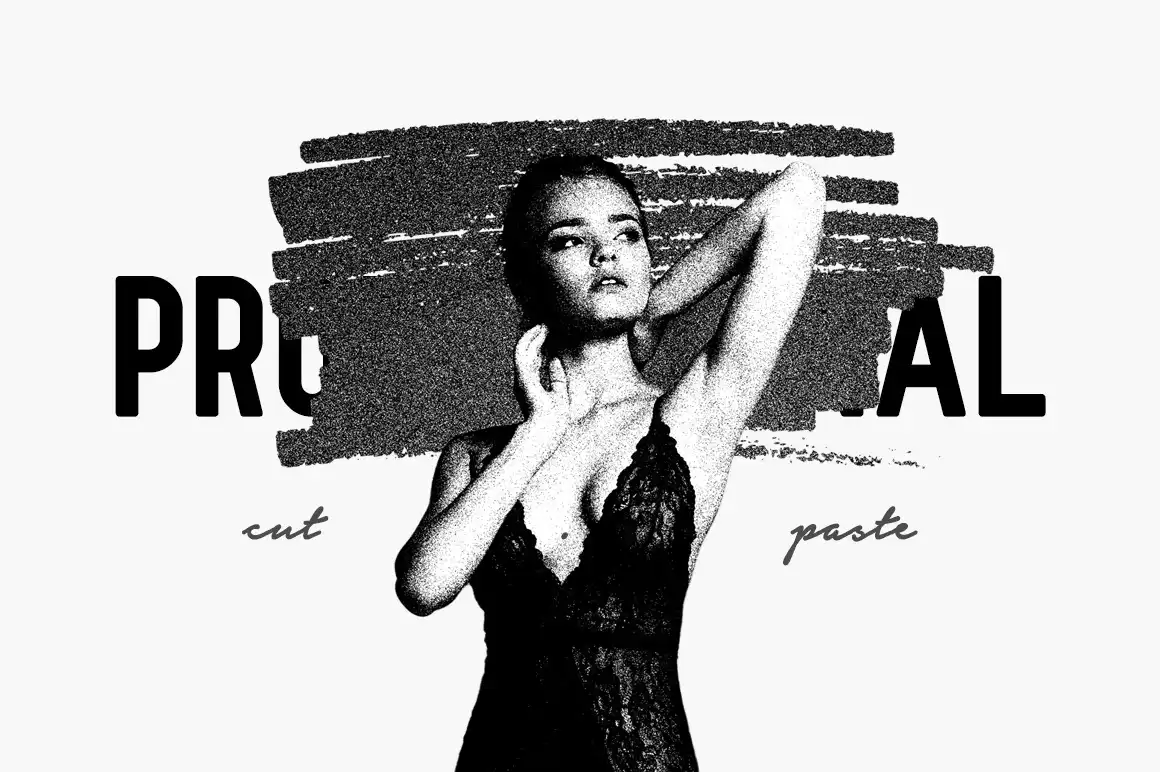
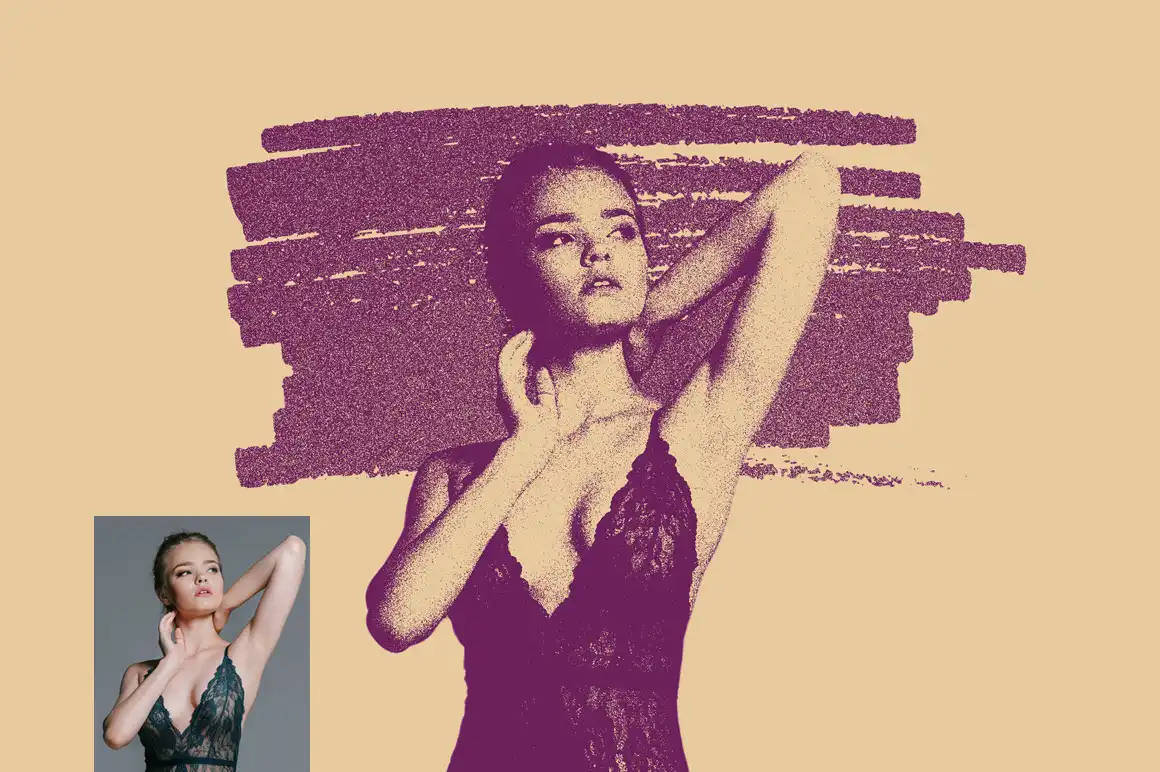
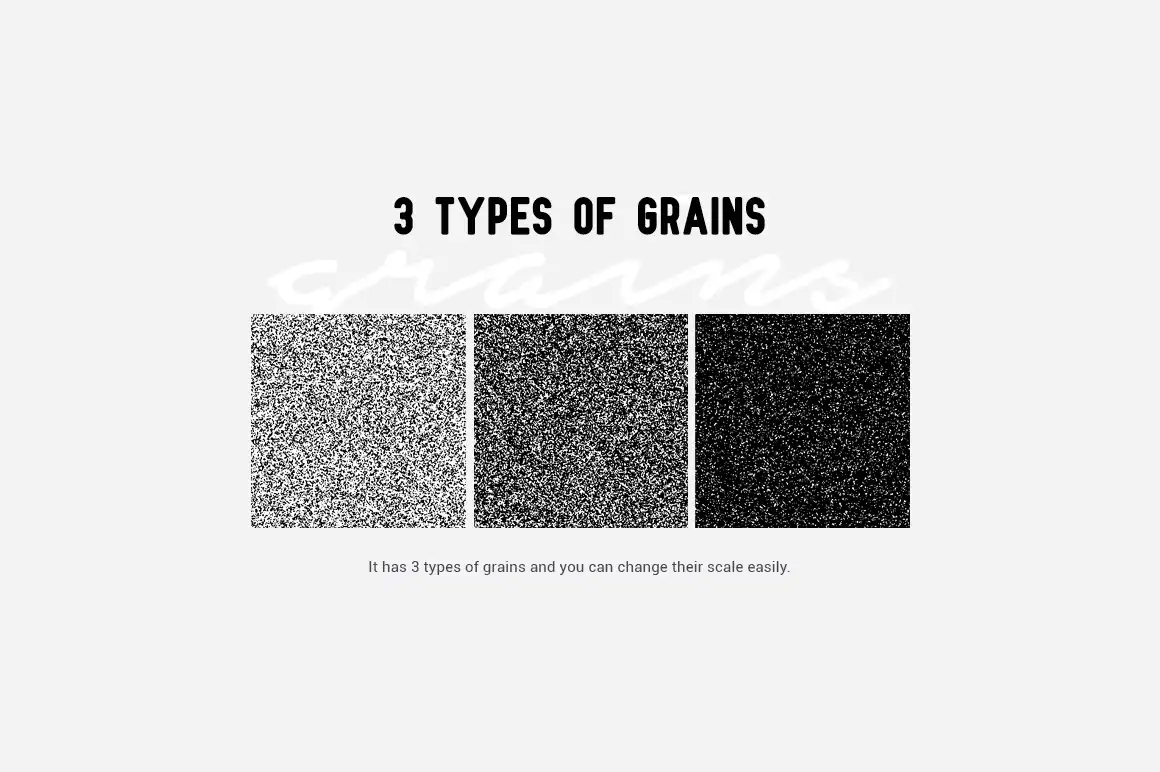
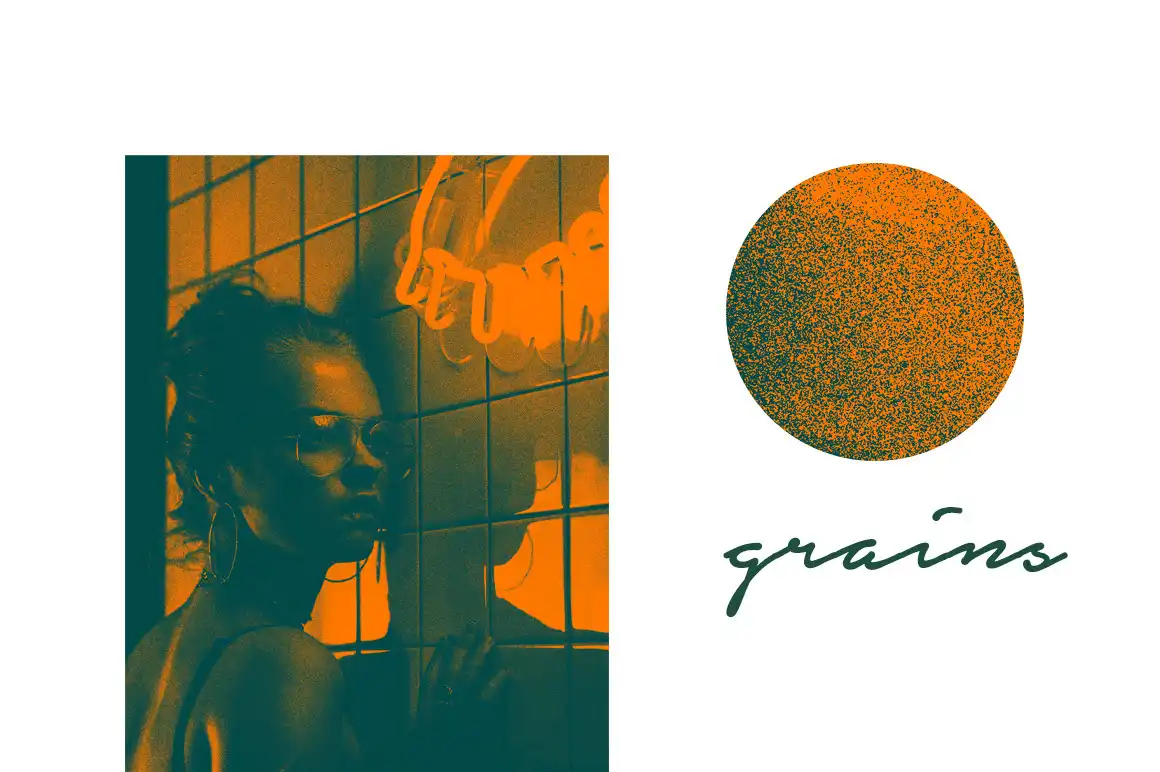

Welcome to the Grains Photoshop Action!
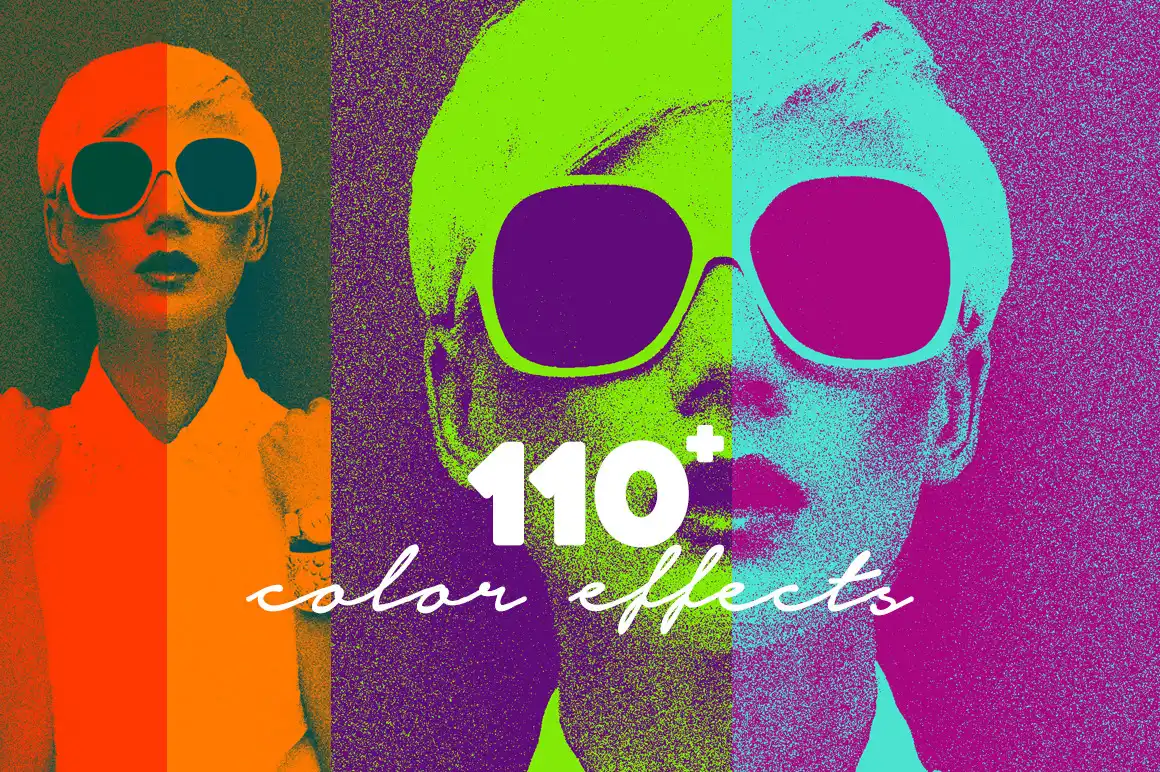
Are you ready to add a delightful touch of grainy nostalgia to your photos? This digital download offers instant access to a fantastic Grains Photoshop Action that will elevate your editing experience with just a few clicks! 🎉 Perfect for those who love the vintage vibe, this action is designed to create stunning grain effects effortlessly.
Product Overview
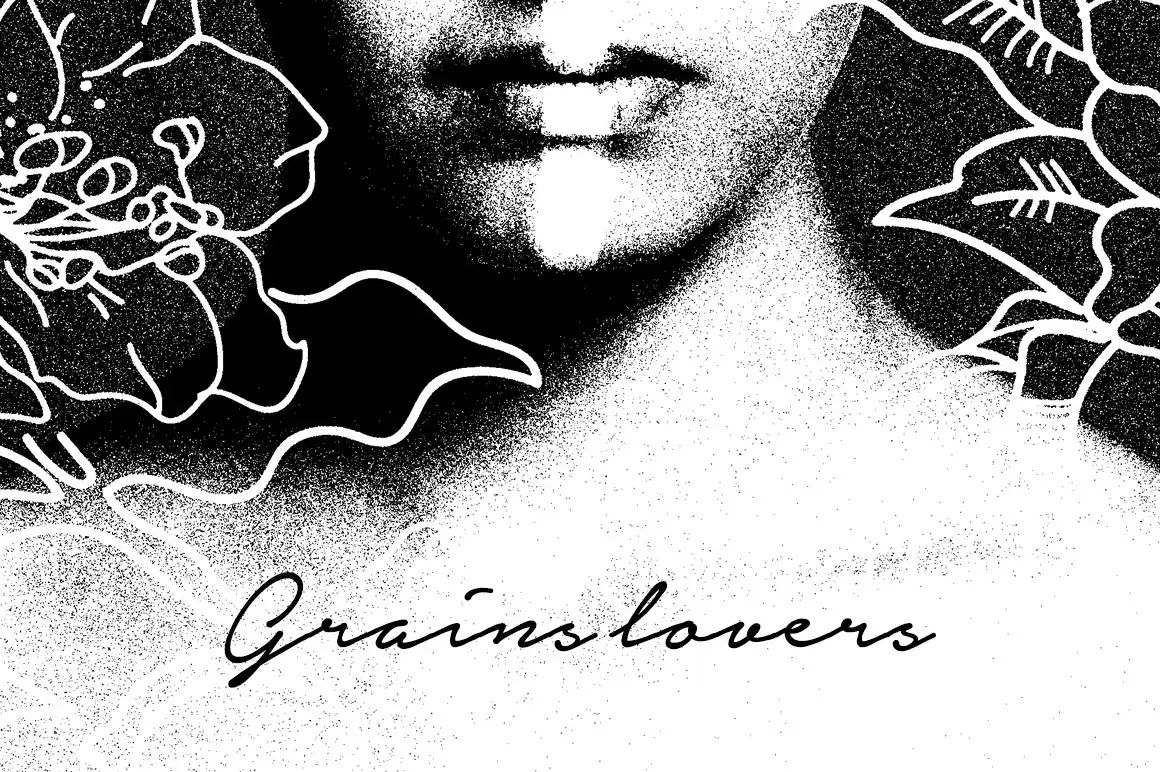
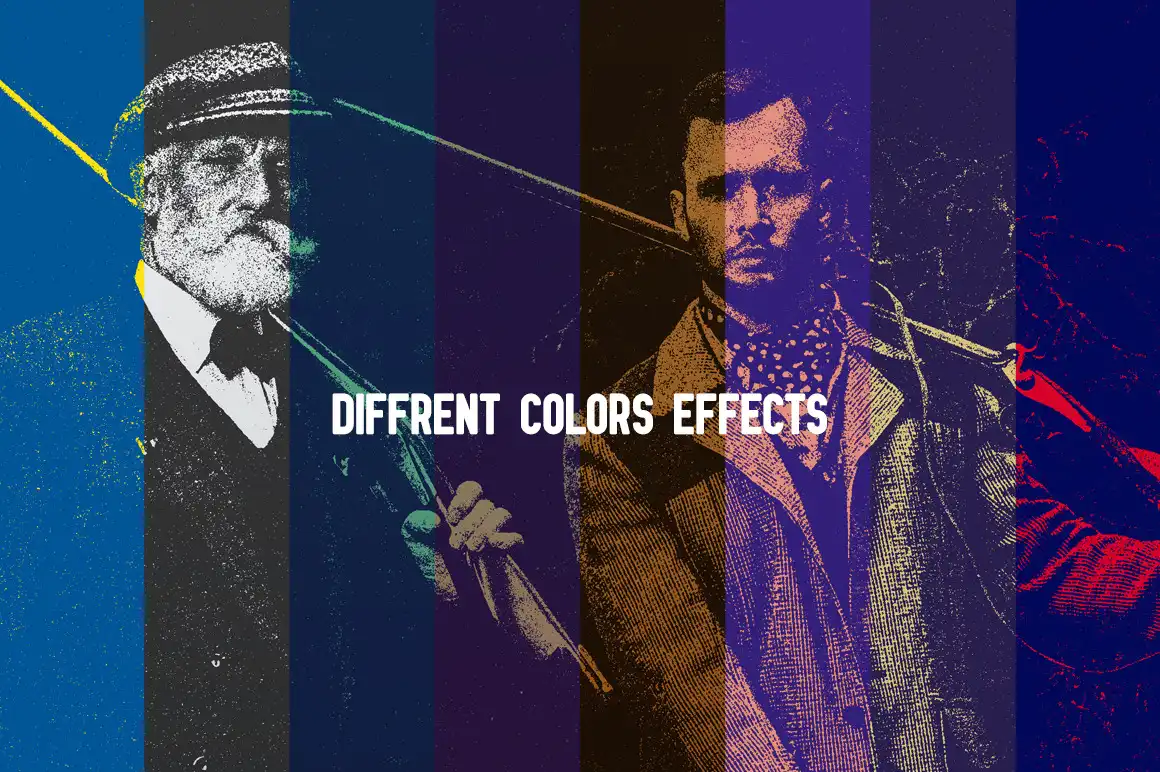
The Grains Photoshop Action is your go-to tool for adding beautiful grain textures to your images. Whether you’re aiming for a classic film look or a modern artistic touch, this action is versatile and user-friendly! With its non-destructive features, you can easily experiment without worrying about ruining your original photos.
Key Features & Benefits
- Easy to transform your photos: Achieve a stunning grain effect with minimal effort.
- Easy to use: Perfect for both beginners and professionals!
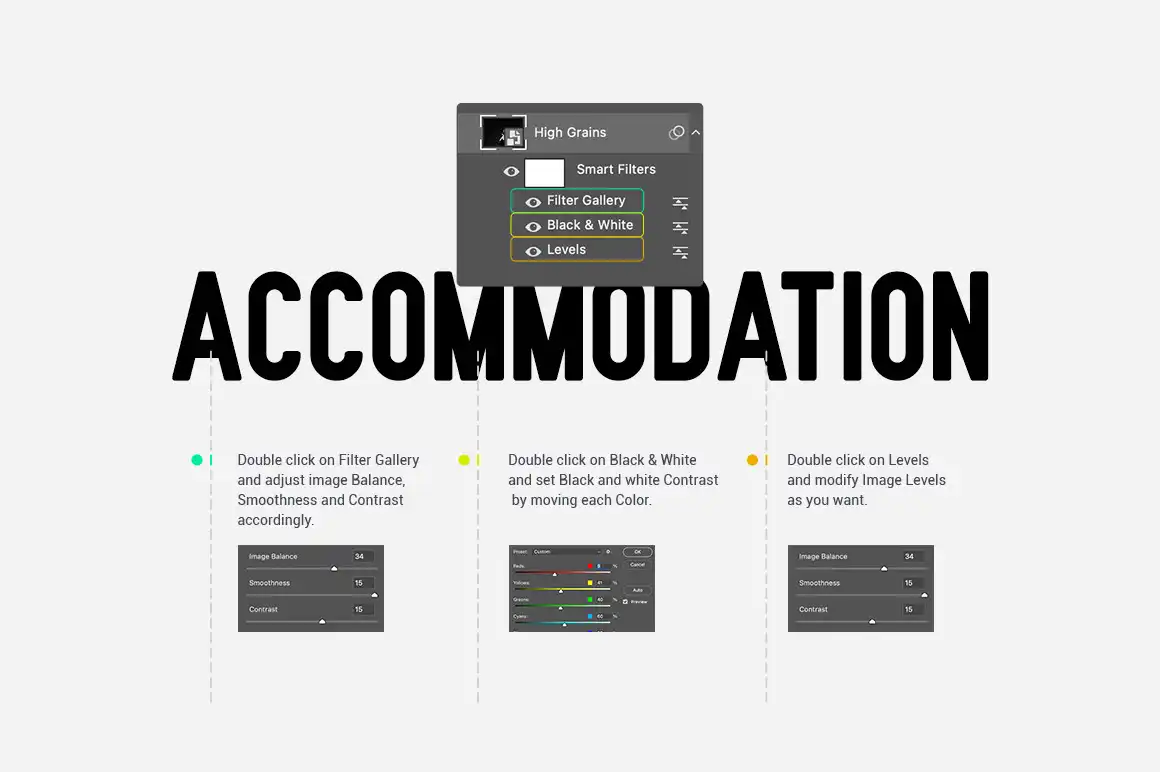
- Well organized layers: Keep your workflow tidy and manageable.
- Fully editable: Customize the grain effect to suit your style.
- Easy to customize: Adjust settings to achieve your desired look.
- Non-destructive actions: Your original images remain intact.
- Well documented instructions: Step-by-step guidance included!
- Compatibility: Works seamlessly with Photoshop CS3, CC, and higher versions.
- Recommended resolution: Ideal for photos between 1500 – 5000px (minimum resolution: 72dpi).
Technical Specifications
| Compatible with | Adobe Photoshop |
|---|---|
| File Type | zip |
| Instant Download | Yes |
| File Size | 2 MB |
What’s Included
- Grains Photoshop Action (ATN file)
- Instruction Manual (PDF)
Perfect For
This action is perfect for photographers, graphic designers, and anyone looking to add a unique grain texture to their digital artwork. Whether you’re creating retro-inspired designs or simply want to add depth to your images, this tool is a must-have! ✨
FAQ
- Is this a physical product? No, it’s a digital download!
- How do I install the action? Follow the instructions provided in the manual to load the action into Photoshop.
- Can I use this action on any photo? Yes, just ensure your photo is in RGB color mode for best results.
Don’t hesitate to reach out in case of any query. Happy editing! 🎨
User Reviews
Be the first to review “Grains Photoshop Action”
You must be logged in to post a review.
Original price was: $9.00.$4.50Current price is: $4.50.


There are no reviews yet.