
Glass Glitch Photo Effect
Glass Glitch Photo Effect
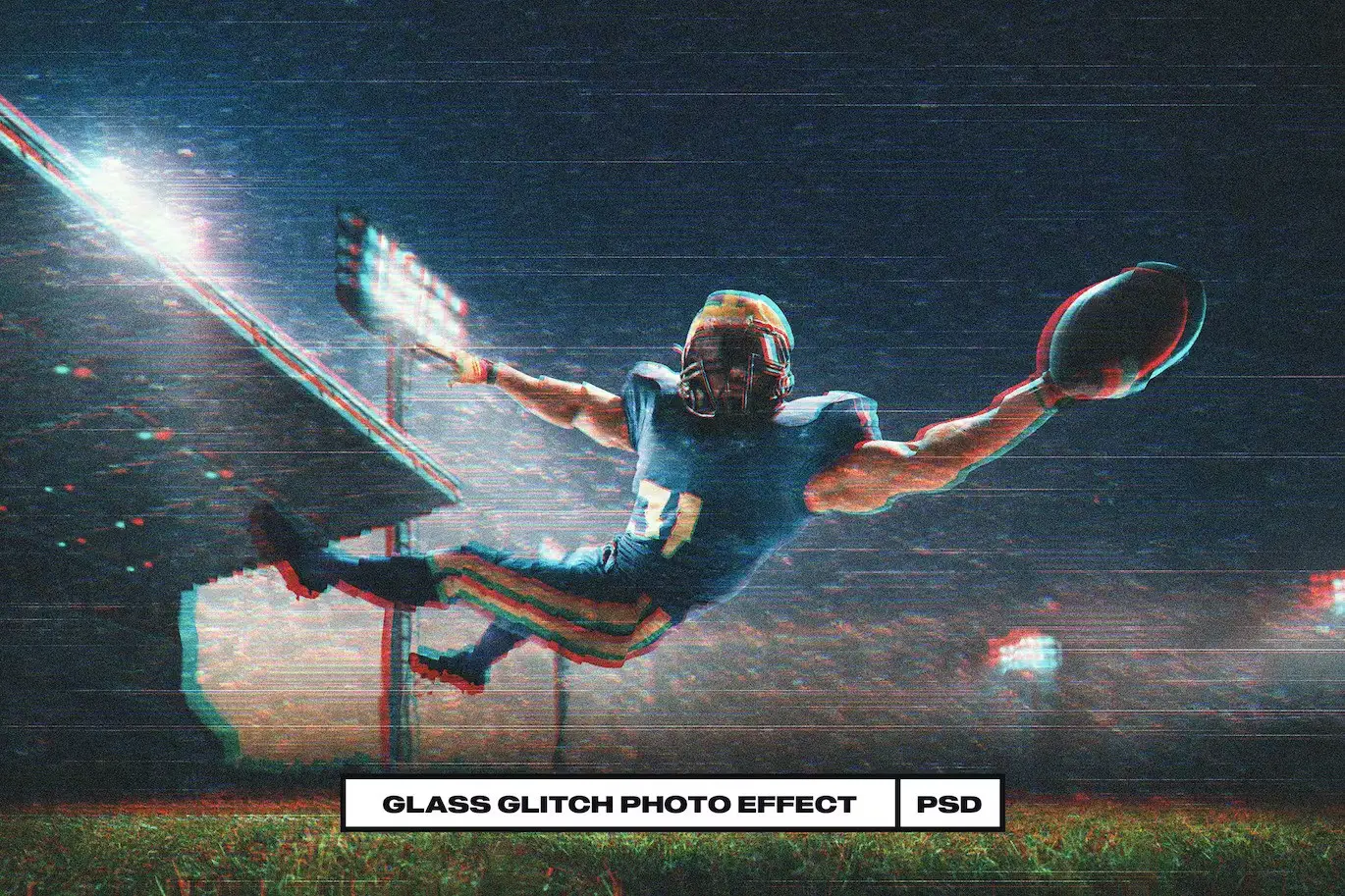
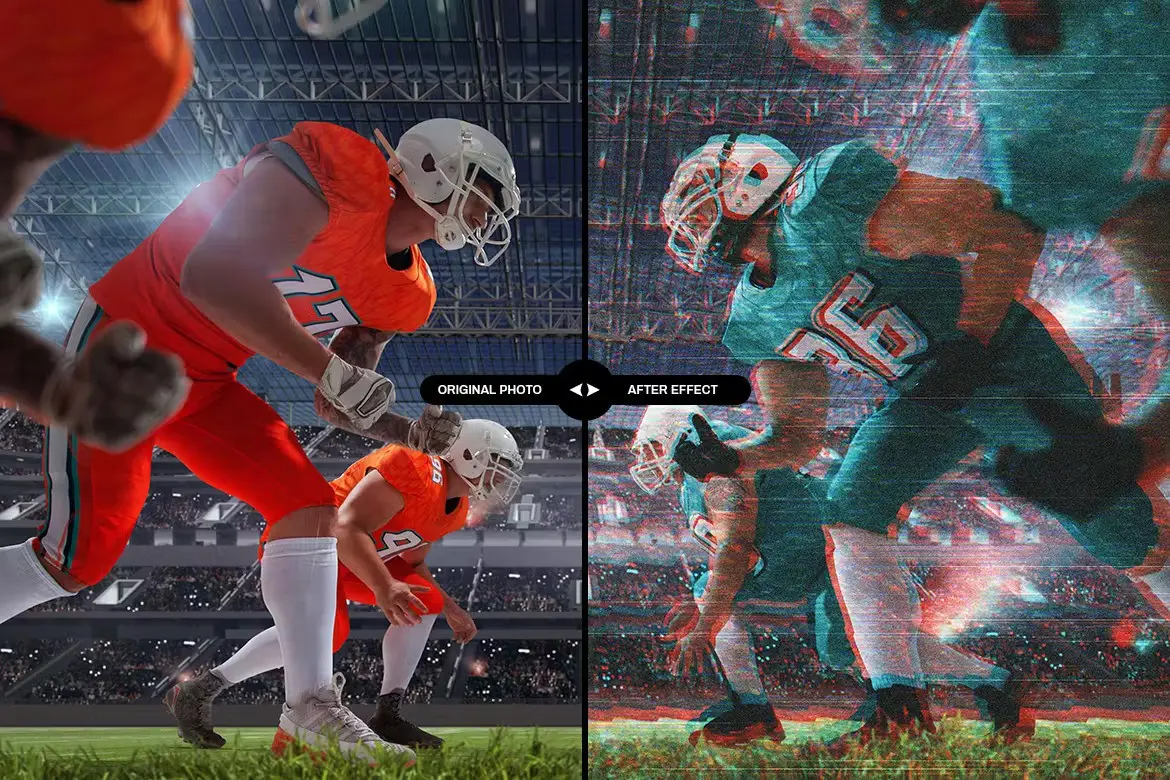
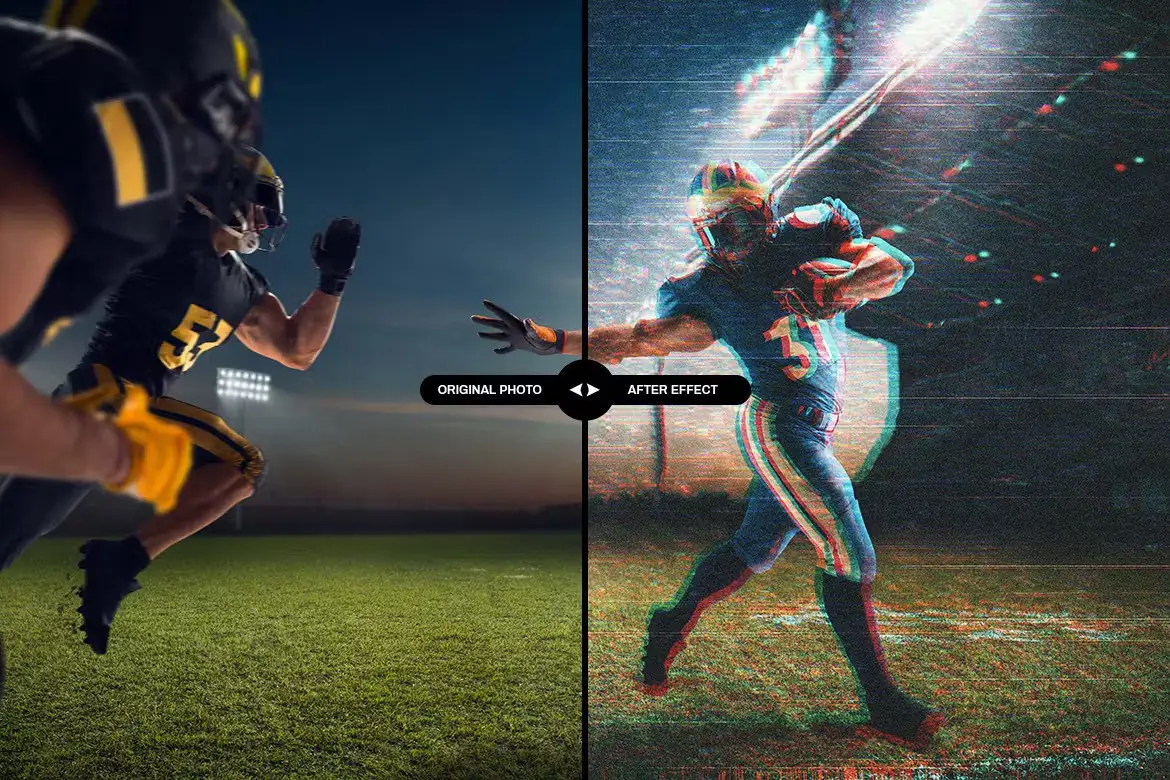
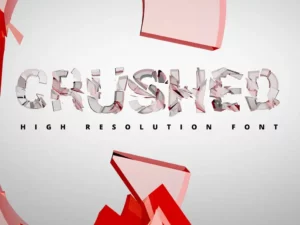
Transform your visuals with the Glass Glitch Photo Effect, a stunning digital design asset perfect for adding a modern twist to your text and logos. This effect is not only visually striking but also incredibly user-friendly, making it an ideal choice for designers looking to enhance their projects effortlessly.
Product Overview
The Glass Glitch Photo Effect is designed for those who want to create eye-catching graphics quickly. Whether you’re working on a poster, presentation, or any digital showcase, this effect will elevate your designs with its unique glass distortion style. It’s perfect for both personal and professional projects, giving you the flexibility to express your creativity.
Key Features & Benefits
- ✅ Editable Texts → Customize all text elements easily to match your project needs.
- ✅ High-Resolution Compatibility → Works seamlessly with 300DPI projects, ensuring crisp quality for print and digital formats.
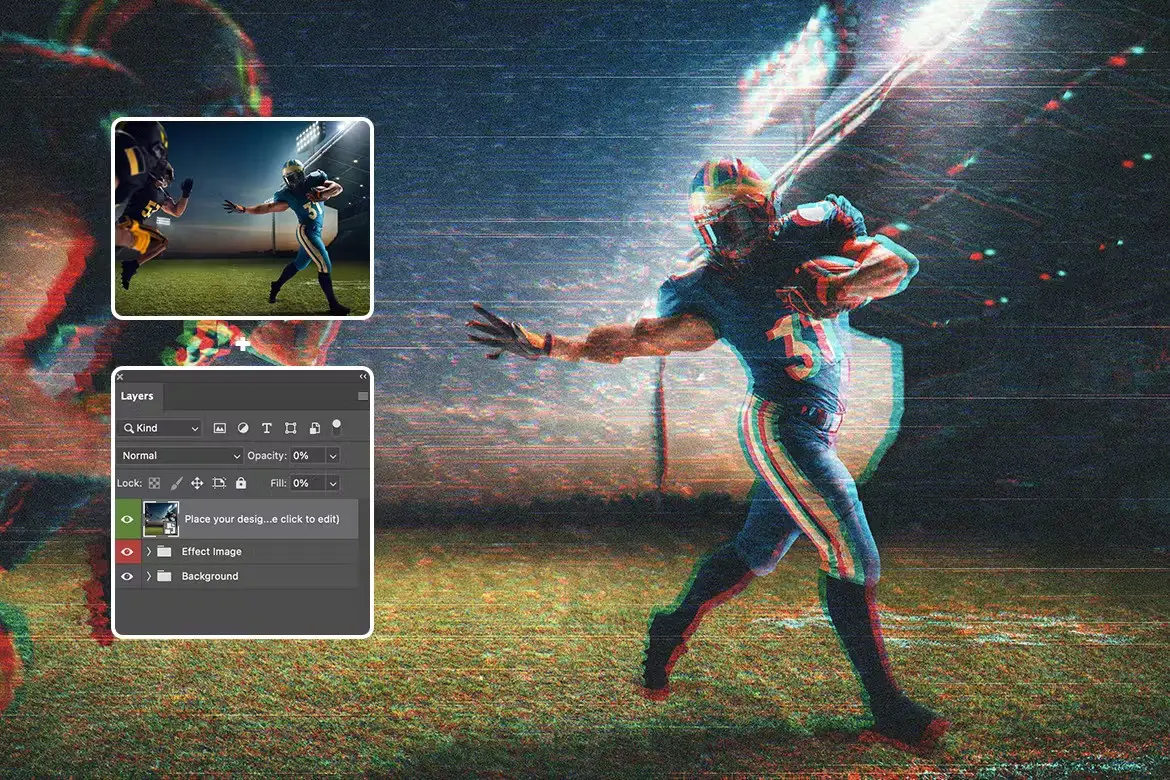
- ✅ Organized Layers → All layers are clearly named and categorized for quick access, making your workflow efficient.
- ✅ Smart Object Functionality → Simply double-click the Smart Object to edit and apply the effect on your desired text or logo.
- ✅ Exclusive to Adobe Photoshop → Designed specifically for Photoshop users, ensuring optimal performance and results.
Why Choose This Product
This Glass Glitch Photo Effect stands out due to its precise, realistic details and aesthetic appeal. It’s crafted to provide a glamorous look that can transform ordinary text into extraordinary visuals. Trusted by designers worldwide, this effect not only saves you time but also enhances the overall quality of your projects.
Specifications
| Dimensions | 5000 x 3000 pixels |
|---|---|
| Software Compatibility | Adobe Photoshop |
| Resolution | 300 DPI |
What’s Included
- Glass Glitch Photo Effect files
- Instructions for use
- Download links for free fonts used in the presentation
Perfect For
- Graphic Designers
- Marketing Professionals
- Social Media Managers
- Anyone looking to enhance their digital presentations
How to Use
Using the Glass Glitch Photo Effect is simple:
- Open your text or logo in Adobe Photoshop.
- Double-click the Smart Object layer to edit your content.
- Save and close the Smart Object to see the effect applied instantly.
FAQ
- Can I use this effect for print projects? Yes, it is optimized for 300DPI, making it suitable for print.
- Is it compatible with other software? This effect is designed exclusively for Adobe Photoshop.
Add the Glass Glitch Photo Effect to your toolkit today and start transforming your designs with ease! 🚀
User Reviews
Be the first to review “Glass Glitch Photo Effect”
You must be logged in to post a review.
Original price was: $9.00.$4.50Current price is: $4.50.


There are no reviews yet.