
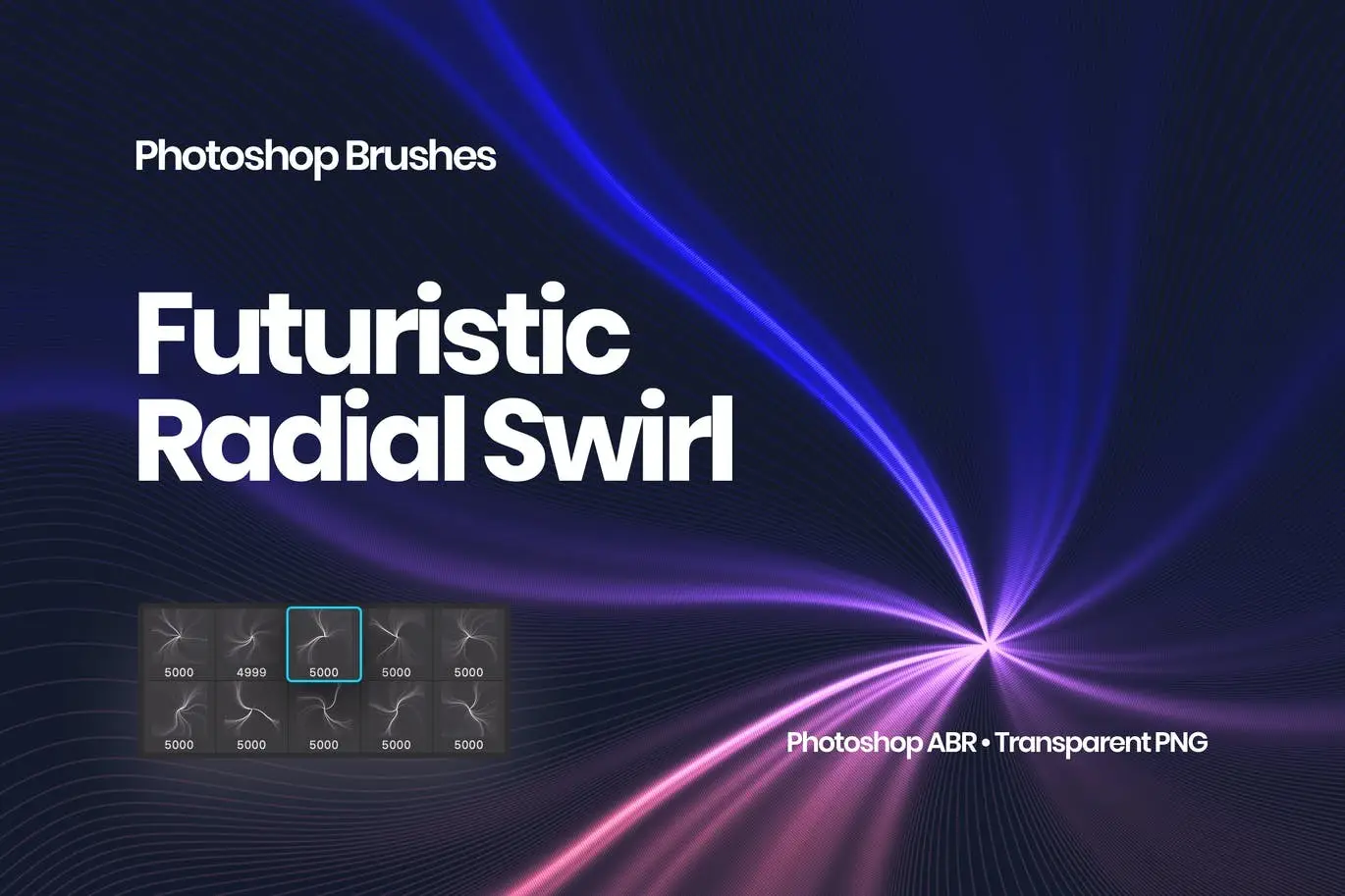
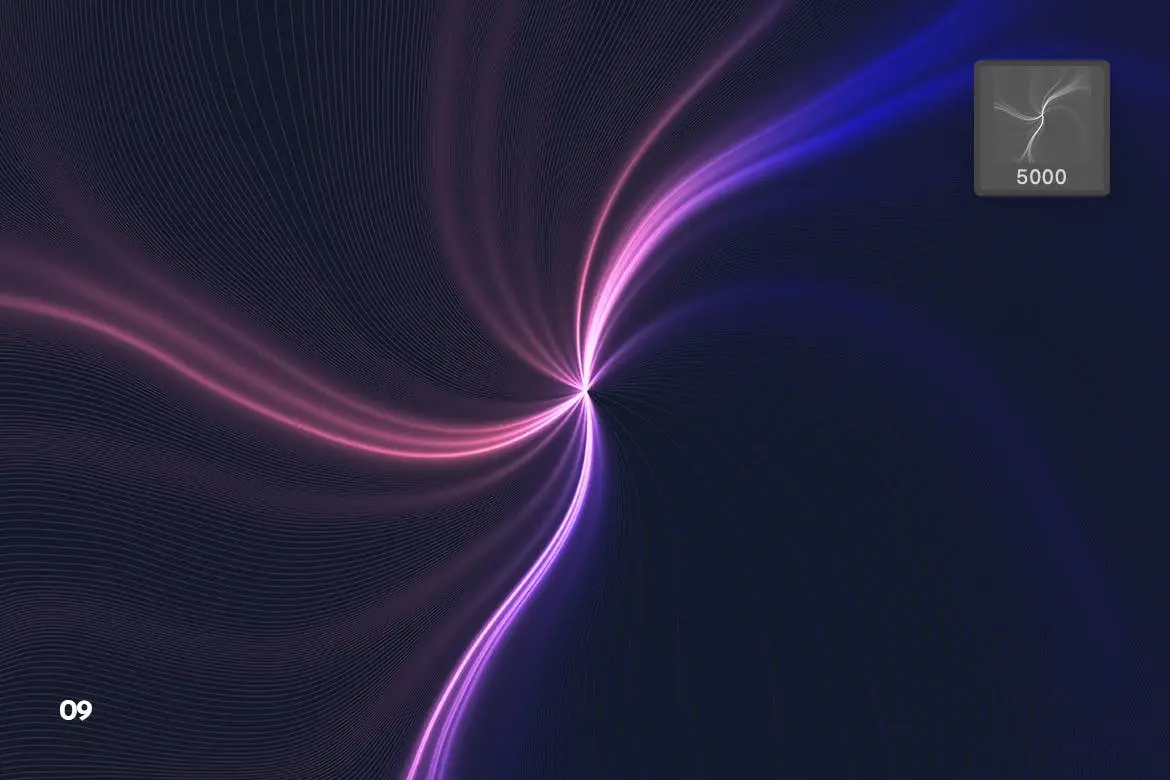
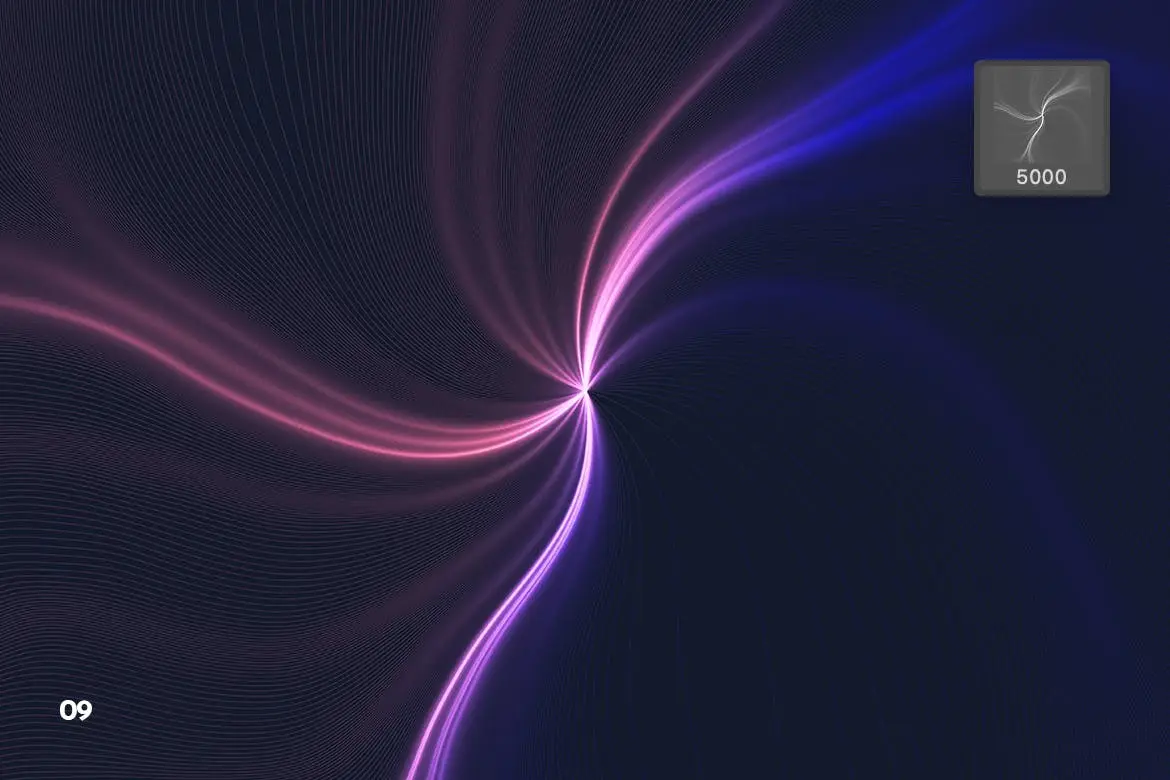
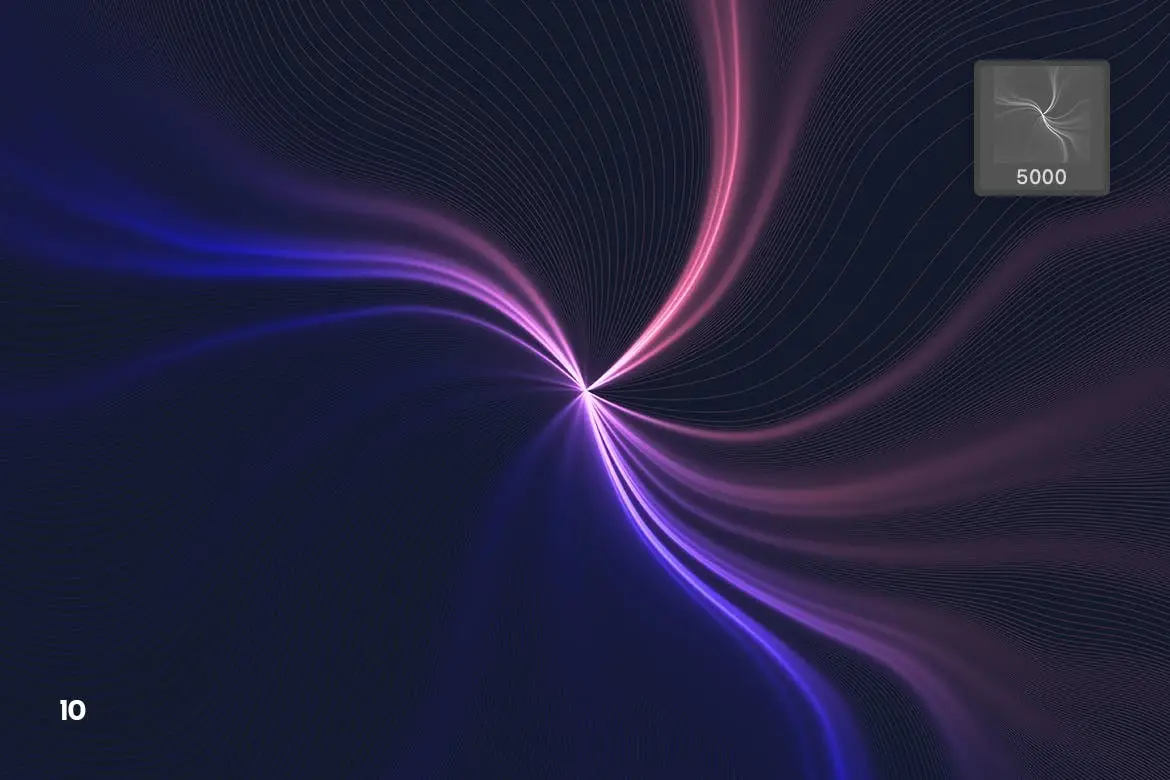
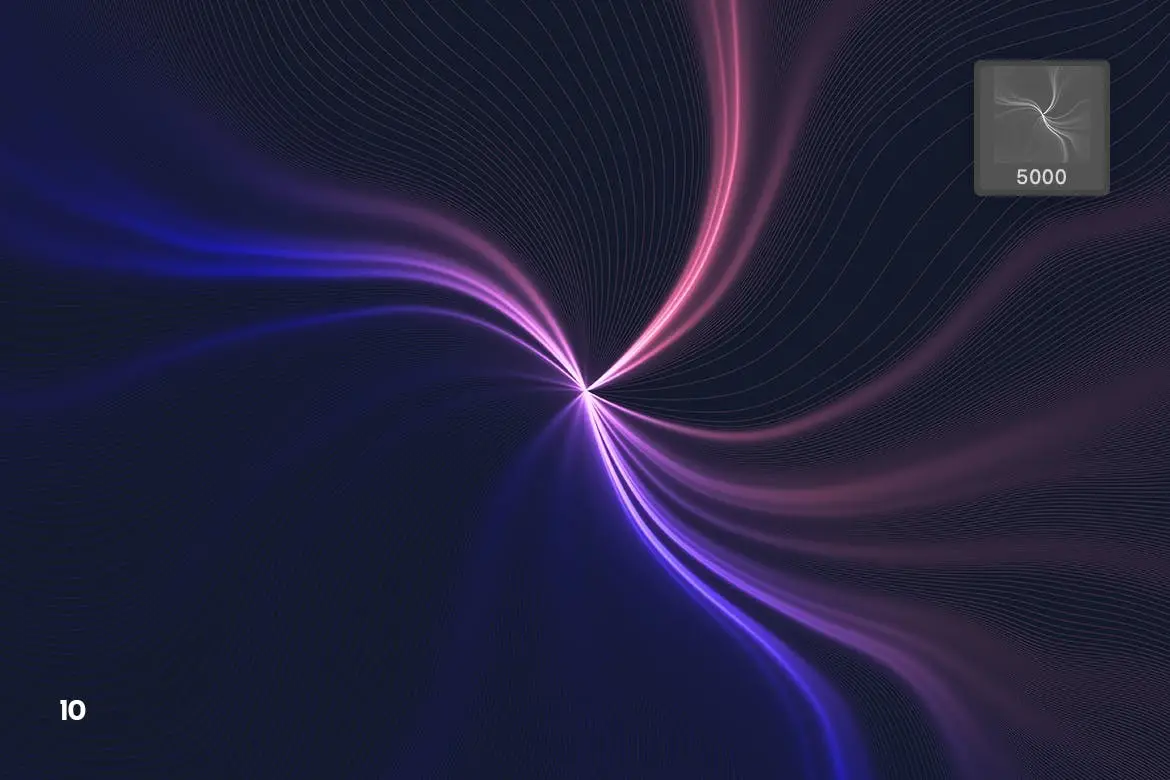
Futuristic Radial Swirl Photoshop Brushes
Original price was: $5.00.$2.50Current price is: $2.50.

Theme Fire
Product Specs:
- Compatible with: Brushes
- File Type: ZIP
- File Size: 422.7 MB
- Instant Download
Futuristic Radial Swirl Photoshop Brushes
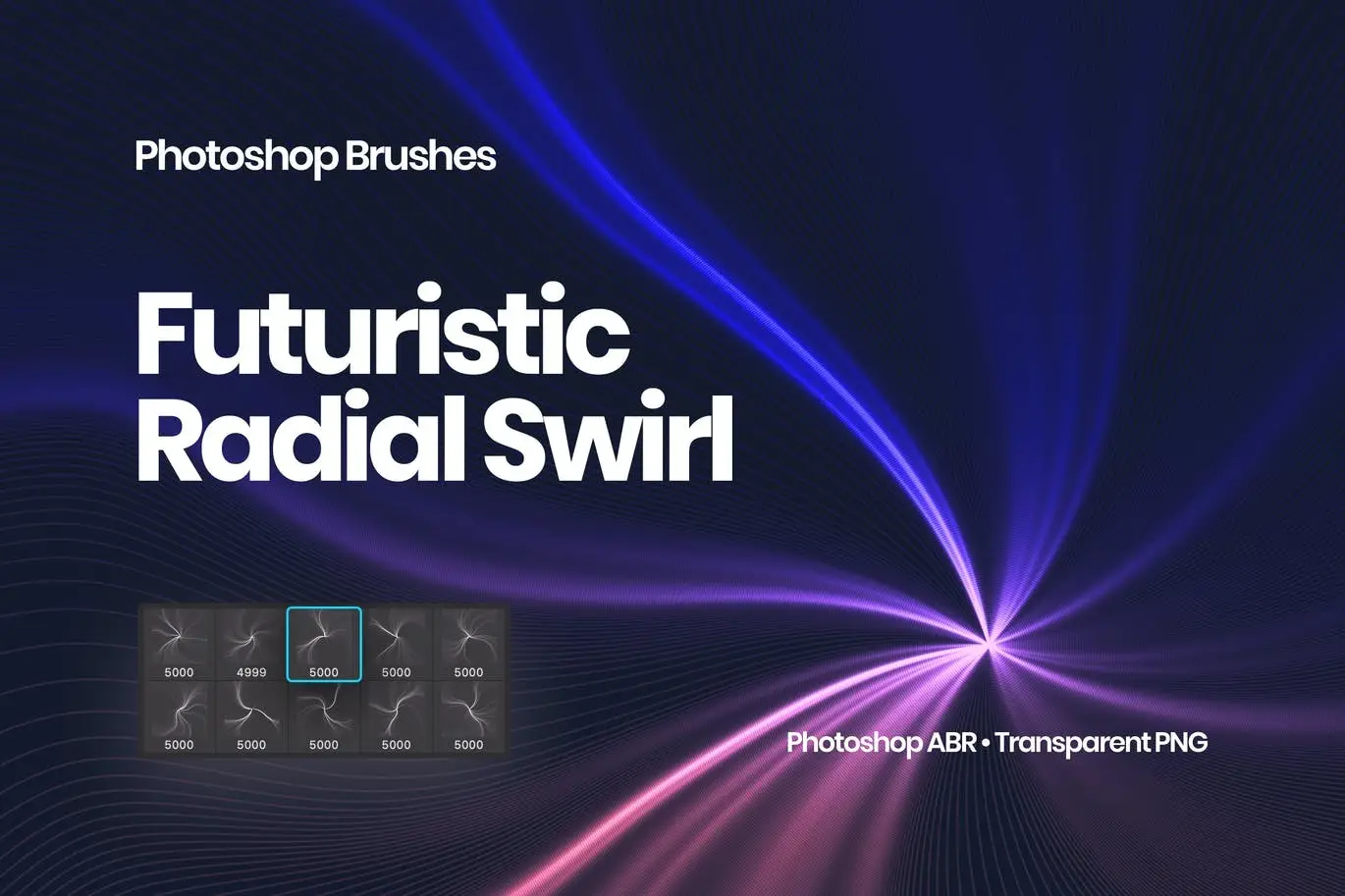
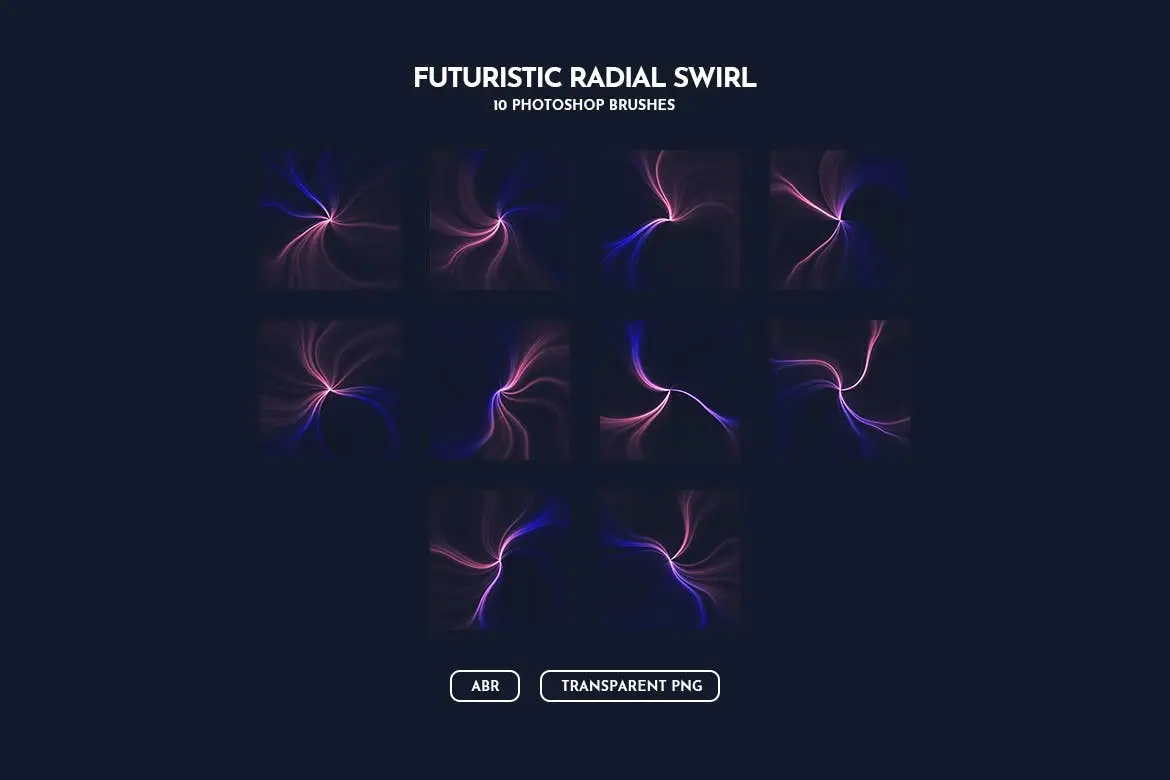
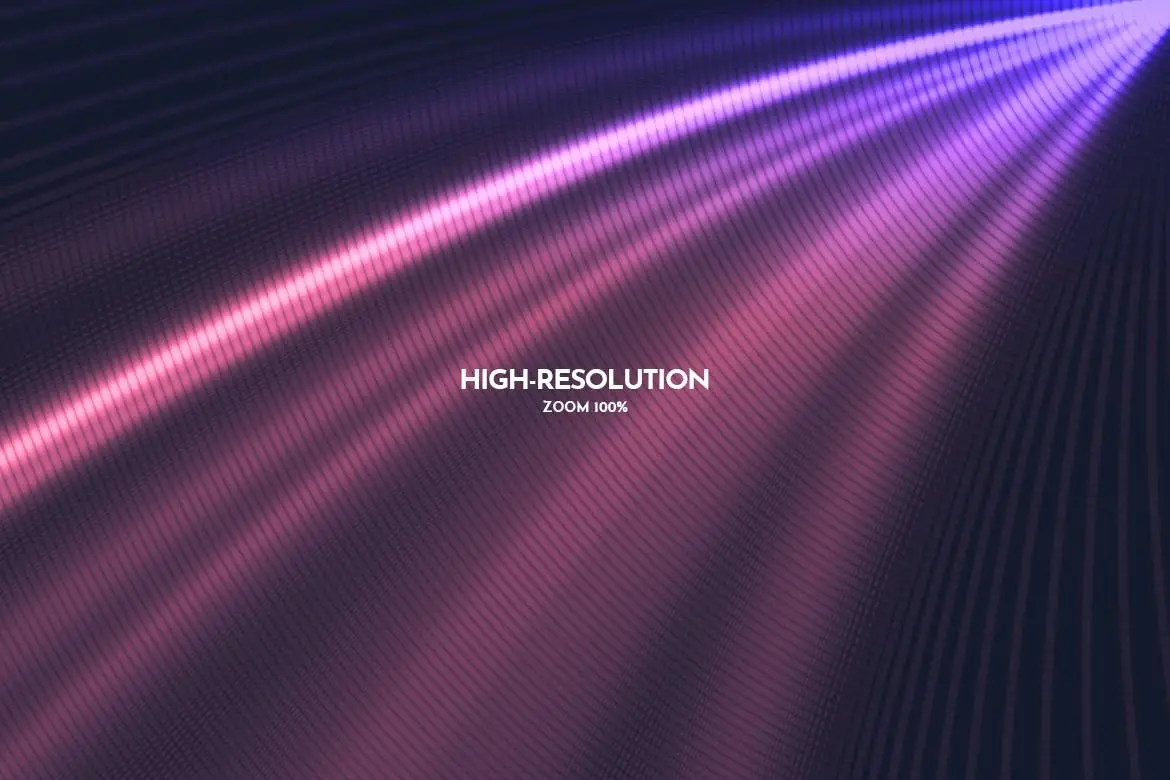
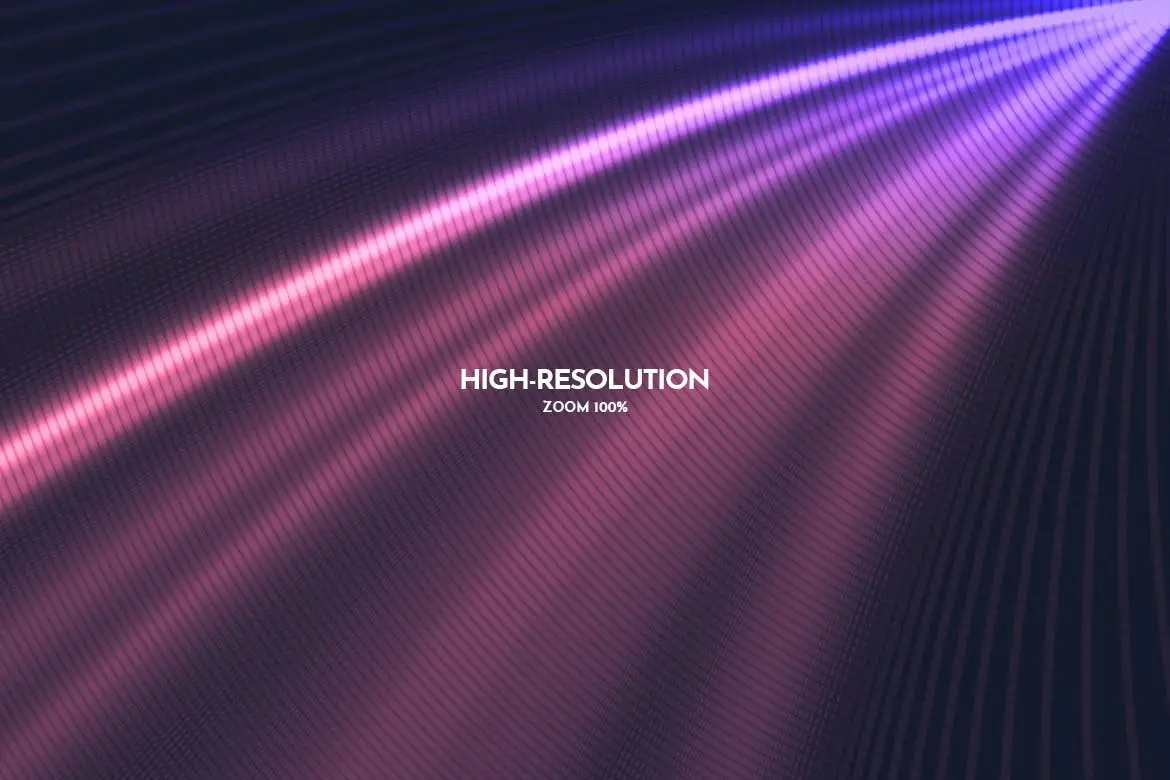
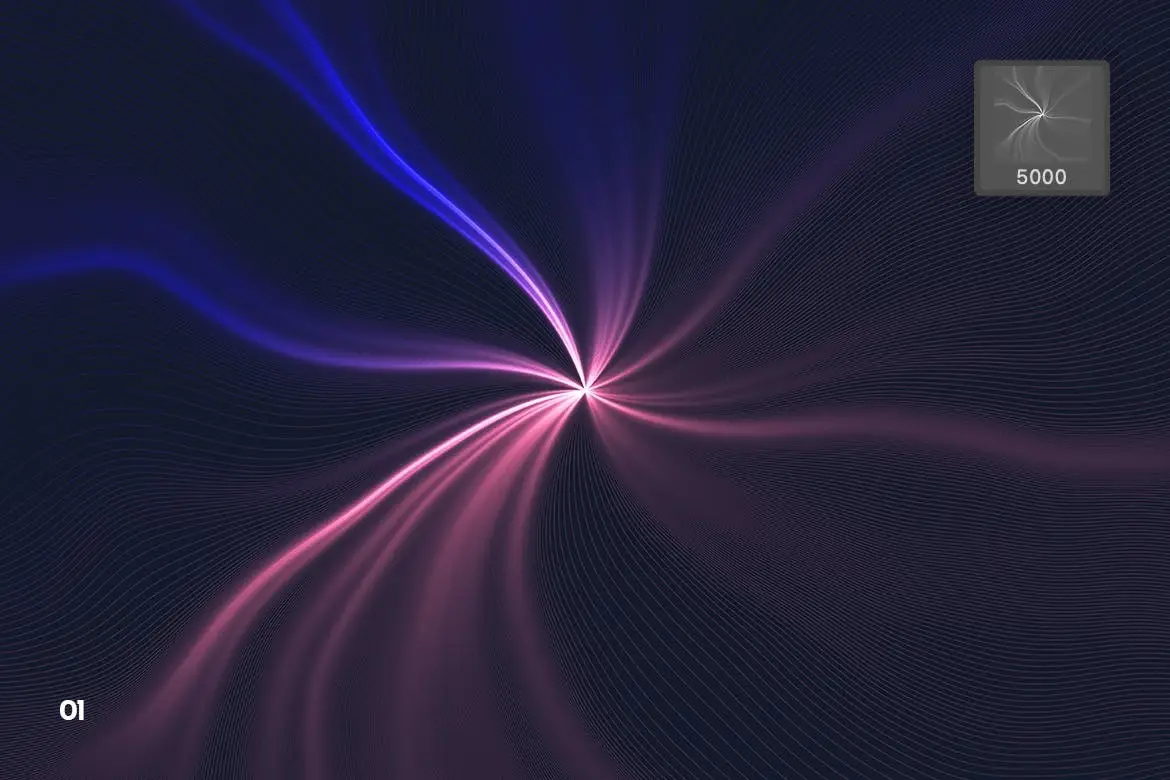
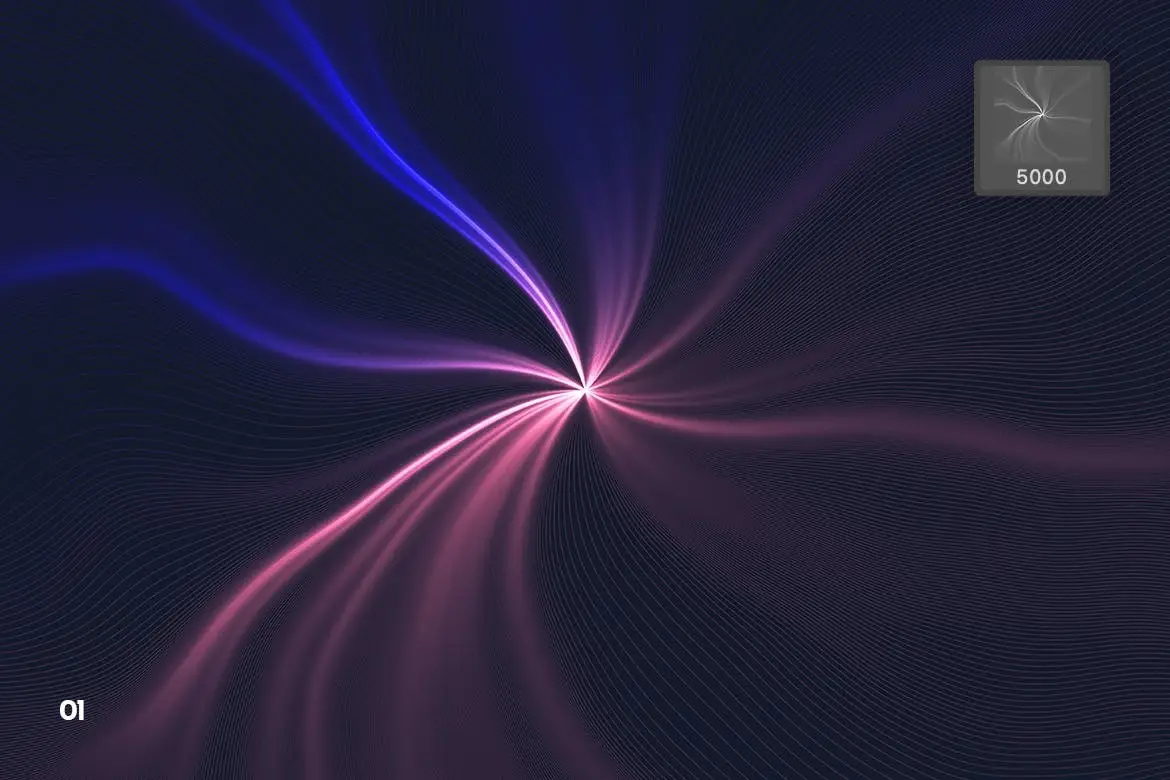
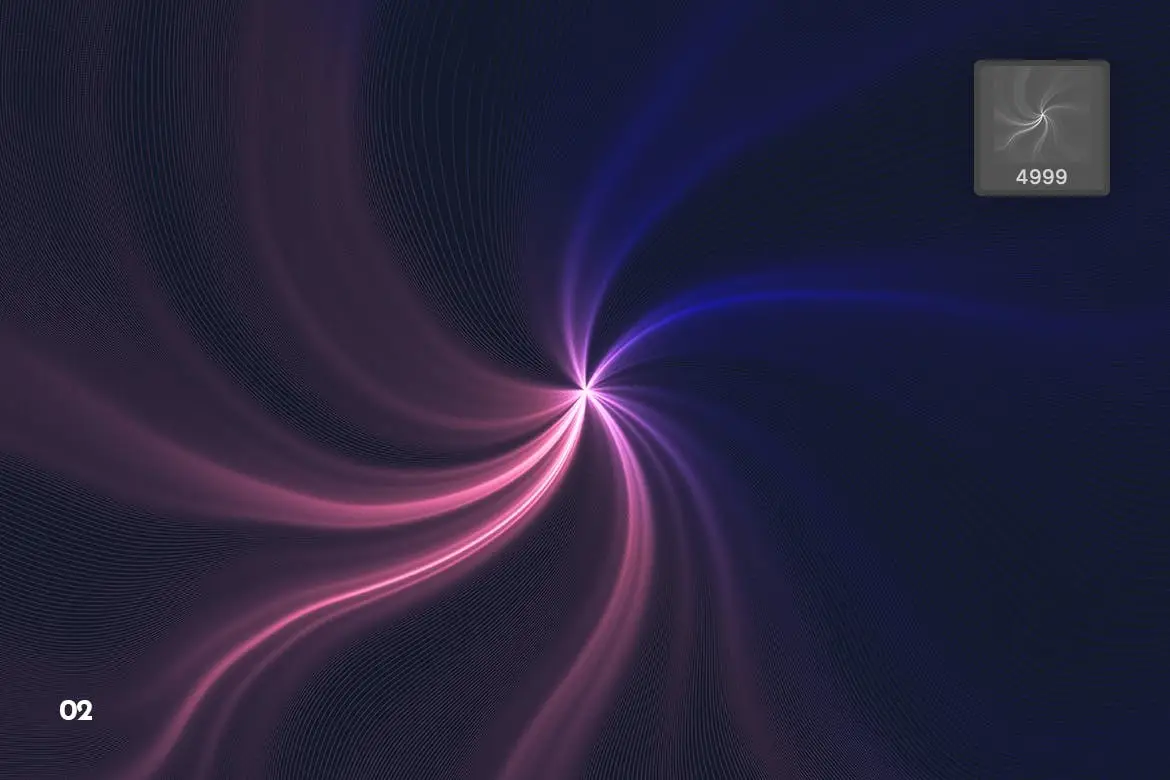
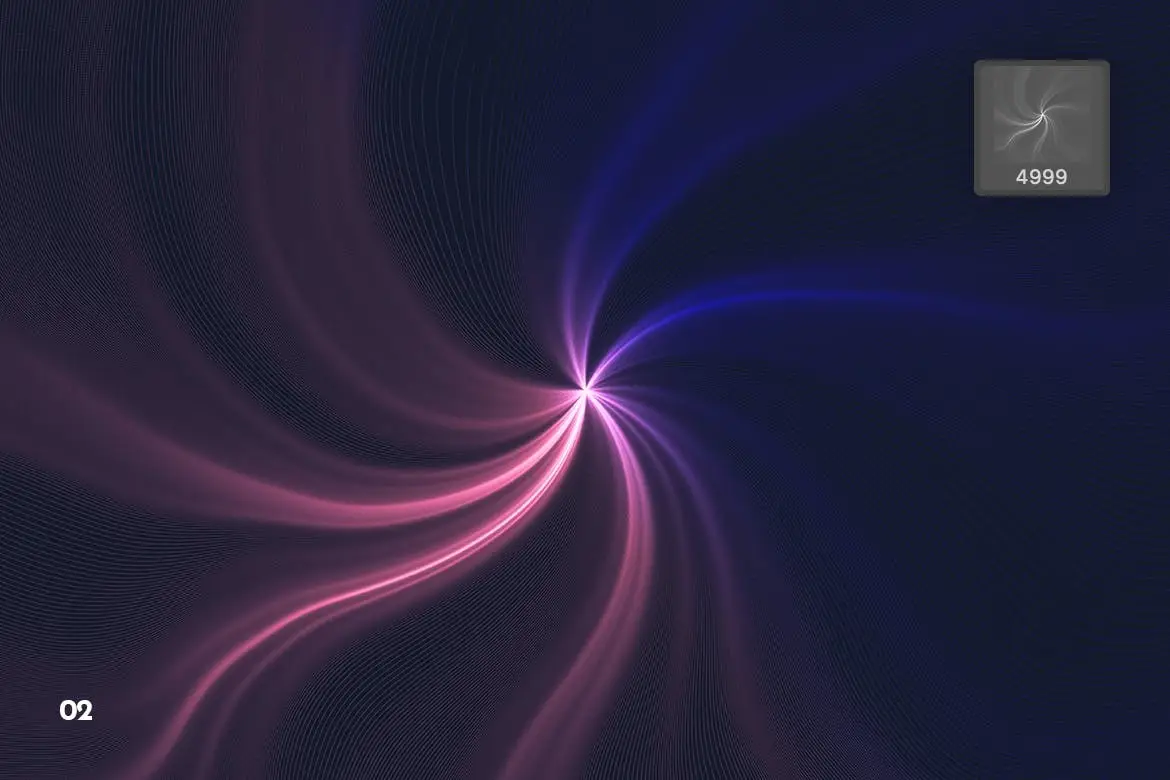
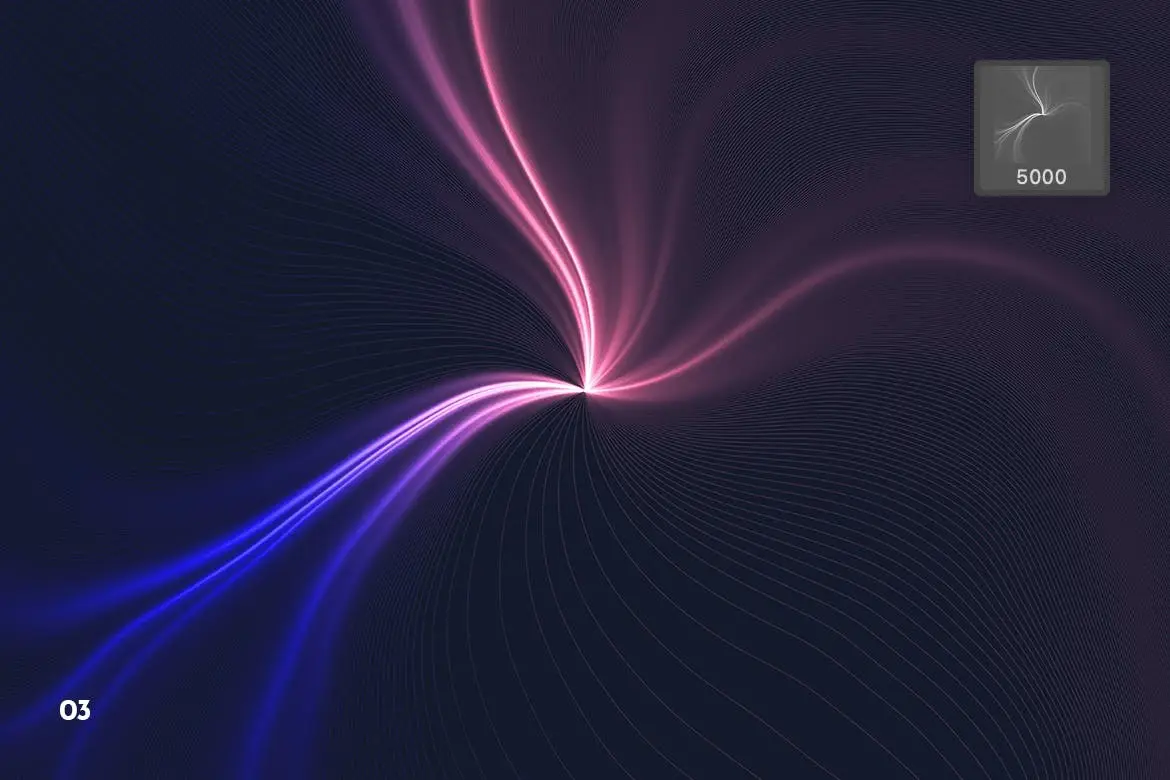
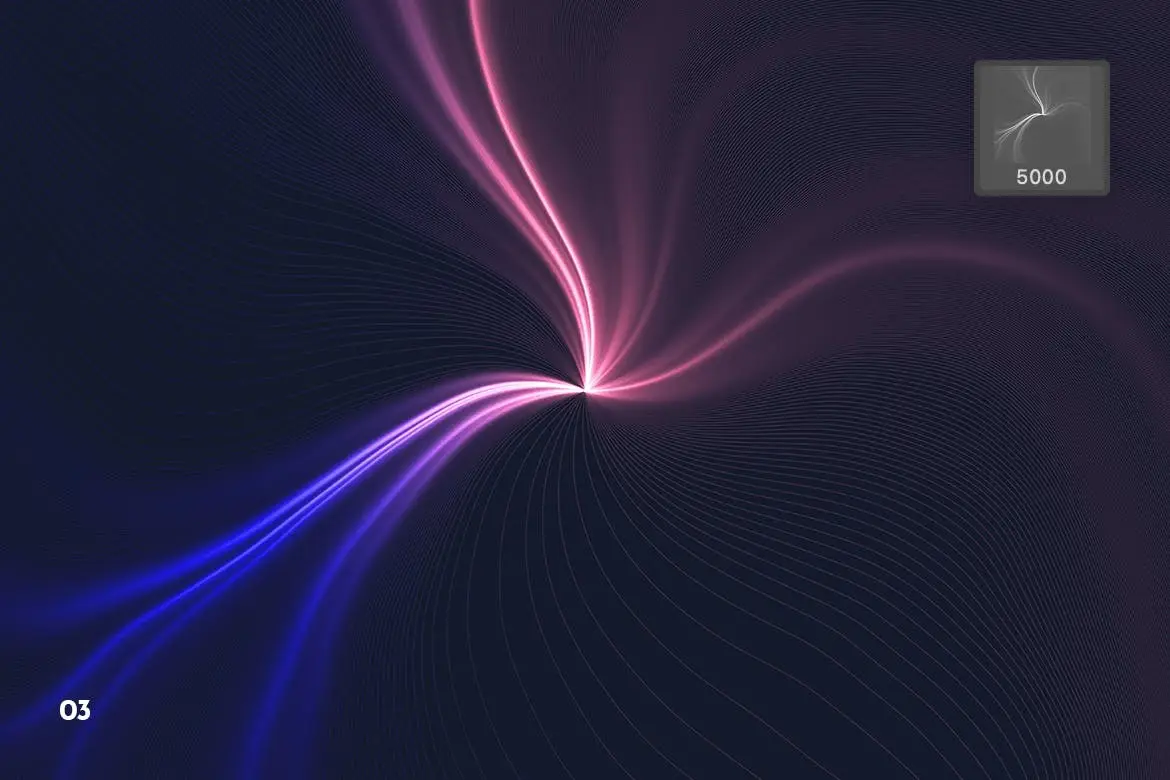
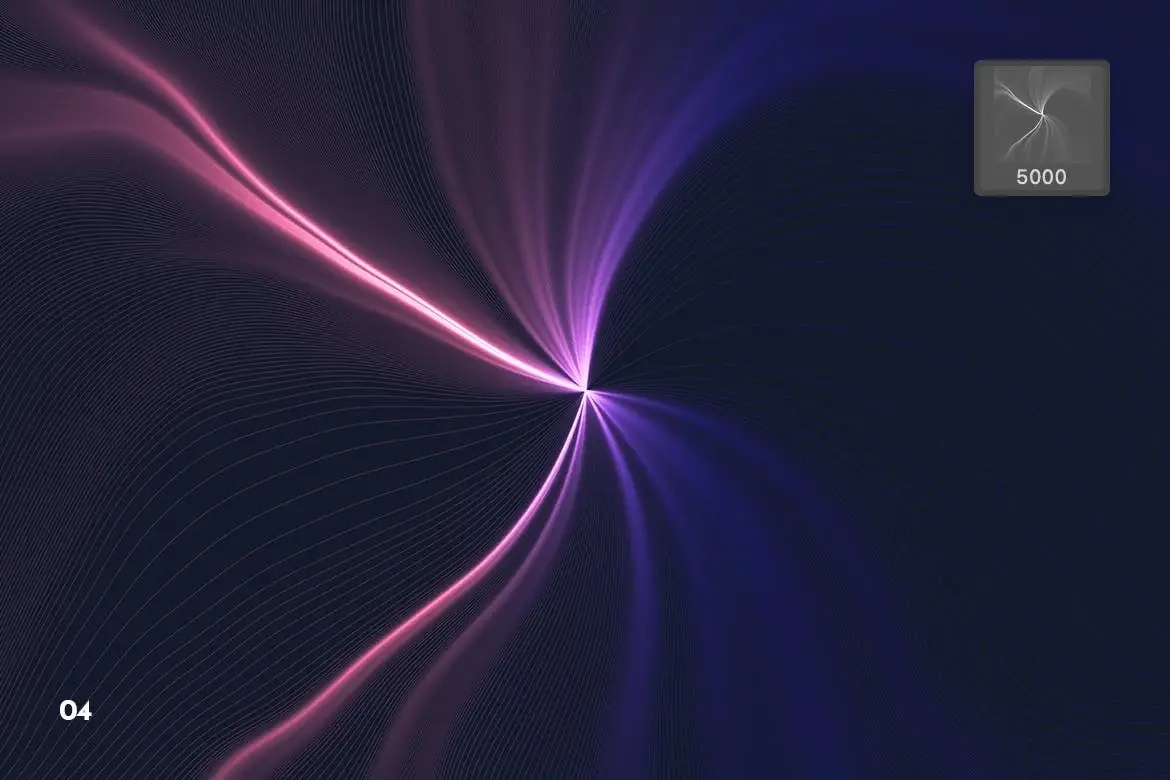
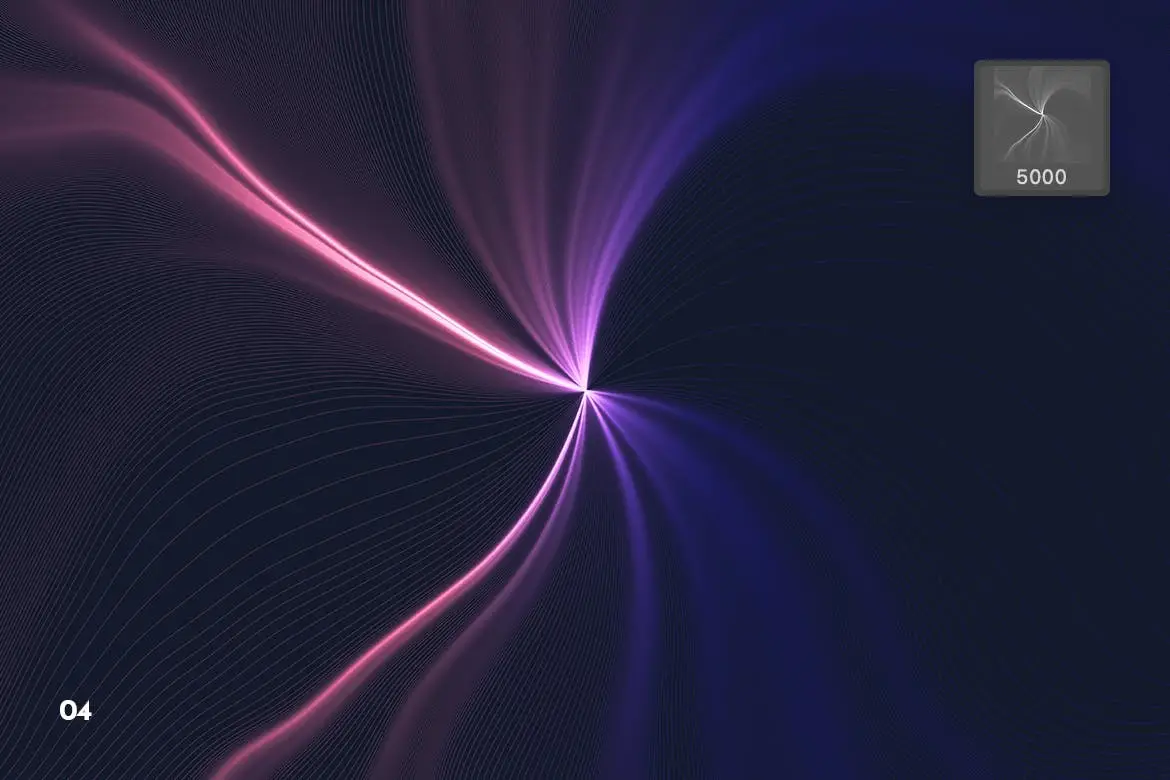
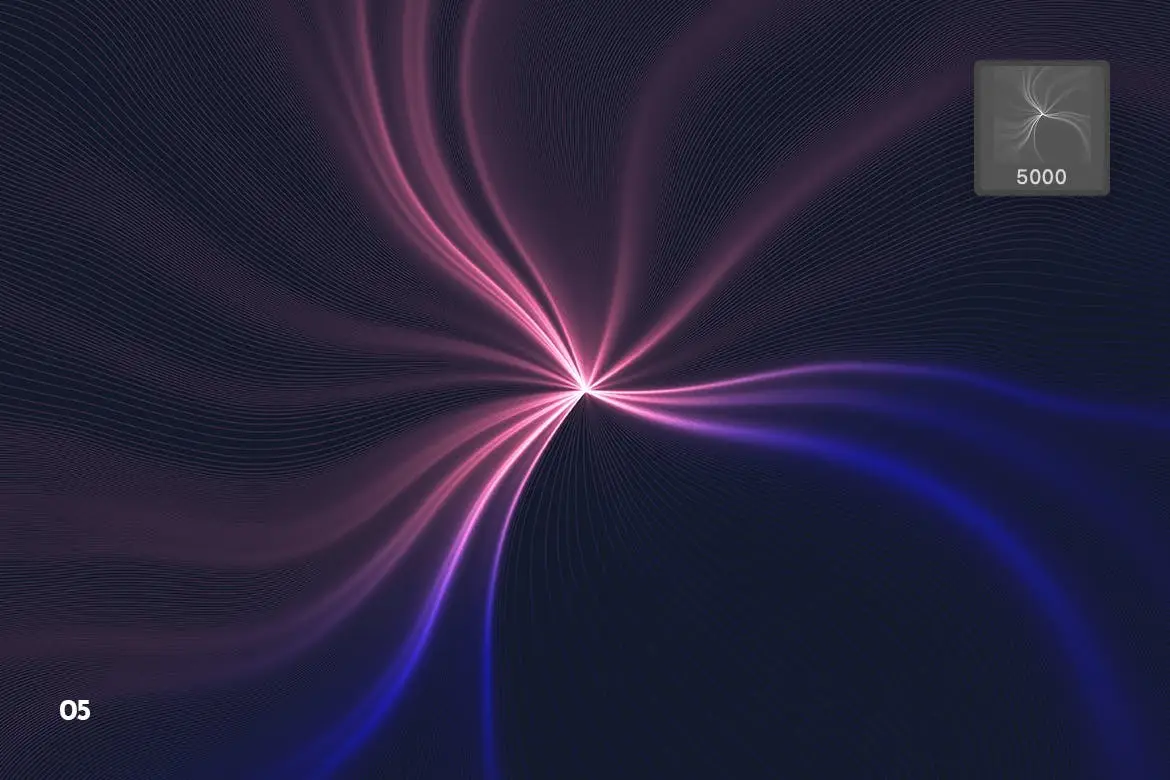
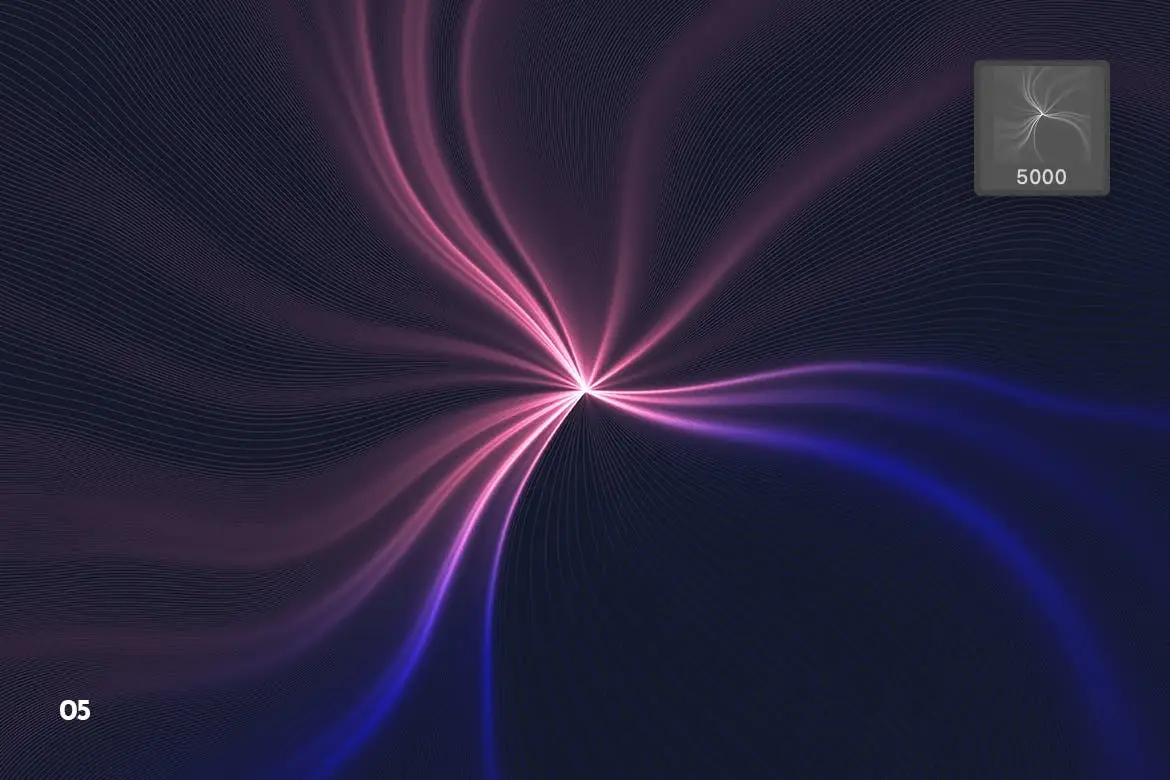
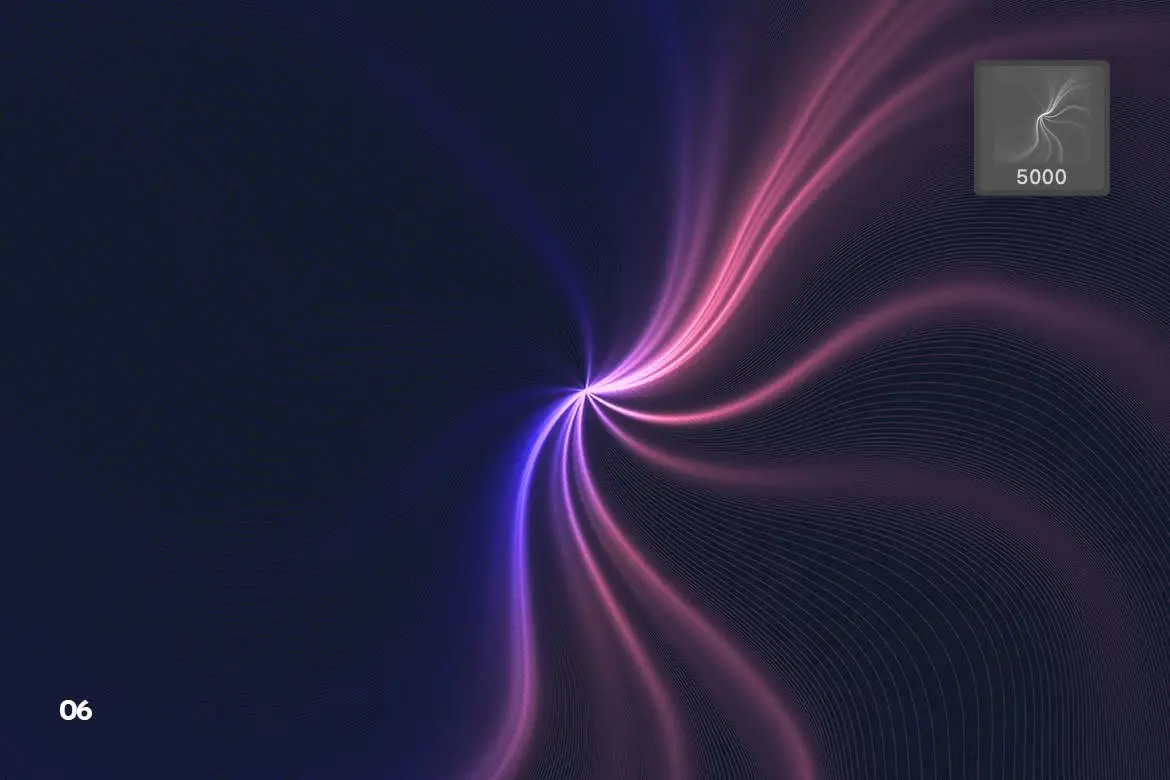
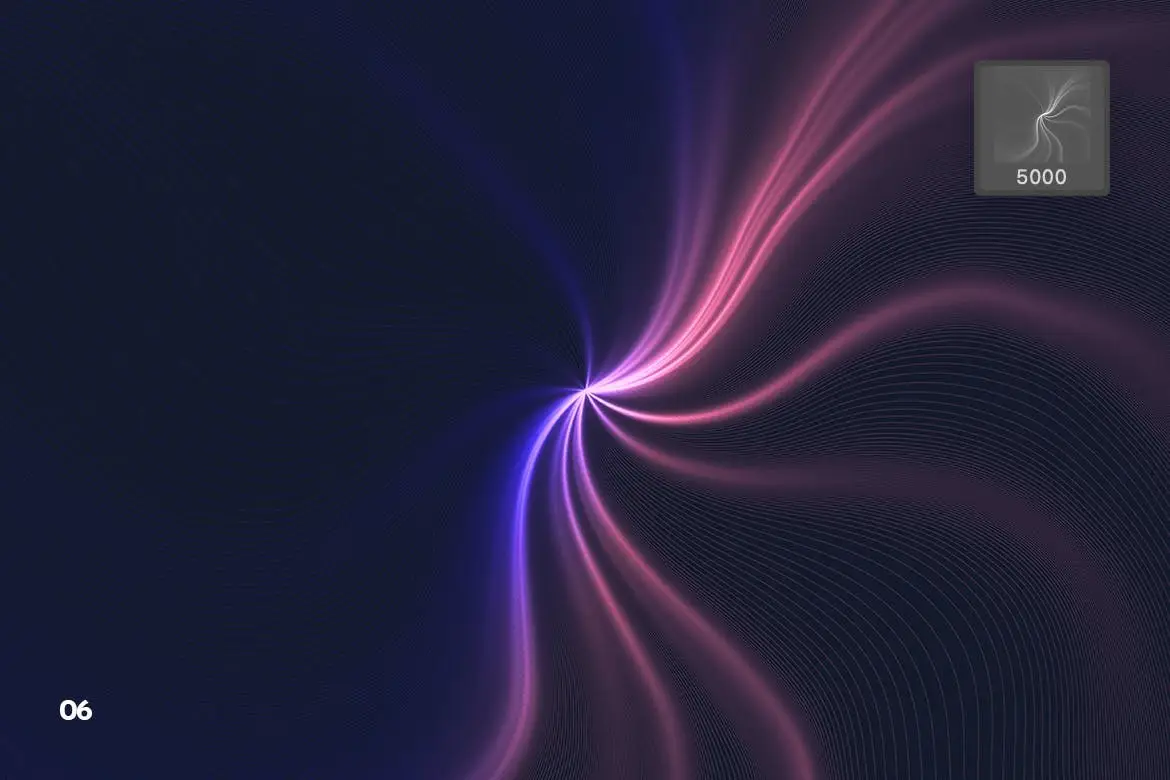
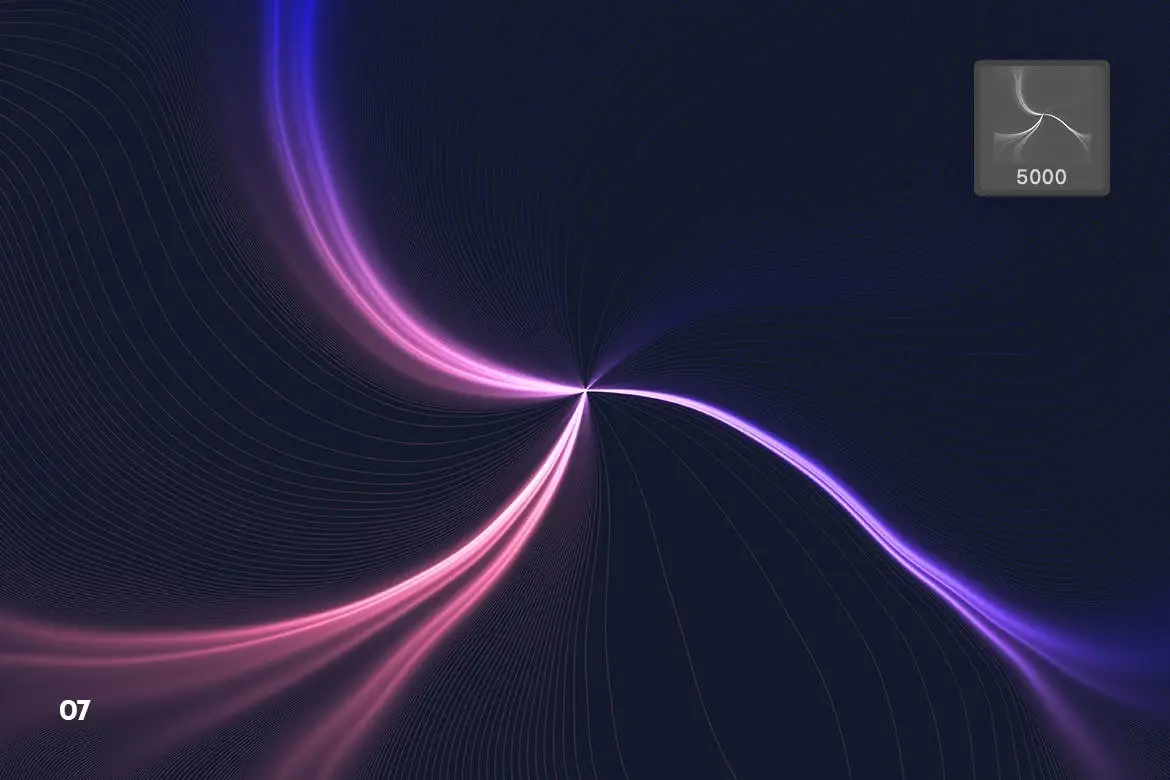
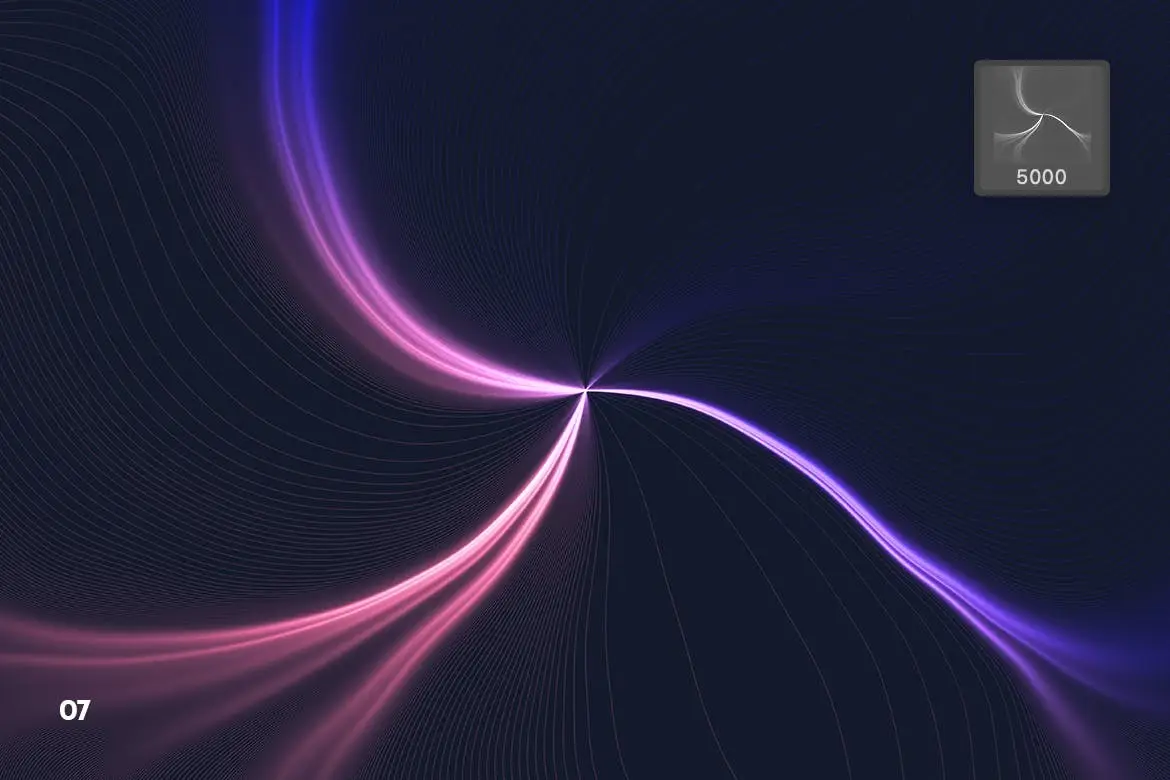
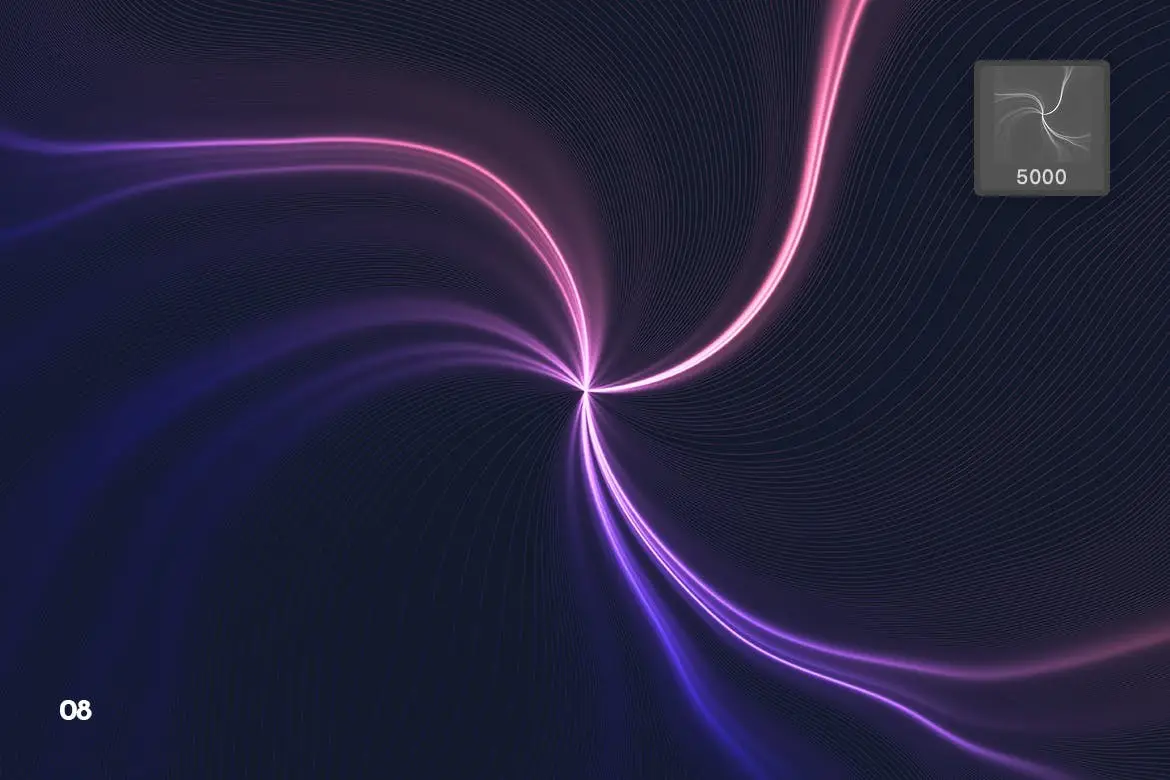
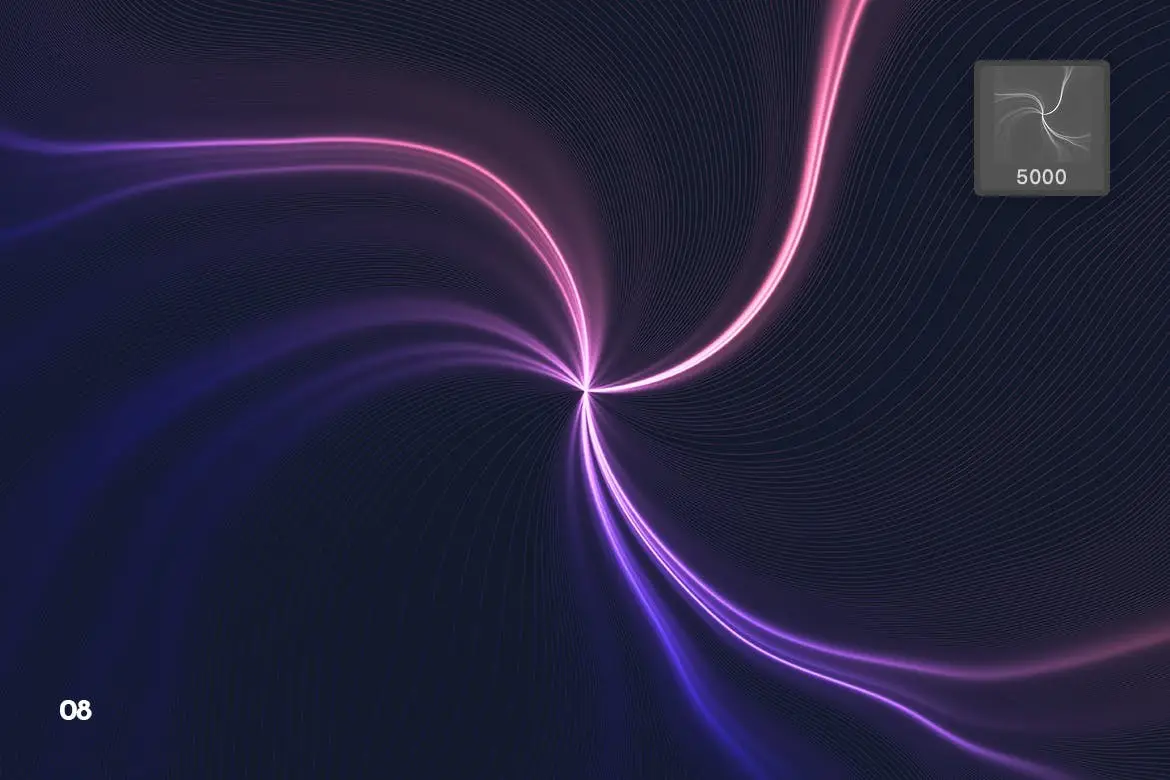
Enhance your creative projects with our Futuristic Radial Swirl Photoshop Brushes. This exclusive set features high-quality brushes designed to add vibrant energy and a modern touch to your artwork. Perfect for artists and designers looking to incorporate abstract and futuristic elements into their designs, these brushes will elevate your work to new heights.
Product Overview
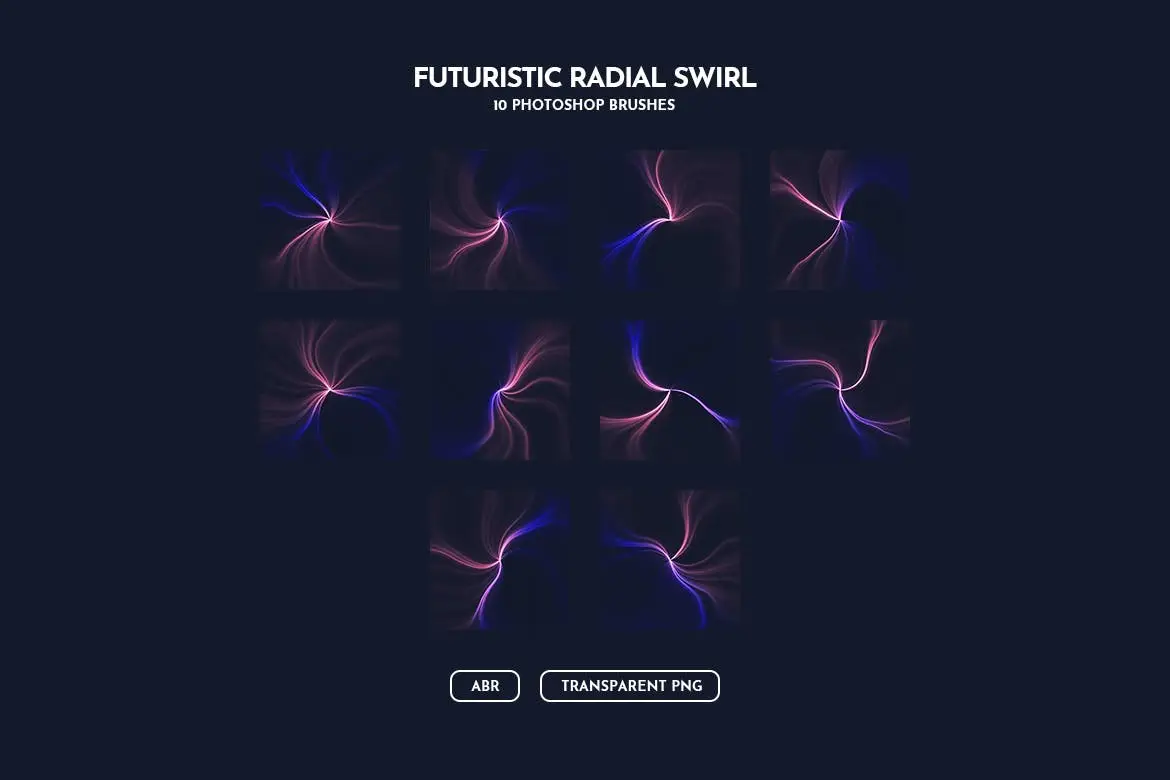
This set includes a collection of radial light swirl brushes, each crafted to provide a unique, dynamic effect. Whether you’re working on digital art, branding materials, or social media graphics, these brushes are versatile enough to meet your creative needs.
Key Features & Benefits
- ✅ High-Quality Brushes → Create stunning visuals with professional-grade brushes.
- ✅ Easy Installation → Simply load the ABR file into Photoshop for immediate use.
- ✅ High Resolution → Each brush is designed at a pixel dimension of 5000, ensuring clarity and detail.
- ✅ Compatible with Adobe Photoshop → Seamlessly integrate these brushes into your workflow.
- ✅ Customizable Colors → Adjust colors easily to match your project’s theme.
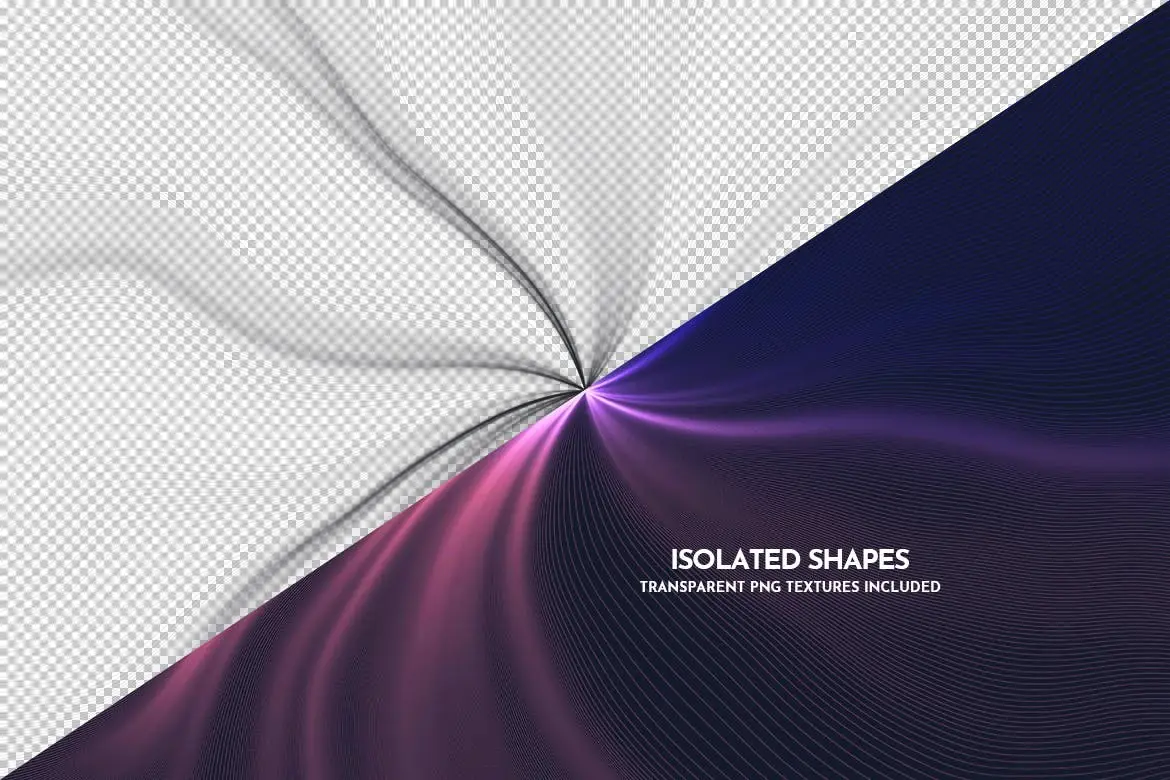
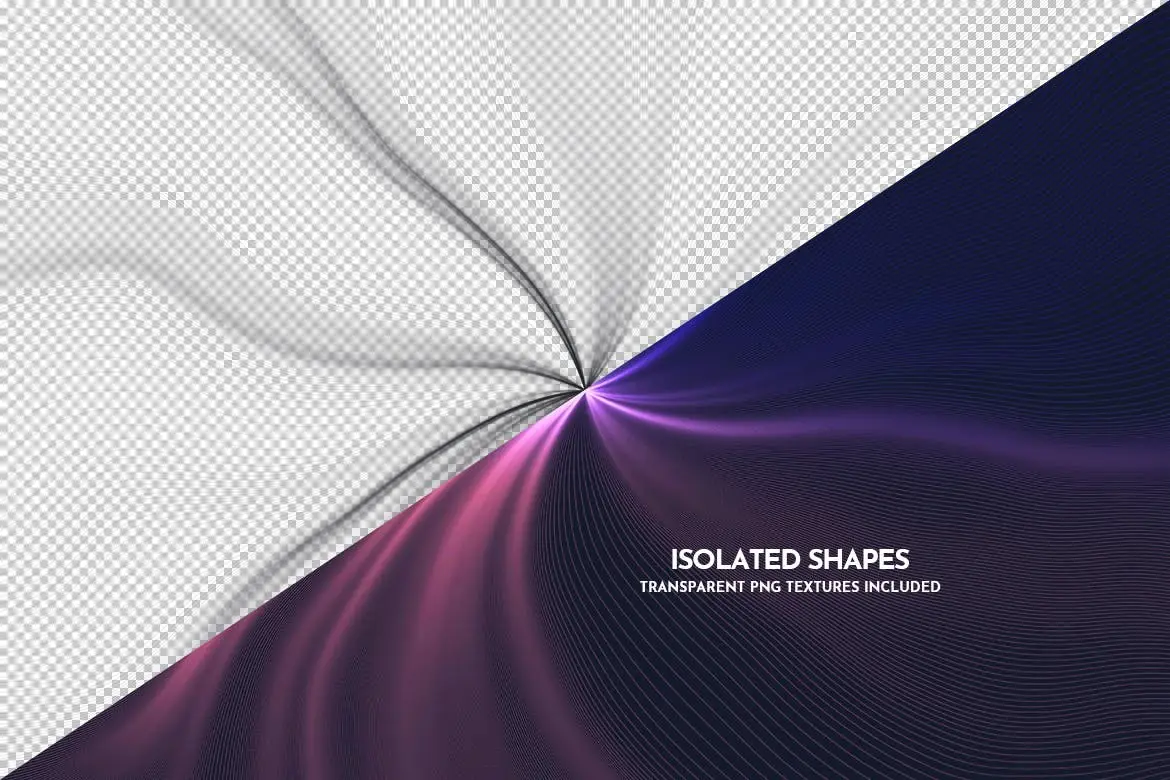
- ✅ Includes Transparent PNG Files → Use the PNG files for added flexibility in your designs.
Why Choose This Product
Our Futuristic Radial Swirl Photoshop Brushes are trusted by designers worldwide for their quality and ease of use. With a focus on innovation and style, these brushes are perfect for creating eye-catching designs that stand out. Whether you’re crafting advertising banners for Google Ads, Facebook, or Instagram, or enhancing your branding presentations, these brushes will help you achieve professional results.
Specifications
| File Type | ABR (Photoshop Brushes) |
|---|---|
| Graphics Files Included | Transparent PNG |
| Pixel Dimensions | 5000 |
What’s Included / What’s in the Box
- 1 ABR file for Photoshop
- Transparent PNG files
Perfect For
- Graphic Designers
- Digital Artists
- Social Media Marketers
- Branding Professionals
How to Use
To get started, simply install the ABR file in Photoshop:
- Open Photoshop and go to the Brushes panel.
- Click on the settings icon and select ‘Import Brushes.’
- Locate the ABR file and click ‘Open.’
- Start creating with your new brushes!
FAQ
- Can I use these brushes in other software? – These brushes are specifically designed for Adobe Photoshop.
- Are the PNG files editable? – Yes, you can edit the PNG files in any compatible graphic design software.
Ready to enhance your designs? Add to cart now and start creating with our Futuristic Radial Swirl Photoshop Brushes! 🚀
User Reviews
Be the first to review “Futuristic Radial Swirl Photoshop Brushes”
You must be logged in to post a review.
Digital Network Flow Of Waves Photoshop Brushes
Sold by Theme Fire
Light Smoke Waves Photoshop Brushes
Sold by Theme Fire
Colorful Heavy Oil Paint Textures
Sold by Theme Fire
Blue Broken Ice Seamless Texture Backgrounds
Sold by Theme Fire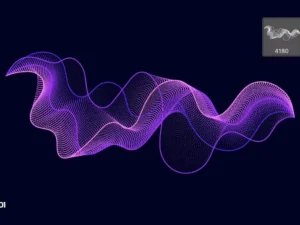
Digital Particle Waves Photoshop Brushes
Sold by Theme Fire
White and Gold Marble Texture Backgrounds
Sold by Theme Fire Original price was: $5.00.$2.50Current price is: $2.50.


There are no reviews yet.