
Fog Smoke Brush & PNG
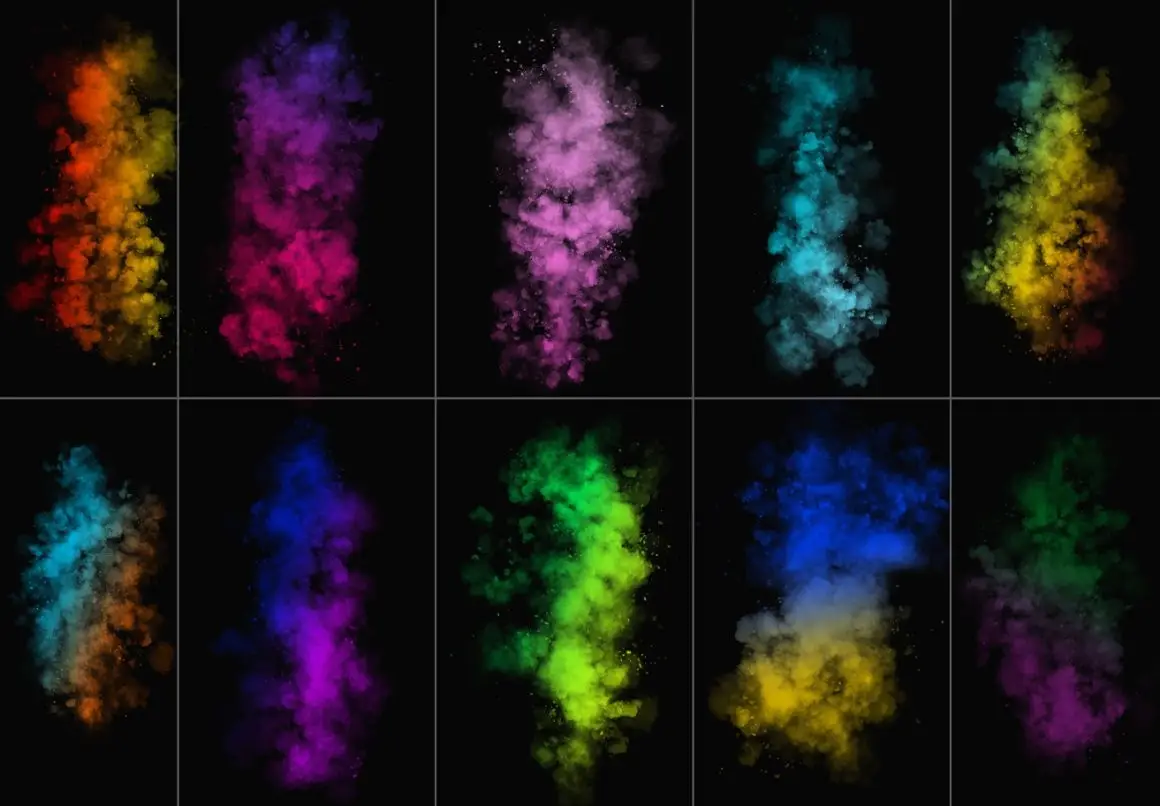
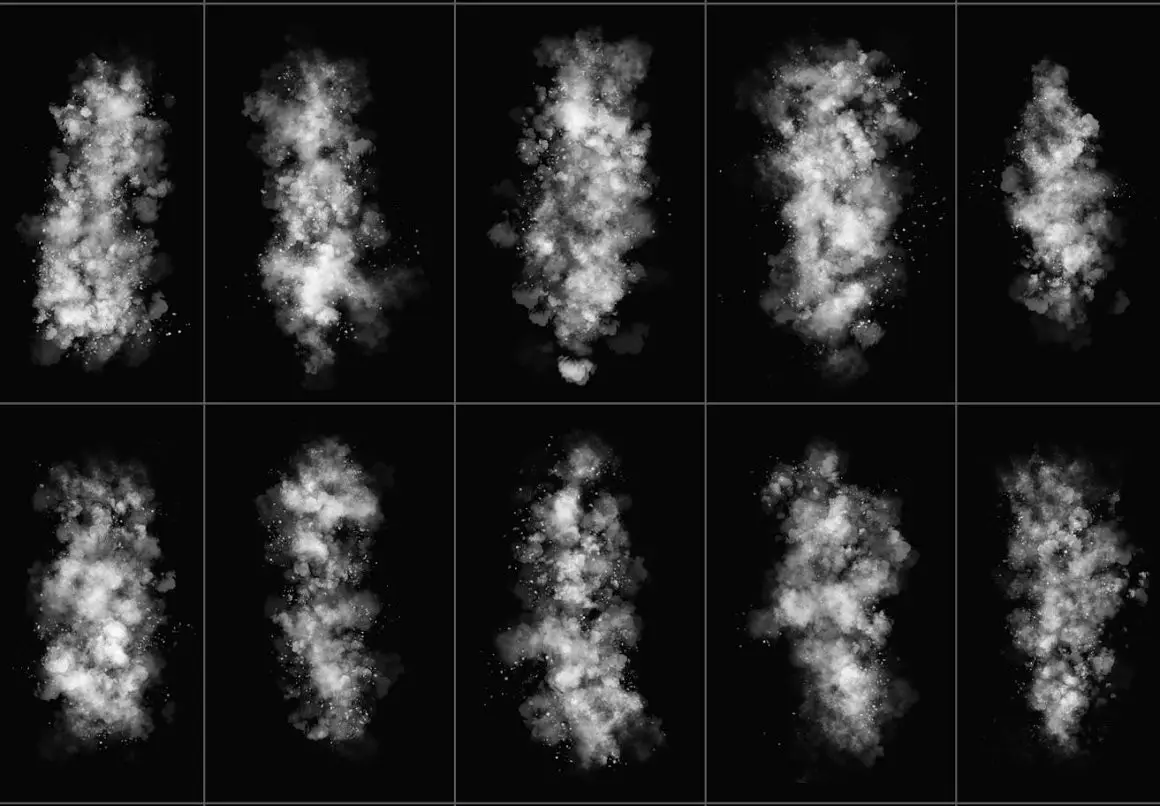

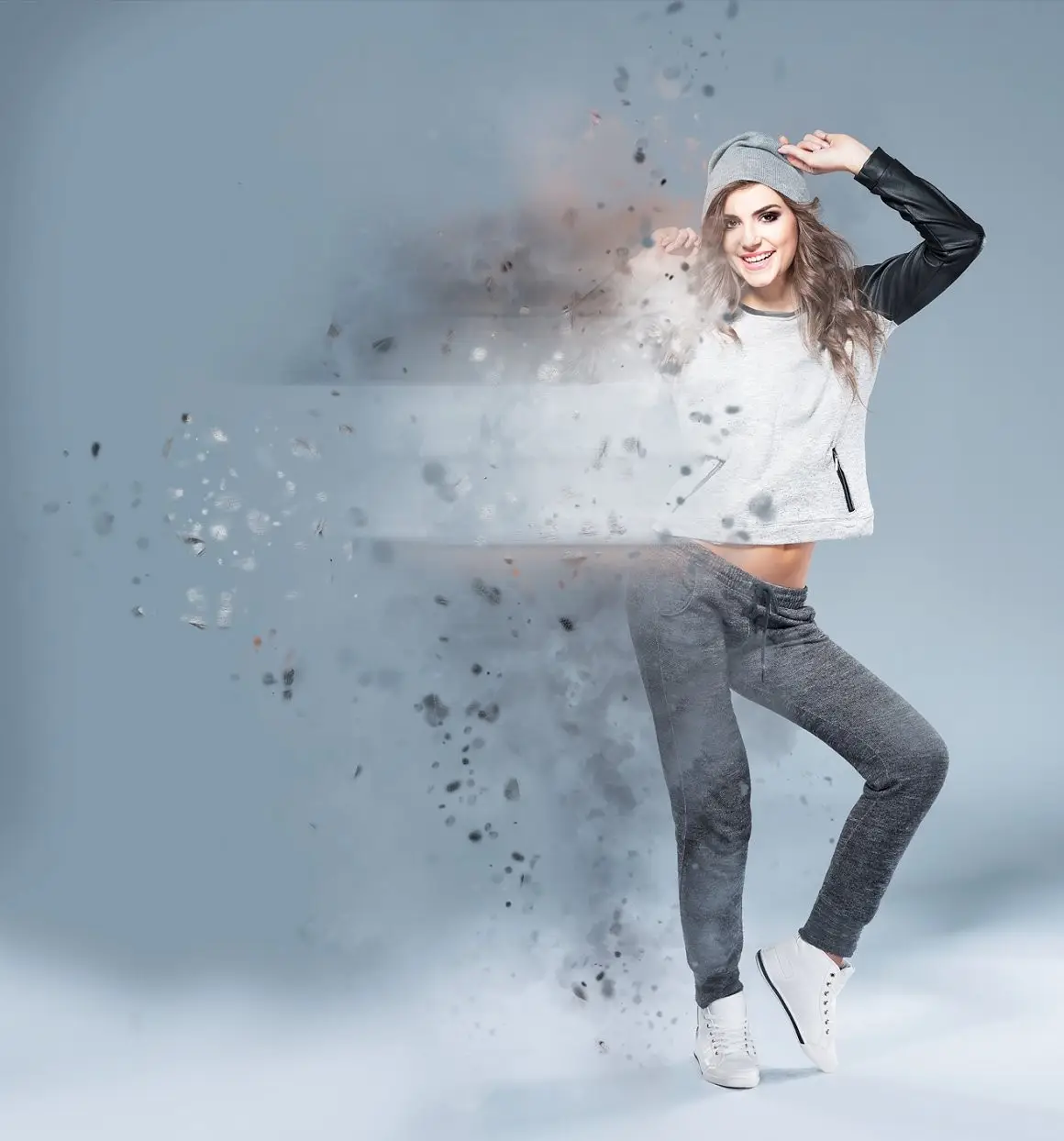
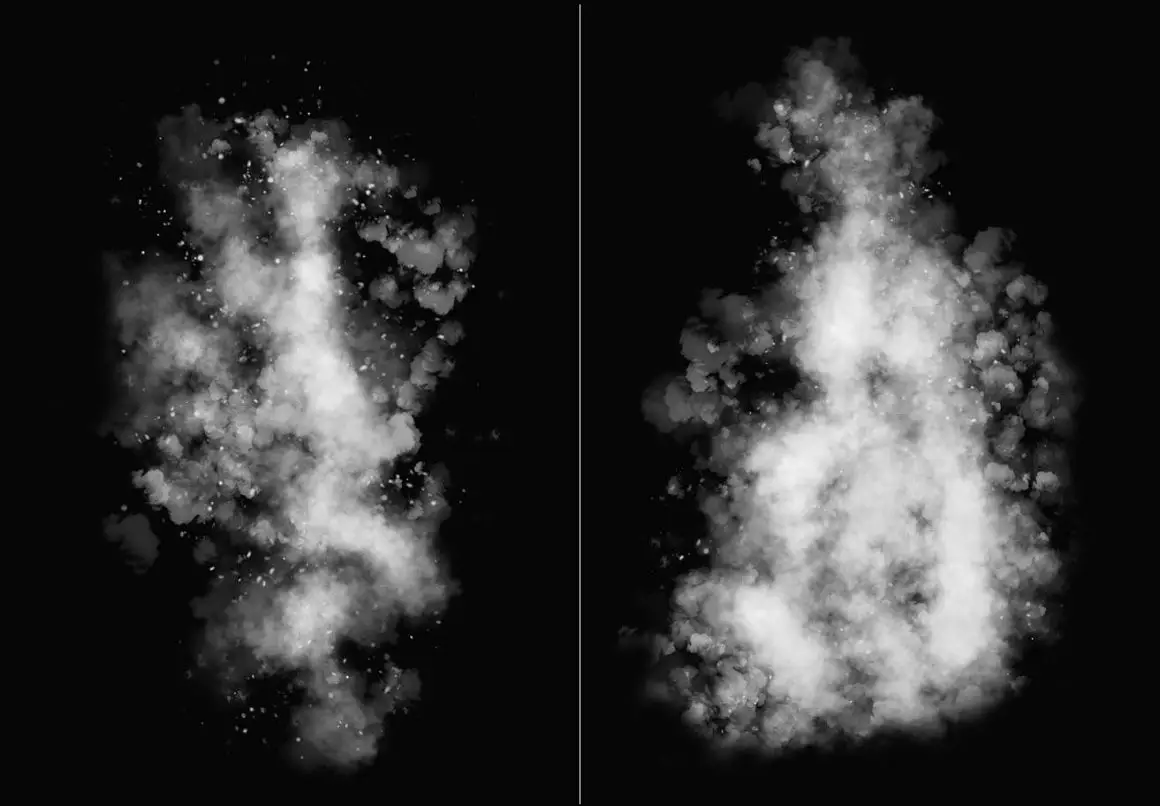
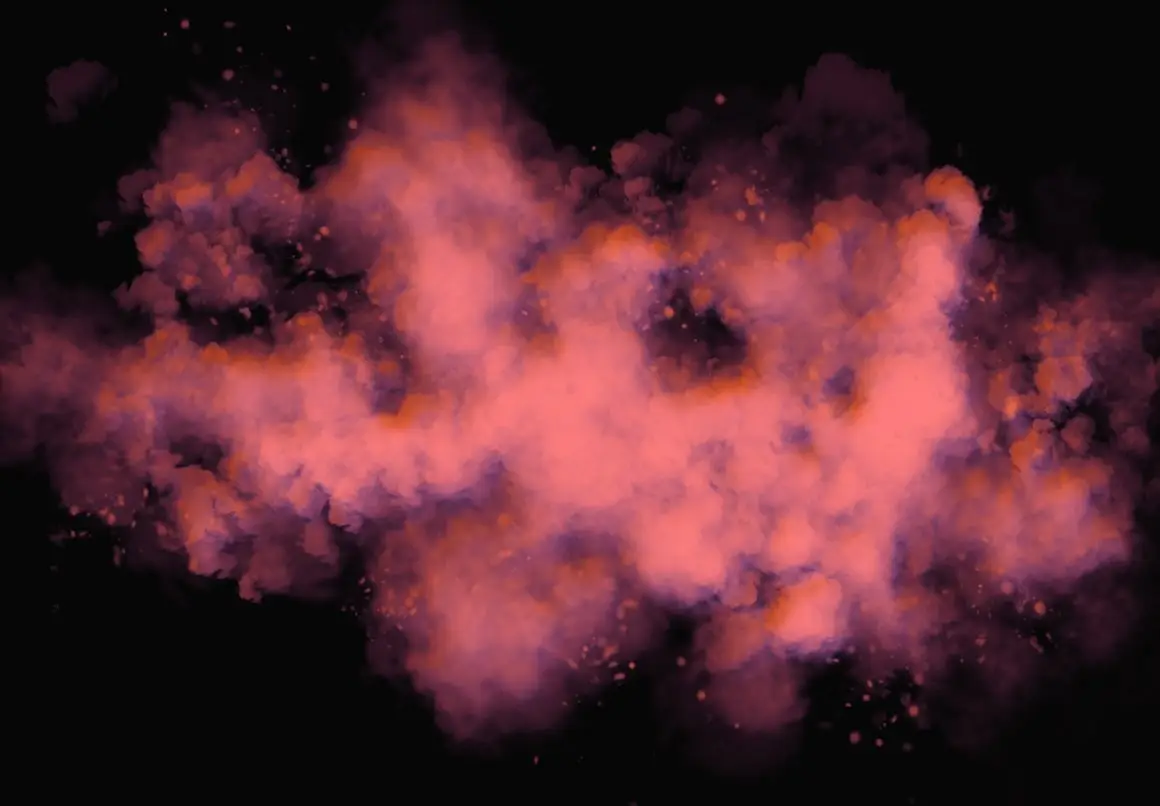
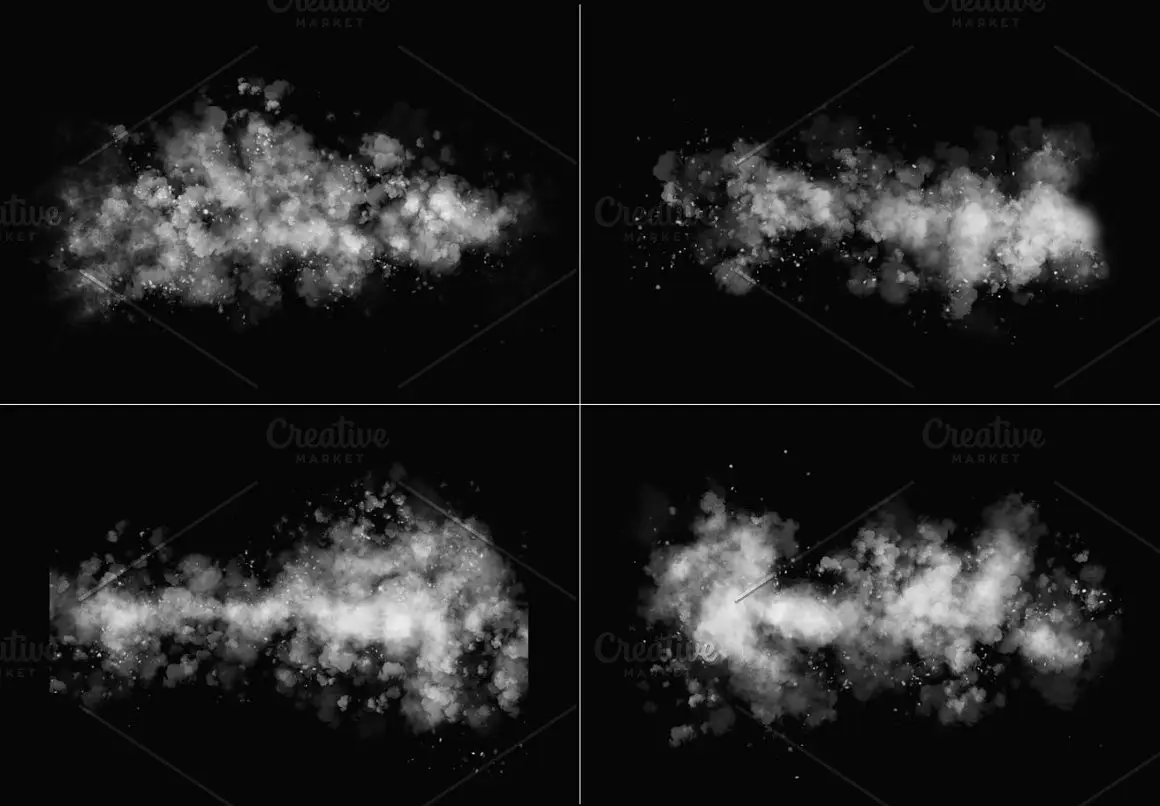
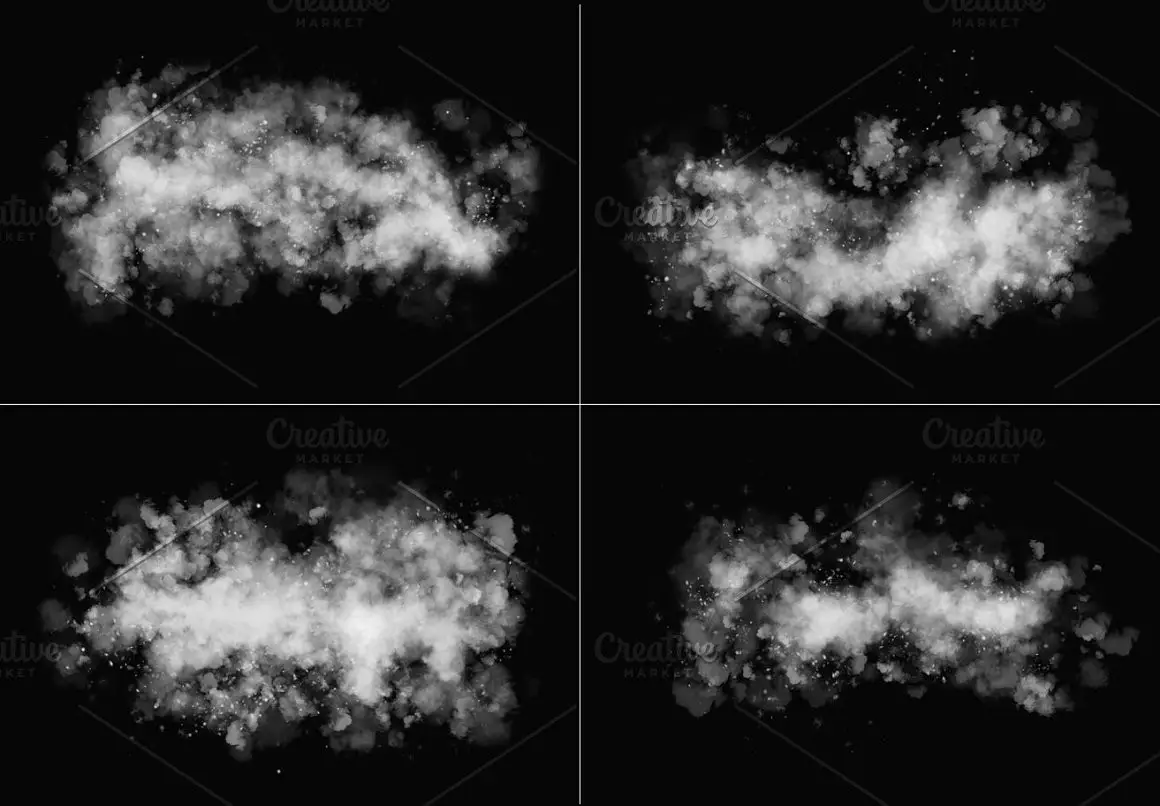
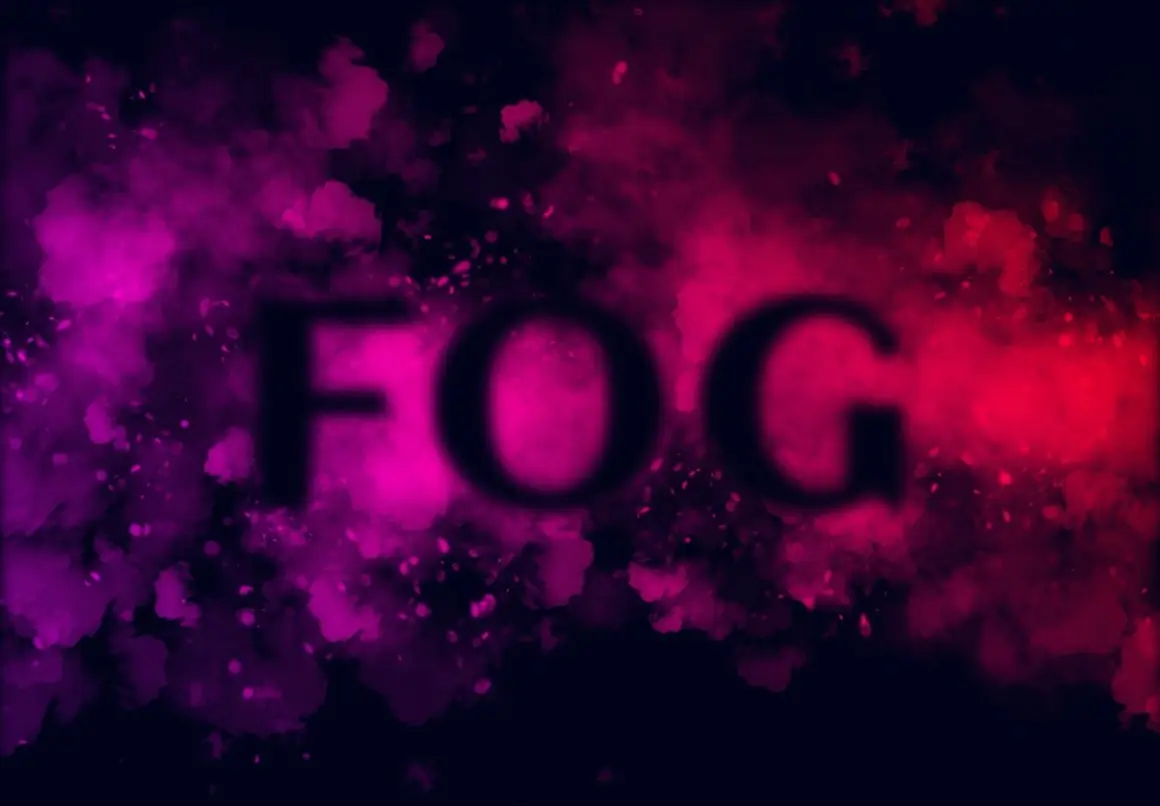
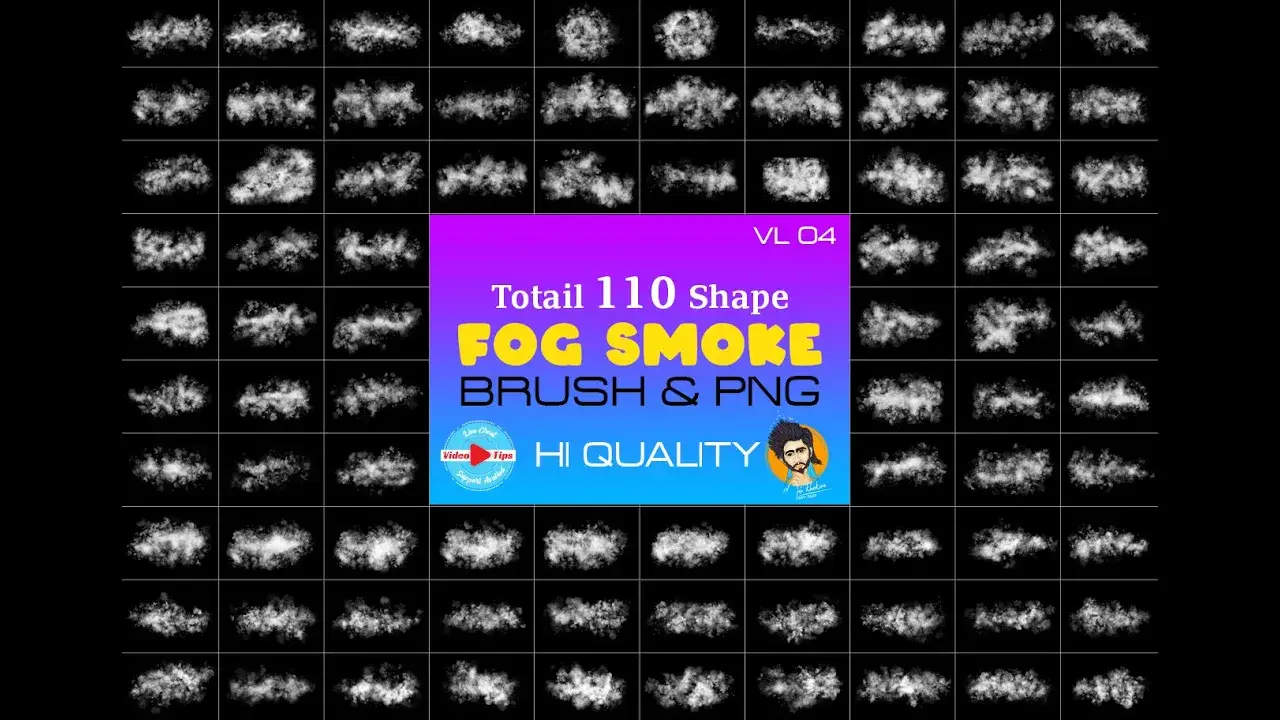
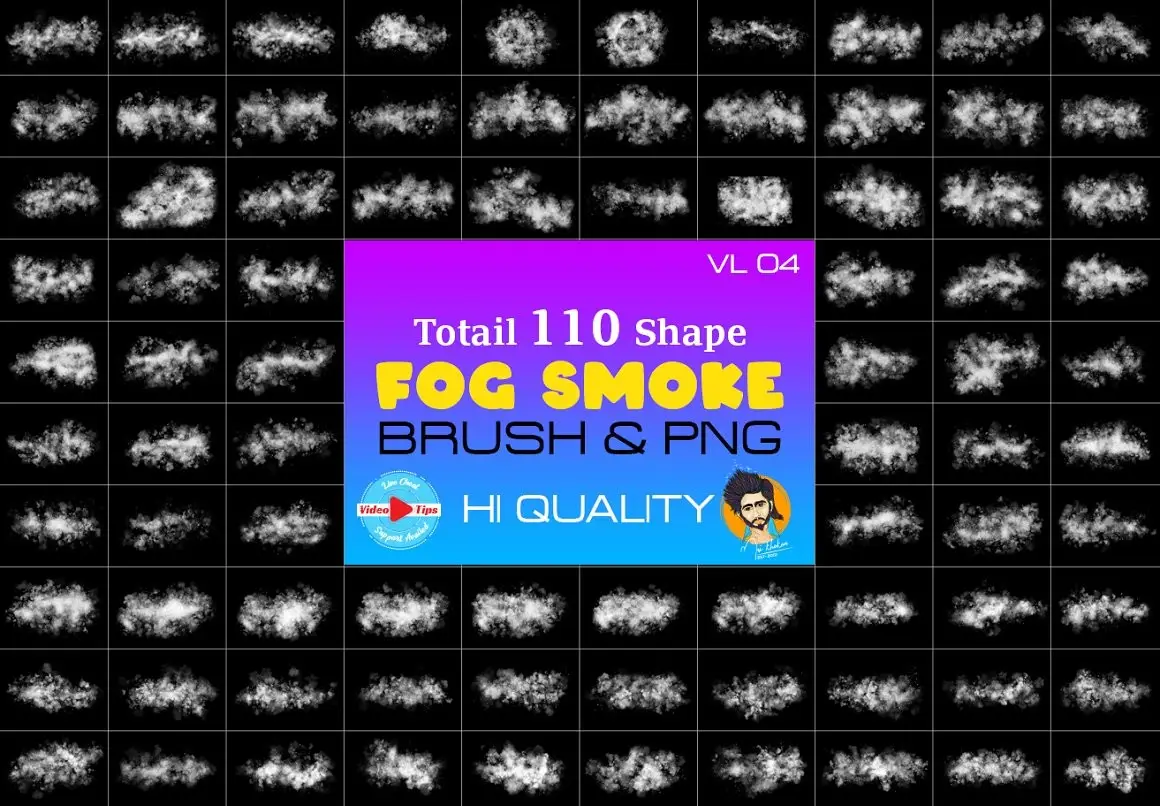
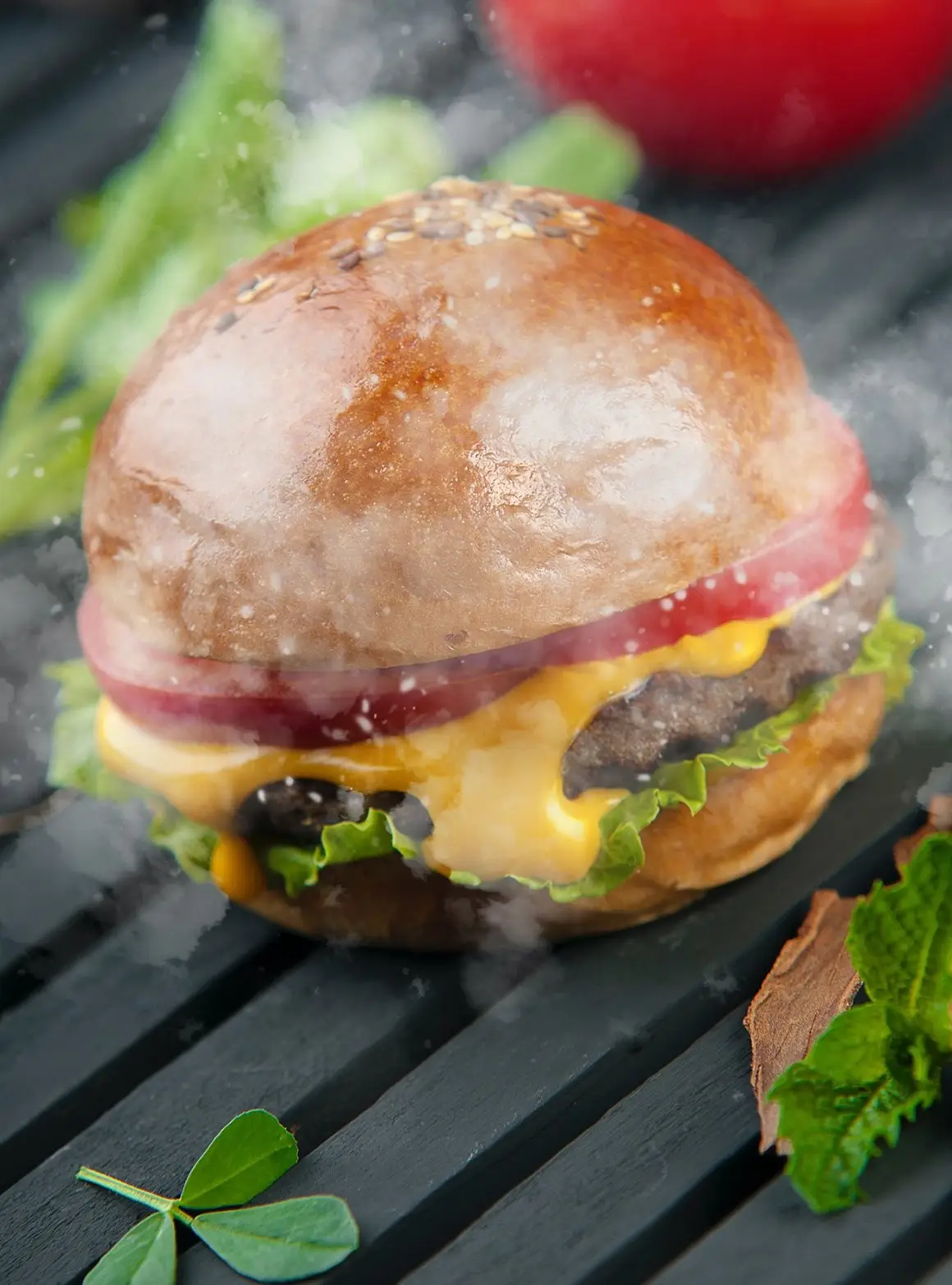
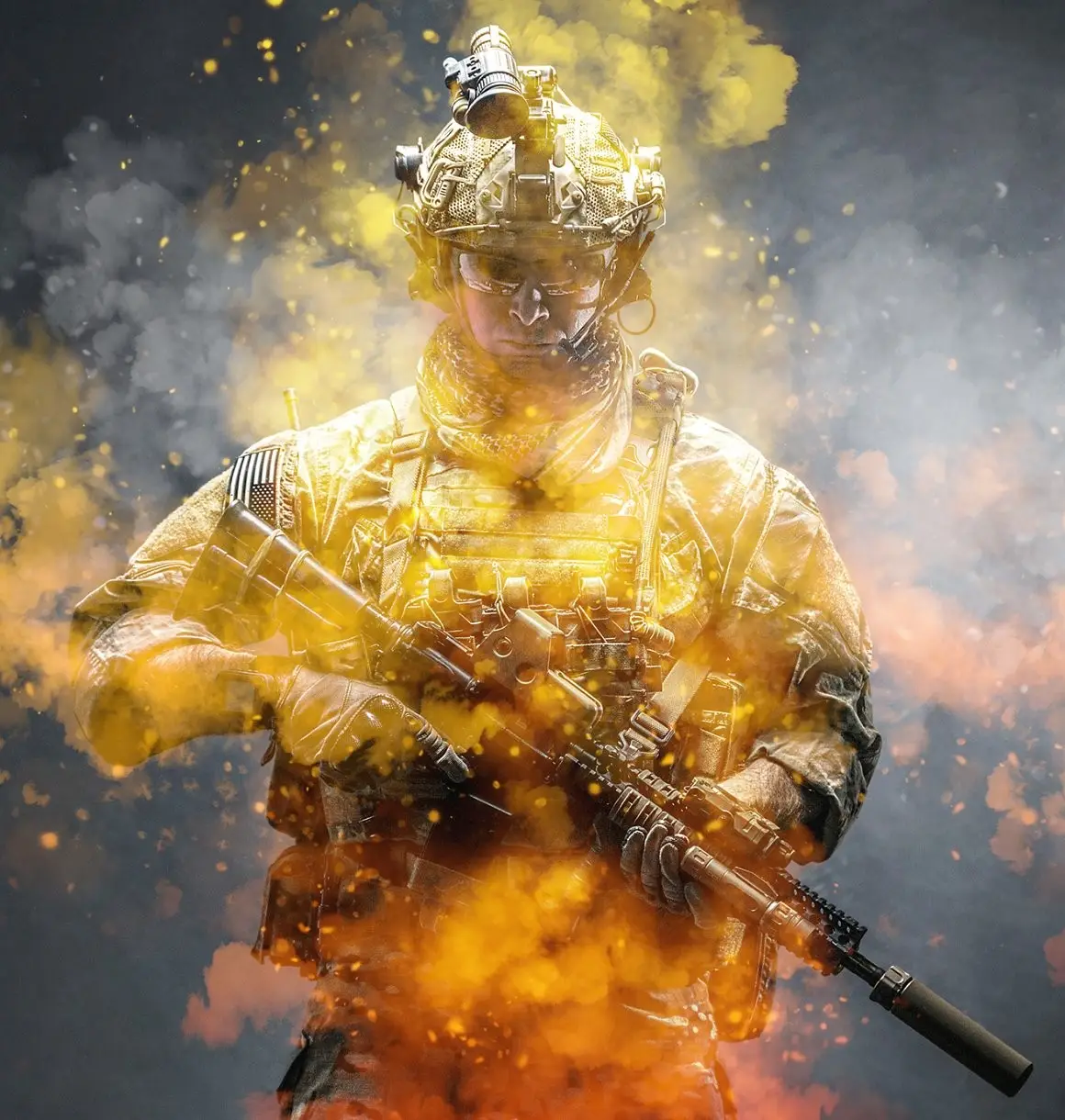
Fog Smoke Brush & PNG for Procreate
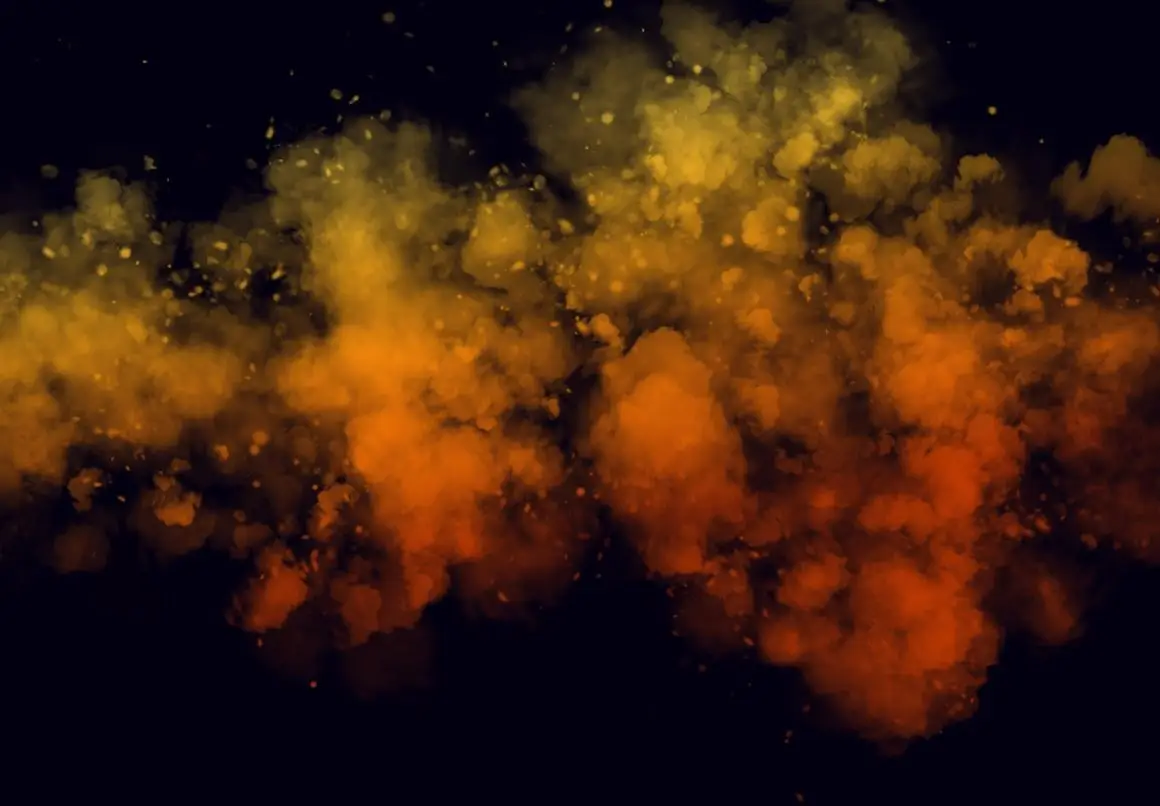
Enhance your creative projects with our Fog Smoke Brush & PNG. Designed specifically for Procreate, this versatile brush set simplifies your manipulation tasks, allowing you to achieve stunning visual effects effortlessly. Whether you’re creating dynamic backgrounds or eye-catching banners, this collection is your go-to solution.
Product Overview
The Fog Smoke Brush & PNG set includes high-quality brushes and transparent PNG files, perfect for artists and designers looking to add depth and atmosphere to their work. With the ability to customize colors, you can create unique designs that stand out.
Key Features & Benefits
- ✅ Two Brush Styles → Includes row style and fad style brushes for diverse effects.
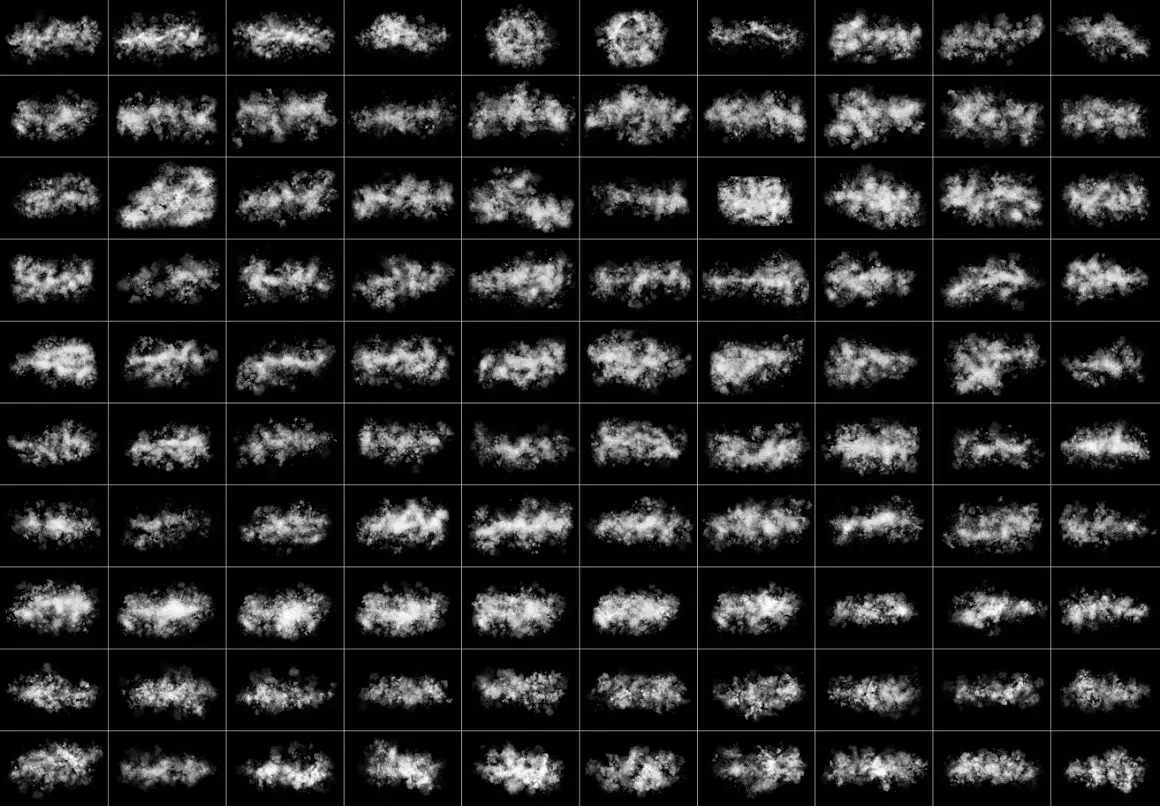
- ✅ Transparent PNG Files → 220 high-resolution PNG files for seamless integration into your designs.
- ✅ User-Friendly → Easy to use with one-click actions for quick application.
- ✅ Comprehensive Tutorials → Step-by-step video guides help you master the brushes and achieve professional results.
- ✅ Lifetime Updates → Regular updates ensure you always have the latest features and improvements.
Why Choose This Product
Our Fog Smoke Brush & PNG is crafted with attention to detail, ensuring you receive a product that meets high-quality standards. With world-class customer support, you can rely on us for assistance whenever needed. Plus, our live chat feature allows you to resolve any issues in real-time, enhancing your experience.
Specifications
| File Format | Photoshop Abr. (Brush files), PNG |
|---|---|
| Included Files | 110 Unique Shapes, 220 Brush Files, 220 Transparent PNGs |
| Compatibility | Procreate, Photoshop CS5.5 and later |
What’s Included
- 📦 110 Unique Shapes
- 📦 220 Photoshop Abr. format files
- 📦 220 Transparent PNG files
- 📦 Step-by-step video tutorials
Perfect For
- Artists looking to create dynamic backgrounds
- Graphic designers for promotional materials
- Anyone interested in sublimation printing
How to Use
To get the best results from your Fog Smoke Brush & PNG, follow these simple steps:
- Install the brush files into Procreate.
- Choose your desired brush style and color.
- Apply the brush to your canvas and adjust as needed.
- Refer to the tutorial video for detailed instructions.
FAQ
- Can I use these brushes in other software? No, they are designed specifically for Procreate and Photoshop.
- Are there any discounts available? Yes, the current price is discounted, but it may increase later.
Don’t miss out on this high-quality collection! Add to cart now and start creating stunning visuals today! 🚀
Original price was: $9.00.$4.50Current price is: $4.50.


There are no reviews yet.