
Floating Dust Photoshop Overlays & Action




Original price was: $5.00.$2.50Current price is: $2.50.

walllow
Product Specs:
- Compatible with: Overlays | Photoshop
- File Type: ZIP
- File Size: 69.5 MB
- Instant Download
Floating Dust Photoshop Overlays & Action
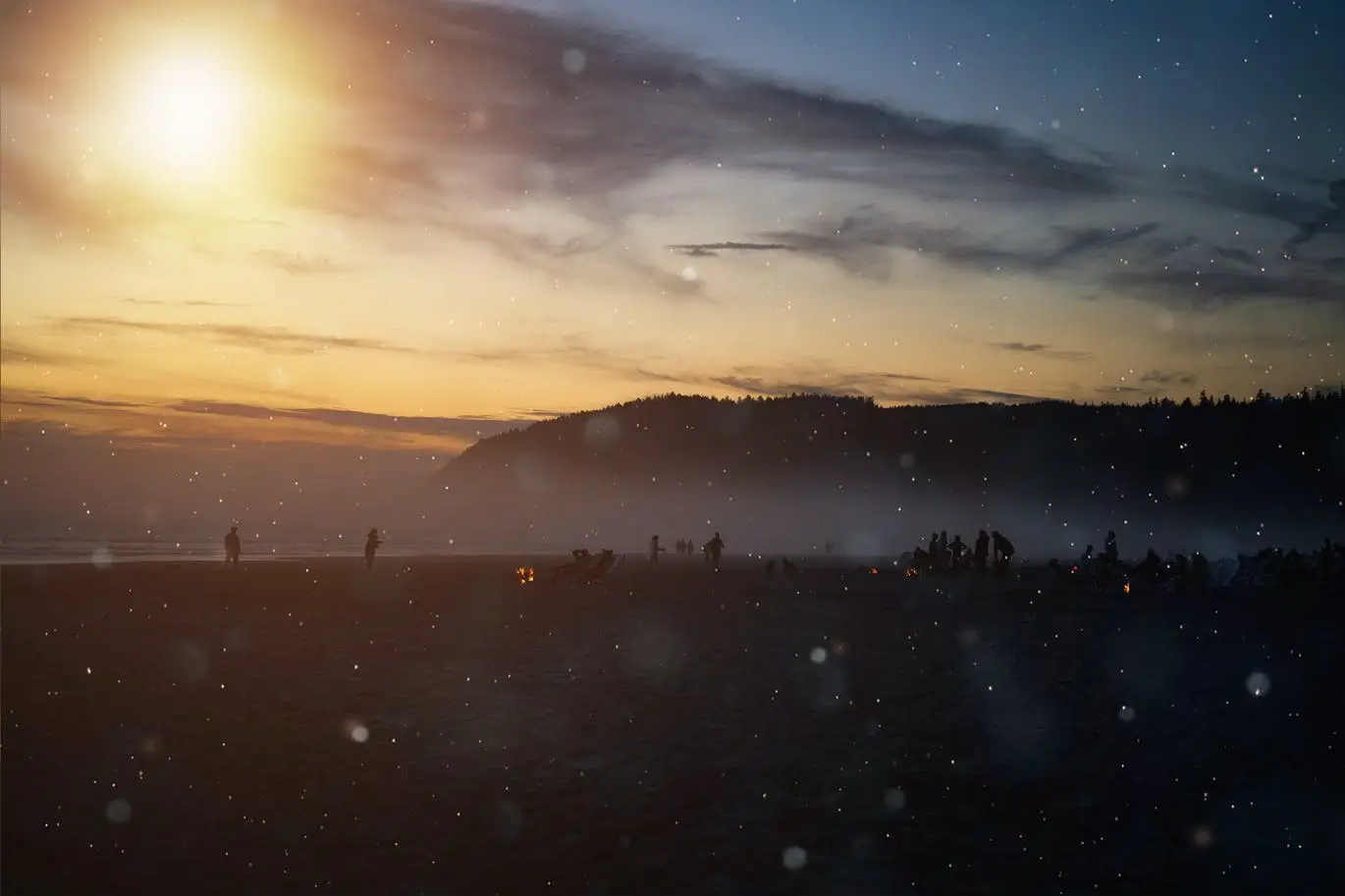
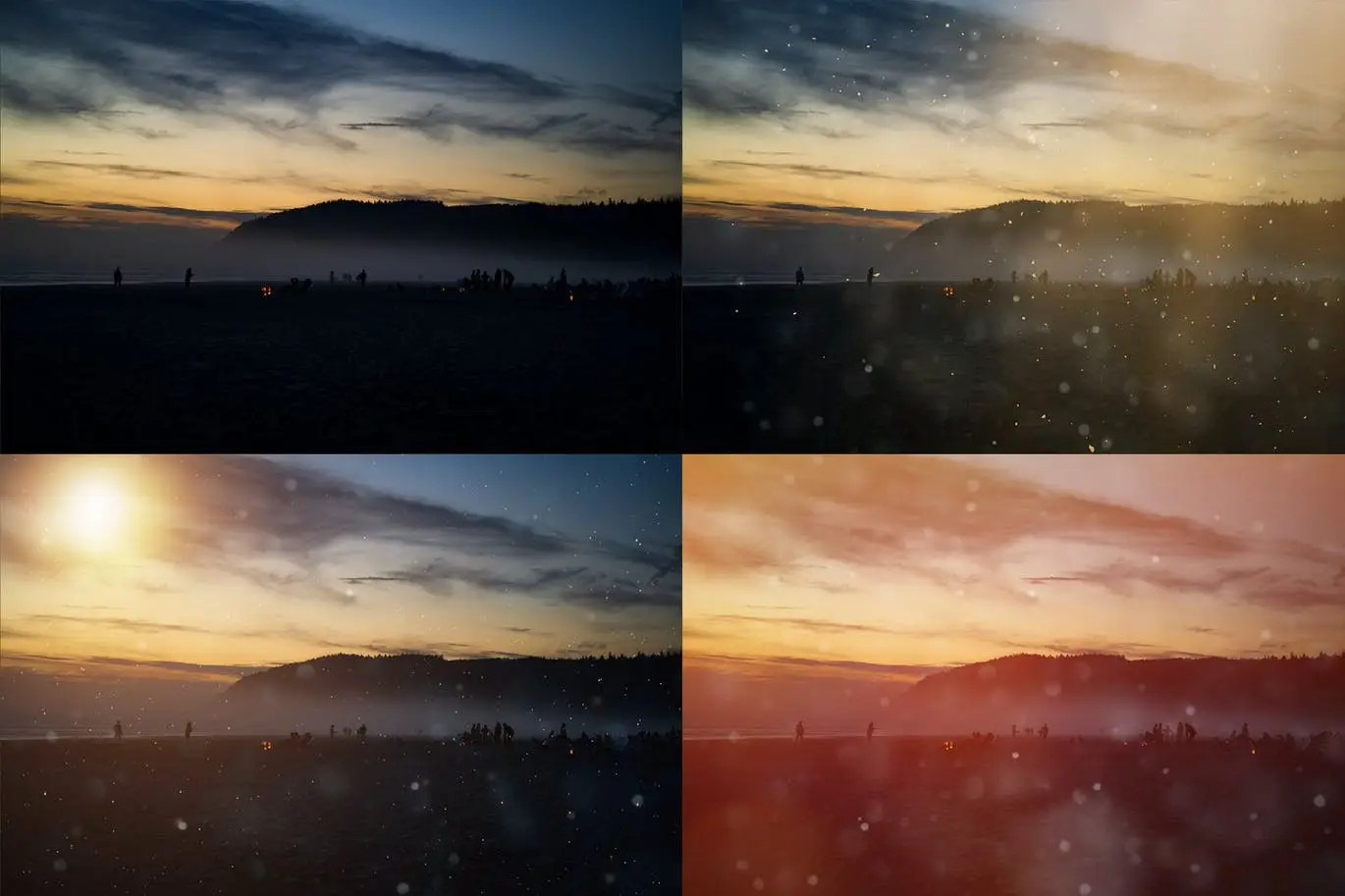
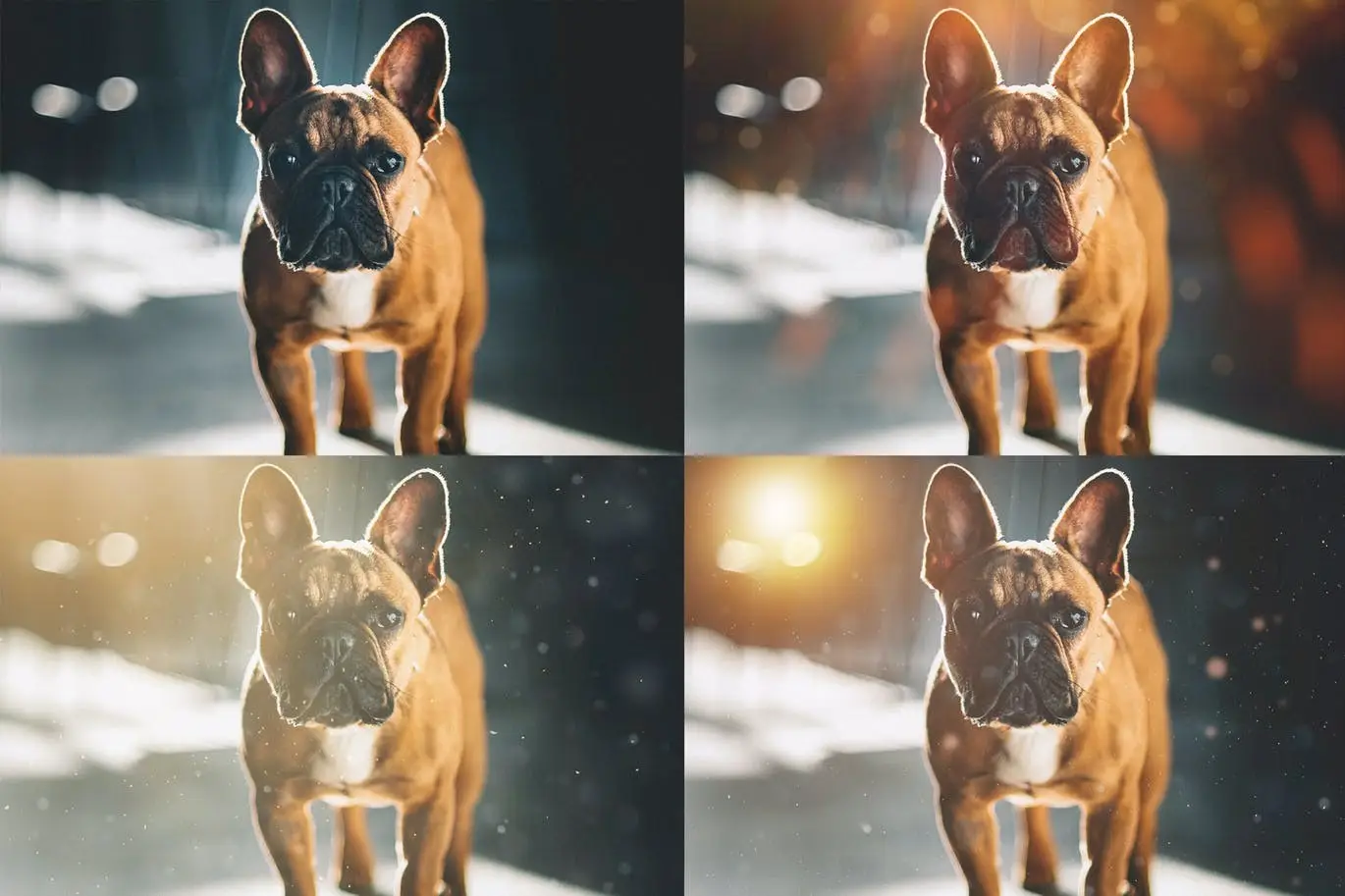
Transform your photos effortlessly with our Floating Dust Photoshop Overlays & Action. This collection is designed to enhance your images by adding a magical touch of floating dust, perfect for creating ethereal and dreamy effects.
Product Overview
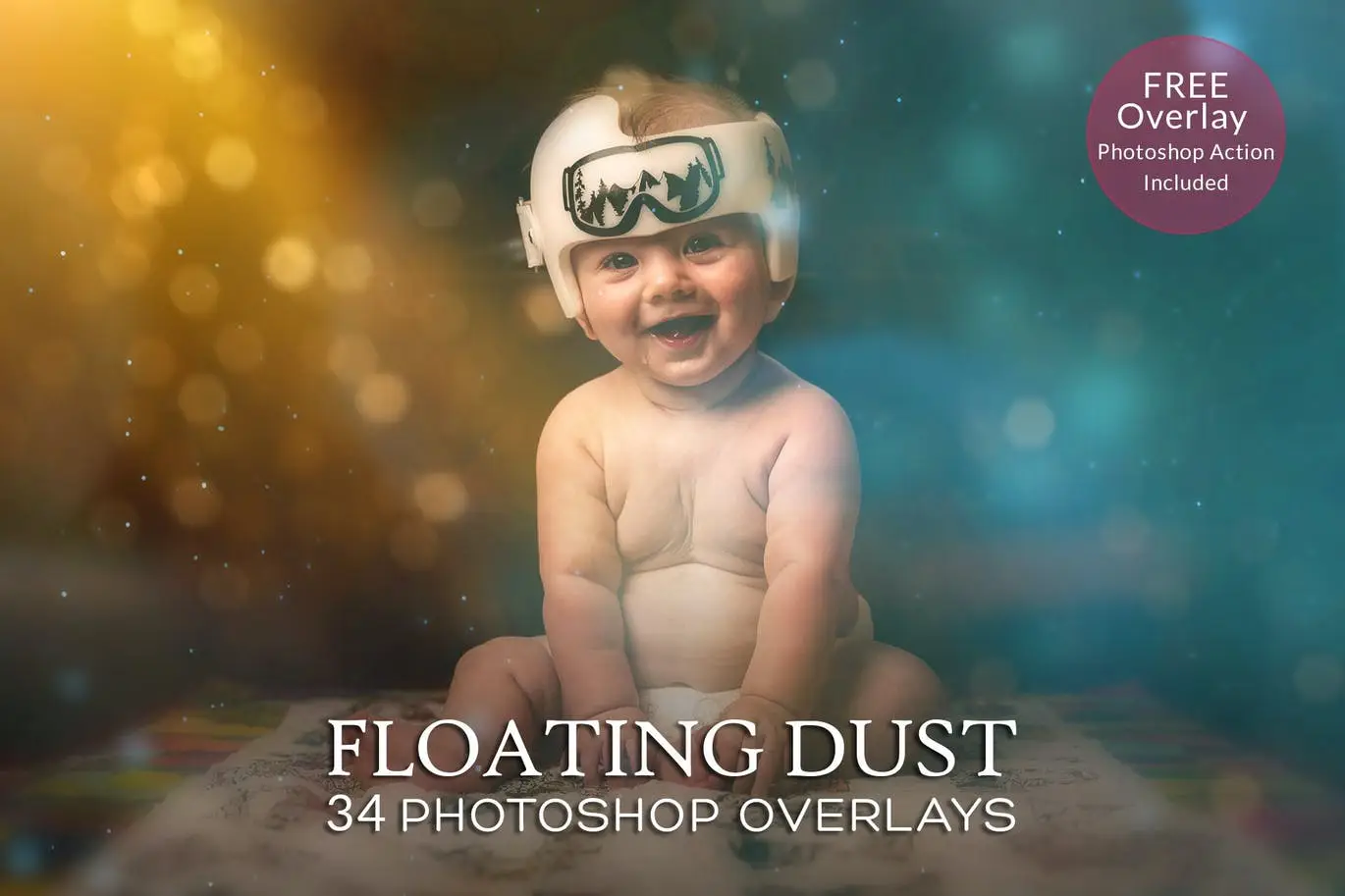
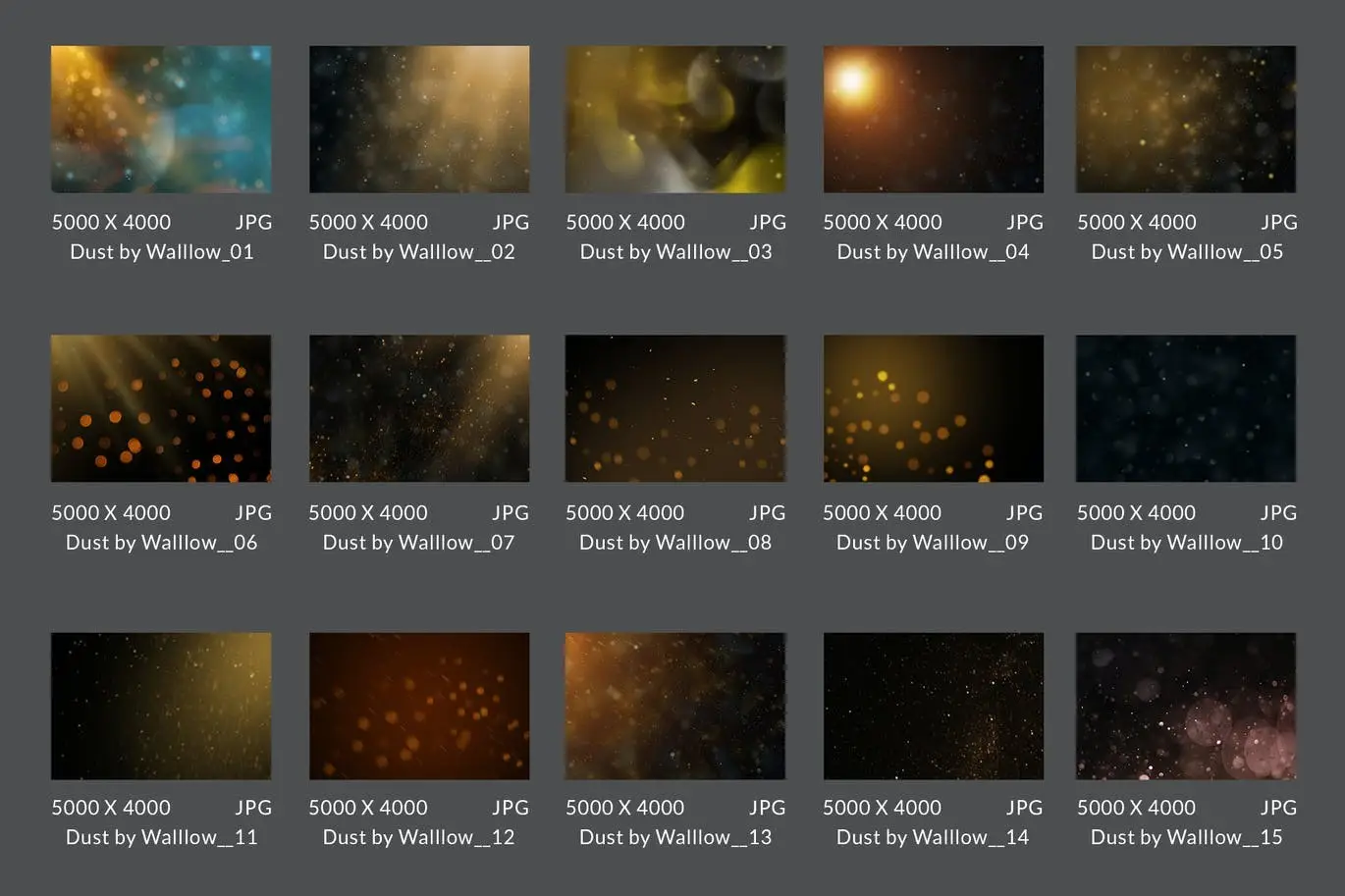
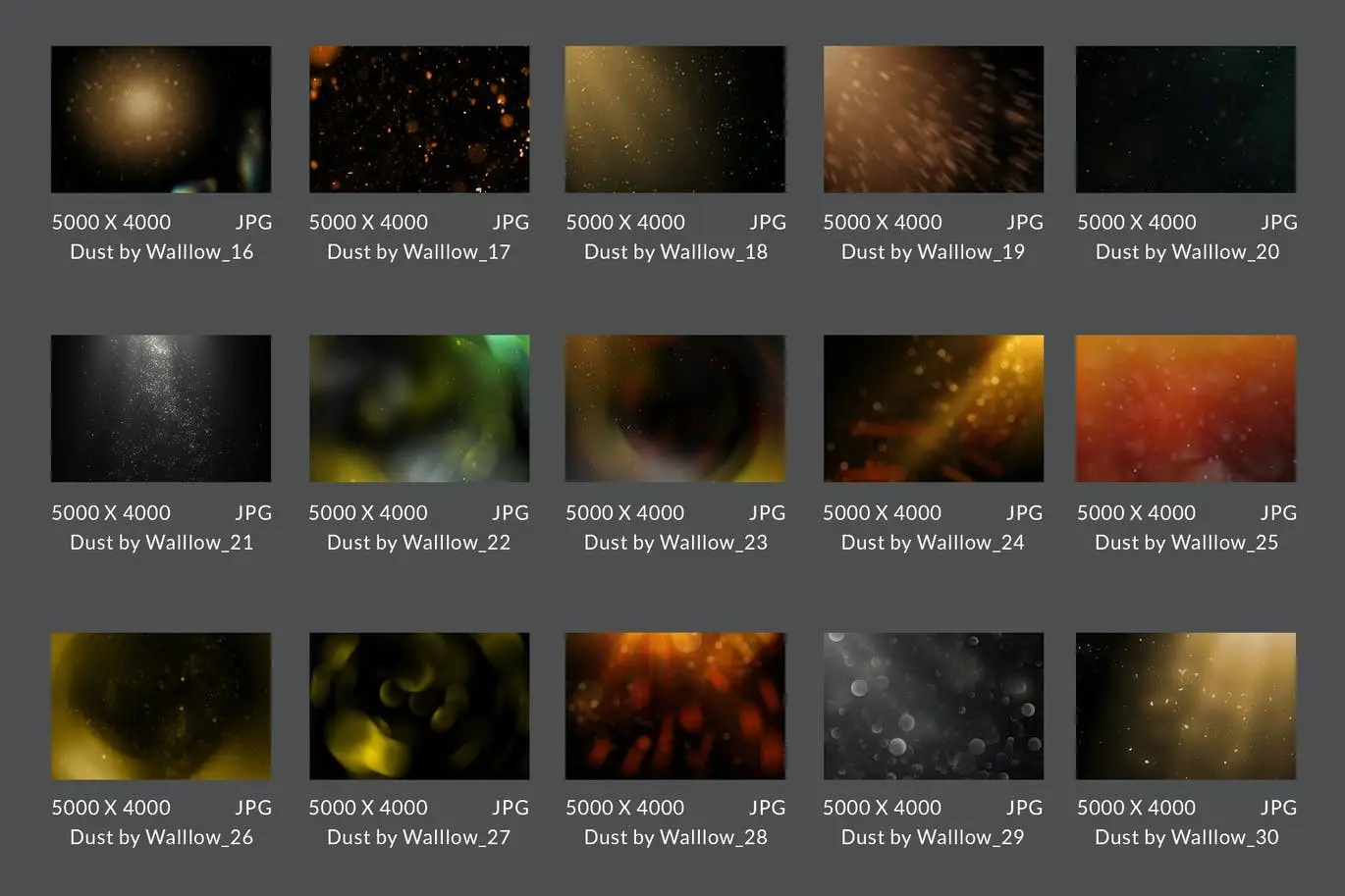
This product includes 34 high-quality floating dust overlays, complemented by a free Photoshop action to streamline your editing process. Ideal for photographers and digital artists, these overlays allow you to add depth and atmosphere to your work with ease.
Key Features & Benefits
- ✅ 34 Creative Light Overlays → Enhance your images with a variety of floating dust effects.
- ✅ Free Overlay Photoshop Action → Simplify your editing workflow with a single click.
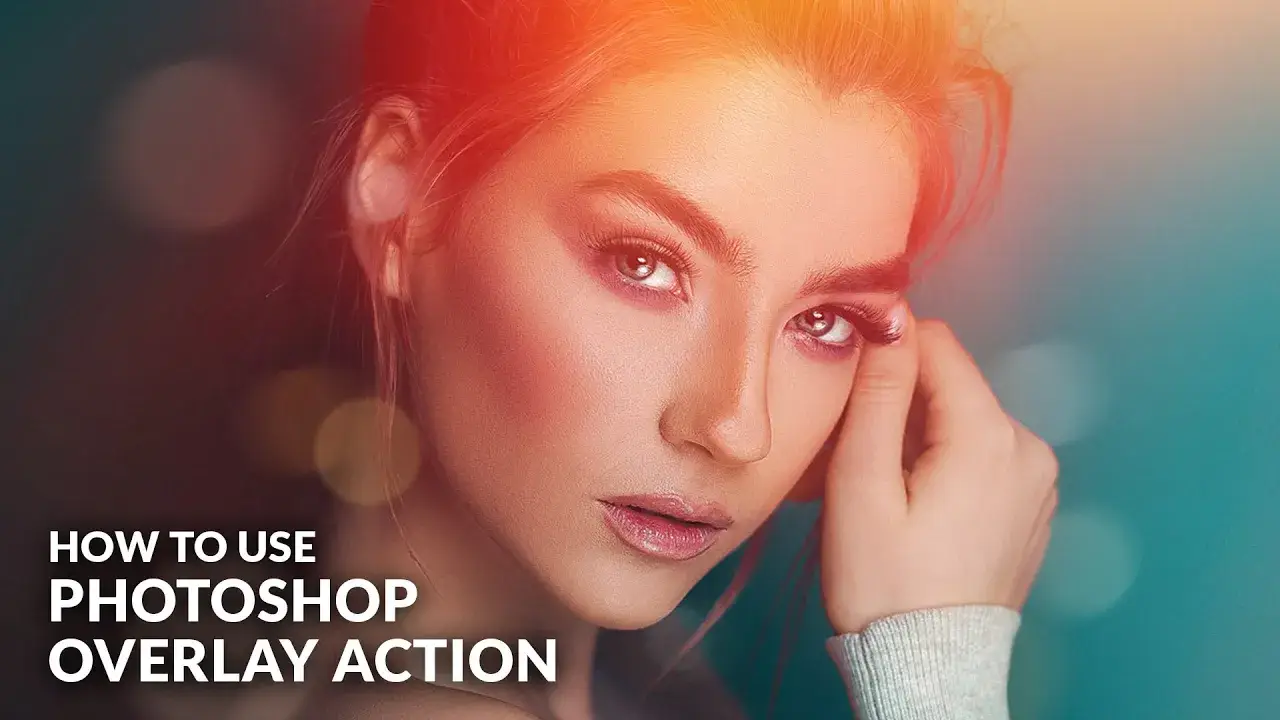
- ✅ 10+ Color Effects Action → Customize your overlays with multiple color options for unique styles.
- ✅ Instant Download → Get immediate access to your files and start creating right away.
- ✅ Video Tutorial Included → Follow along with our easy-to-understand guide for optimal results.
- ✅ PDF Help File → Access detailed instructions to assist you in using the overlays effectively.
- ✅ Dedicated Support → Reach out to us anytime at walllows [at] gmail.com for assistance.
Why Choose This Product
Our Floating Dust Overlays are trusted by photographers and artists worldwide for their quality and versatility. Each overlay is crafted to provide stunning results, allowing you to elevate your photography effortlessly. Whether you’re creating a whimsical portrait or a dramatic landscape, these overlays will help you achieve professional-looking results.
Specifications
| Format | JPG |
|---|---|
| Compatibility | Photoshop CS, Photoshop CC, Photoshop Elements, Photoshop Mix App |
What’s Included
- 📦 34 Floating Dust Overlays in JPG format
- 📦 Free Overlay Photoshop Action
- 📦 10+ Color Effects Action
- 📦 Video Tutorial
- 📦 PDF Help File
Perfect For
- Photographers looking to enhance their images
- Digital artists seeking unique effects
- Anyone wanting to add a creative touch to their work
How to Use
To achieve the best results with your overlays, follow these steps:
- Open your photo in Photoshop.
- Import the dust overlay and position it as desired.
- Use the screen layer function for optimal blending.
- Adjust exposure, contrast, and white balance as needed.
FAQ
- Can I use these overlays in any version of Photoshop? Yes, they are compatible with Photoshop CS, CC, Elements, and the Mix App.
- Do I need to adjust the overlays? Yes, results may vary based on your photo’s settings, so adjustments may be necessary.
Ready to elevate your photography? Add to cart now and start creating stunning images today! 🚀
User Reviews
Be the first to review “Floating Dust Photoshop Overlays & Action”
You must be logged in to post a review.

25 Newborn Digital Backdrops – Backgrounds
Sold by walllow
Party Lights Transparent PNG Photo Overlays
Sold by walllow
27 realistic confetti photoshop digital brushes
Sold by walllow


Gold bokeh light Christmas photo overlay PNG
Sold by walllow Original price was: $5.00.$2.50Current price is: $2.50.


There are no reviews yet.