
Fire Photoshop Action
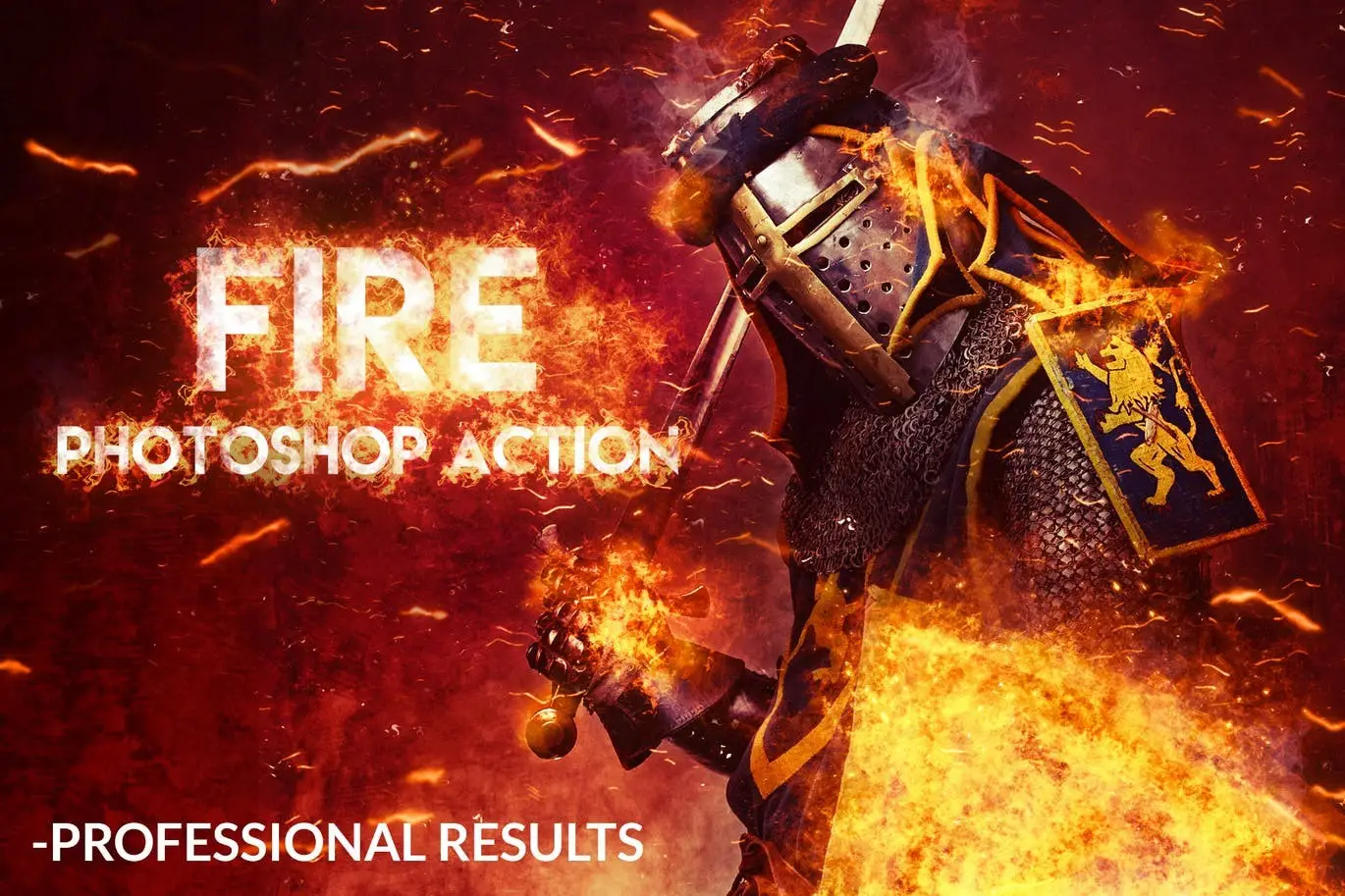
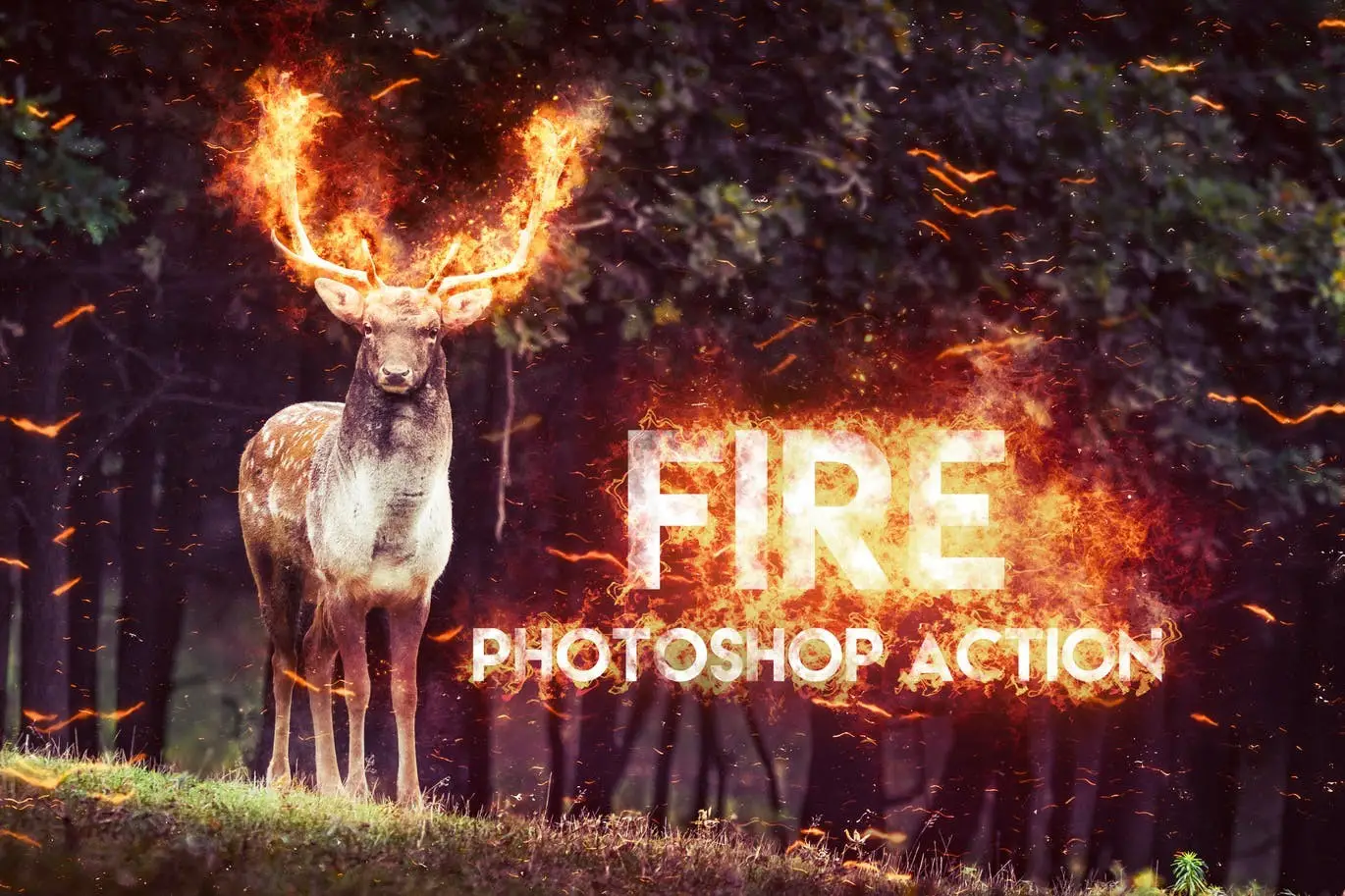
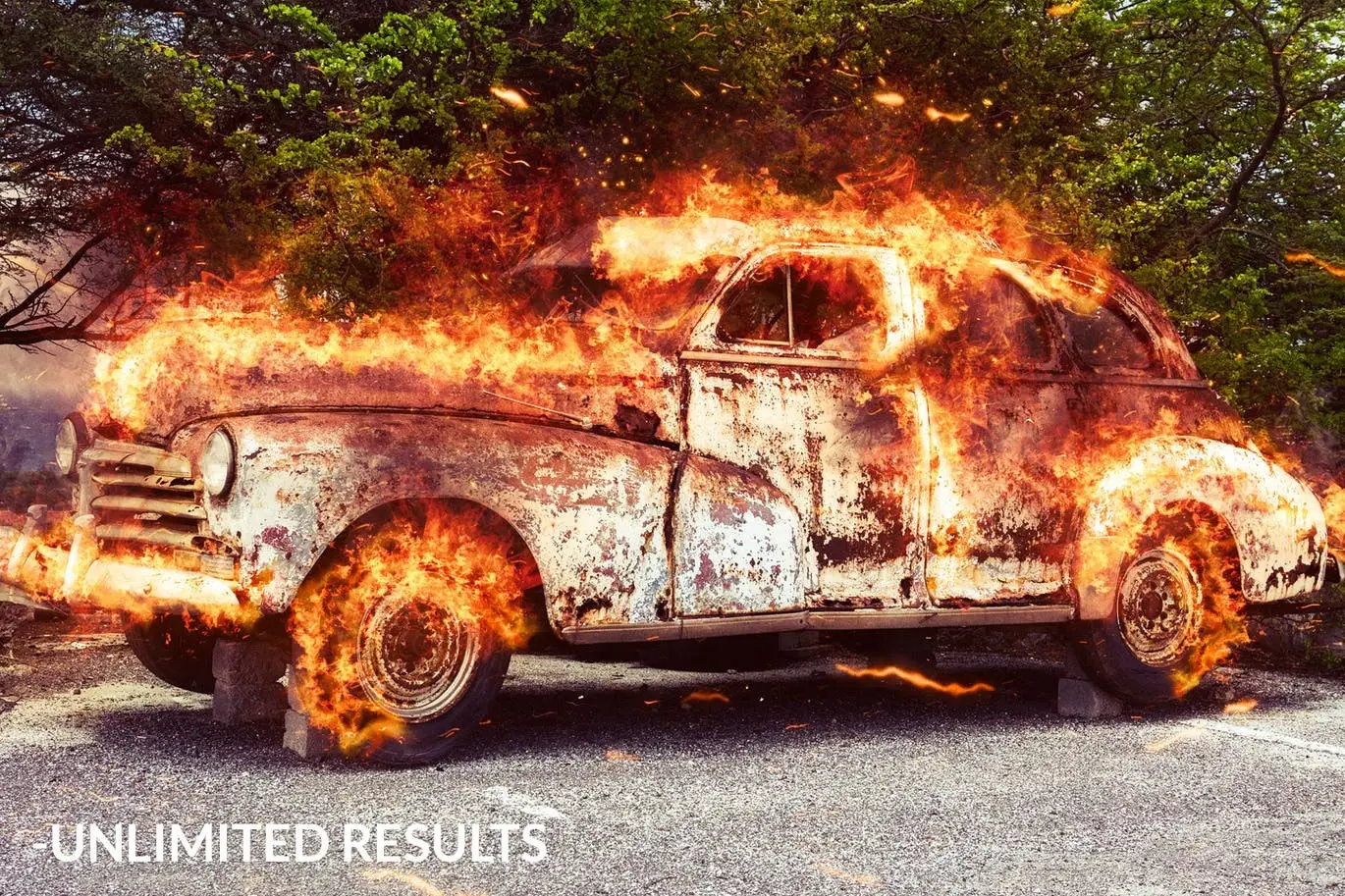
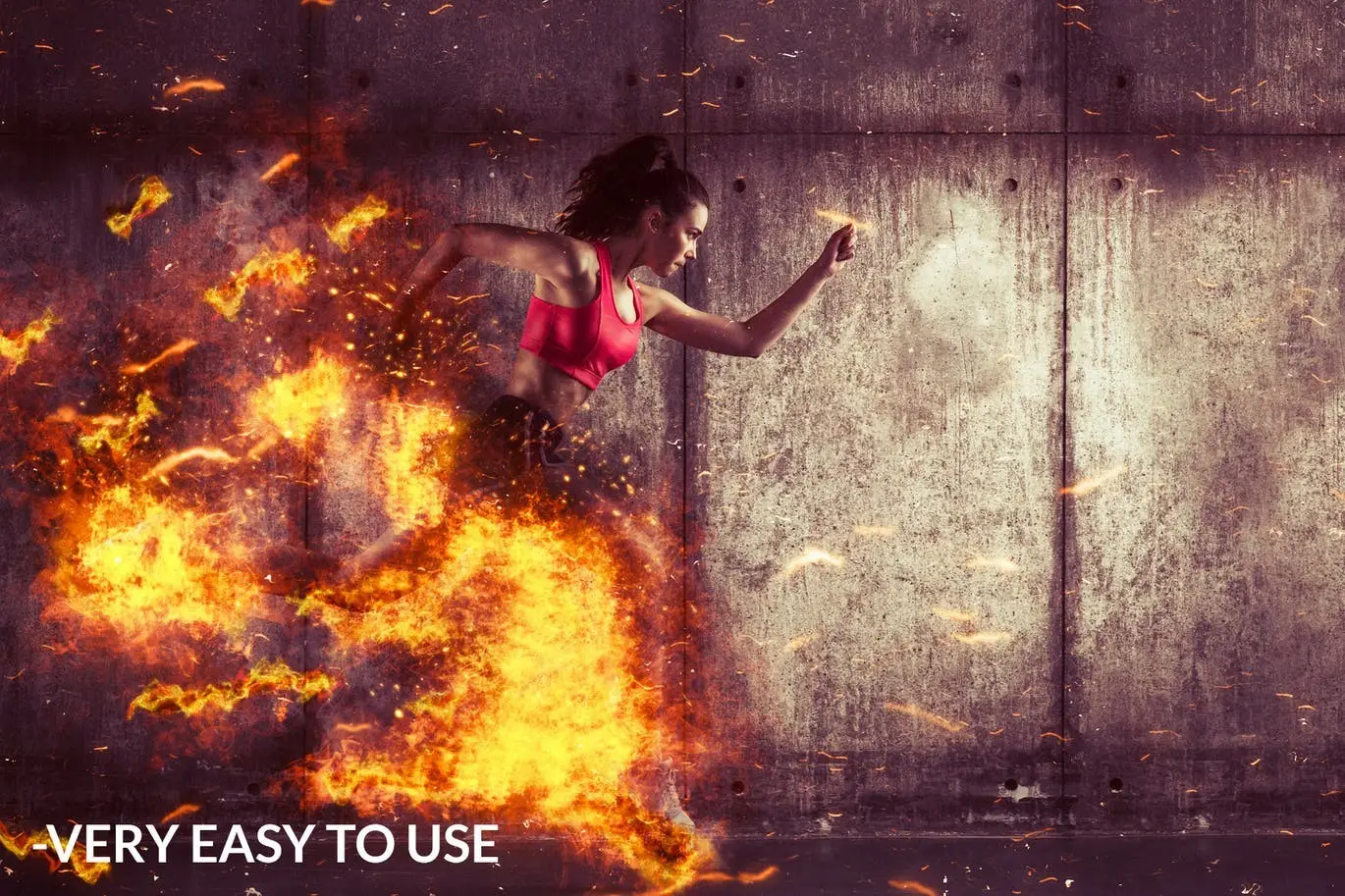
Fire Photoshop Action: Ignite Your Creativity
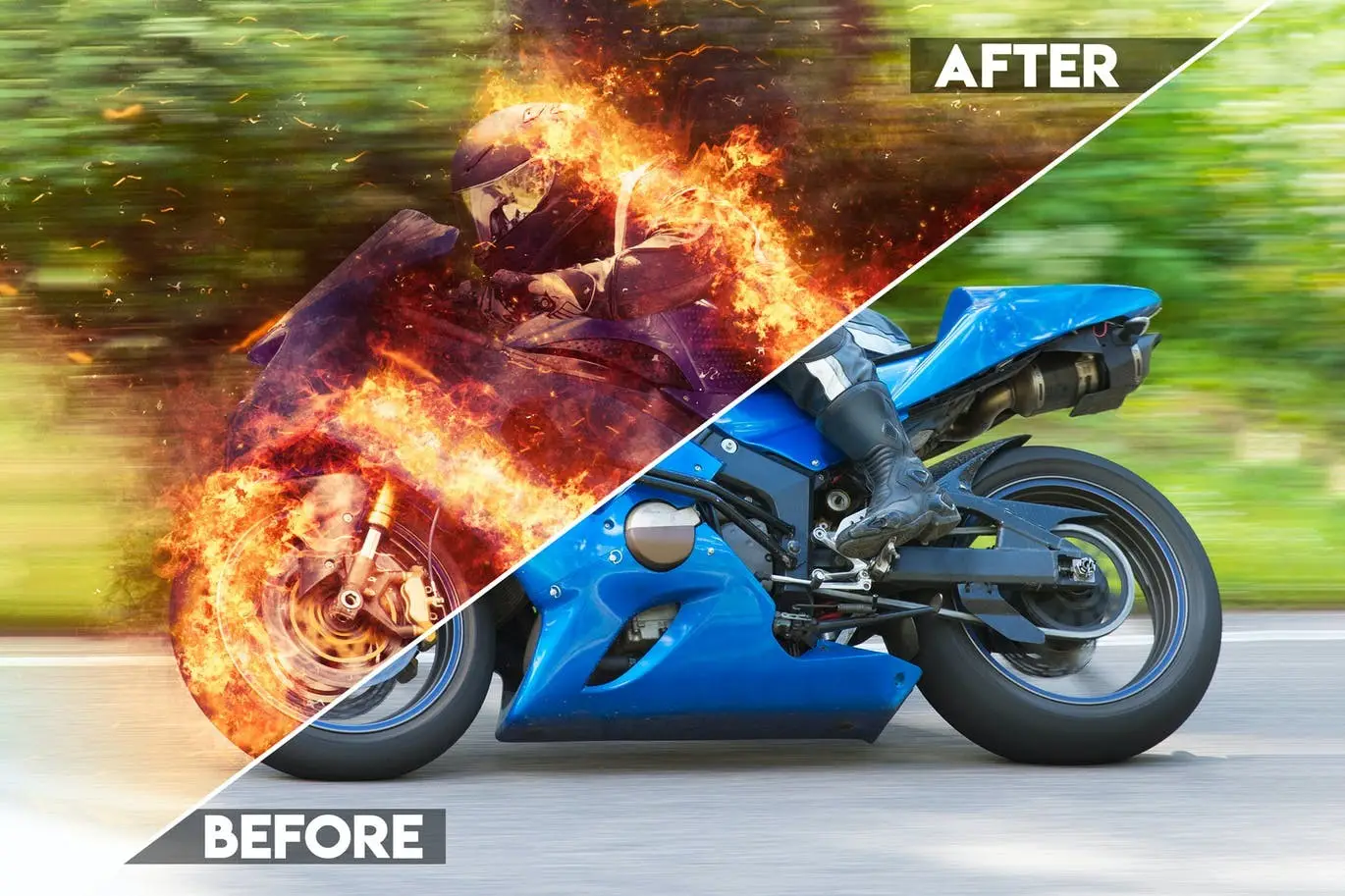
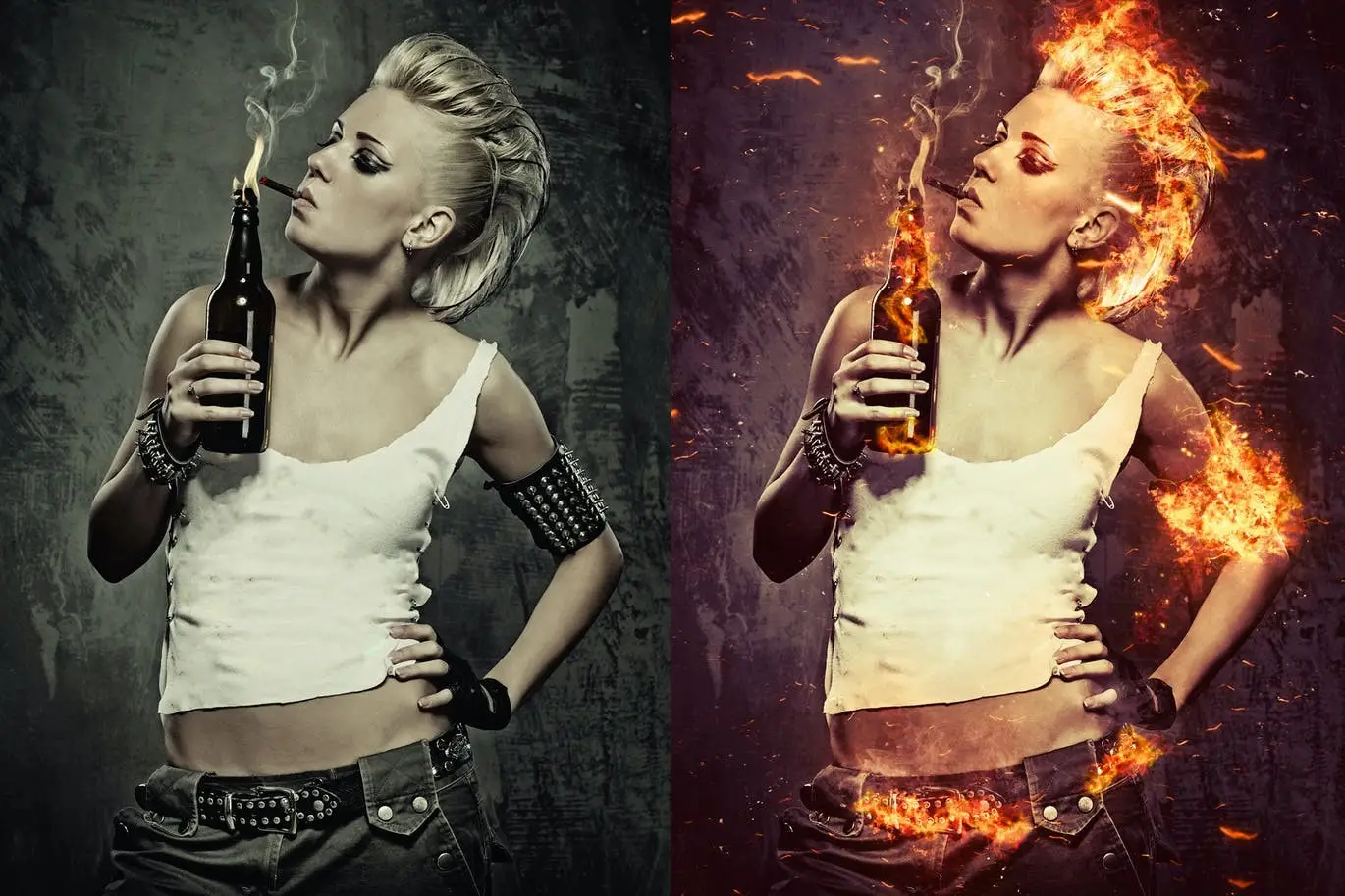
Transform your photos into stunning works of art with our Fire Photoshop Action. This powerful tool allows you to effortlessly add realistic fire, embers, and smoke effects to your images, making them truly captivating. Whether you’re looking to enhance a portrait or create an eye-catching graphic, this action is your go-to solution.
Product Overview
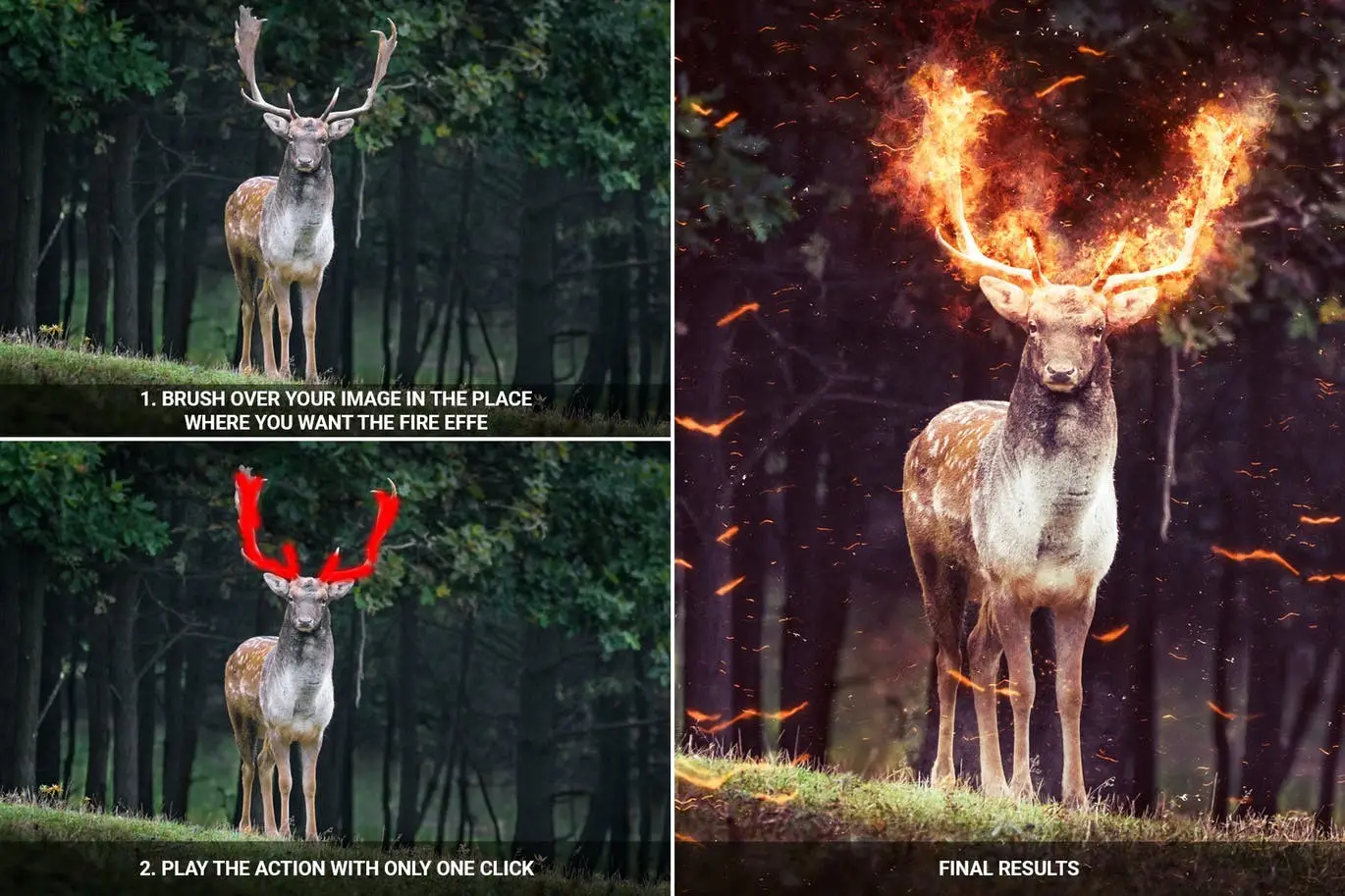
The Fire Photoshop Action is designed for both beginners and professionals who want to achieve high-quality results without the hassle. With just a few simple steps, you can brush over your photo where you want the effect to appear and play the action to see your vision come to life.
Key Features & Benefits
- ✅ Professional Results → Achieve stunning, realistic fire effects that enhance your images.
- ✅ Easy to Use → Simply brush over your desired area and play the action for instant results.
- ✅ Unlimited Variations → Each time you run the action, you’ll get a unique result, keeping your creativity flowing.
- ✅ Fully Editable Layers → All layers are named and organized in groups, giving you complete control over your edits.
- ✅ Non-Destructive Actions → Your original image remains untouched, allowing for safe experimentation.
- ✅ Compatibility → Works perfectly with images ranging from 2000px to 4000px in resolution, and is compatible with Photoshop CS6, CC, and CC 2015.5+ (English versions).
Why Choose This Product
This Fire Photoshop Action stands out due to its ease of use and the professional quality of the results. Trusted by photographers and graphic designers alike, it’s perfect for anyone looking to add a dramatic flair to their work. Plus, with our detailed ReadMe.txt file, you’ll have all the guidance you need to get started quickly.
Specifications
| Compatibility | Photoshop CS6, CC, CC 2015.5+ (English versions) |
|---|---|
| Resolution | 2000px – 4000px high/wide |
| File Type | Photoshop Action (.atn) |
What’s Included
- 📦 Fire Photoshop Action file (.atn)
- ReadMe.txt for installation and usage instructions
Perfect For
- Photographers looking to enhance their images
- Graphic designers seeking unique effects
- Social media managers wanting to create eye-catching content
How to Use
- Open your photo in Photoshop.
- Load the Fire Photoshop Action.
- Brush over the area where you want the fire effect.
- Play the action and watch the magic happen!
FAQ
- What if I encounter an error?
If you experience any issues, please contact me for assistance.
- Can I use this action in other languages?
Yes, switch your Photoshop to English, run the action, and then revert back to your preferred language.
Don’t miss out on the opportunity to elevate your photo editing game! Add to cart now and start creating stunning visuals today! 🚀
Original price was: $5.00.$2.50Current price is: $2.50.


There are no reviews yet.