



Felt-Tip Illustrator Photoshop Action
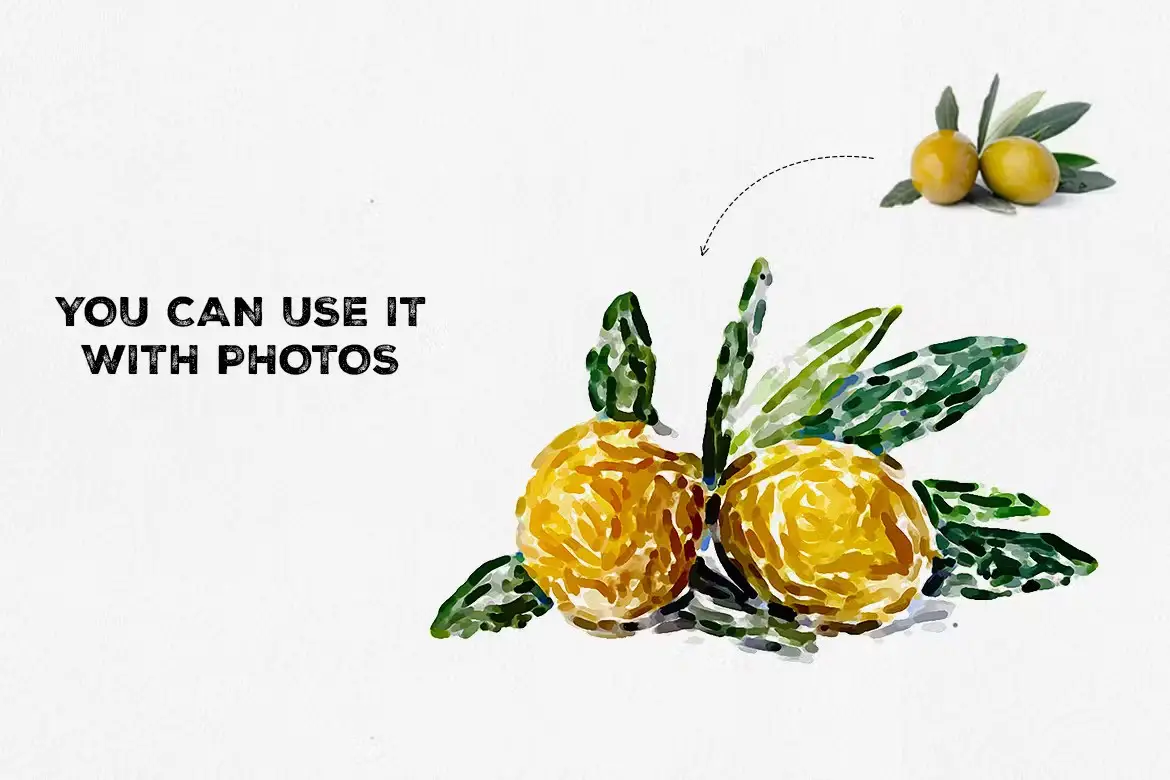
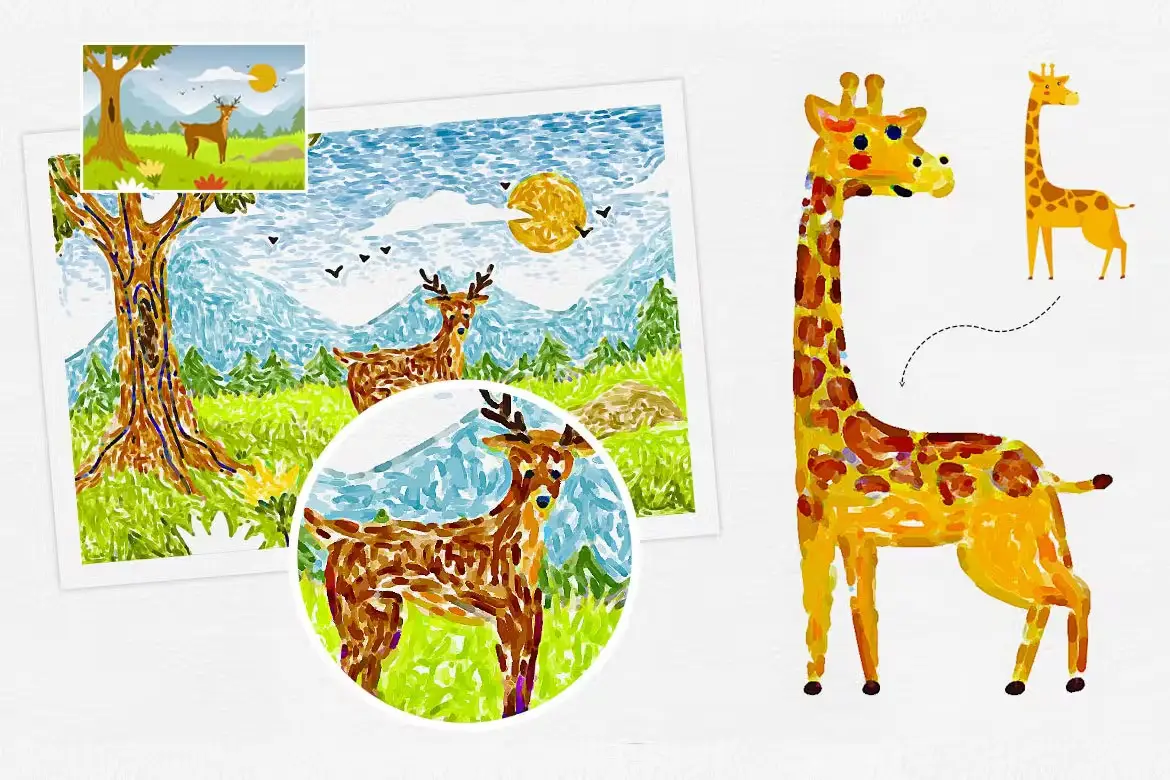
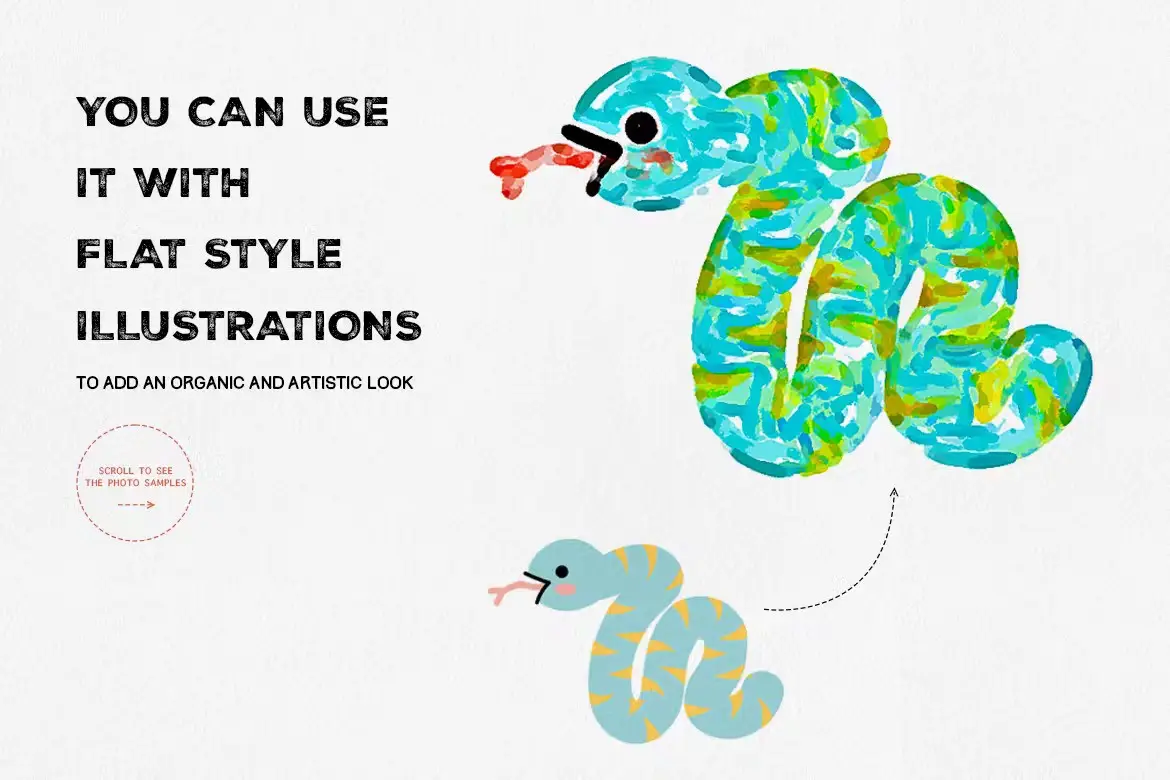
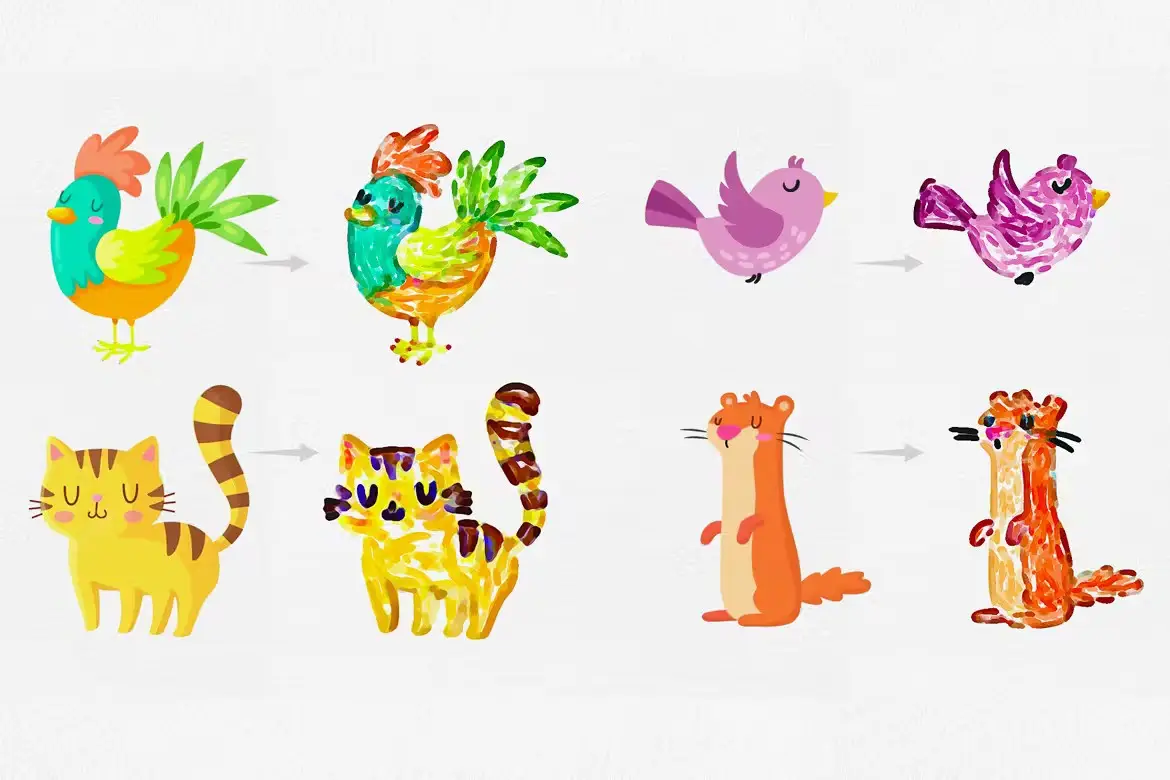
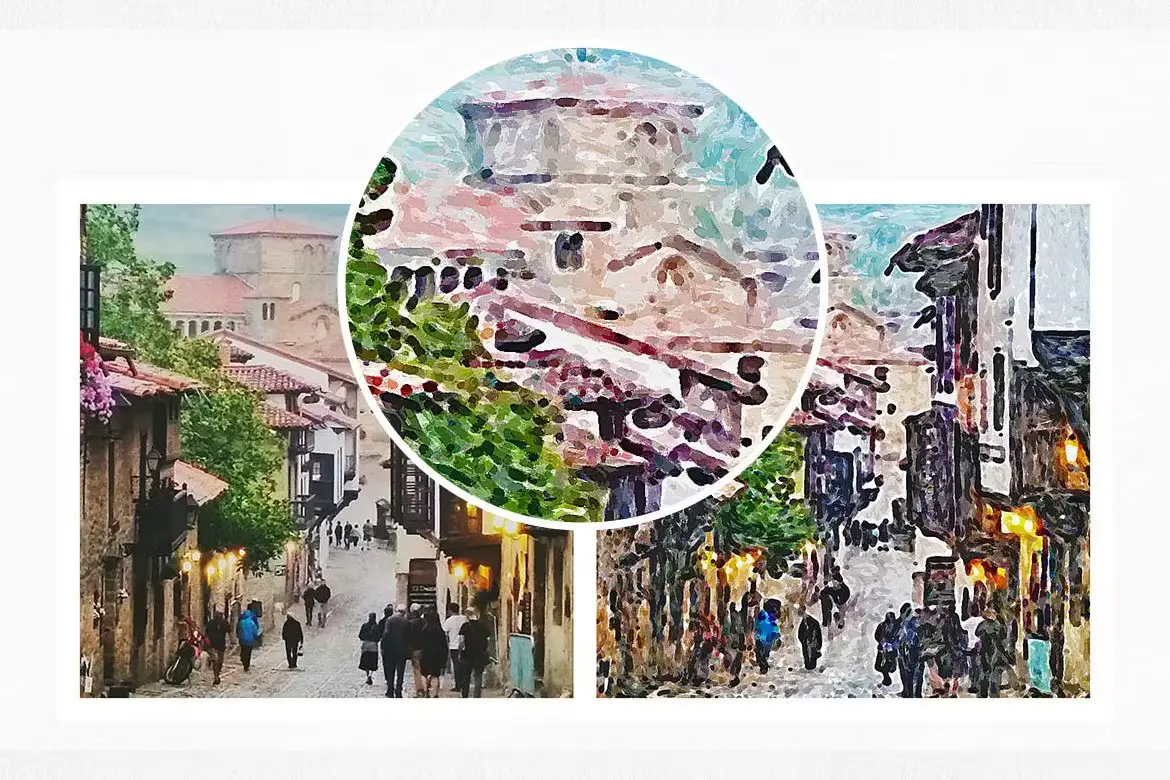
Add a playful, organic touch to your artwork with the Felt-Tip Illustrator Photoshop Action! This innovative action allows you to effortlessly transform any flat graphic or photo into a stunning felt-tip pen illustration that captures the essence of hand-drawn art.
Product Overview
The Felt-Tip Illustrator is designed for artists and designers who want to bring a unique, hand-crafted feel to their digital creations. With its versatile features, you can easily create vibrant illustrations that look like they were made with colorful felt-tip pens.
Key Features & Benefits
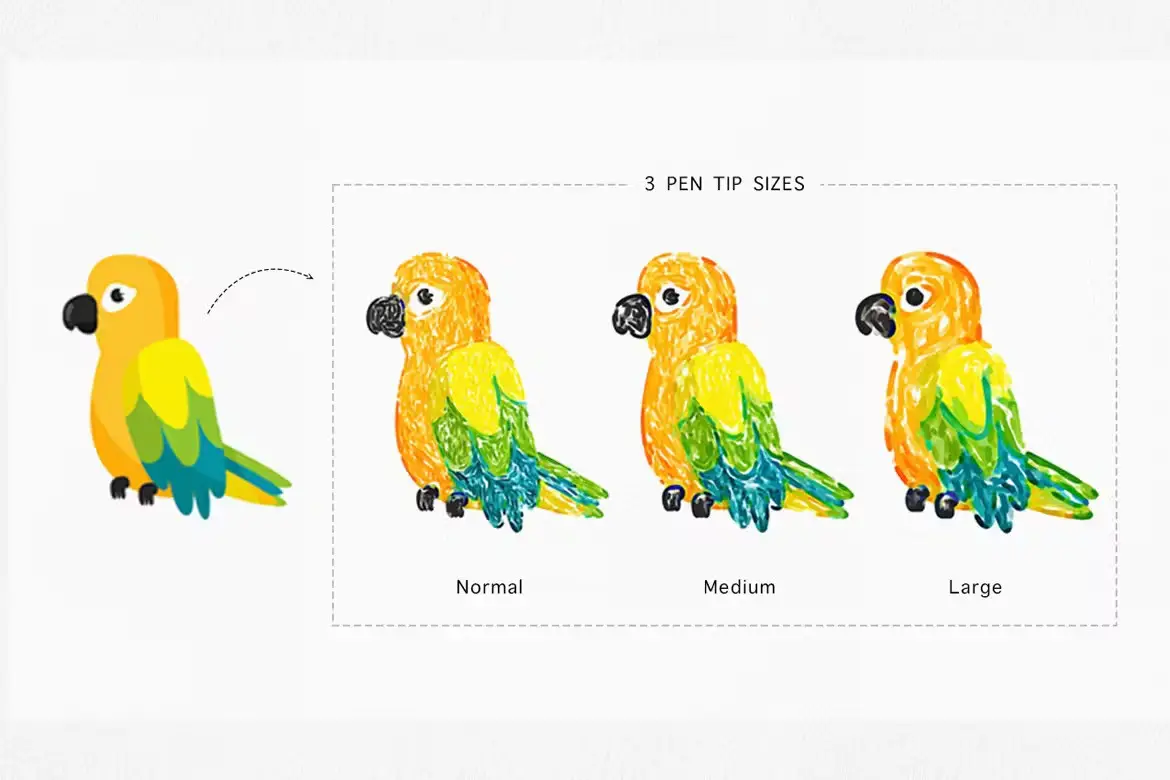
- ✅ Three Pen-Tip Sizes → Choose the perfect size for your illustration needs.
- ✅ Five Variations for Each Size → Add depth and variety to your artwork.
- ✅ Five Editable Color Effects → Customize your illustrations with ease.
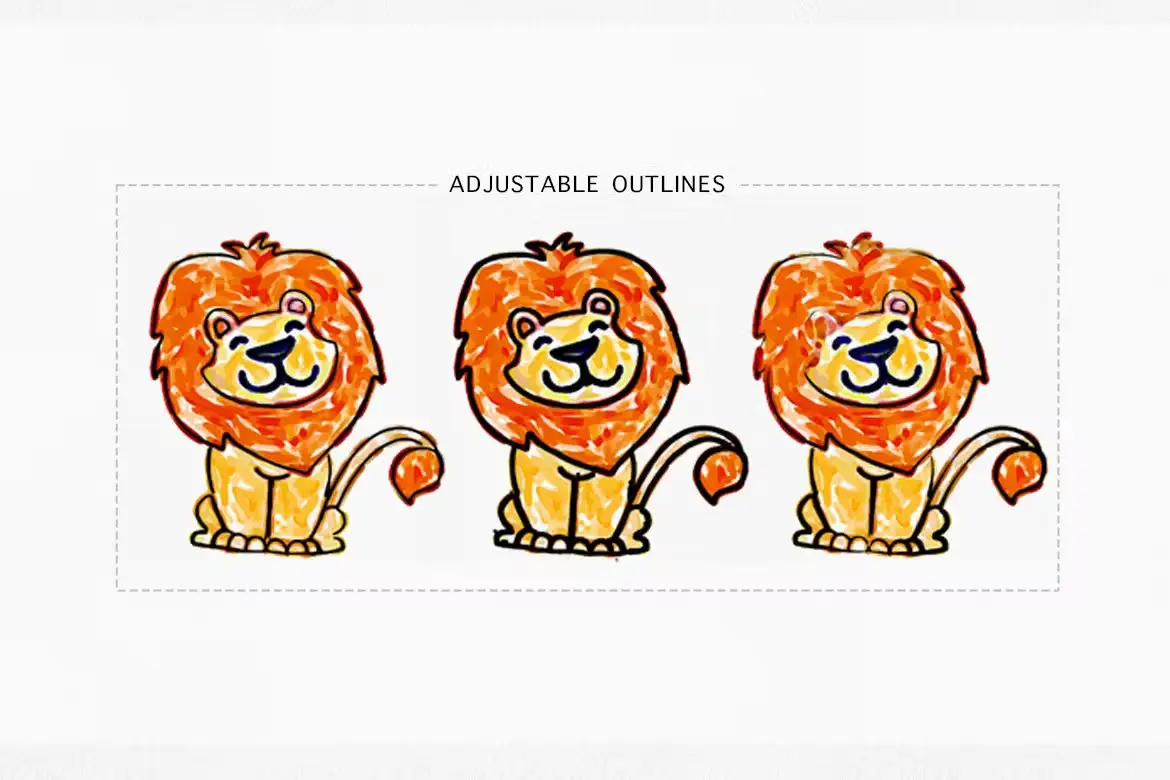
- ✅ Adjustable Outline Thickness → Tailor the look of your artwork to your preference.
- ✅ Realistic Paper Textures → Enhance your designs with authentic textures for a more lifelike appearance.
Why Choose This Product
The Felt-Tip Illustrator Photoshop Action stands out because it combines simplicity with professional results. Whether you’re a seasoned designer or just starting, this action is user-friendly and allows you to create stunning illustrations quickly. Trusted by artists worldwide, it’s perfect for adding a unique flair to your projects.
Specifications
| Requirements | Adobe Photoshop with Oil Paint filter enabled |
|---|---|
| Compatibility | Photoshop CC and later versions |
What’s Included
- 📦 Felt-Tip Illustrator Photoshop Action File
- Instructions for Use
Perfect For
- Graphic Designers
- Illustrators
- Artists looking for a hand-drawn effect
- Anyone wanting to enhance their digital artwork
How to Use
- Open your graphic or photo in Adobe Photoshop.
- Apply the Felt-Tip Illustrator action.
- Adjust color effects and outline thickness as desired.
- Save your artwork and share your unique creations!
FAQ
- Do I need special software to use this action? Yes, you need Adobe Photoshop with the Oil Paint filter enabled.
- Can I edit the colors after applying the action? Absolutely! You can easily modify the color effects to suit your style.
Start creating stunning, hand-drawn illustrations today with the Felt-Tip Illustrator Photoshop Action! Add to cart now and bring your artwork to life! 🚀
User Reviews
Be the first to review “Felt-Tip Illustrator Photoshop Action”
You must be logged in to post a review.
Super Spray – PNG Spray Extension for Photoshop
Sold by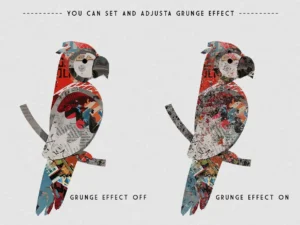
CoLLage Studio Paper Collage Effect Action
Sold by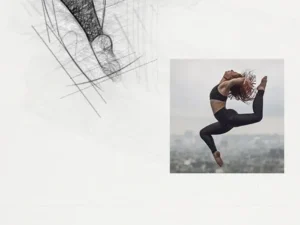

Watercolor Portrait Artist Action For Photoshop
Sold by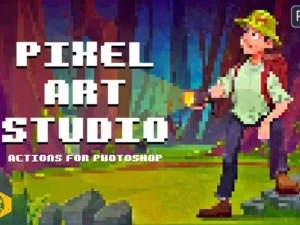
Pixel Art Studio – Pixel Art Effect Action
Sold by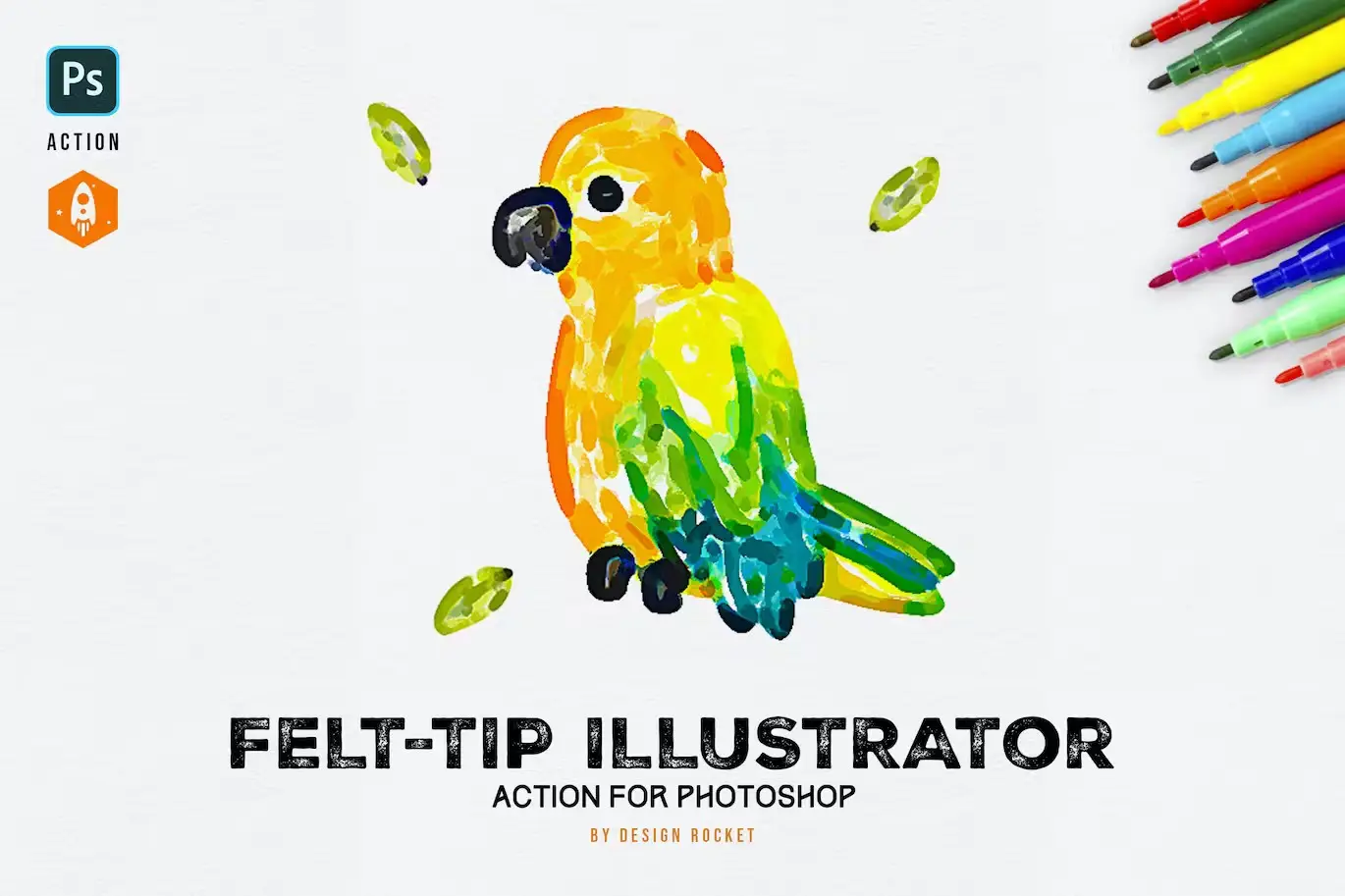
Original price was: $5.00.$2.50Current price is: $2.50.


There are no reviews yet.