
Faded Text Effect

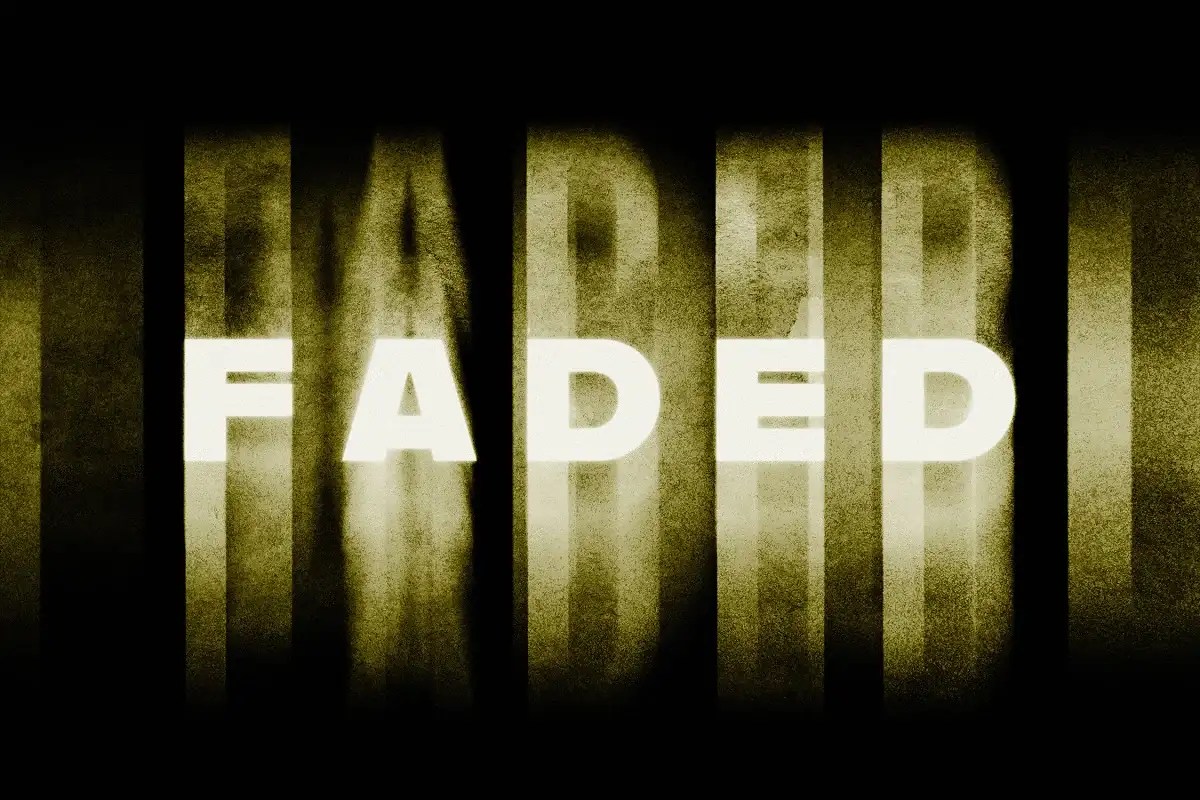
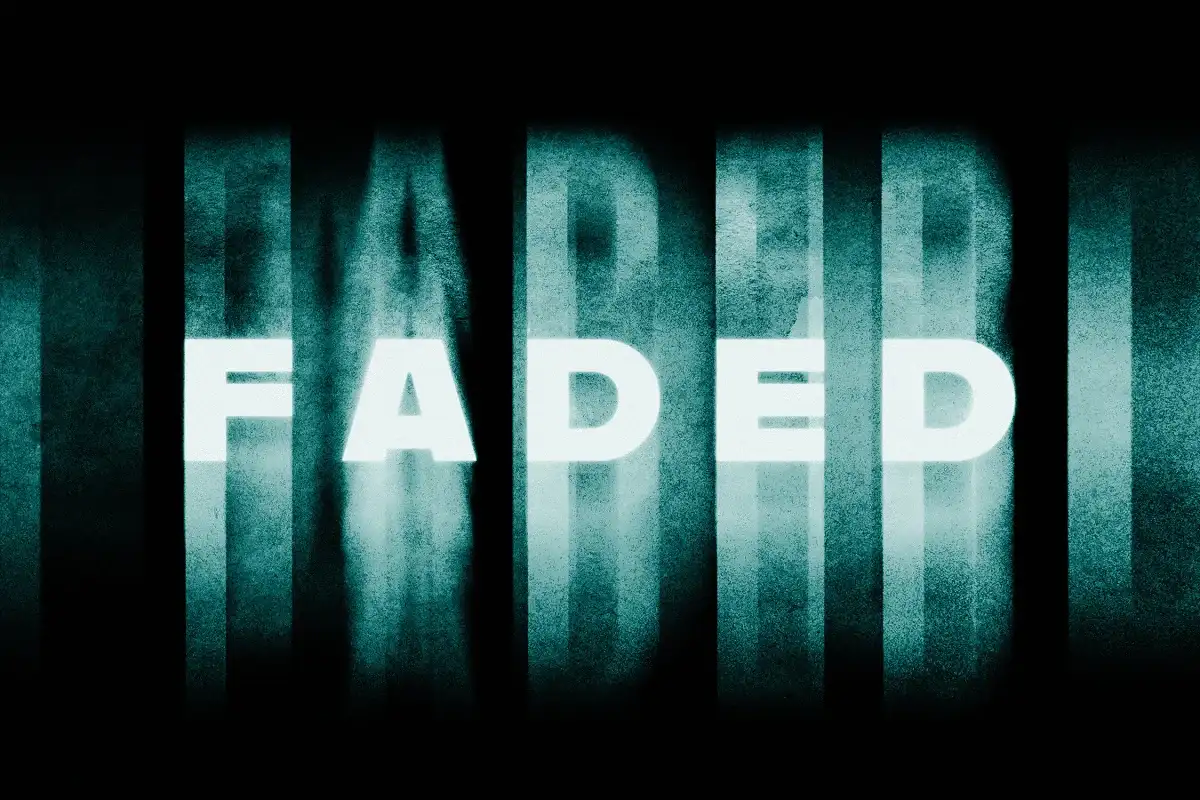
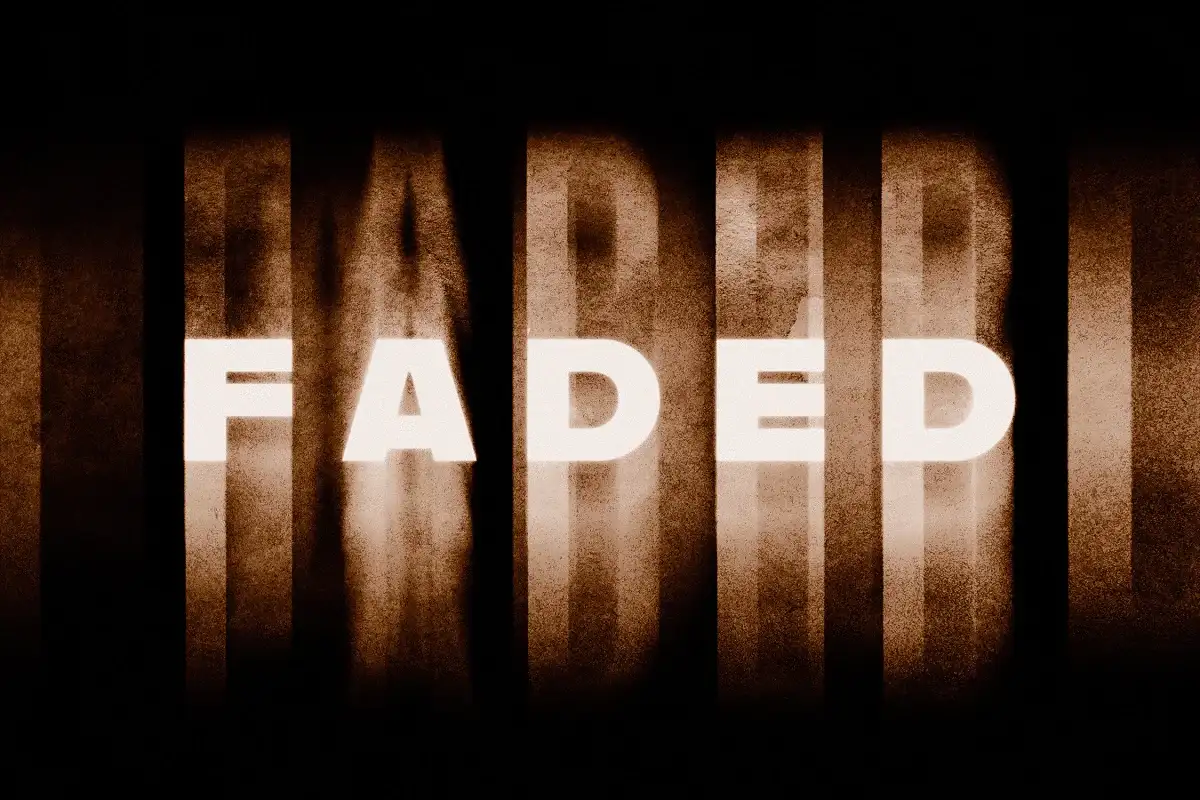
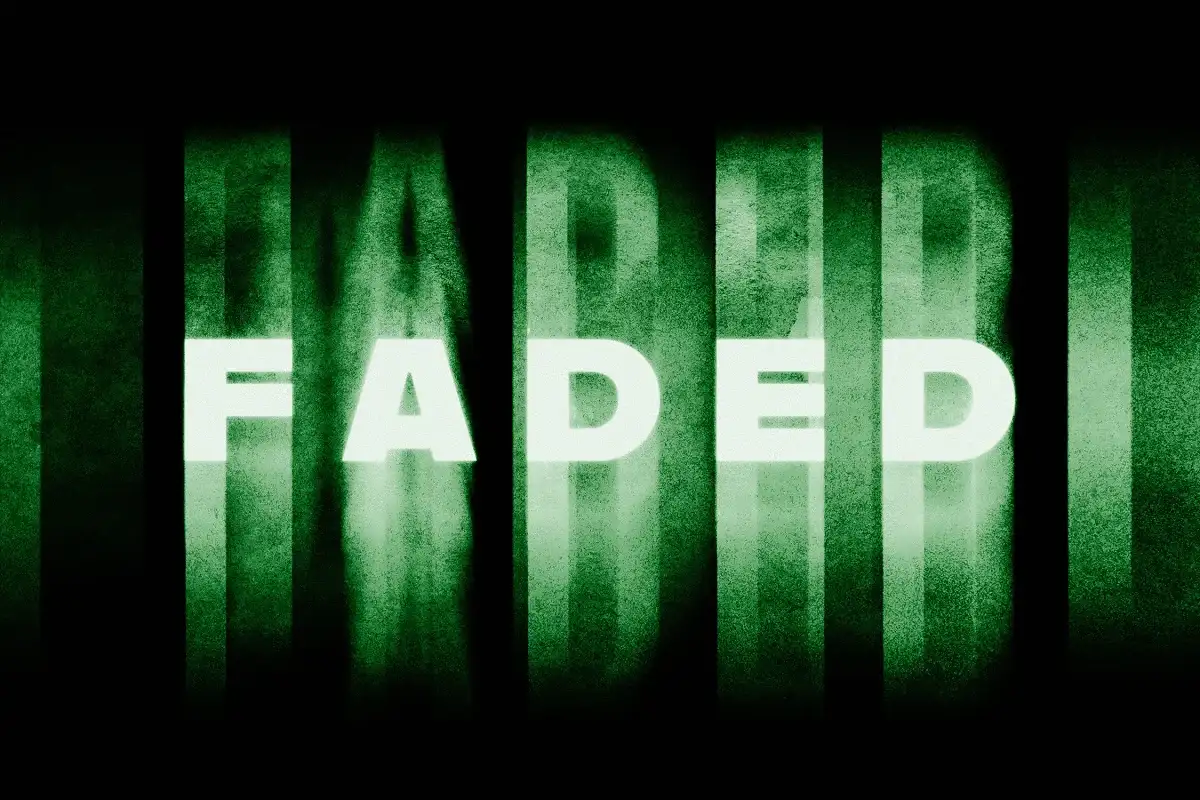
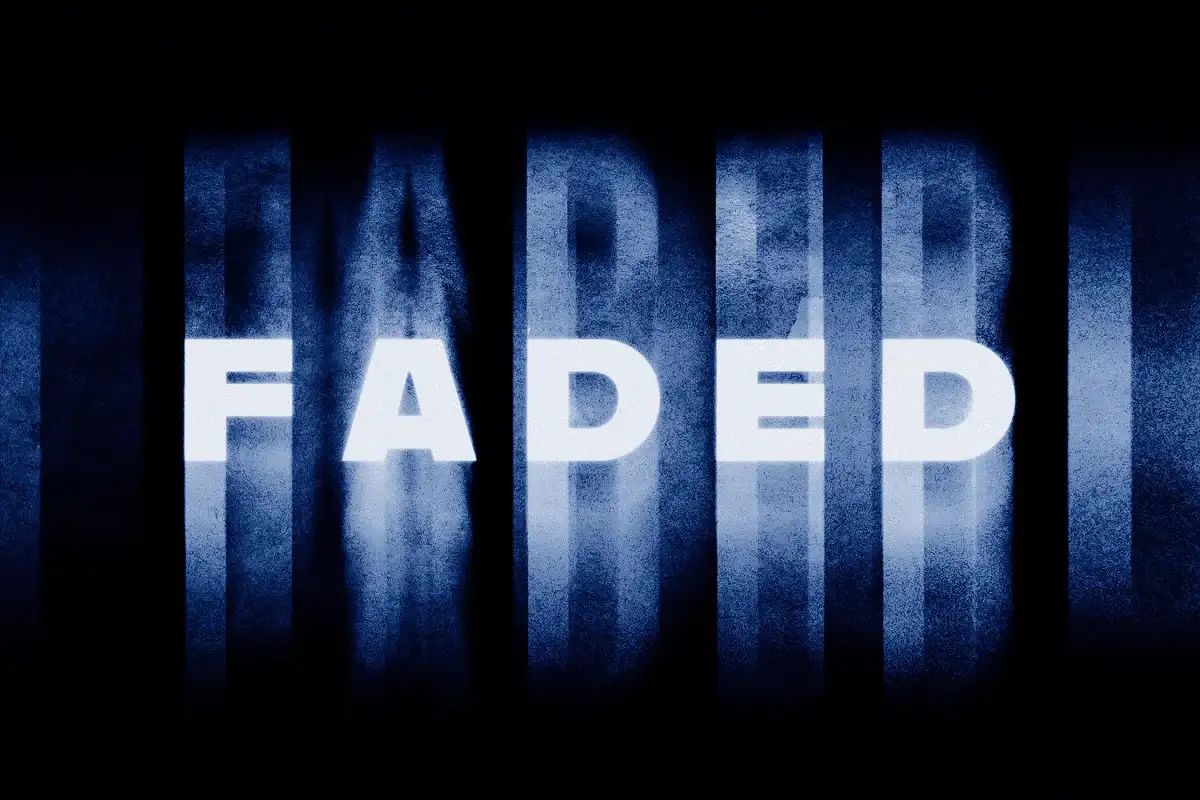
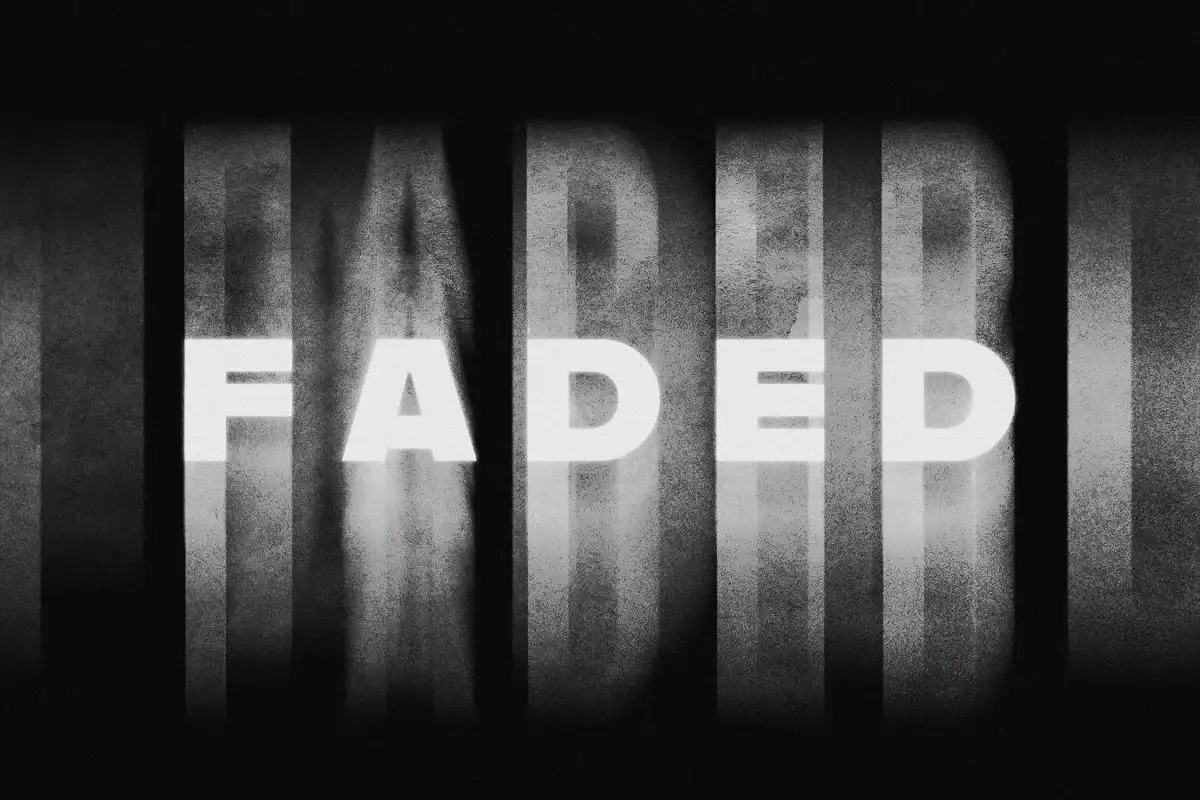
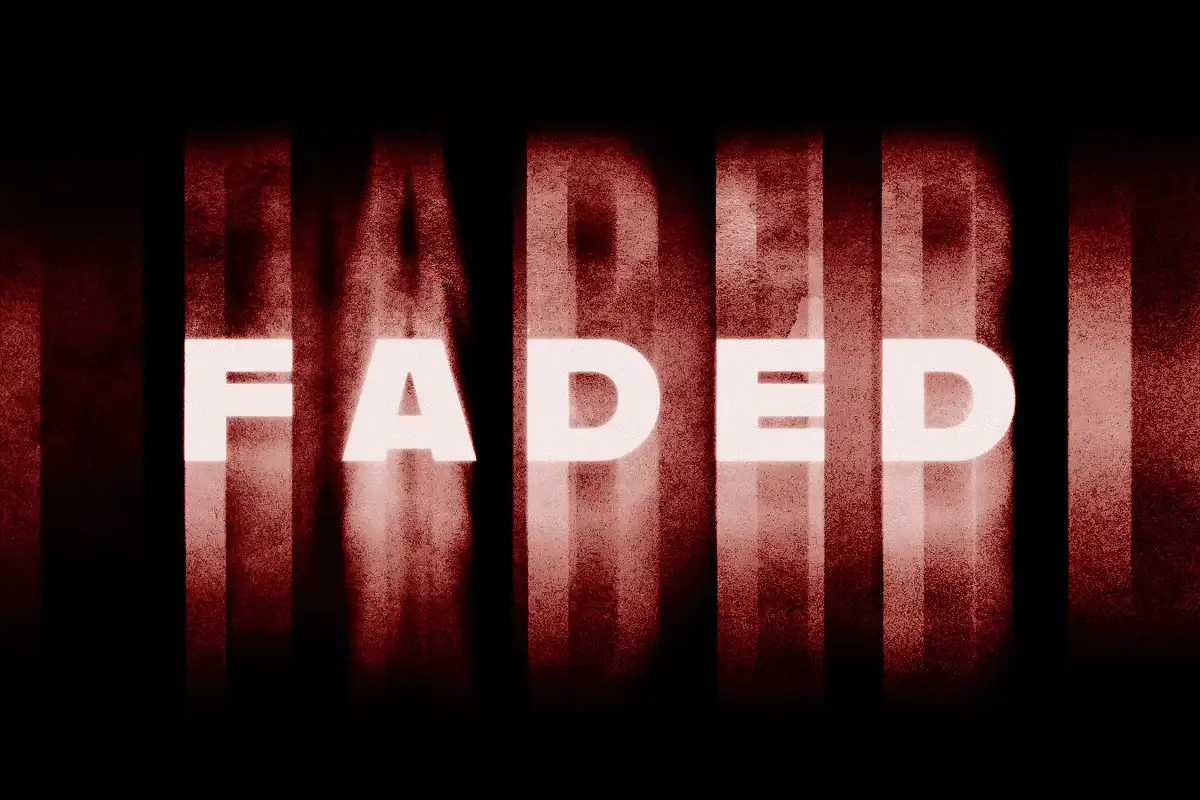
Welcome to the Faded Text Effect!
This digital download features an amazing faded text effect Photoshop that will instantly elevate your designs! 🎨✨ With just a few clicks, you can add a touch of mystery and creativity to your projects. Perfect for branding, presentations, or any graphic design work, this effect is all about making your text stand out in a captivating way. Plus, you’ll have instant access to this asset, so you can start creating right away!
Product Overview
The Faded Text Effect is designed to give your typography a dreamy, ethereal look. By utilizing Smart Object Layers, you can easily customize the text to fit your unique style. Simply double-click the designated layer, replace the placeholder text, and watch your words come to life! This effect is not just versatile; it’s a must-have for anyone looking to add a professional touch to their designs. 🌈
Key Features & Benefits
- Smart Object Layers: Effortlessly customize text by double-clicking the layer thumbnail.
- High-Quality PSD File: Ensures crisp and clear visuals for your designs.
- Multiple Color Options: Choose from 6 different colors to match your project’s theme.
- High Resolution: 4500×3000 px at 300 dpi for stunning clarity.
- Help File Included: Step-by-step instructions to guide you through the process.
Technical Specifications
| Compatible with | Adobe Photoshop |
|---|---|
| File Type | zip |
| Instant Download | Yes |
| File Size | 118 MB |
What’s Included
- High-quality PSD file
- Resolution: 4500×3000 px, 300 dpi
- 6 color options
- Help file
Perfect For
This effect is ideal for graphic designers, digital artists, and anyone looking to create stunning visuals with a retro or grunge vibe. Whether you’re crafting social media posts, websites, or branding materials, the Faded Text Effect will add that extra flair! 🖌️💖
FAQ
- Is this a physical product? No, it’s a digital download!
- Can I use this effect in Illustrator? While primarily designed for Photoshop, you can recreate similar effects in Illustrator with some adjustments.
- Will this work in Canva? The effect is tailored for Photoshop, but you can apply similar styling techniques in Canva directly.


There are no reviews yet.