
Double Exposure Photoshop Action

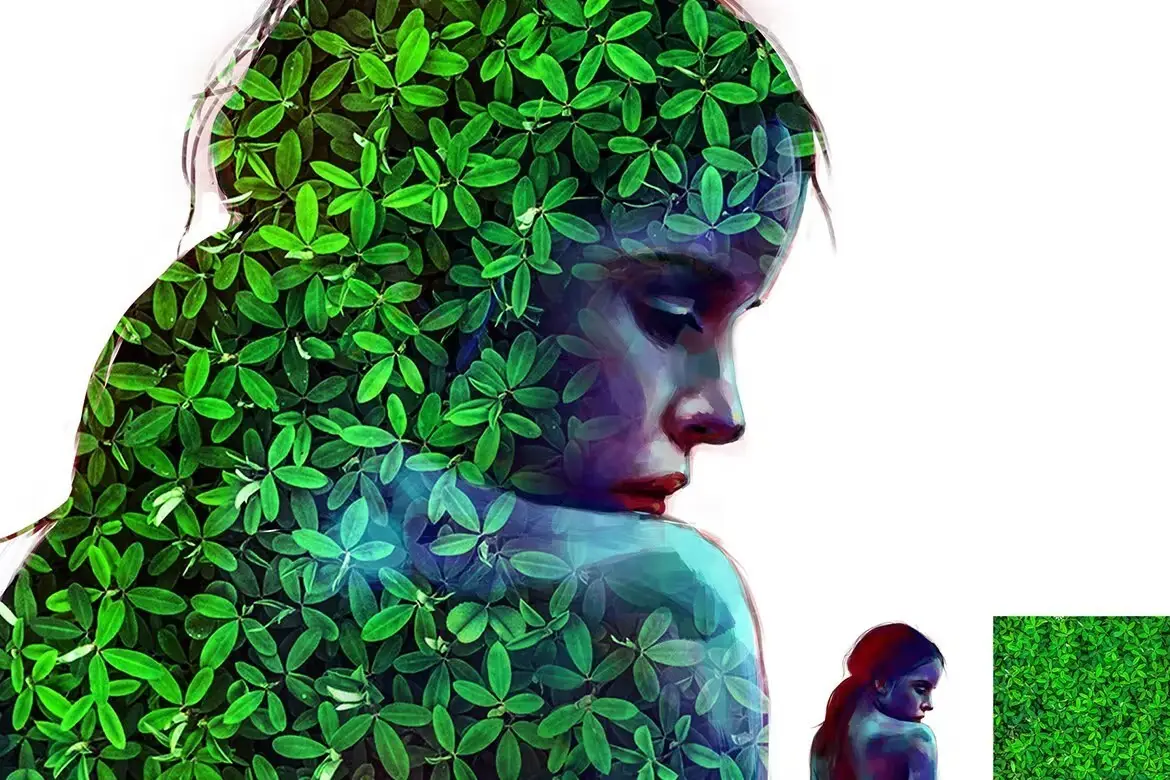
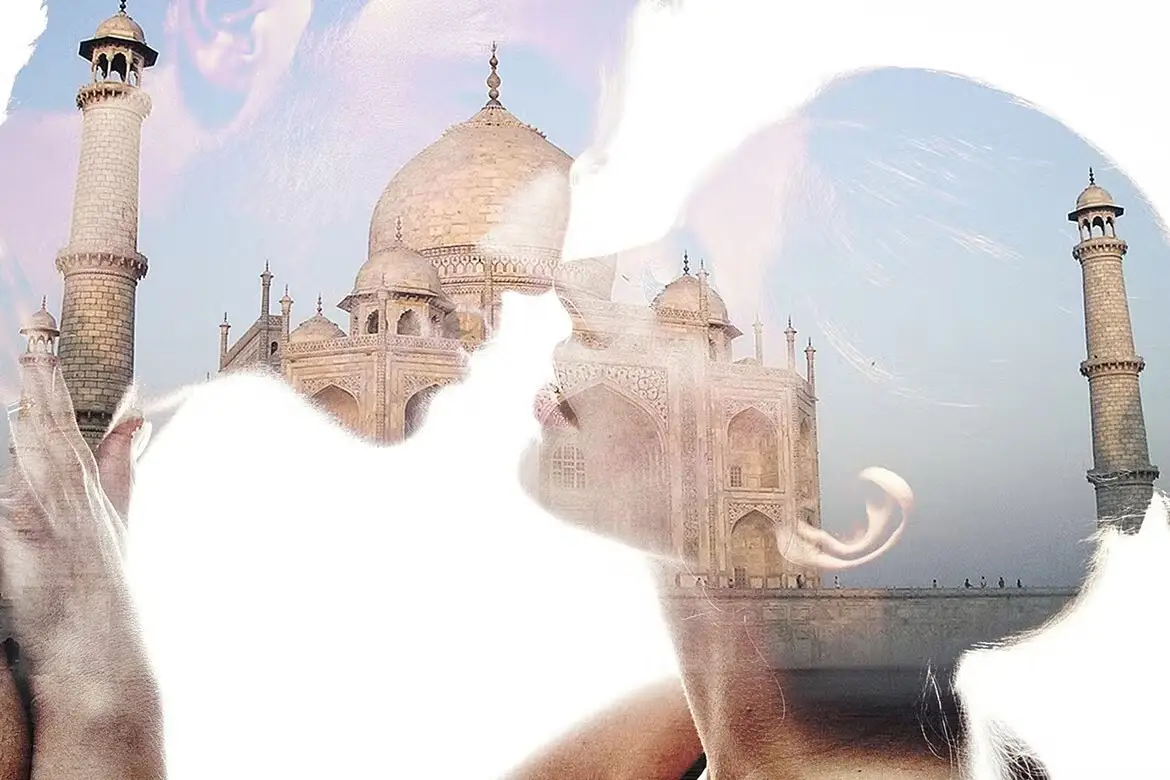
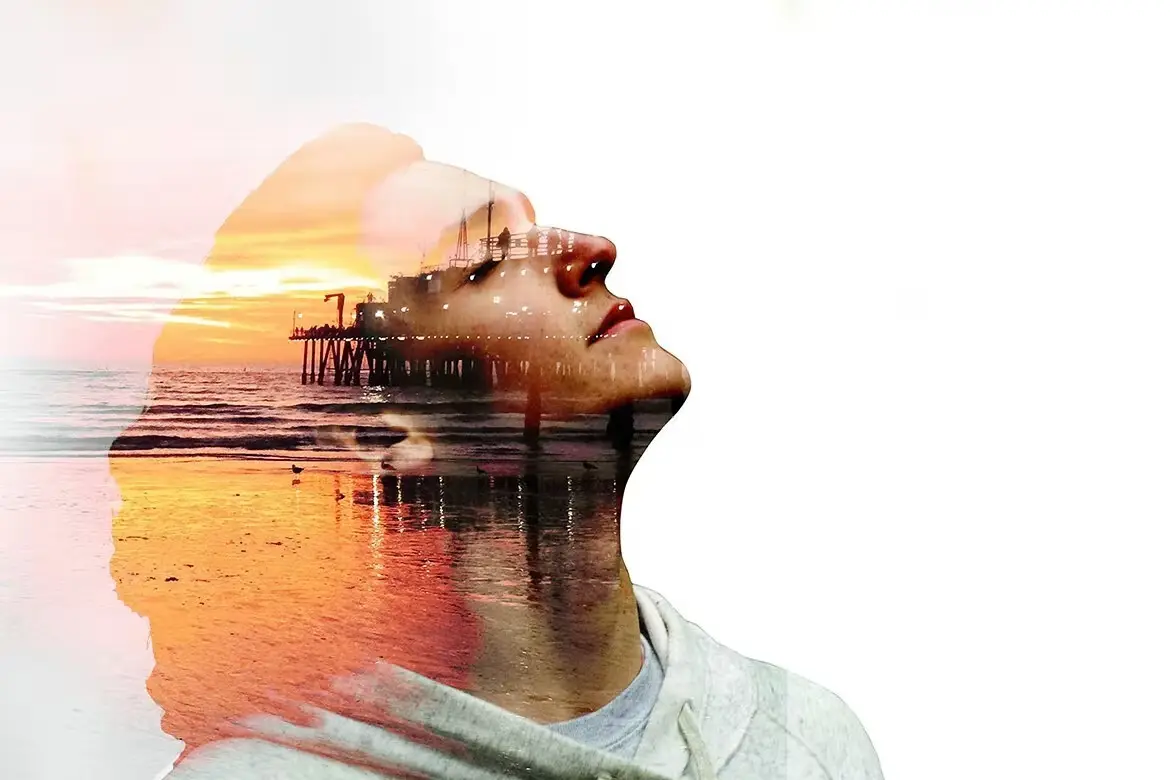
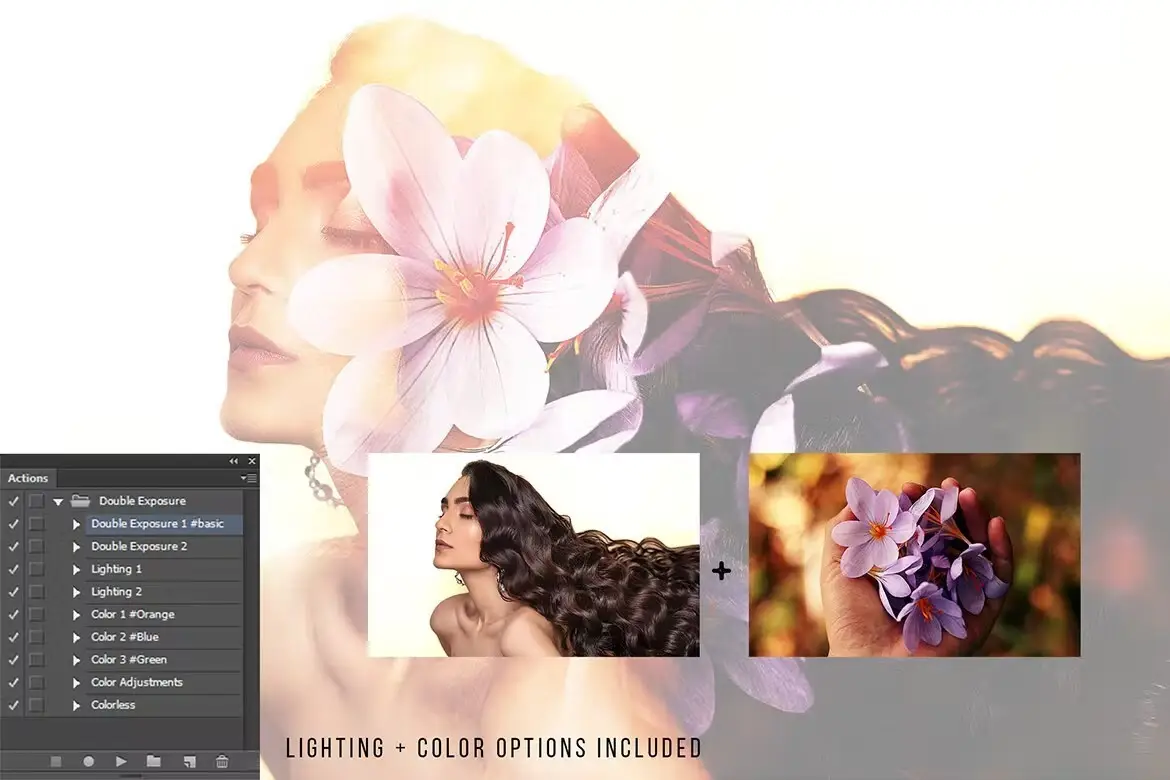

Double Exposure Photoshop Action
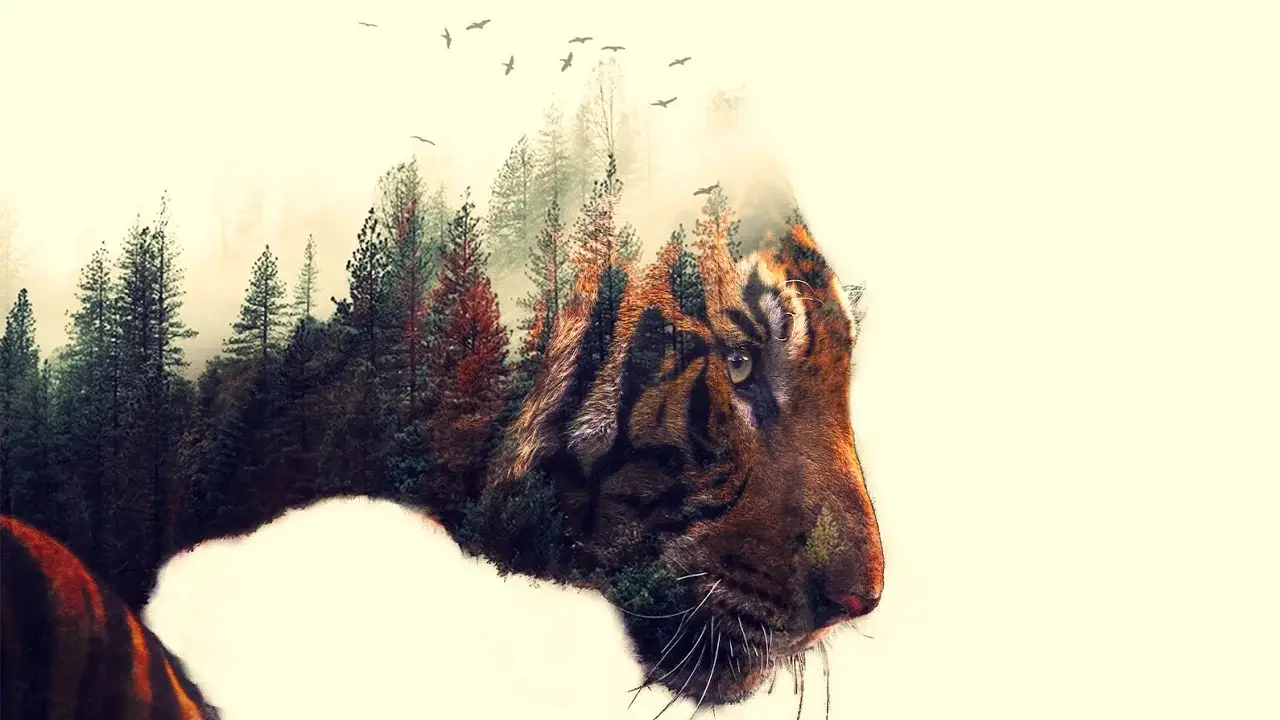
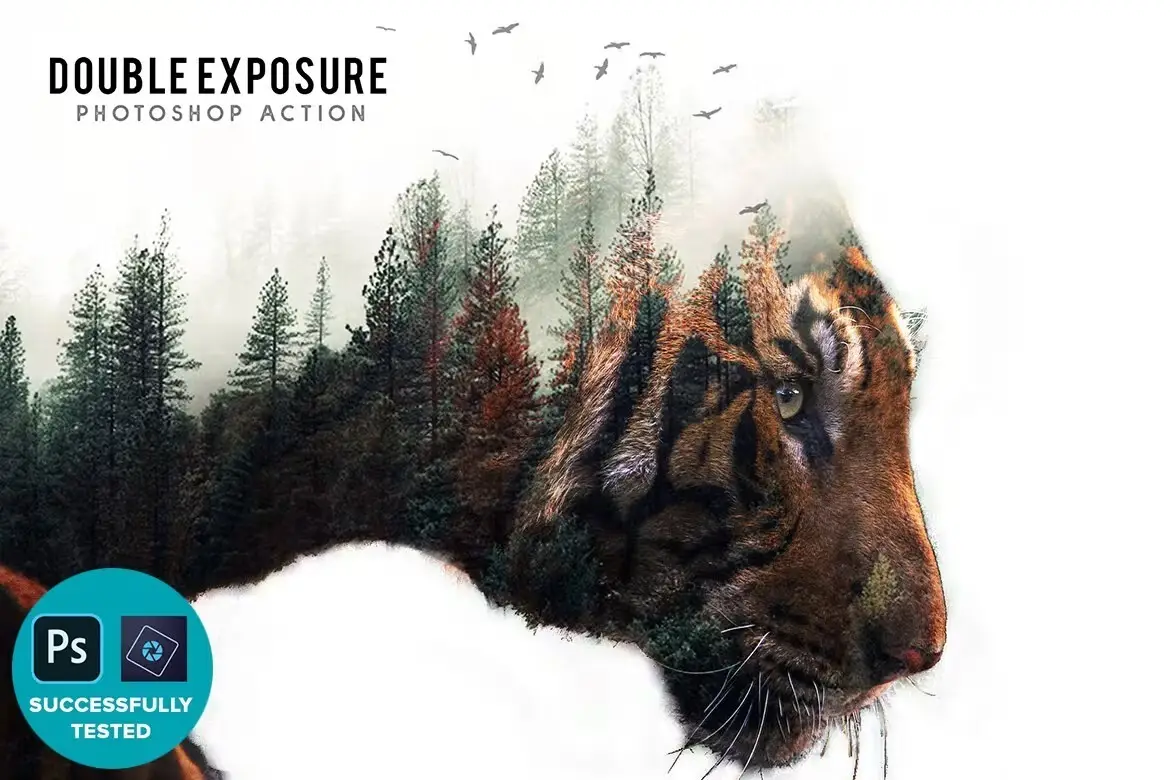
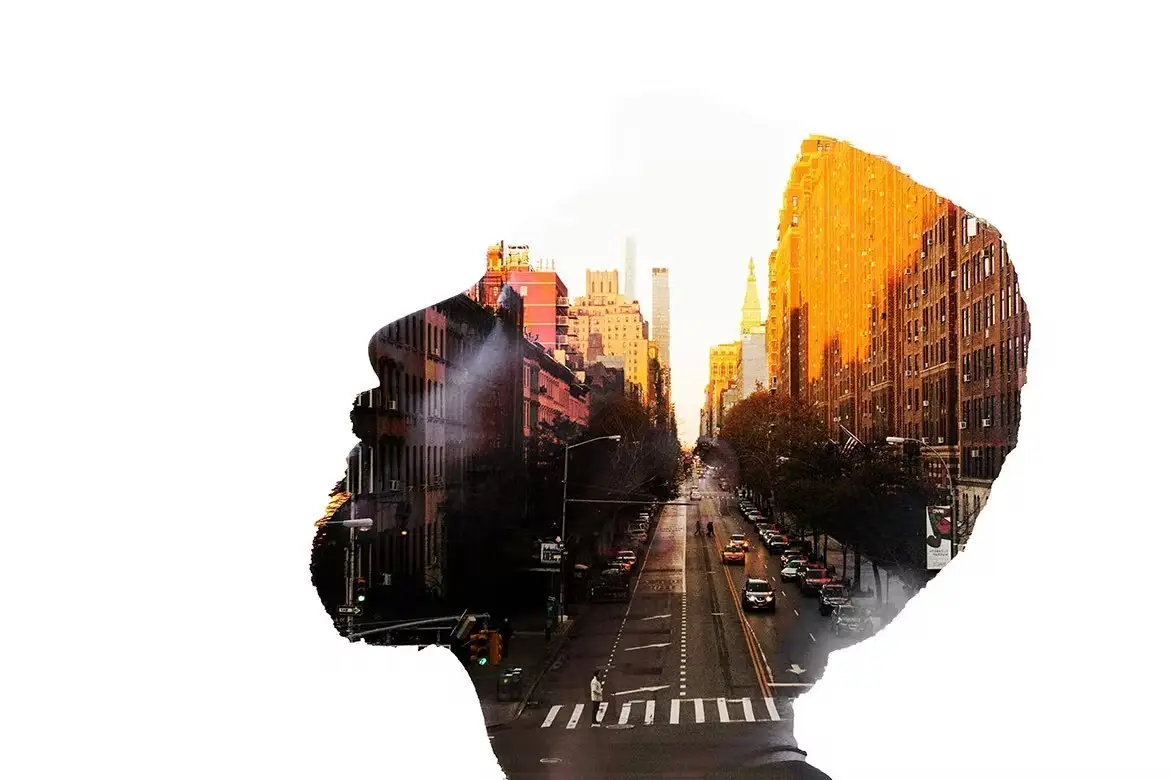
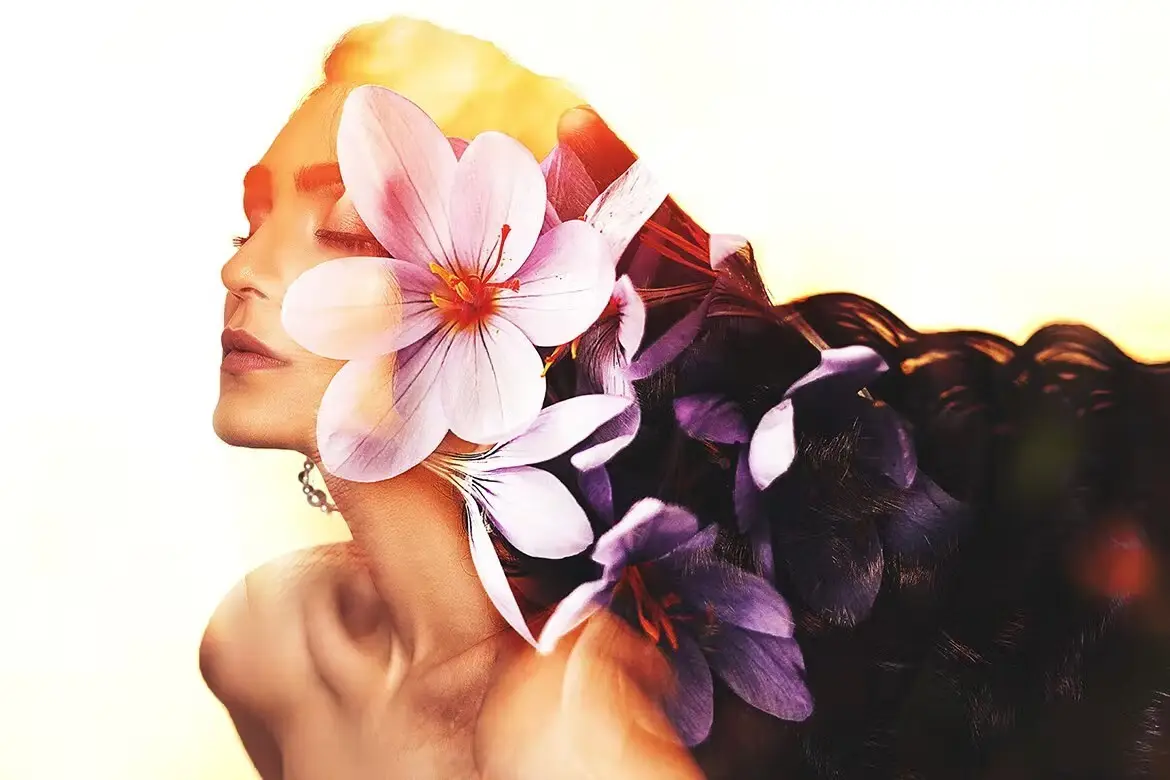
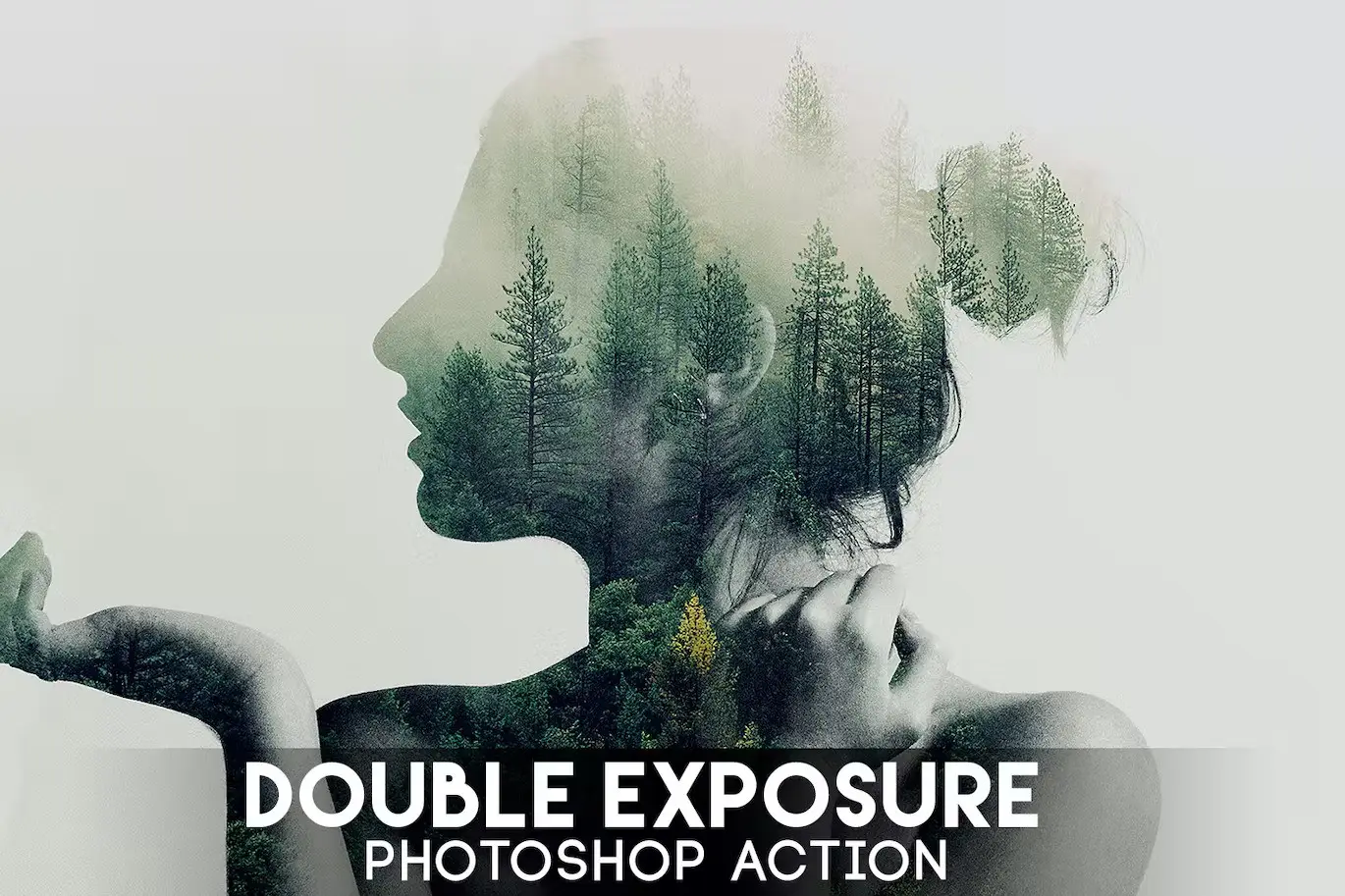
Transform your photography with the Double Exposure Photoshop Action. This powerful tool allows you to create stunning double exposure effects in just seconds, making it an essential asset for photographers and designers alike. Whether you’re looking to enhance your portfolio or create eye-catching visuals, this action simplifies the process while delivering professional results.
Product Overview
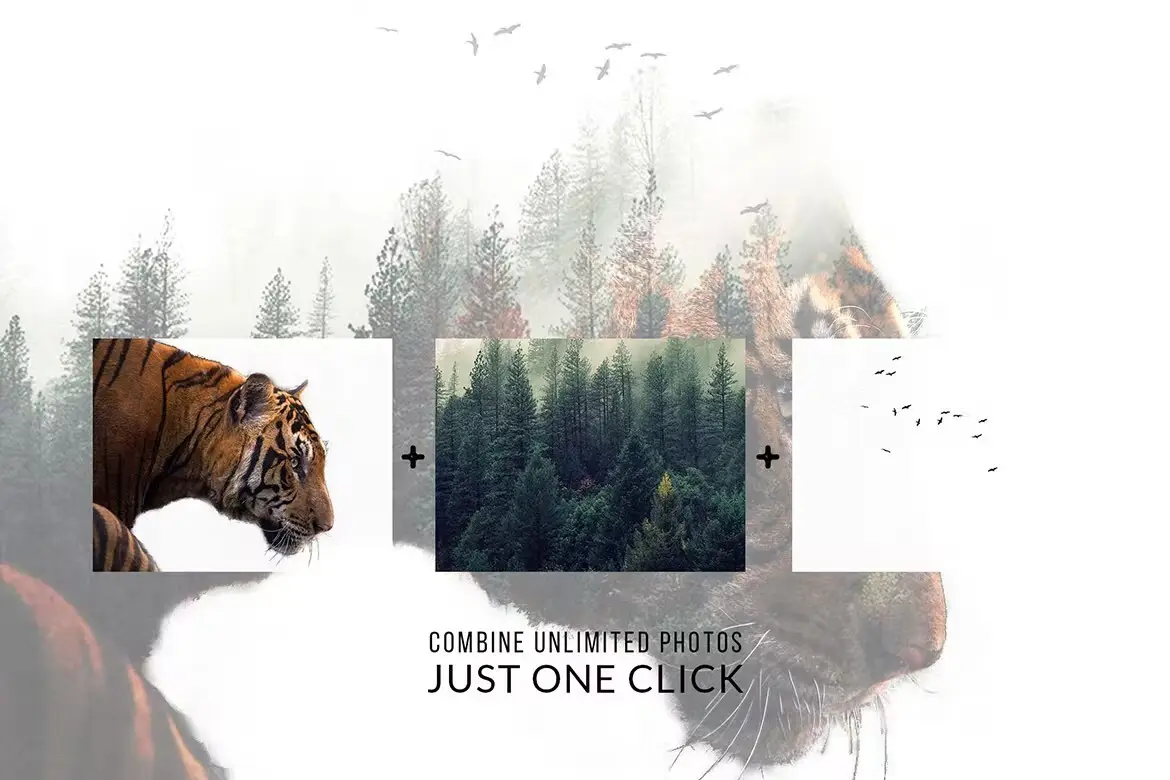
The Double Exposure Photoshop Action is designed to help you achieve a captivating double exposure effect effortlessly. Ideal for both beginners and seasoned professionals, this action streamlines your workflow, allowing you to focus on creativity rather than technical details. With just a few clicks, you can elevate your images and impress your audience.
Key Features & Benefits
- ✅ Quick and Easy Setup → Create stunning double exposure effects in seconds without complicated steps.
- ✅ Multilingual Compatibility → Works seamlessly with English, German, French, Italian, Spanish, Dutch, Danish, and Czech versions of Photoshop.
- ✅ Customizable Effects → After applying the action, easily add color tones or gradients to personalize your composition.
- ✅ Optimized for Multiple Versions → Compatible with Photoshop CS3 through CC, ensuring versatility across various setups.
- ✅ Comprehensive Support → Access a detailed help page for FAQs and troubleshooting tips to maximize your experience.
Why Choose This Product
This Double Exposure Photoshop Action stands out due to its user-friendly design and exceptional results. Trusted by photographers worldwide, it has maintained a leading position in sales for months. The ability to work in multiple languages means you can use it in your native tongue, enhancing your workflow without the need for language changes. Plus, the included support resources ensure you can get the most out of your purchase.
Specifications
| Compatibility | Photoshop CS3, CS4, CS5, CS6, CC |
|---|---|
| Languages Supported | English, German, French, Italian, Spanish, Dutch, Danish, Czech |
| Resolution Requirement | Minimum 72dpi |
| Color Mode | RGB, 8 Bits/Channel |
What’s Included
- 📦 Double Exposure Photoshop Action File
- 📦 User Guide with Setup Instructions
- 📦 Access to Support Resources
Perfect For
- Photographers looking to enhance their images
- Graphic designers seeking innovative effects
- Beginners wanting to explore creative editing techniques
How to Use
- Open your image in Photoshop.
- Run the Double Exposure Action from the Actions panel.
- Adjust the color tone or gradient as desired.
- Save your final composition and share your stunning creation!
FAQ
- Can I use this action with other languages? Yes, it now supports multiple languages, making it accessible for a wider audience.
- What if I encounter issues? Please visit the help page for troubleshooting tips or contact support for assistance.
Ready to elevate your design projects? Add to cart now and start creating stunning double exposure effects today! 🚀
User Reviews
Be the first to review “Double Exposure Photoshop Action”
You must be logged in to post a review.
Original price was: $7.00.$3.50Current price is: $3.50.


There are no reviews yet.