

Dithering Automator: Effortless Retro Bitmap Design
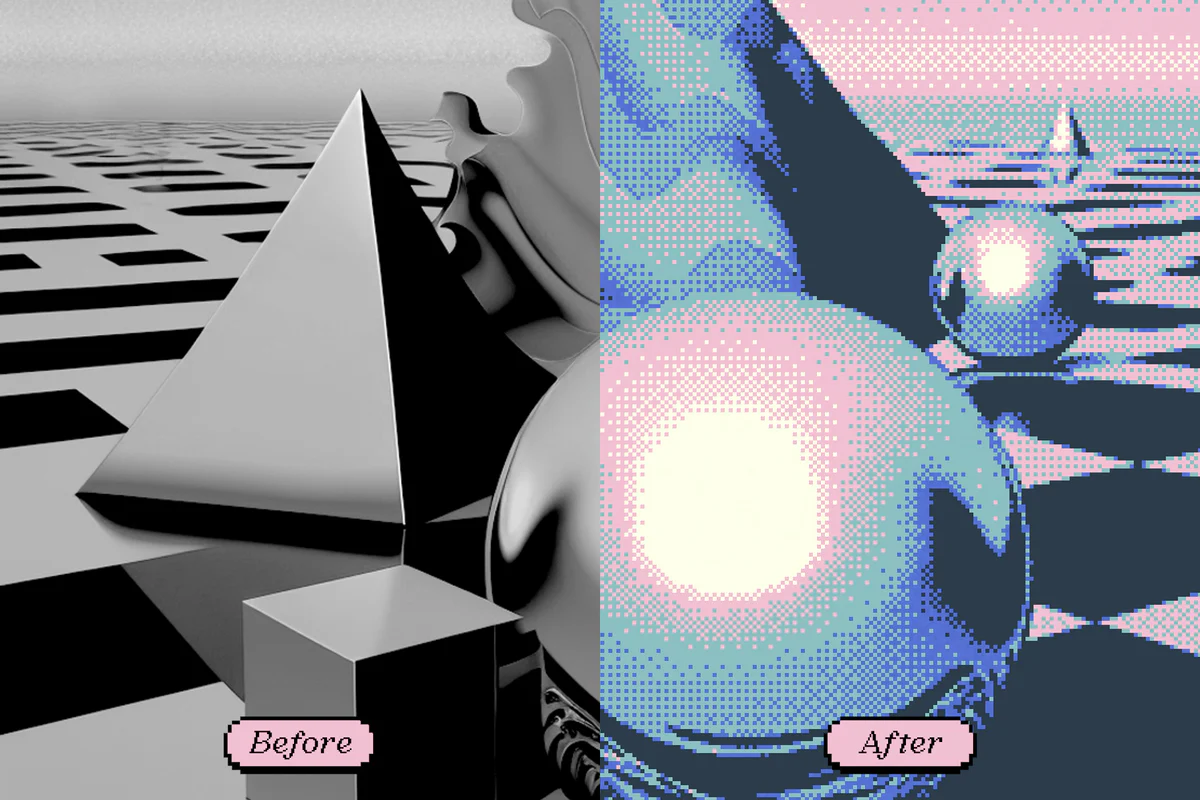
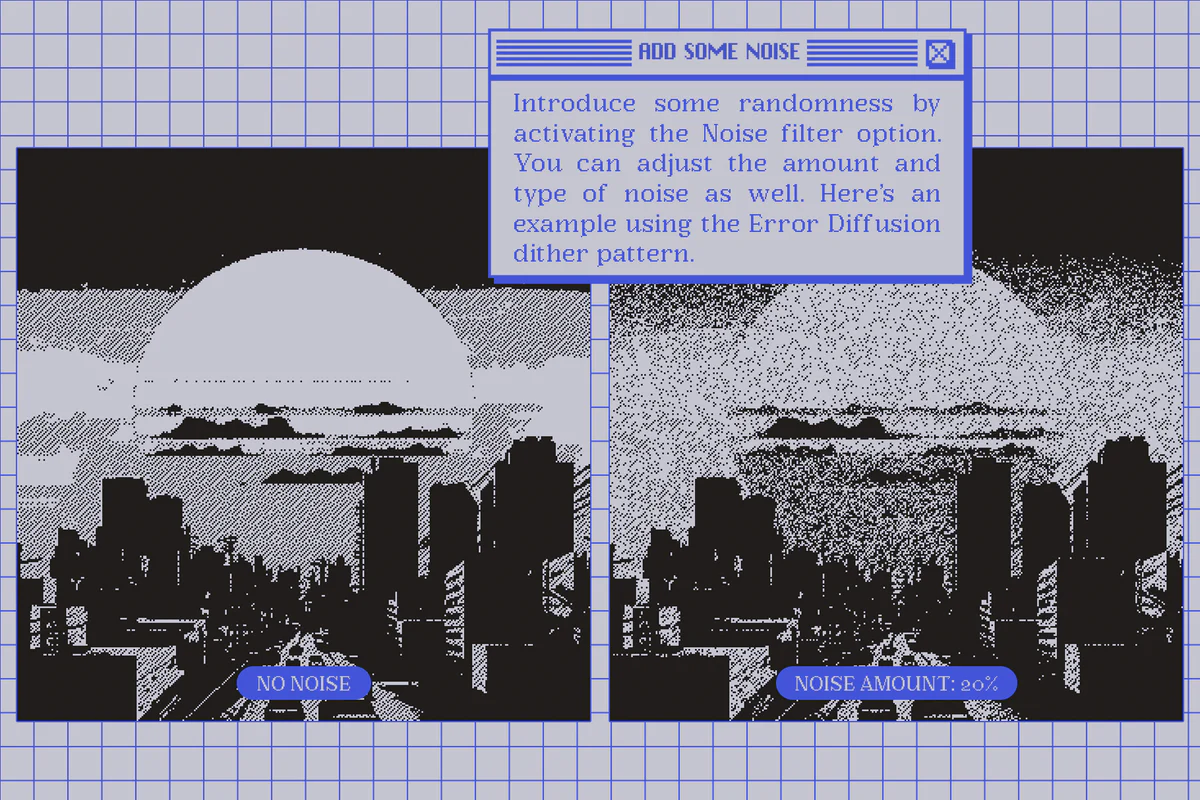
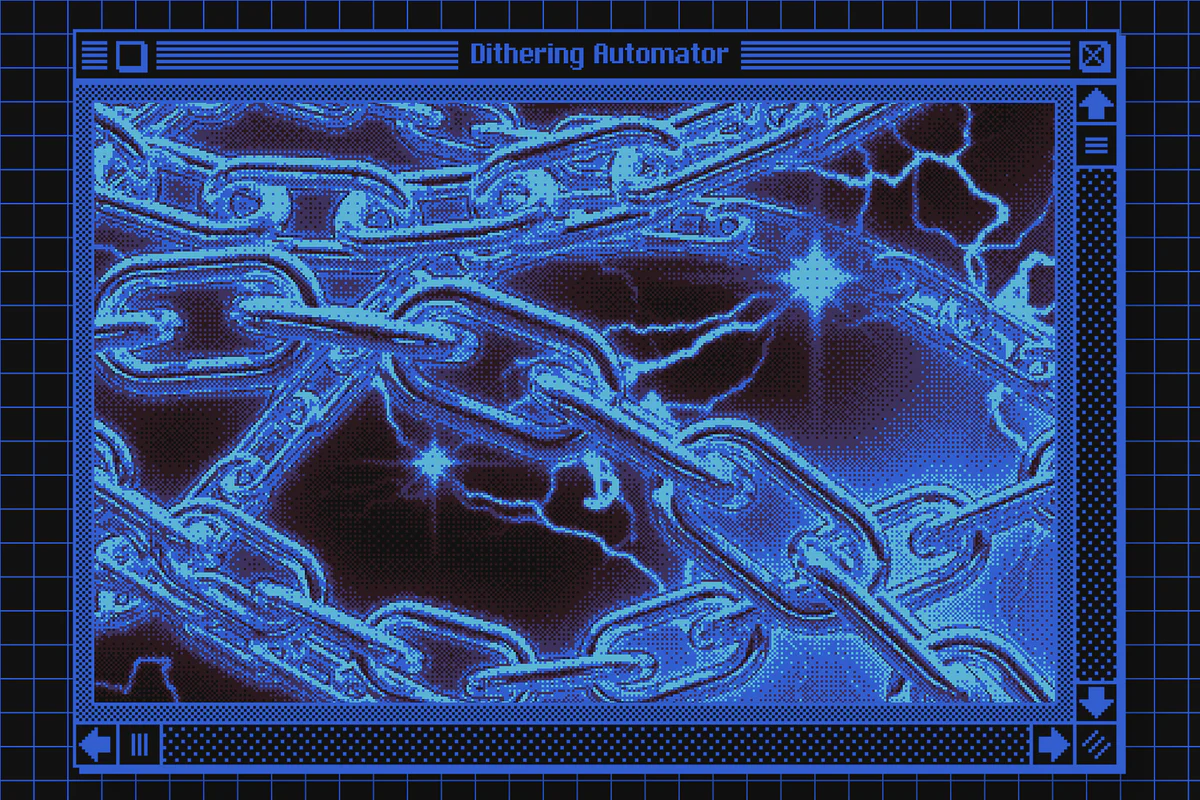
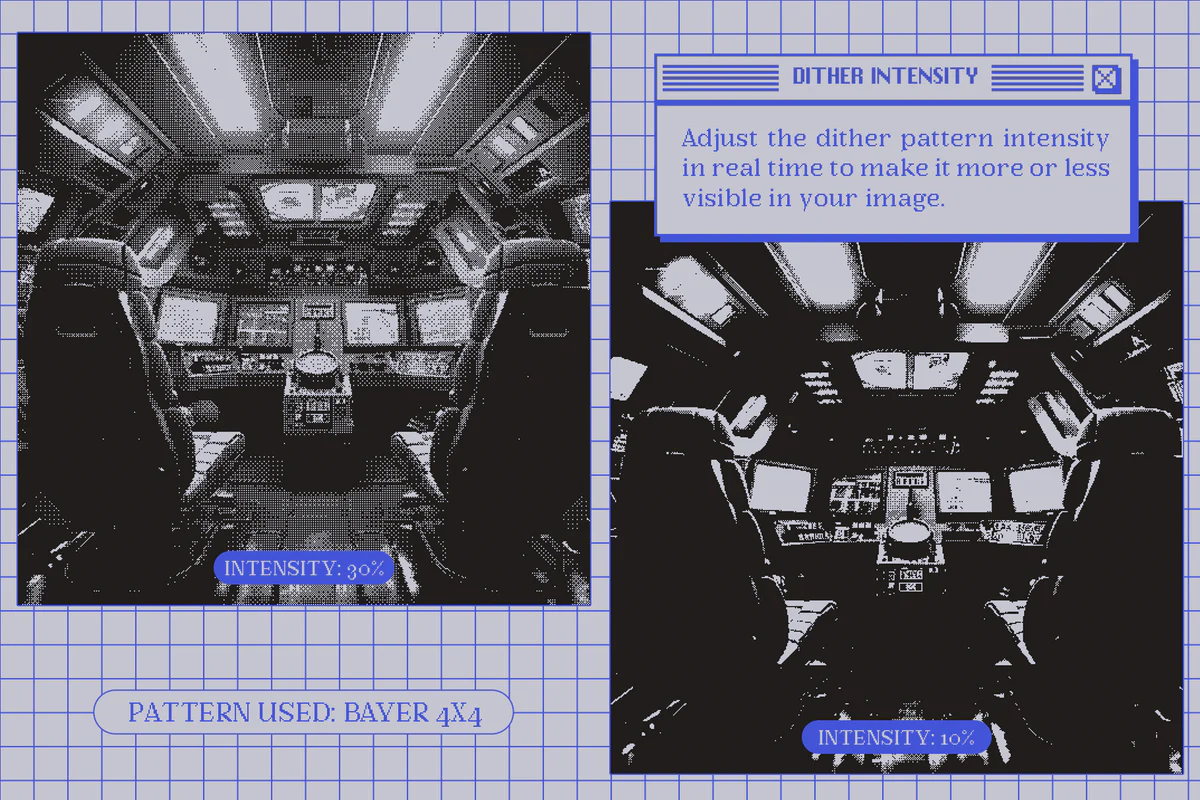
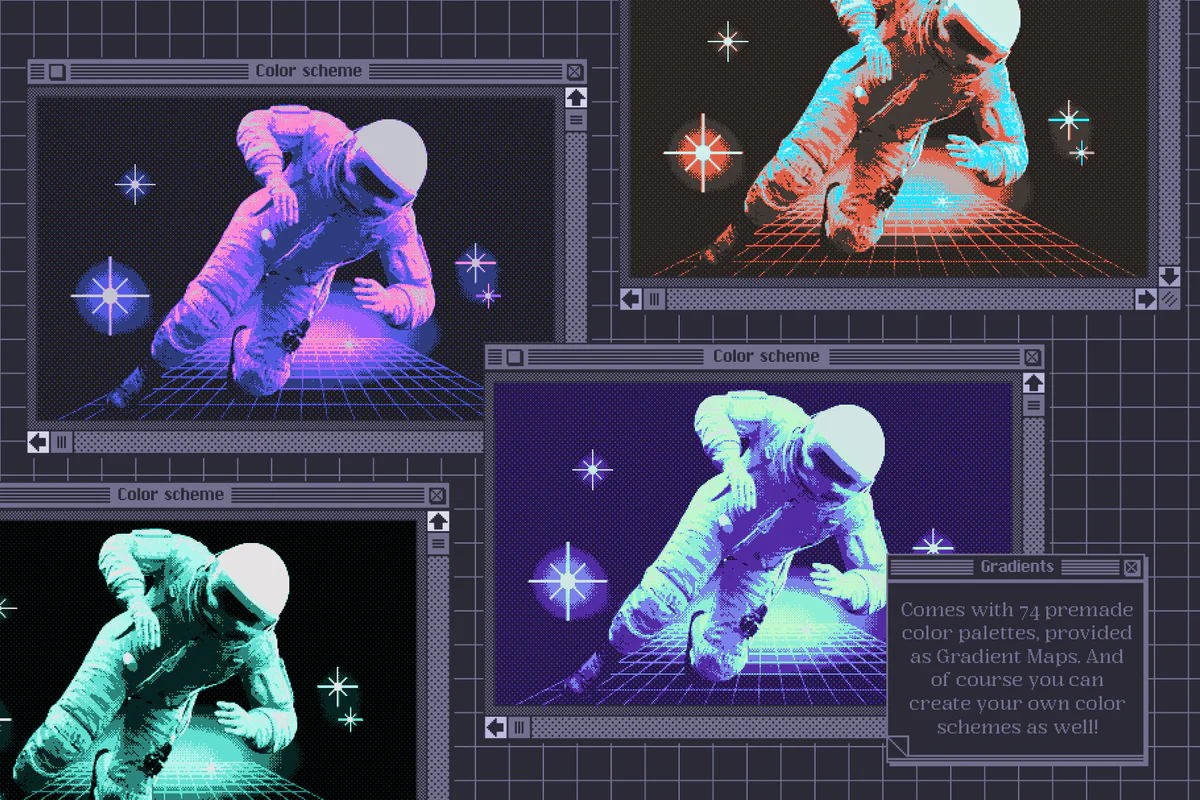
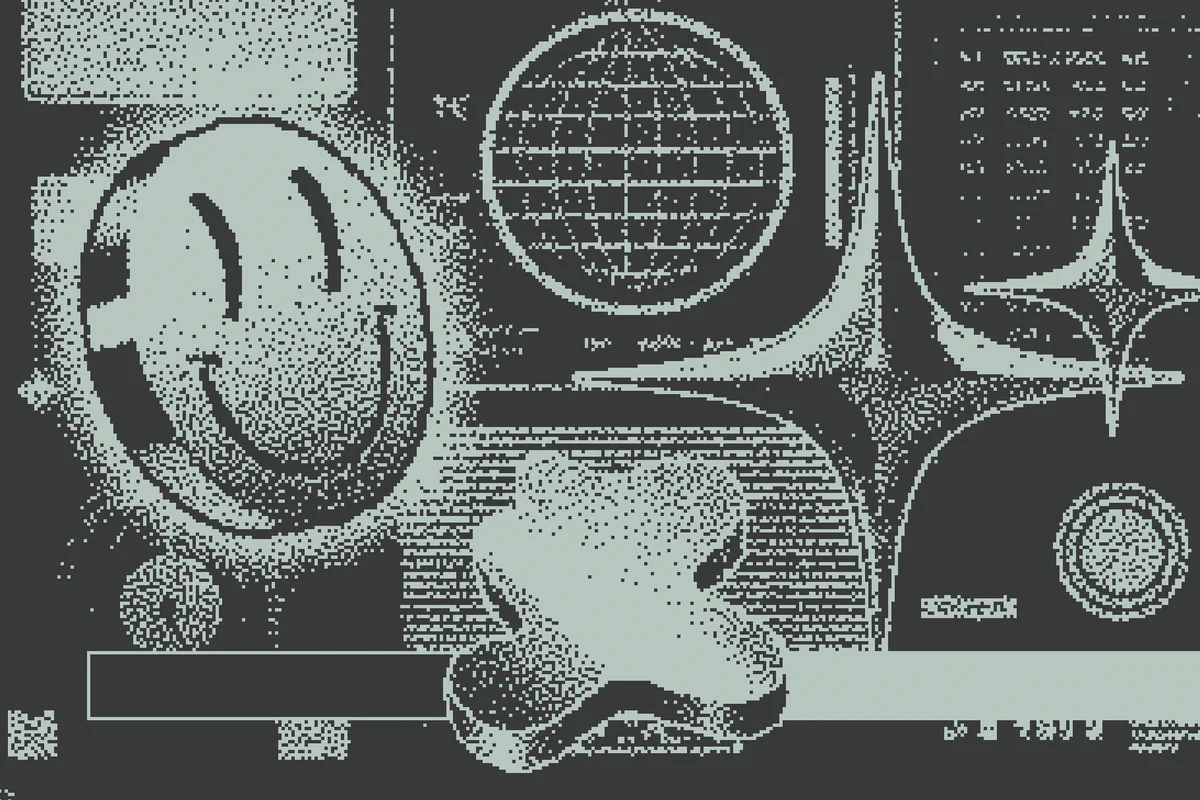
Introducing Dithering Automator—your go-to tool for achieving a retro bitmap aesthetic with ease. This Photoshop plugin enables you to seamlessly add a dithering effect to your images, whether you desire a lo-fi 1-bit style or a broader color palette. With 12 unique dithering patterns and 74 color palettes included, the creative possibilities are almost endless.
Product Overview
The Dithering Automator is designed for graphic designers, artists, and enthusiasts who want to explore the charm of retro visuals. Its real-time preview feature allows you to experiment and refine your designs effortlessly until you achieve the perfect look.
Key Features & Benefits
- ✅ 12 Dithering Patterns → Create diverse visual styles with a variety of effects.
- ✅ 74 Color Palettes → Access a wide range of colors to enhance your designs.
- ✅ Multiple Template Sizes → Choose from sizes like 64x64px to 1024x1024px for any project.
- ✅ Custom Dimensions → Set up your own canvas size to fit your specific needs.
- ✅ Upscaling Action → Easily upscale images without losing resolution in just a few clicks.
- ✅ Comprehensive User Guide → Follow detailed instructions and tips to maximize your usage.
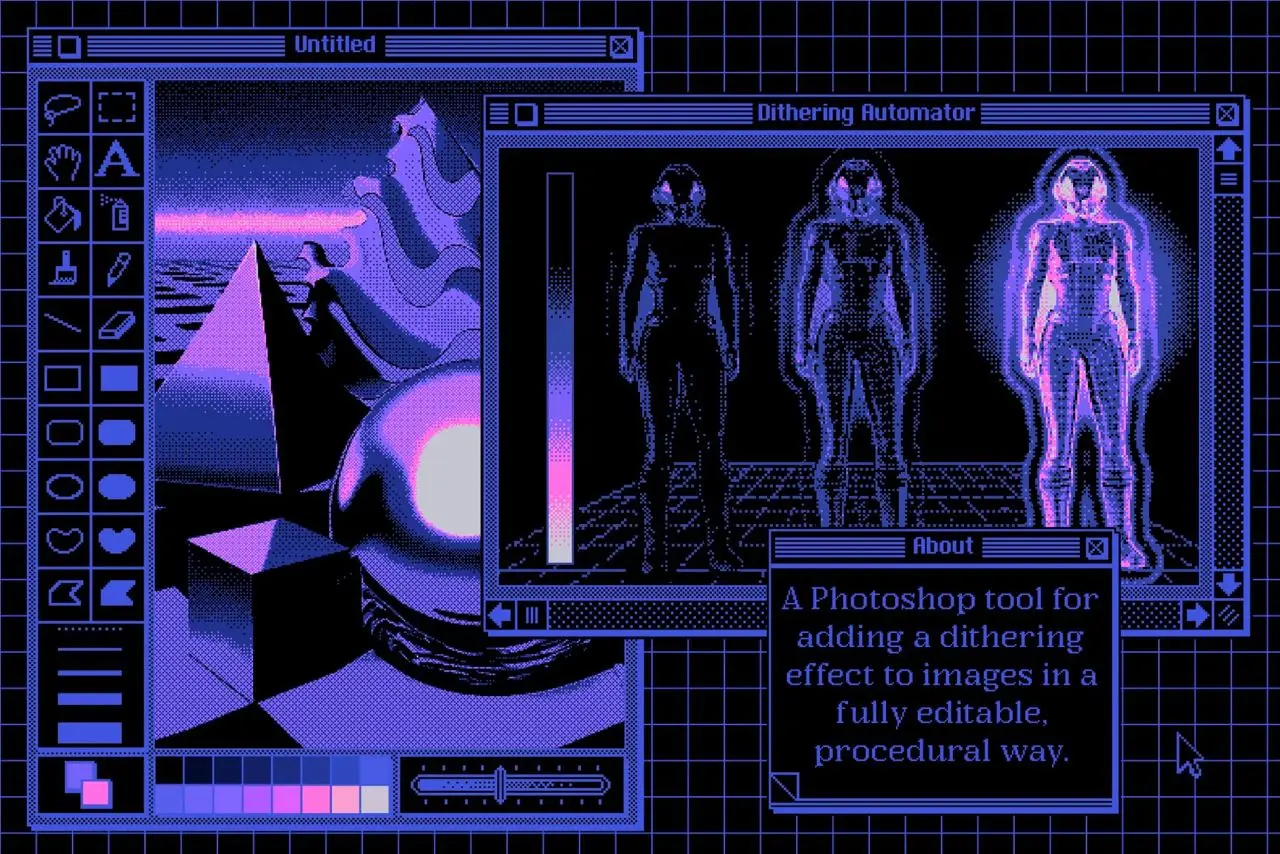
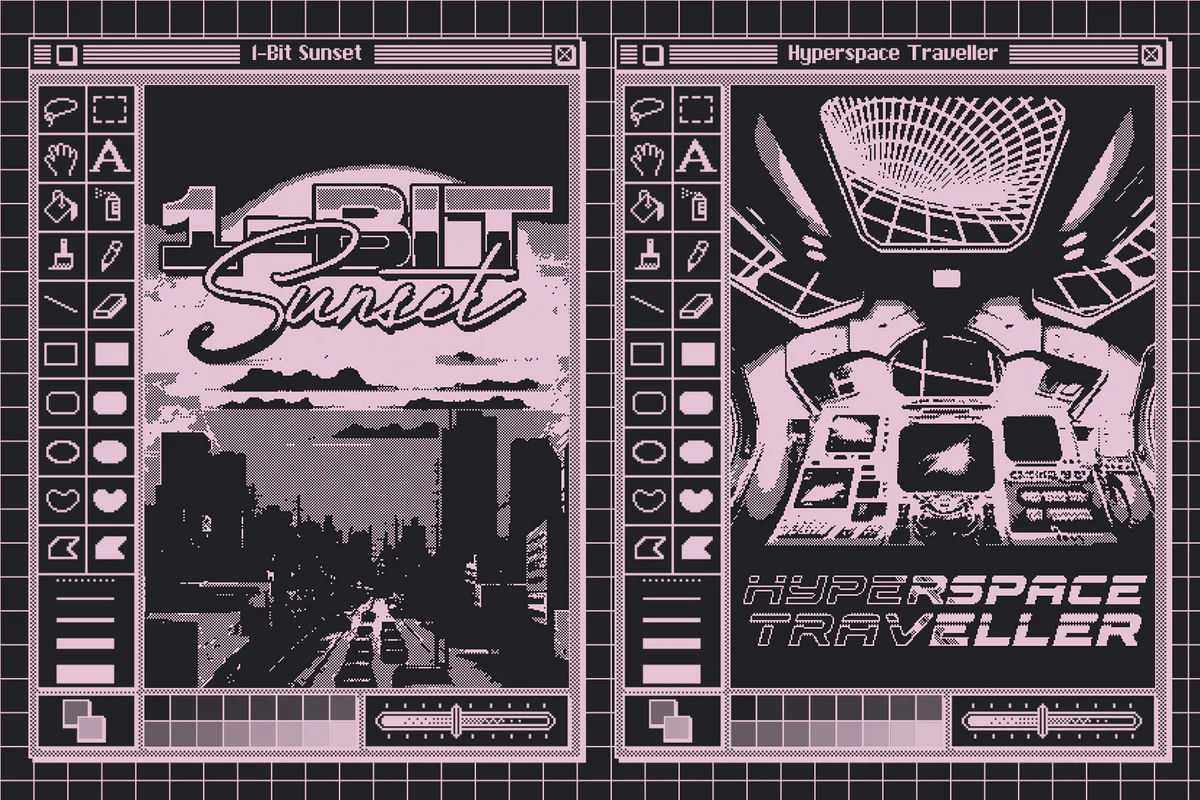
- ✅ Mockups Included → Showcase your work with stylish mockups inspired by classic Mac OS interfaces.
Why Choose This Product
The Dithering Automator stands out for its versatility and user-friendly design. Whether you’re a beginner or a seasoned professional, this tool simplifies the process of creating stunning retro graphics. Trusted by designers worldwide, it empowers you to bring your creative visions to life without the hassle.
Specifications
| Feature | Details |
|---|---|
| Template Size Presets | 64x64px, 128x128px, 256x256px, 512x512px, 1024x1024px, 160x144px, 240x160px, 320x224px, Custom Dimensions |
| User Guide | Detailed guide with pictures |
| Mockups | 300ppi PSD mockups with editable elements |
What’s Included
- 📦 9 PSD templates (Dithering Automator)
- 📦 4 PSD mockup files
- 📦 1 ATN file (Upscale image action)
- 📦 1 GRD file (Gradient presets)
- 📦 1 PAT file (Dithering patterns)
- 📦 1 PDF user guide
Perfect For
- Graphic Designers
- Digital Artists
- Retro Game Developers
- Hobbyists Exploring Vintage Aesthetics
How to Use
Using the Dithering Automator is straightforward. Simply select your desired template size, choose a dithering pattern and color palette, and watch your images transform in real-time. Adjust settings as needed to achieve your preferred look.
FAQ
- Can I use Dithering Automator for commercial projects? Yes, commercial use is allowed. Please refer to the license terms for details.
- Is there a guide included? Absolutely! A detailed user guide is provided to help you navigate all features.
Add to cart now and start creating stunning retro designs today! 🚀
Grunge Toolbox Procreate Brushes
Sold by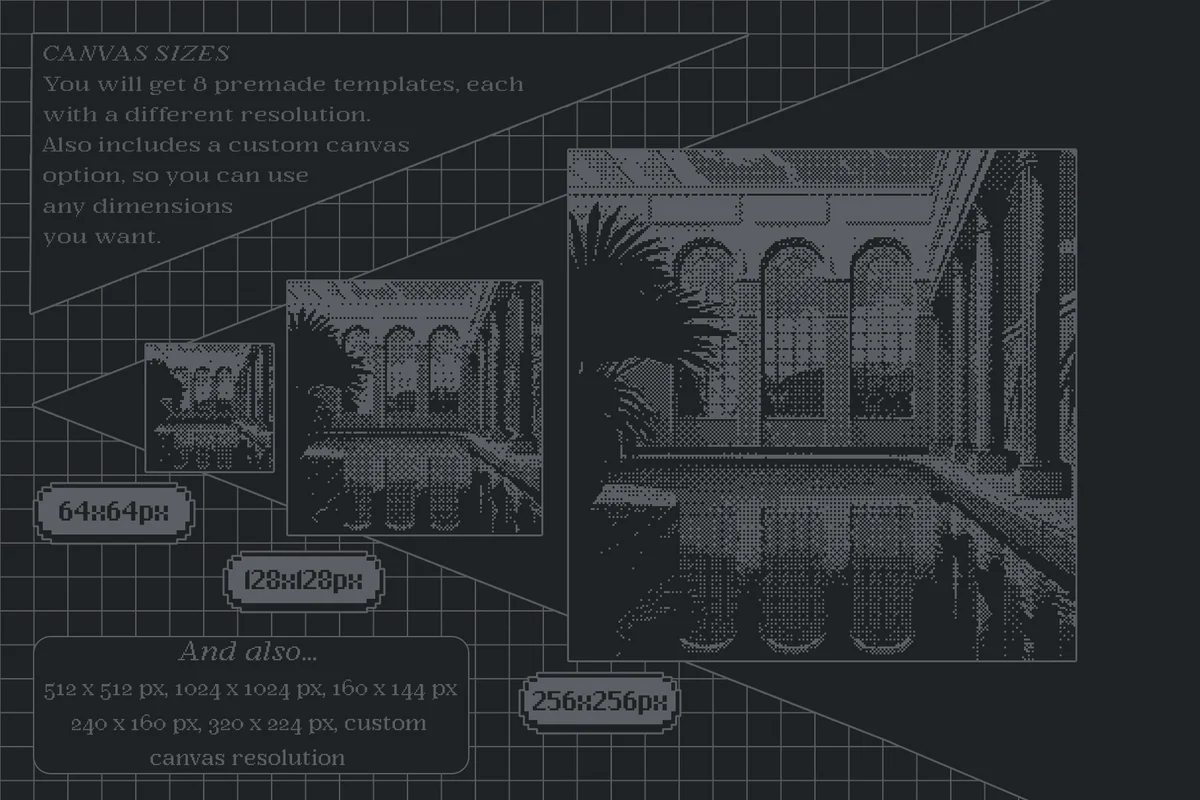
Original price was: $16.00.$8.00Current price is: $8.00.


There are no reviews yet.