
Creating Light Effects in Photoshop






Original price was: $790.00.$13.50Current price is: $13.50.

Pixel Monkey
Product Specs
- Compatible with: Adobe Photoshop
- File Type: zip
- Instant Download
- File Size: 1.04 GB
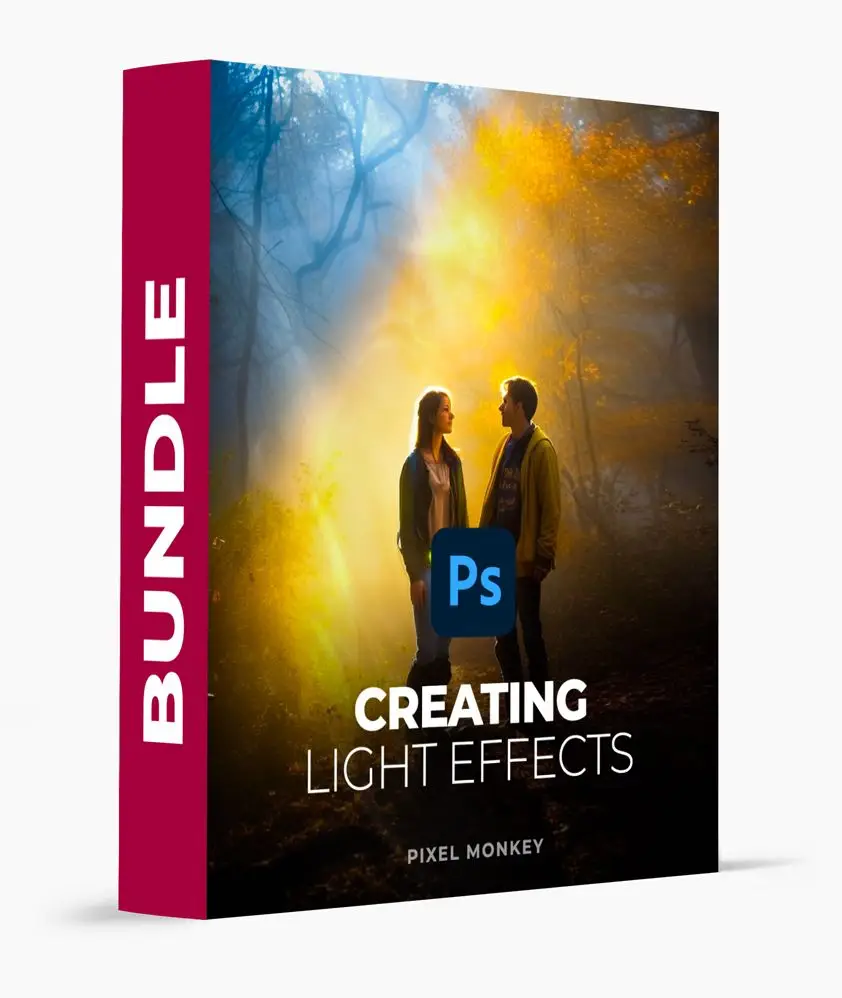
Creating Light Effects in Photoshop
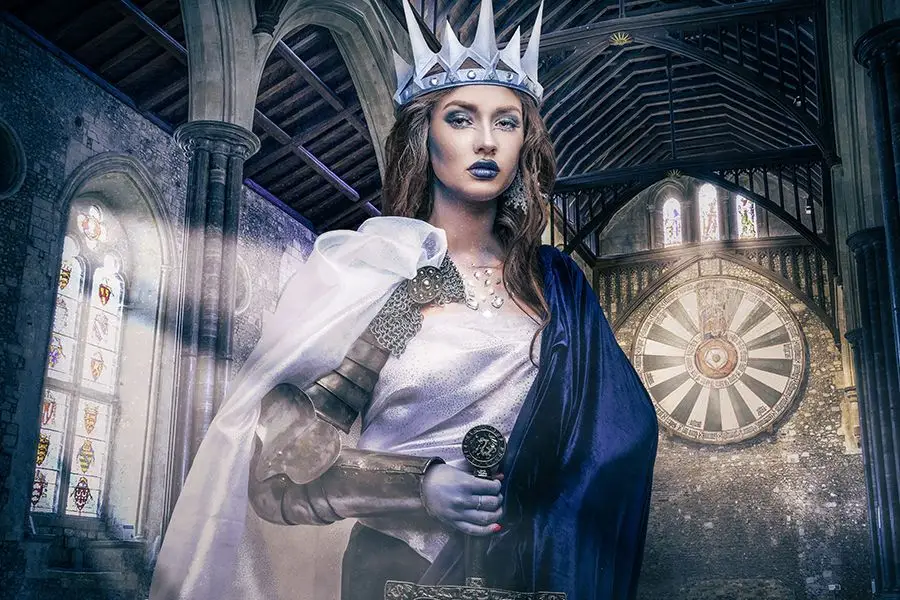
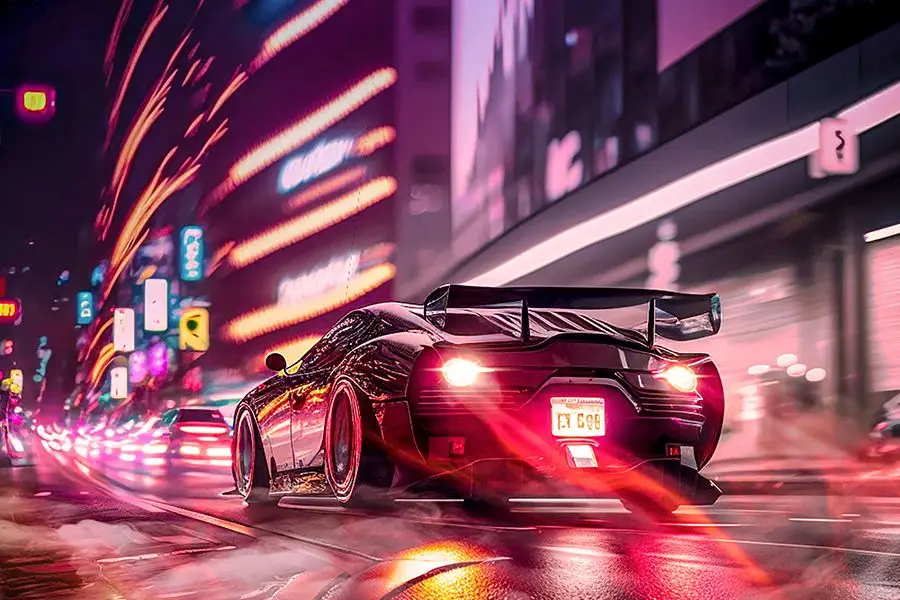
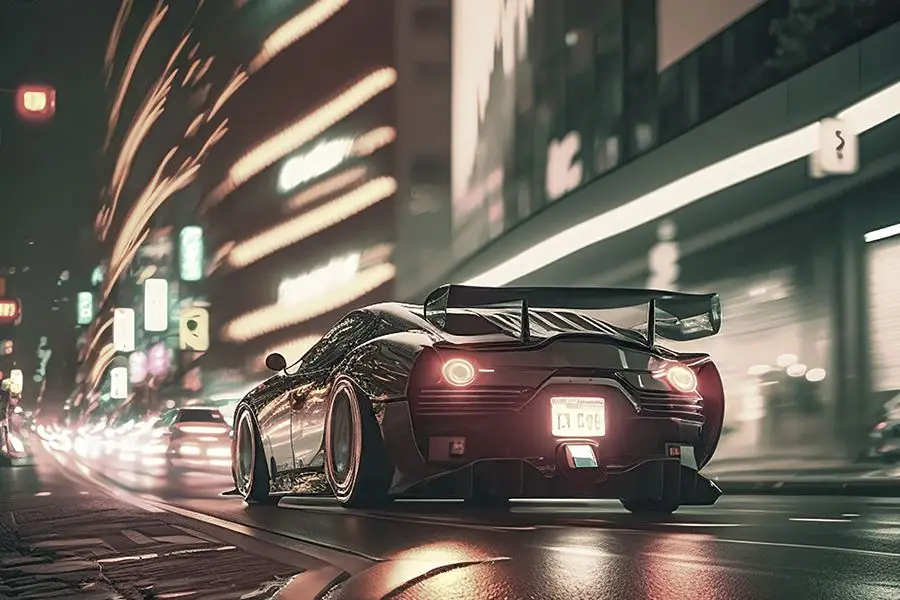
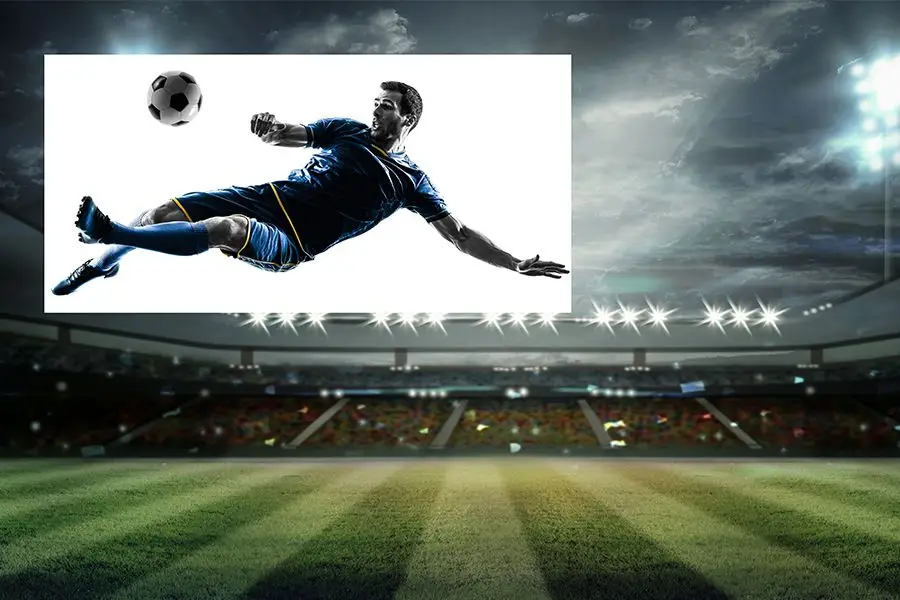
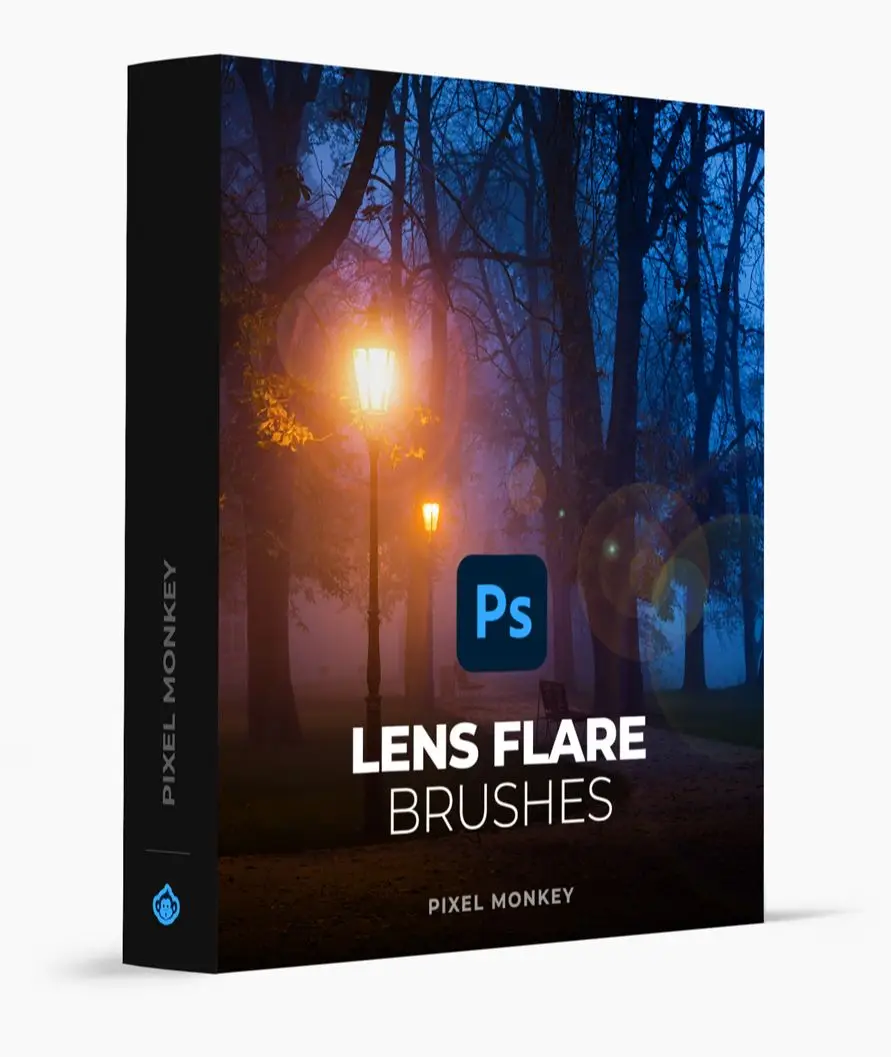
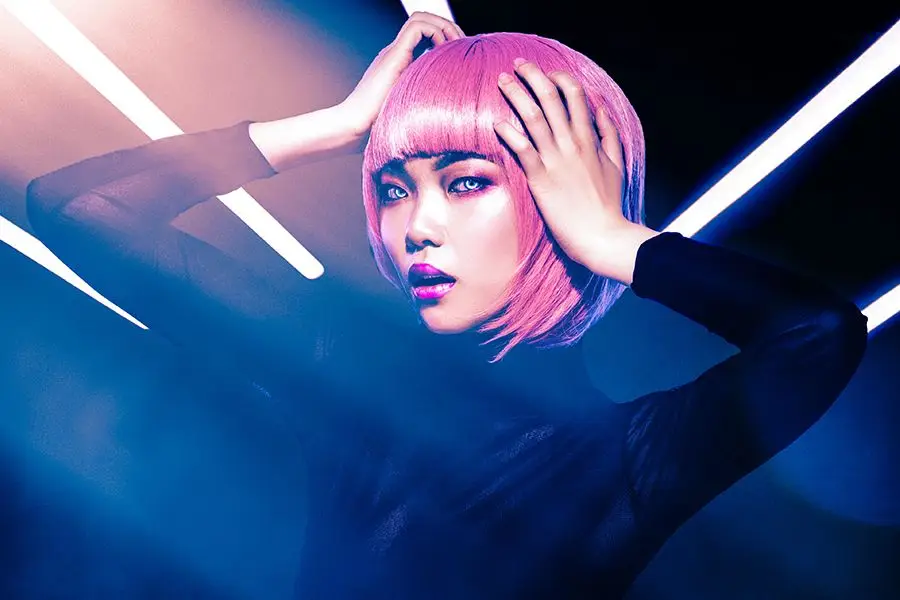
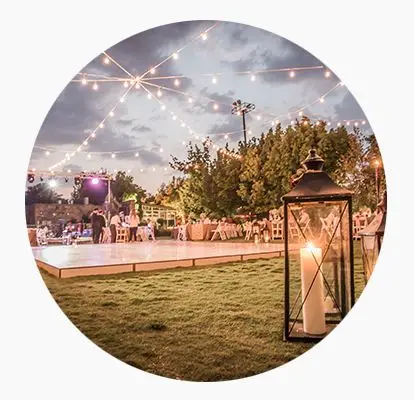
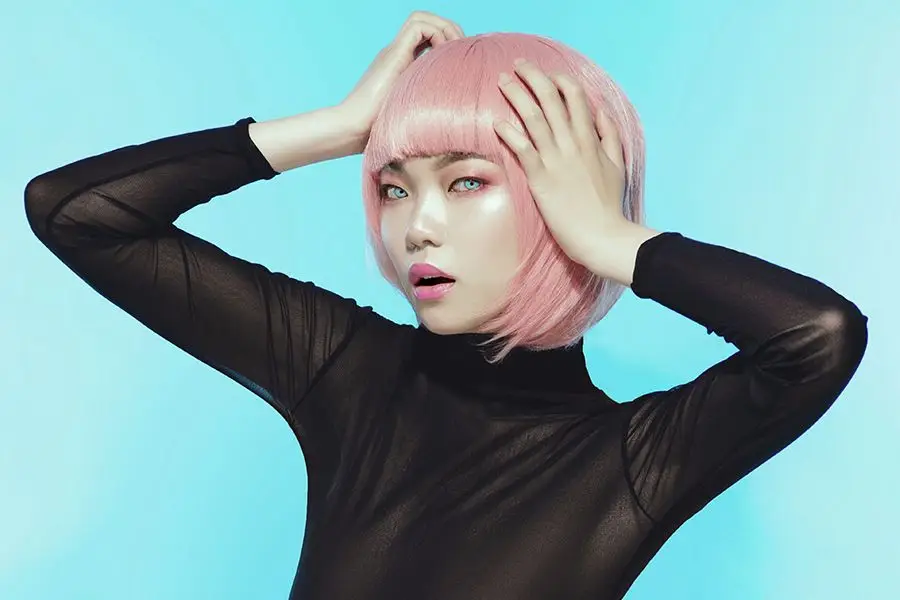
Are you ready to take your digital artistry to a whole new level? This digital download features a comprehensive bundle designed to help you create stunning light effects in Photoshop! With instant access, you can start enhancing your images right away! 🌟
Product Overview
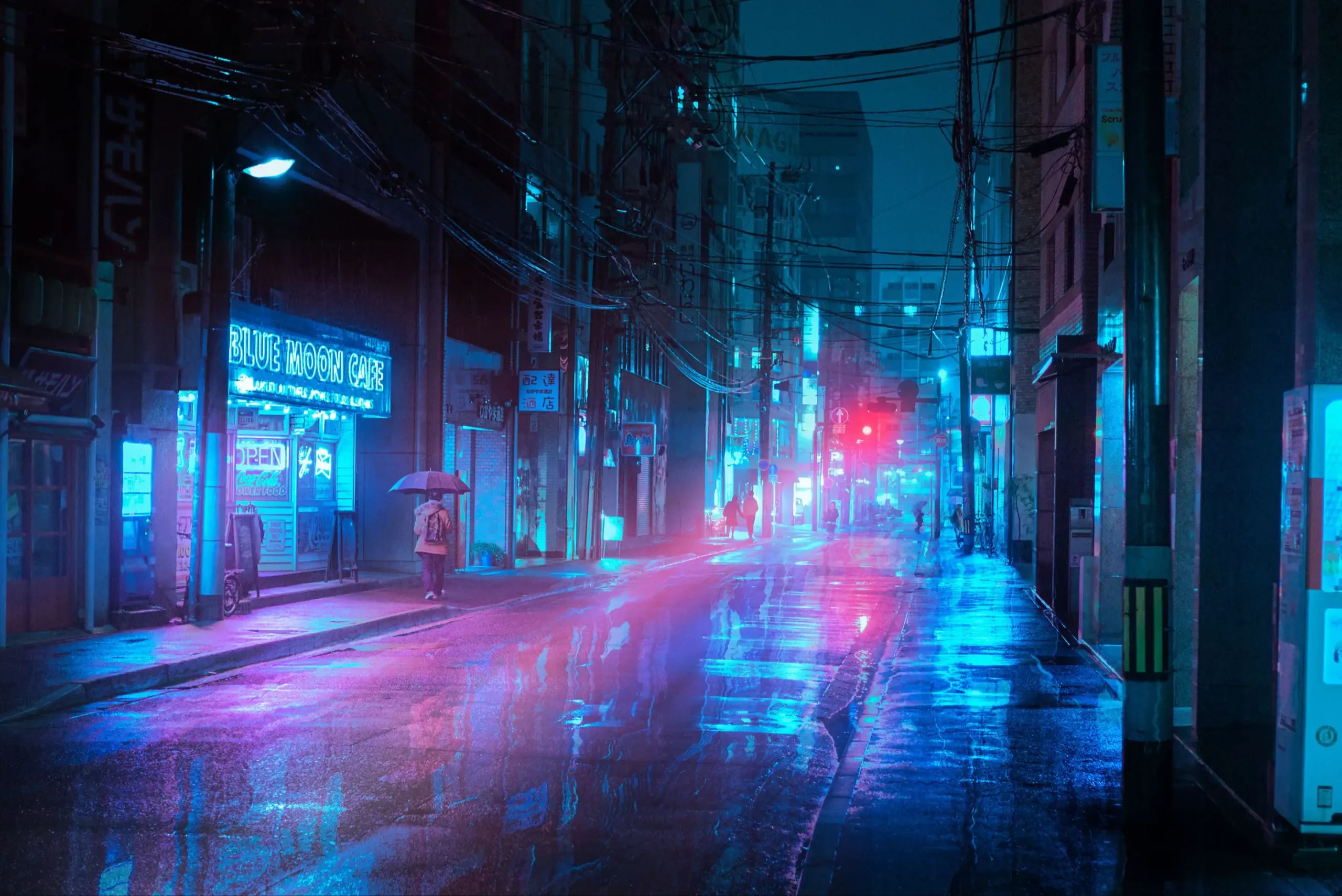
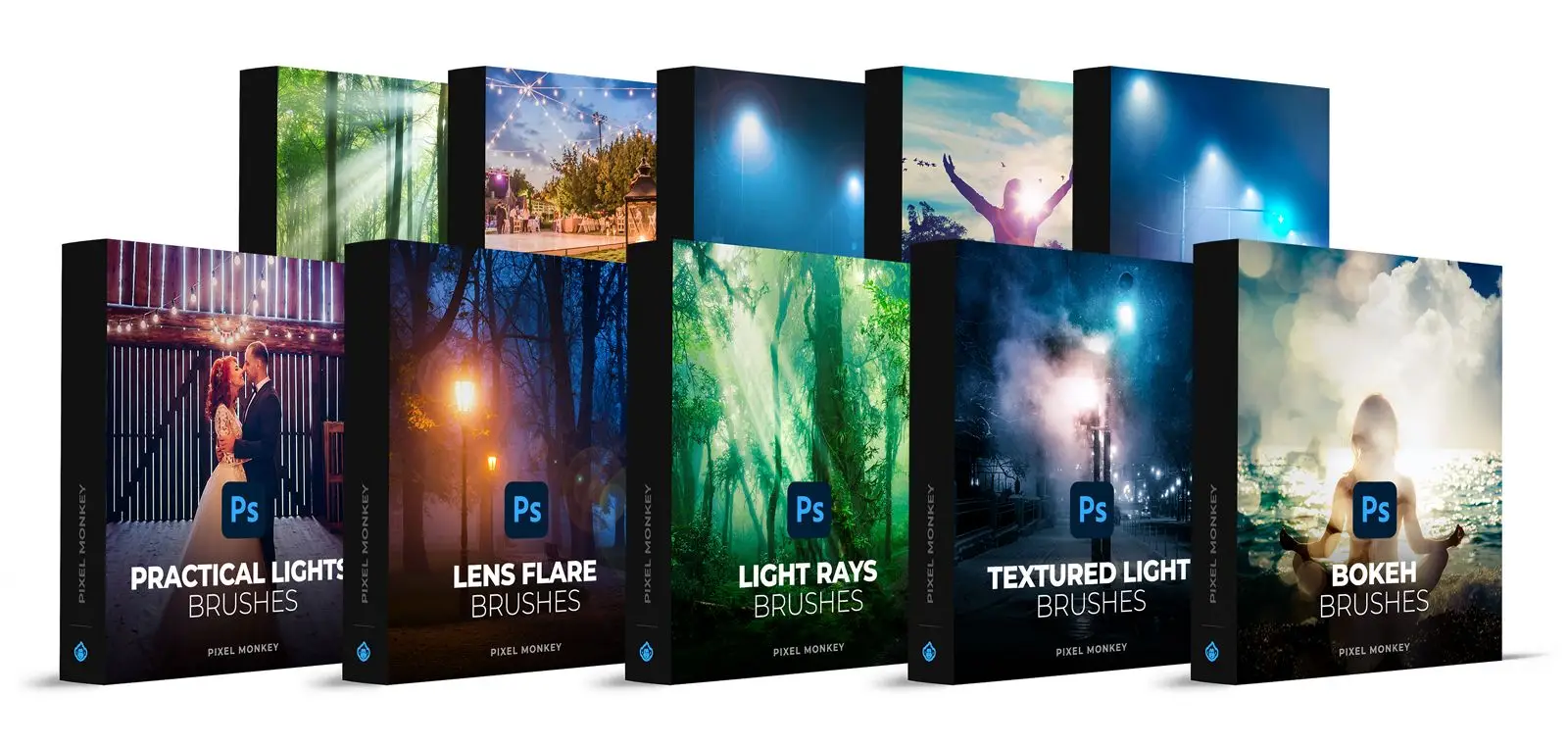
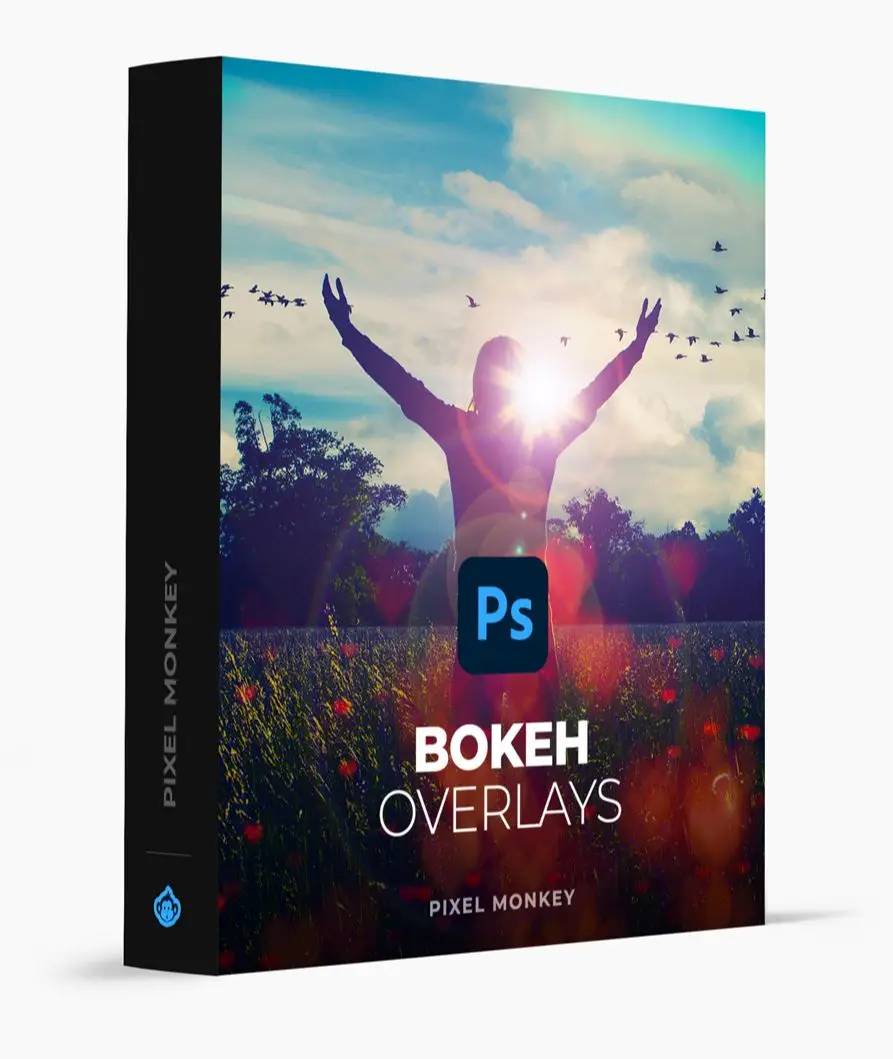
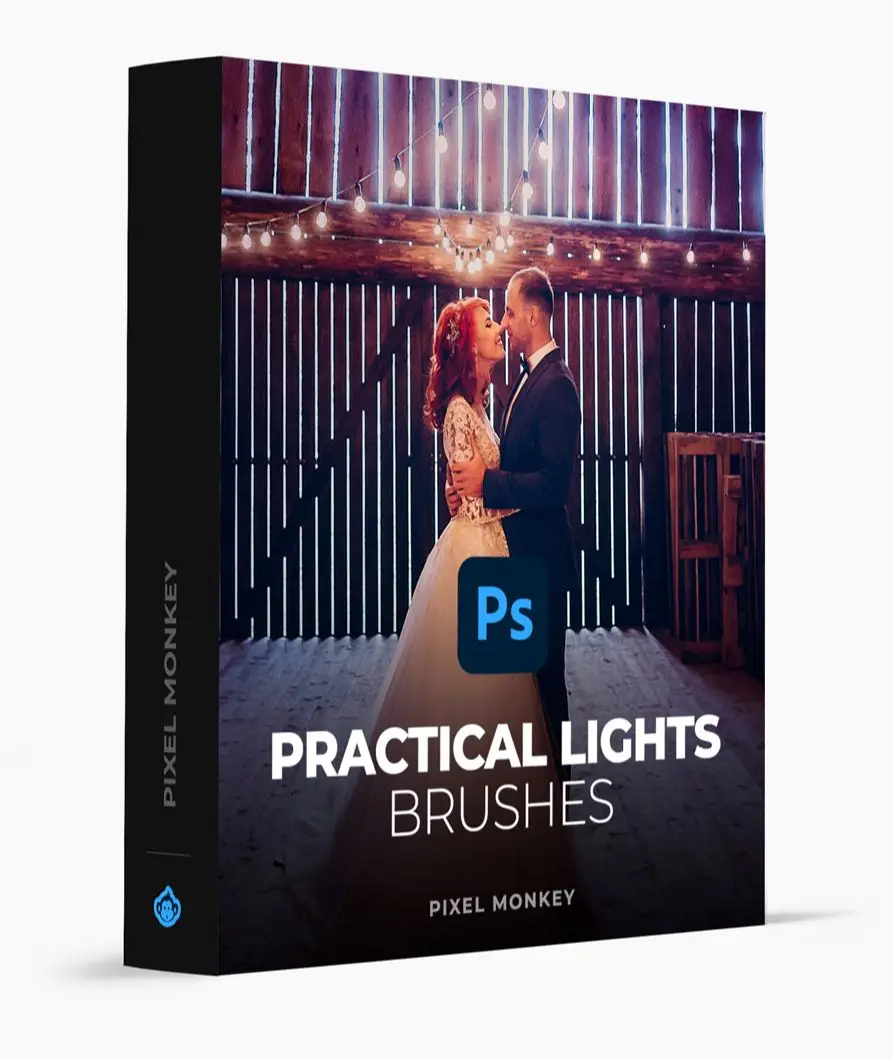
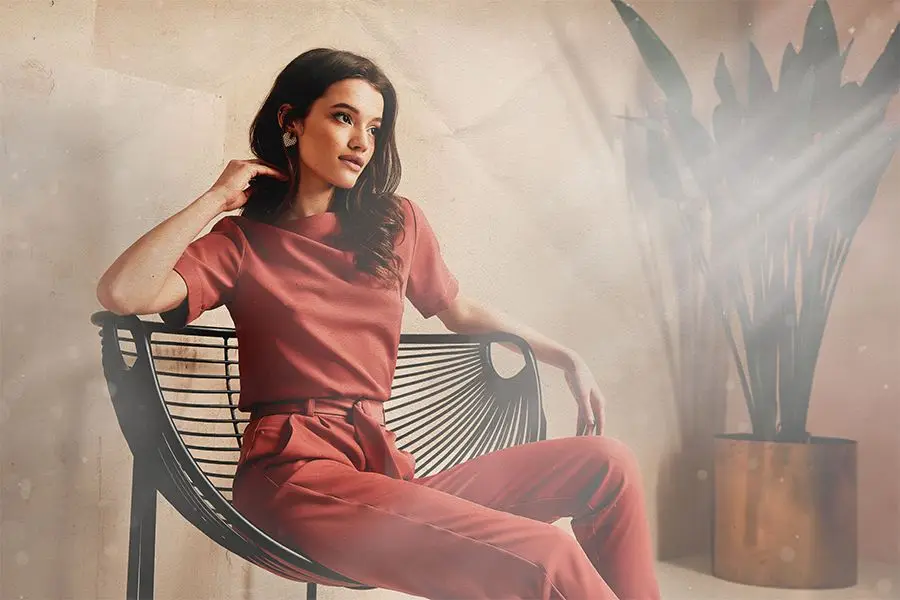
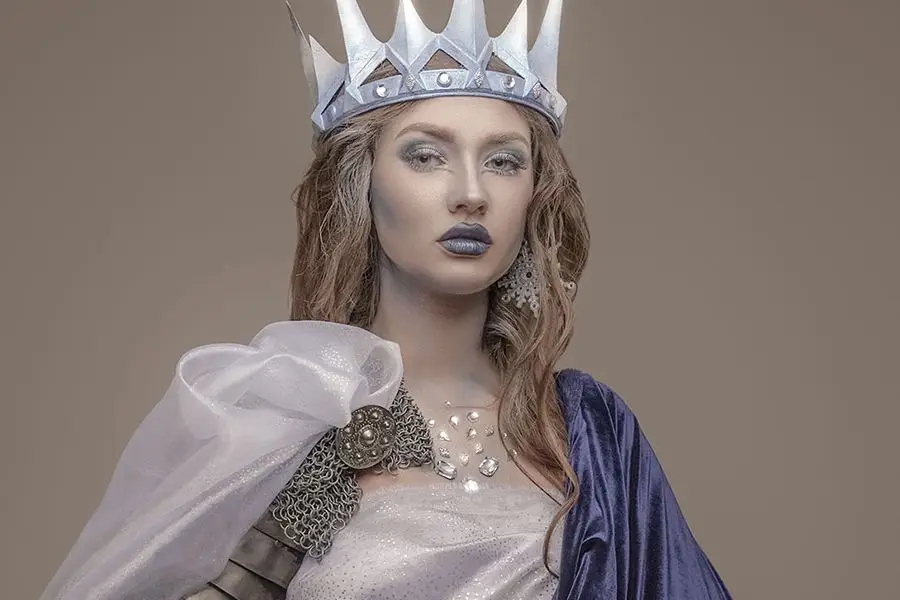
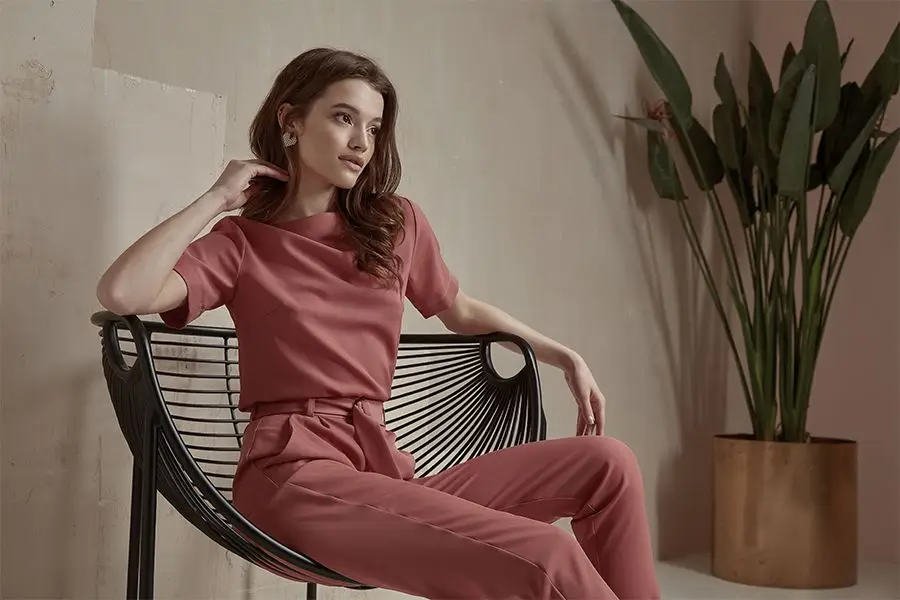
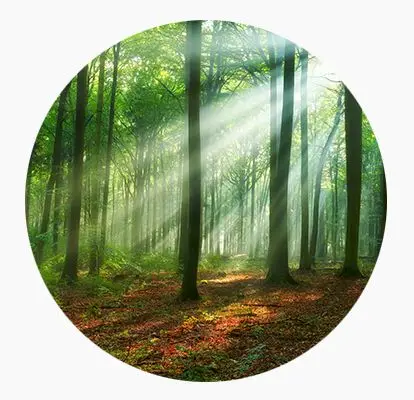
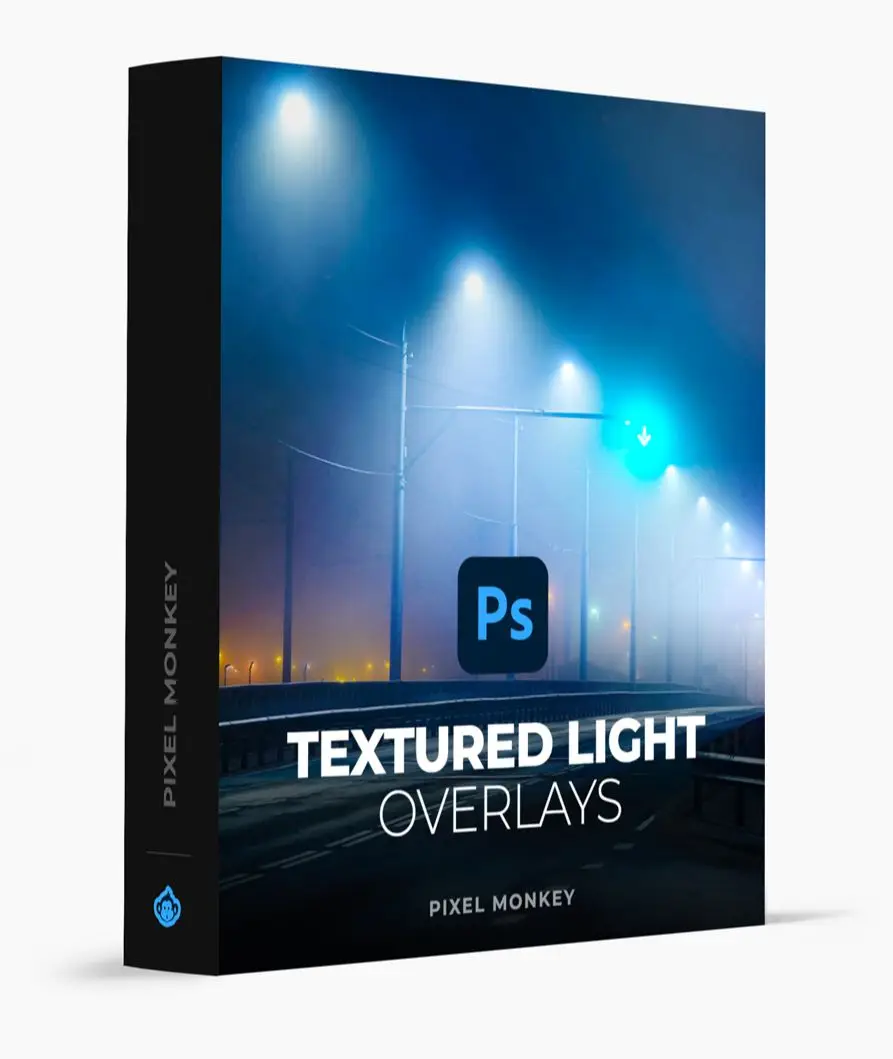
The Creating Light Effects in Photoshop bundle is your ultimate toolkit for adding breathtaking lighting to your designs. Comprising 10 packs and over 600 tools, this collection is perfect for anyone looking to create captivating visuals that pop! From ethereal light rays to realistic lens flares, these brushes and overlays will transform your images into mesmerizing works of art. 💡✨
Key Features & Benefits
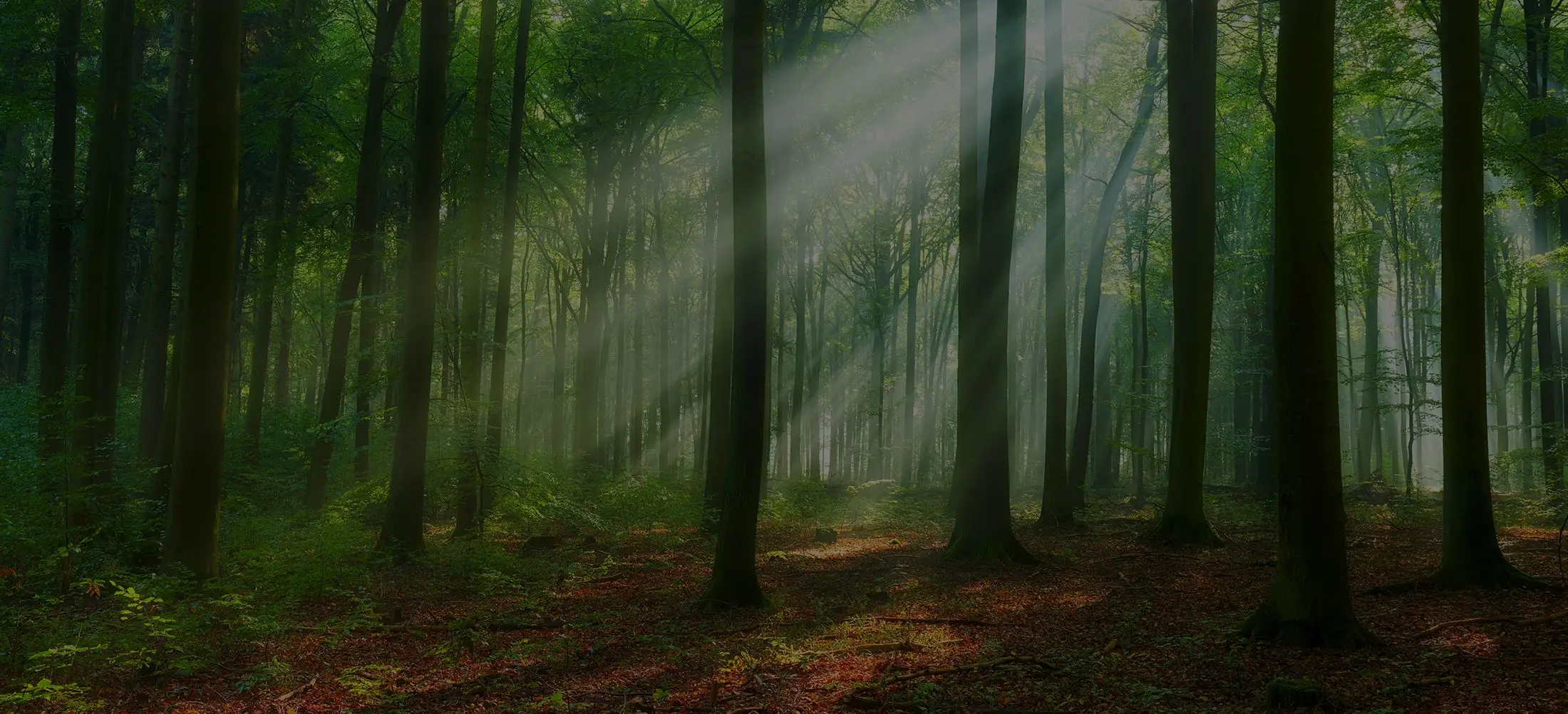
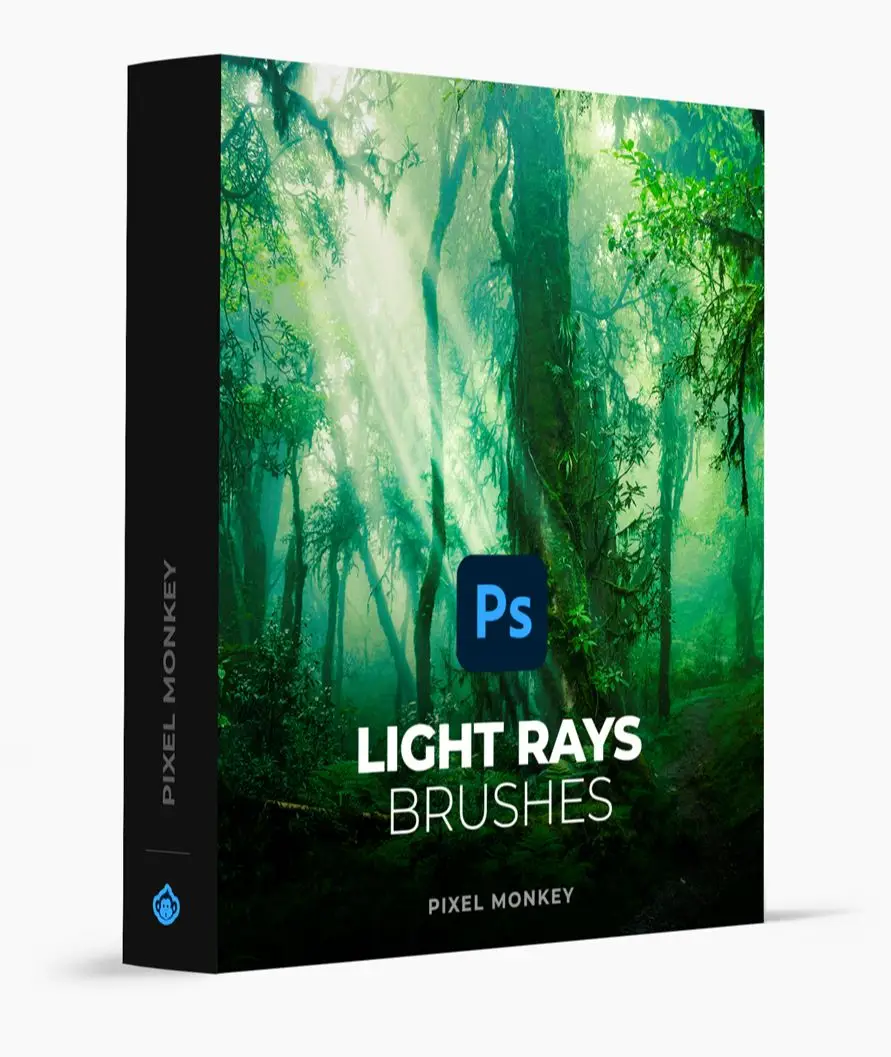
- 60 Light Rays Photoshop Brushes: Illuminate your images with vibrant beams of light, adding a touch of magic to your artwork.
- 60 Textured Light Brushes: Infuse your lighting with depth and texture, making your visuals unforgettable.
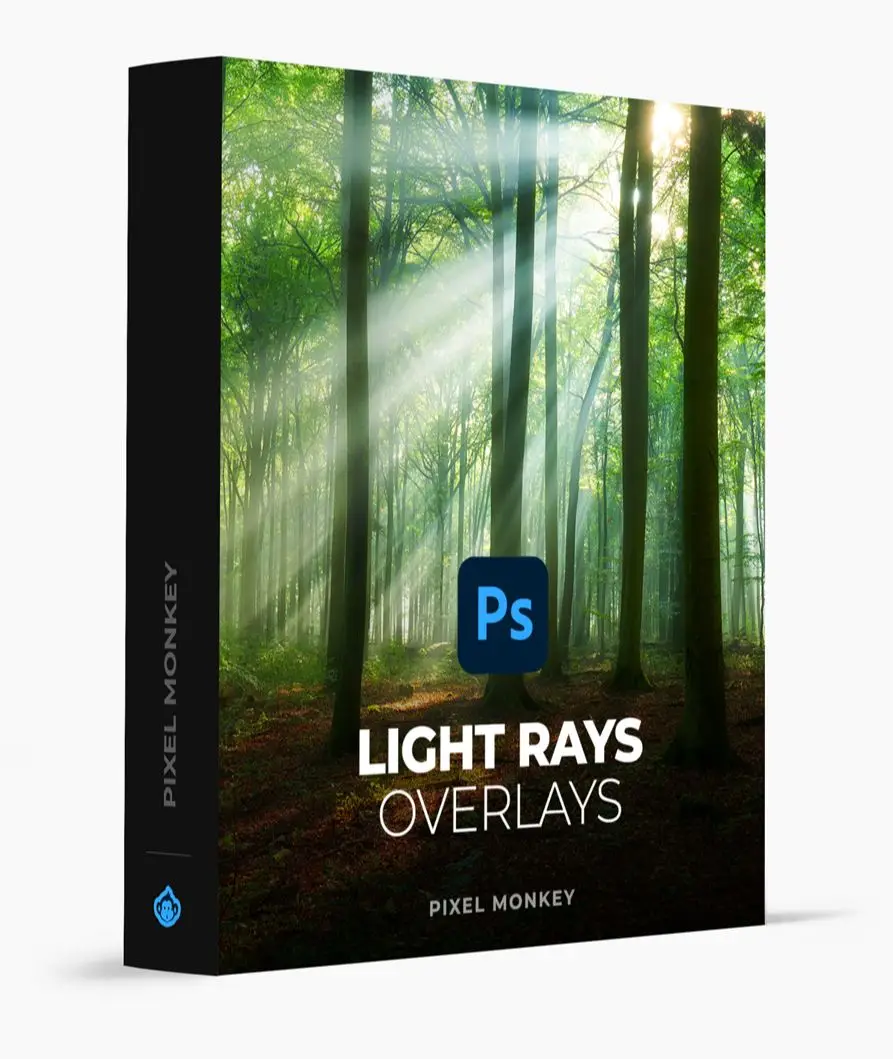
- 71 Practical Lights Overlays: Seamlessly blend natural and artificial light sources for a balanced visual experience.
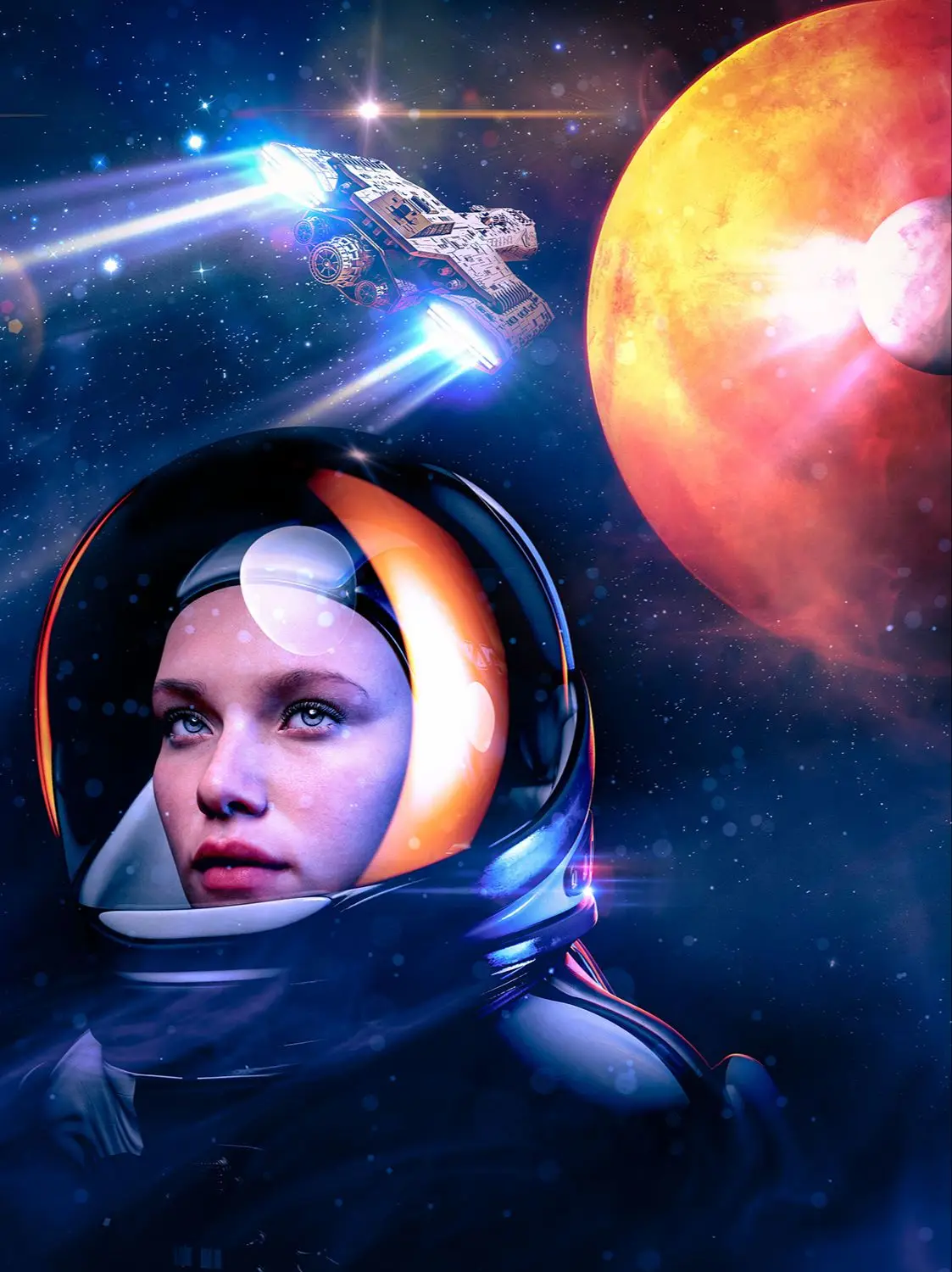
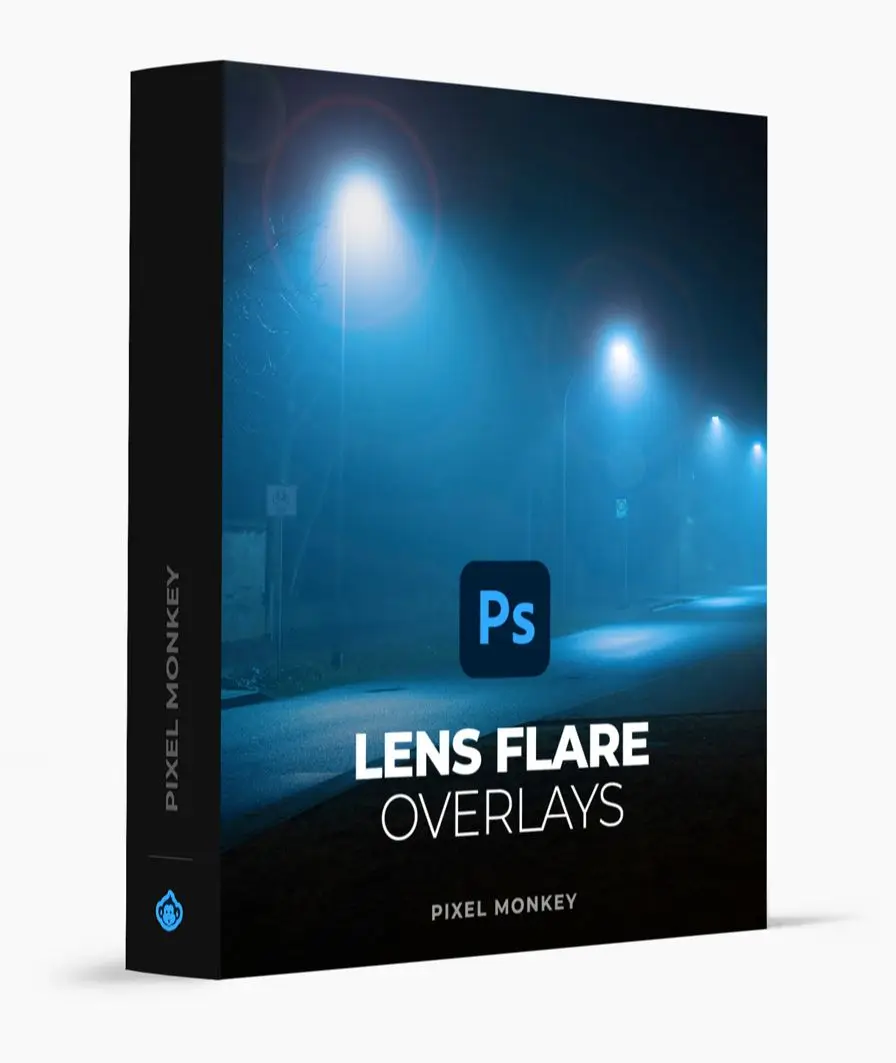
- 50 Lens Flares Overlays: Create cinematic effects that elevate your visuals to new heights.
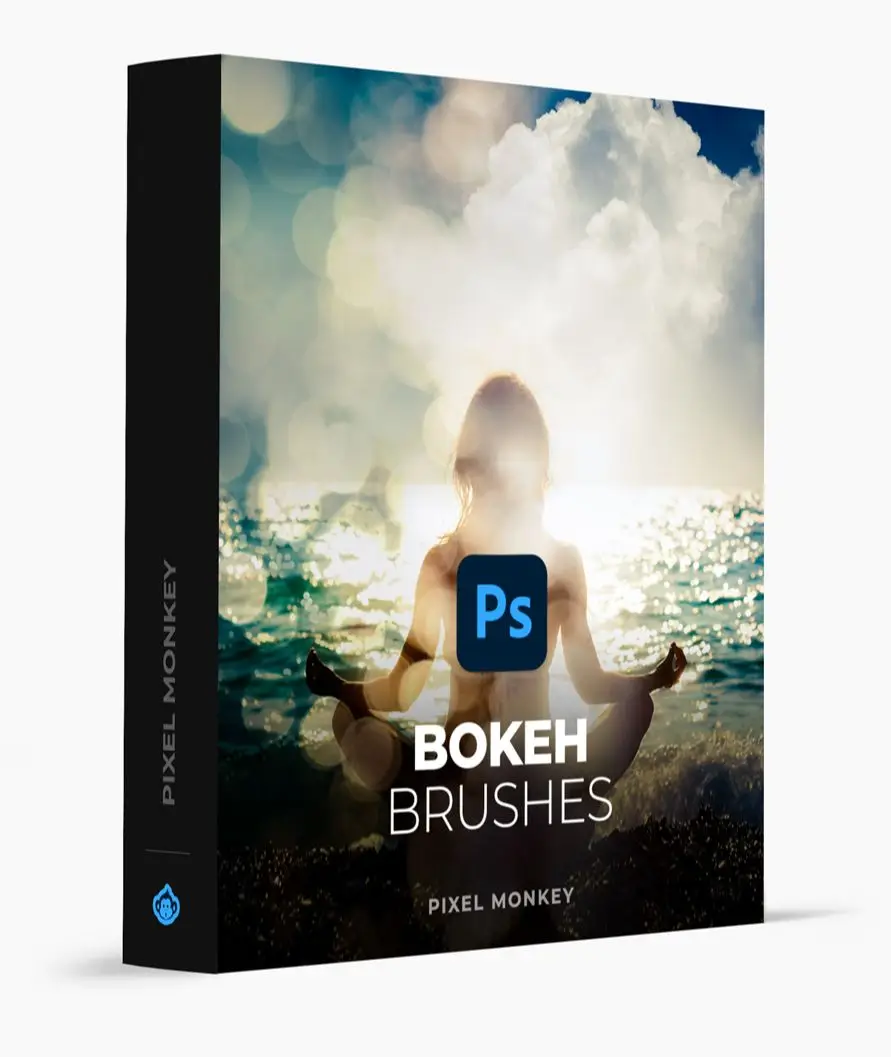
- 62 Bokeh Brushes: Add dreamy, out-of-focus effects to captivate your audience.
- Instant Download: Access your tools immediately and start creating! 🎉
Technical Specifications
| Compatible with | Adobe Photoshop |
|---|---|
| File Type | zip |
| Instant Download | Yes |
| File Size | 1.04 GB |
What’s Included
- 60 Light Rays Photoshop Brushes
- 60 Textured Light Brushes
- 71 Practical Lights Overlays
- 50 Lens Flares Overlays
- 62 Bokeh Brushes
- Additional bonus packs for even more creative possibilities!
Perfect For
This bundle is ideal for photographers, graphic designers, and digital artists who want to add stunning light effects to their projects. Whether you’re a professional or a hobbyist, these tools will help you create eye-catching visuals that leave a lasting impression! 🎨
FAQ
Is this a physical product? No, it’s a digital download!
Can I use these brushes in other software? While these brushes are designed for Adobe Photoshop, similar effects can be created in applications like Illustrator, Figma, and After Effects using the techniques learned in this bundle.
How do I install the brushes? Installation instructions are included with your download for easy setup.
Don’t miss out on this incredible opportunity to enhance your designs! With the Creating Light Effects in Photoshop bundle, your images will shine like never before! ✨💖
User Reviews
Be the first to review “Creating Light Effects in Photoshop”
You must be logged in to post a review.
Original price was: $790.00.$13.50Current price is: $13.50.


There are no reviews yet.