
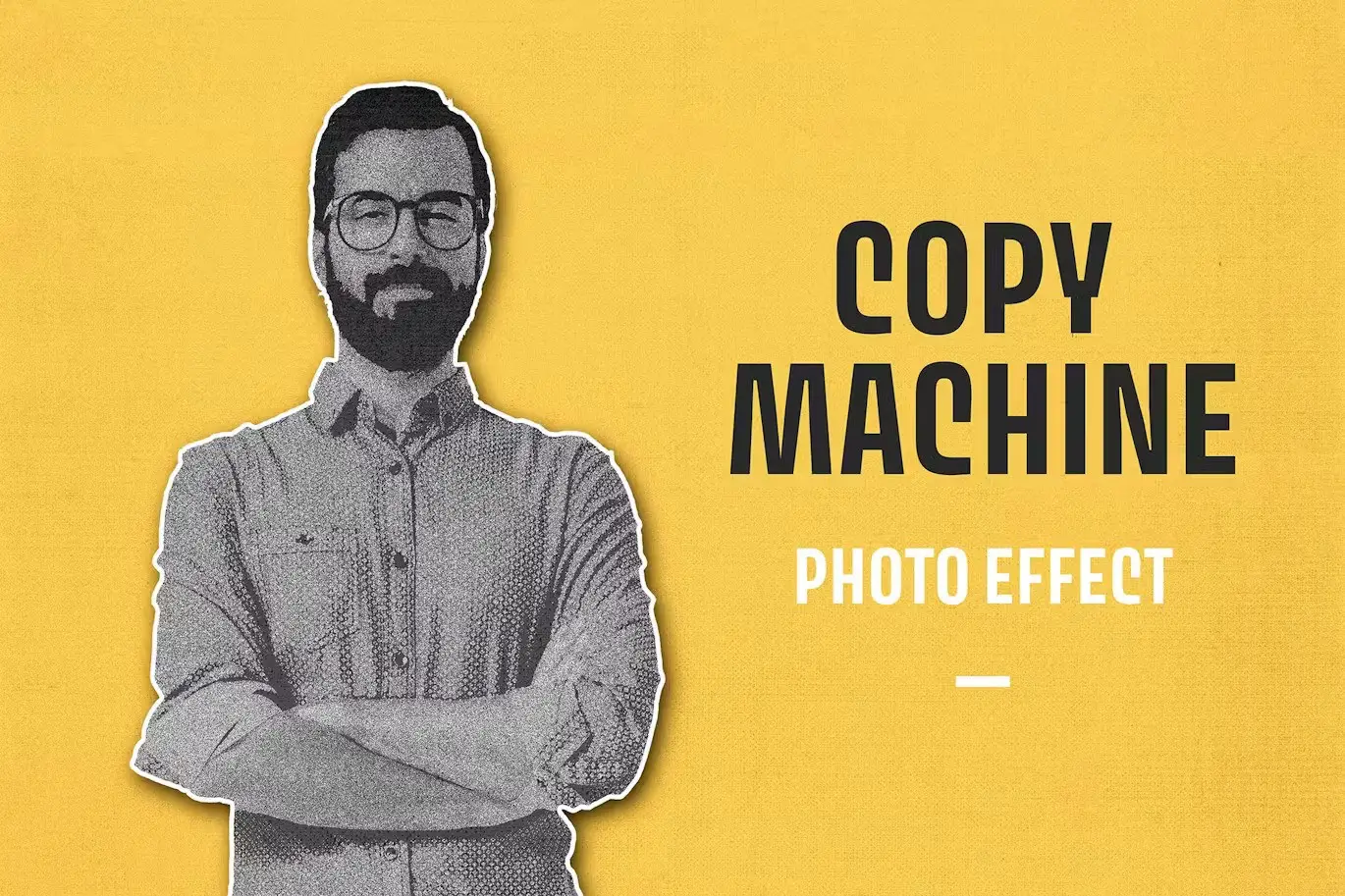

Copy Machine Photo Effect: Transform Your Images with Vintage Charm
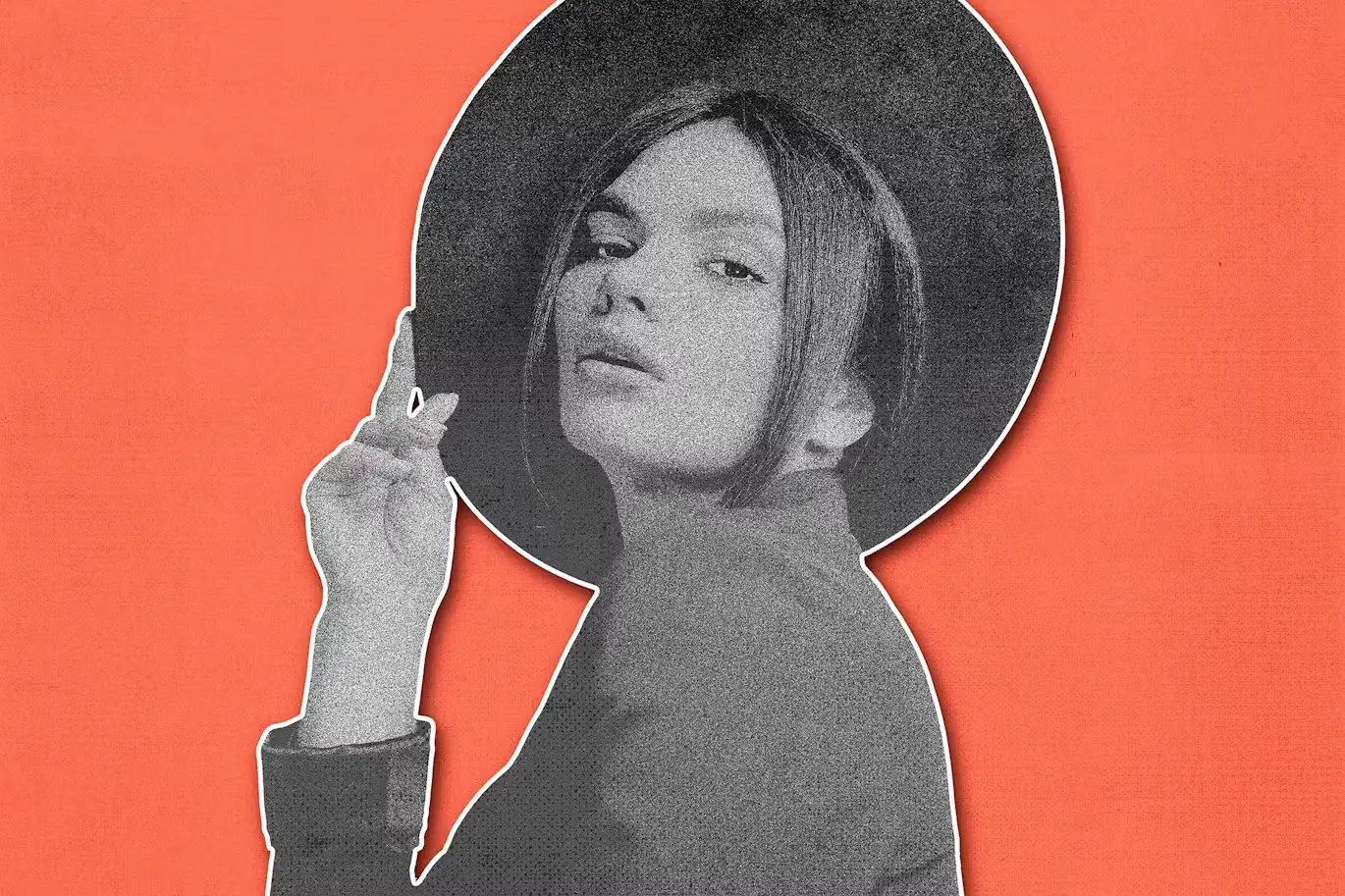
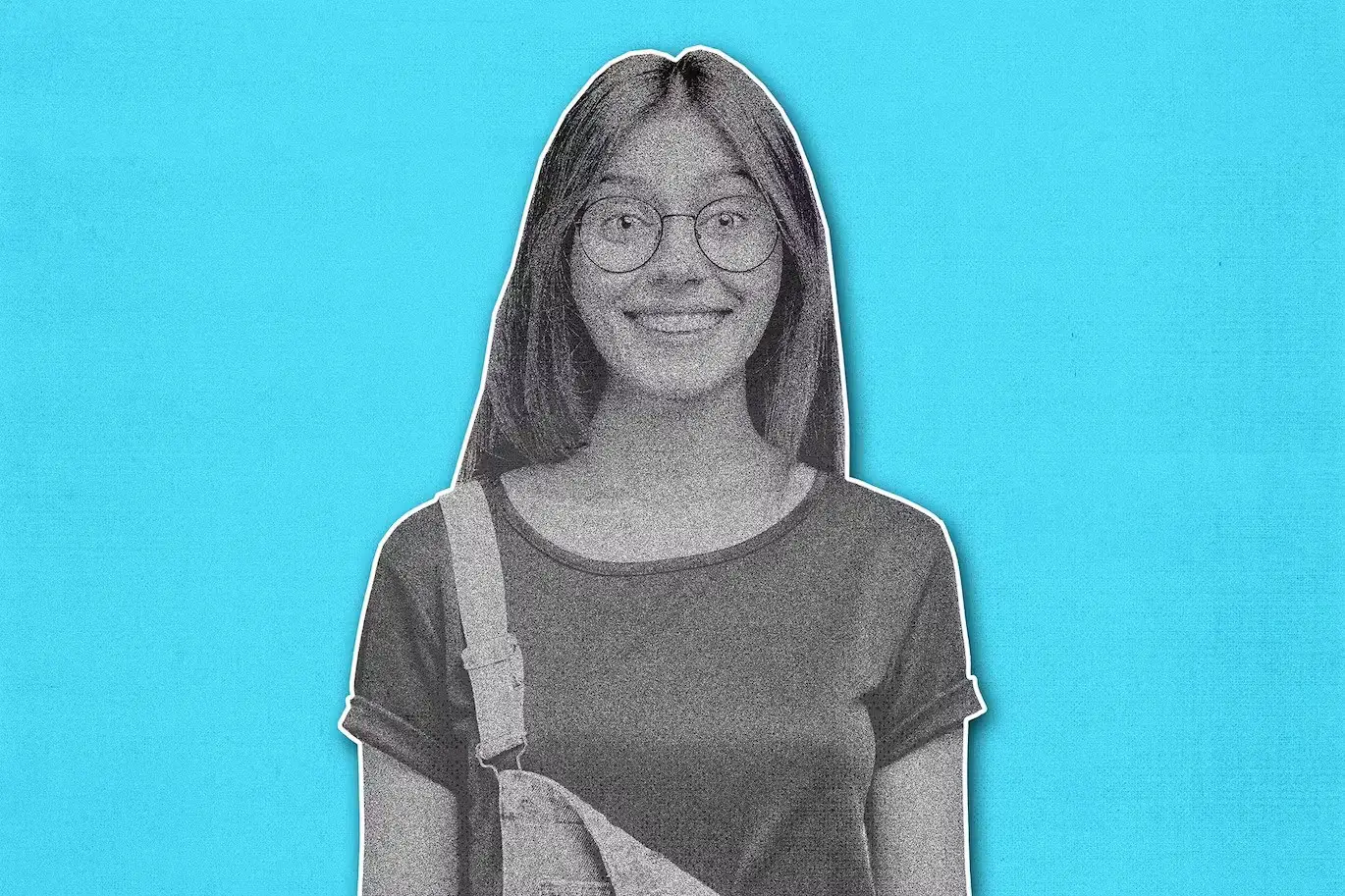
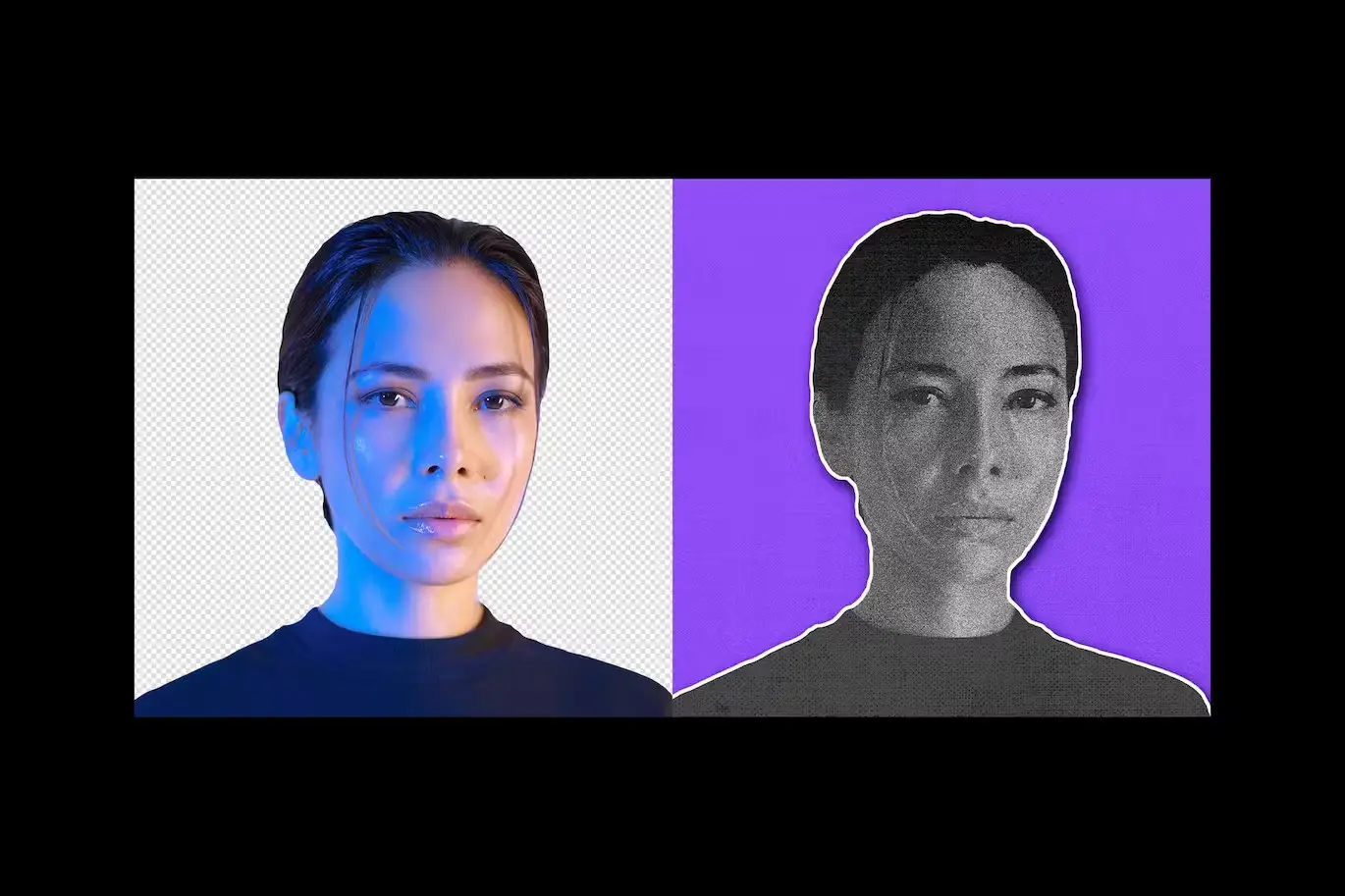
Are you ready to elevate your photography with a unique twist? The Copy Machine Photo Effect allows you to turn ordinary images into stunning retro masterpieces. This effect is perfect for presentations, branding projects, ad campaigns, and even newsletters. By applying this effect in Photoshop, you can showcase your creativity and make your visuals stand out.
Product Overview
The Copy Machine Photo Effect is a digital design asset that leverages the nostalgic charm of photocopying. It enhances your images by adding a distinct grain and texture reminiscent of classic printouts. Ideal for photographers and designers alike, this effect is designed to bring out the details in your images, making them pop with character.
Key Features & Benefits
- ✅ High-Quality PSD File → Includes a layered structure for easy customization.
- ✅ Large Dimensions → 4500×3000 pixels at 300 dpi ensures crisp and clear results.
- ✅ User-Friendly → Comes with a help file to guide you through the application process.
- ✅ Versatile Use → Perfect for various projects, from digital art to print media.
- ✅ Unique Texture → Adds a distinctive grain that enhances the vintage feel of your images.
Why Choose This Product
This Copy Machine Photo Effect stands out because it combines simplicity with artistic flair. Whether you’re a professional photographer or a hobbyist, this effect allows you to explore new creative avenues. Trusted by designers worldwide, it provides a reliable way to achieve that sought-after retro aesthetic.
Specifications
| Feature | Details |
|---|---|
| File Type | PSD |
| Dimensions | 4500×3000 pixels |
| DPI | 300 |
| Included Files | Layered PSD, Help File |
What’s Included / What’s in the Box
- 📦 Layered PSD file
- 📦 Help documentation
Perfect For
- Photographers looking to add a retro touch to their images
- Graphic designers seeking unique textures for projects
- Marketers wanting to create eye-catching ads
- Anyone interested in vintage-style photography
How to Use
Applying the Copy Machine Photo Effect is simple. Open your image in Photoshop, import the PSD file, and follow the instructions in the help file to customize the effect to your liking. Experiment with different images to see how the grain enhances the details!
FAQ
- Can I use this effect for print projects? Yes, the high resolution makes it perfect for both digital and print media.
- Is the PSD file compatible with all versions of Photoshop? The PSD file is compatible with most versions of Photoshop that support layered files.
Ready to transform your images? Add the Copy Machine Photo Effect to your cart now and start creating stunning visuals today! 🚀
User Reviews
Be the first to review “Copy Machine Photo Effect”
You must be logged in to post a review.



Original price was: $5.00.$2.50Current price is: $2.50.


There are no reviews yet.