



Clarity Glass Overlay Effect
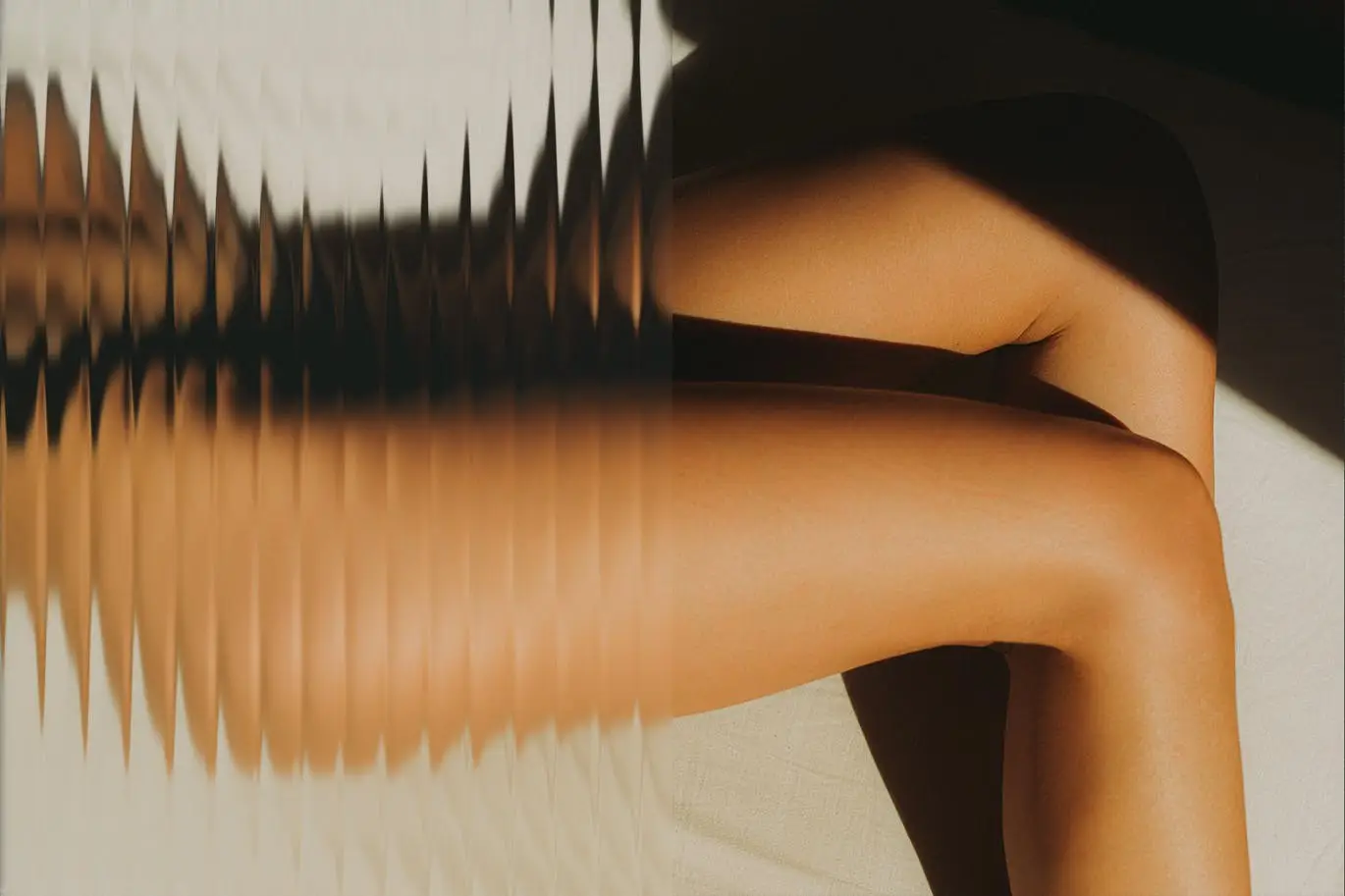
Transform your images with the Clarity Glass Overlay Effect, a powerful Photoshop Action designed to enhance your photos with stunning glass textures. This action allows you to effortlessly add an elegant touch of transparency and depth, making your images stand out.
Product Overview
The Clarity Glass Overlay Effect is perfect for photographers and designers seeking to introduce a unique visual element to their work. With just a click, you can apply beautiful glass effects that elevate your images, making them more engaging and visually appealing.
Key Features & Benefits
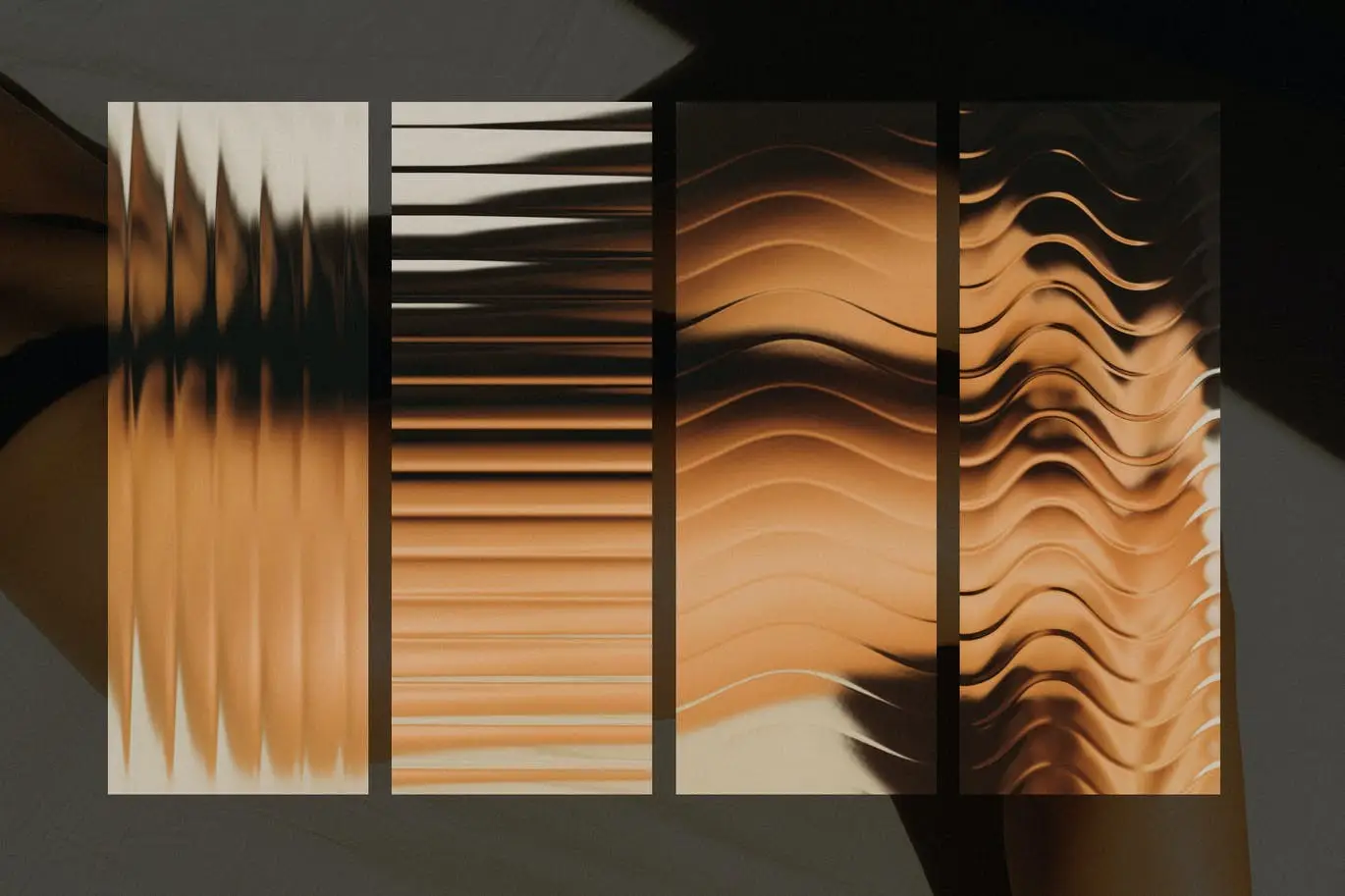
- ✅ Four Predefined Actions → Quickly apply different glass textures with one click, saving you time and effort.
- ✅ Fluted Glass Effects → Choose between horizontal and vertical styles to match your design needs.
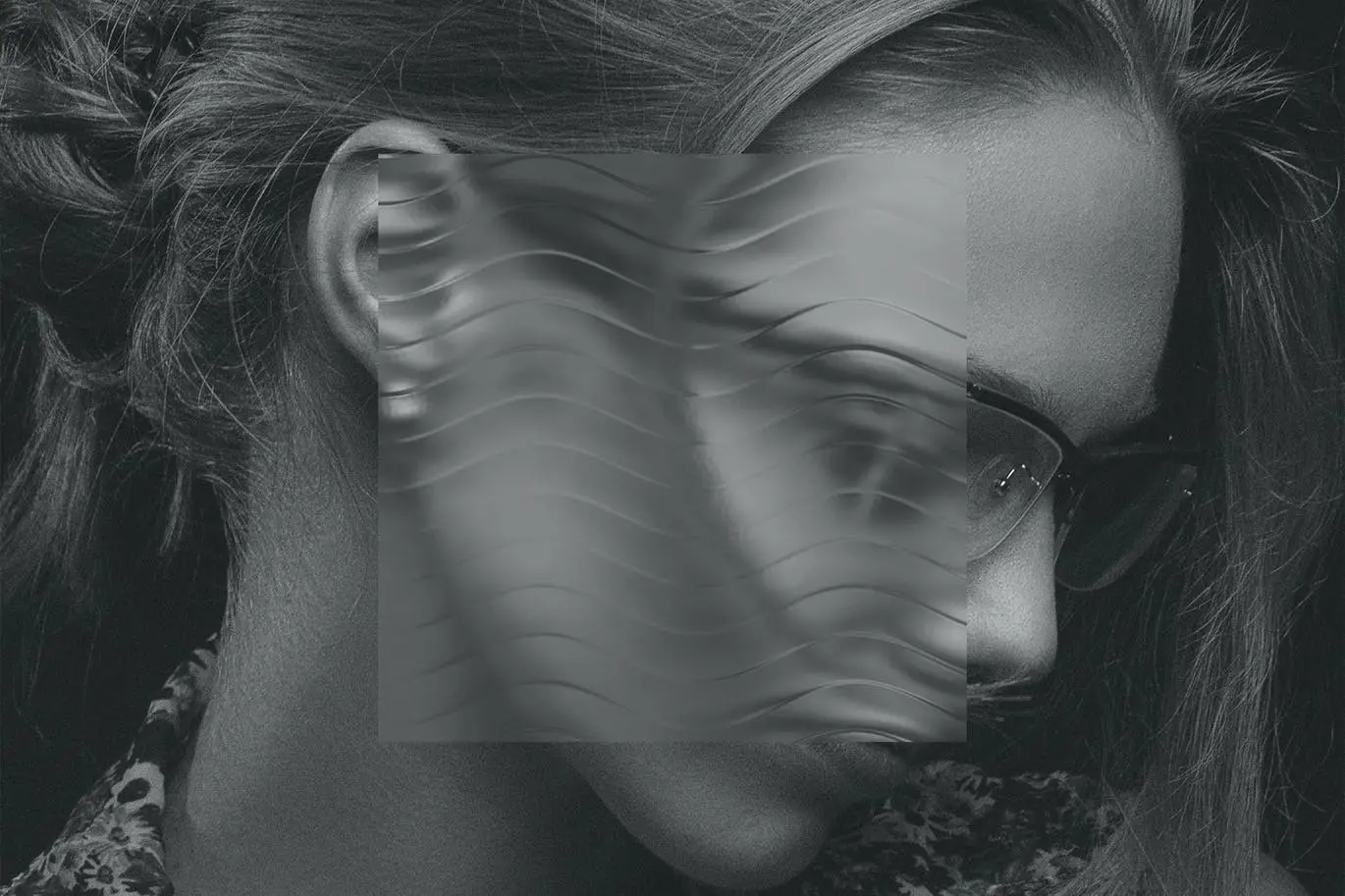
- ✅ Wavy Glass Effects → Add a dynamic touch to your images with two unique wavy glass options.
- ✅ User-Friendly → Easy to use for both beginners and professionals, with a comprehensive how-to guide included.
Why Choose This Product
The Clarity Glass Overlay Effect stands out because it combines simplicity with professional-grade results. Whether you’re creating marketing materials, social media posts, or personal projects, this action helps you achieve a polished look without complicated processes. Trusted by designers and photographers worldwide, it’s a must-have for anyone looking to enhance their visual storytelling.
Specifications
| File Type | Adobe Photoshop Action File (.atn) |
|---|---|
| Included Effects | 2 Fluted Glass Effects (Horizontal/Vertical), 2 Wavy Glass Effects |
| Guide | How To Guide included |
What’s Included / What’s in the Box
- 📦 1 x Adobe Photoshop Action File (.atn)
- 📦 2 x Fluted Glass Effects (Horizontal/Vertical)
- 📦 2 x Wavy Glass Effects
- 📦 Comprehensive How To Guide
Perfect For
- Photographers looking to enhance their images
- Graphic designers wanting to add unique textures
- Content creators aiming for eye-catching visuals
How to Use
Using the Clarity Glass Overlay Effect is straightforward:
- Open your image in Adobe Photoshop.
- Load the action file and select your desired glass effect.
- Apply the action and adjust as needed to fit your image.
FAQ
- Can I customize the effects? Yes, you can adjust the opacity and blend modes to fit your style.
- Is this compatible with all versions of Photoshop? This action is compatible with most versions of Adobe Photoshop that support .atn files.
Ready to elevate your images? Add the Clarity Glass Overlay Effect to your toolkit today and start creating stunning visuals! 🚀
User Reviews
Be the first to review “Clarity Glass Overlay Effect”
You must be logged in to post a review.


Adobe Photoshop Photo Overlay Bundle – 10 Overlays
Sold by

Scribble Set (150+ Hand-drawn Elements)
Sold by
Rough Paper Textures (30 Assets)
Sold by
Scribble Set (150+ Hand-drawn Elements)
Sold by
Original price was: $5.00.$2.50Current price is: $2.50.


There are no reviews yet.