
CHEMIST Illustrator Brushes
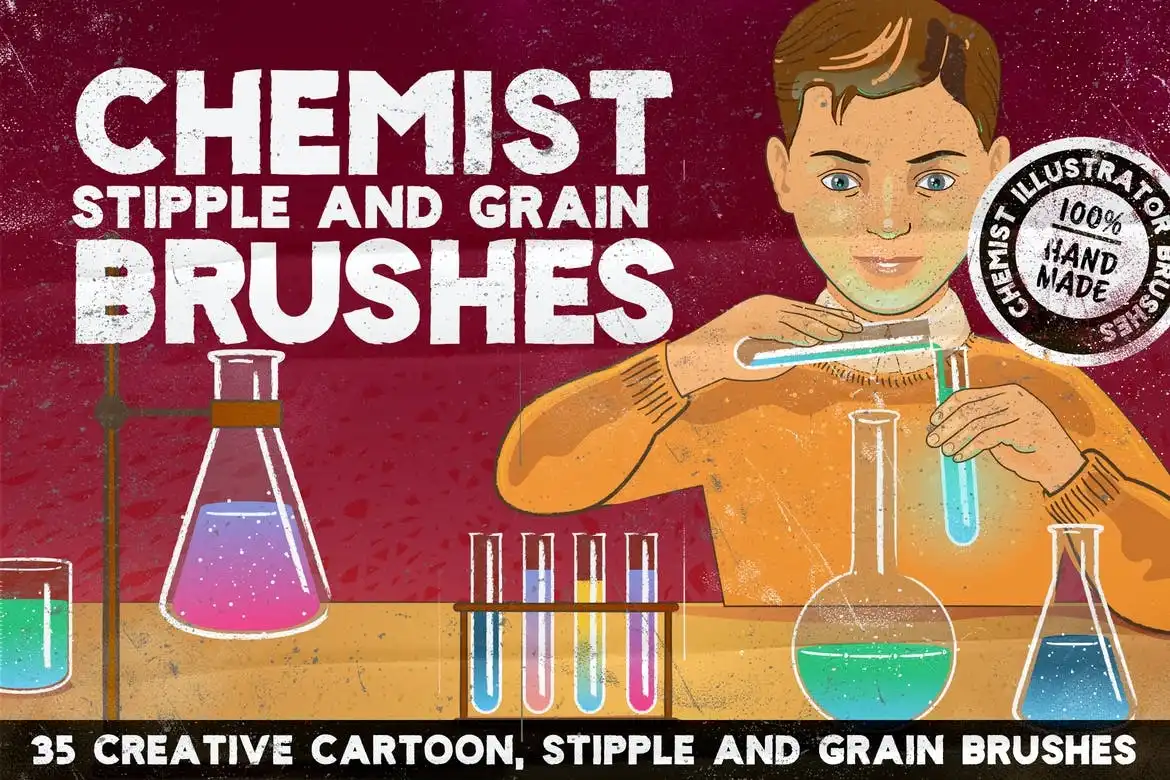
CHEMIST Illustrator Brushes
Transform your creative projects with the CHEMIST Illustrator Brushes. This versatile set includes a variety of brushes designed specifically for both Illustrator and Photoshop, perfect for enhancing your illustrations with unique textures and styles.
Product Overview
The CHEMIST Illustrator Brushes set is tailored for artists who want to add depth and character to their work. Whether you’re creating retro, grunge, or cartoon-style illustrations, these brushes provide the tools you need to elevate your designs.
Key Features & Benefits
- ✅ Scatter Shader Brushes → Create dynamic and textured backgrounds effortlessly.
- ✅ Textured and Clear Line Brushes → Achieve clean lines or textured effects based on your project needs.
- ✅ Grain and Stipple Brushes → Add vintage flair to your artwork with unique grain and stipple effects.
- ✅ Decorative Outline Brushes → Perfect for adding stylish outlines to your illustrations.
- ✅ Bonus Retro Texture Brushes for Photoshop → Enhance your Photoshop projects with additional retro textures.
Why Choose This Product
With the CHEMIST Illustrator Brushes, you gain access to a comprehensive toolkit that artists trust for its quality and versatility. These brushes are not only easy to use but also compatible with Adobe Illustrator CS3 and above, making them suitable for a wide range of projects. Join countless artists who have transformed their work with these unique brushes!
Specifications
| Brush Types | Compatibility |
|---|---|
| Scatter Shader, Texture, Stipple, Decorative Outline, Retro Texture | Adobe Illustrator CS3+, Adobe Photoshop CS3+ |
What’s Included / What’s in the Box
- 📦 10 Scatter Shader Brushes for Photoshop
- 📦 35 Grain, Cartoon, and Stipple Brushes for Illustrator
- 📦 Bonus Retro Texture Brushes for Photoshop
Perfect For
- Illustrators looking for unique brush effects
- Graphic designers working on retro or grunge styles
- Artists who want to enhance their digital art with textures
How to Use
Using the CHEMIST brushes is simple: select your desired brush, choose the brush tool, and start drawing. You can easily adjust the color and stroke width to fit your project.
FAQ
- How do I install the brushes on Windows? Open Illustrator, go to Brushes > Other Library, find your brushes, and click to add them.
- How do I install the brushes on Mac? Copy all brush files into your Illustrator brush Library located in User > Library > Application Support > Adobe > Adobe Illustrator (your version) > Your Language > Brushes.
Don’t forget to share your creations using these brushes! Add to cart now and start creating stunning illustrations today! 🚀
User Reviews
Be the first to review “CHEMIST Illustrator Brushes”
You must be logged in to post a review.
Original price was: $5.00.$2.50Current price is: $2.50.


There are no reviews yet.