
Charcoal Drawing Photoshop Action

$0.00

Mri Studio
Product Specs
- Compatible with: Adobe Photoshop
- File Type: zip
- Instant Download
- File Size: 3.08 MB
Welcome to Your Creative Journey!
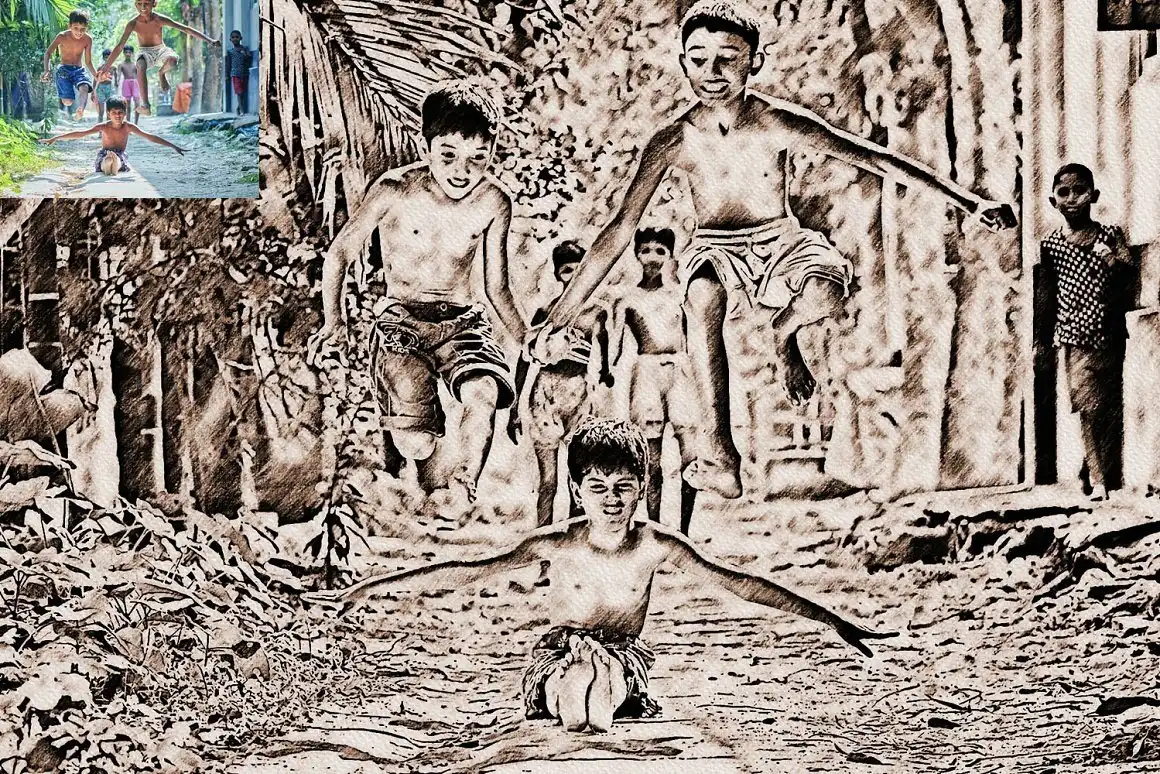
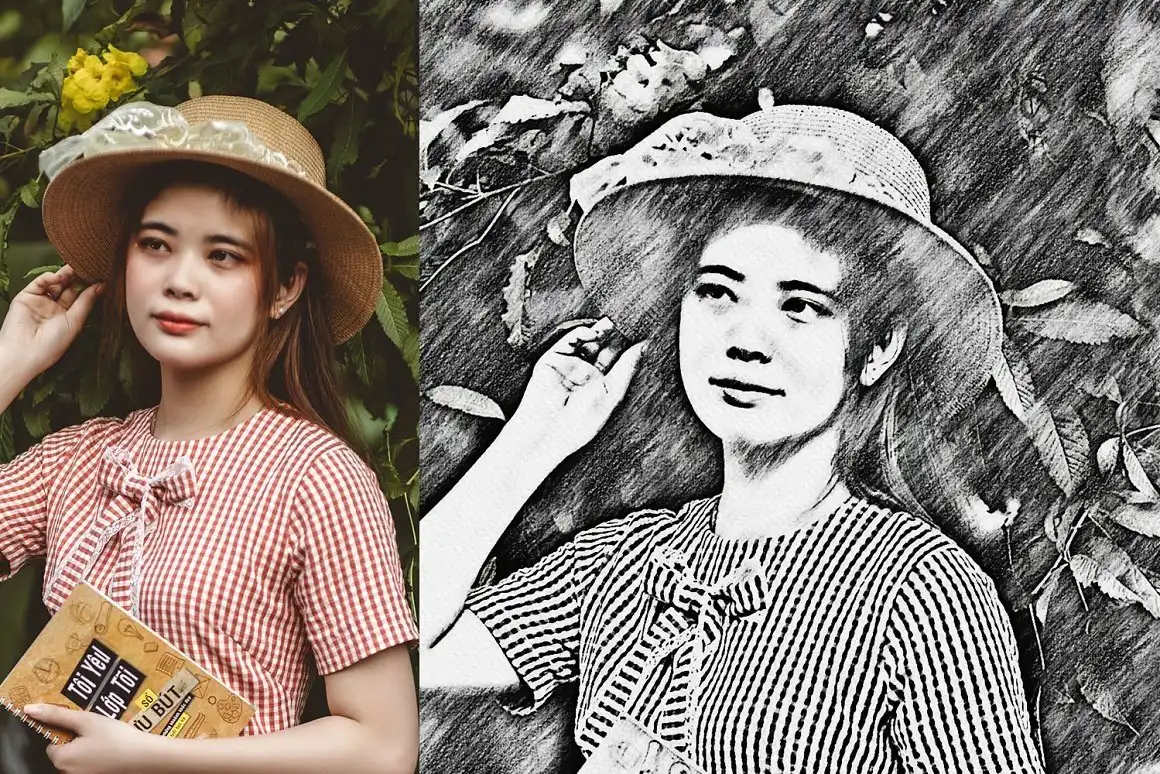
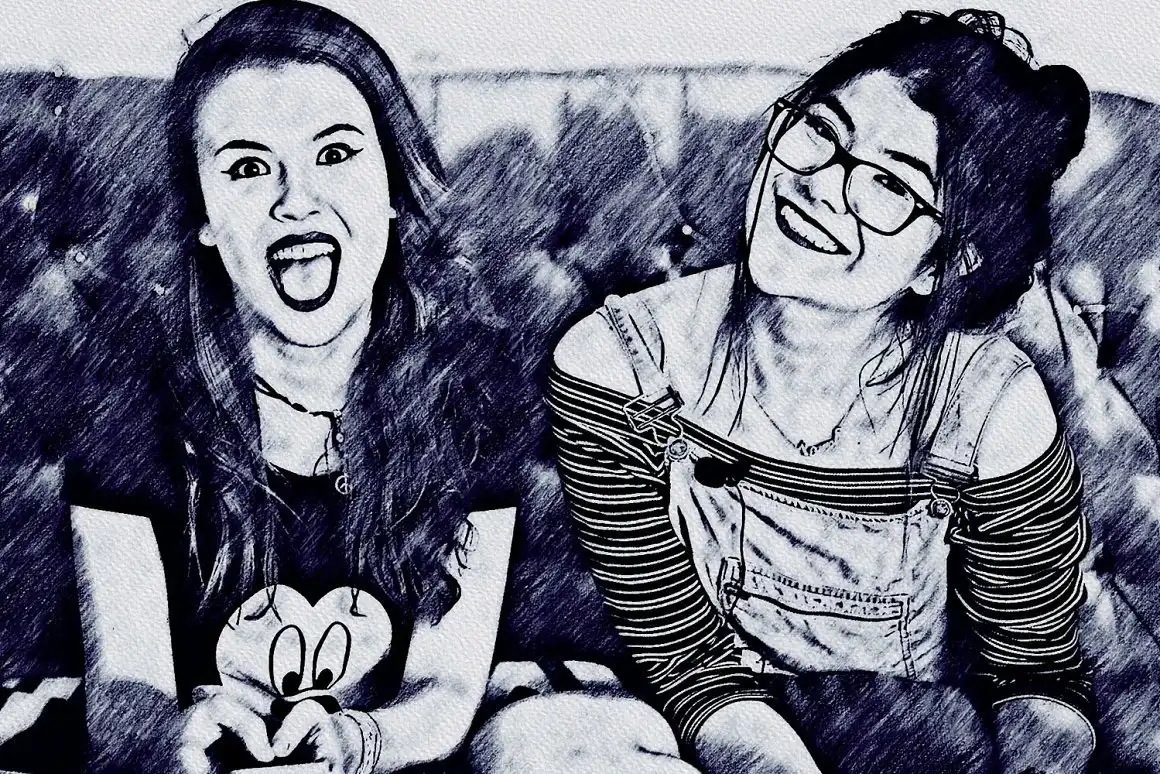
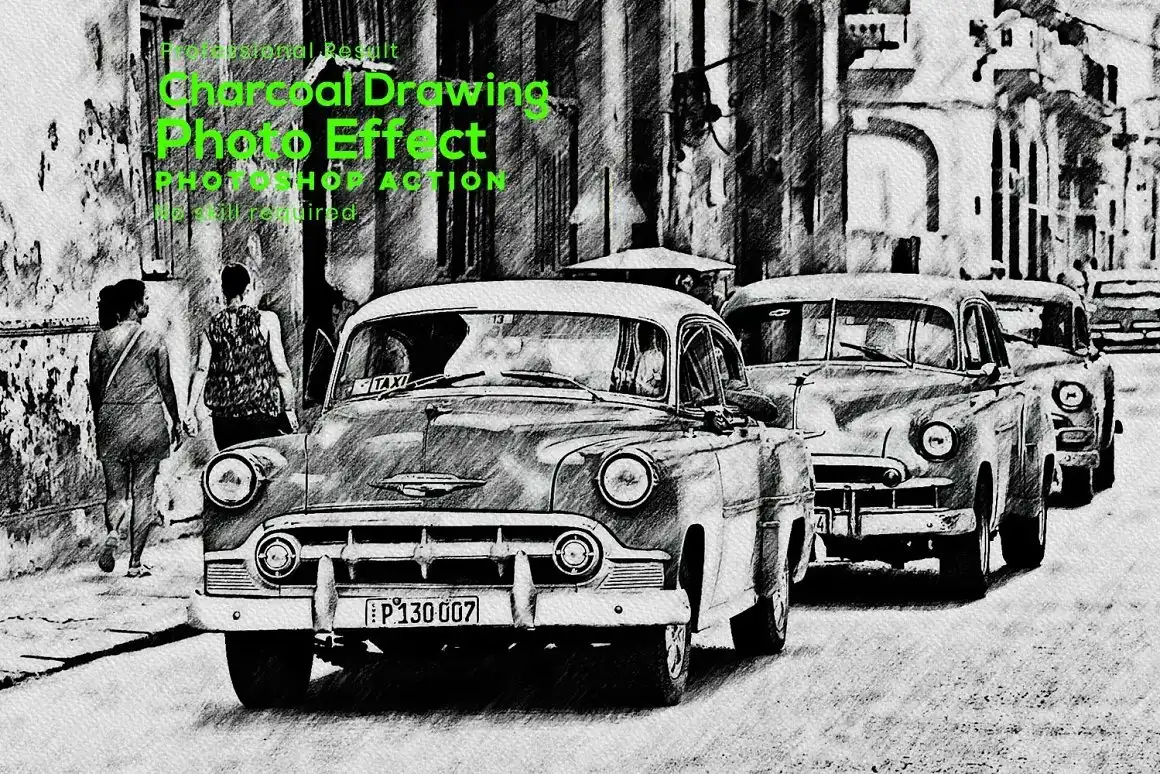
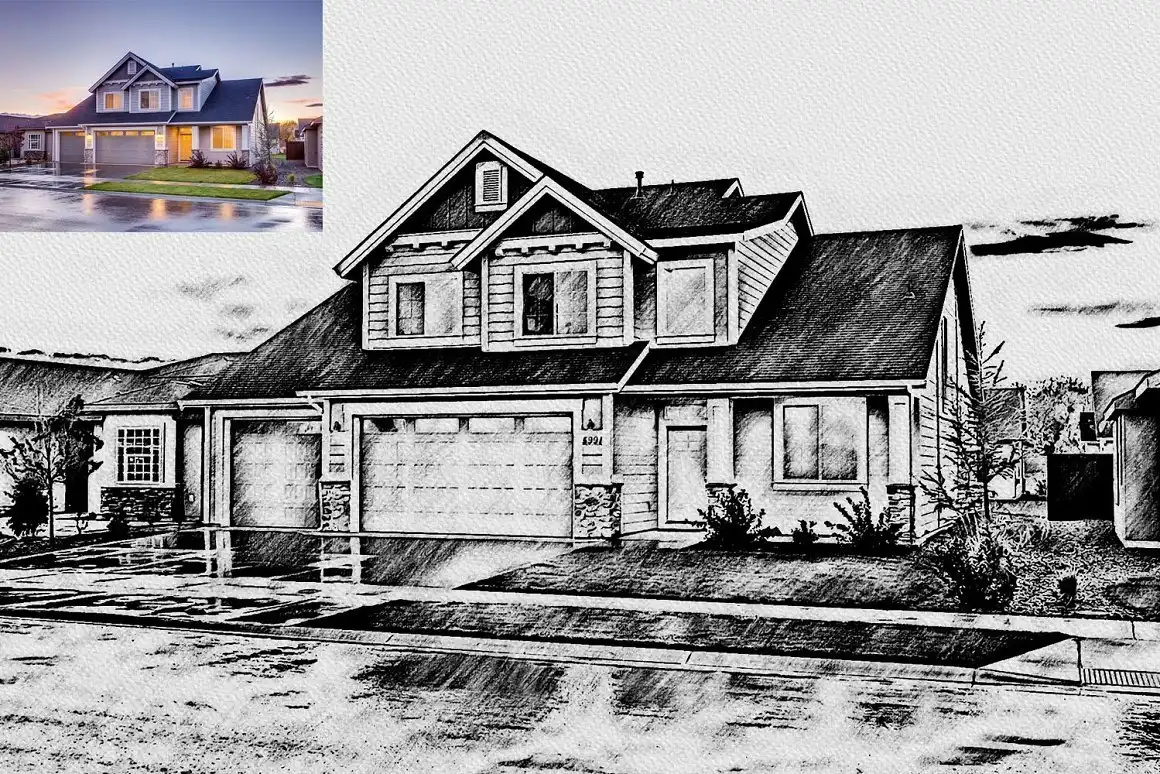
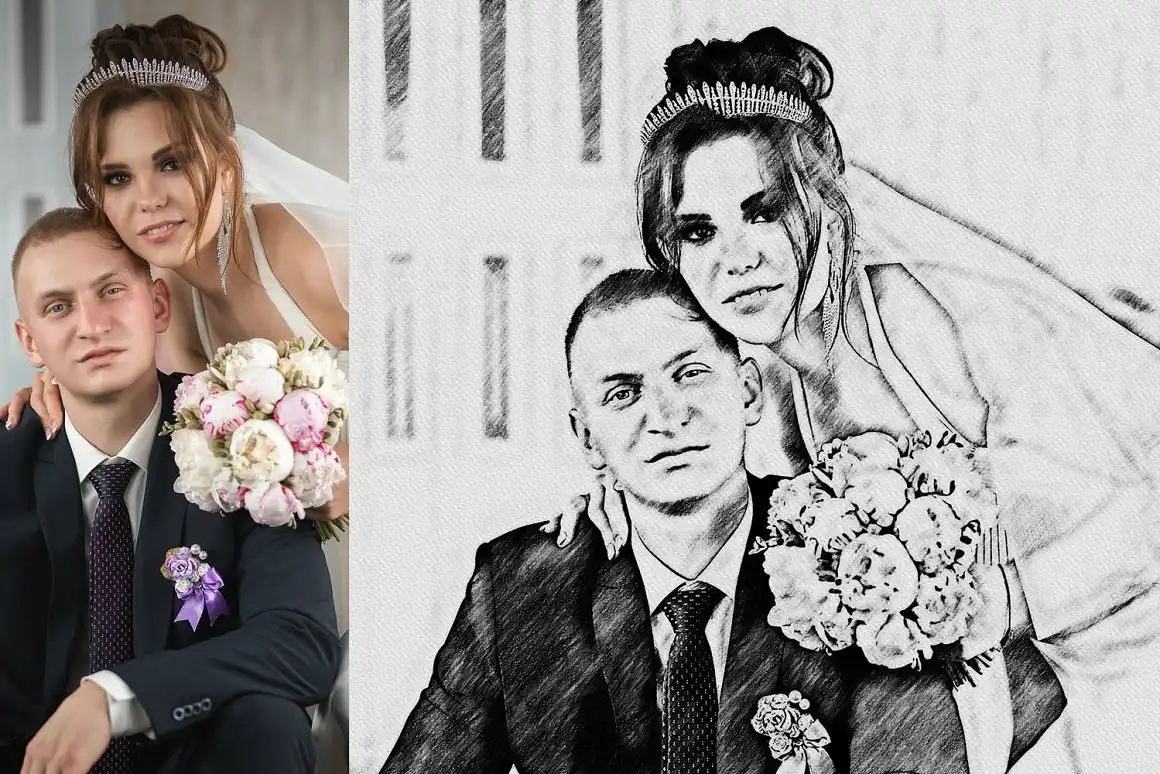
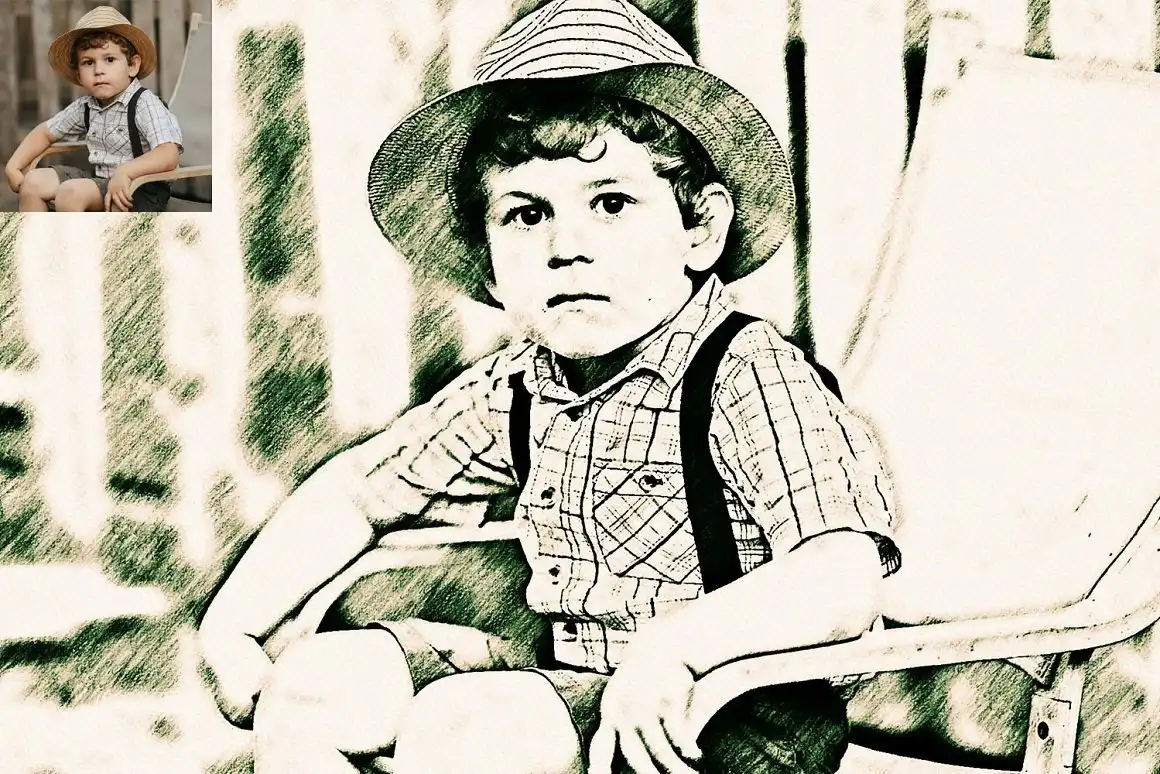
Are you ready to add a touch of artistry to your digital designs? The Charcoal Drawing Photoshop Action is here to sprinkle some magic on your photos! 🎨 This digital download offers instant access, allowing you to transform your images into stunning charcoal sketches in just a few clicks. Perfect for artists and photographers alike, this action creates beautiful, professional-looking results without requiring advanced skills!
Product Overview
This remarkable charcoal sketch Photoshop action enables you to effortlessly turn any photo into a captivating charcoal drawing. With high-definition quality and multiple color versions included, you can easily customize the effect to suit your artistic vision. Whether you’re creating digital art for personal projects or client work, this action is a must-have in your creative toolkit! ✨
Key Features & Benefits
- One-Click Actions: Simplify your workflow and achieve stunning results with just a click! 🖱️
- 10+ Unique Color Adjustments: Tailor the charcoal effect to your liking with a variety of color options.
- Well-Documented Instructions: Clear guidelines make it easy to use, even for beginners.
- Step-by-Step Video Tutorials: Visual guidance to help you master the art of the charcoal effect!
- Organized Layers: Enjoy complete control over each layer with neatly named and grouped elements.
- Compatible with Multiple Versions: Works seamlessly on both Mac and Windows versions of Adobe Photoshop, from CS6 to CC2023!
Technical Specifications
| Specification | Details |
|---|---|
| Compatible with | Adobe Photoshop |
| File Type | zip |
| Instant Download | Yes |
| File Size | 3.08 MB |
What’s Included
- Photoshop Atn format (action file)
- 10+ Unique color adjustments
- Well-documented instructions
- Step-by-step video tutorials
- Organized and editable layers
Perfect For
This action is ideal for:
- Graphic designers looking to add artistic flair to their projects
- Photographers wanting to create unique presentations of their work
- Artists seeking a quick way to generate charcoal effects
- Anyone interested in digital art and photo editing!
FAQ
Is this a physical product? No, it’s a digital download!
Can I use it with older versions of Photoshop? Yes, it is compatible with Photoshop CS6 and later versions.
How do I install the action? Simply follow the included instructions, and you’ll be ready to create in no time!
User Reviews
Be the first to review “Charcoal Drawing Photoshop Action”
You must be logged in to post a review.

Awesome Watercolor Photo Effect
Sold by Mri Studio
Pet Watercolor Art Plugin 2
Sold by Mri Studio
Dual Art Photoshop Action
Sold by Mri Studio
Creative Photo Effect For Photoshop
Sold by Mri Studio
Ink Art Manipulation Photoshop Action
Sold by Mri Studio


There are no reviews yet.